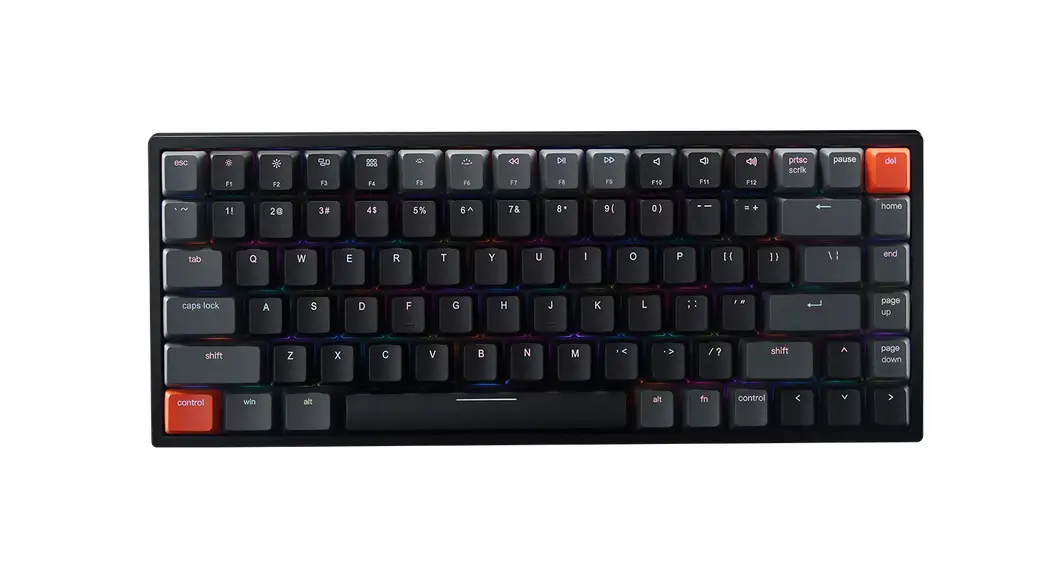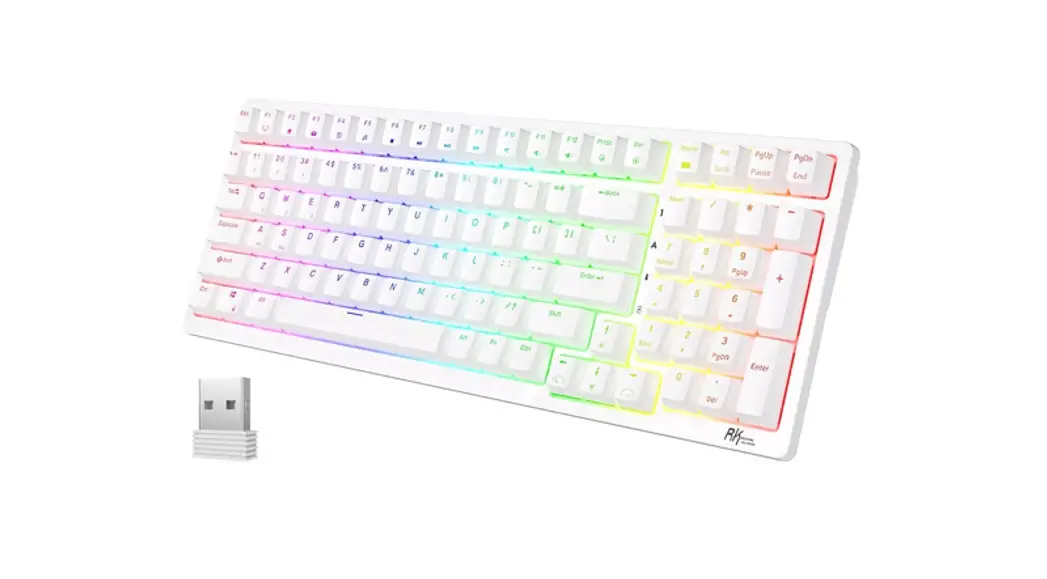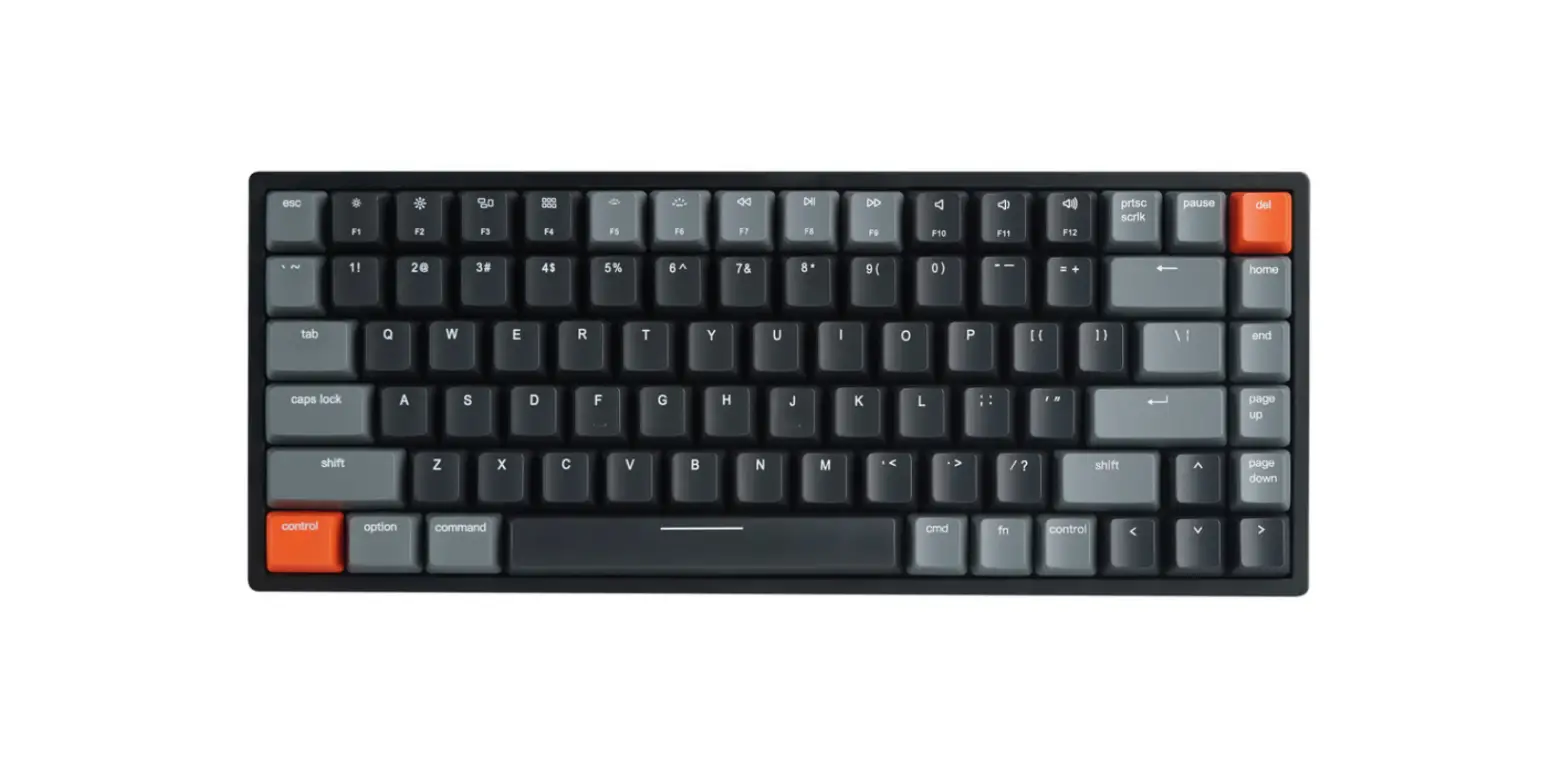

VESSELS V1 84 Keys Wireless Mechanical Keyboard
INSTRUCTIONS
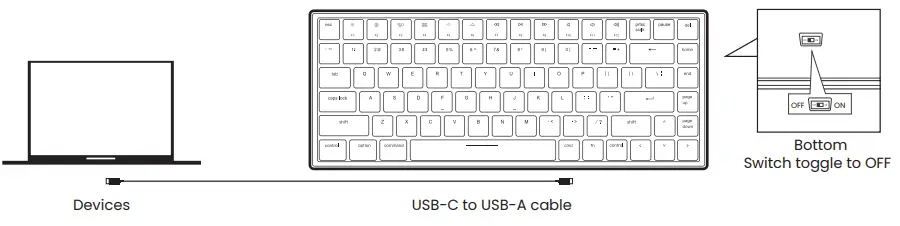
- Wired Mode

- Wireless Mode

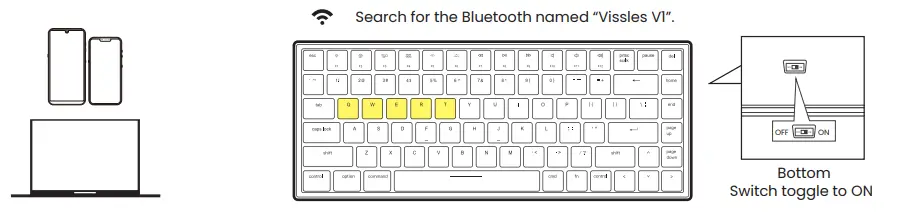
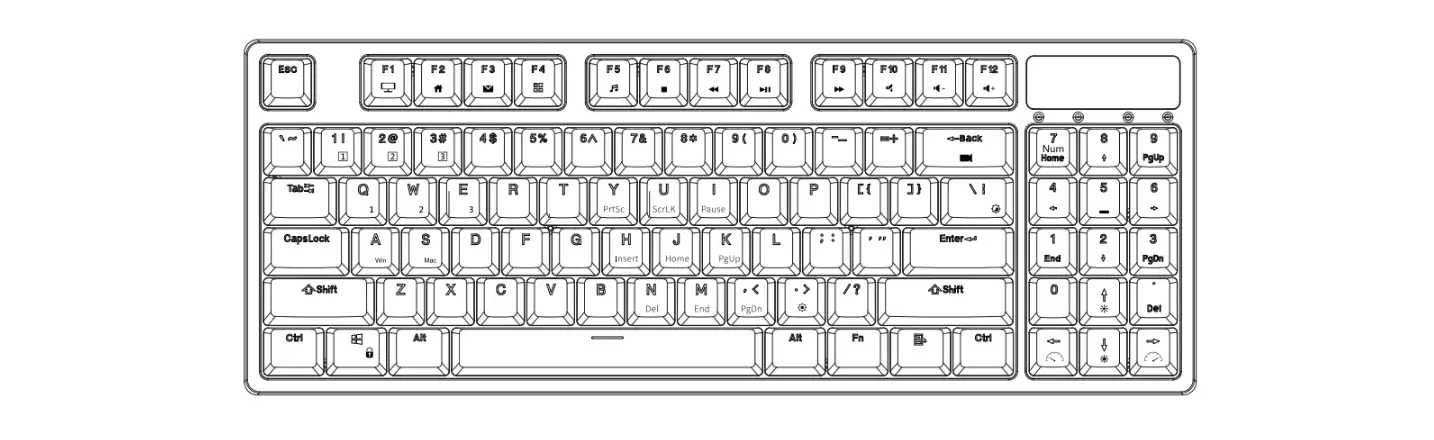
- Long press fn + q / w / e / r / t till the backlight of q / w / e / r / t flashes in white quickly, and pair with your device via the Bluetooth named “Vissles V1”.
Backlight Preferences
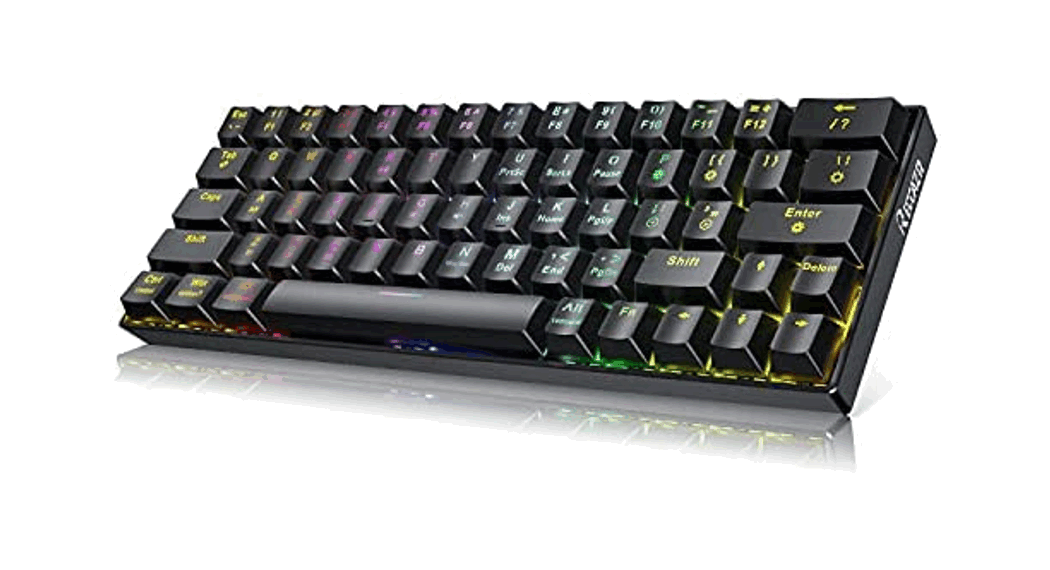
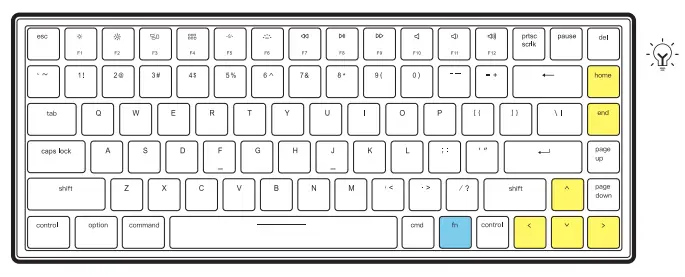
- Press fn + home to switch between 19 multi-light effects.
- Press fn + end to switch between 9 monochrome sets.
- Press fn + ↑ / ↓ to increase/decrease the brightness level.
- Press fn + → / ← to increase/decrease the lighting speed.

- Macro Recording
- Press fn + tab to switch the keyboard to Macro mode.
- Long press fn + z for 3 seconds until the backlight flickers in white, and record.
- Long press fn + z for 3 seconds to save the macro recording content.
- Click z to trigger the corresponding macro recording result.
- Macro recording mode only supports the recording of 16 characters.
Multimedia function keys
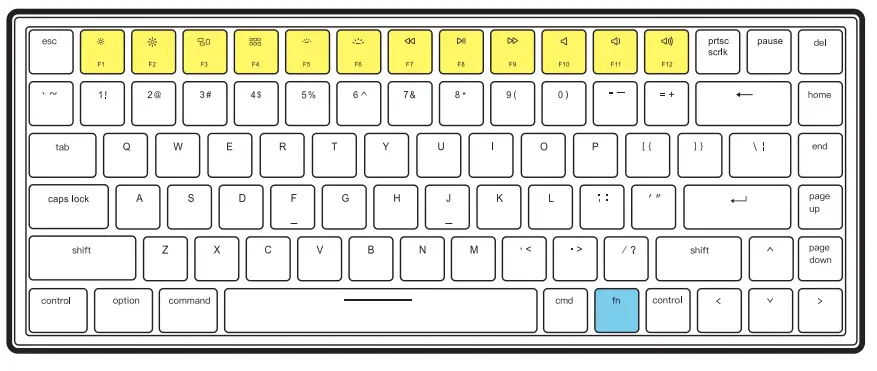
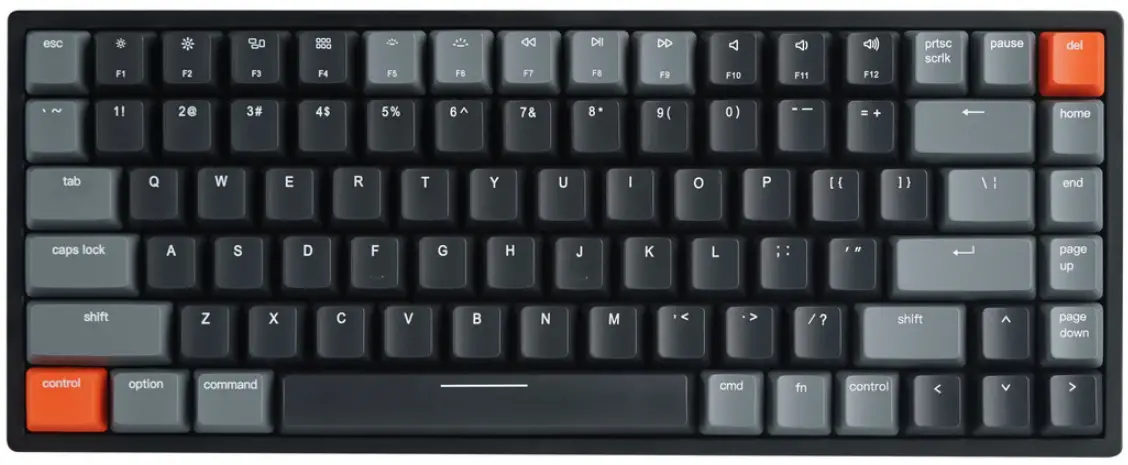
| Key | Mac Mode | Windows Mode | ||
| Without ‘Fn’ key | With ‘Fn’ key | Without ‘Fn’ key | With ‘Fn’ key | |
| F1 | Decrease display brightness level | F1 | F1 | Decrease display brightness level |
| F2 | Increase display brightness level | F2 | F2 | Increase display brightness level |
| F3 | Mission Control | F3 | F3 | 3D cycle through programs on the Taskbar |
| F4 | Launch Pad | F4 | F4 | Mission Control |
| F5 | Nil | Decrease keyboard brightness level | F5 | Decrease keyboard brightness level |
| F6 | Nil | Increase keyboard brightness level | F6 | Increase keyboard brightness level |
| F7 | Previous track | F7 | F7 | Previous track |
| F8 | Play/Pause | F8 | F8 | Play/Pause |
| F9 | Next track | F9 | F9 | Next track |
| F10 | Mute | F10 | F10 | Mute |
| F11 | Decrease the volume | F11 | F11 | Decrease the volume |
| F12 | Increase the volume | F12 | F12 | Increase the volume |
- The functions of Multimedia function keys vary from Mac mode and Windows mode. Please check the user manual for more details.