 WIRELESS
KEYBOARD AND MOUSE COMBO 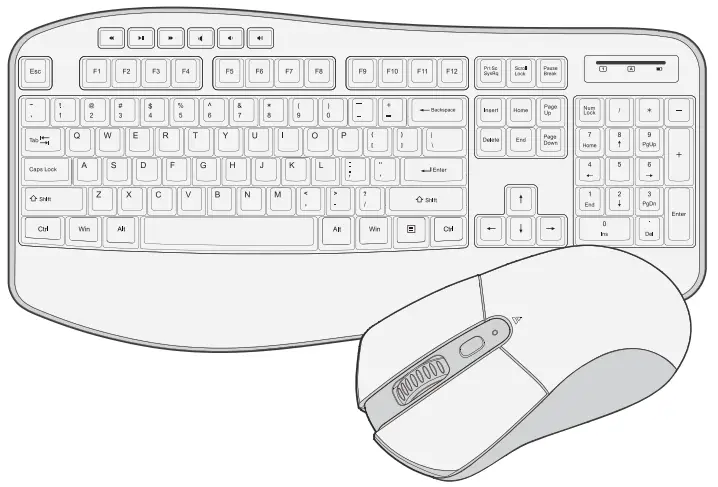 User Manual
Welcome
Thank you for choosing our wireless product To ensure optimum performance and safety, please read these instructions carefully before operating this product. It is strongly recommended you keep this manual for future reference. 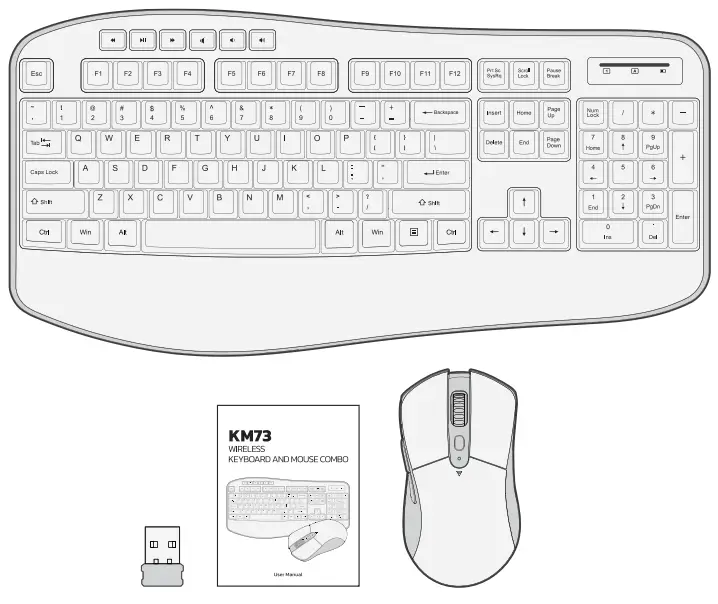
Package Contents
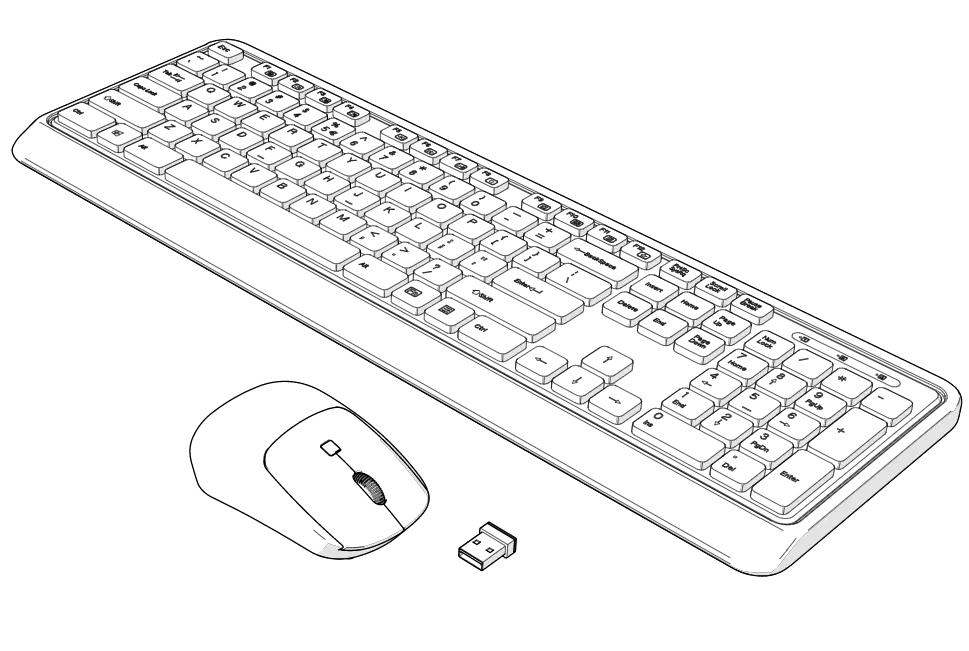
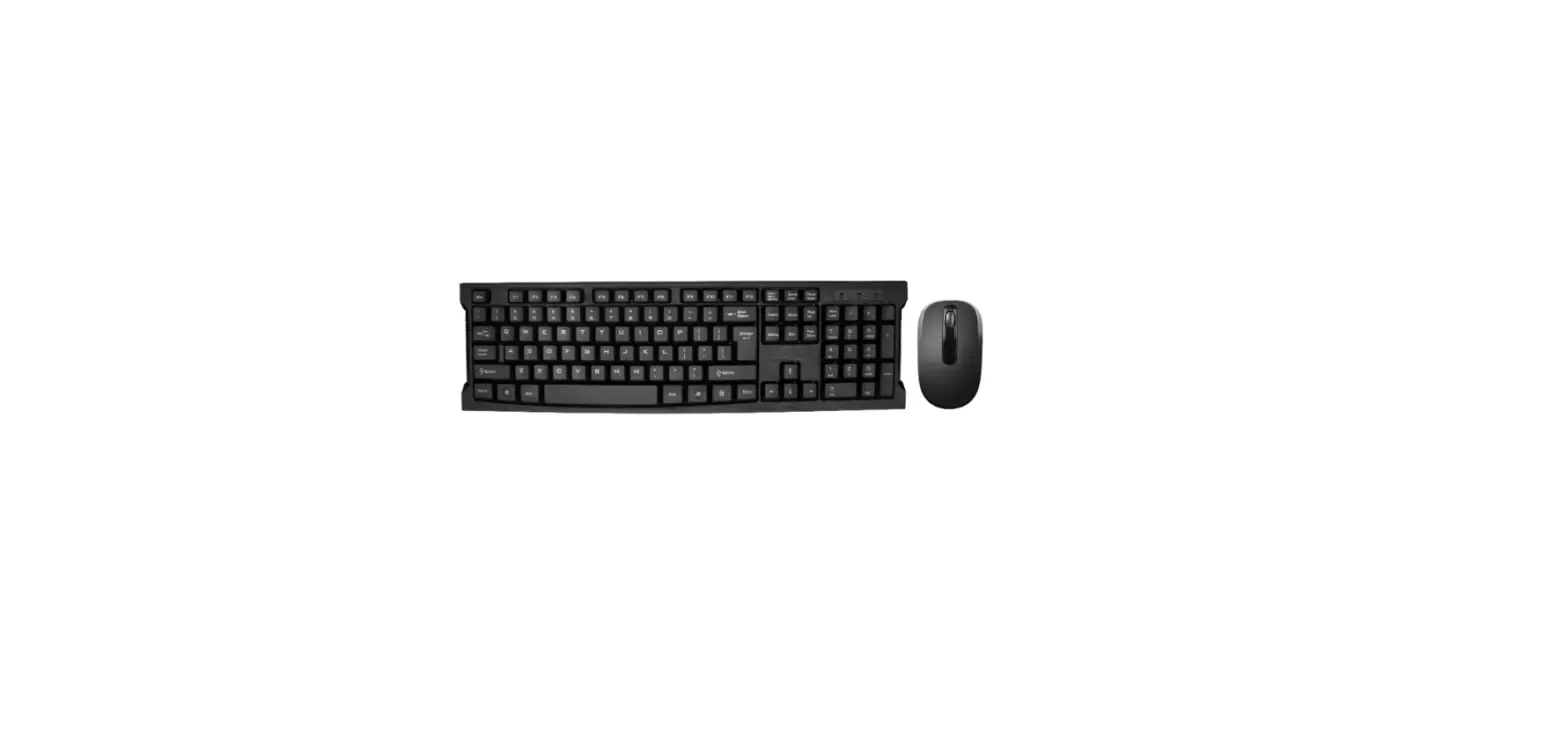
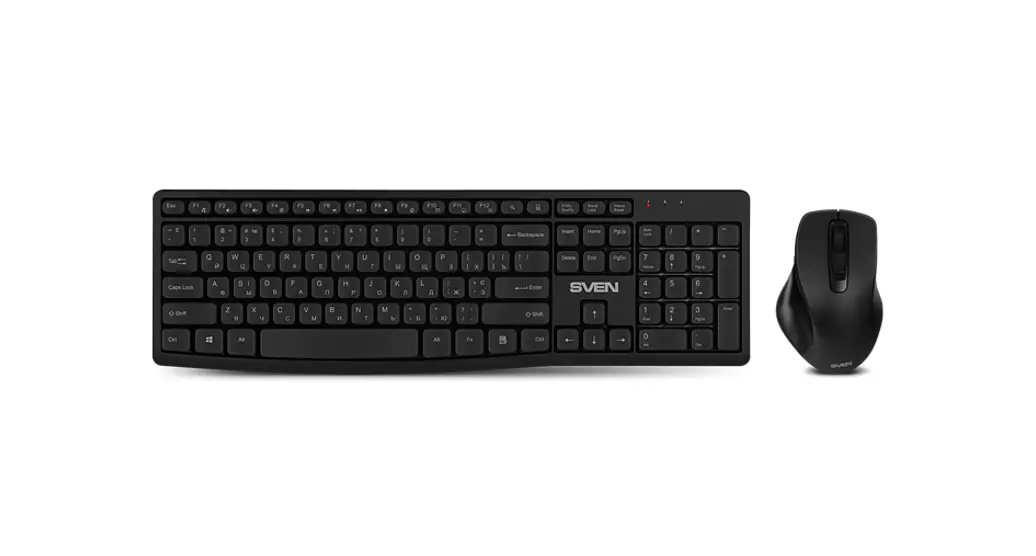
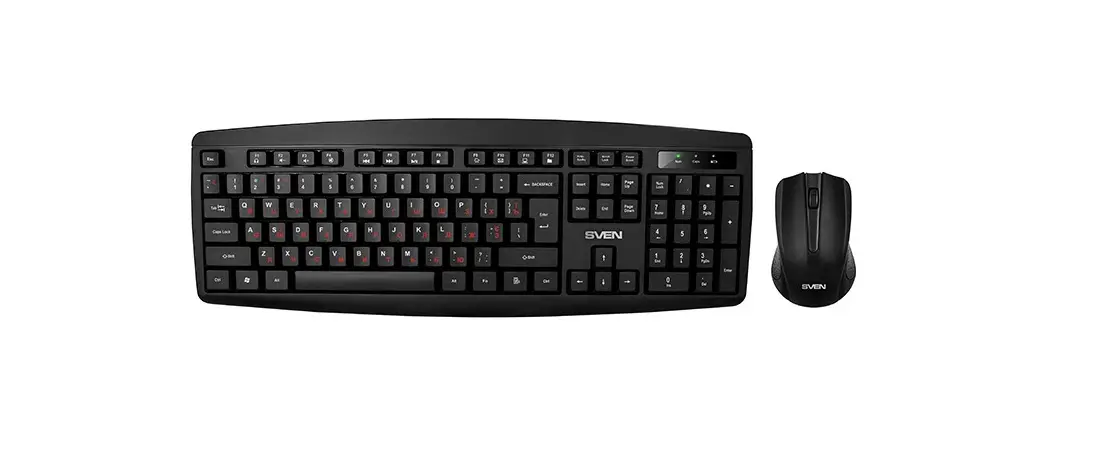
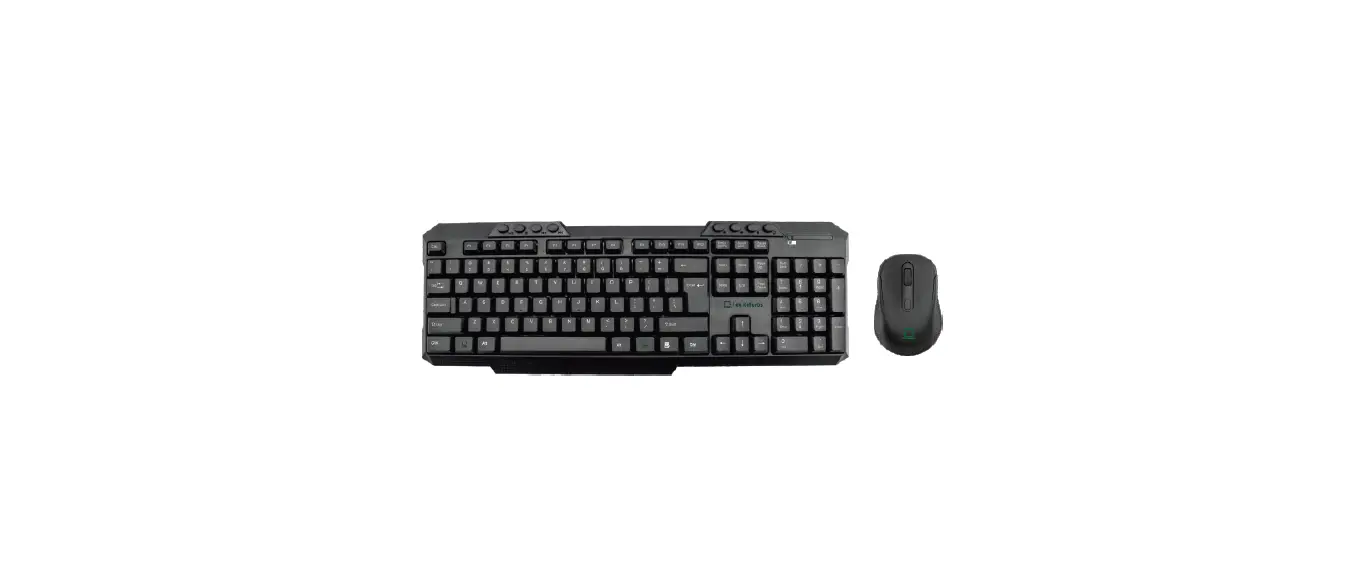
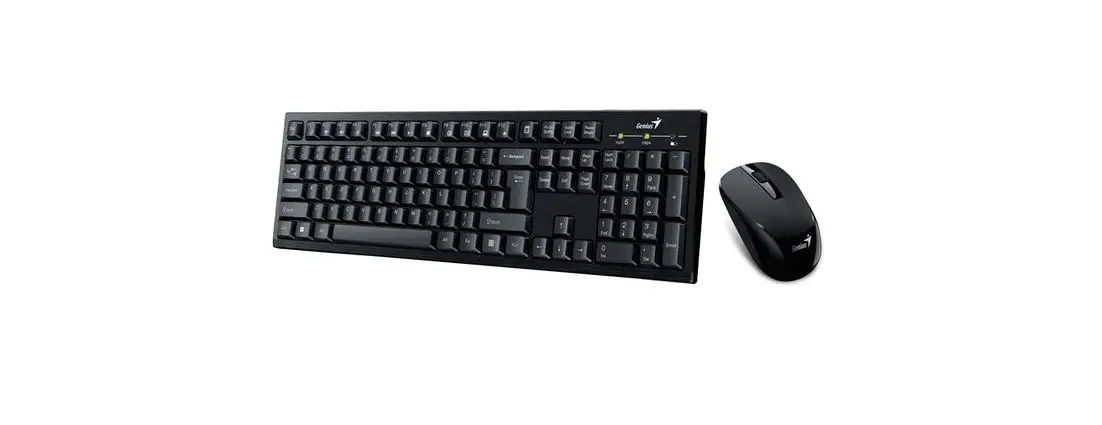
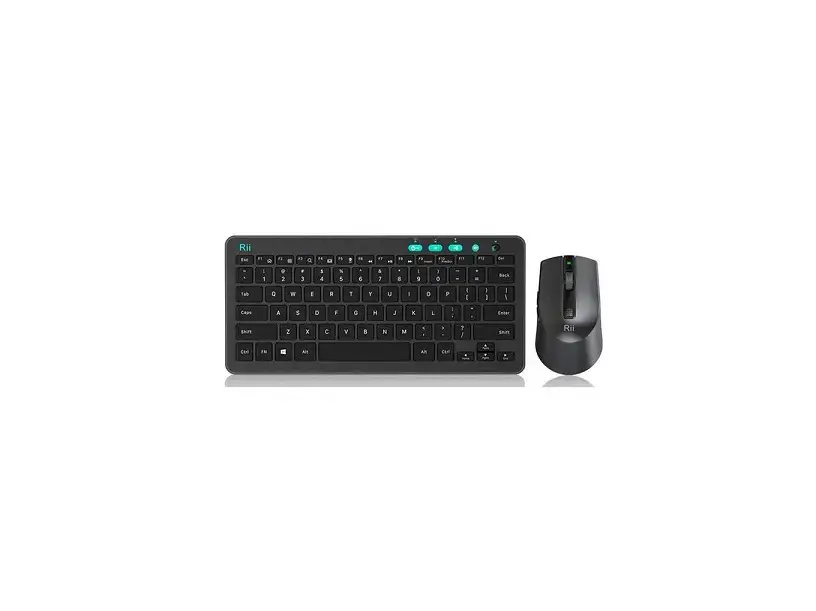
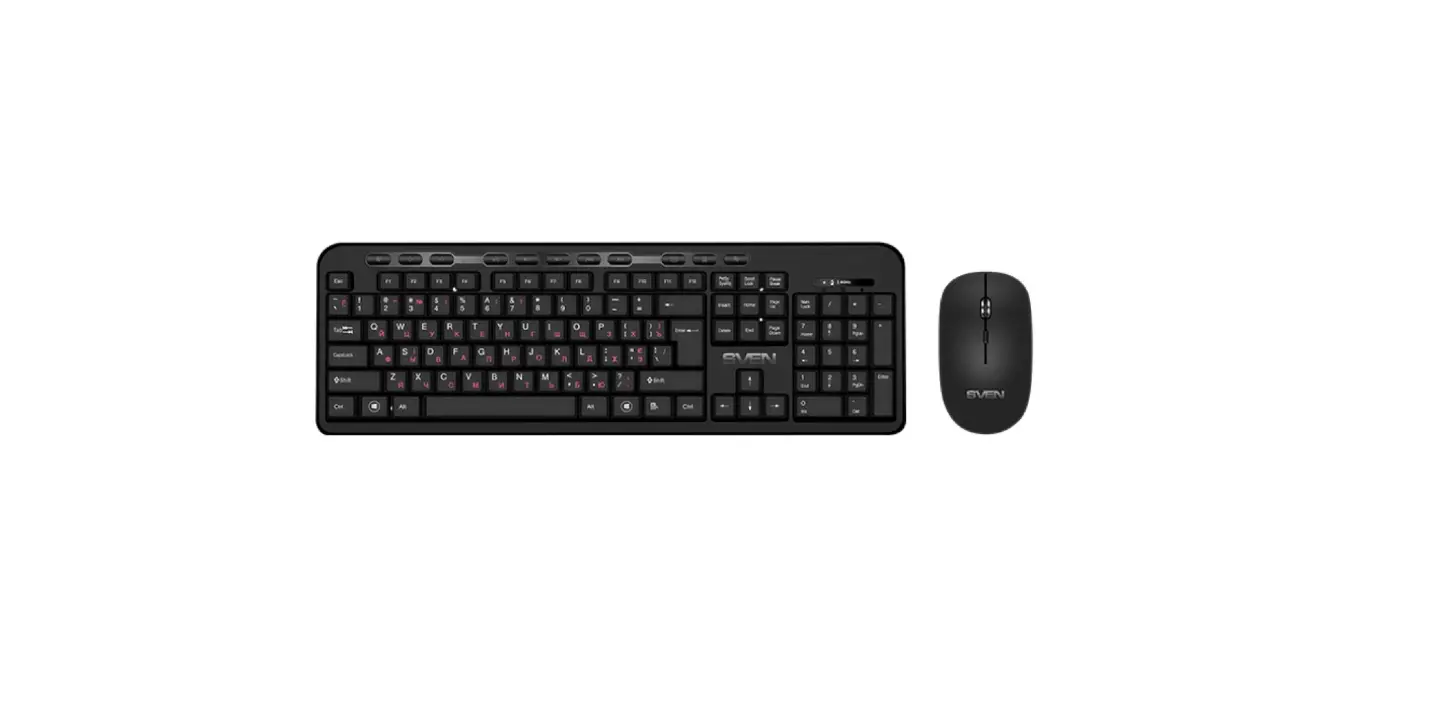
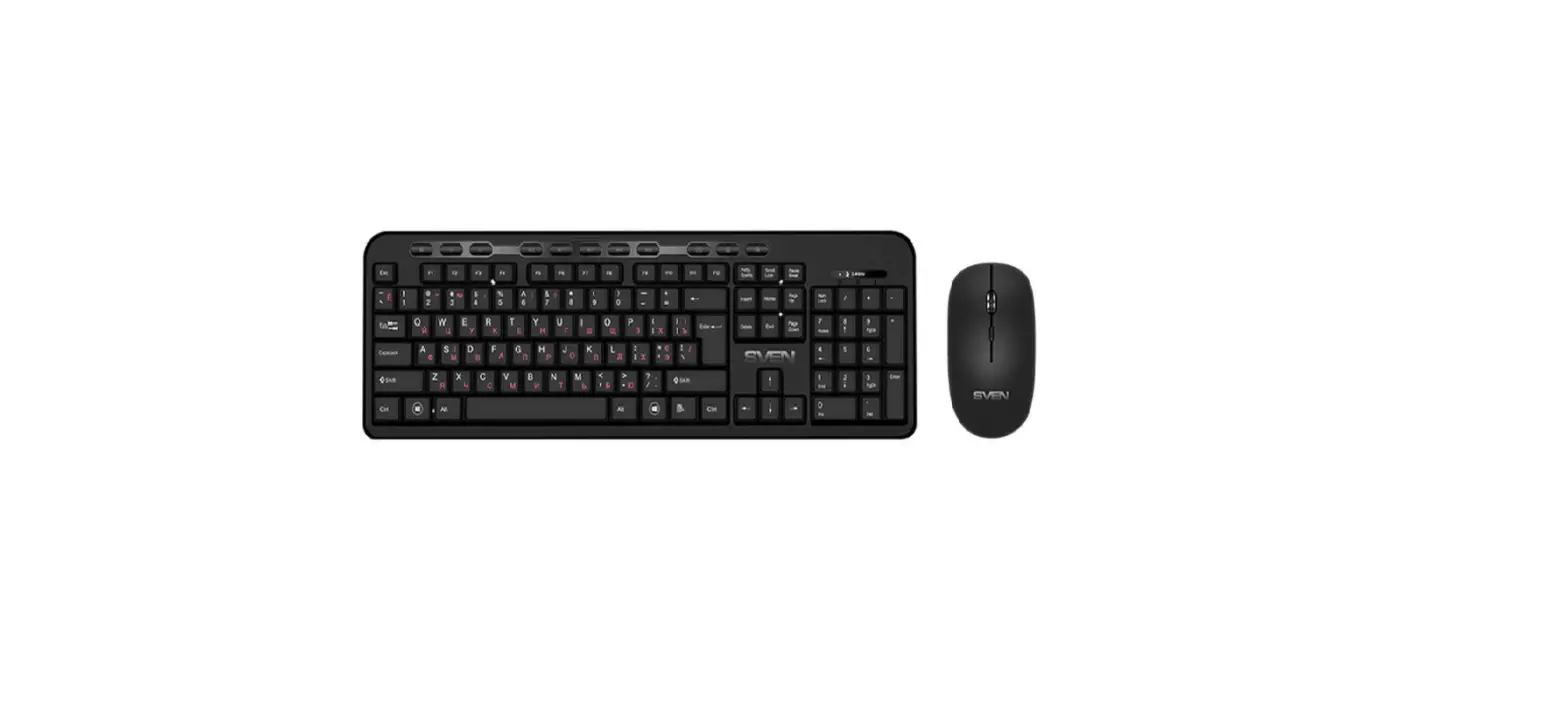
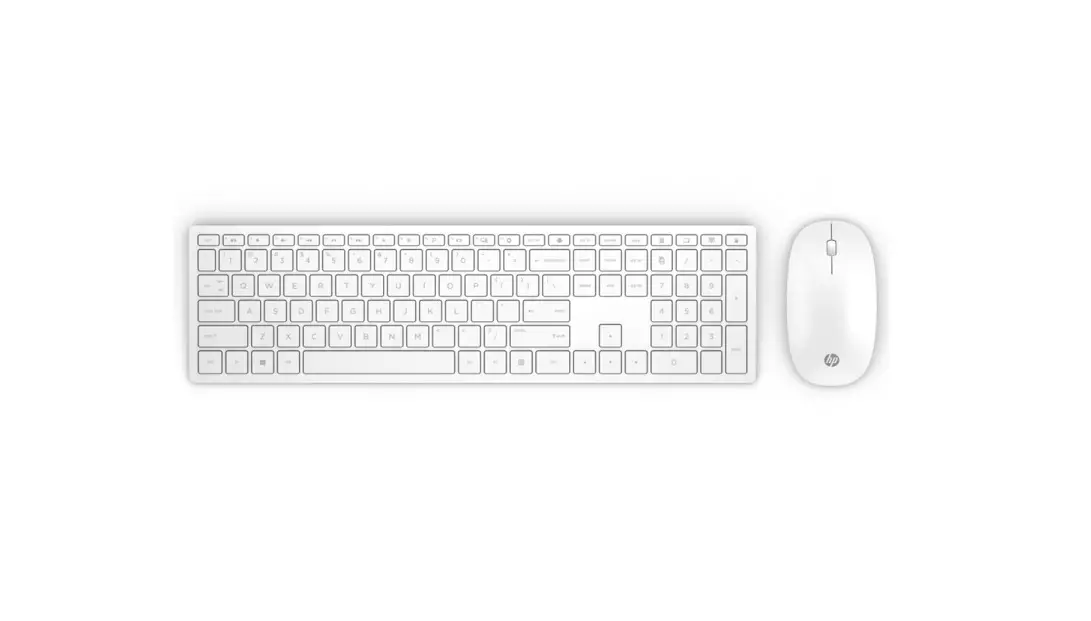
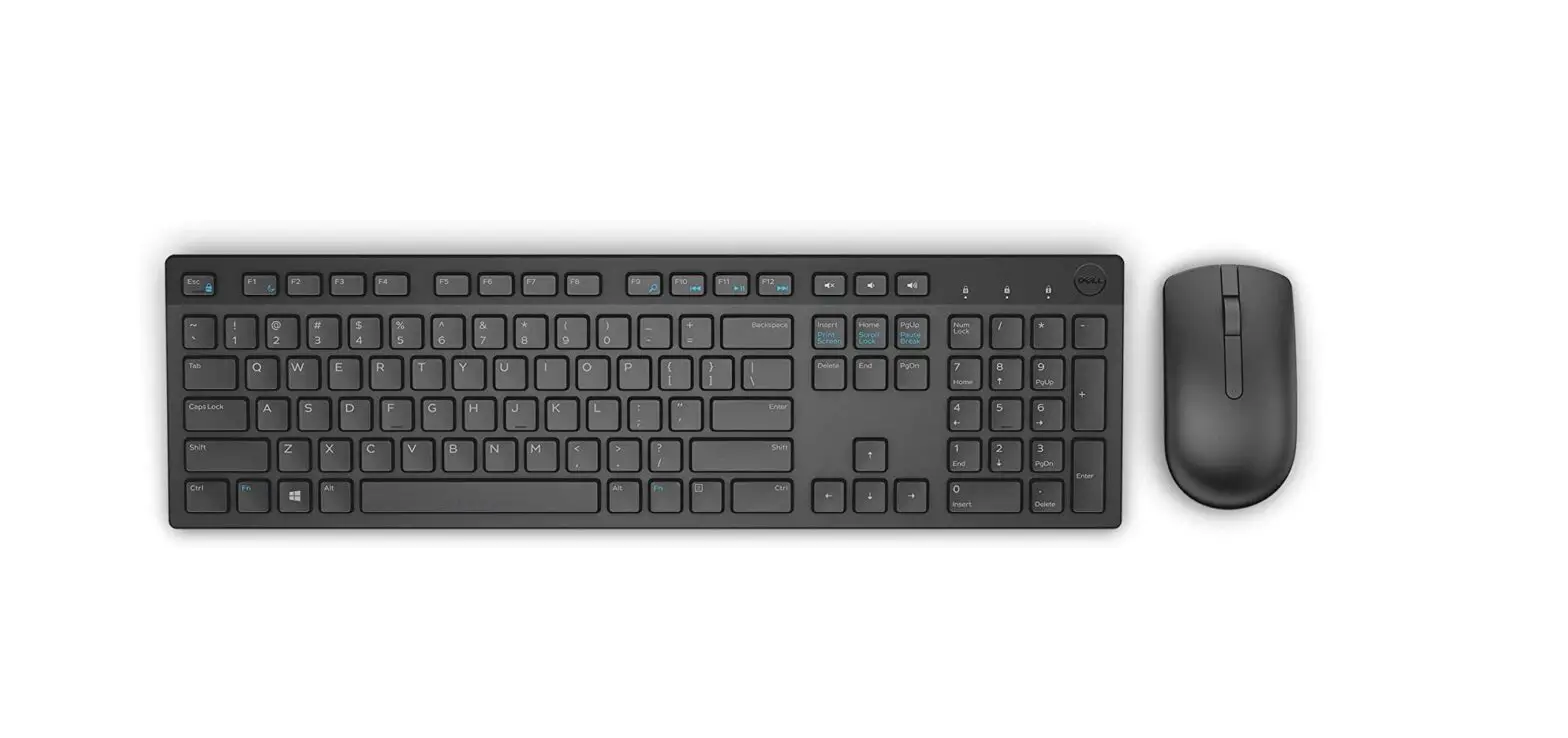
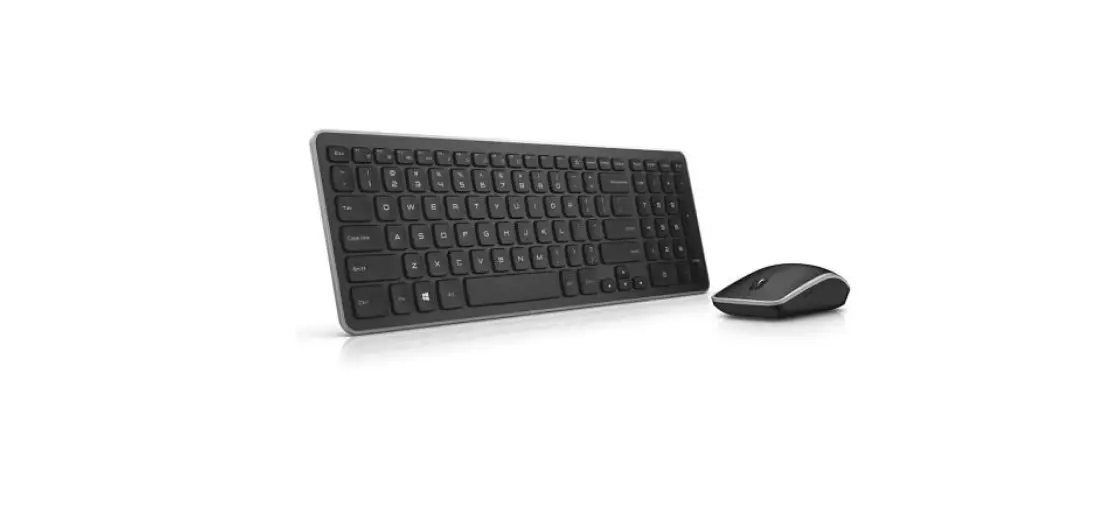
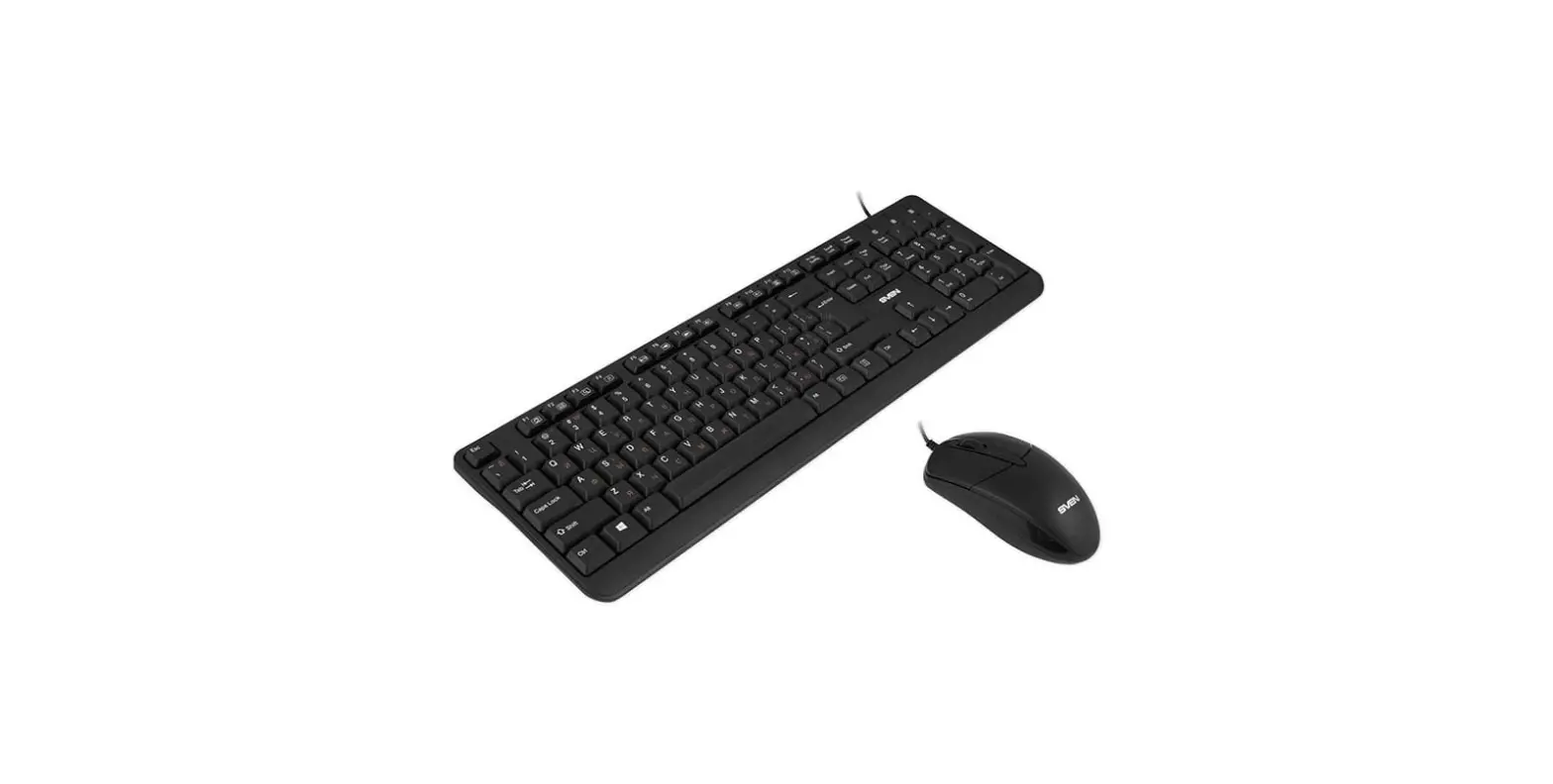
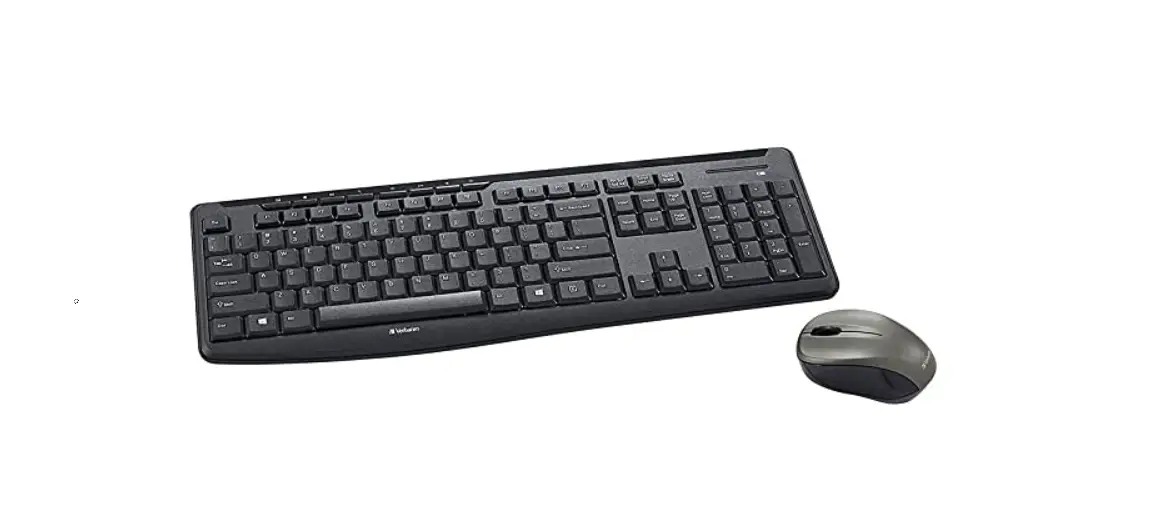
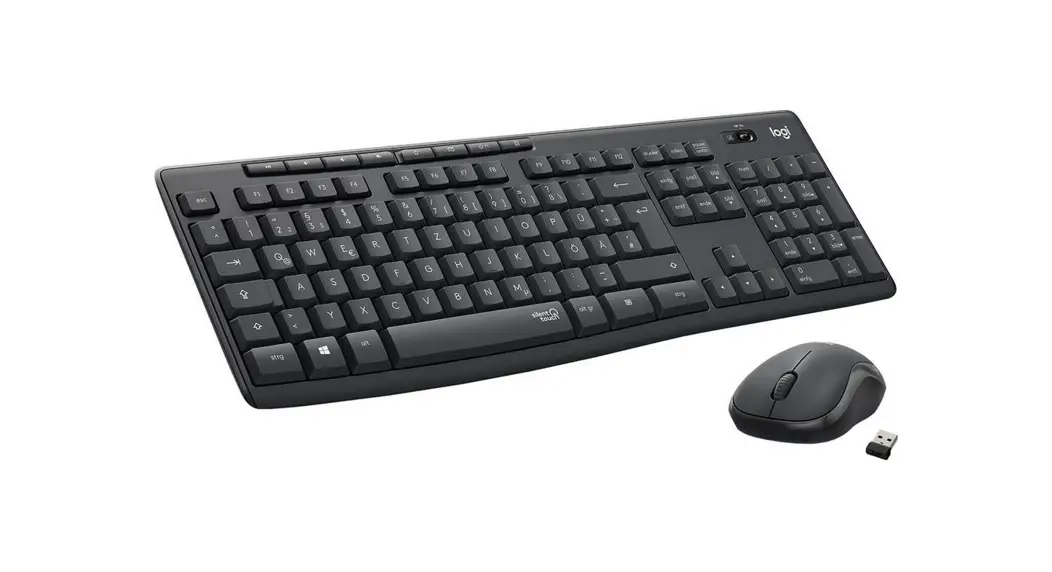
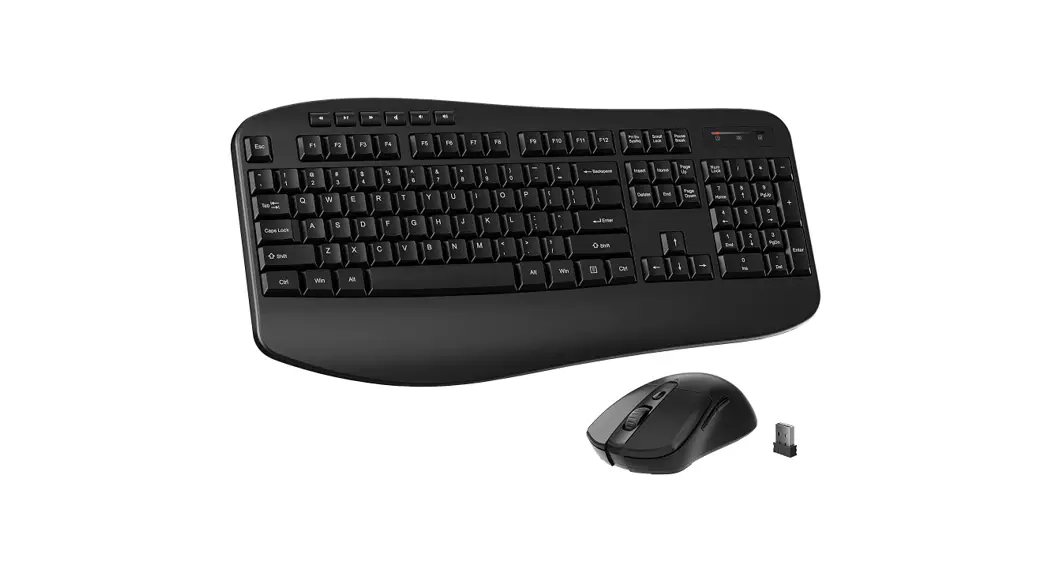
1* Wireless keyboard TKSOW
1* Wireless mouse TM2OSG
1* USB receiver
1* User manual
Operation Guides
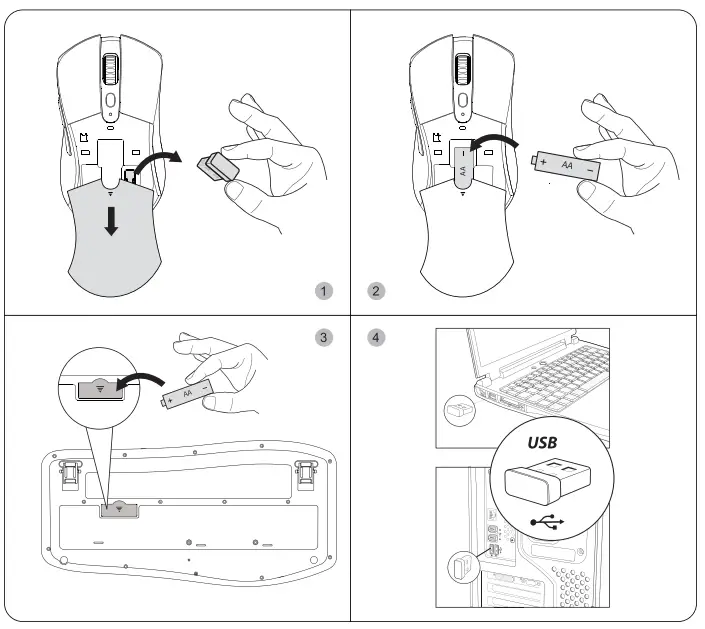
- Slide the cover above of the mouse and take out the USB receiver from the mouse battery compartment
- Insert one M battery into the mouse according to the positive and negative sign. Turn on the power switch of the mouse.
- Insert one AA battery into the keyboard according to the positive and negative sign.
- Plug the receiver into the USB port of your computer. When the computer installs driver automatically, you are all done.


Keyboard Product Specification
| Model | TK5OW |
| Key type | Membrane keys |
| Battery type | 1 AA battery |
| Sleeping current | 0.1mA (the keyboard will go to sleep mode after 6 mins idle) |
| Key life | 10 million keystrokes |
| Dimension | 444’1219192mm (17.5’11.61.3 inches) |
| Weight | 680g (1.5 pounds) |
| Interface | USB interface, plug&play, no driver required (Note: the keyboard and mouse share ONE USB receiver) |
| Compatibility | Windows/Mac OS (Note Media shortcut keys are not compatible with Mac) |
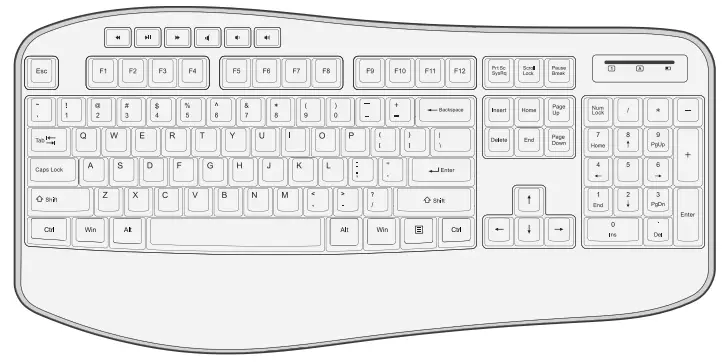
Media Keys
| Key | Function |
 | Previous track |
 | Pause/play track |
 | Next track |
 | Volume mute |
 | Volume down |
 | Volume up |
Note: Media shortcut keys are not compatible with Mac
LED Indicator
| 1 | Numeric pad |
| A | Caps lock |
 | Charging |
Wireless Mouse Product Function
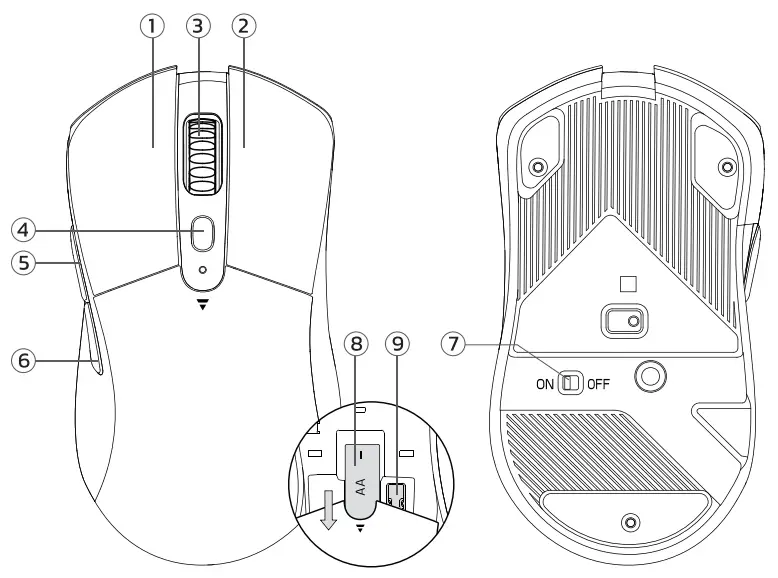
| 1. Left Button 2. Right Button 3. Scroll Wheel 4. DPI Button 5. Forward Button | 6. Back Button 7. On/Off 8. Battery Compartment 9. USB Receiver |
Note: The Forward/Back button is not compatible with MAC.
Mouse Product Specification
| Model | TM205G |
| Battery type | 1 AA battery |
| DPI resolution | 800/1200/1600 |
| Dimensions | 122*65*40mm (4.81’261.6 inches) |
| Weight | 99g (0.22 pounds) |
| Working Power | 9mA (MAX) Standby: 0.8mA (MAX 5 sec) |
| Interface | USB interface, plug&play, no driver required (Note: the keyboard and mouse share 1 USB receiver) |
Note
- The mouse and keyboard share ONE common receiver. The USB receiver is in the battery compartment under the top cover of the mouse.
- Mouse DPI level 800-1200-1600 (default setting is 1200).
- Move the mouse to wake up from the mouse sleep mode.
- Compatibility: Windows/Mac OS (Note keyboard media keys are not compatible with Mac, mouse Forward/Back button is not compatible with MAC).
Attention
- Use AA battery only. To prevent damage to internal elements, avoid using excessive-voltage batteries. If the product will be unused for a long time, take out the battery to prevent corrosion.
- The product adopts the 246Hz wireless transmission within a 10-meter transmission distance. The distance may be shortened for big obstructions and low battery.
- For the first use, the product may fail to work (connection error, etc) because it has been unused for a Long time. Try pairing again.
Solution to Connection Failures
Keyboard
- Take out the battery from the keyboard and receiver from the computer.
- Reinstall the battery into the keyboard. And plug the receiver into the USB port of the computer.
- Keep within 20cm from the receiver. Press and hold “ESC and “K” keys together to pair again.
Mouse
- Turn off the power switch of the mouse. Take out the battery from the mouse and the receiver from the computer.
- Reinstall the battery into the mouse. And plug the receiver into the USB port of the computer.
- Turn on the power switch of the mouse, which should be within 20cm away from the receiver. Press and hold the Right button and Scroll button together to pair again.
Note: If the solution above doesn’t help, repeat the procedures to pair again. If it still can’t work, please contact our service team.

 CET PRODUCT SERVICE LT.D
Beacon House Stokenchurch Business Park,
Ibstone Rd, Stokenchurch
High Wycombe HP14 3FE UK
Email: [email protected]
Phone:+447419325266