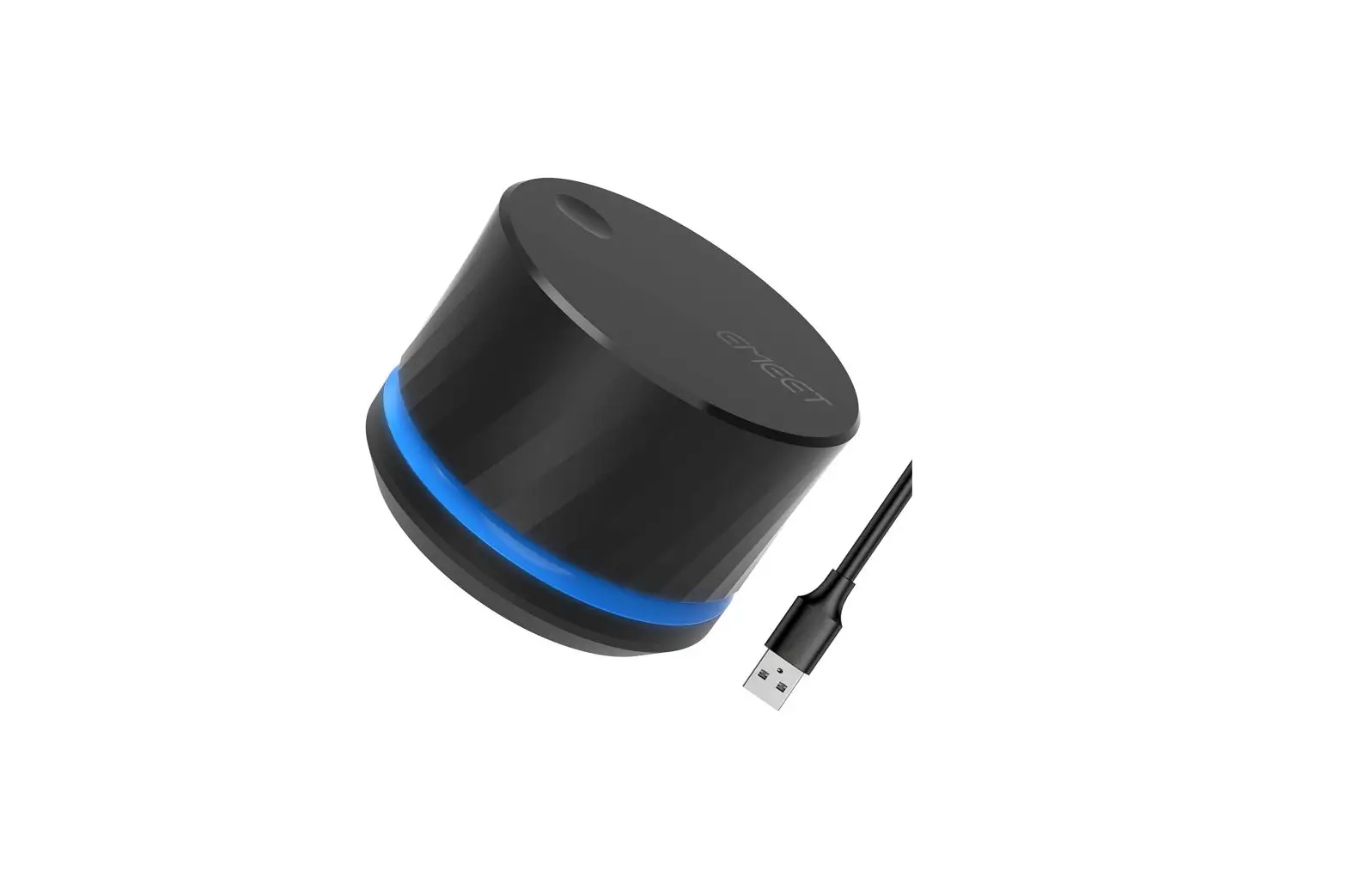
EMEET eMute-E1 USB Multimedia Controller Mute Knob User Manual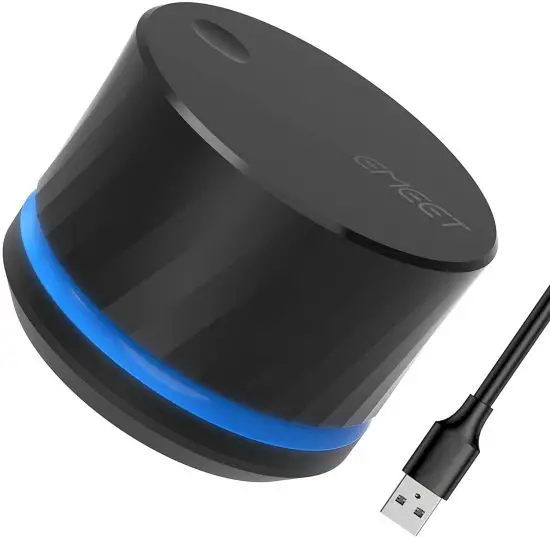
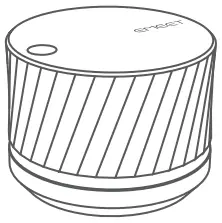
PACKAGE
How to use
Important:
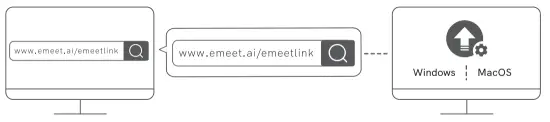
- For normal use of the mic mute feature, download and install eMeetLink to your PC, and allow the app to run automatically at startup.
- To enable the mic mute feature, you need to run eMeetLink on the PC.
- After being connected to the PC via USB, the device is ready.
- To download eMeetLink for PC, visit: http://www.emeet.ai/emeetLink.html

Mic mute feature
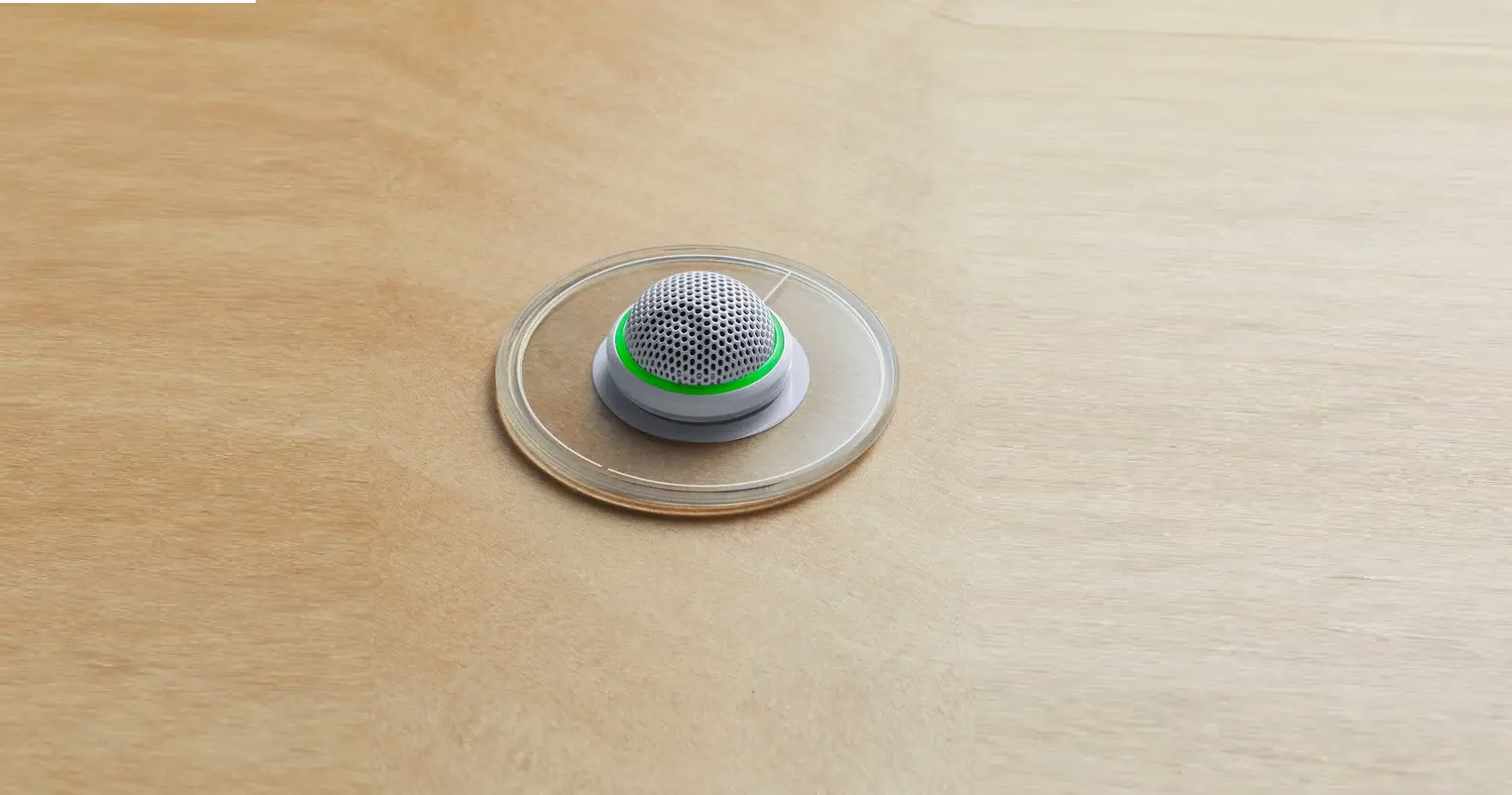
A mute icon on the desktop indicates that the mic is muted by the system.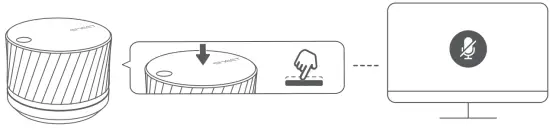
How to use the volume knob
The volume knob is in meeting mode by default. Specific operations are as follows:
To switch to other modes, download eMeetLink for PC and change configurations.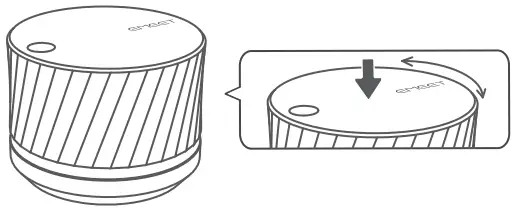
| Action | Description | Function |
| Press | Short press | Mute/Unmute the mic |
| Rotate | Rotate to the right (clockwise) when the device is on | Volume up |
| Rotate to the left (anticlockwise) when the device is on | Volume down | |
| Hold and rotate | Hold and rotate to the right (clockwise) when the device is on | Next track |
| Hold and rotate to the left (anticlockwise) when the device is on | Previous track |
LIGHT
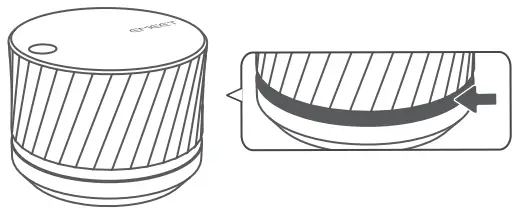
| Status | LED | |
| Status LED | On | Steady blue |
| Off | Off | |
| On, mic muted | Steady red |