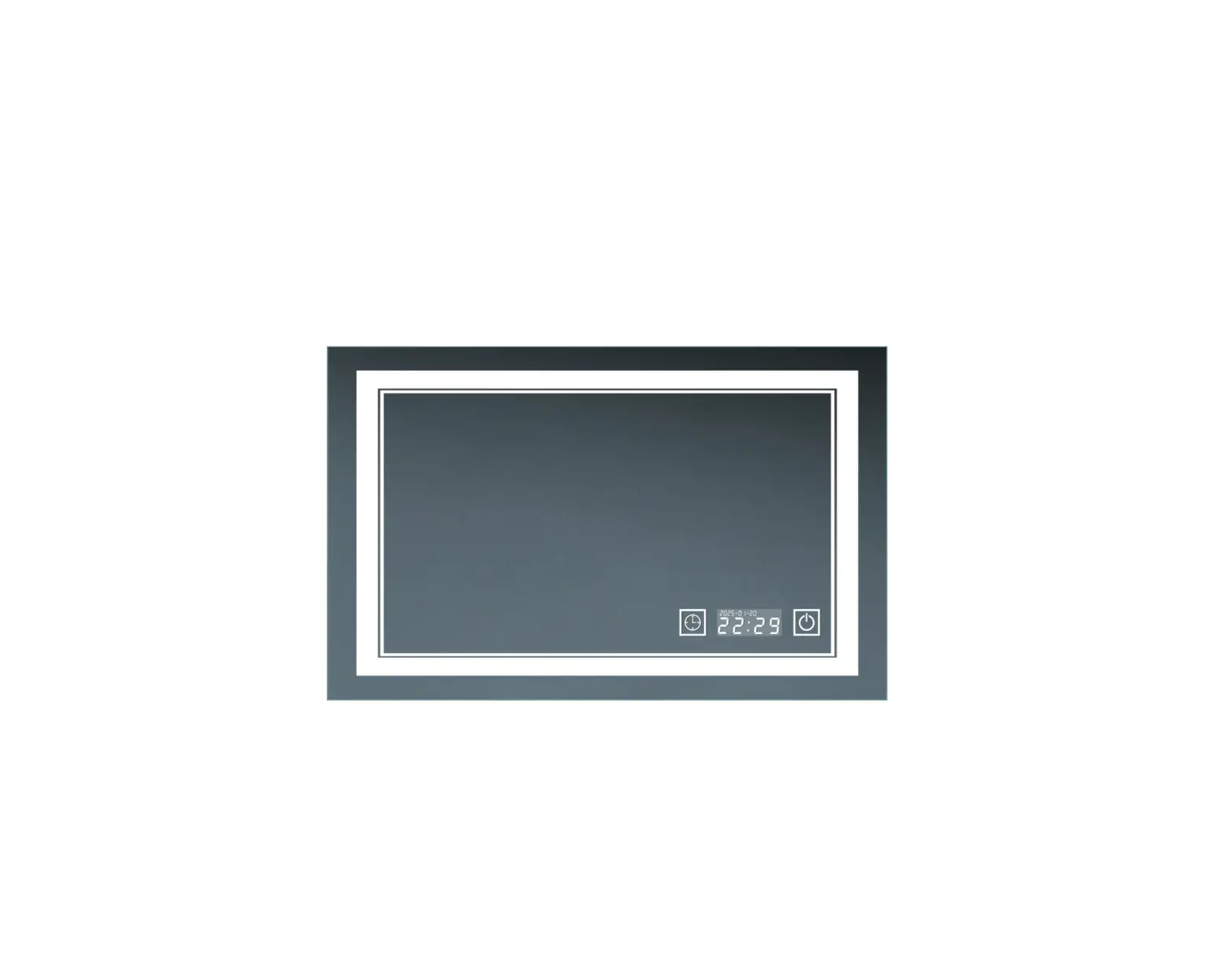
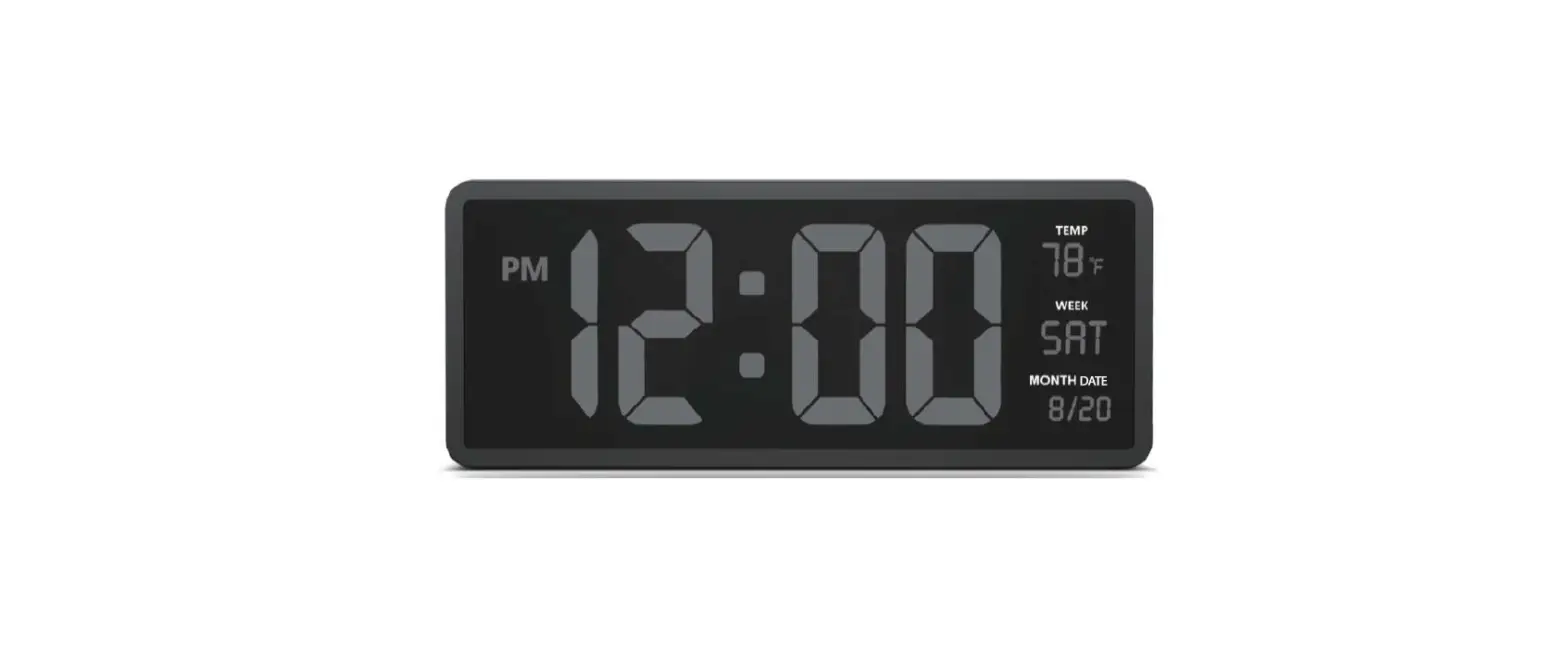
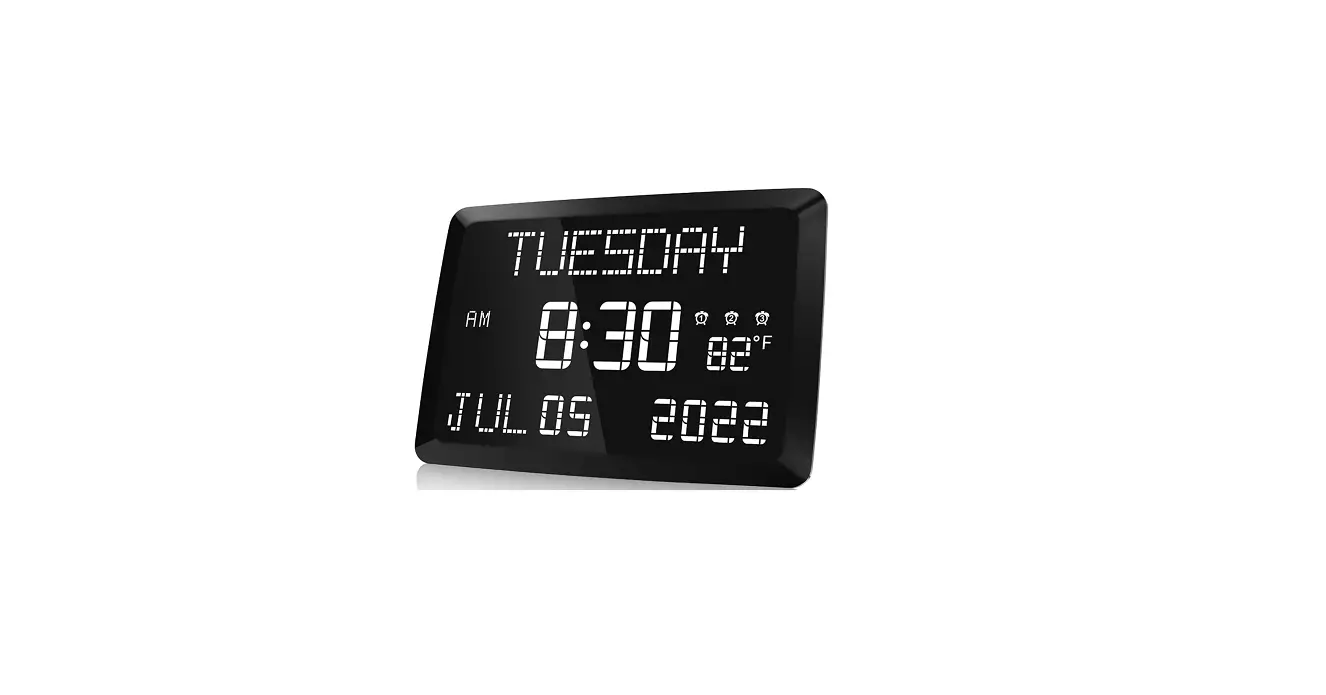
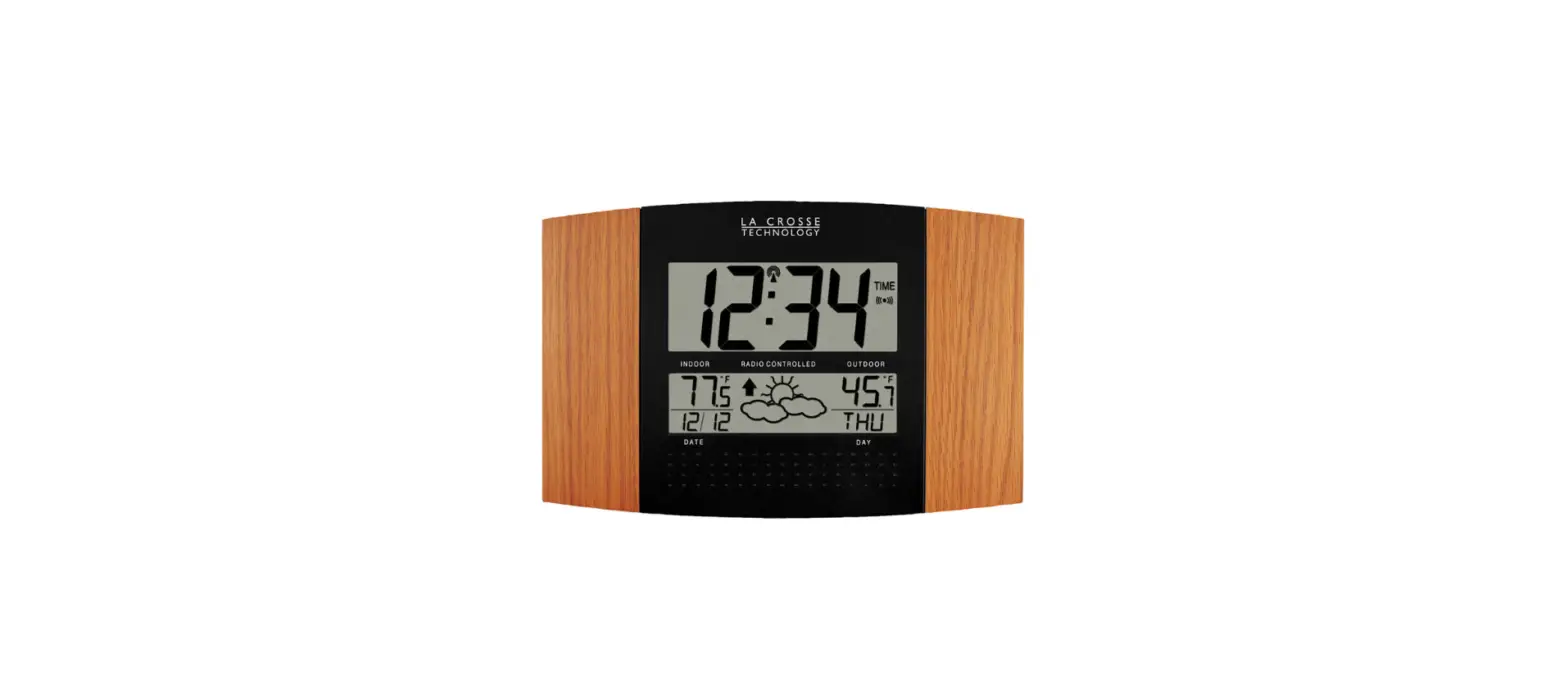
282487 Digital LED Wall Clock
Product Information
Product Name: Digital LED Wall Clock
Model: 282487
Main Functions:
- Display time (hour, minute), date, month, year, and week day in
12-hour format (AM: morning, PM: afternoon) - Press the SET key to set each parameter in a circular turn
- Press the L key to turn ON/OFF the display
- Press the – or T key to open or close daylight-saving time when
the screen displays OFF or ON - When daylight-saving time mode is ON, the time will be set 1
hour ahead
Temperature Function:
The clock also displays the temperature
Power & Maintenance:
- Power Source: DC 5V/2A adaptor
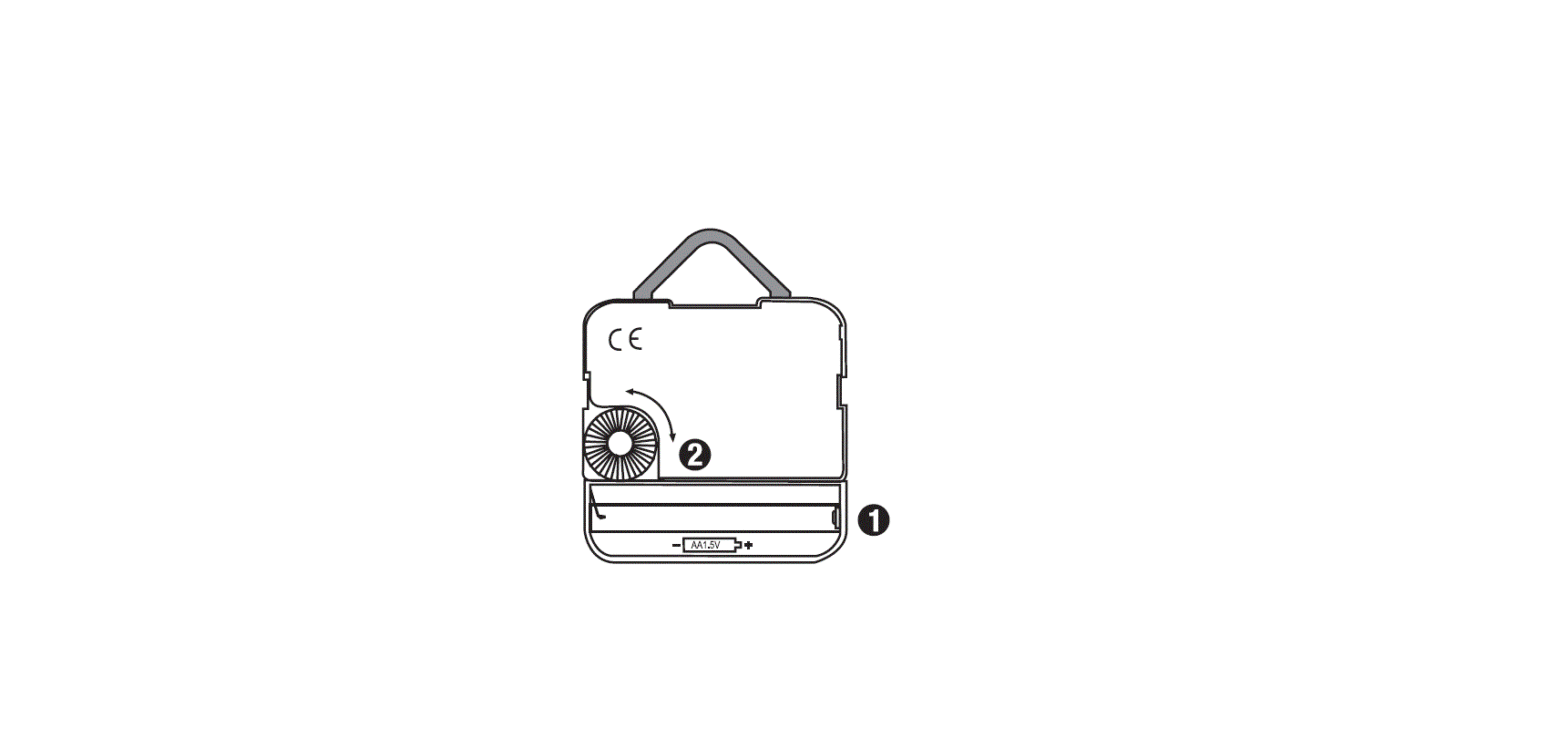
- Back up batteries: 2* AA batteries
- If the clock is not in use for a long time, remove the
batteries to prevent damage from chemical corrosive liquid - Clean the clock’s body with a soft cloth and keep it dry
- Put the clock back into its packing box for storage
- Do not use any chemical corrosive liquid or clean agent to
clean the body
Customer Service:
For assistance, please contact our customer service in the US at
1-800-645-2986.
Model Number: 282487
Product Usage Instructions
- Connect the clock to a DC 5V/2A adaptor for power.
- Insert 2 AA batteries as a backup power source.
- To set the time, press the SET key. Each press of the SET key
will cycle through the parameters in the following order: hour,
minute, date, month, year, and temperature. - When setting each parameter, use the – or T key to adjust the
value. - To turn ON/OFF the display, press the L key.
- If you want to enable or disable daylight-saving time, press
the SET key until the screen displays OFF or ON. Then, use the – or
T key to open or close daylight-saving time. - If daylight-saving time mode is ON, the time will automatically
be set 1 hour ahead. - To clean the clock, use a soft cloth to wipe the body. Do not
use any chemical corrosive liquid or clean agent. - If the clock will not be used for a long time, remove the
batteries to prevent damage from chemical corrosive liquid. - When storing the clock, put it back into its packing box.
User’s manual
Customer Service US: 1-800-645-2986
Manual del usuario
Servicio de atención al Cliente US: 1-800-645-2986
Manuel de l’utilisateur
Service à la clientèle Canada: 888-645-2986
Digital LED Wall Clock
Model: 282487
MAIN FUNCTIONS
1.Display time hour,minute,date,month,year and week day, 12 hour format(AM: morning , PM: afternoon).
2.Temperature display function: format °C / ° F changeable.
KEYS SCHEMATIC 1. SETKEY 2. UPKEY £. 3. DOWNKEY T
1 2 3
press SET key to set each parameter in circle turn
L OFF-hour -minute -month -date -year -temperature J
Remark: press “SET” key, the screen display “OFF” or “ON” , then press “-“” or “T” key to open or close daylight-saving time. When daylight-saving time mode is ON, the time will be set 1 hour ahead.
press key 1 “SET” to be daylight-saving time mode,again press key 1 “SET” into time set status, the hour digits on screen flashing,then press UP key 2 “-“” or DOWN key 3 “T” to adjust your expected time. Same way to set minute, month, date, year and temperature format(°C/°F). or 50 °F ~ 120 °F
TEMPERATURE FUNCTION:
Measure the environment temperature automatically, range is -1O’t ~ so’t ( accuracy ± 1’t) or 50 °F ~ 120 °F
POWER & MAINTENANCE
Power by: DC 5V/2A adaptor, Back up batteries: 2* AA batteries. Take away the batteries if you don’t use the clock for a long time,to prevent any damage of chemical corrosive liquid. Use a soft cloth to clean the clock’s body and keep it dry,put back into its packing box.Don’t use any chemical corrosive liquid or clean agent to clean the body.
1
MODEL #