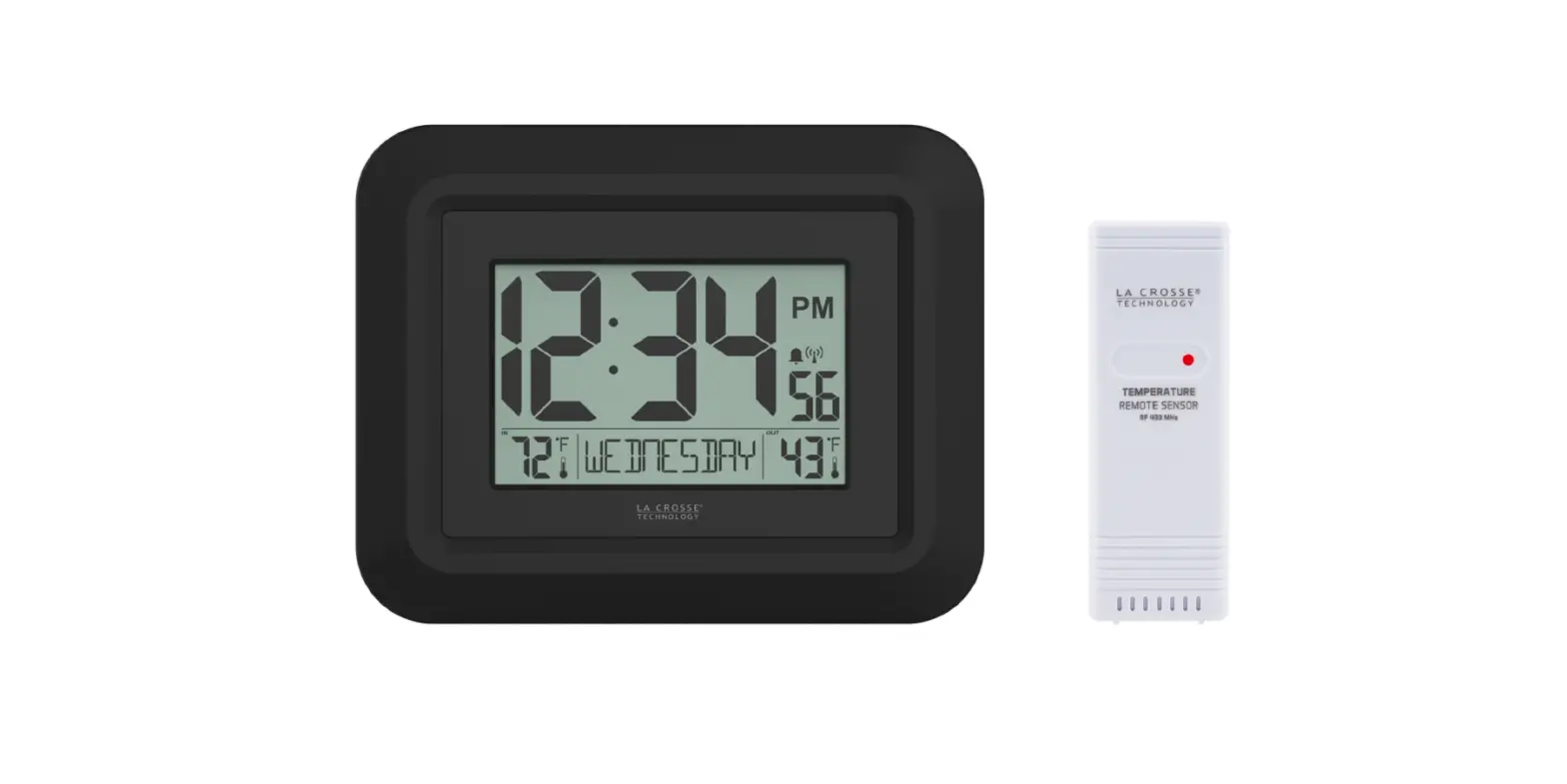
 LA CROSSE WT-8002U DIGITAL WALL CLOCK User Manual
 LA CROSSE WT-8002U DIGITAL WALL CLOCK User Manual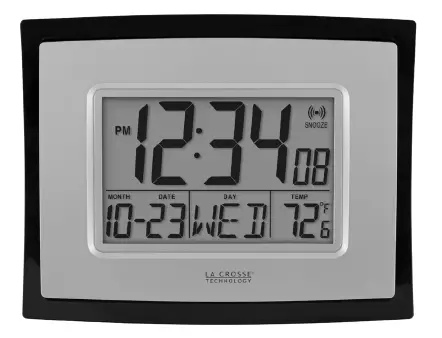
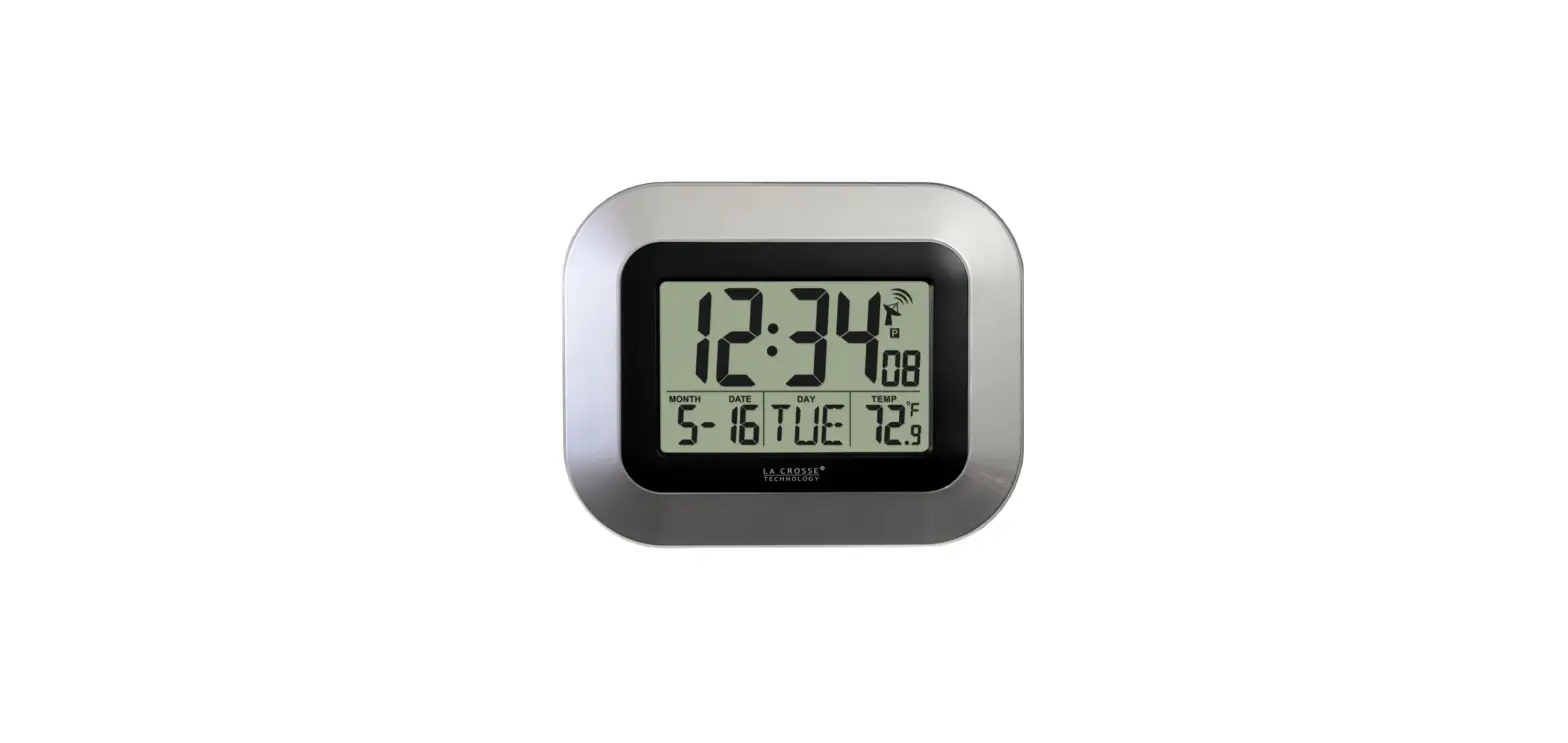
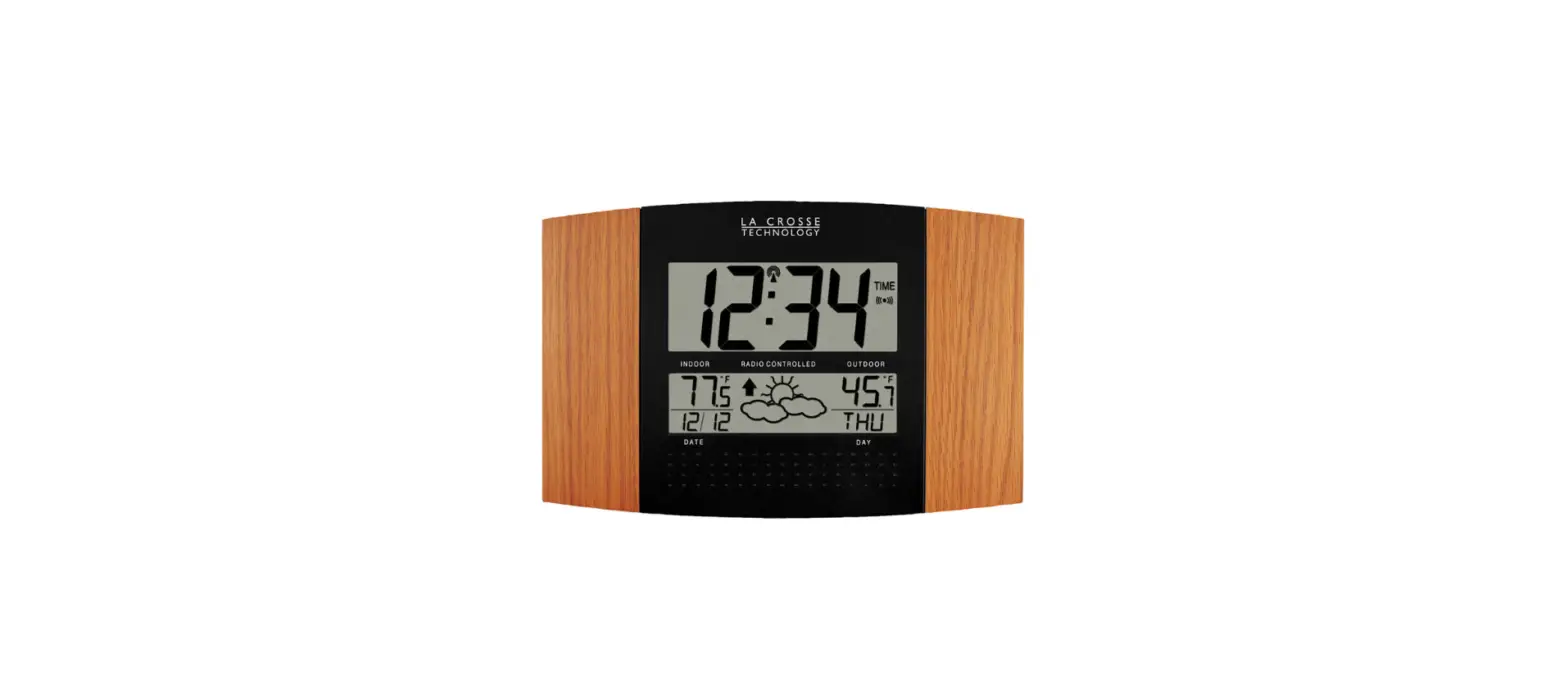
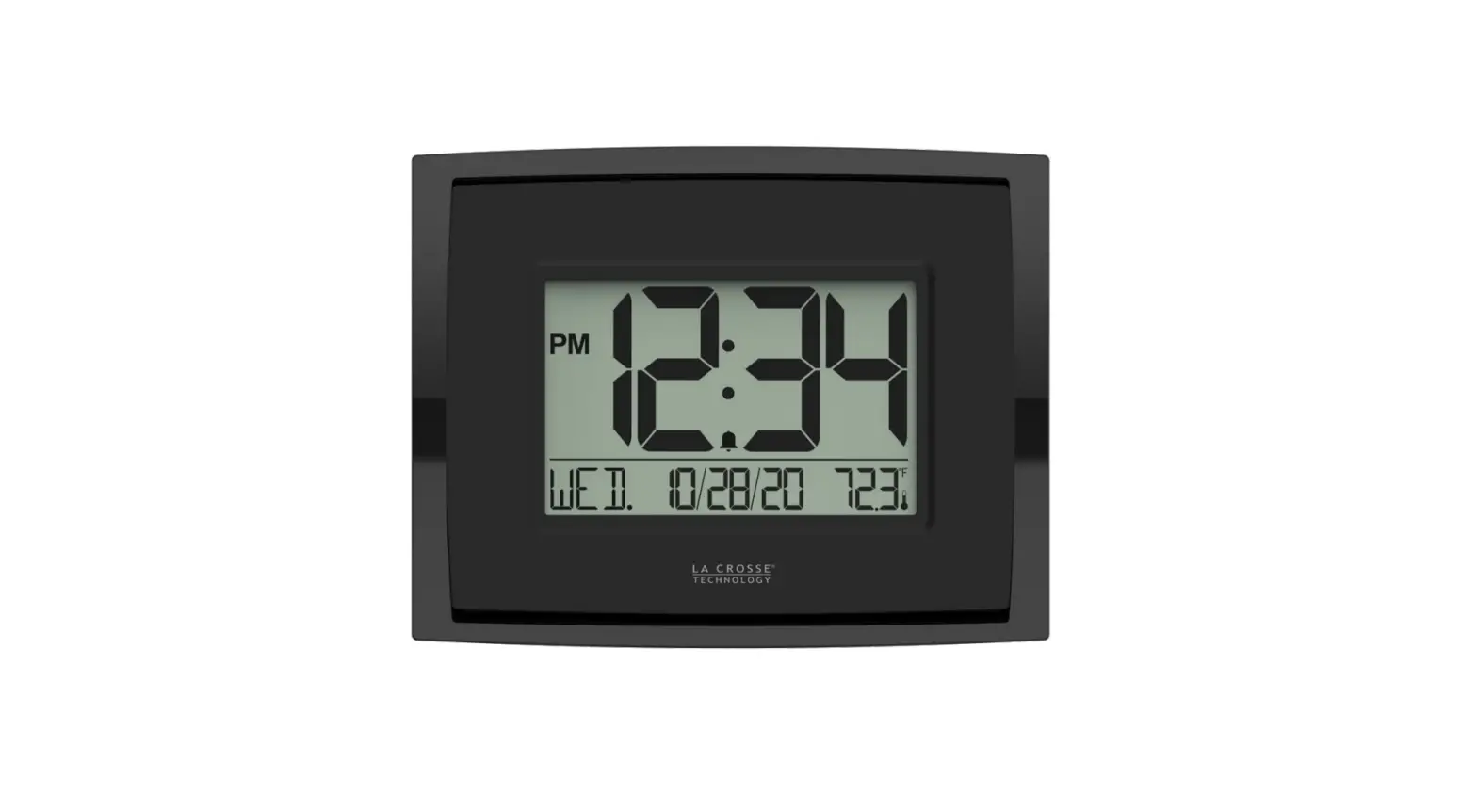
DIGITAL WALL CLOCK OVERVIEW
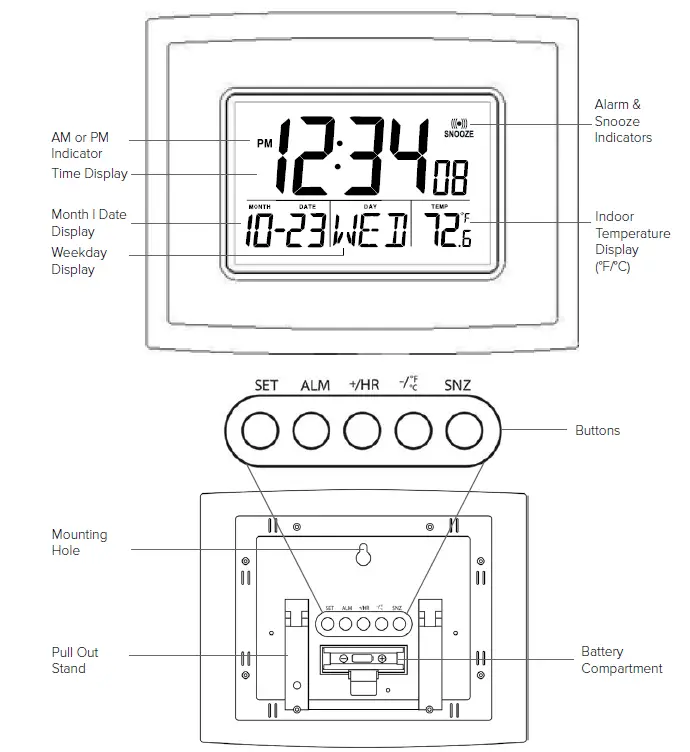
POWER UP
- Insert 1-AA battery into the clock.
- Configure basic settings.
SETTINGS
- Hold the SET button to enter the Settings Menu.
- Press the +/HR or – ºF/ºC button to adjust values.
- Press the SET button to confirm and move to the next item or exit.
Settings Menu Order
- 12/24 Hour Time Format
- Hour
- minutes
- Year
- Month
- Date
Note: The Weekday will be set automatically as Year, Month, and Date are set correctly.
FAHRENHEIT | CELSIUS
- Press the – ºF/ºC button to select Fahrenheit or Celsius temperature display.
ALARM SETTING
- Hold the ALM button to enter Alarm Settings.
- Press the +/HR or – ºF/ºC button to adjust values.
- Press the ALM button to confirm and move to the next item or exit.
ACTIVATE | DEACTIVATE ALARM
- Press the ALM button to activate or deactivate the alarm. The Alarm Indicator will display when active.
Note: The alarm will automatically be activated after setting a new alarm time.
SNOOZE
- When the alarm sounds, press the SNZ button to silence the alarm for 5 minutes. The Alarm and Snooze Indicators will flash.
- Press any button except SNZ to stop the alarm for 24 hours.
- This is a crescendo alarm that will sound for 120 seconds if not deactivated.
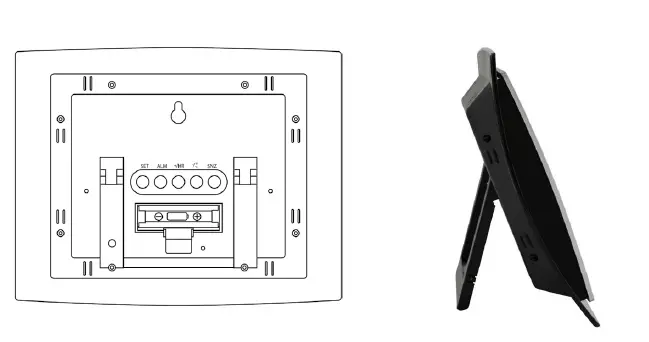
POSITIONING YOUR CLOCK
- Use the Mounting Hole on the back for placement on a wall.

- Or use the Pull Out Stand on the back of the clock to freely position it on a table or desk.
JOIN THE CONVERSATION
Ask questions, watch detailed setup videos, and provide feedback on our social media outlets!
WE’RE HERE TO HELP!
Our knowledgeable customer support team is available: Monday-Friday, 8 am-6 pm CST. Phone: 1.608.782.1610
SPECIFICATIONS
- Indoor
Temperature Range: 32°F to 122°F (0°C to 50°C) - Power
Digital Clock: 1-AA, IEC, LR6 batteries (not included) - Battery Life
Digital Clock: Up to 24 months - Dimensions
Digital Clock: 8.62” L x 1.29” W x 6.81” H
(21.89 x 3.27 x 17.29 cm)
WARNING: This product can expose you to chemicals including styrene, which is known in the State of California to cause cancer. For more information go to: www.P65Warnings.ca.gov
WARRANTY INFO
La Crosse Technology, Ltd. provides a 1-year limited time warranty (from the date of purchase) on this product relating to manufacturing defects in materials & workmanship. For Full Warranty Details, Visit: www.lacrossetechnology.com/support
CARE + MAINTENANCE
- Do not mix old and new batteries.
- Do not mix Alkaline, Lithium, standard, or rechargeable batteries.
- Always purchase the correct size and grade of battery most suitable for the
- Promptly remove expired batteries. intended use.
- Clean the battery contacts and also those of the device prior to battery installation.
- Ensure the batteries have with correct polarity (+ / -).
- Remove batteries from equipment that will not be used for an extended period.
CANADA STATEMENT
This device complies with CNR Industry Canada license-exempt devices. Operation is subject to the following two conditions:
- This device may not cause interference; and
- This device must accept any interference, including interference that may cause undesired operation of the device.
FCC STATEMENT
This equipment has been tested and found to comply with the limits for a Class B digital device, pursuant to part 15 of the FCC Rules. These limits are designed to provide reasonable protection against harmful interference in a residential installation. This equipment generates, uses, and can radiate radio frequency energy and, if not installed and used in accordance with the instructions, may cause harmful interference to radio communications. However, there is no guarantee that interference will not occur in a particular installation. If this equipment does cause harmful interference to radio or television reception, which can be determined by turning the equipment off and on, the user is encouraged to try to correct the interference by one or more of the following measures:
- Reorient or relocate the receiving antenna.
- Connect the equipment to an outlet on a circuit different from that to which the receiver is connected.
- Increase the separation between equipment & receiver.
- Consult the dealer or an experienced radio/TV technician for help.
This device must not be co-located or operating in conjunction with any other antenna or transmitter.
Operation is subject to the following two conditions
This device may not cause harmful interference, and this device must accept any interference received, including interference that may cause undesired operation.
Caution!
The manufacturer is not responsible for any radio or TV interference caused by unauthorized changes or modifications to this equipment. Such changes or modifications could void the user’s authority to operate the equipment. All rights reserved. This manual may not be reproduced in any form, even in part, or duplicated or processed using an electronic, mechanical or chemical process without the written permission of the publisher. This booklet may contain errors or misprints. The information it contains is regularly checked and corrections are included in subsequent editions. We disclaim any responsibility for any technical error or printing error or their consequences. All trademarks and patents are recognized.