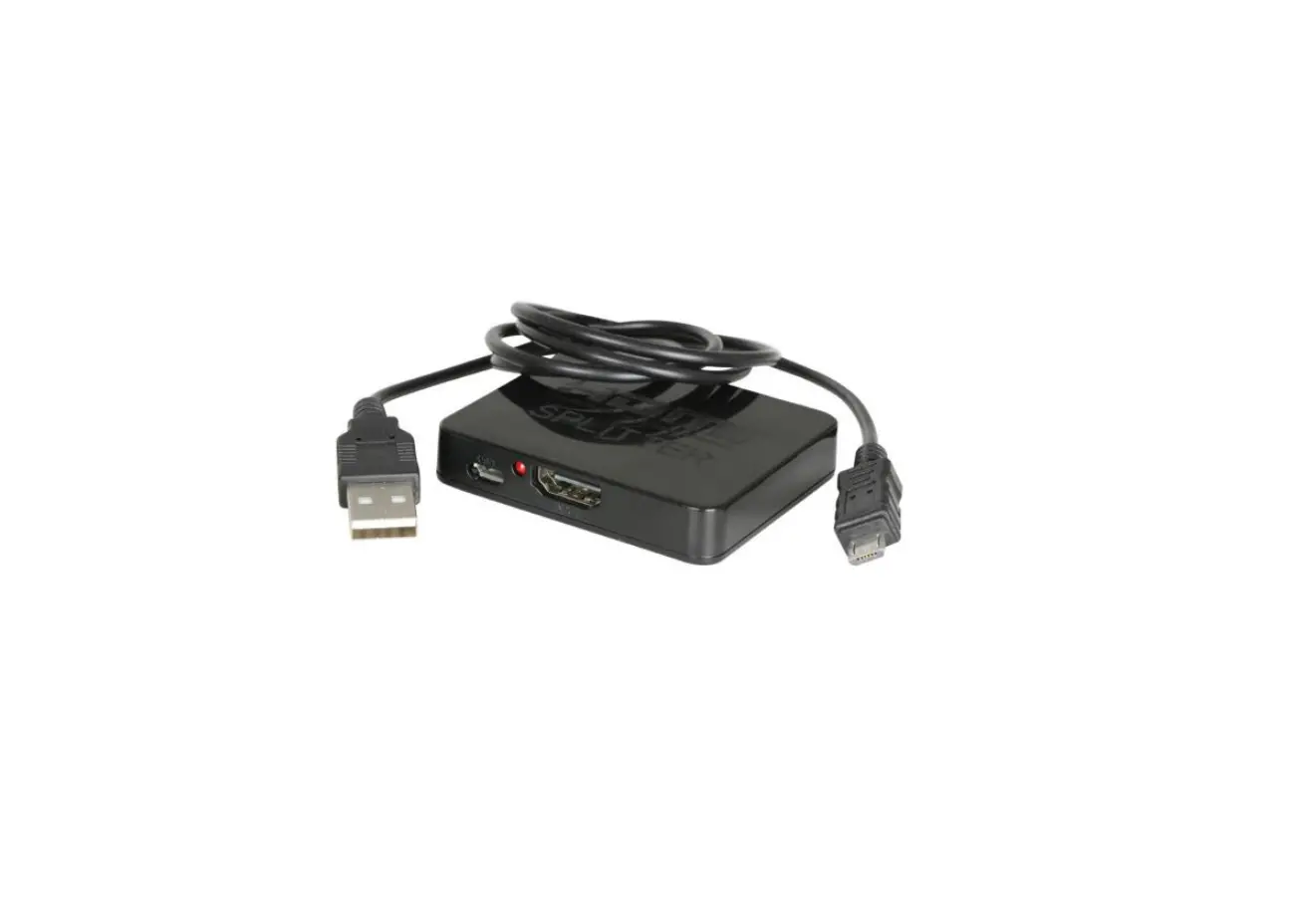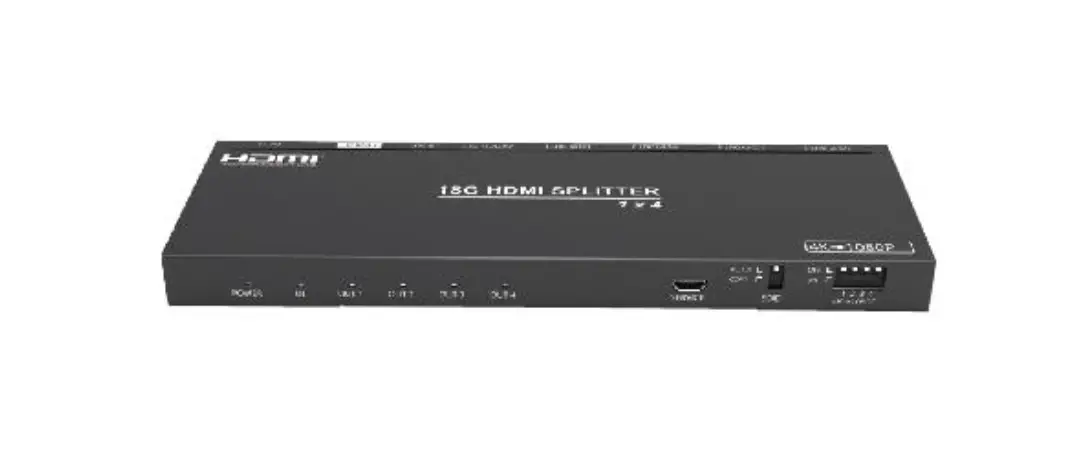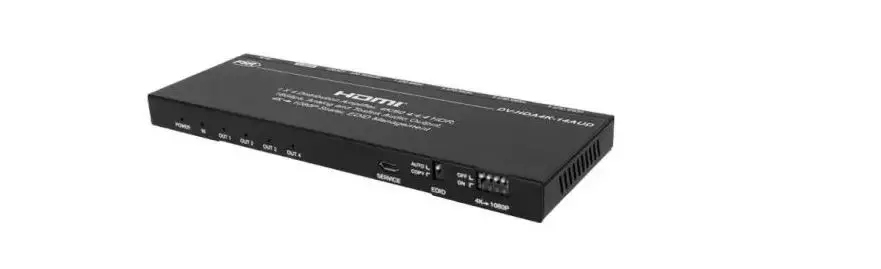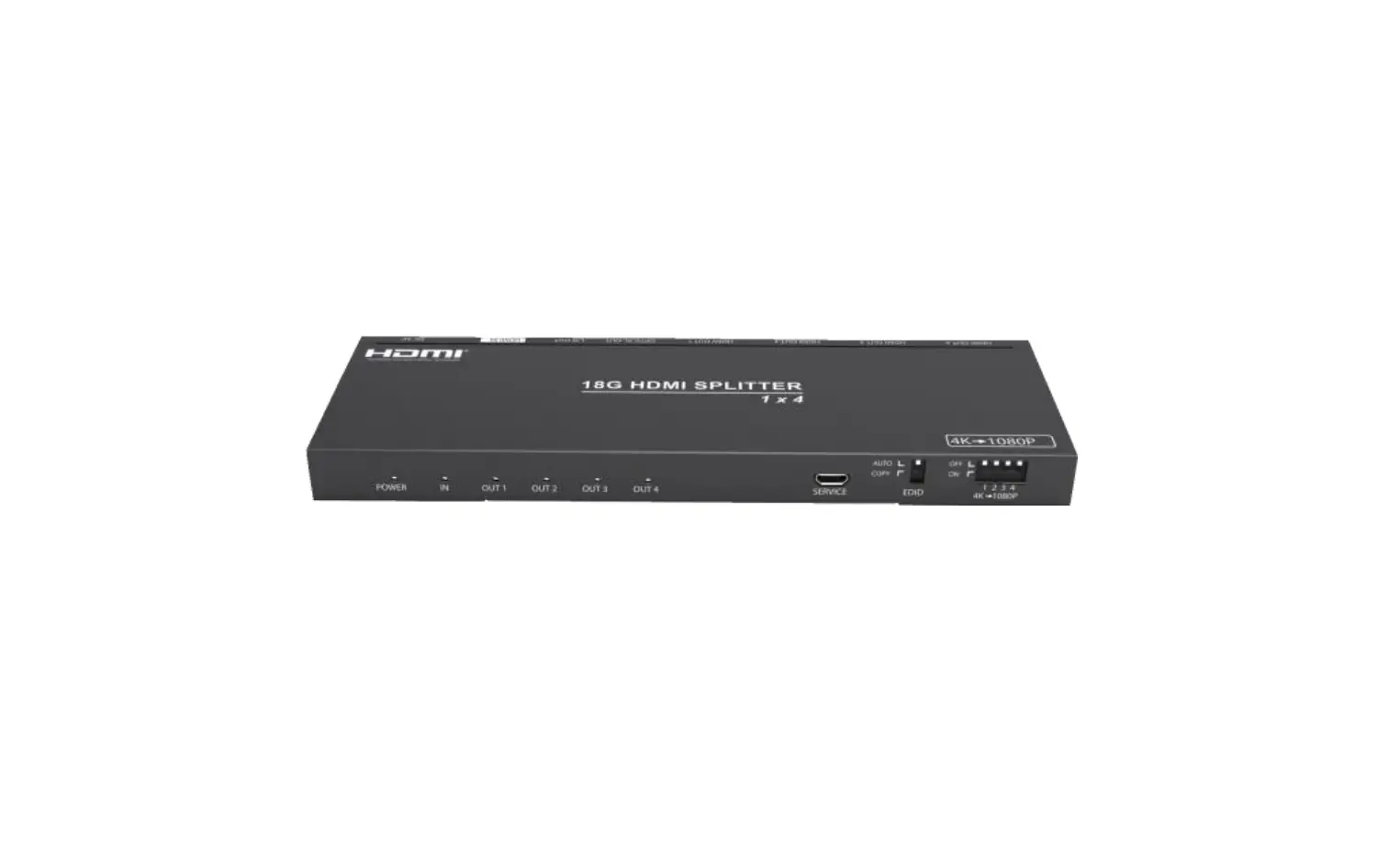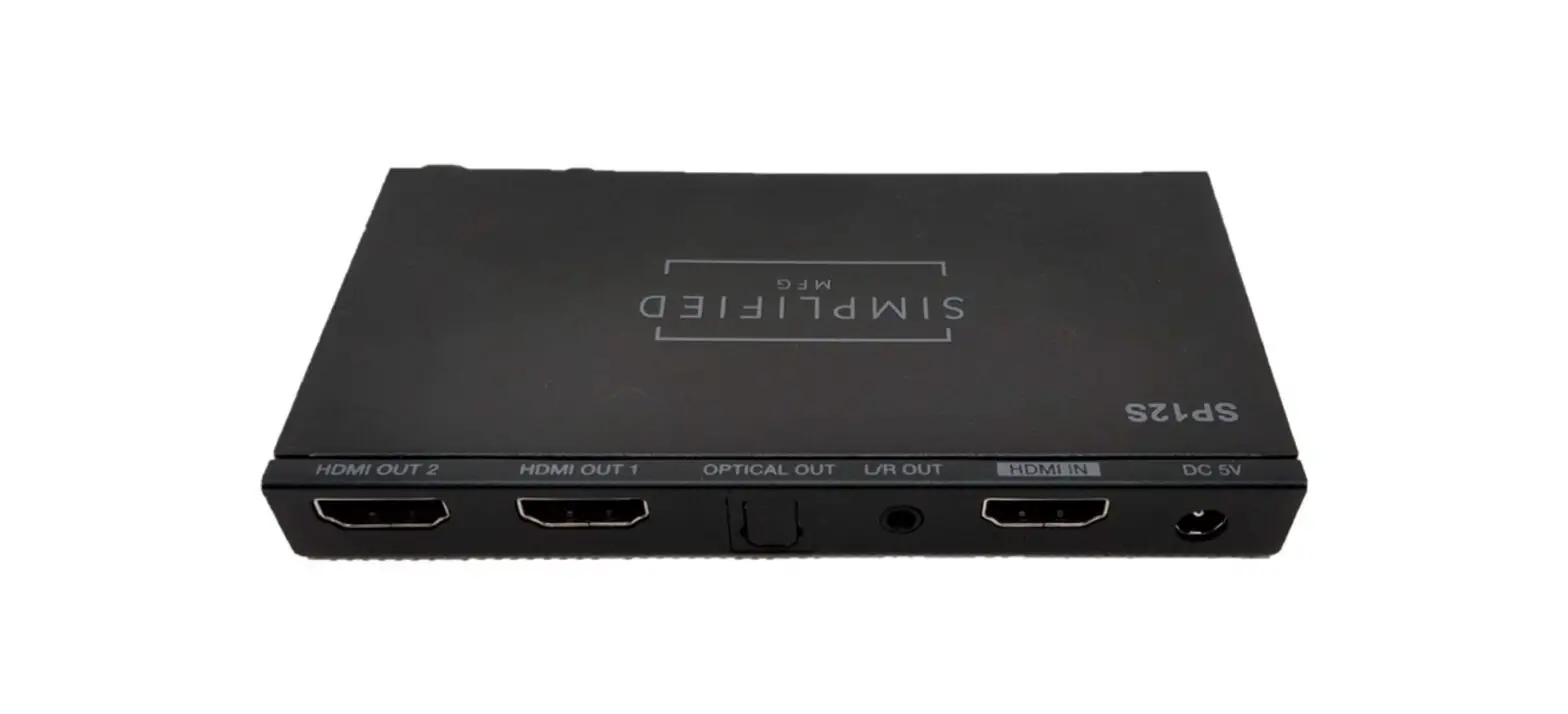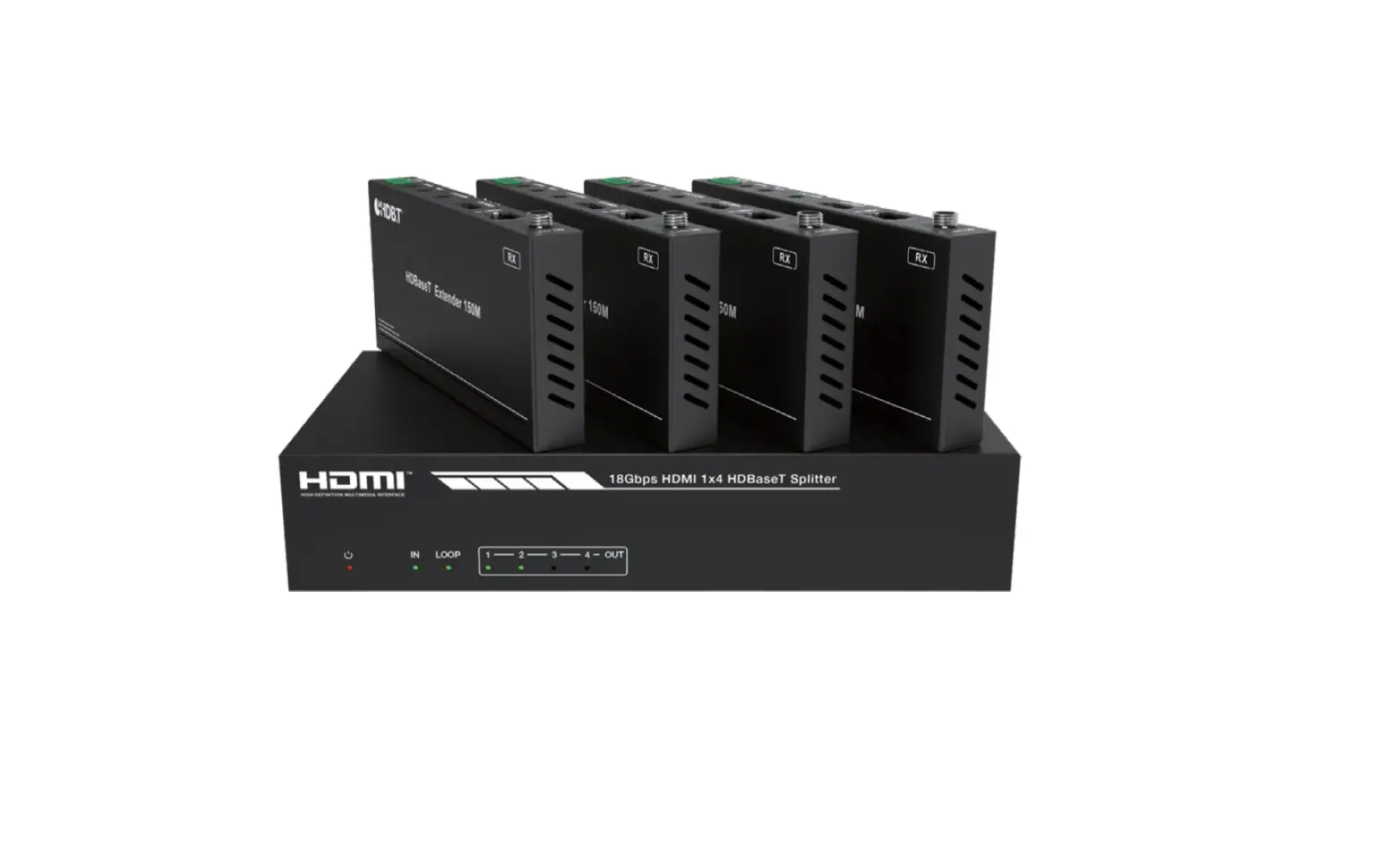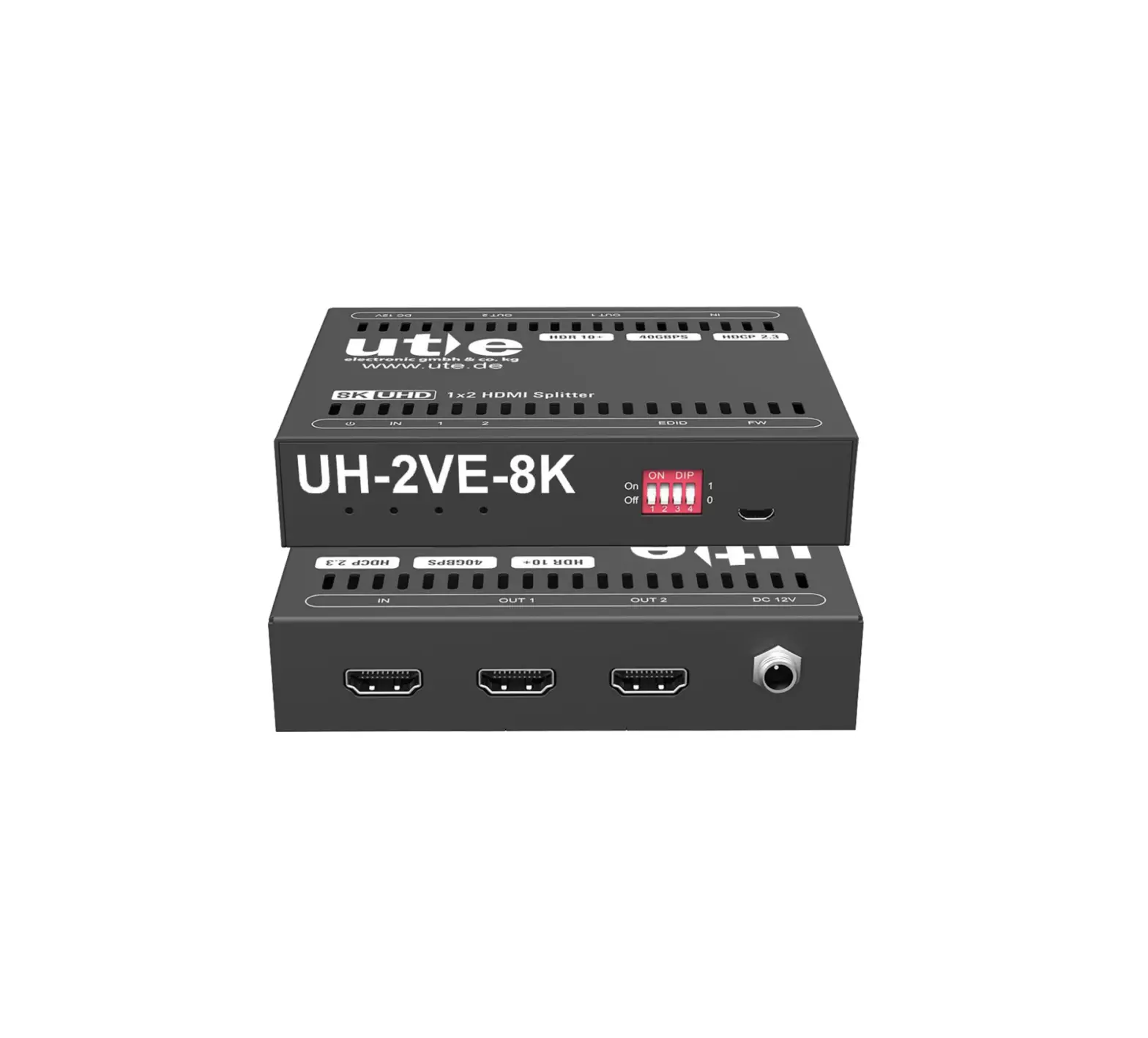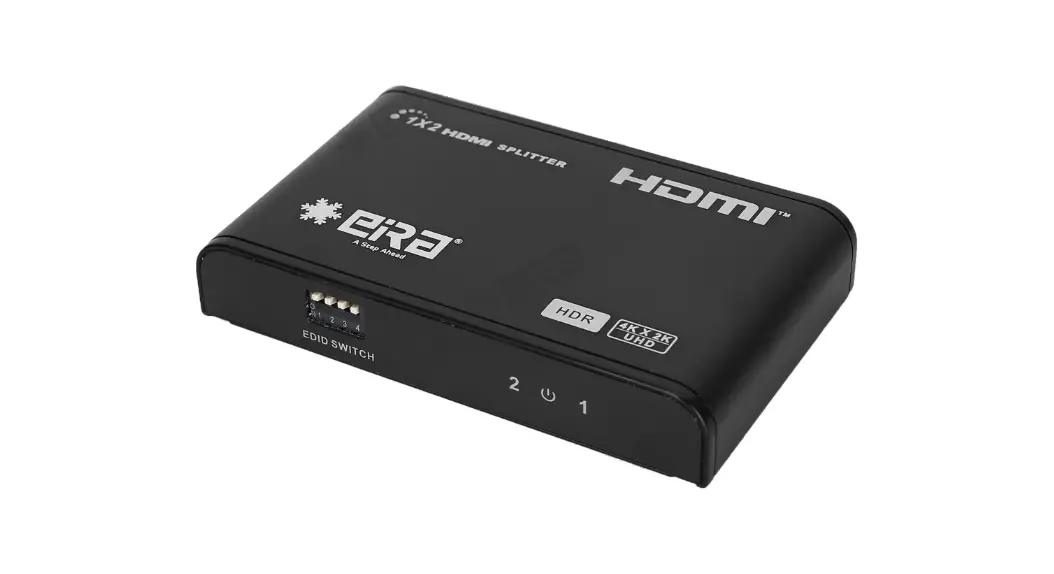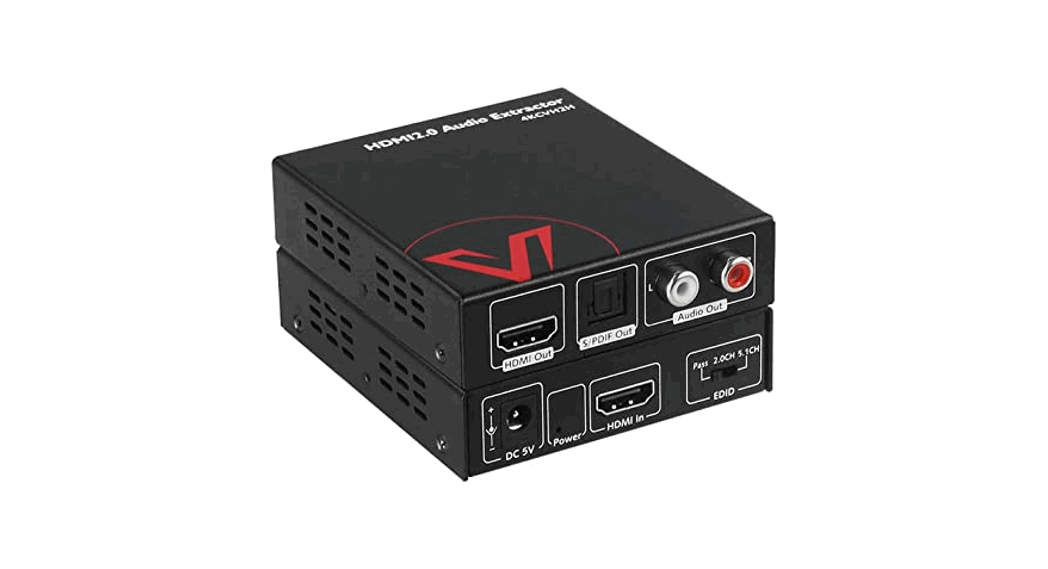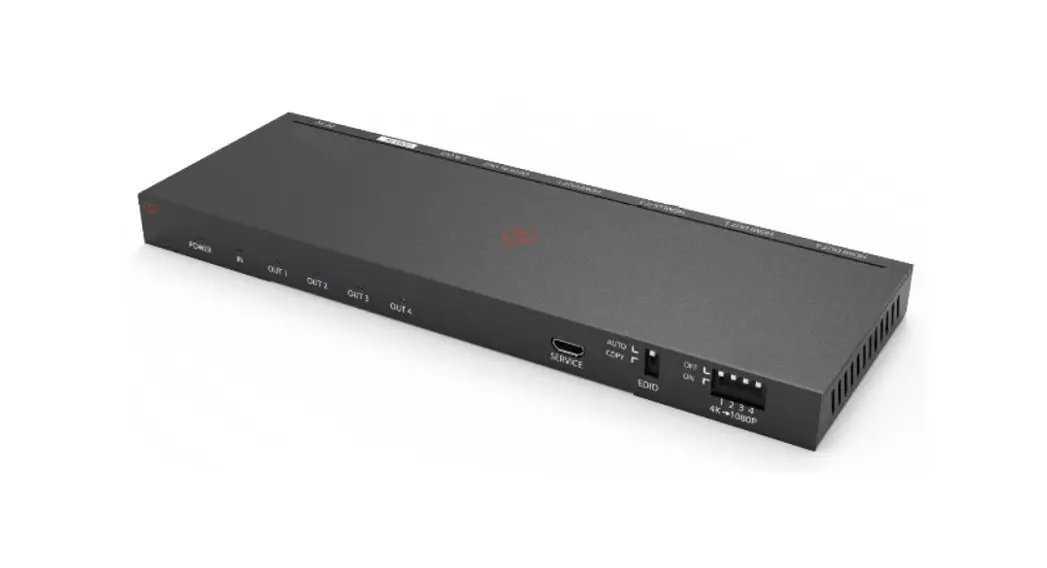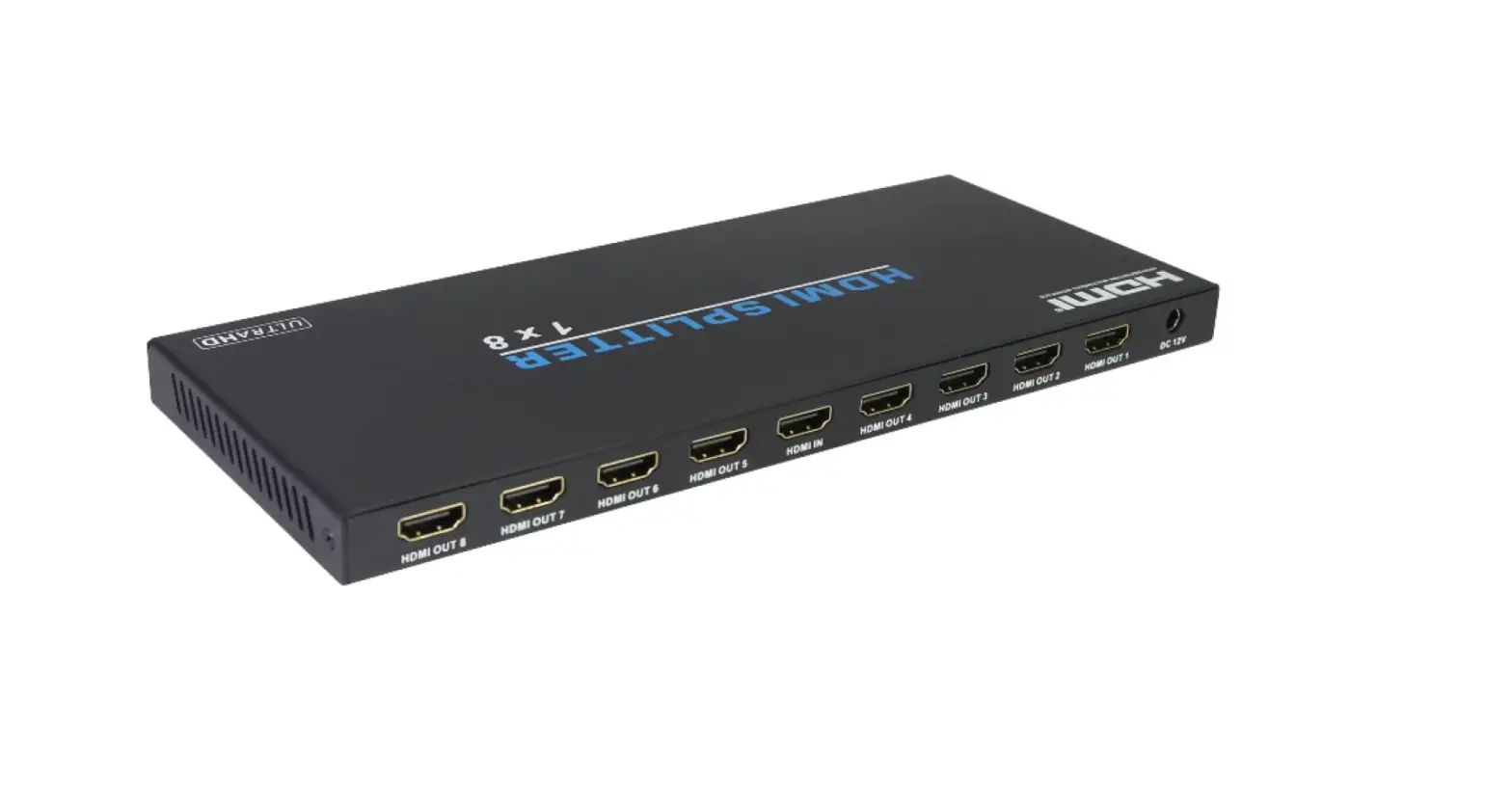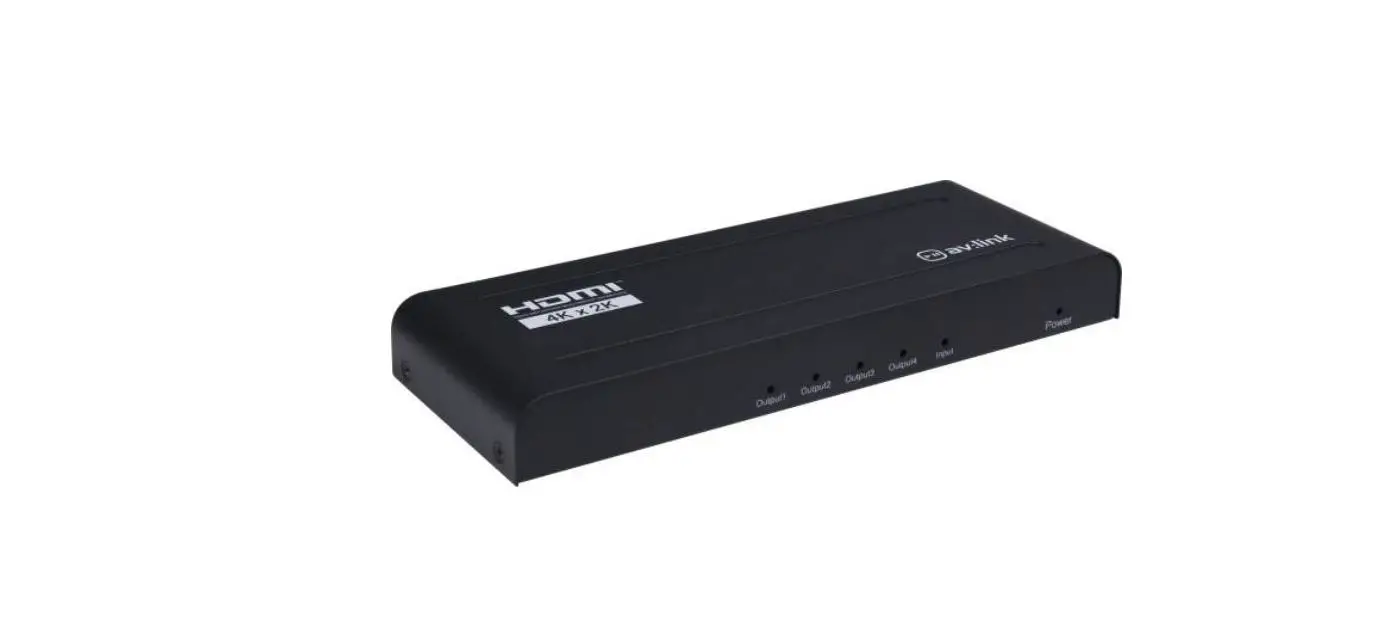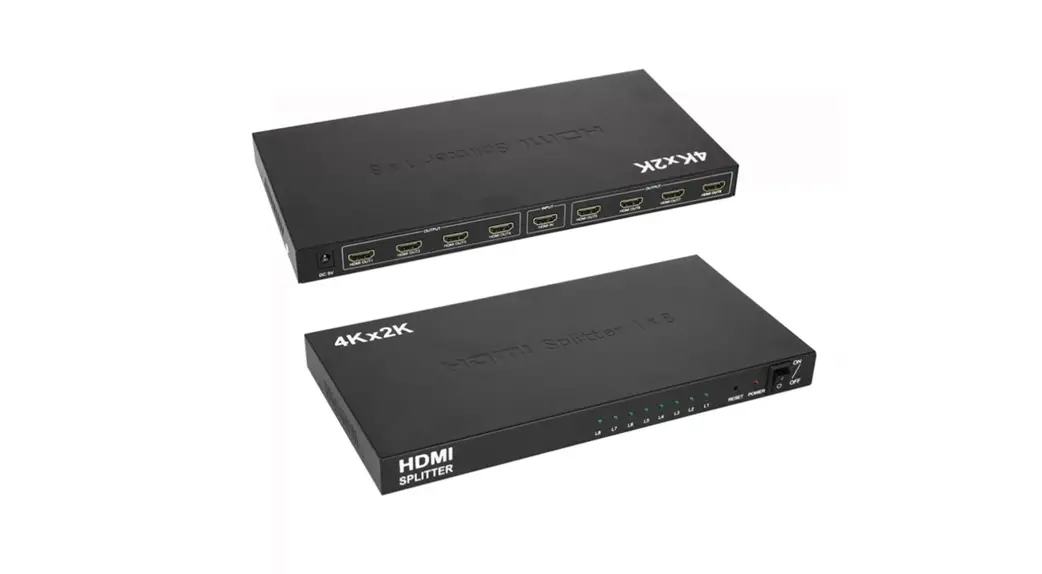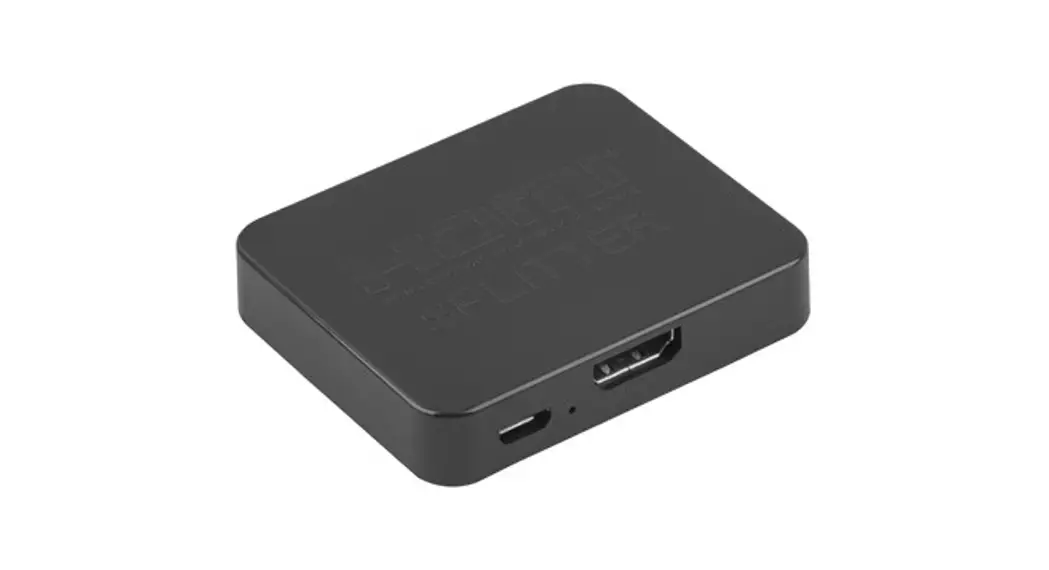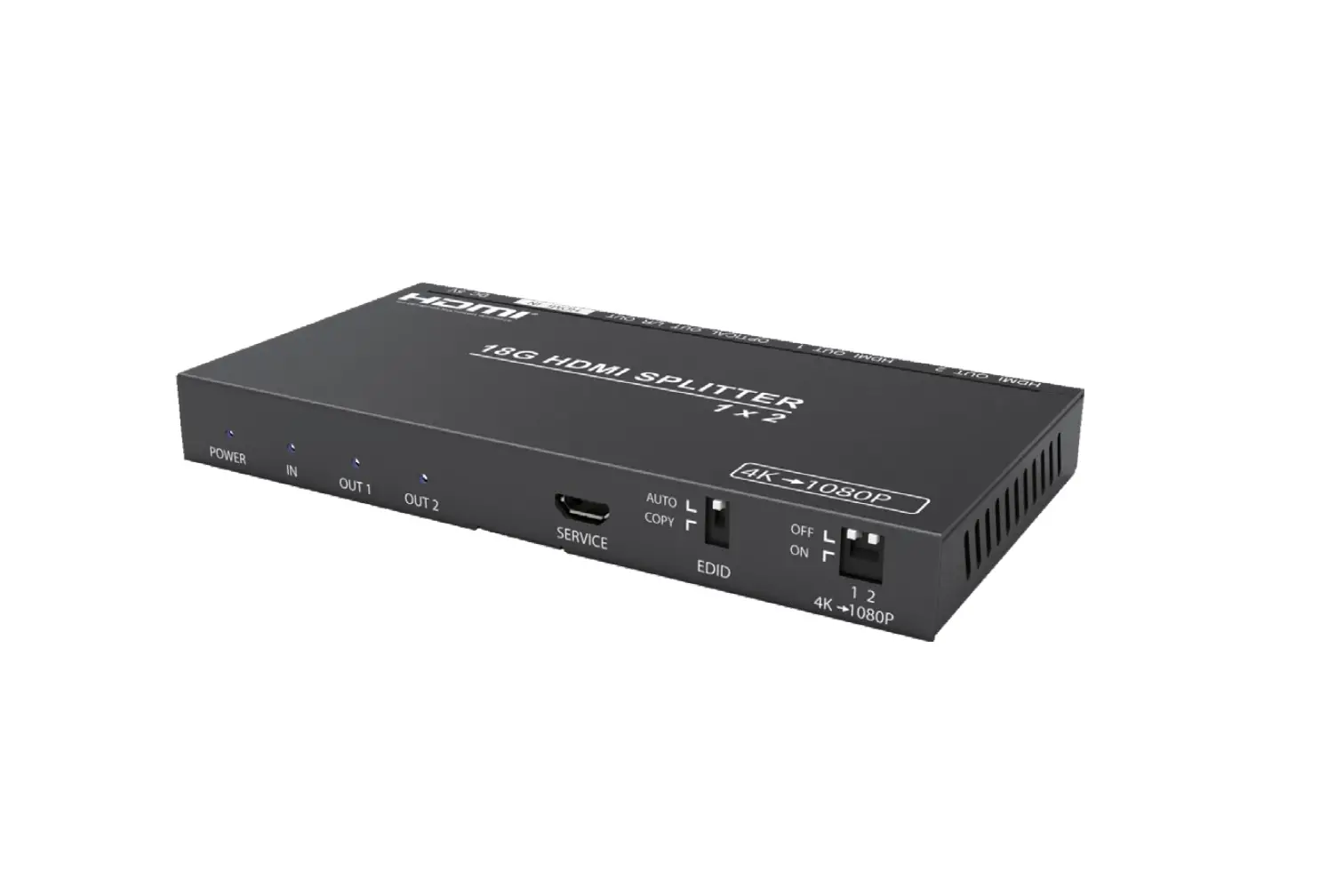

LINK-MI ENT-SP20B2A HDMI 1×2 Splitter with Video Scaler/Audio Extract
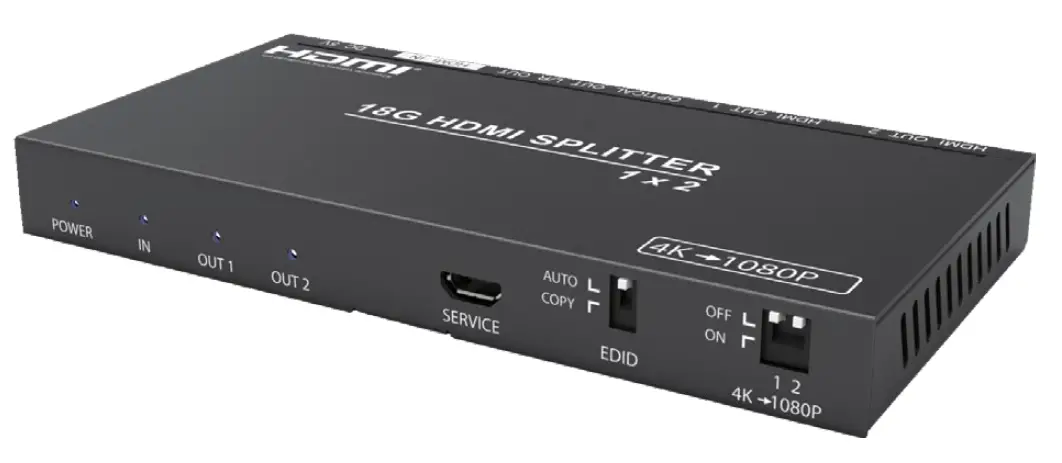
Thank you for purchasing this product
For optimum performance and safety, please read these instructions carefully before connecting, operating or adjusting this product. Please keep this manual for future reference.
Surge protection device recommended
This product contains sensitive electrical components that may be damaged by electrical spikes, surges, electric shock, lighting strikes, etc. Use of surge protection systems is highly recommended in order to protect and extend the life of your equipment.
Introduction
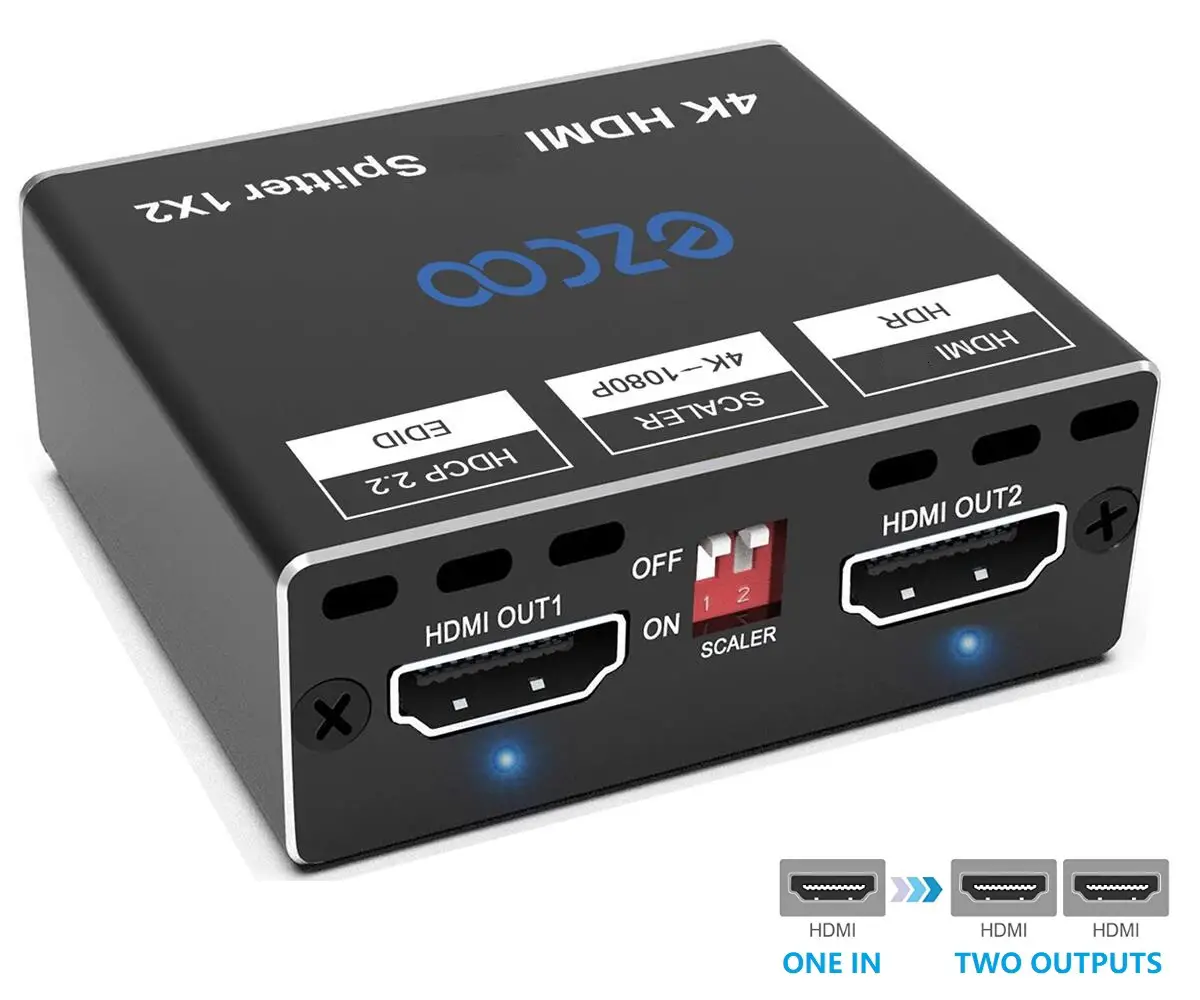
Paugge 18Gbps HDMI 1×2 Splitter can distribute 1 HDMI source signal to 2 HDMI display devices. It supports resolution up to 4K2K@50/60Hz (4:4:4). This product supports audio extract from HDMI source to optical and analog output. Two EDID modes (COPY/AUTO) can be selected. All output ports
support signal bypass and video downscaler(4K->1080P ) function.
Features
- HDMI 2.0b, HDCP2.2/HDCP1.4 compliant
- Support 18Gbps video bandwidth
- Support video resolution up to 4K2K@50/60Hz (4:4:4)
- Supports HDR function
- AOC Fiber HDMI 2.0 & 2.1 Support
- Support digital and analog audio extract output from HDMI source
- Output ports support signal bypass and 4K->1080P downscaler function via the dial switch on panel
- EDID can be selected COPY and AUTO modes via the dial switch on panel
- Support HDMI audio format: LPCM, Dolby Digital/Plus/EX, Dolby True HD, DTS, DTS-EX,DTS-96/24, DTS High Res, DTS-HD Master Audio, DSD
Package Contents
- 1× 18Gbps HDMI 1×2 Splitter
- 1× 5V/1A Power Adapter
- 1× User Manual
Specifications
| Technical | |
| HDMI Compliance | HDMI 2.0b |
| HDCP Compliance | HDCP 2.2 and HDCP 1.4 |
| Video Bandwidth | 18Gbps |
| Video Resolution | 720P50/60Hz, 1080P50/60Hz, 4K2K24Hz, 4K2K30Hz, 4K2K@50/60Hz (4:4:4) |
| Color Space | RGB, YCbCr 4:4:4, YCbCr 4:2:2, HDR |
| Color Depth | 8-bit (4K60Hz), 12-bit (1080P) |
| HDMI Audio Formats | LPCM, Dolby Digital/Plus/EX, Dolby True HD, DTS, DTS-EX, DTS-96/24, DTS High Res, DTS-HD Master Audio, DSD |
| L/R Audio Formats | PCM 2.0 |
| Optical Audio Formats | LPCM [2.0/2.1]CH, Dolby 5.1, Dolby True HD,Dolby DD+, DTS 5.1, DTS-ES 6, DTS-HDMA 5.1, DTS HD-HRA 5.1 |
| ESD Protection | Human-body Model: ±8kV (Air-gap discharge) , ±4kV (Contact discharge) |
| Connection | |
| Input ports | 1×HDMI Type A [19-pin female] |
| Output ports | 2×HDMI Type A [19-pin female] 1×L/R Audio out [3.5mm Stereo Mini-jack] 1×Optical out [S/PDIF] |
| Mechanical | |
| Housing | Metal Enclosure |
| Color | Black |
| Dimensions | 120mm(W)×62.5mm(D)×14mm(H) |
| Weight | 166g |
| Power Supply | Input: AC100~240V 50/60Hz Output: DC5V/1A (US/EU standards,CE/FCC/UL certified) |
| Power Consumption | 2.8W |
| Operating Temperature | 0°C ~ 40°C / 32°F ~ 104°F |
| Storage Temperature | -20°C ~ 60°C / -4°F ~ 140°F |
| Relative Humidity | 20~90% RH (non-condensing) |
Operation Controls and Functions
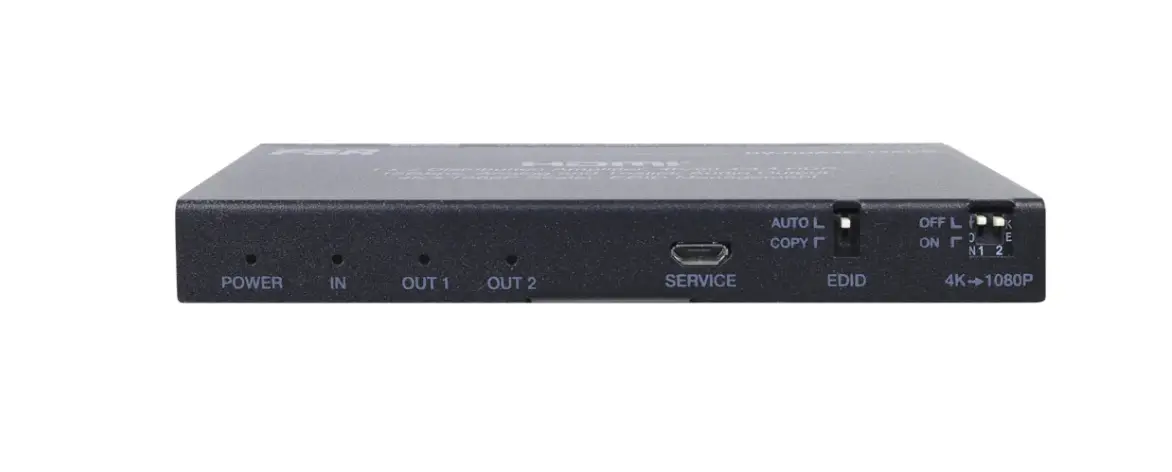
Front Panel
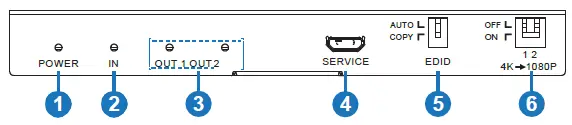
| Number | Name | Function Description |
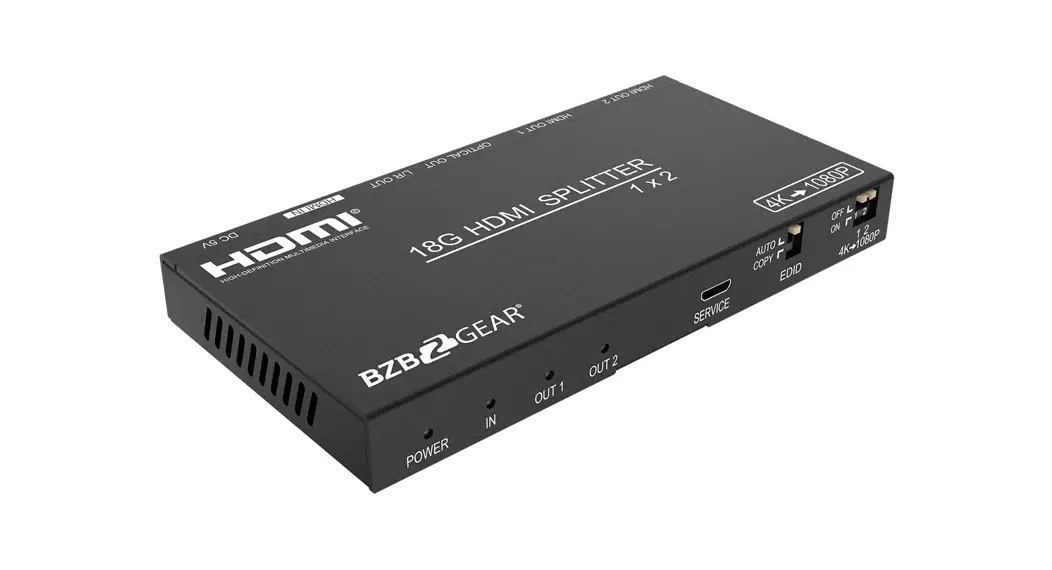
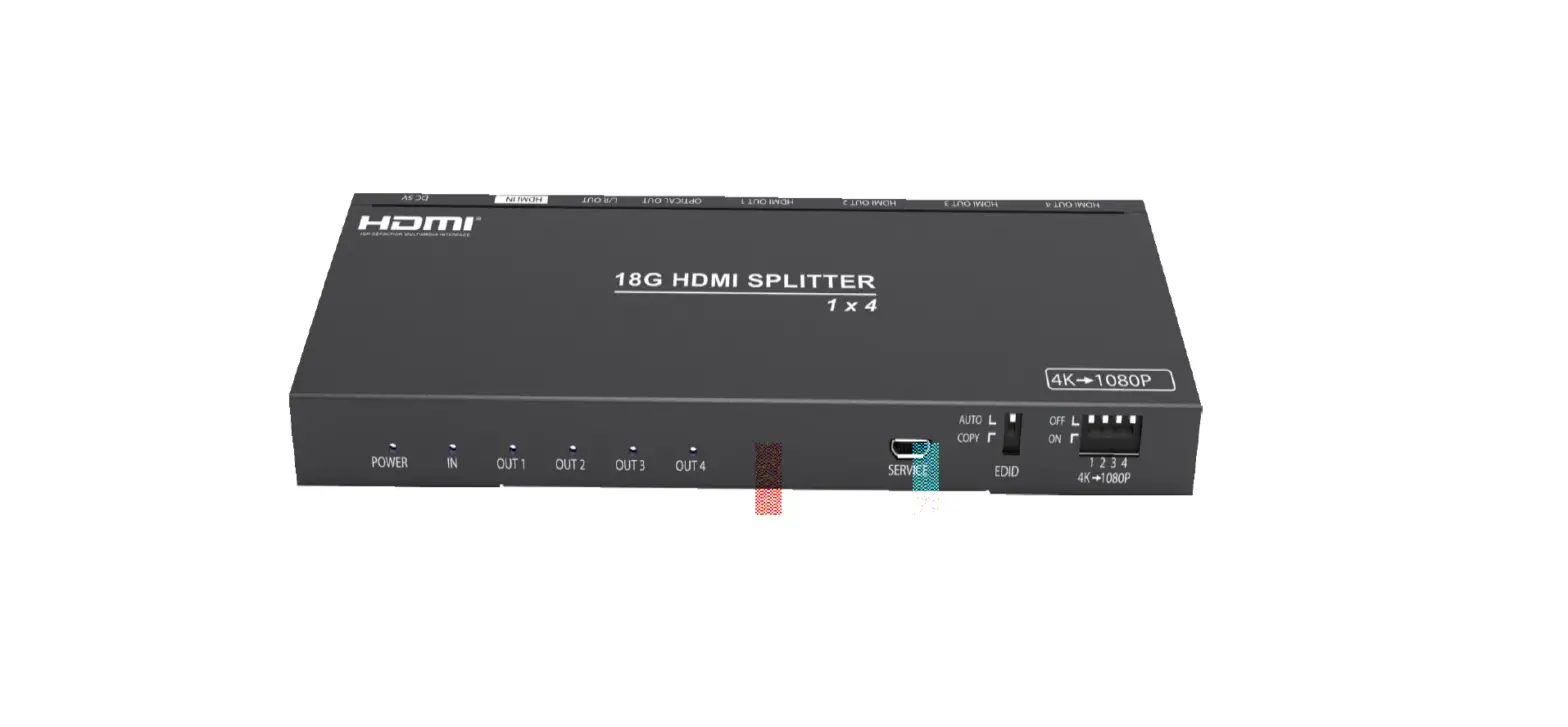
| 1 | POWER LED | The blue LED will be on when the device is powered on. |
| 2 | HDMI INPUT LED | The blue LED will be on when the HDMI IN port has connected an active HDMI source device with a HDMI cable. |
| 3 | HDMI OUTPUT LED | When the HDMI OUT 1/2 port has connected an avtice display device with a HDMI cable, the corresponding LED will be on. |
| 4 | SERVICE port | Used for fireware update. (Only for Manufacture use) |
|
5 |
EDID (AUTO, COPY) Dial switch | Dial the switch to select EDID modes. AUTO: Compare OUT 1 and OUT 2 displays EDID setting, then output the best resolution to source device, then the source will transmit the signal to all outputs. COPY: Copy the HDMI OUT 1 port EDID setting to source device, then the source device will transmit the signal to all outputs. |
| 6 | 4K→1080P Dial switch | OFF: When the switch is dialed to “OFF”, signal input and output is in bypass status. ON: When the switch is dialed to “ON”, the input signal will be downscaled (4k->1080P) before output. |
Rear Panel
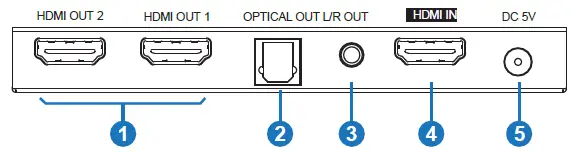
| Number | Name | Function Description |
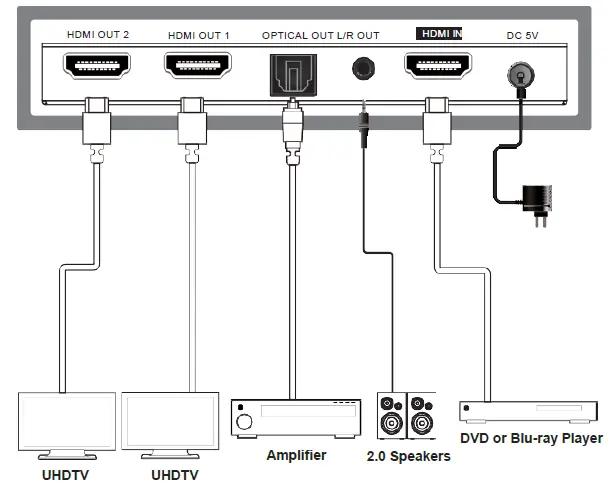
| 1 | HDMI OUTPUT | HDMI output port. Connect to HDMI display device such as TV or monitor. |
| 2 | OPTICAL OUT | Optical audio output port. Connect the amplifier to output audio from HDMI IN port. |
| 3 | L/R OUT | Analog audio output port. Connect the speaker to output audio from HDMI IN port. |
| 4 | HDMI IN | HDMI input port. Connect to HDMI source device such as DVD player or PS4. |
| 5 | DC 5V | Plug the 5V/1A DC power cord into the unit and connect the adapter to an AC outlet. |
Application Example