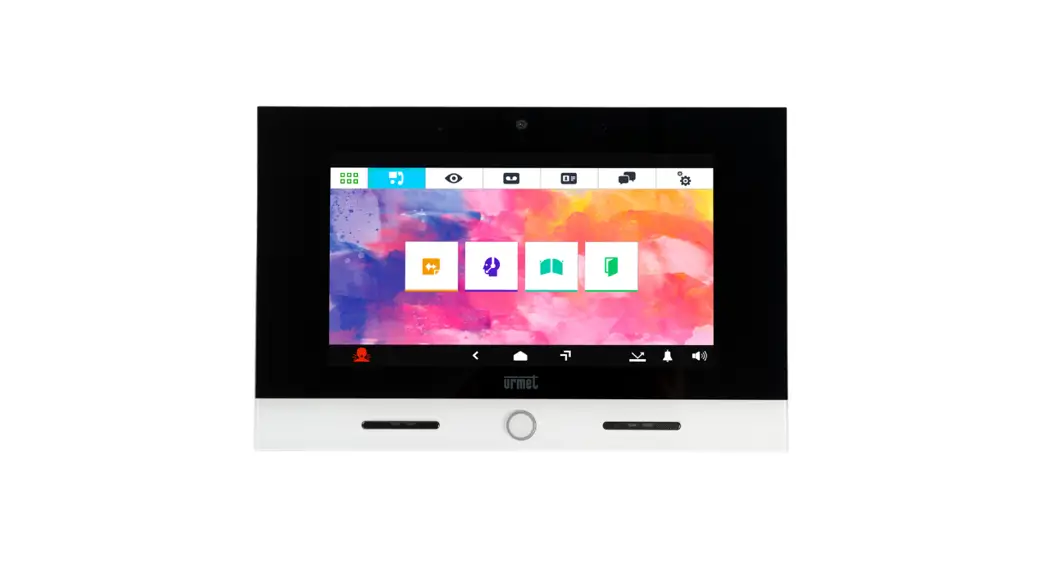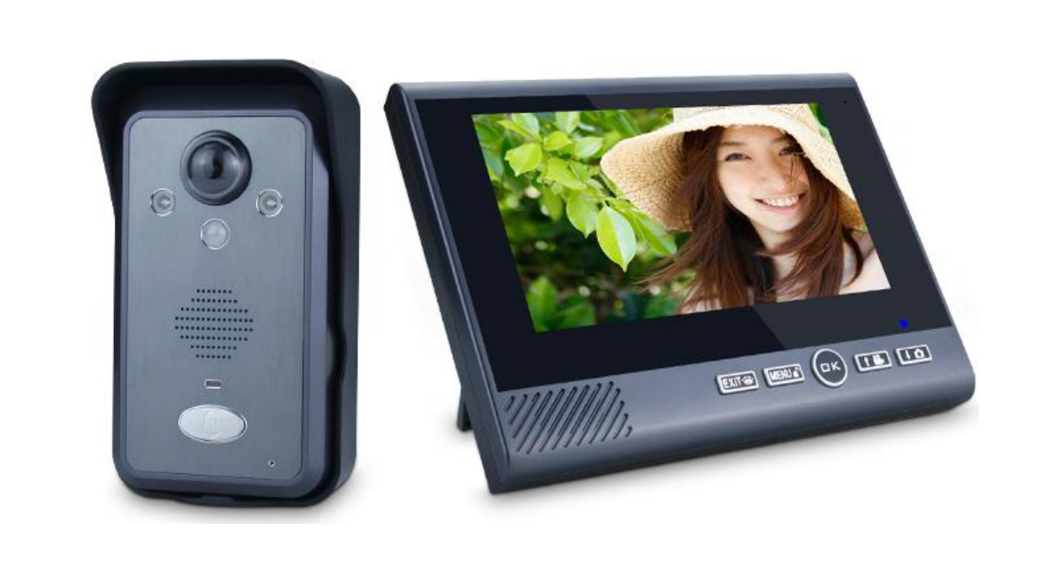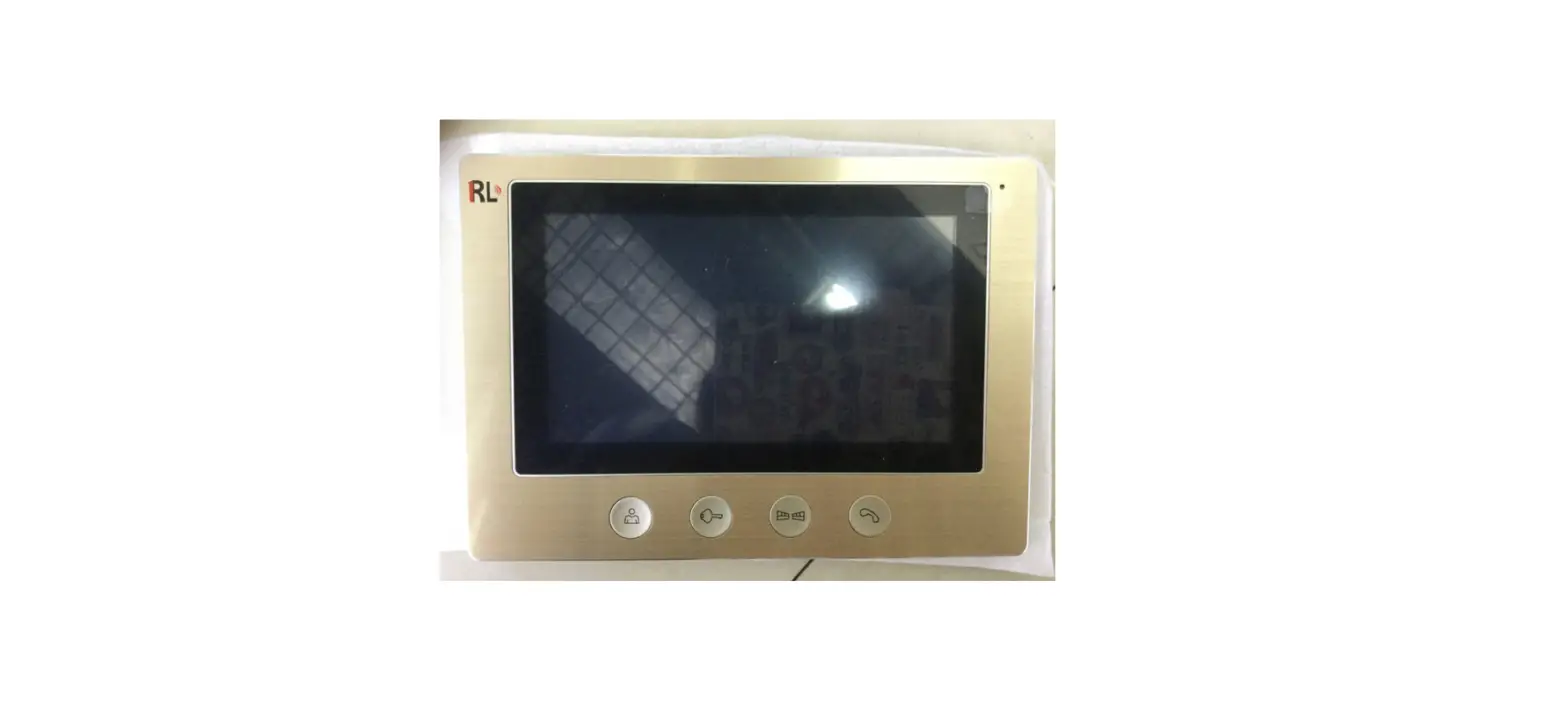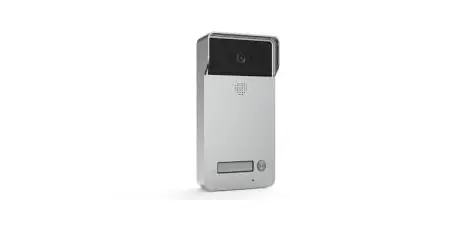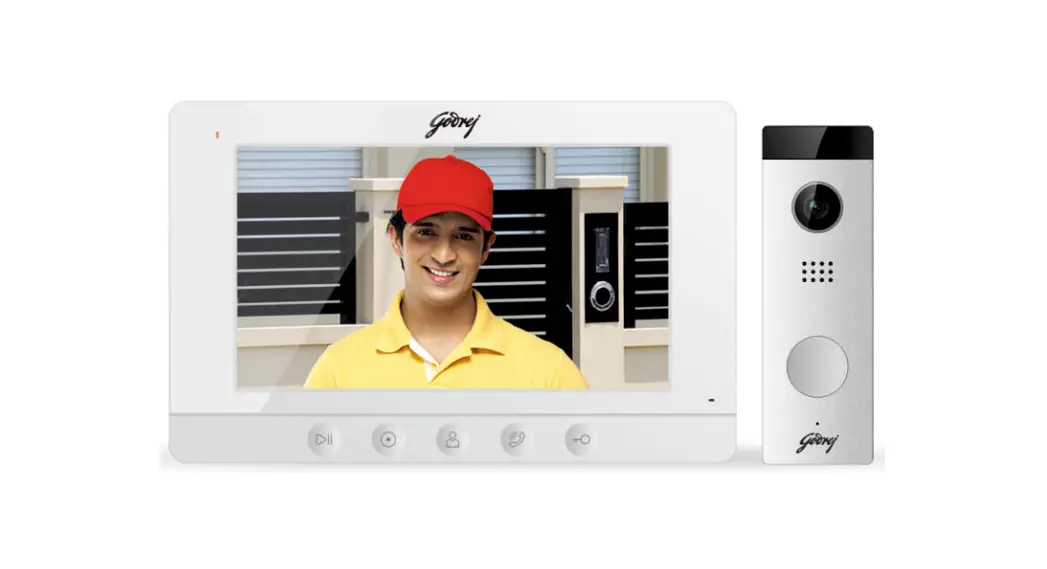


Video Door Phone
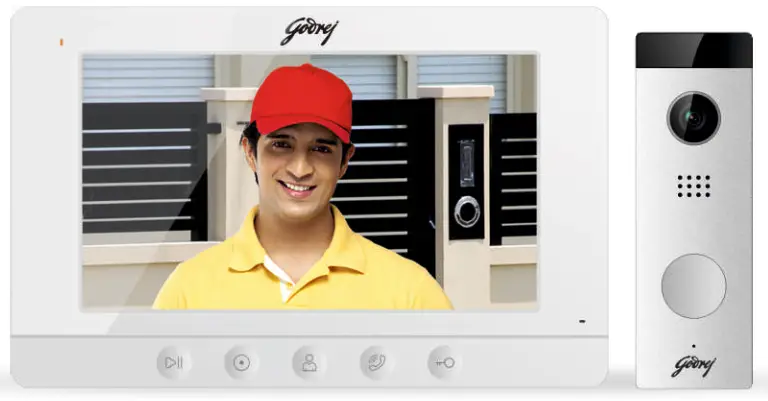
USER MANUAL
 | Warning: Death or serious injury is expected. |
 | Do not disassemble, install, or repair this product on your own accord. |
 | Do not place the product near a hot or humid place. |
| Do not forcibly bend the cord or put a heavy object on the product. | |
| Do not use water, thinner, or a detergent used to wash oil products when you wash the exterior. | |
| Do not connect to other products while in use. | |
 | Make sure to clean it by using a dry cloth to prevent any breakdown or electric shock. |
| If the product emits a peculiar noise, odor or smoke, immediately cut off the power, and then contact the service center. | |
 | Do not put the plug in the socket with a wet hand. |
 | Caution: An injury or property losses are expected |
| Make sure that dust or foreign substances are not gathered on the product. |
| Make sure to prevent foreign substances from entering the product. | |
| Avoid direct rays of the sun or heating devices at the time of installation. | |
| Install the product in a flat and stable place. | |
 | Pull the plug if the product is not used for a long time. |
| Do not unplug the micro SD card when recording, this generally will cause a loss of data. |
FEATURES AND FUNCTIONS
Monitor
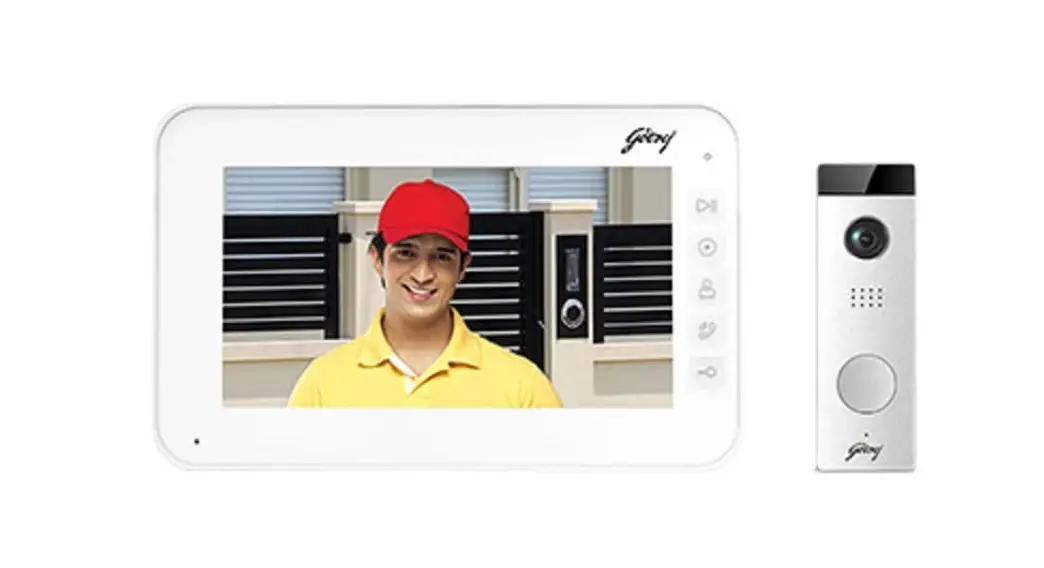
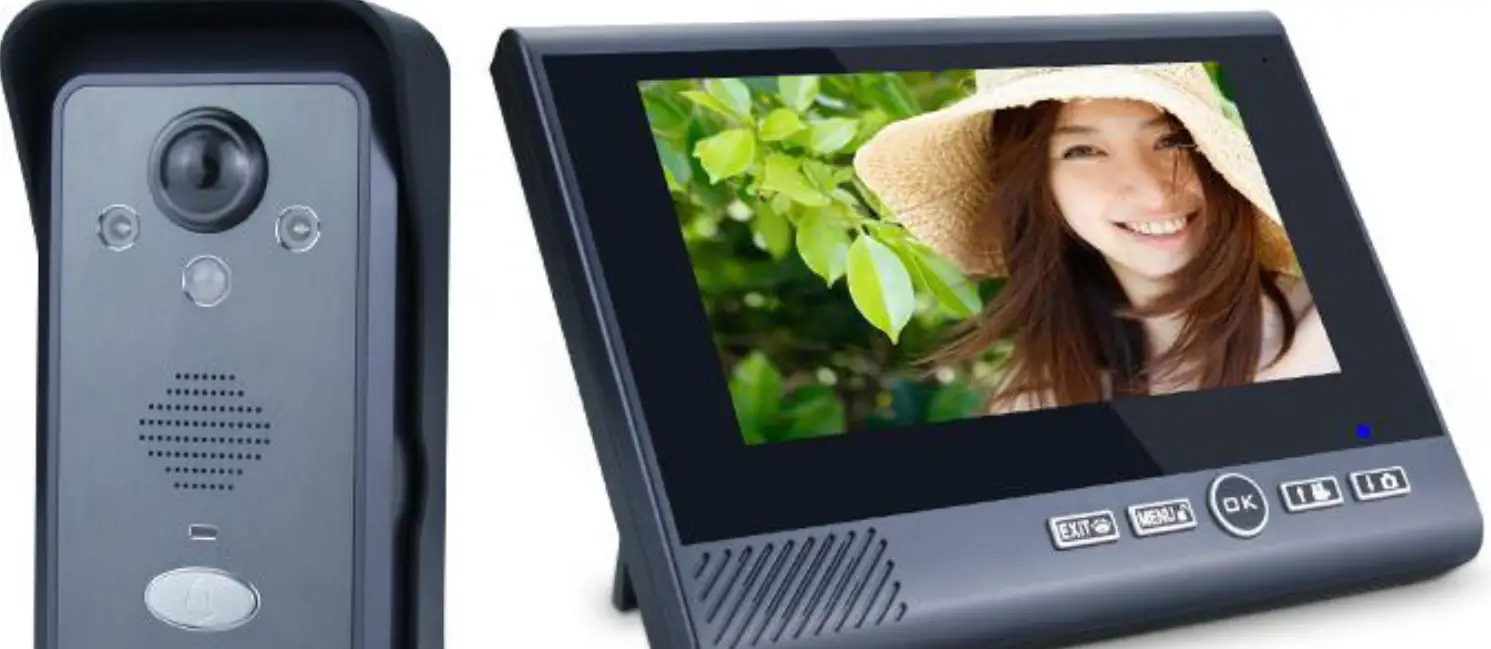
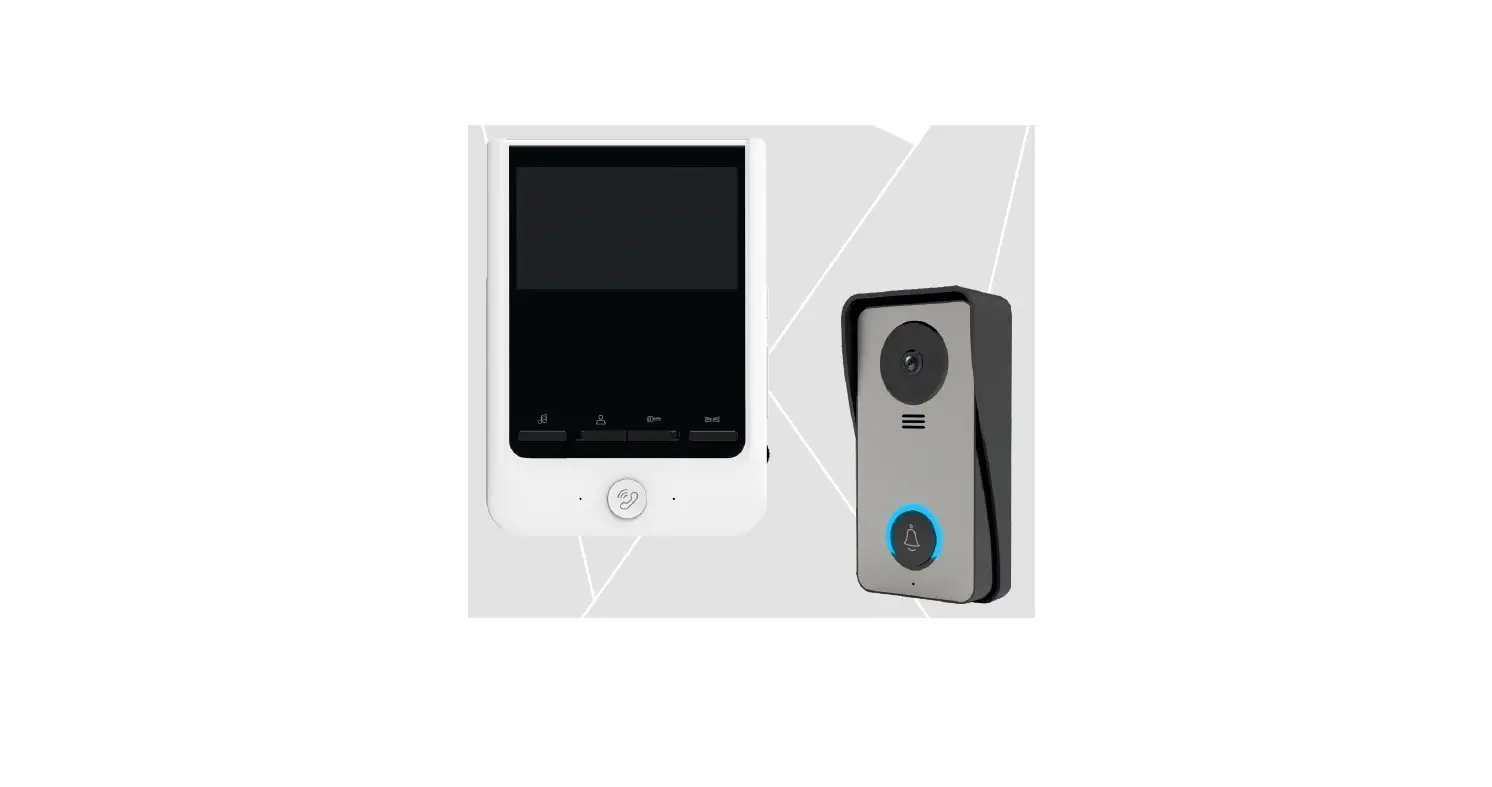
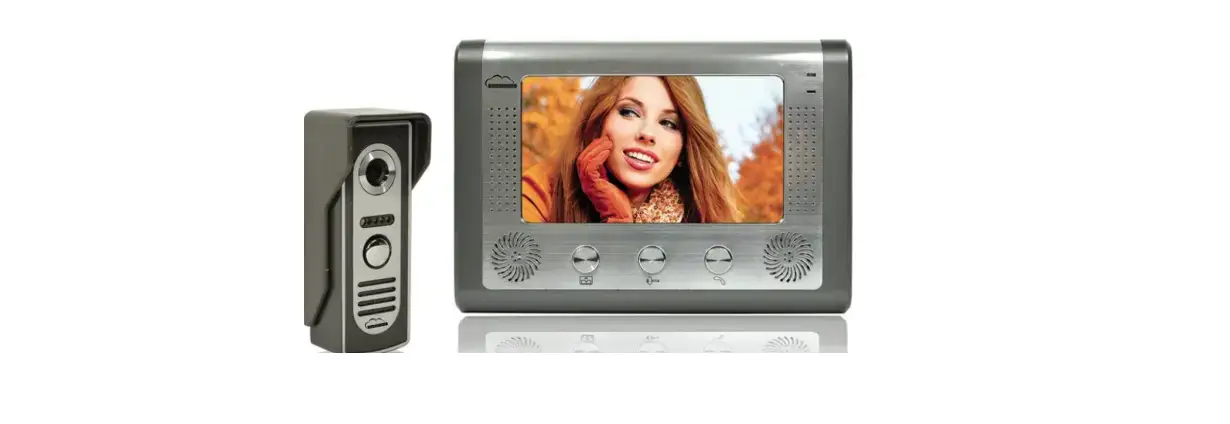
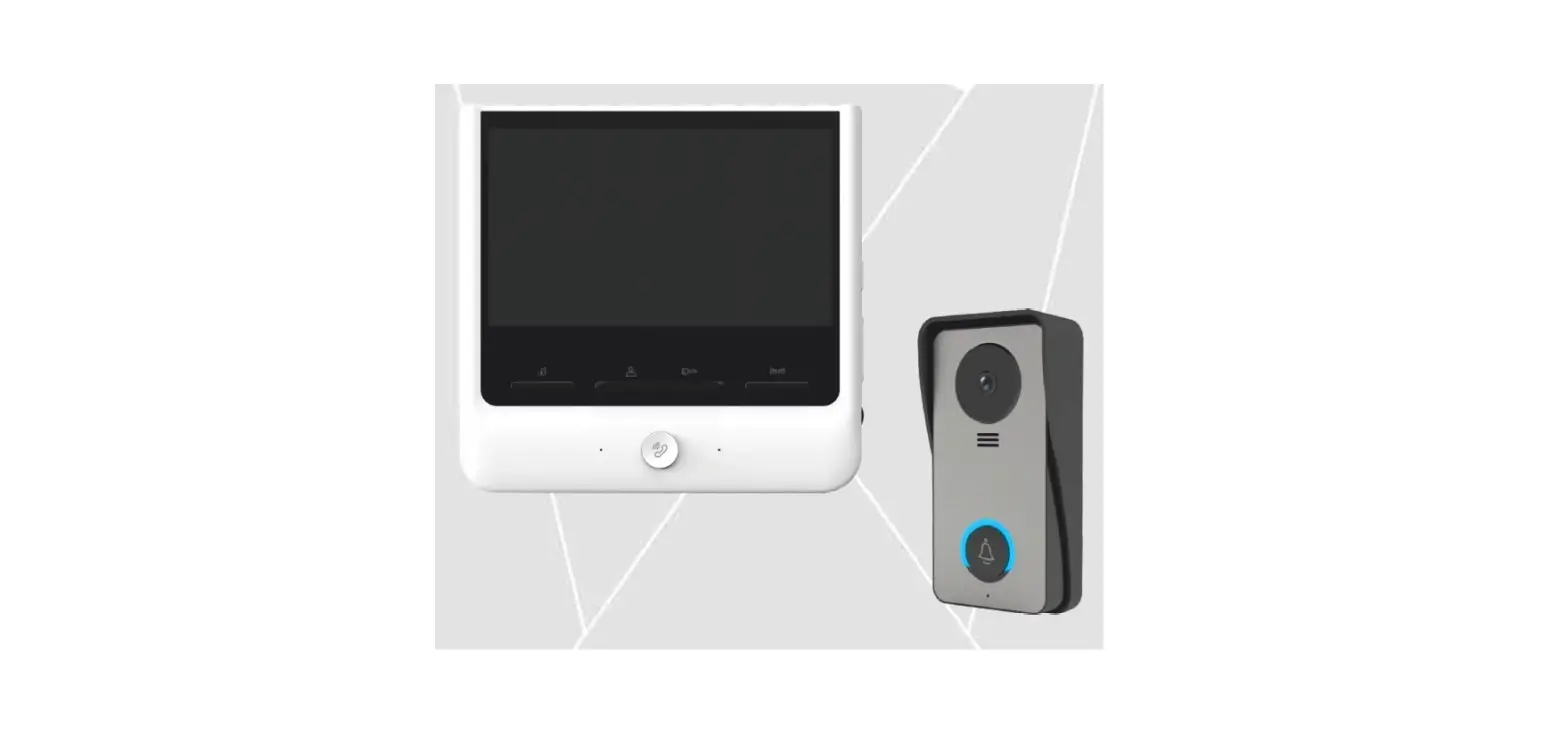
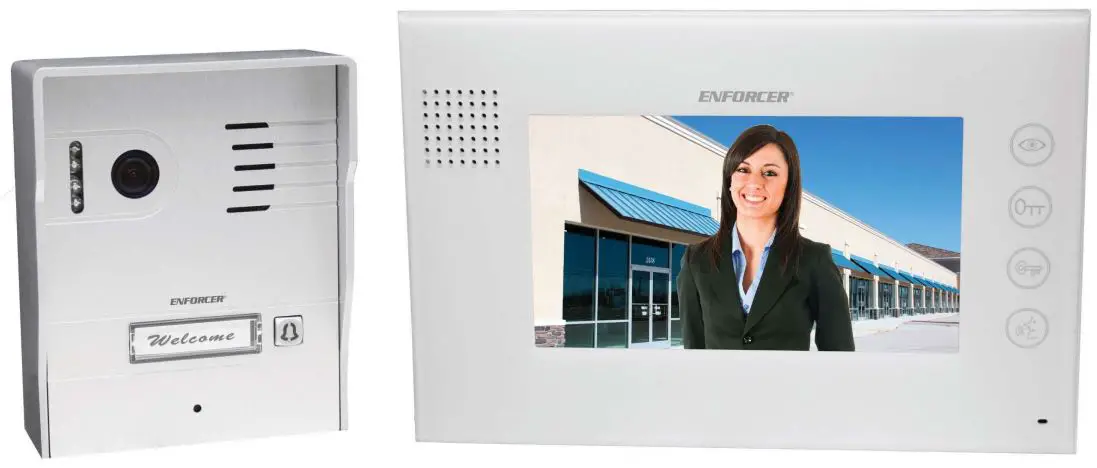
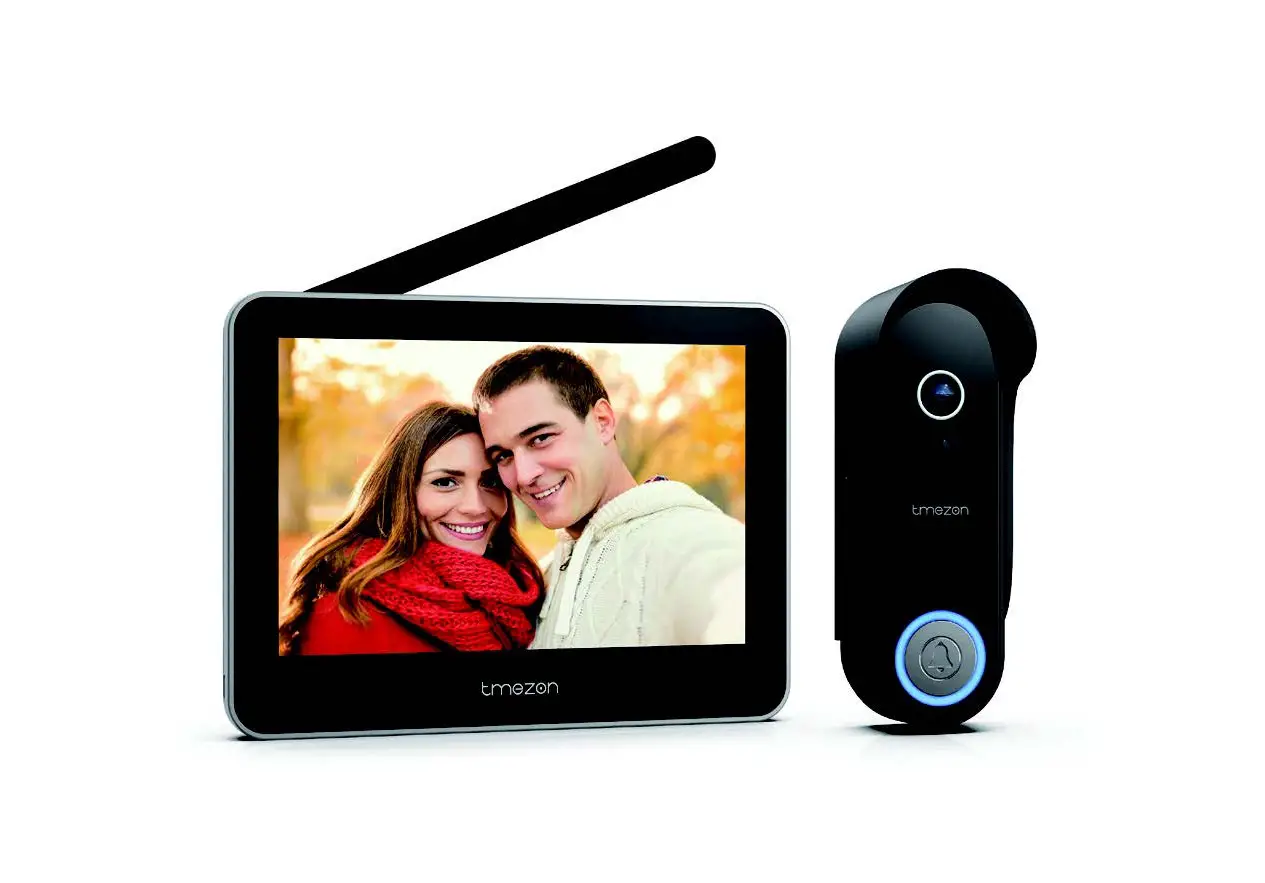
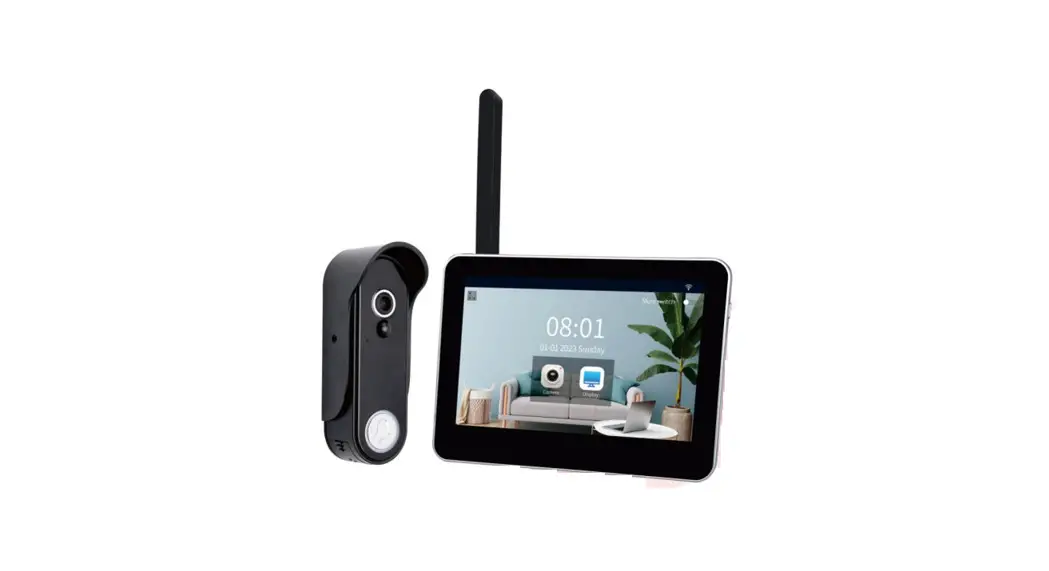
- 7″ color indoor monitor
- Support 2 door stations and 3 monitors
- Brightness, color, and contrast adjustable
- Ring volume adjustable
- Hands-free
- Support DC 12V power input
- Support 5 touch buttons
- Support intercom network
- Support 1 CCTV input
- OSD menu support
- Door lock release
- Monitoring & Talking with a visitor Outdoor Panel
- Wide angle color camera
- Door lock release
- LED for night vision
- Surface mounted
SPECIFICATIONS MONITOR UNIT
| Category | Specification |
| TFT LCD | 7-inch digital TFT LCD |
| LCD resolution | 800(RGB)*480 |
| Connection with cart | Support two 4wire outdoor stations and wire CCTV |
| Input power | DC:12W2A |
| Power consumption | Max:7W Standby:1.5W |
| Dimensions(mm) | 204(W)x130(H)x16(D) |
SPECIFICATIONS OUTDOOR PANEL
| Category | Specification |
| Camera Resolution | 700 TVL |
| Night vision | White LED |
| Wiring | 4 Wire Monitor/2 Wire Electronic lock |
| Operation temperature | 205(W)×128(H)×18(D) |
| Dimension (mm) | 124(H)×40(W)×25(D) |
VDP (VIDEO DOOR PHONE) CONTENT
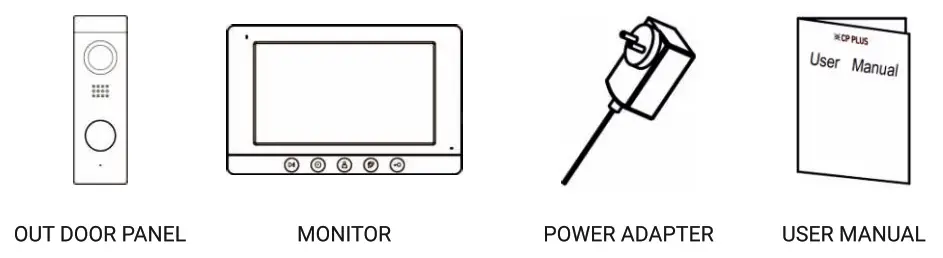
HARDWARE DESCRIPTION
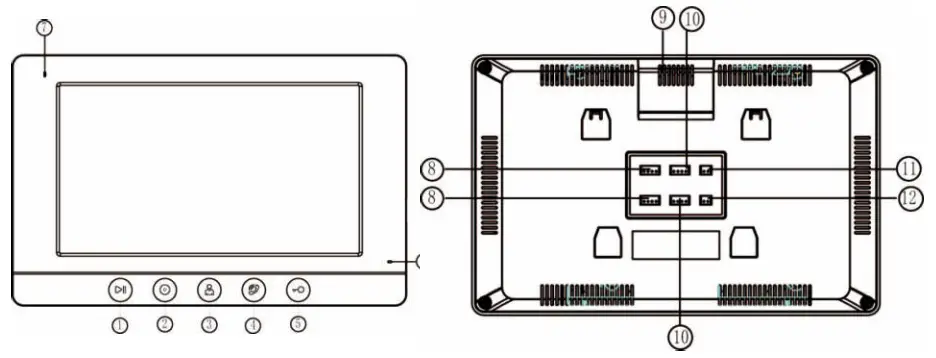
| No. | Part Name | Description |
| 1 | Menu Button | Monitoring interface used for menu selection |
| 2 | Intercom Button | Intercom Button between indoor monitors |
| 3 | Monitor Button | Button for monitoring outdoor panel |
| 4 | Talk Button | Button for talking with a visitor |
| 5 | Unlock Button | Button for unlocking the door |
| 6 | MIC | Microphone |
| 7 | Power Indicator | Power LED light |
| 8 | CAM1 Connector | To connector outdoor panel |
| 9 | Speaker | |
| 10 | CAM2 Connector | To connect 2nd outdoor panel |
| 11 | DC Power Input | 12V DC input |
| 12 | CCTV Input | To connect analog CVBS camera |
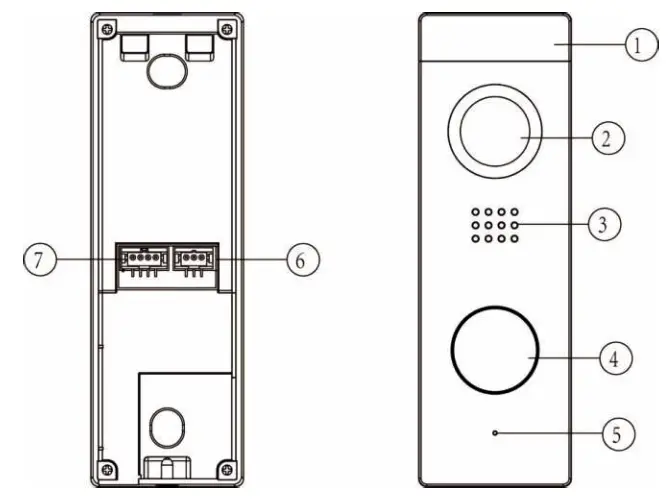
| No. | Part Name | Description |
| 1 | LED Light | For night vision |
| 2 | Camera | Wide angle high quality camera |
| 3 | Speaker | To get the audio from the Indoor monitor |
| 4 | Call Button | To ring call in indoor monitor |
| 5 | Microphone | To send audio to the Indoor monitor |
| 6 | Terminal for Electronic Lock | To connect electronic lock |
| 7 | Terminal for Indoor Monitor | To connect an indoor monitor with an outdoor panel |
OPERATION OF THE VIDEO DOOR PHONE
(a) Visitor press the call button of the outdoor panel to call the monitor. To accept the call, press the Talk button on the video monitor. Talking time lasts for the 60s.
(B) Below is the button description for indoor monitors
- To talk between the monitor and camera unit, please press

- To Intercom with the slave monitor, please press

- To monitor the outdoor panel, please press

- To control an electric door release, please press


INSTALLATION
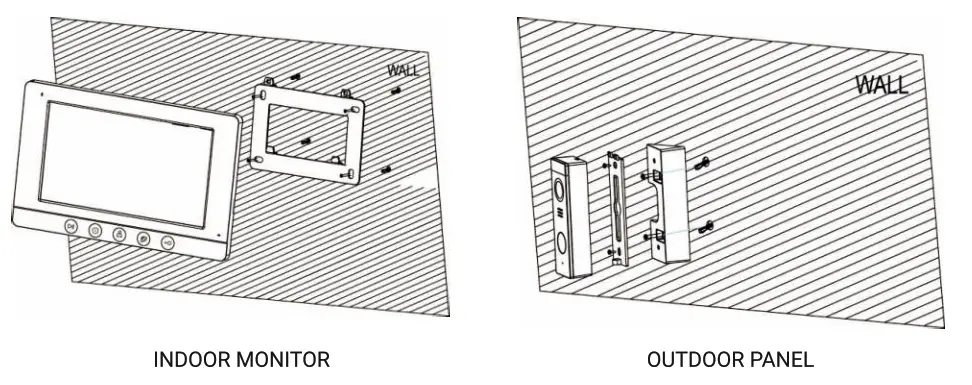
- Choose a suitable location to install the system, it is recommended to fix the monitor at the user-eyes height between 145cm and 160cm.
- Mark the holes of the frame on the wall and drill the holes.
- Drill the hole into the wall in the center of the bracket for cables to go through the wall.
- Fix the bracket with extension pipe and screws.
- The outdoor panel should be mounted at the eye level of a person.
CABLING REQUIREMENT
The video door phone system uses 4 core cables. The cable should be used according to different distance requirements from the outdoor panel to the indoor monitor. In the areas with a high possibility of interference, it is recommended to use a 75ohm coaxial for connection for a better video signal.
| RVV4 (mm) | 0.3 | 0.5 |
| Distance (mm) | 30 | 50 |
PRECAUTIONS
- Do not place the monitor on the TV set or in an environment with high temperature and damp places.
- Do not take apart the outdoor units or any parts of the video system.
- Protect the lens of the outdoor camera unit from direct sunlight to avoid pale pictures on the monitor.
- Do not use the equipment when in a vibrations environment. Protect the equipment from falls.
ATTENTION: The outdoor unit is suitable ONLY for installation inside the building, else, there is a risk of damage to the product.
INFORMATION ON E-WASTE HANDLING AND MANAGEMENT
Dear Customer,
The Ministry of Environment and Forests have published The E-waste (Management and Handling) Rules 2010 which comes in e:):ect from 1st May 2012.
E-waste is defined as any electrical or electronic component of products in whole or in part or rejected from their manufacturing or repair process which is intended to be discarded. These rules apply to every producer; consumer or bulk consumer involved in the manufacture, sale, purchase, and processing of electrical and electronic equipment or components as specified in Schedule 1 (please refer to our website www.godrej.com under the ‘Green Think’ sec of Godrej Security Solutions Division Page for more details). Under these rules, specific roles and responsibilities are defined for producers, consumers, and recycling handling and managing e-waste.
E-waste is to be managed in an environmentally sound manner which means, taking steps to ensure that health and the environment are protected from adverse e:i: acts of hazardous substances contained in such wastes.
Rule 6 of the E-waste (Management and Handling) Rules 2010 states that bulk consumers of electrical and electronic equipment shall be responsible for recycling the e-waste generated by them. Bulk consumer means bulk users of electronic and electrical equipment such as Central Government or State Government Departments, public sector undertakings, banks, educational institutions, multinational organizations, and international agencies, private companies that are registered under the Factories Act, 1948 and Companies Act, 1956. The bulk consumers have to ensure that the e-waste generated by them is channelized to authorized collection centers or is taken back by the producers. They shall maintain records of e-waste generated by them in Form 2 and make such records available for scrutiny by the State Pollution Control or the Pollution Control Committee concerned.
All consumers of electrical and electronic equipment irrespective of their status as bulk consumers or not shall ensure that e-waste generated by them is channelized to authorized collection centers (s) or registered dismantler(s), or recycler(s) or is returned to the pick-up/take back services provided by the producers. (Please refer to our website www.godrej.com under the ‘Green Think’ sec of Godrej Security Solutions Division Page for more details).
All our products intended to be recycled under the category of e-waste (as defined above) carry a label or stamp of the WEEE symbol (A wheelie bin with a cross), which states that it falls under the hazardous waste category and is not to be disposed of along with normal garbage.
We seek your support in ensuring environmentally sound management of e-waste and aid us in sustaining our earth’s natural resources and maintaining the earth’s green cover intact for the benefit of our future generations.
RECORD OF PURCHASE
Please fill in your details below for future reference.
Date of purchase:…………………………
Product model:……………………………………………
Name & address of Distributor/Dealer:………………………………….
Distributor phone number:………………………..
FOR SAFETY, PLEASE READ THIS MANUAL PRIOR TO USE.
Godrej & Boyce Mfg. Co. Ltd., Godrej Security Solutions
Regd. Office: Plant No. 17, Pirojshanagar,
Vikhroli, Mumbai – 400079 Toll-Free: 1800 209 9955 (Sales & Service)Whatsapp Support: +91 9321665511 (Service)
 Visit: www.godrejsecure.com
 Email: [email protected] (Sales), [email protected] (Service)
Follow us: www.facebook.com/GodrejSecure
 www.twitter.com/godrejsecure
An ISO 9001:2015, ISO 14001:2015, ISO 45001:2018
Products Marketed and Serviced by Godrej and Boyce Mfg. Co. Ltd.