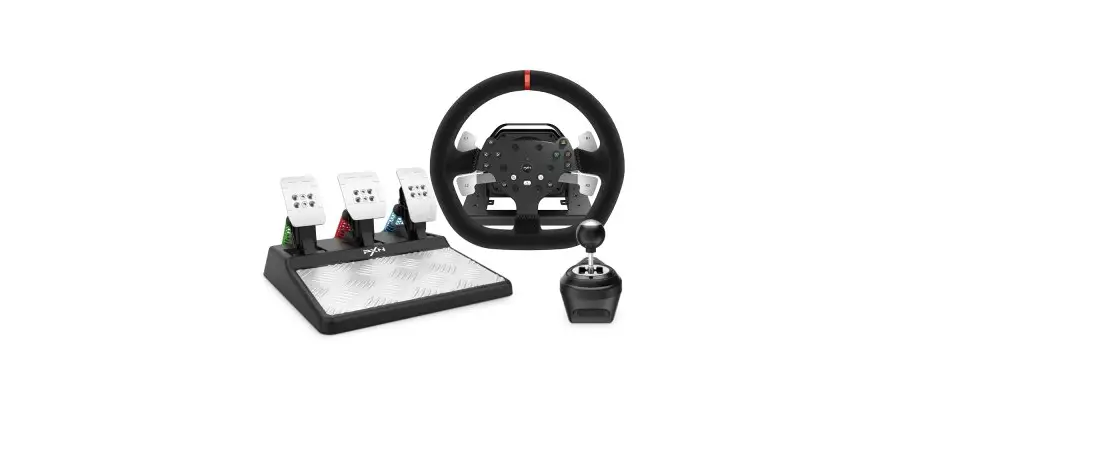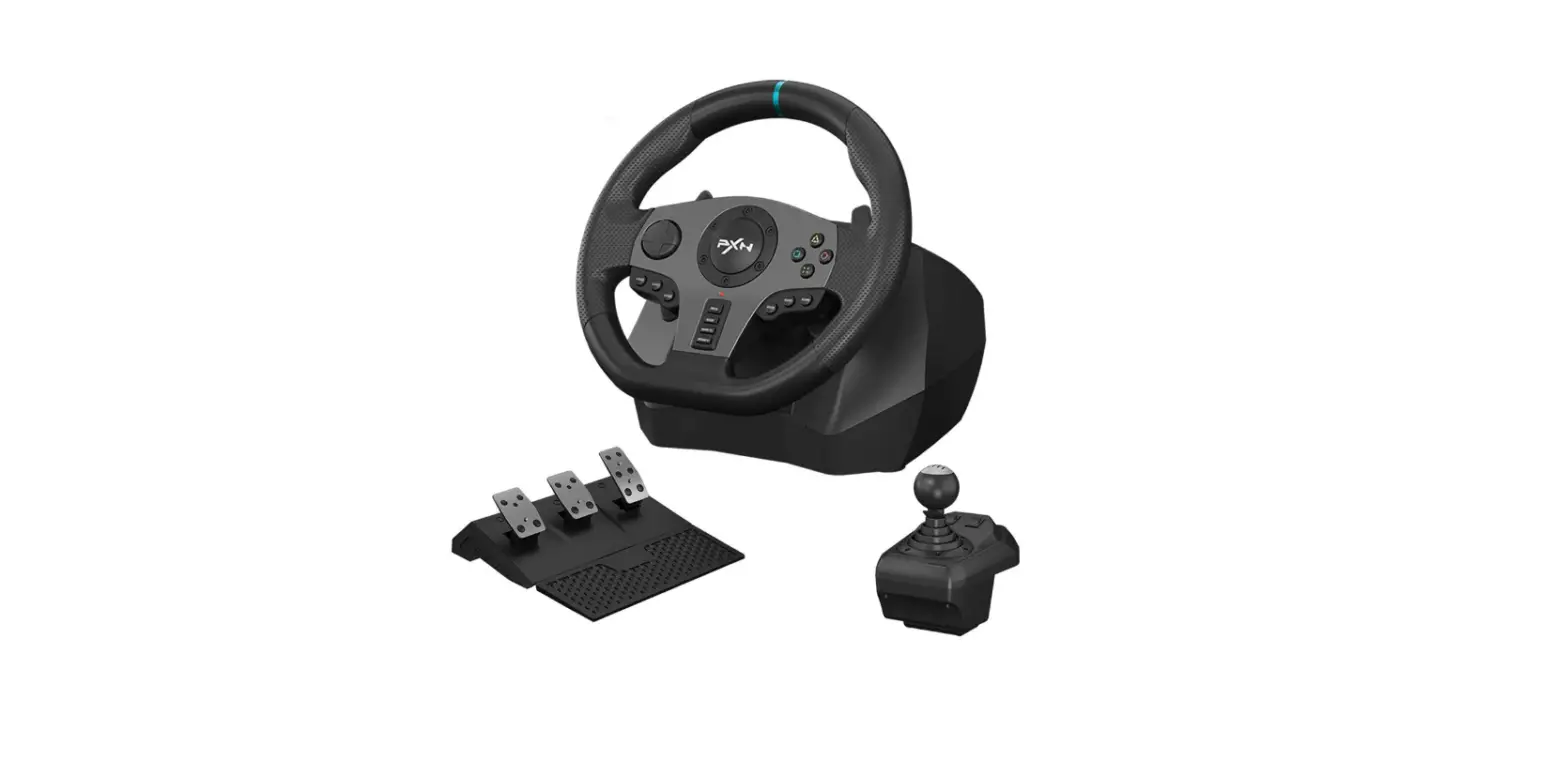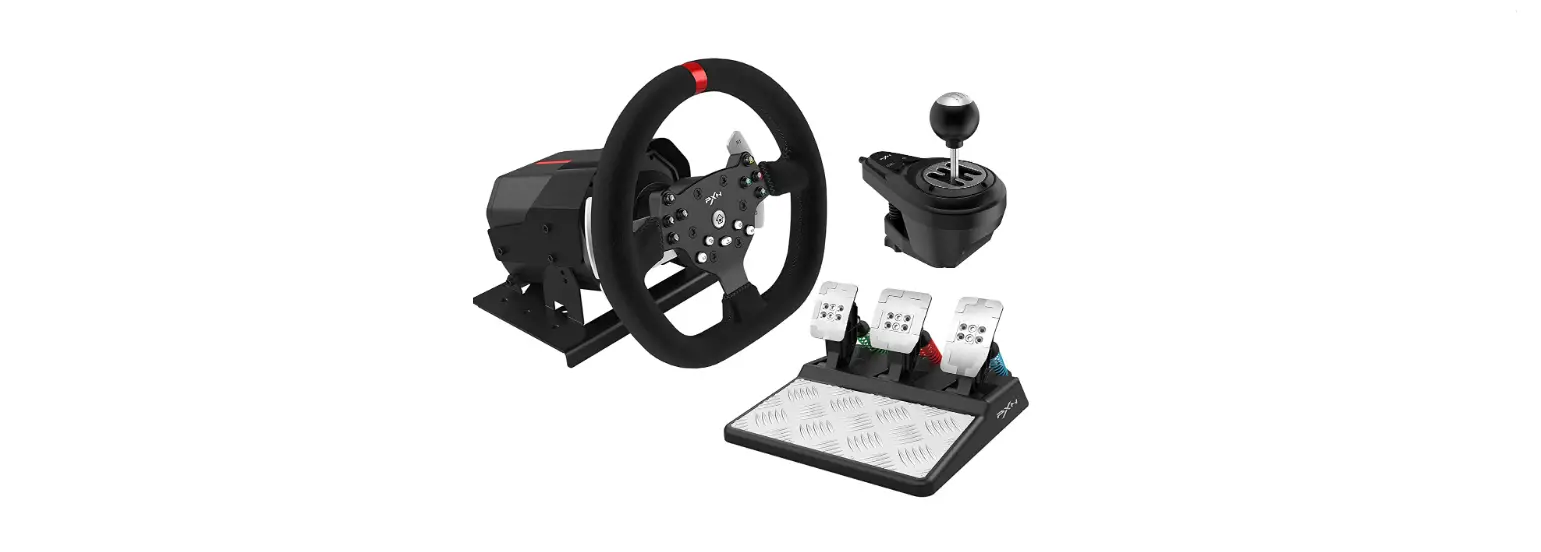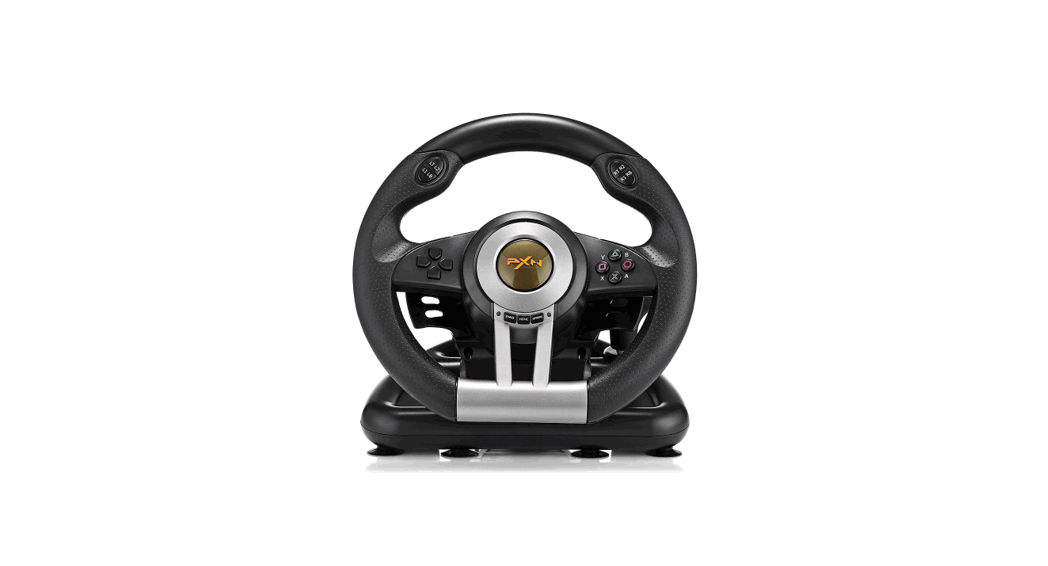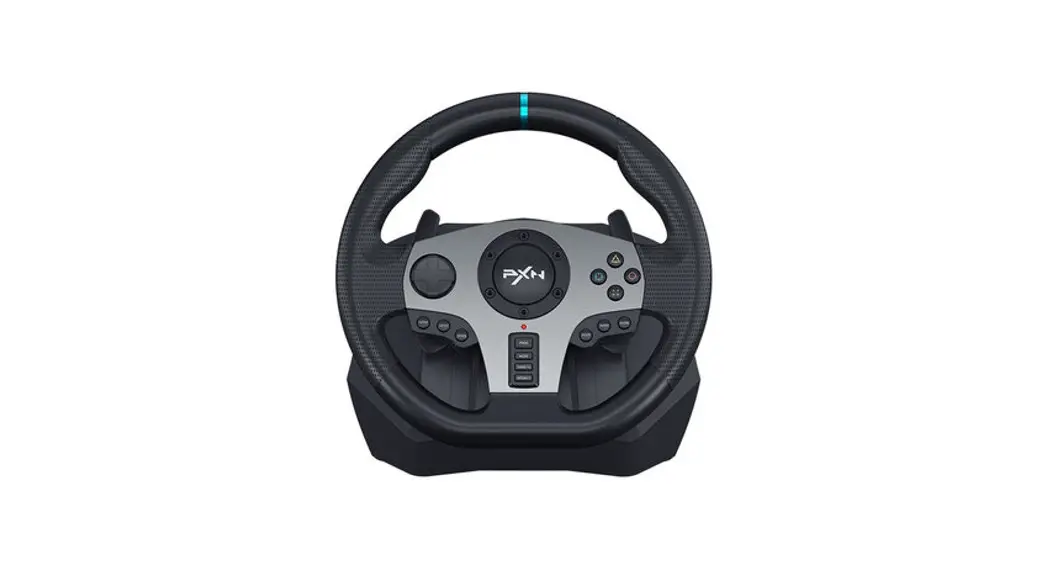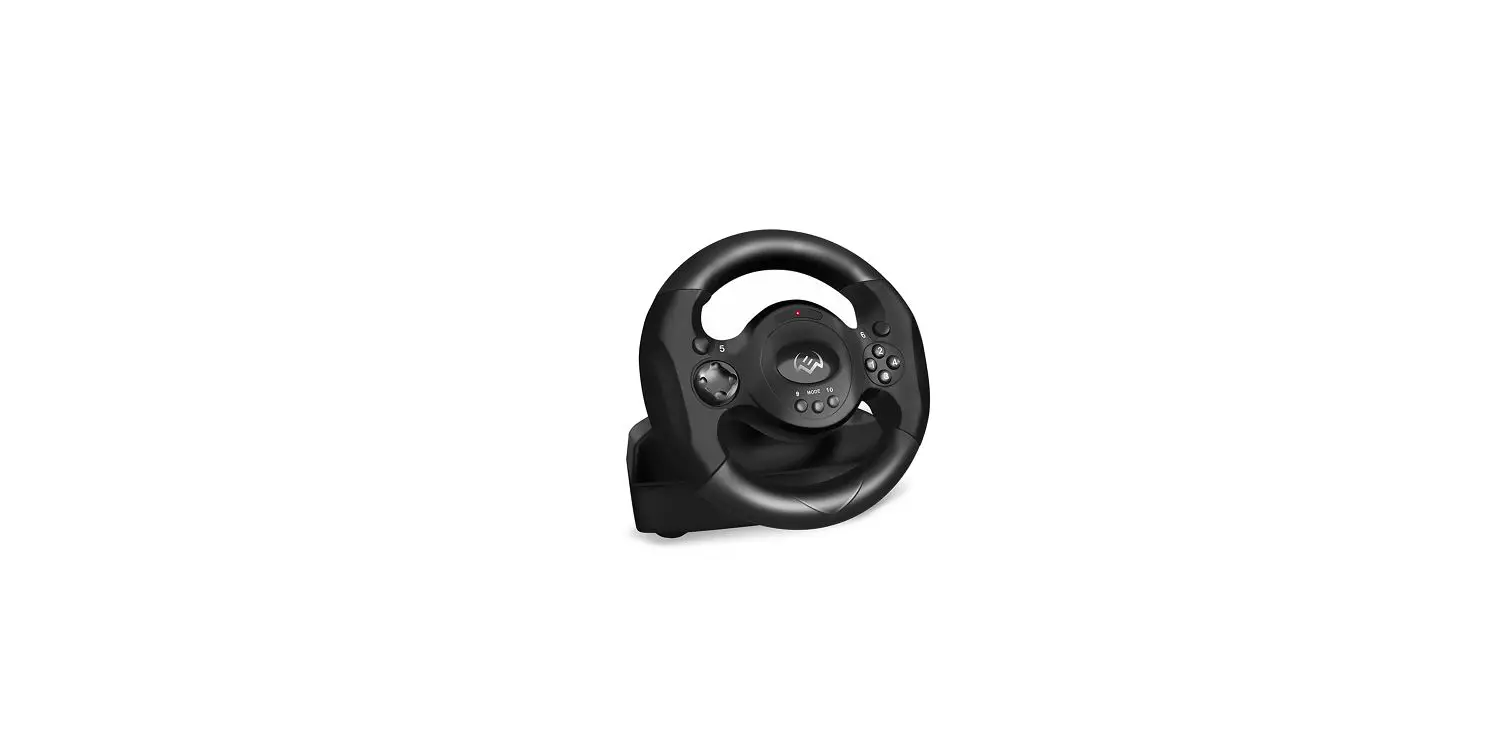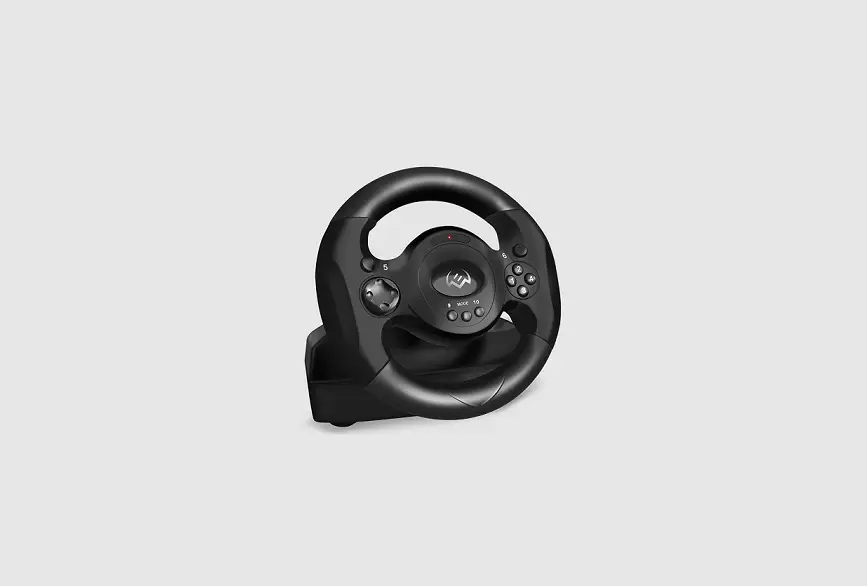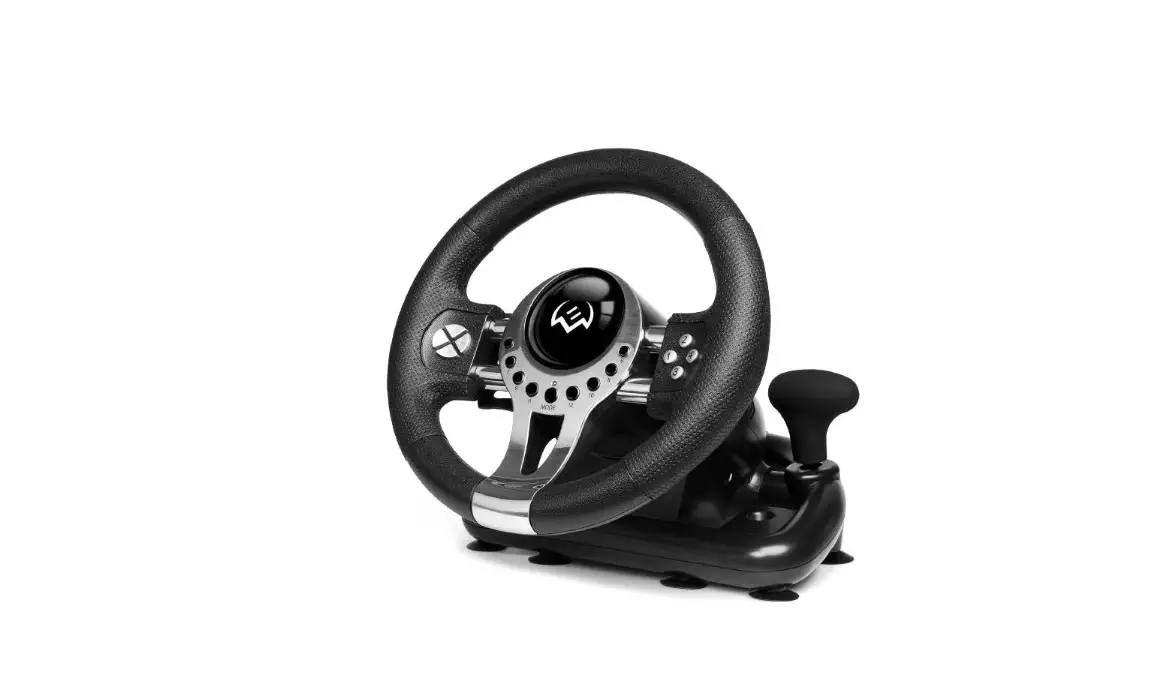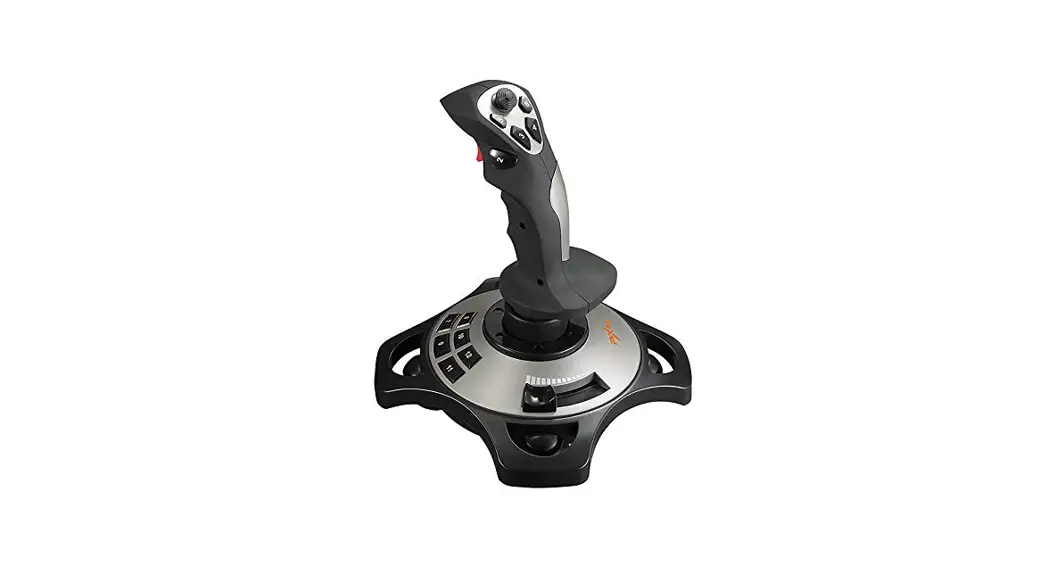

2113PRO Racing Wheel
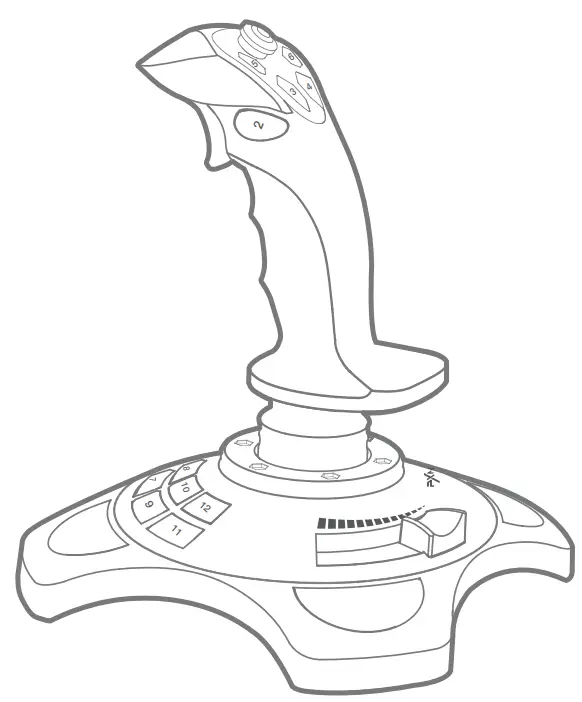
User Manual
System Requirements
| Compatible Platforms | PC |
| System Requirement on PC | Windows 7 / 8 / 10 / 11 |
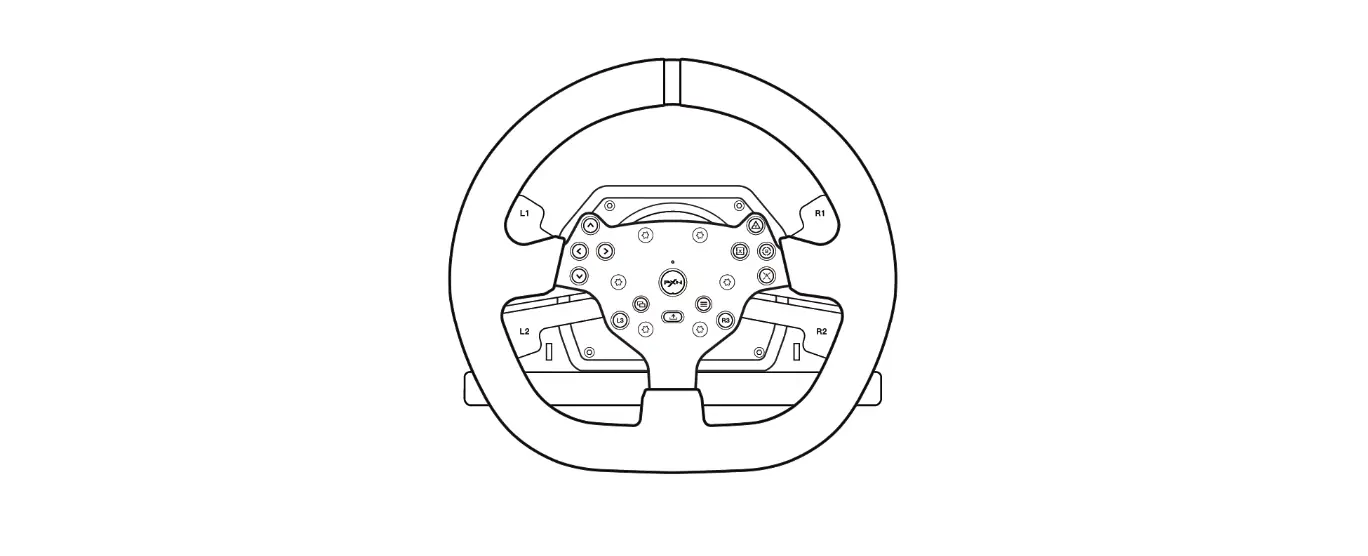
Product Overview
 Instructions
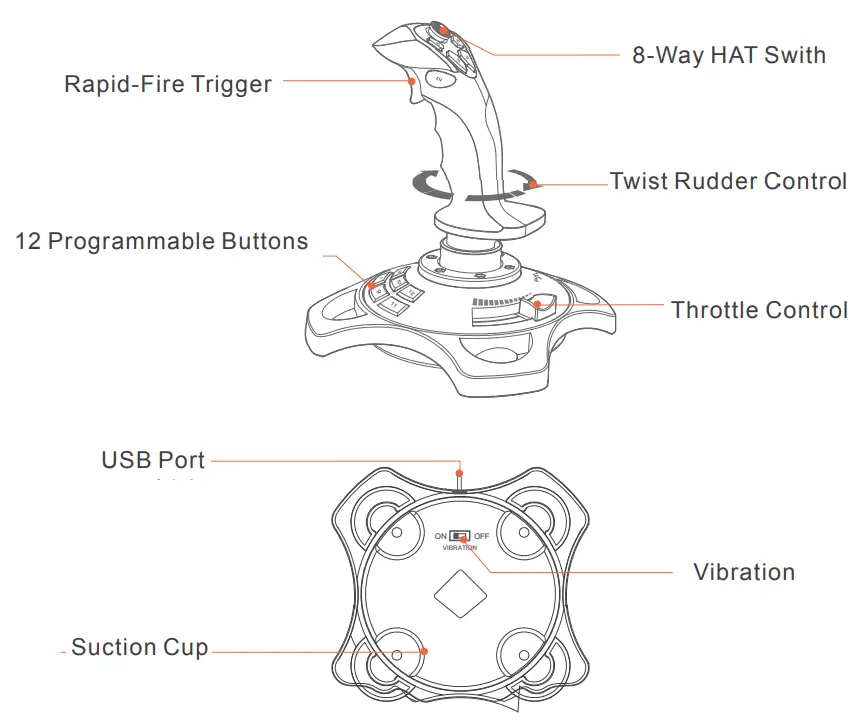 Instructions
• Installation and Connection
Step 1 Enter PXN official website (https://www.e-pxn.com) to download the driver “PXNJoystick”, and extract the file for installation.
Step 2 Plug PXN-2113 into PC USB port, computer will prompt new hardware and install automatically.
Step 3 Then you can play game or conduct joystick settings in PXNJoystick.
Attention
- Avoid strong vibration. Do not disassemble, refit or repair on your own.
- Avoid water or other liquid In or around the steering wheel – it may affect the performance of the steering wheel.
- Keep out of humid, high temperature or soot place.
- Children should be under adult’s supervision to use this product.
- Adult supervision is recommended for children’s use of this product.
PRODUCT SPECIFICATION
| Model | PXN-2113PRO |
| Connect Type | Wired connection, cable length around 1.8 meters |
| Working Current | 20mA 100mA |
| Packaging Size | About 220 * 190 * 250 mm |
| Product Size | About 225 * 185 * 185 mm |
| Unit Weight | About 495 g |
| Usage Temperature | 10 – 40℃ |
| Usage Humidity | 20 ~ 80 % |
 Shenzhen PXN Electronic Technology Co., Ltd | PXN Racing Wheel, Game Controller, Arcade Stick for Xbox One, PS4 Switch, PC
 莱仕达-专业游戏外设品牌|游戏方向盘|手柄|摇杆|安卓手柄|PS4|Xbox One|苹果手柄