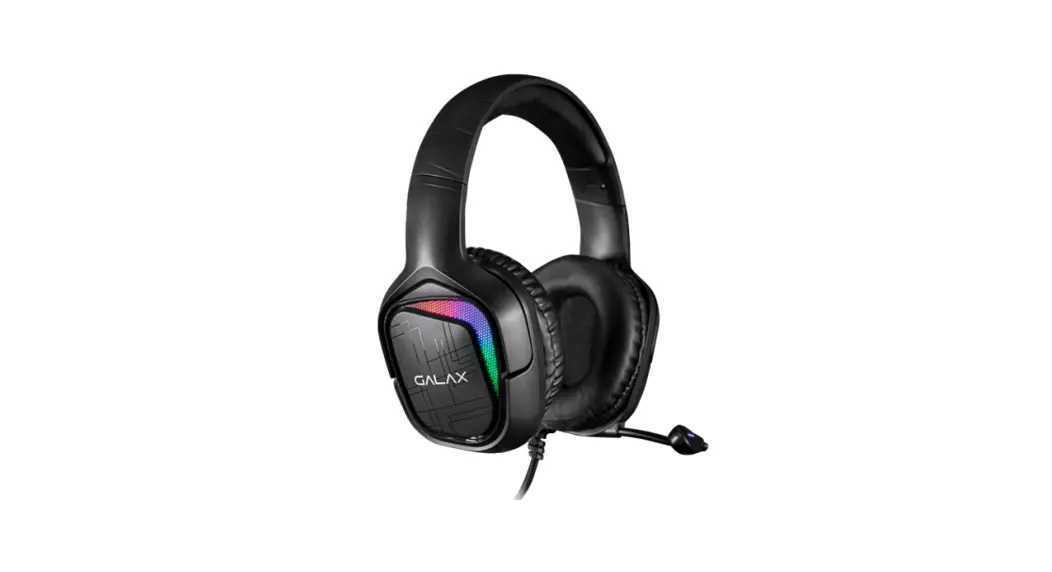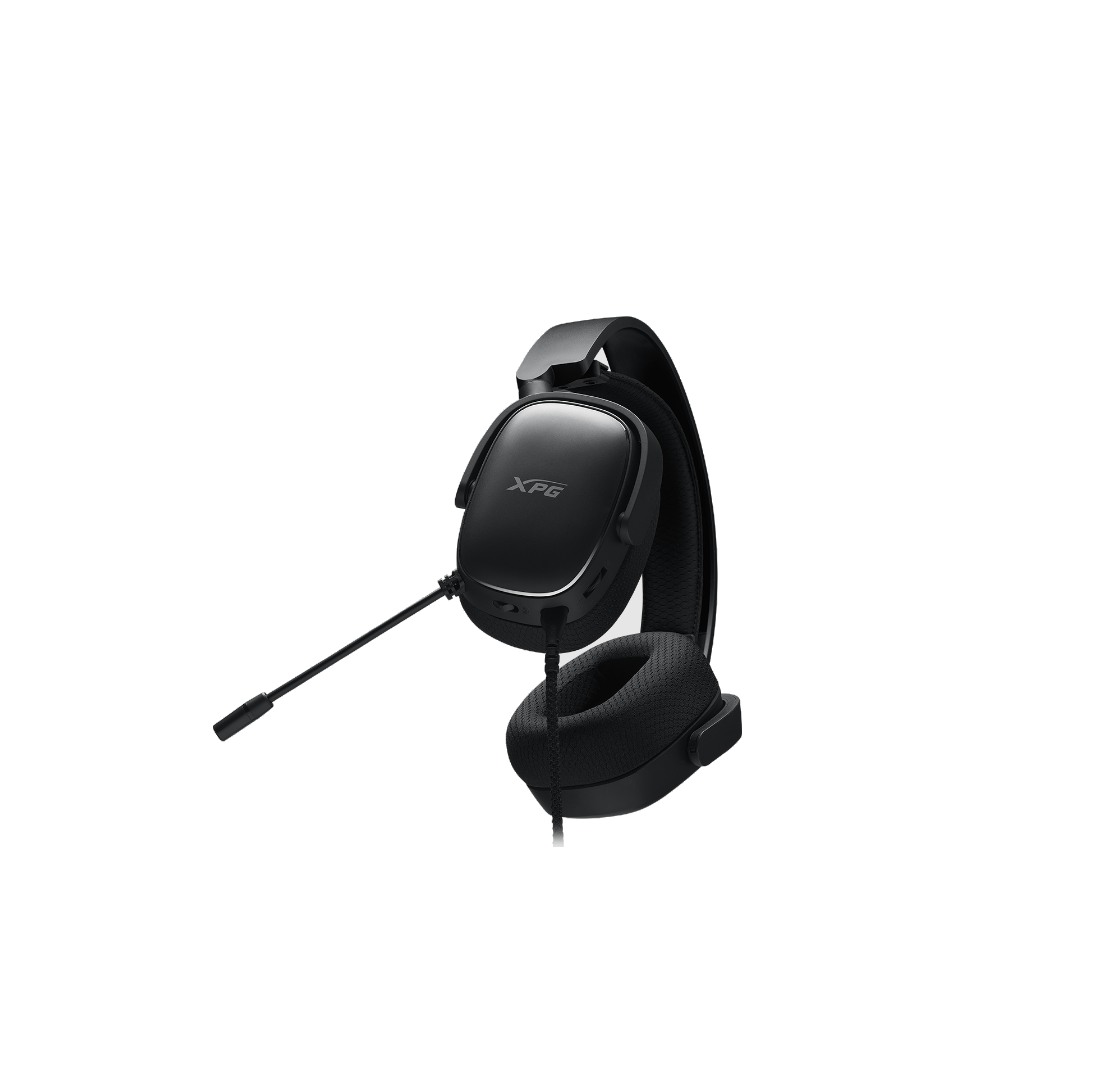

USER MANUAL
SNR-03
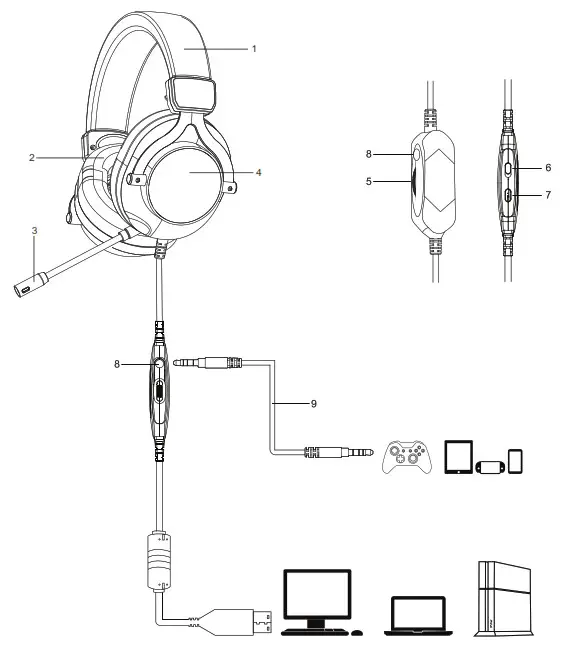
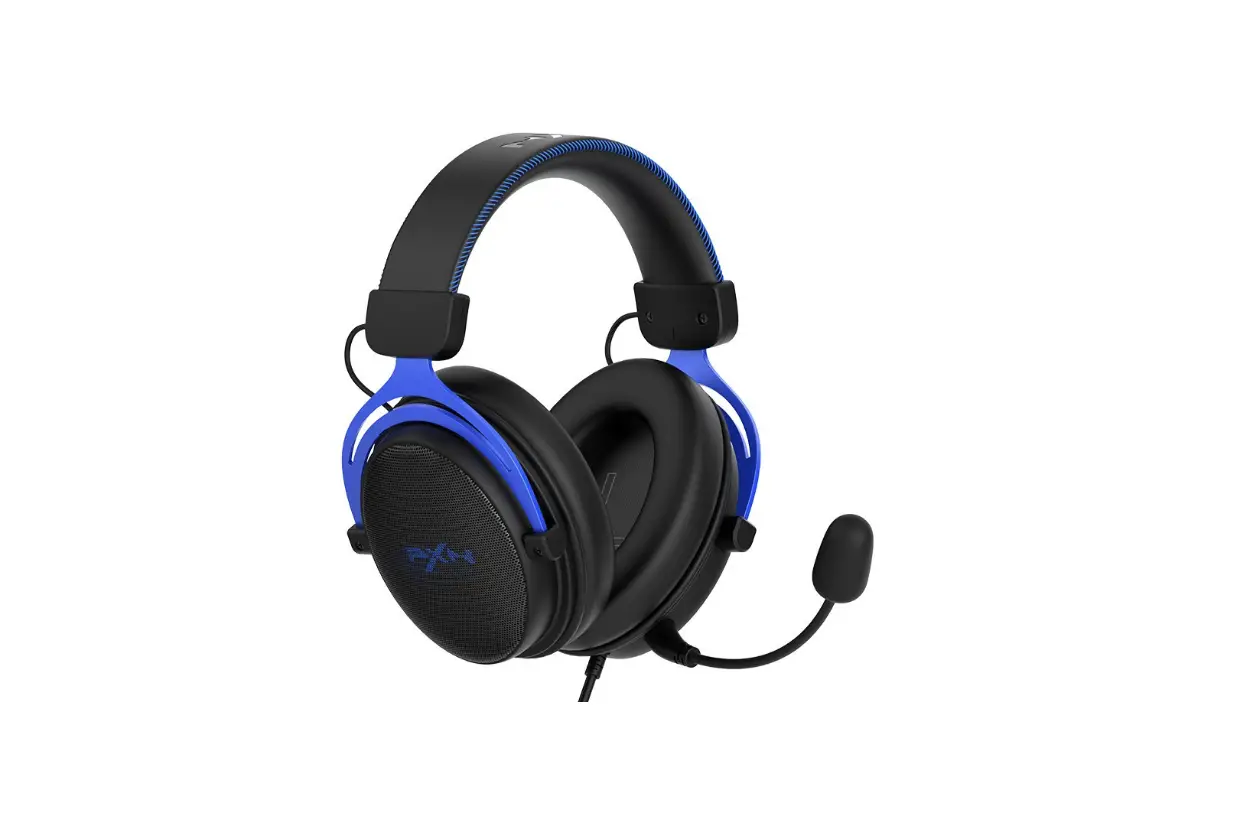
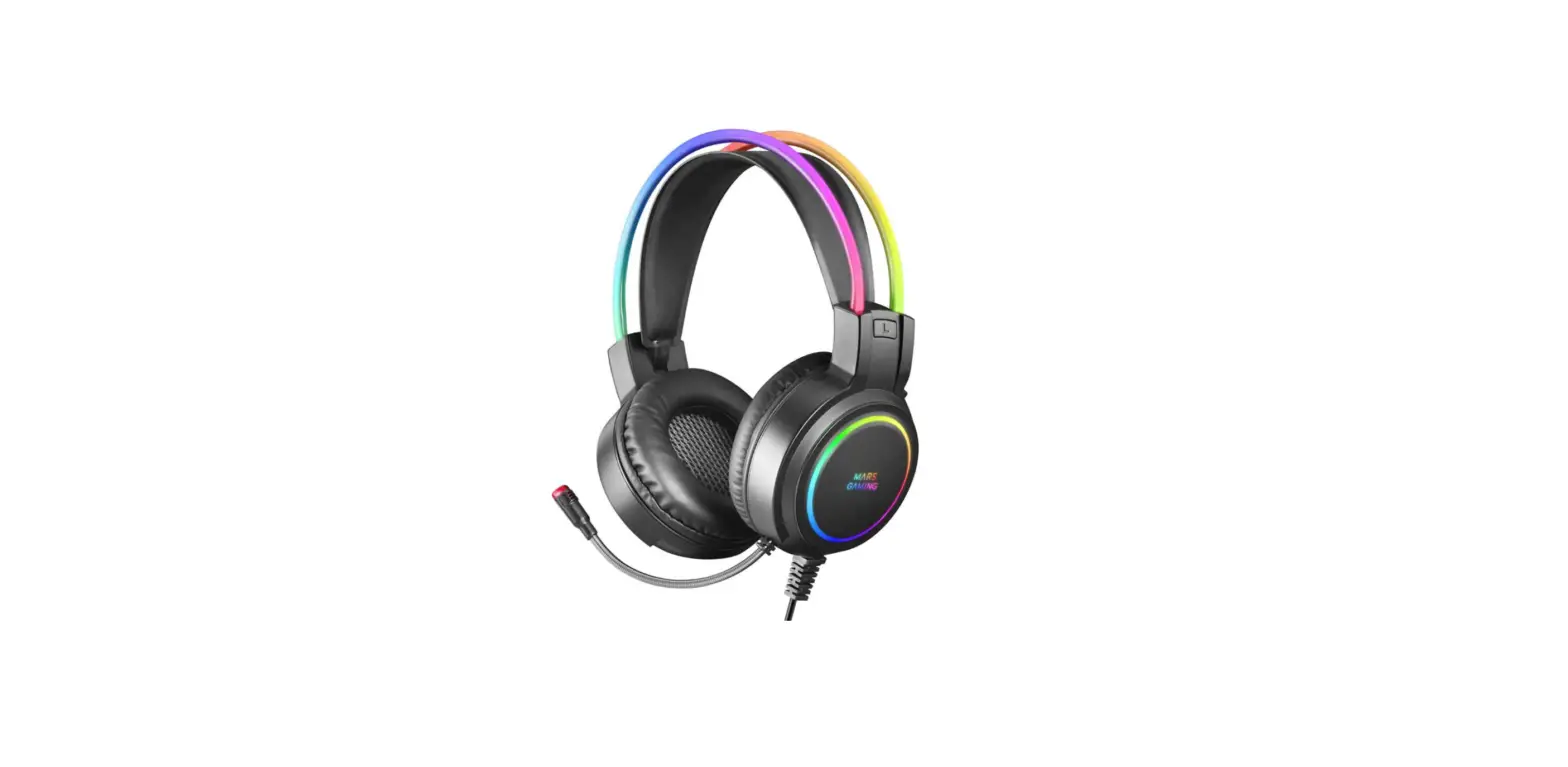
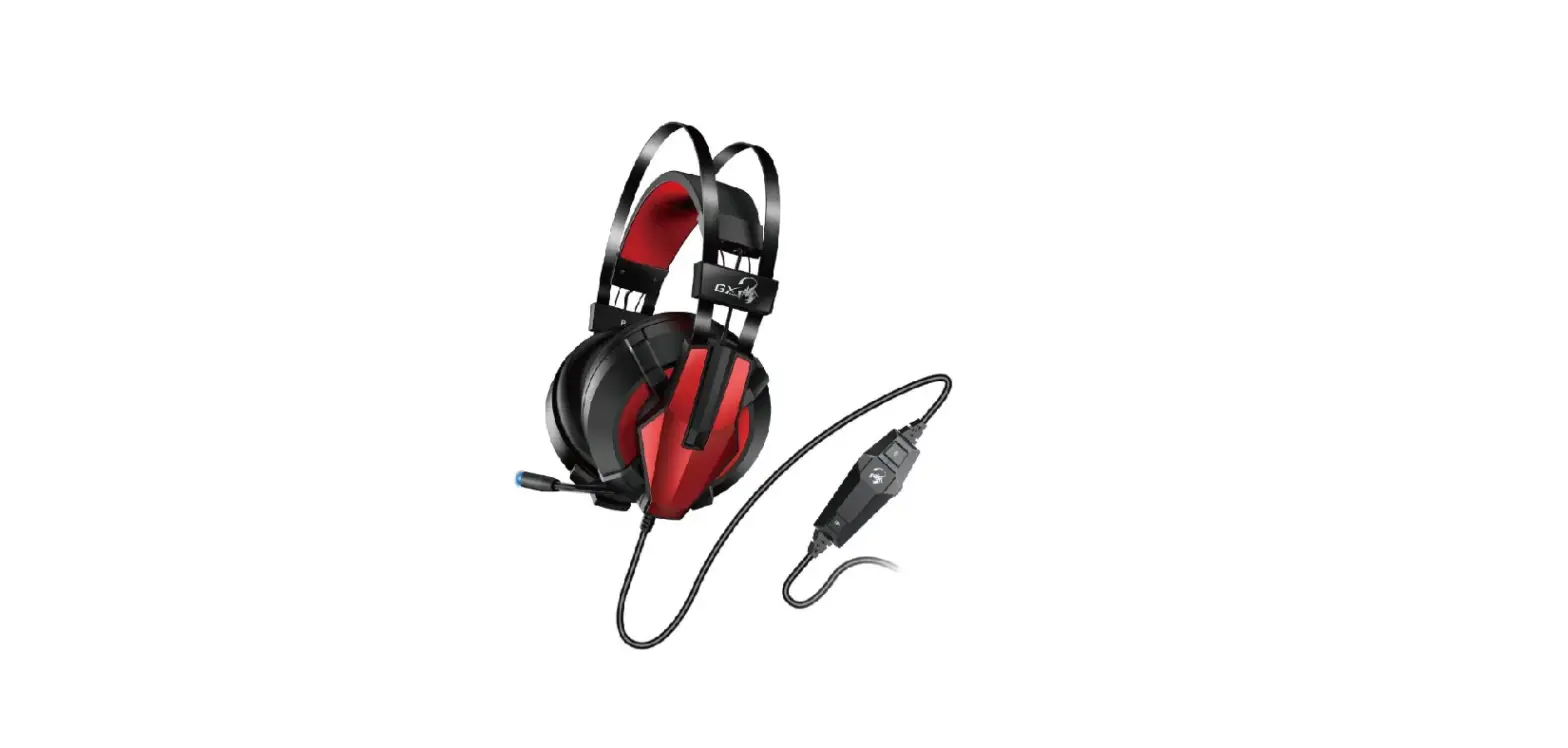
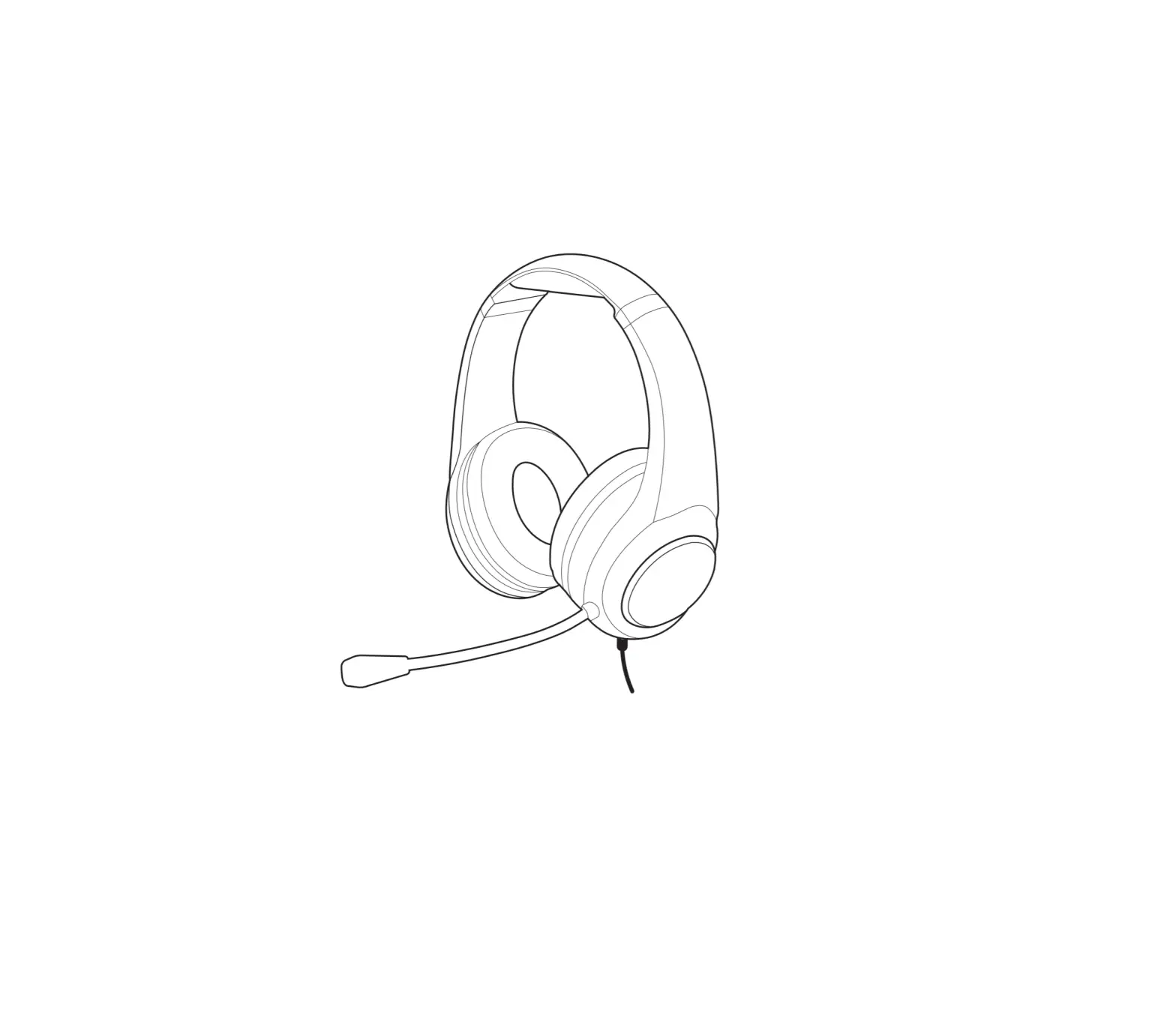
| 1. Headband 2. Ear pad 3. Microphone 4. LED light 5. Volume +/- | 6. LED light on/off 7. Microphone on/off 8. 3.5mm Jack 9. 3.5mm audio cable |
Technical Parameters
| Speaker parameters Magnet: NdFeB Size: D50MM Sensitivity: 106dB +3dB (@ 1KHZ) Impedance: 320+15% Frequency Range: 20HZ-20KHZ Rated Power: 20OMW Maximum power: 30MW Chipset: Cmedia 108B Size:170*95*210mm Weight: 415g Plug: USB2.0 Cable length: 2.2M | Microphone parameters Type: Electret condenser microphone Size: 6.0*2.7mm Sensitivity: -42dB +3dB SNR: 58DB Output Impedance: $2.2KQ Directivity: Omnidirectional |
Accessories
3.5mm audio cable:1*1.2M
Instructions
- Using on PC and laptop, insert the plug into USB port directly ,then install virtual7.1 software driver. Using on PS4,insert the plug into PS4 USB port directly
- Using on gamepad of PS4,XBOX.Switch,tablet,mobile phone, please insert 3.5mm audio cable into 3.5mm jack on cable controller first , then connect 3.5mm audio with device’s 3.5mm jack.
- Scroll up or down the volume button of cable controller to adjust the volume
- Push up or down the mic button to turn on or off the mic.
- Press the led light button to turn on /off the light.