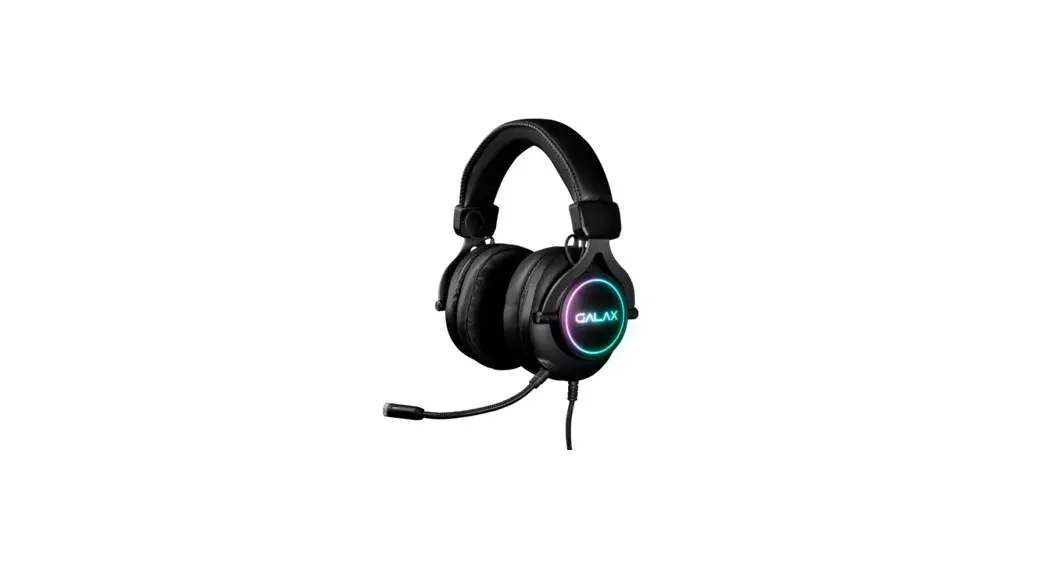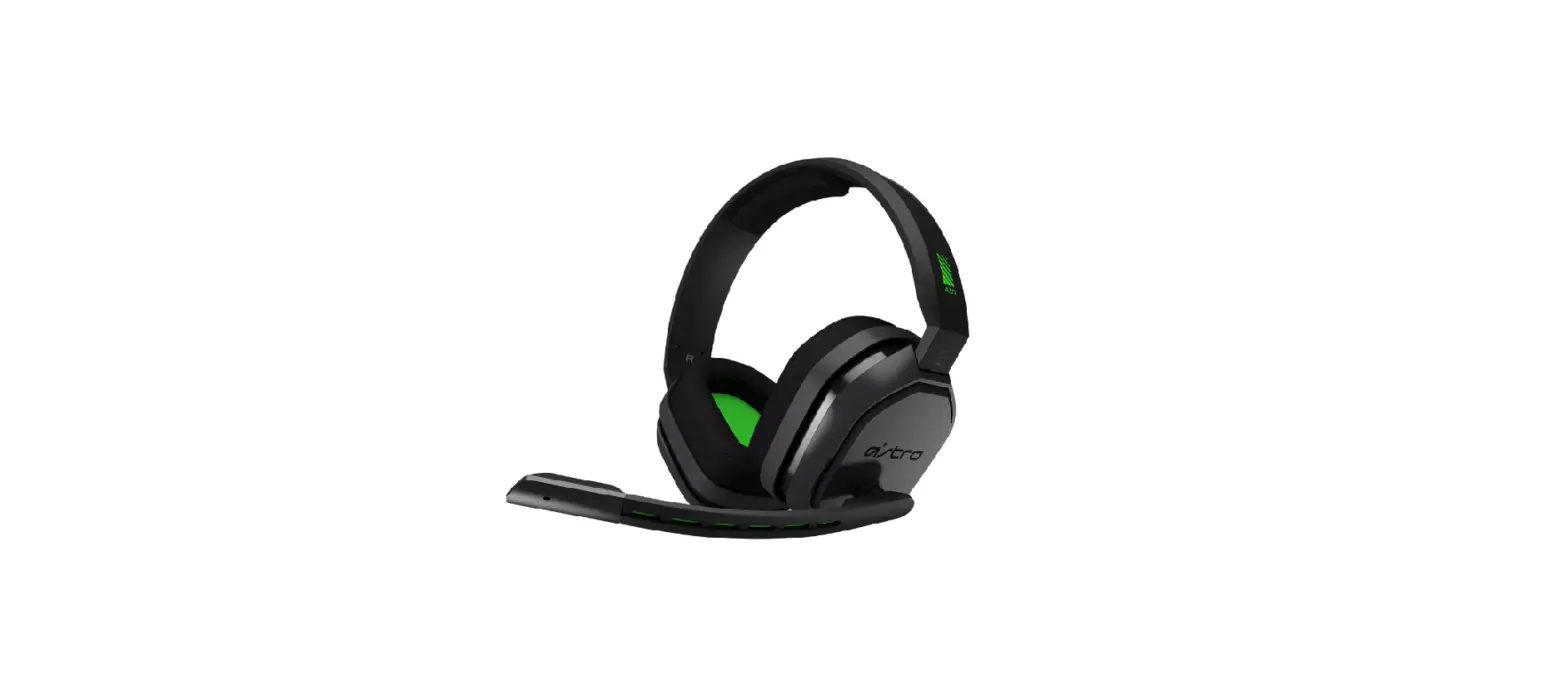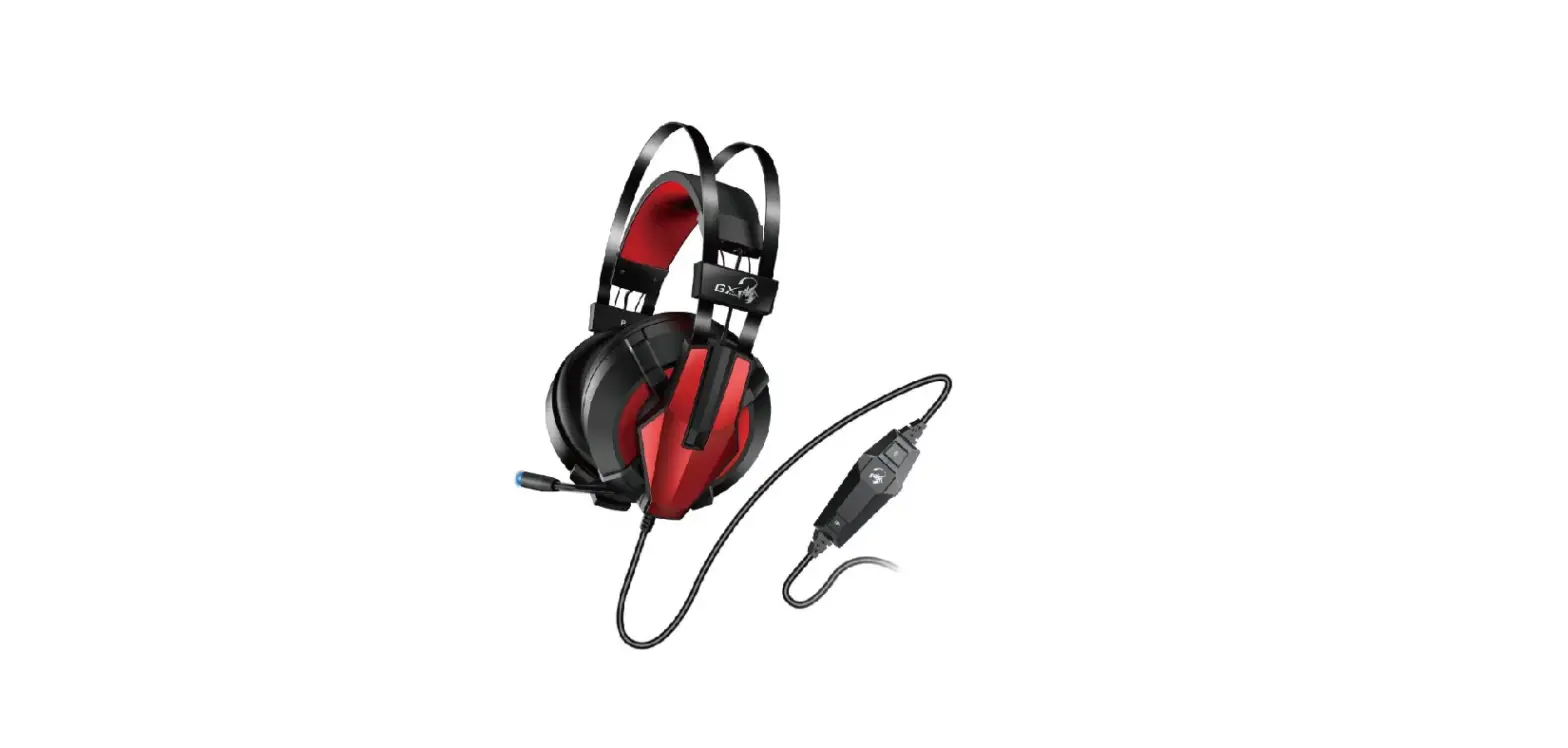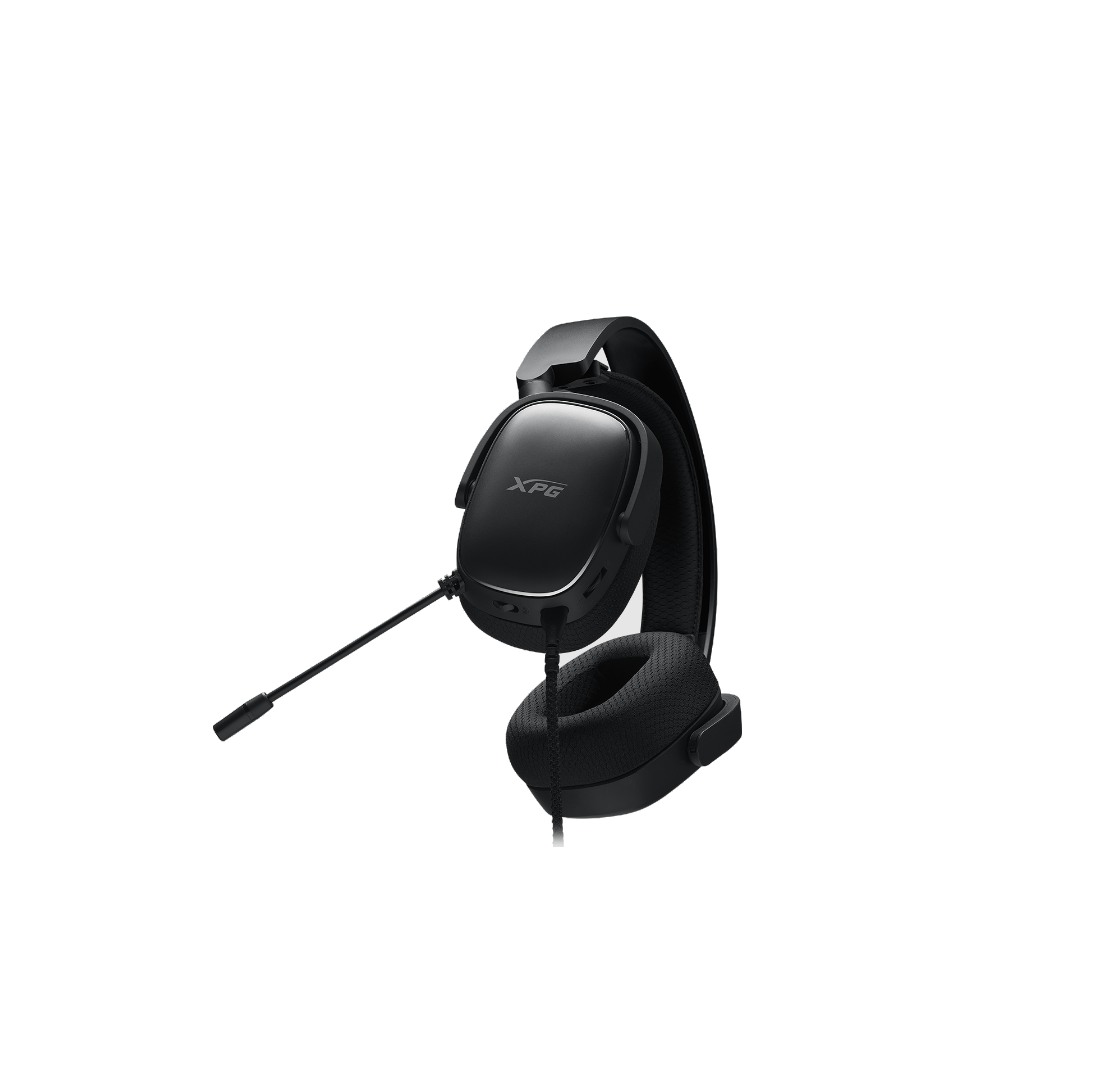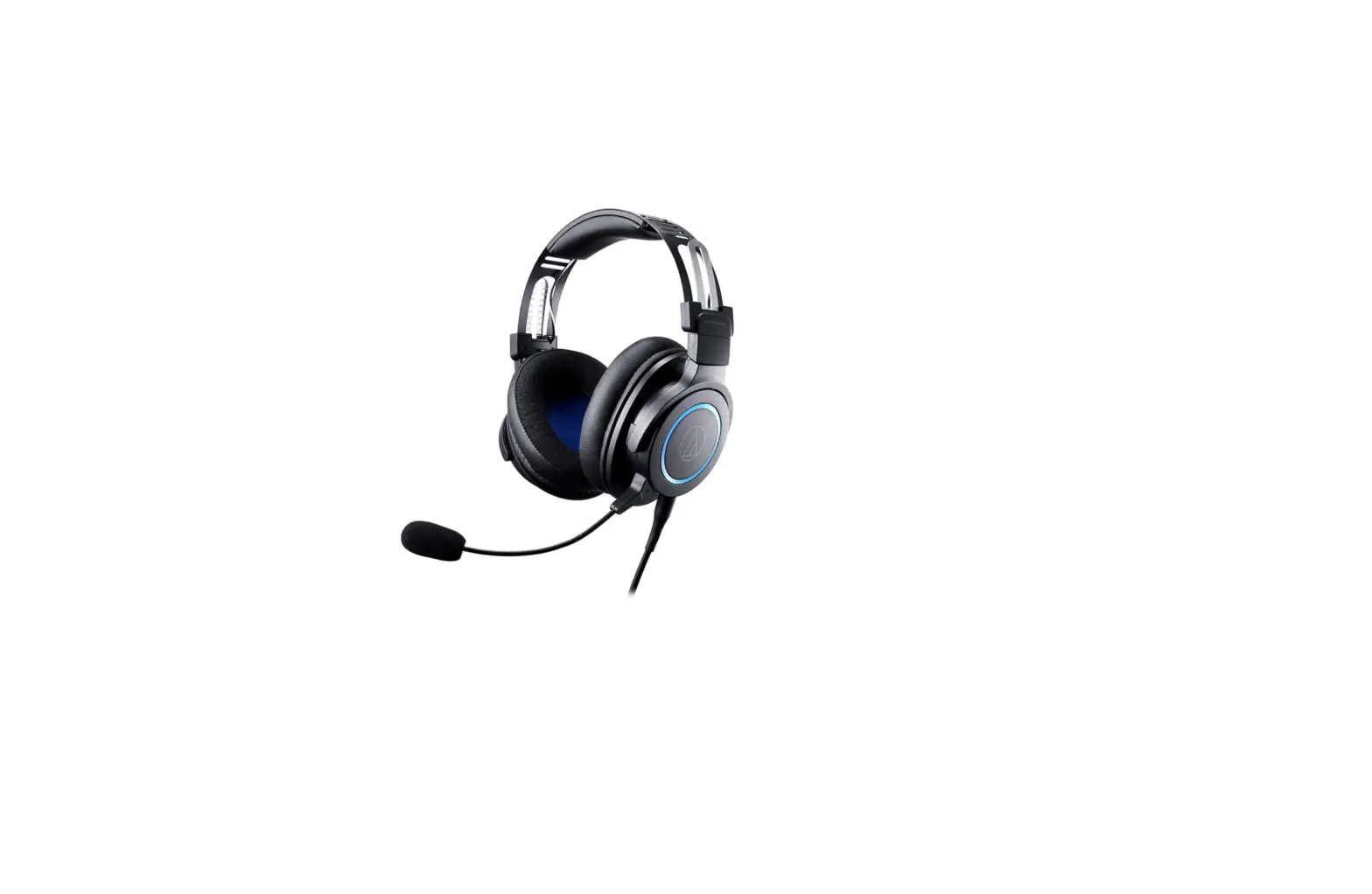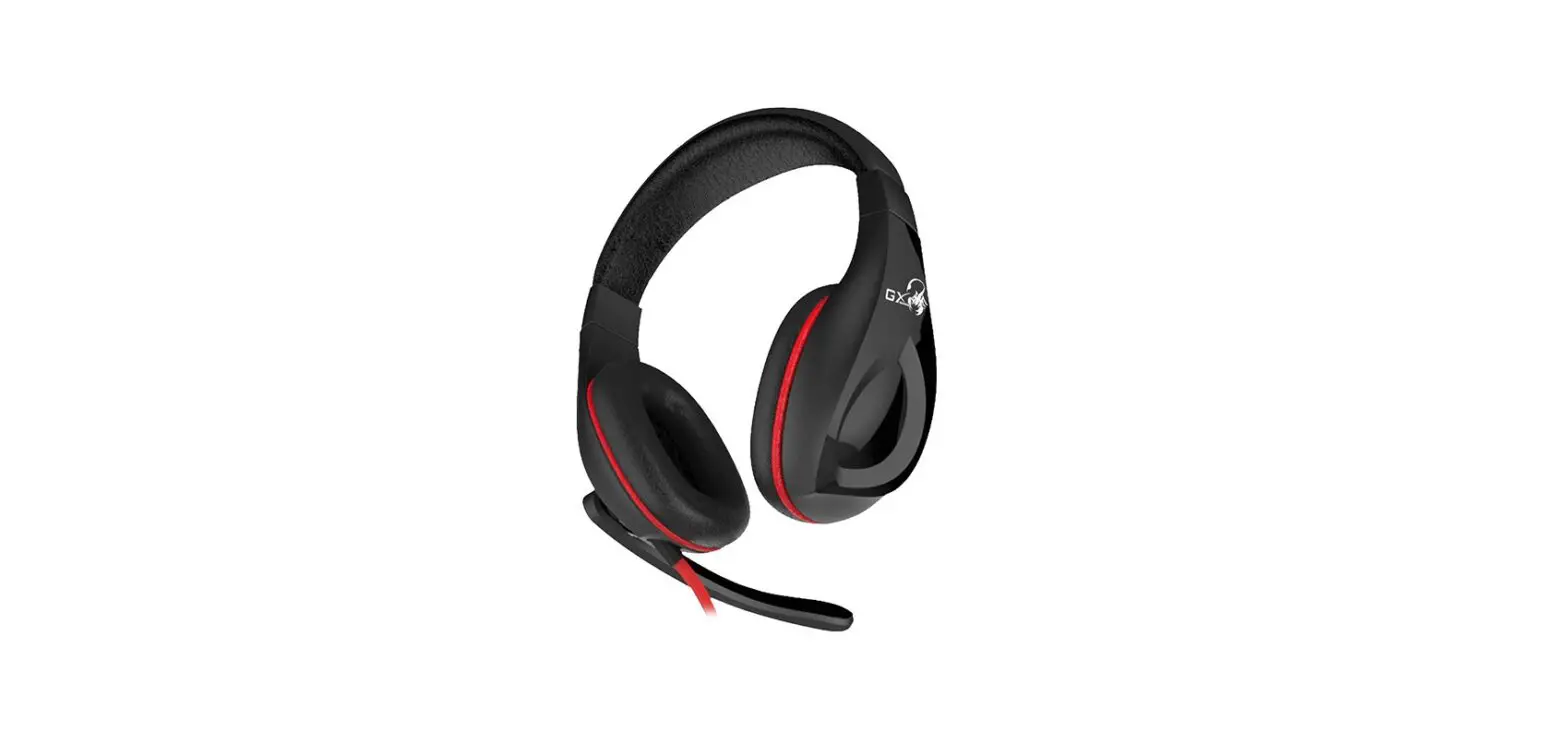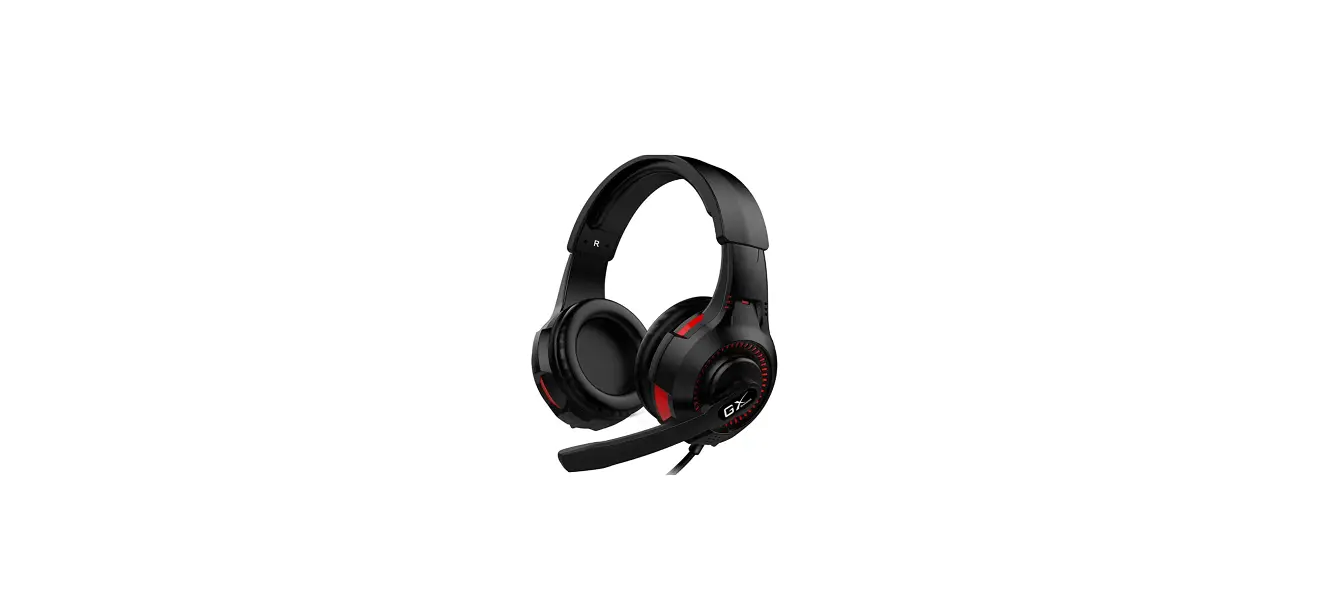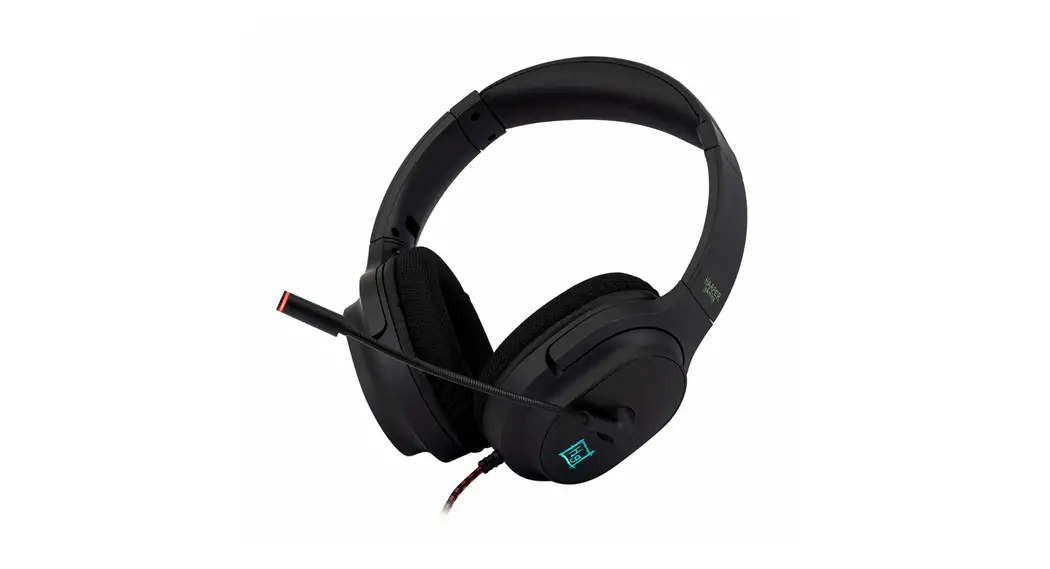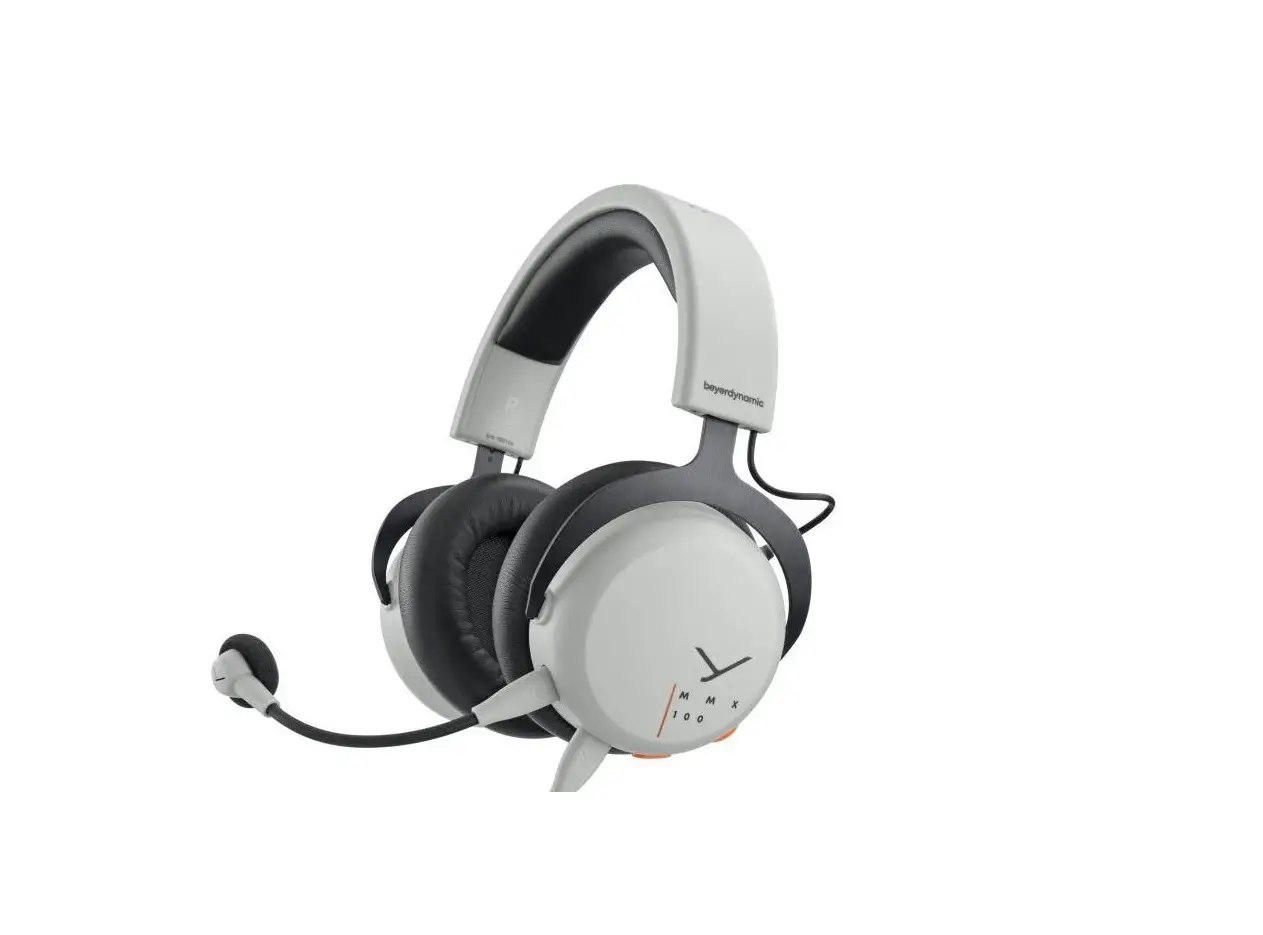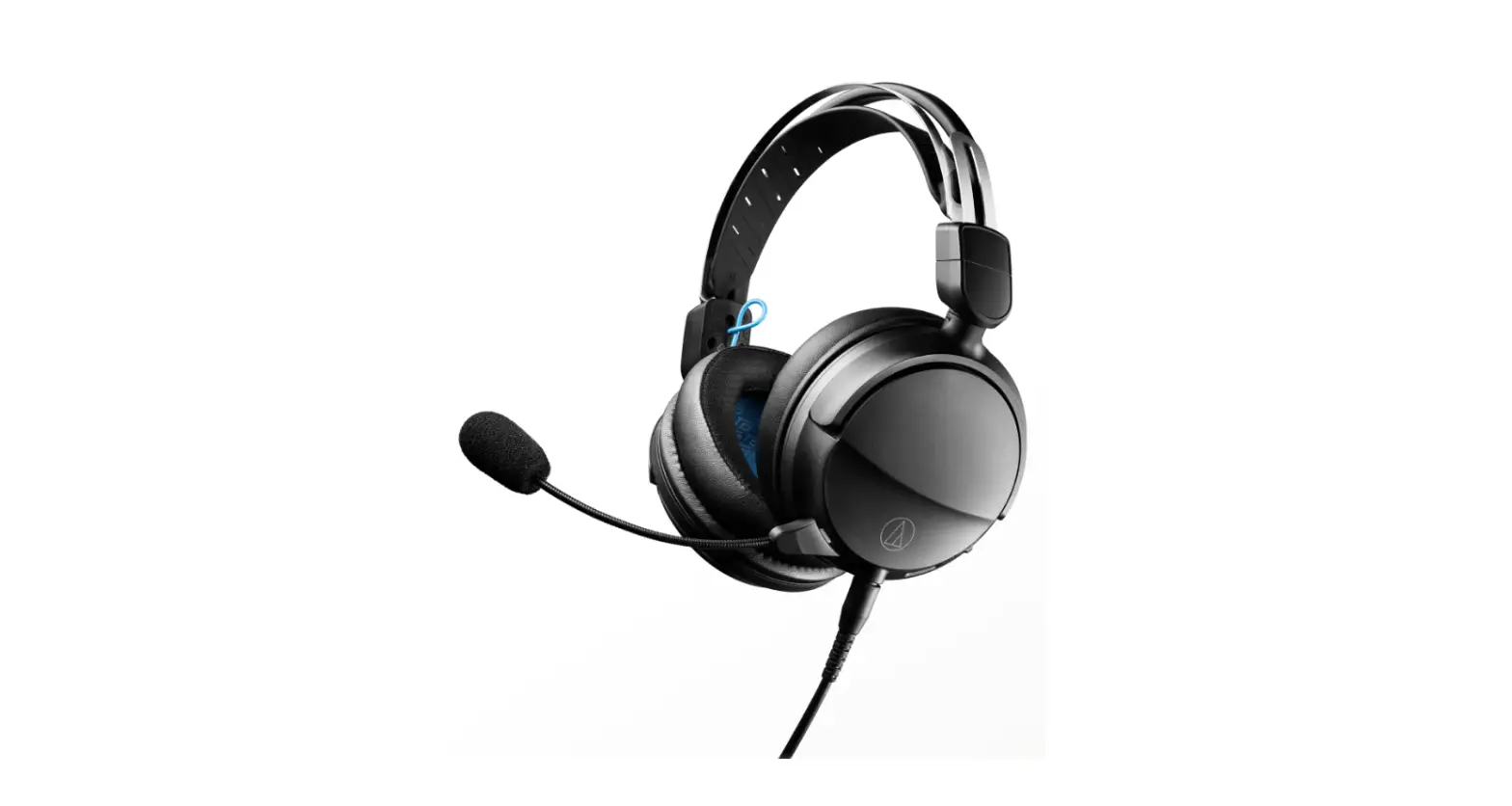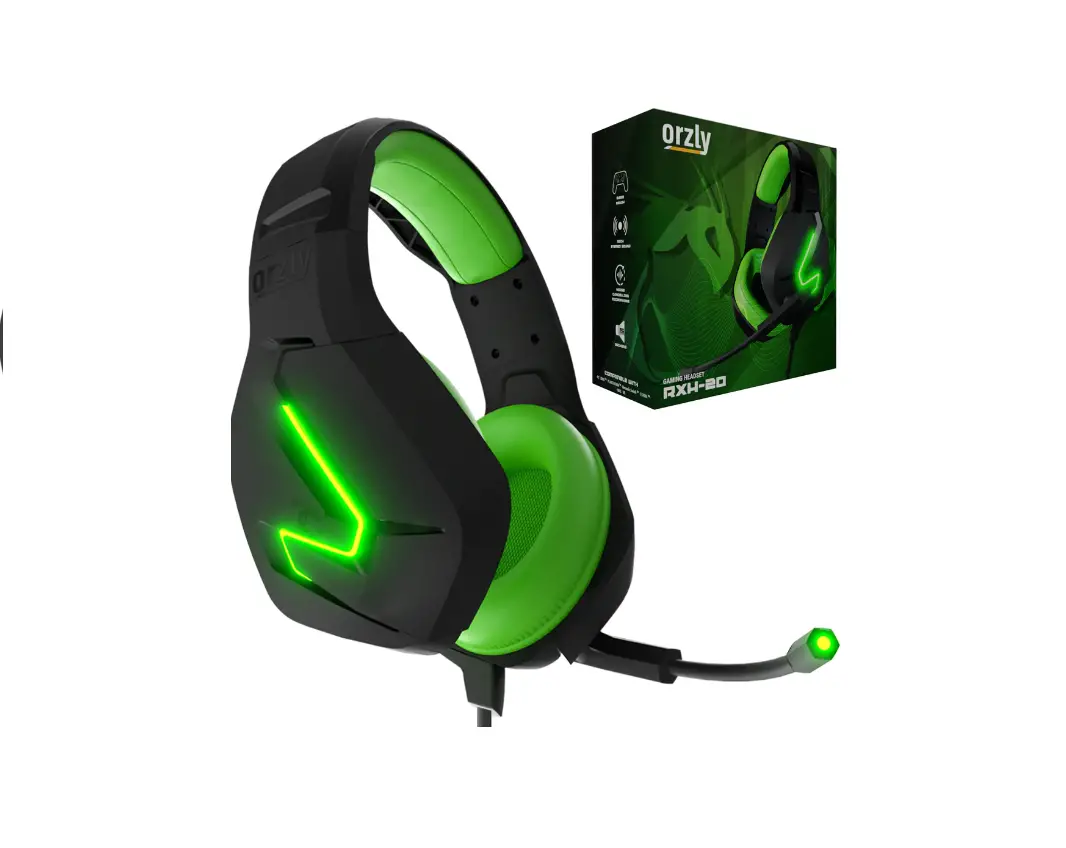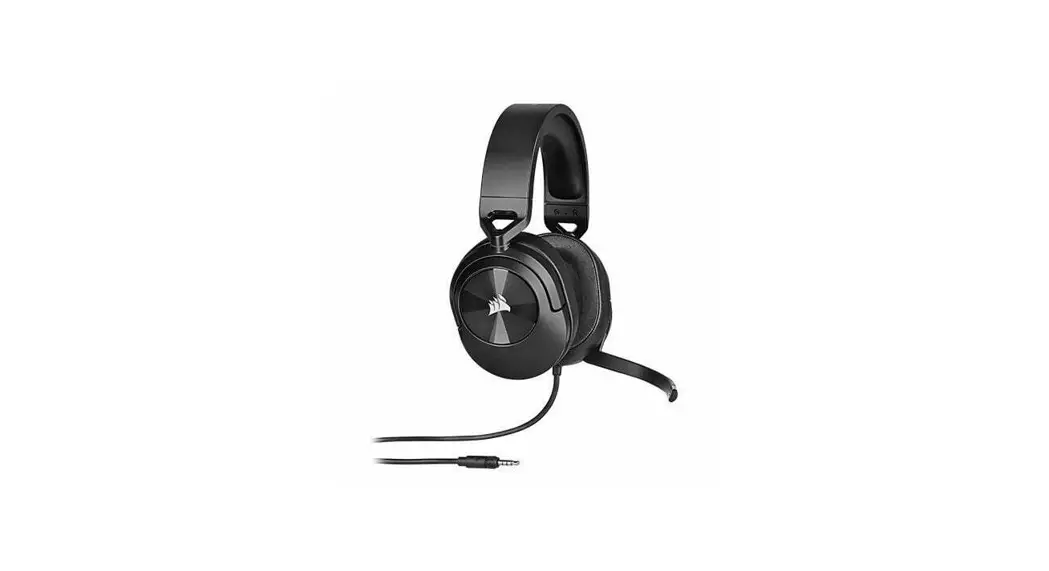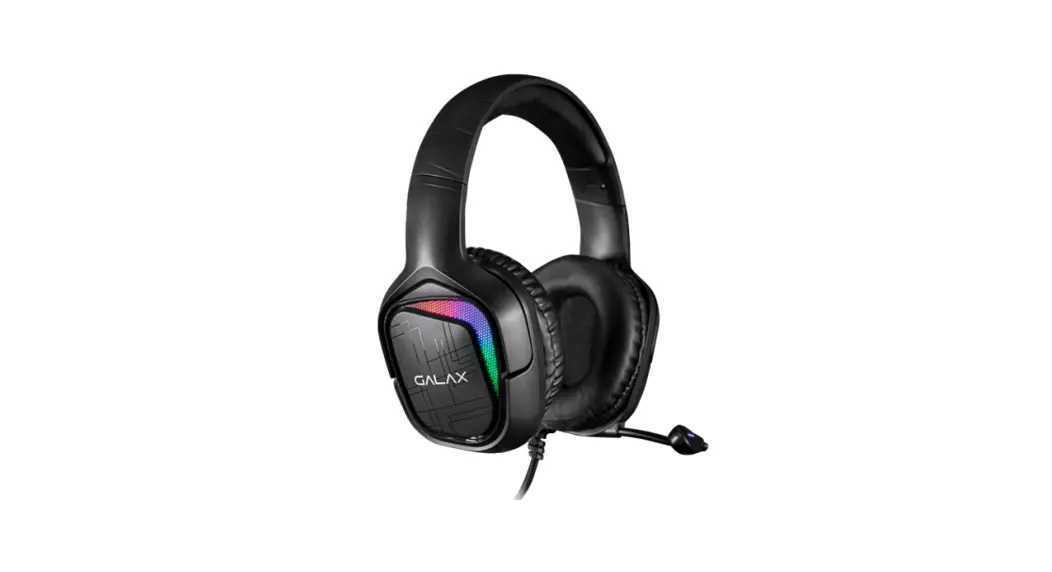
 SNR-04 Gaming Headset
User Manual
SNR-04 Gaming Headset
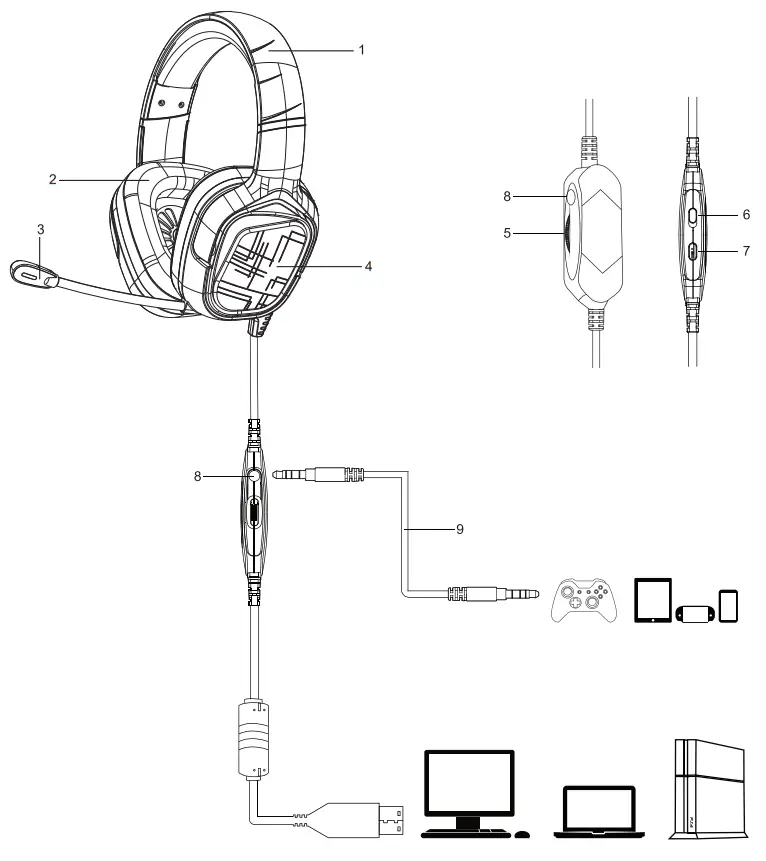
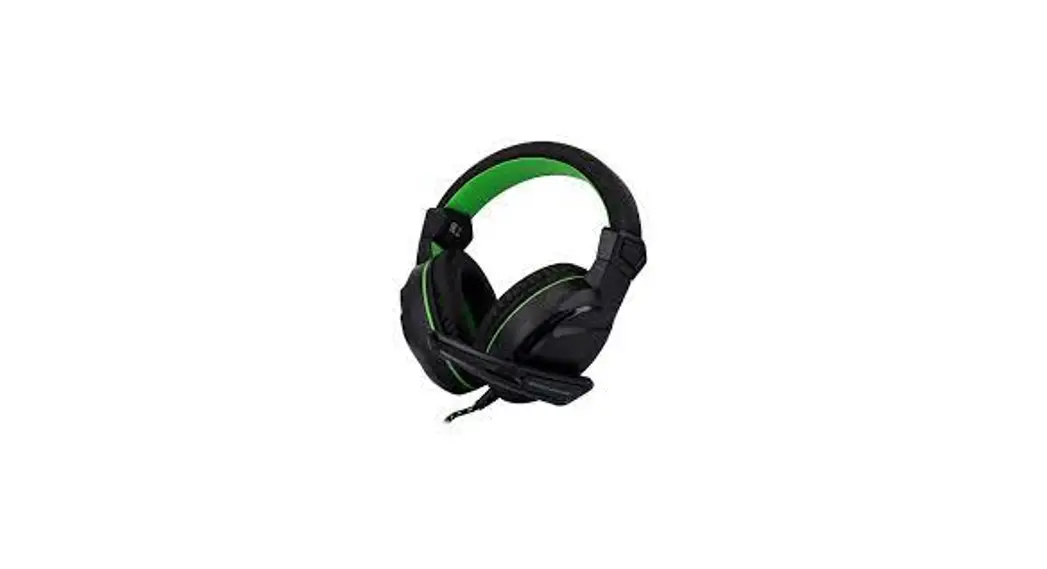
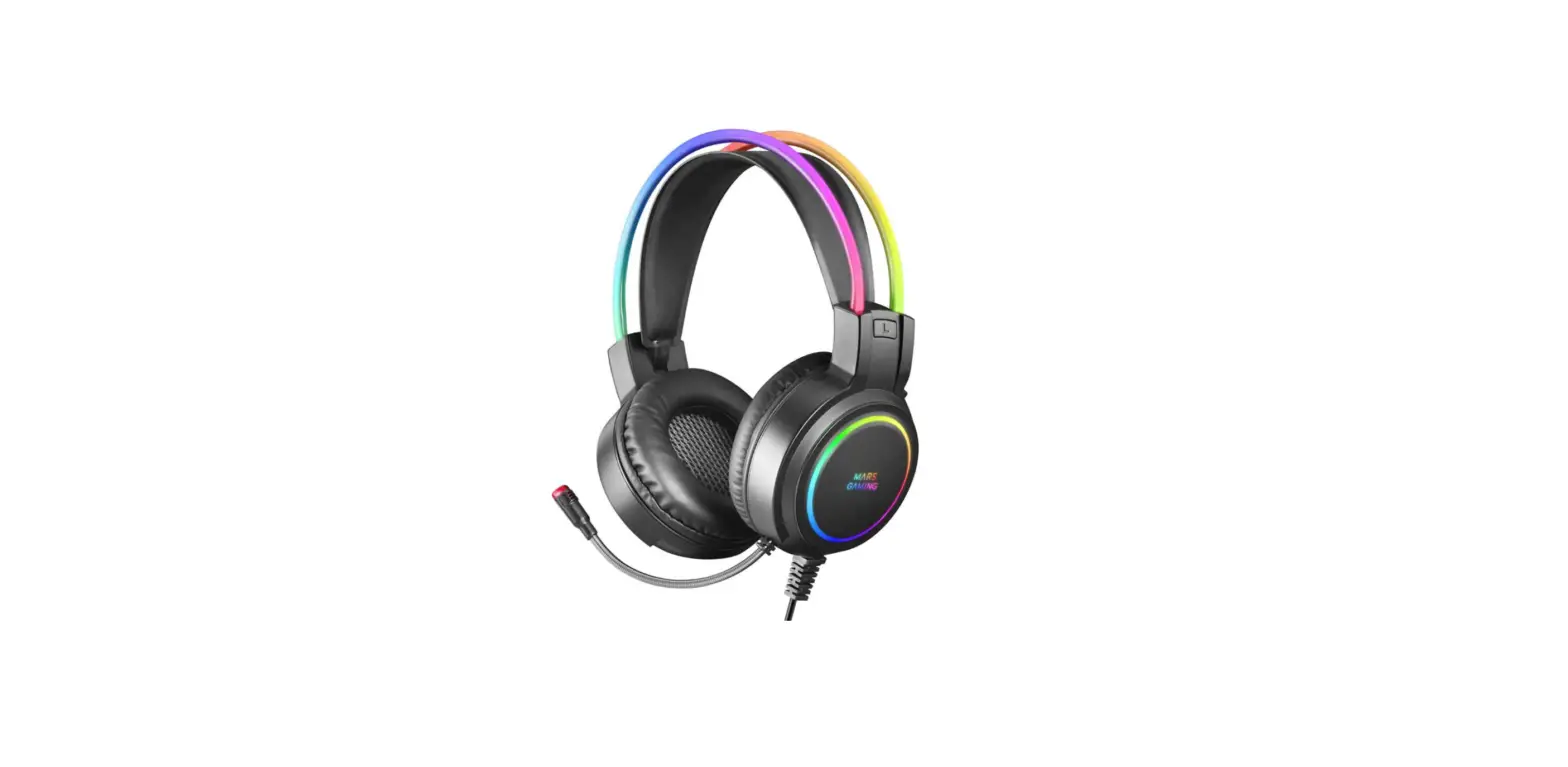
- Headband
- Ear pad
- Microphone
- LED light
- Volume +/-
- LED light on/off
- Microphone on/off
8.3.5mm Jack
9.3.5mm audio cable
Technical Parameters
| Speaker parameters | Microphone parameters |
| Magnet:NdFeB | |
| Size:050MM | Type:Electret condenser microphone |
| Sensitivity: 106dB +3dB (@ 1KHZ) | Size:6.0*2.2mm |
| Impedance:320415% | Sensitivity: -42dB +3dB |
| Frequency Range: 20HZ-20KHZ | SNR: 58DB |
| Rated Power: 2OMW | Output Impedance: $2.2KQ |
| Maximum power:30MW | Directivity: Omnidirectional |
| Chipset:Cmedia 108B | |
| Size:185*91*216mm | |
| Weight:370g | |
| Plug:USB2.0 | |
| Cable length:2.2M |
Accessories
3.5mm audio cable:1’1.2M
Instructions
- Using on PC and laptop,insert the plug into USB port directly, then install virtual7.1 software driver.Using on PS4,insert the plug into PS4 USB port directly.
- Using on gamepad of PS4,XBOX,Sveitch,tablet,mobile phone, please insert
- 5mm audio cable into 3.5mm jack on cable controller first, then connect 3.5mm audio with device’s 3.5mm jack. 3. Scroll up or down the volume button of cable controller to adjust the volume.
- Push up or down the mic button to turn on or off the mic.
- Press the LED light button to turn on /off the light.