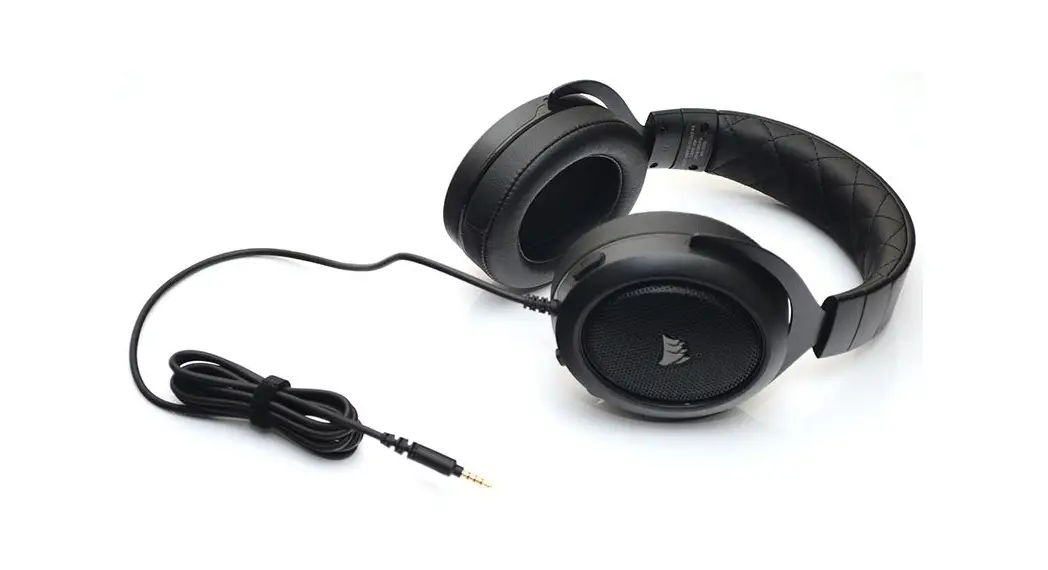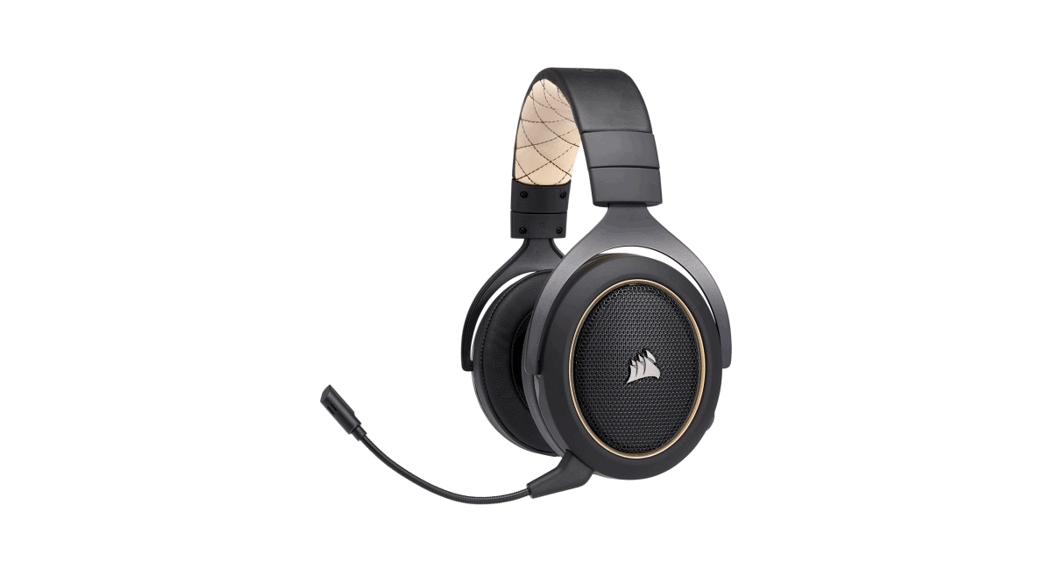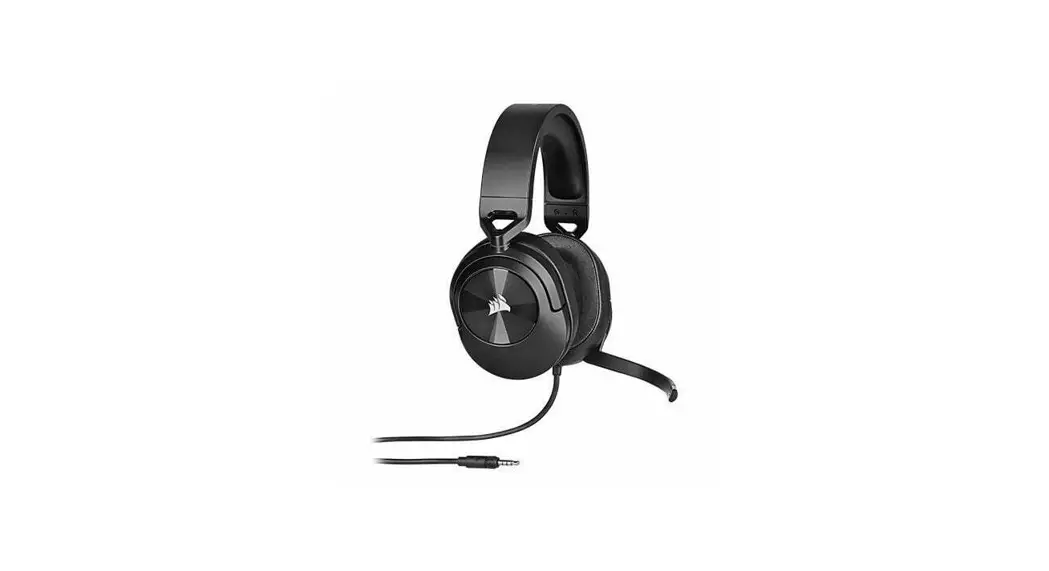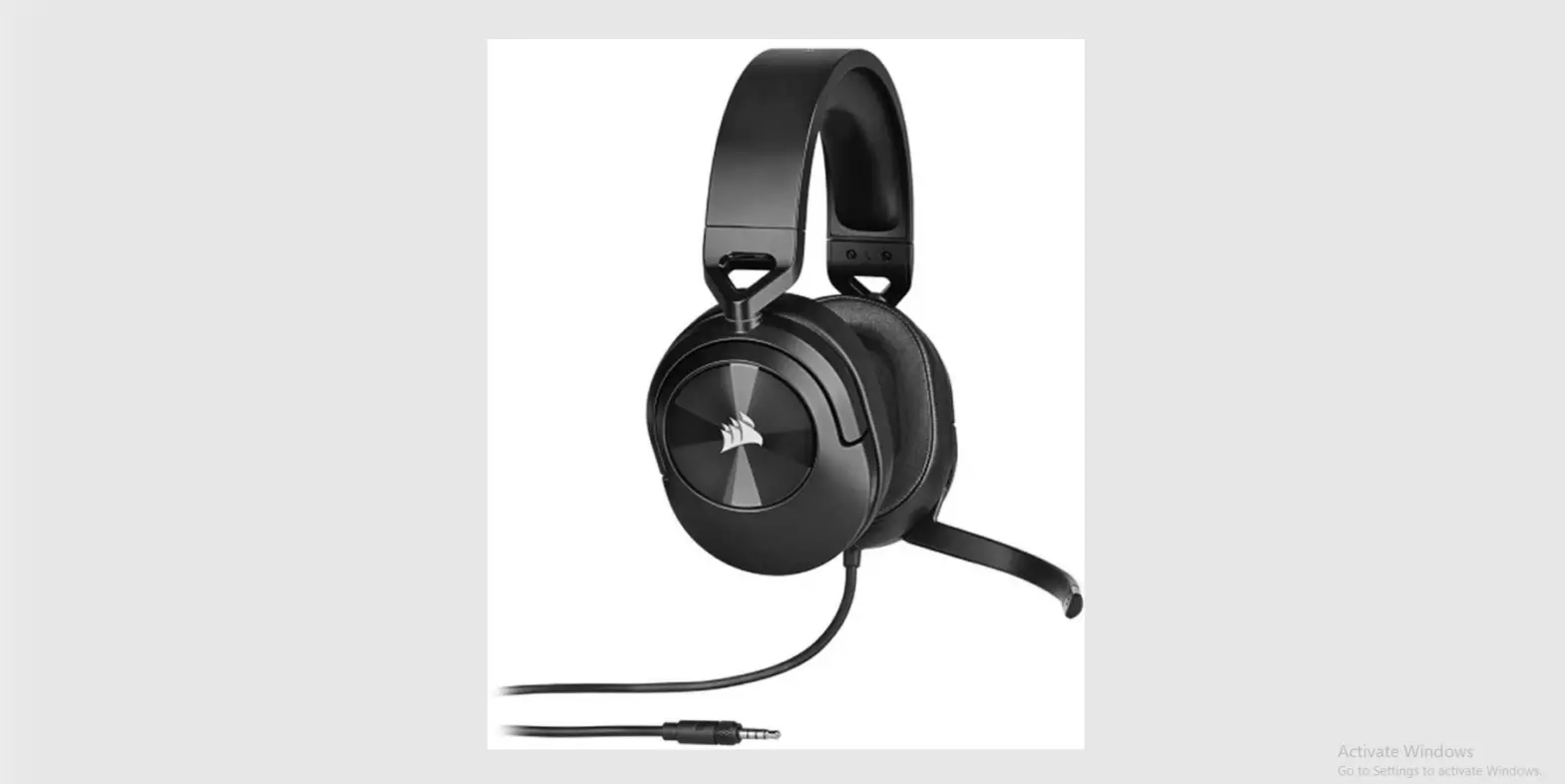

 HS35 STEREO
Stereo Gaming Headset
User Manual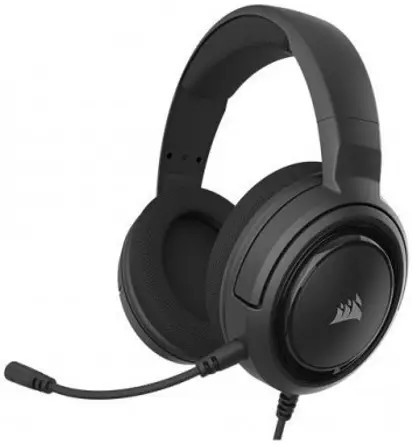
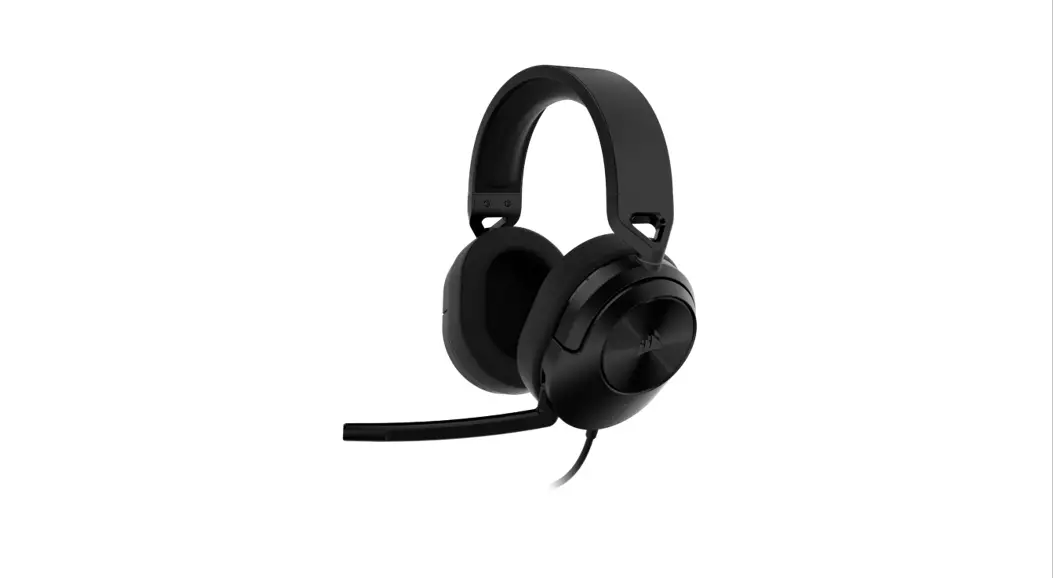
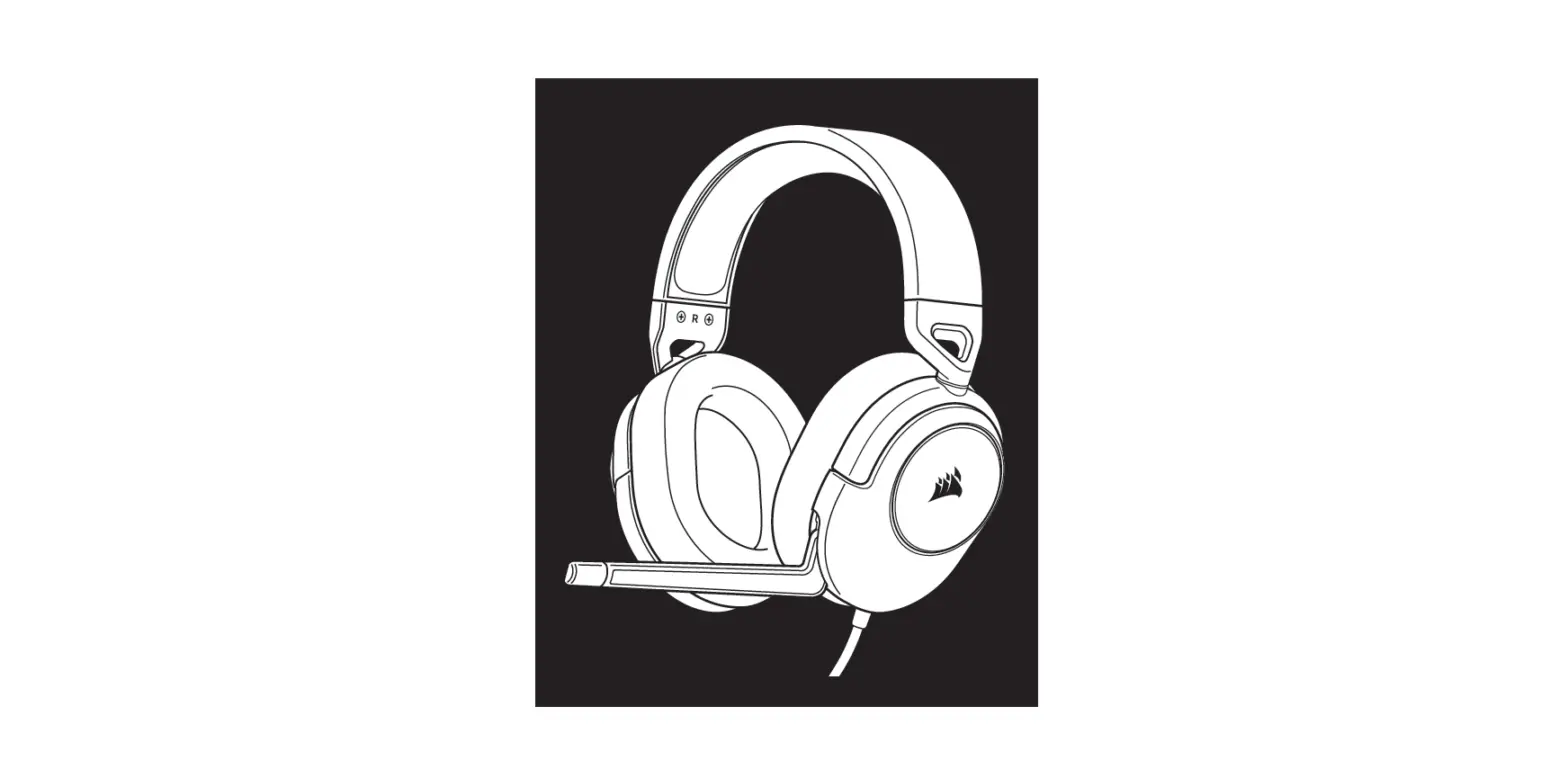
CONTENTS, CONTROLS, AND FEATURES
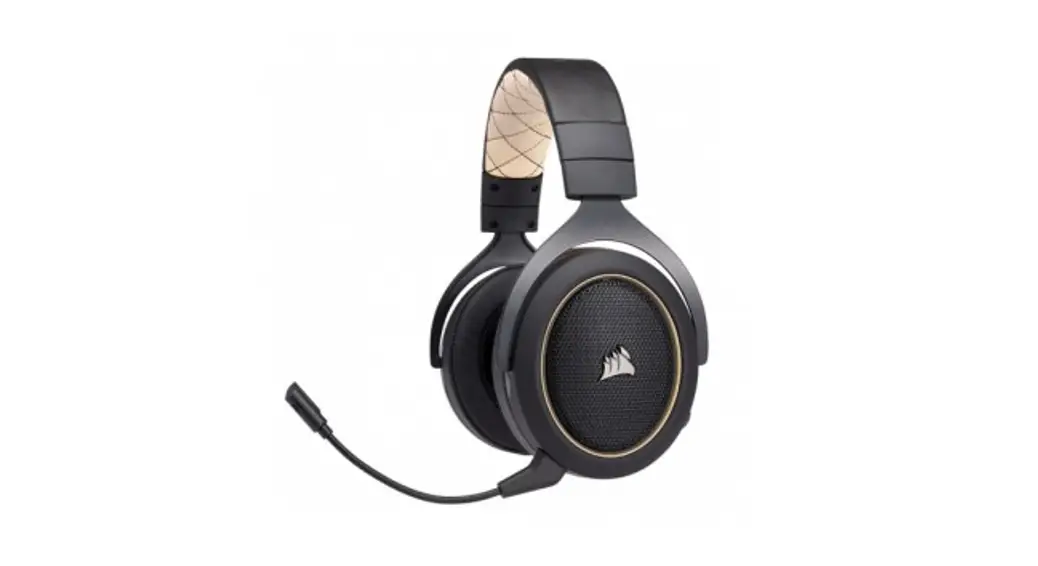
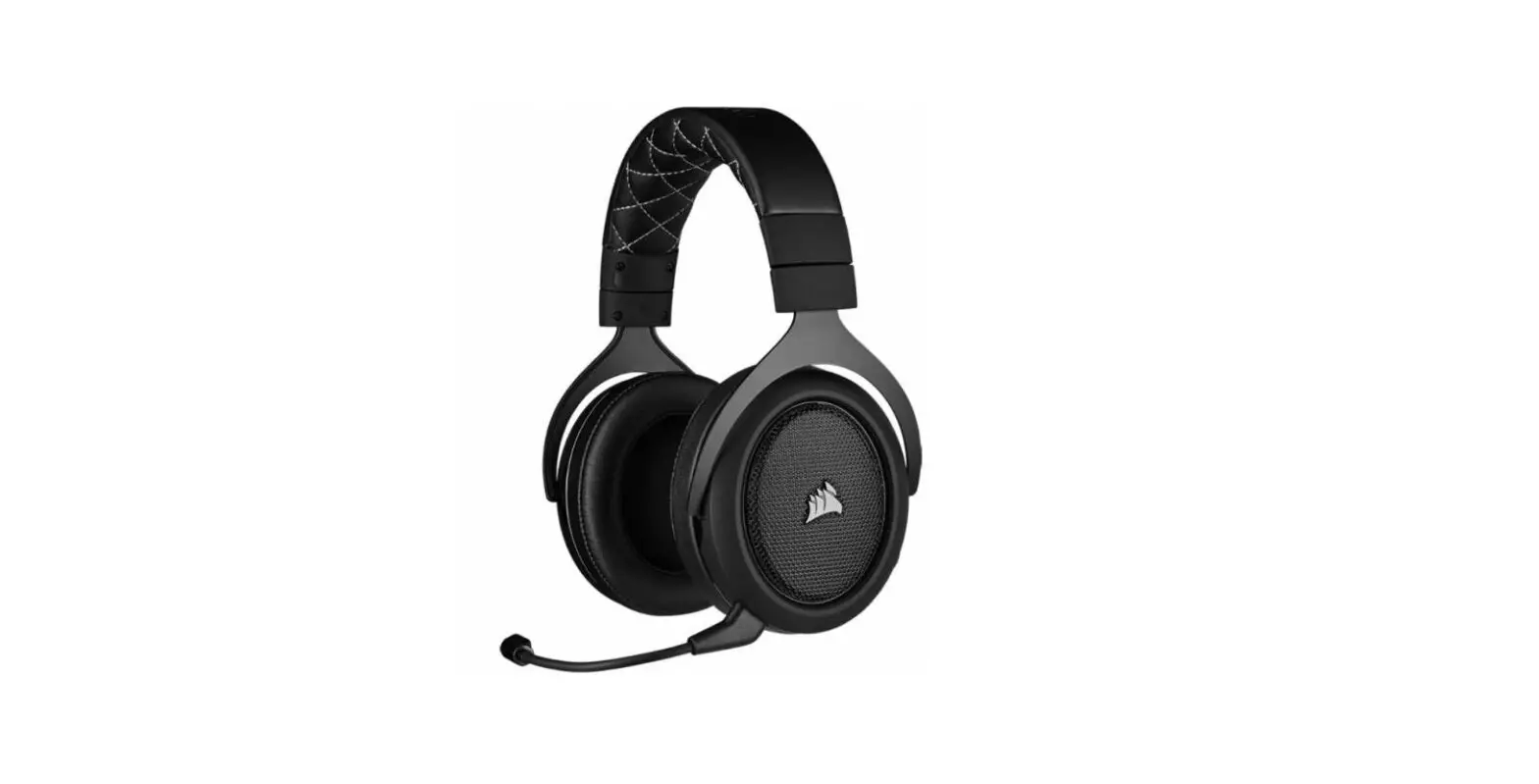
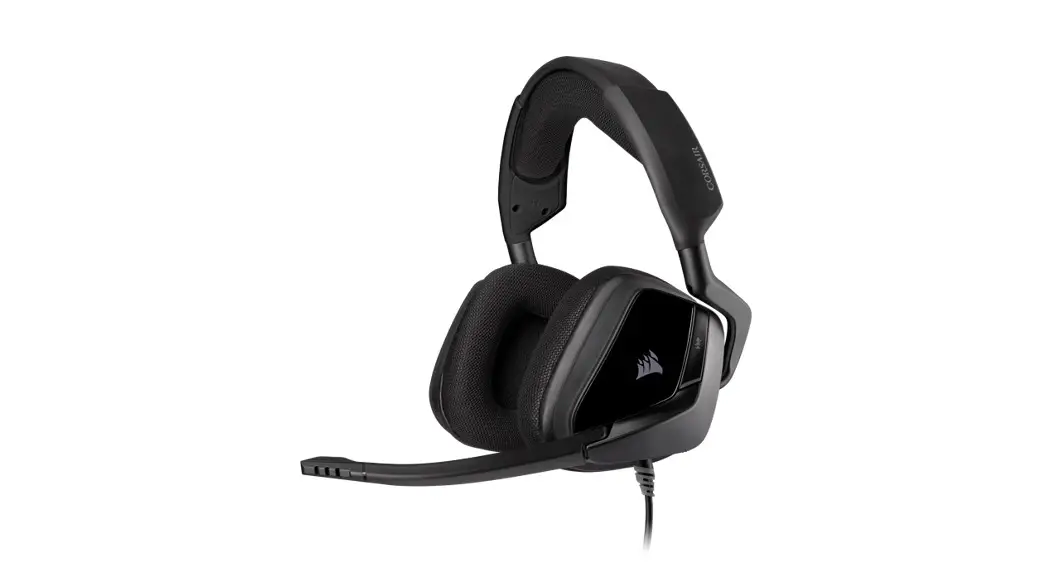
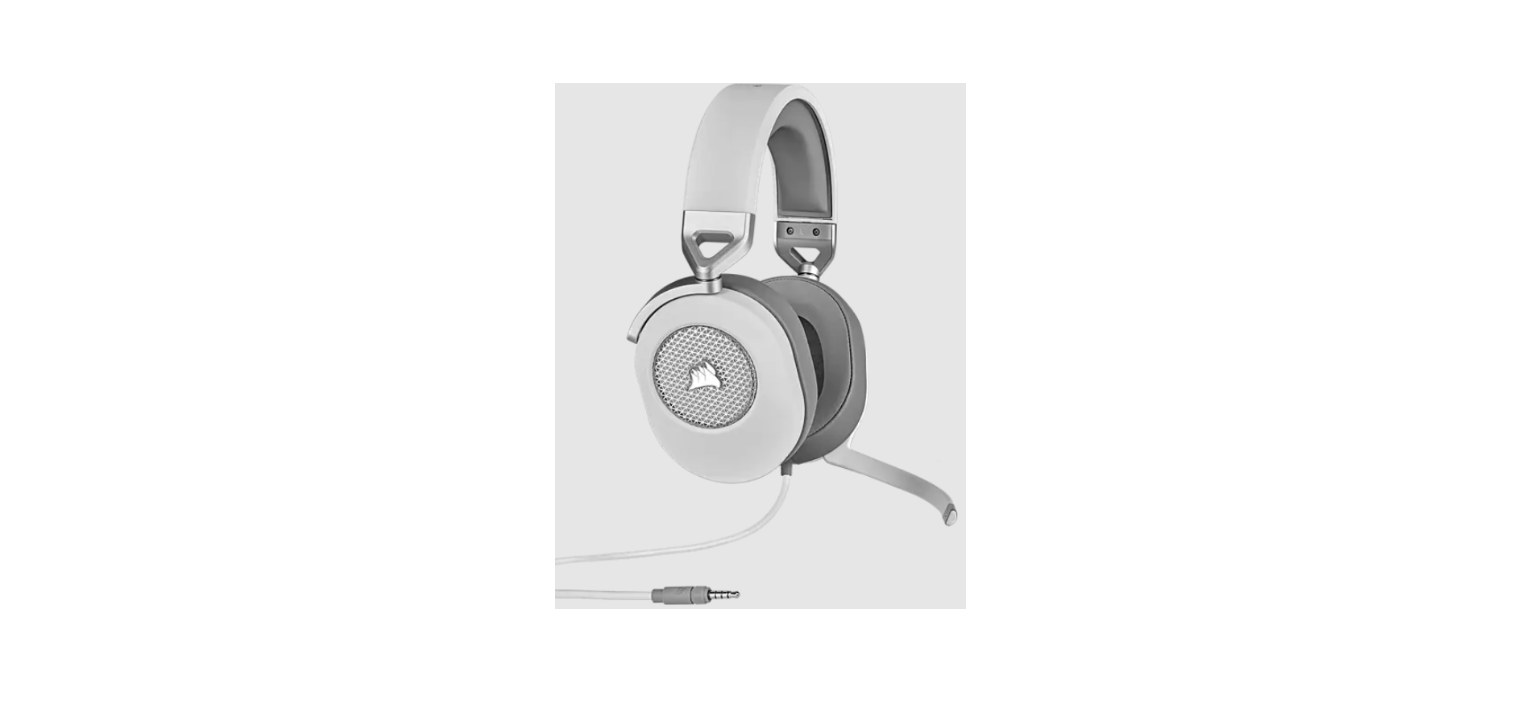
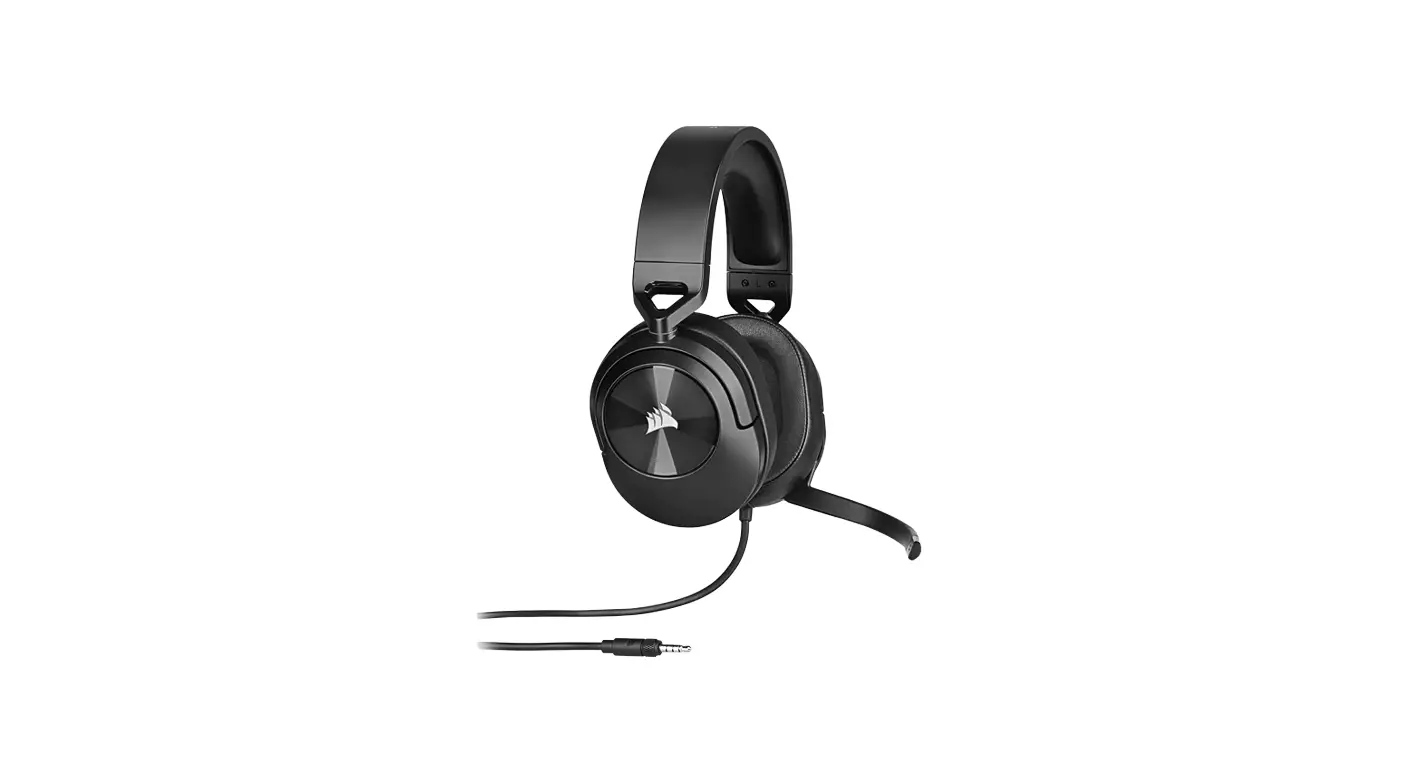
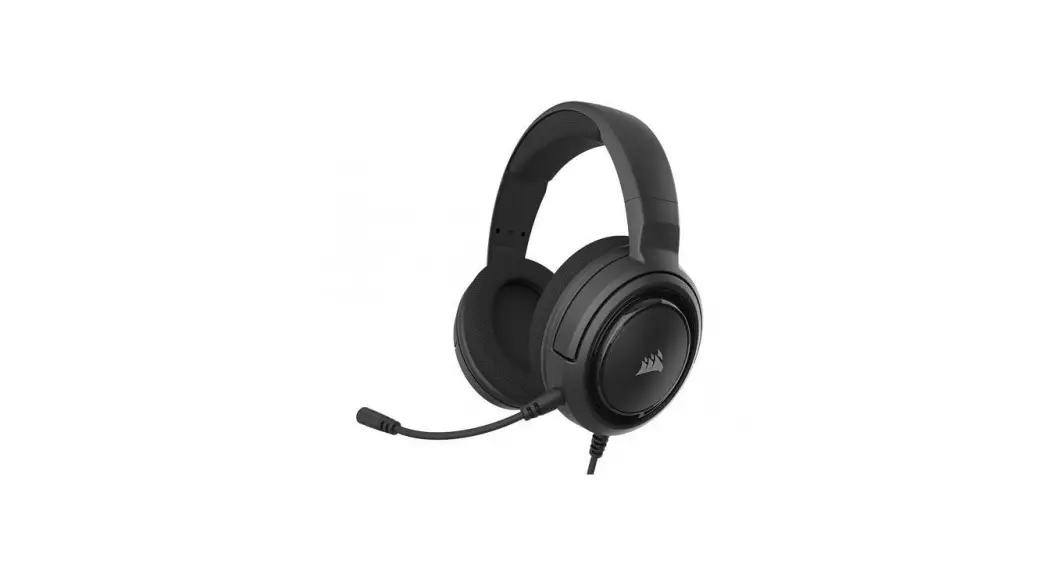
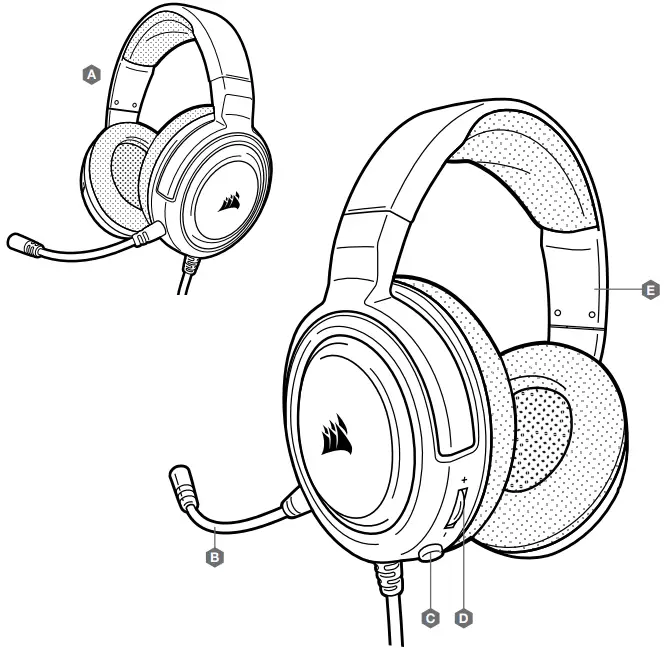
A. CORSAIR HS35 STEREO headset
B. Detachable microphone boom
C. Mute button
D. Volume control
E. Headband adjustment
 GETTING STARTED
 GETTING STARTED
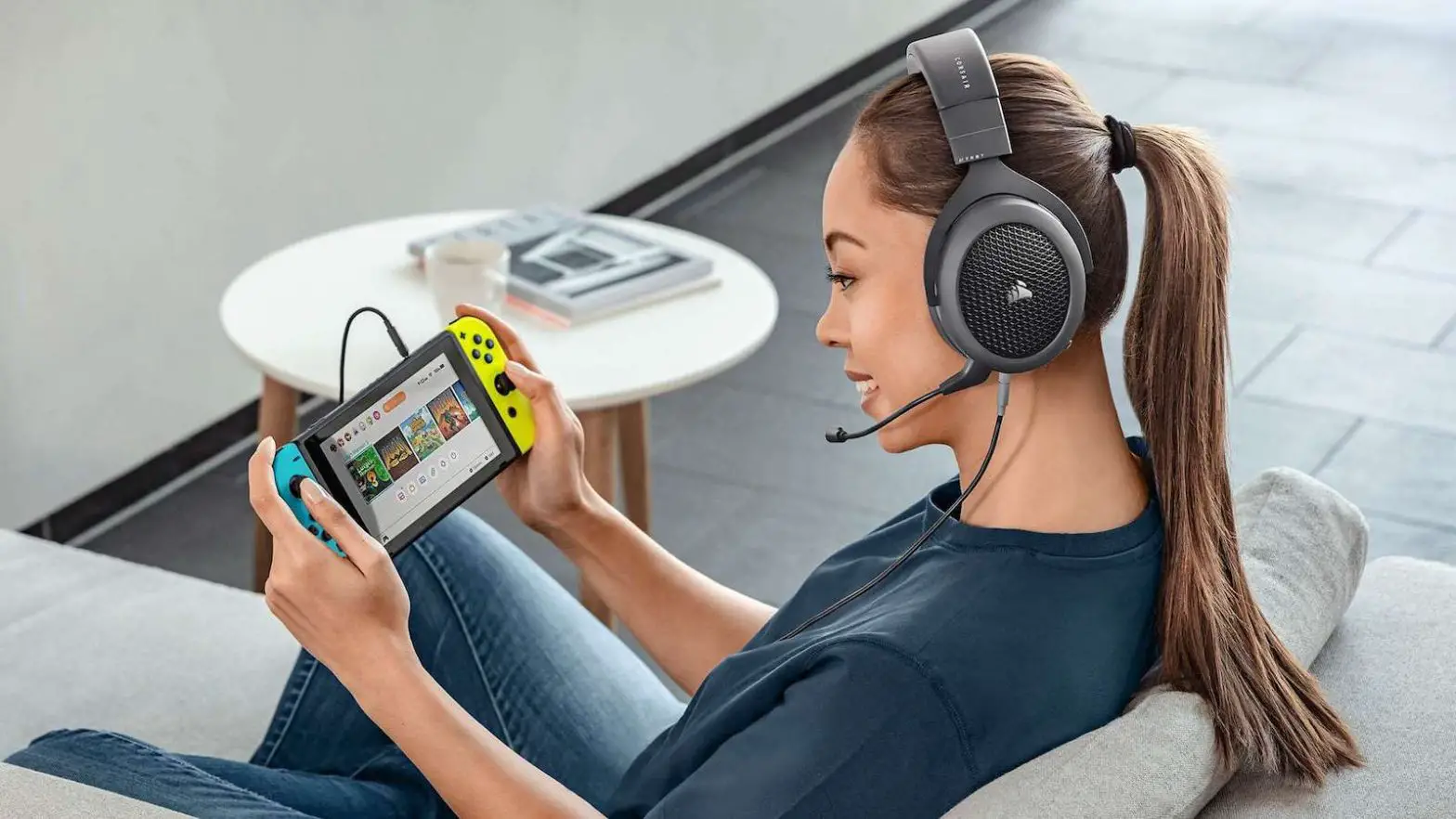
You can connect the HS35 STEREO to any PC, Mac, PlayStation 4, Xbox One*, Nintendo Switch, or mobile device.
Place the headset on your head and adjust the headband for a comfortable fit.
The plush memory foam ear pads enable the HS35 STEREO headset to fit comfortably so you can play for hours without fatigue.
*May require Microsoft adapter sold separately.
ADJUSTMENT
As with any audio product, reduce the volume before trying it with an audio source the first time.
You can adjust the volume with:
- The volume controller on the headset is at the bottom corner of your left earcup.
- The standard Windows audio controller can also be used to adjust the volume.
- Once an audio source is playing, set the volume to a comfortable level.
MICROPHONE ADJUSTMENT
Your new HS35 STEREO headset features a high-performance “unidirectional” microphone designed to reject noise other than your voice, but it must be pointed directly at your mouth to function correctly. Bend the flexible microphone boom to best fit near the left corner of your mouth.
We’ve found that about a 30-degree bend is a good place to start, but feel free to increase or decrease this if your mic is too loud or too soft.
Enjoy your HS35 STEREO headset! If you have any questions or comments, see the back panel of this guide for contact information.
 | WEB: corsair.com PHONE: (888) 222-4346 SUPPORT: support.corsair.com | BLOG: corsair.com/blog FORUM: forum.corsair.com YOUTUBE: youtube.com/corsairhowto |
| © 2021 CORSAIR MEMORY, Inc. All rights reserved. CORSAIR and the sails logo are registered trademarks in the United States and/or other countries. All other trademarks are the property of their respective owners. Products may vary slightly from those pictured. 49-002230 AA |  | |
 PC Components | Gaming Gear | CORSAIR
 Home - Corsair Community