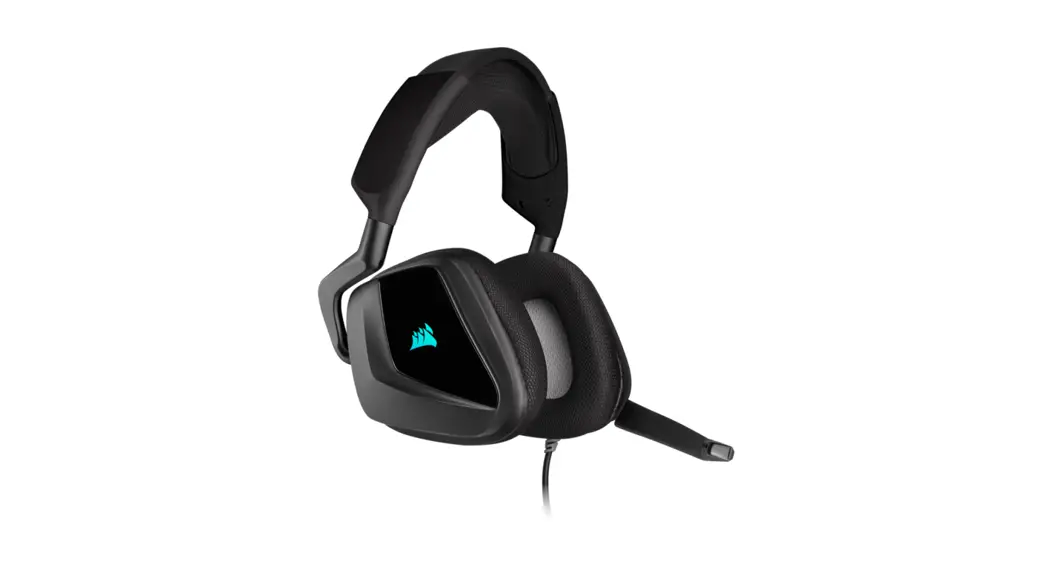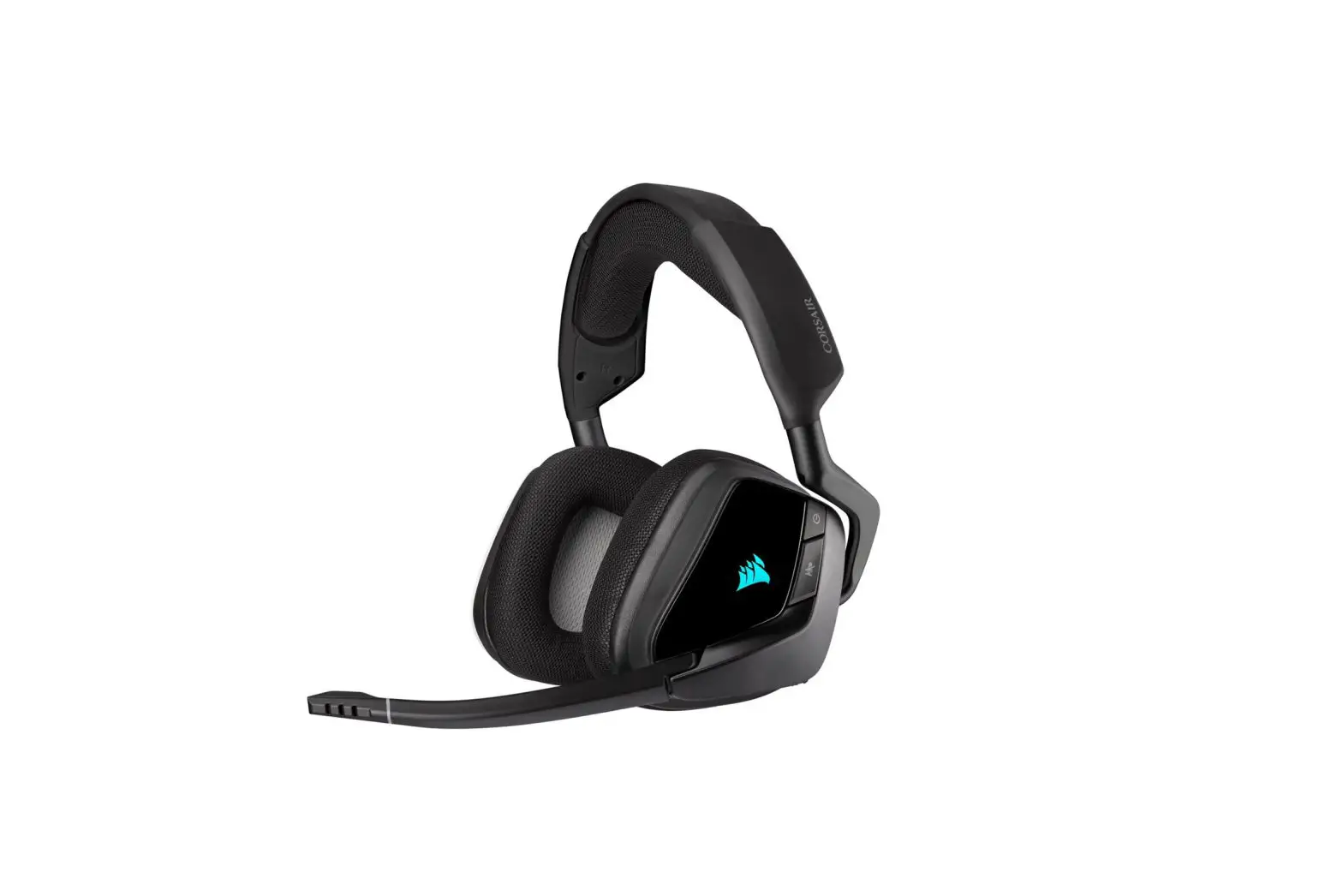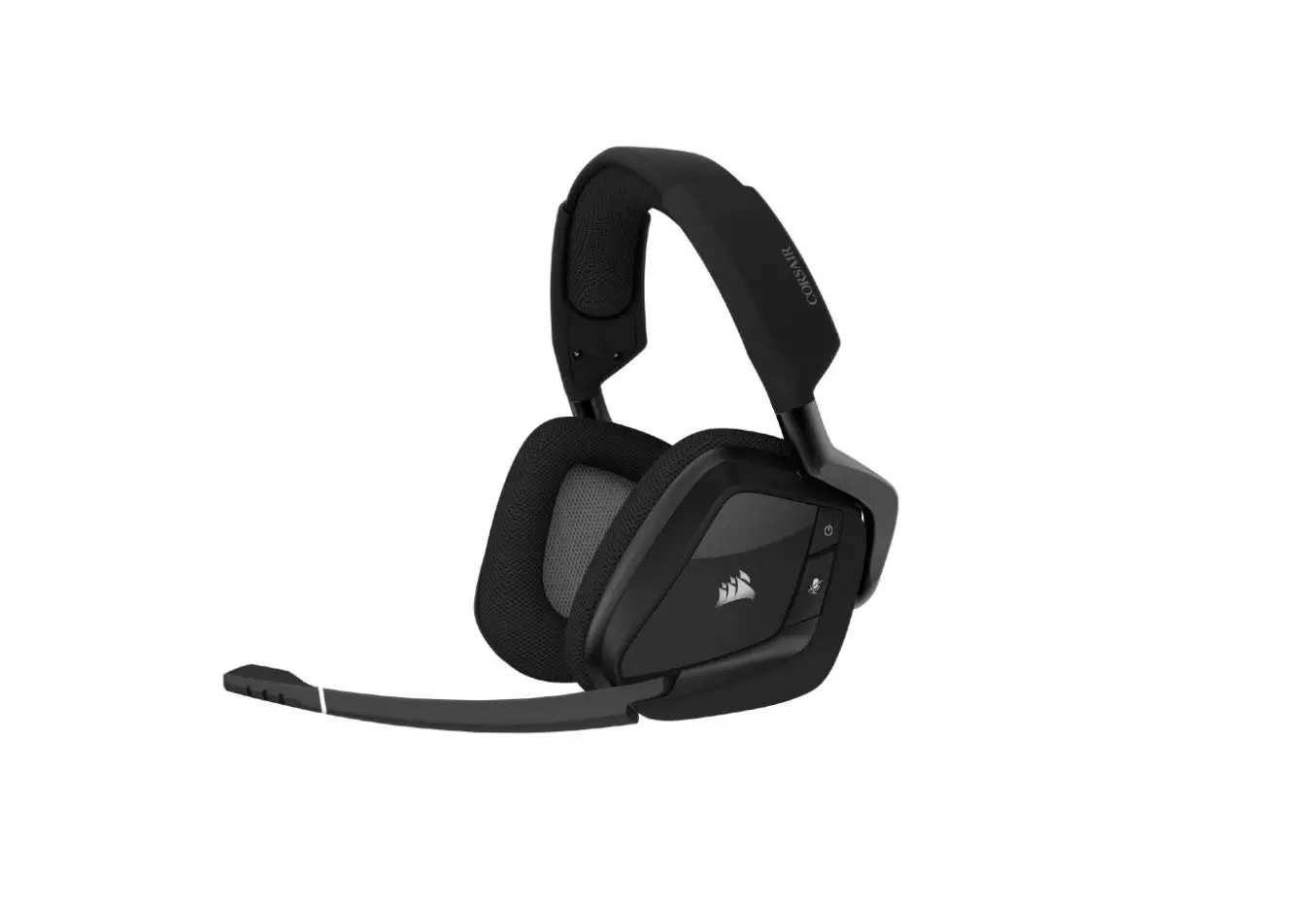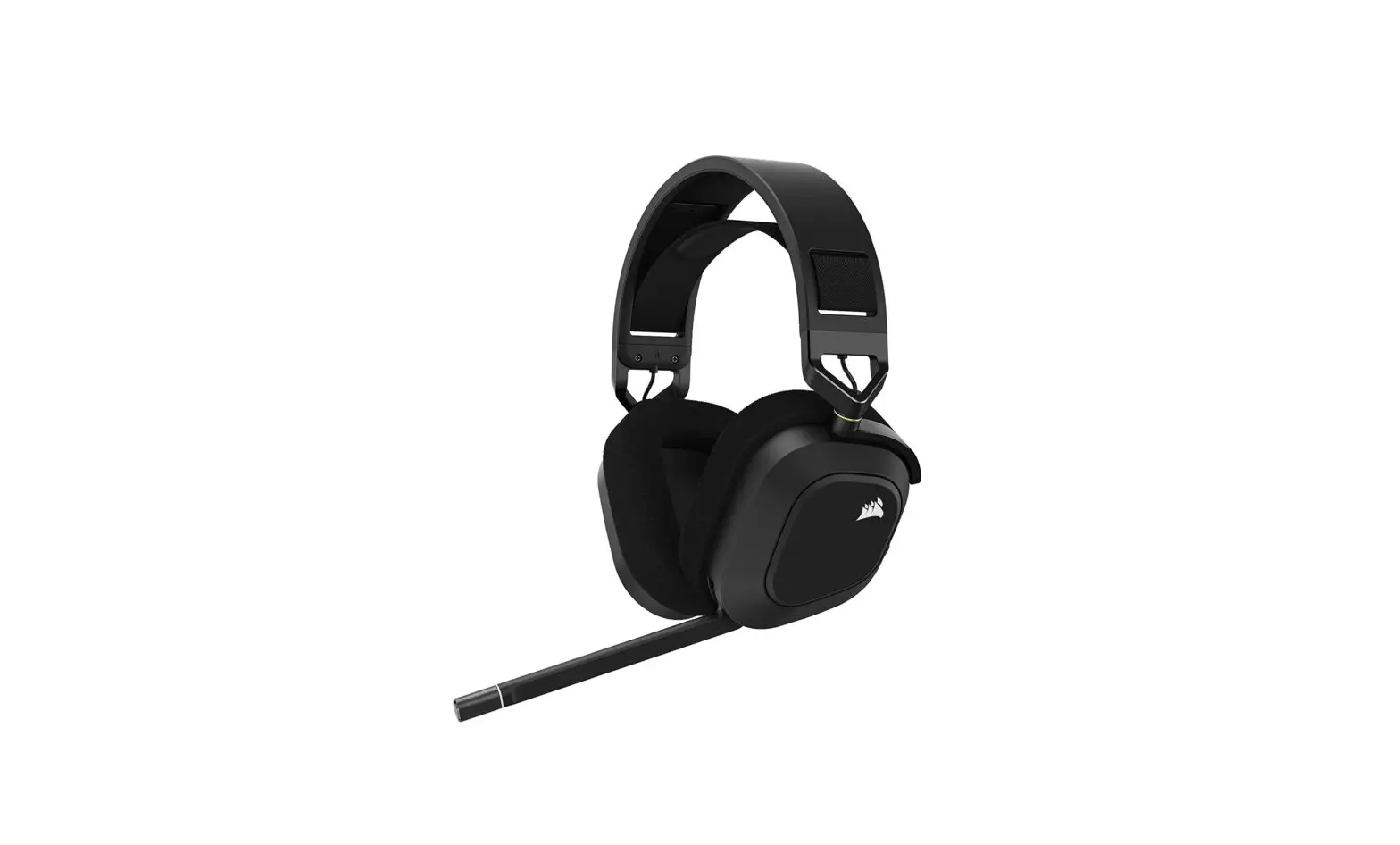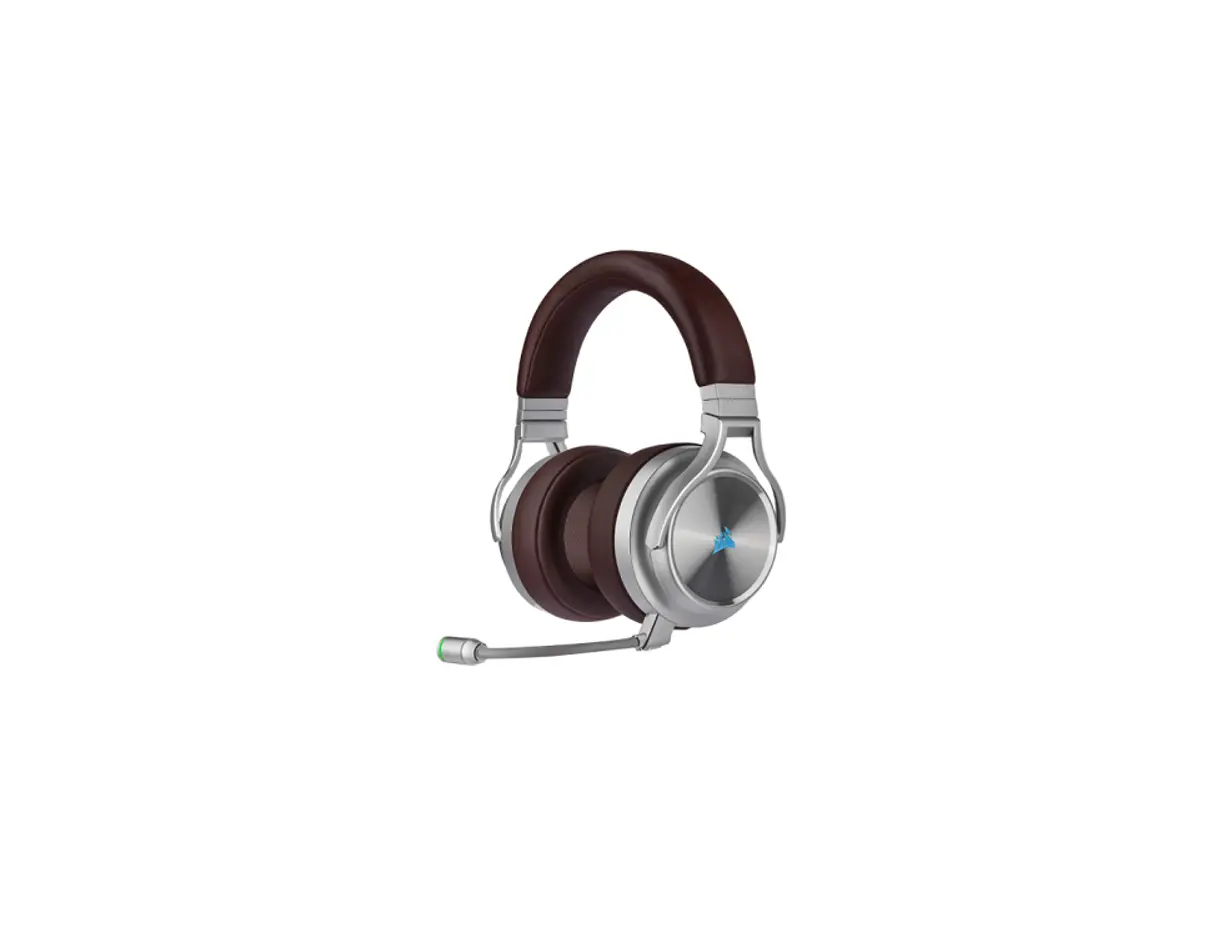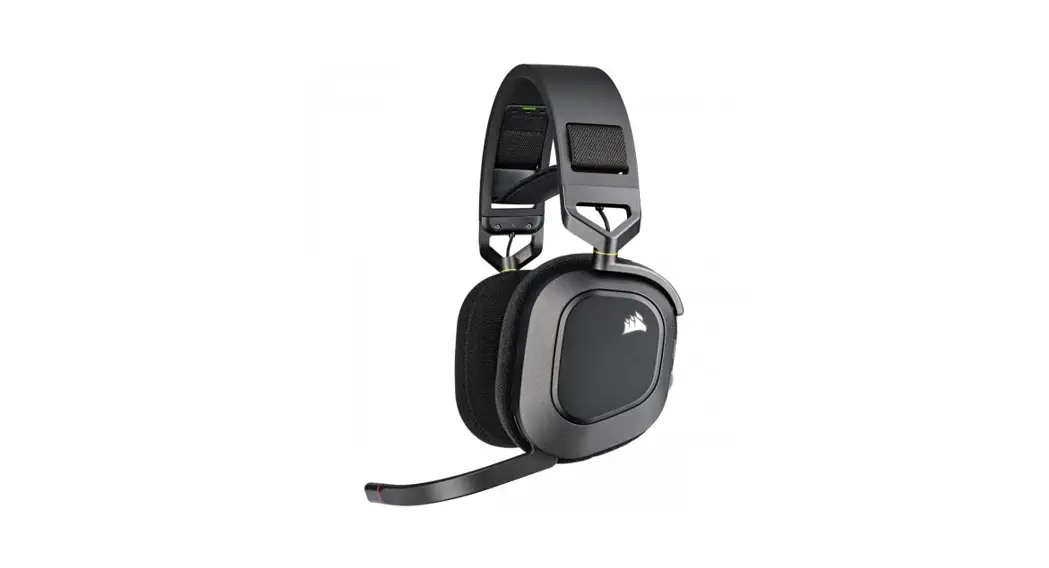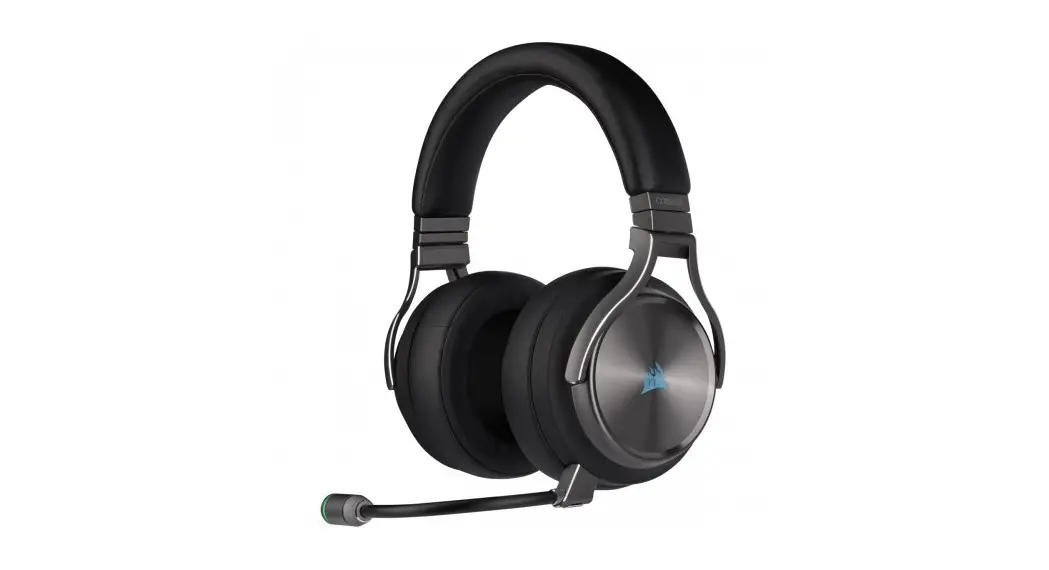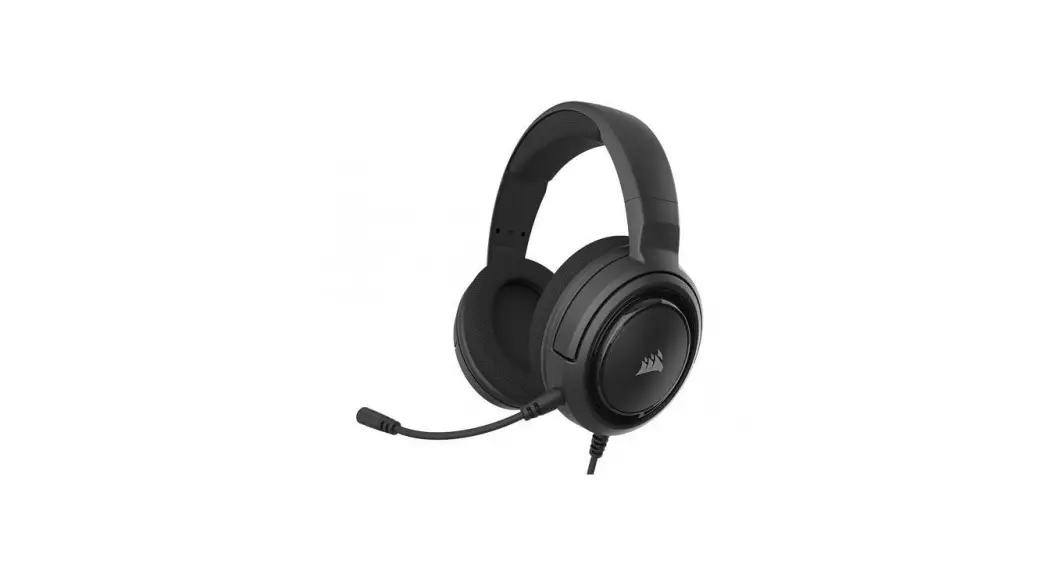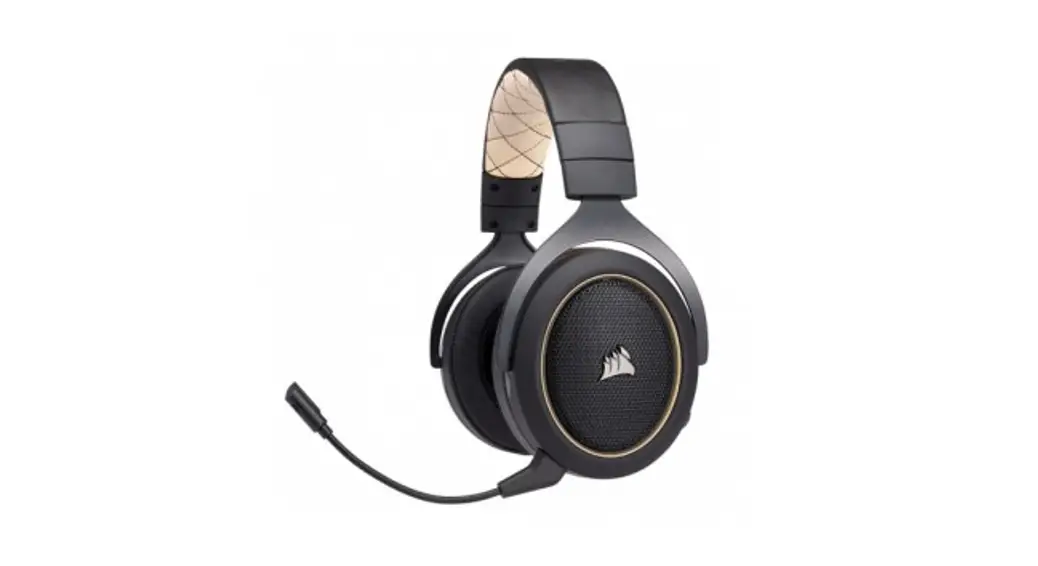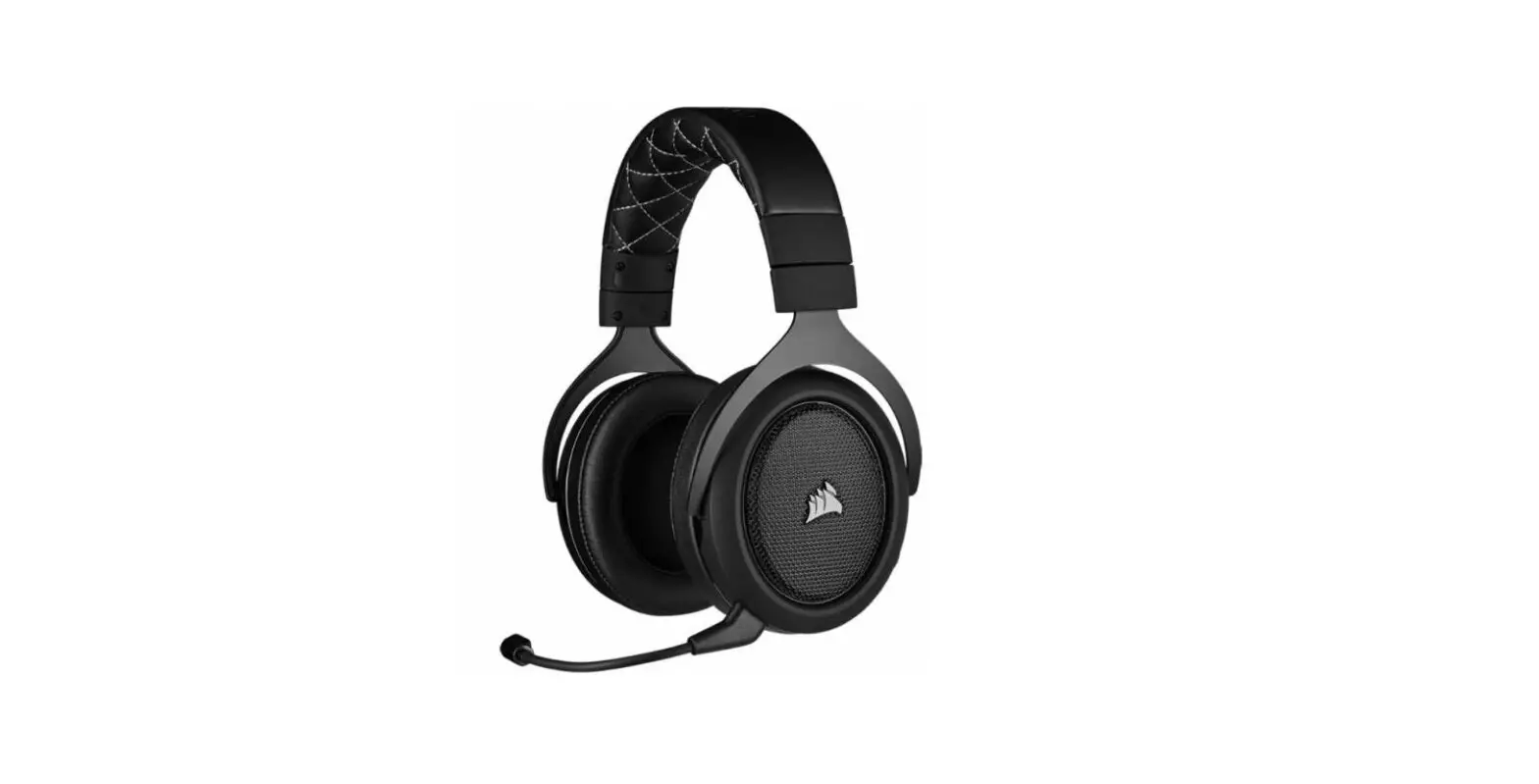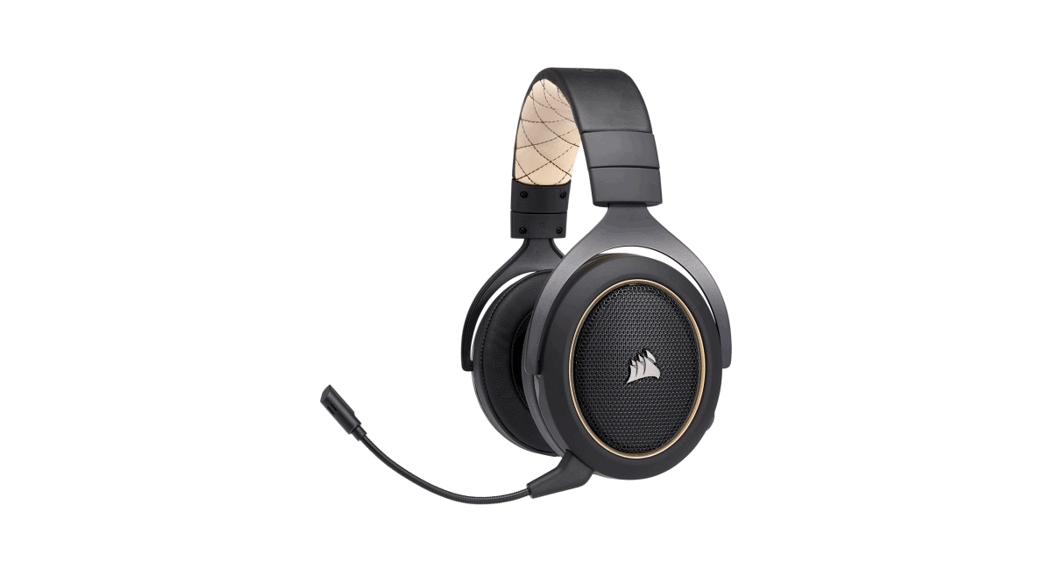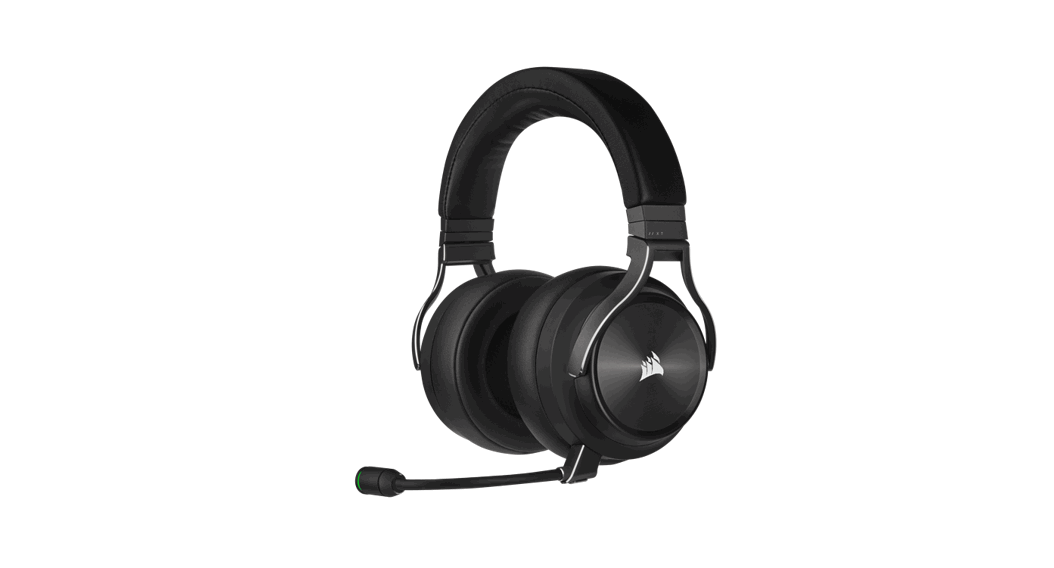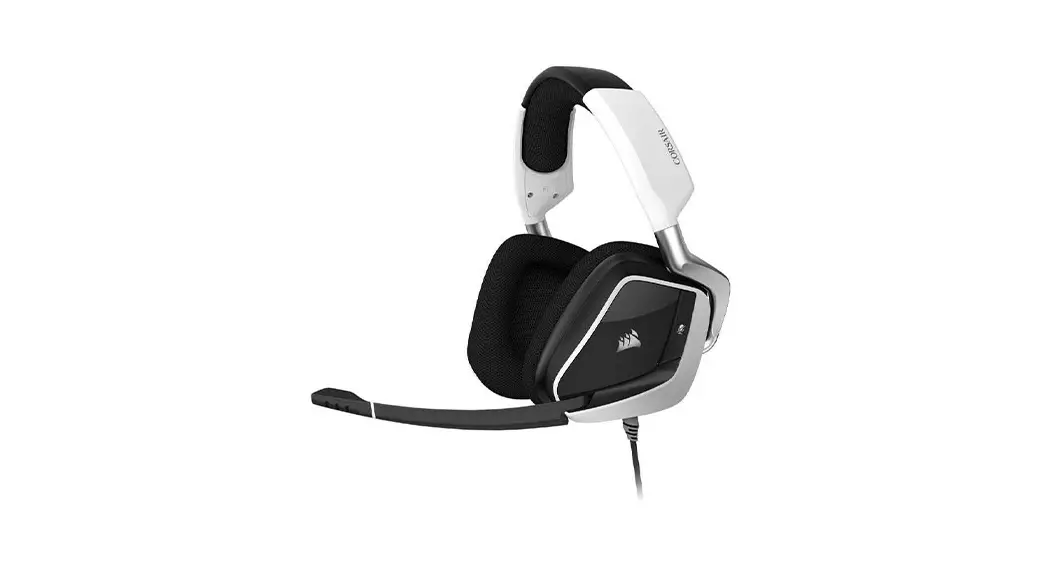
 VOID RGB ELITE USB
Premium Gaming Headset with 7.1 Surround Sound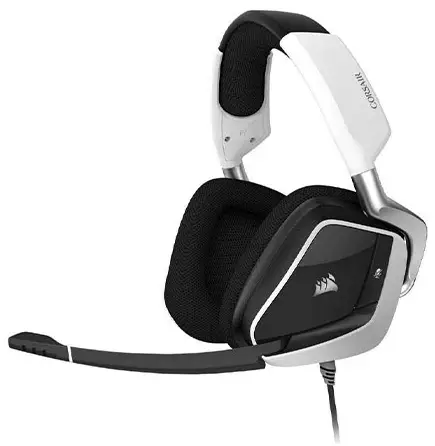

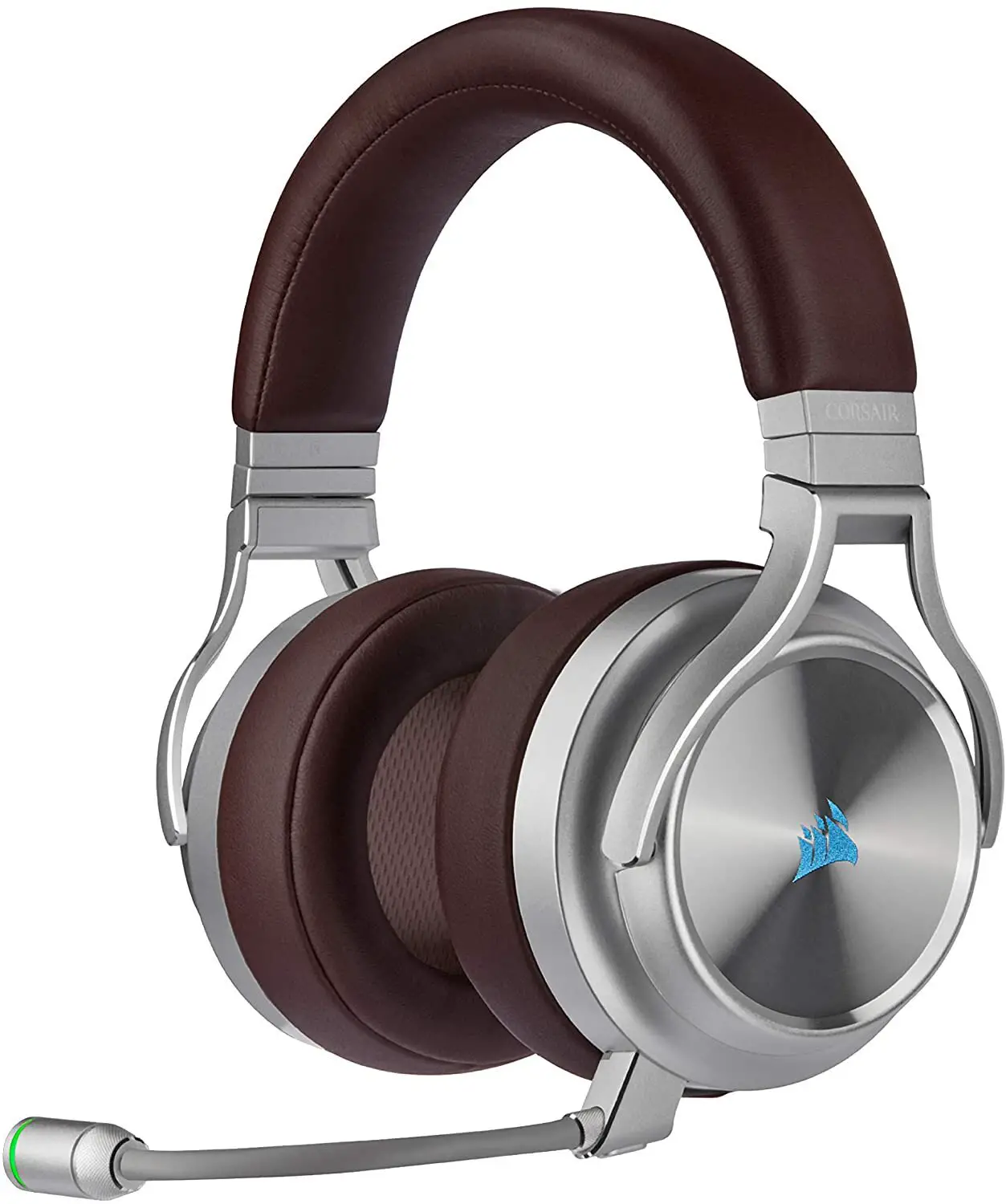
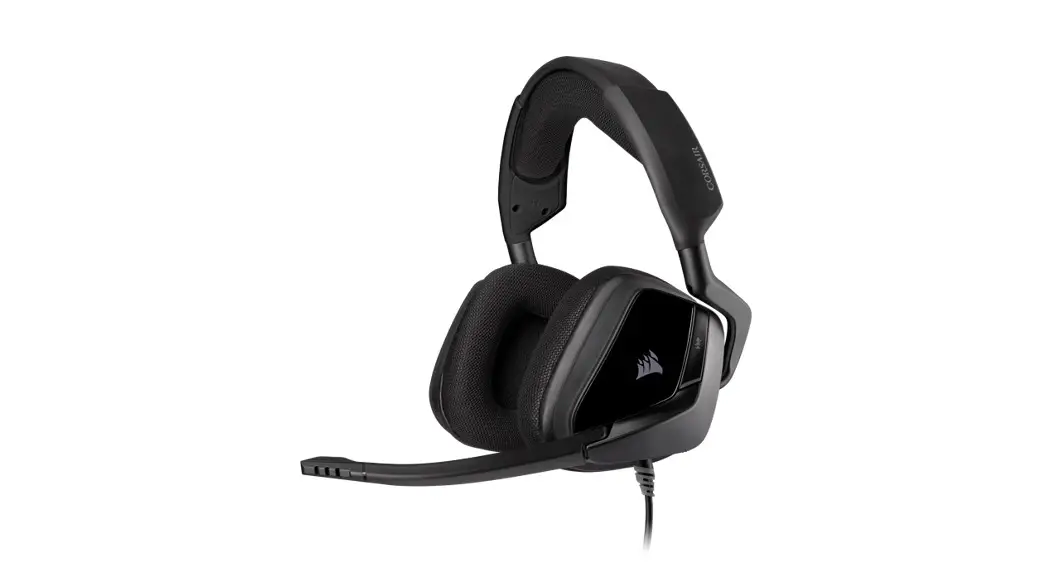
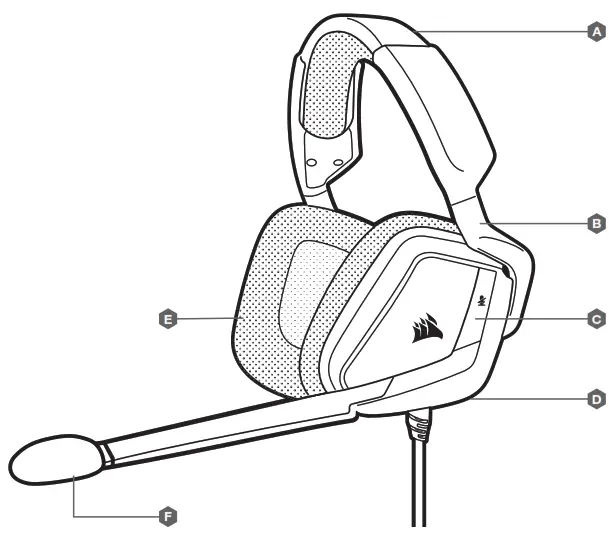
CONTROLS AND FEATURES
A. Headband adjustment
B. Cantilevered arm + hinge
C. Mute button
D. Jog dial (volume + EQ)
E. Microfiber covered ear pads
F. Microphone foam windscreen (removable)
GETTING STARTED WITH YOUR VOID RGB ELITE USB HEADSET
- Connect your headset to a USB port on your PC.
- Go to corsair.com/support/downloads to download the CORSAIR Utility Engine (“iCUE”) Software. Using the iCUE software will enable the full feature set of your headset.
- Note: If the headset is used without software, some features will be disabled.
- Install the iCUE software on a PC running Windows® 7, Windows ® 8.1, Windows ® 10 or later.
- After installation is complete, reboot your PC, and launch iCUE.
iCUE SOFTWARE CAN BE USED TO
- Choose your RGB color preference and light intensity.
- Select and customize audio equalizer (EQ) settings.
- Adjust microphone input volume, and microphone side tone.
- Set 7.1 surround sound on or off.
Note: Prolonged listening at high volumes may adversely affect your hearing.
Take breaks between sessions and always begin with the volume at the lowest possible level before increasing.
HEADSET AUDIO SETTINGS
Short key press (0.1-0.5 seconds) on JOG DIAL D toggles EQ.
Medium key press (0.6-2 seconds) on JOG DIAL D toggles 7.1 surround sound.
HEADSET MIC CONTROL
Short key press (0.1-0.5 seconds) on mic mute button C toggles mute on and off.
Long key press (2-4 seconds) on mic mute button C toggles side tone on and off.
Note: iCUE software can also be used to control these features.
| WEB: corsair.com PHONE: (888) 222-4346 SUPPORT: support.corsair.com | BLOG: corsair.com/blog FORUM: forum.corsair.com YOUTUBE: youtube.com/corsairhowto |
| © 2019-2021 CORSAIR MEMORY, Inc. All rights reserved. CORSAIR and the sails logo are registered trademarks in the United States and/or other countries. All other trademarks are the property of their respective owners. Product may vary slightly from those pictured. 49-001923 AC |  | |
 PC Components | Gaming Gear | CORSAIR
 Home - Corsair Community