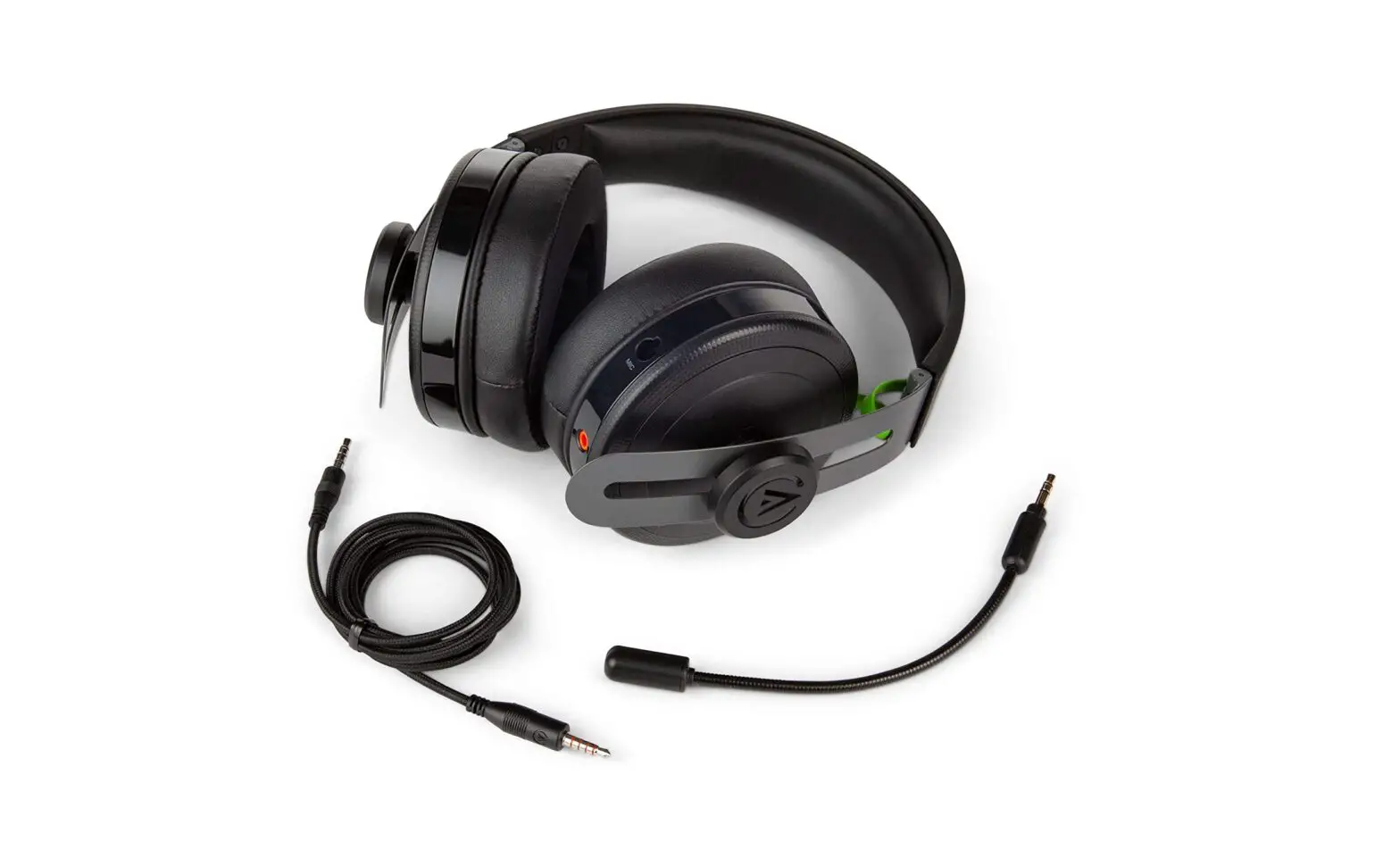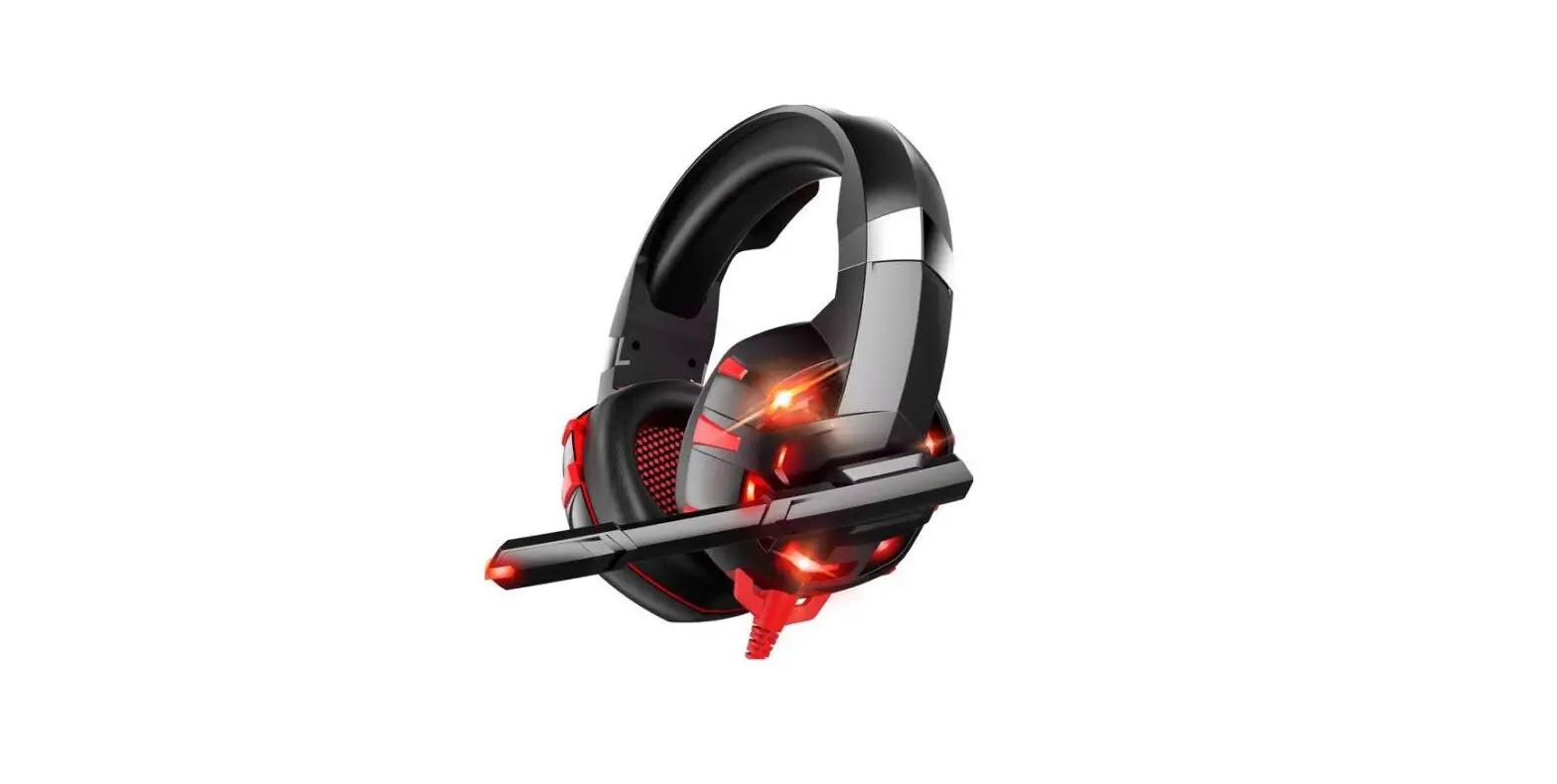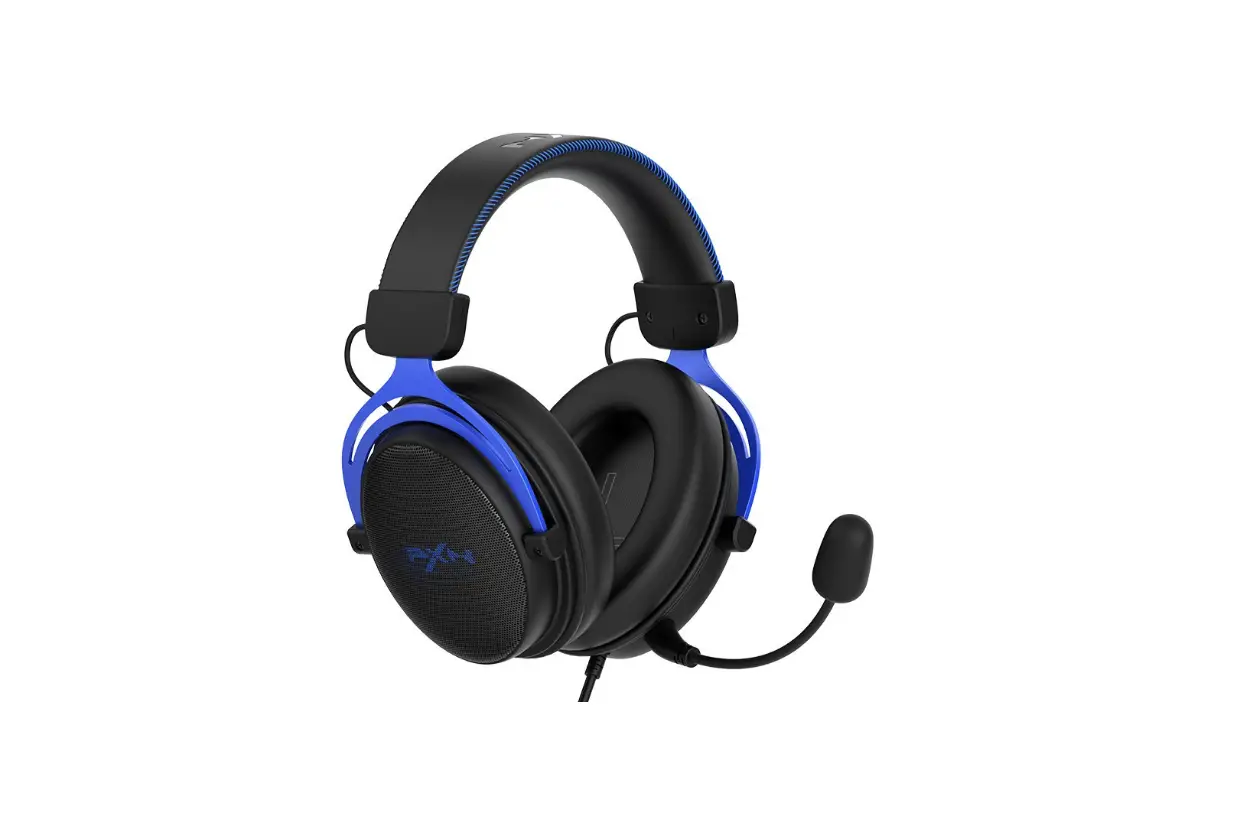

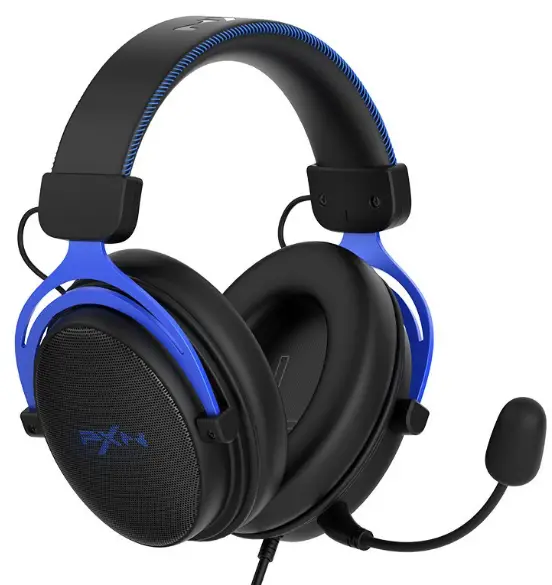
PXN U302 Gaming Headset
Thank you for your choosing and supporting our PXN. Please read this user’s manual carefully before using the product.
Operating Function
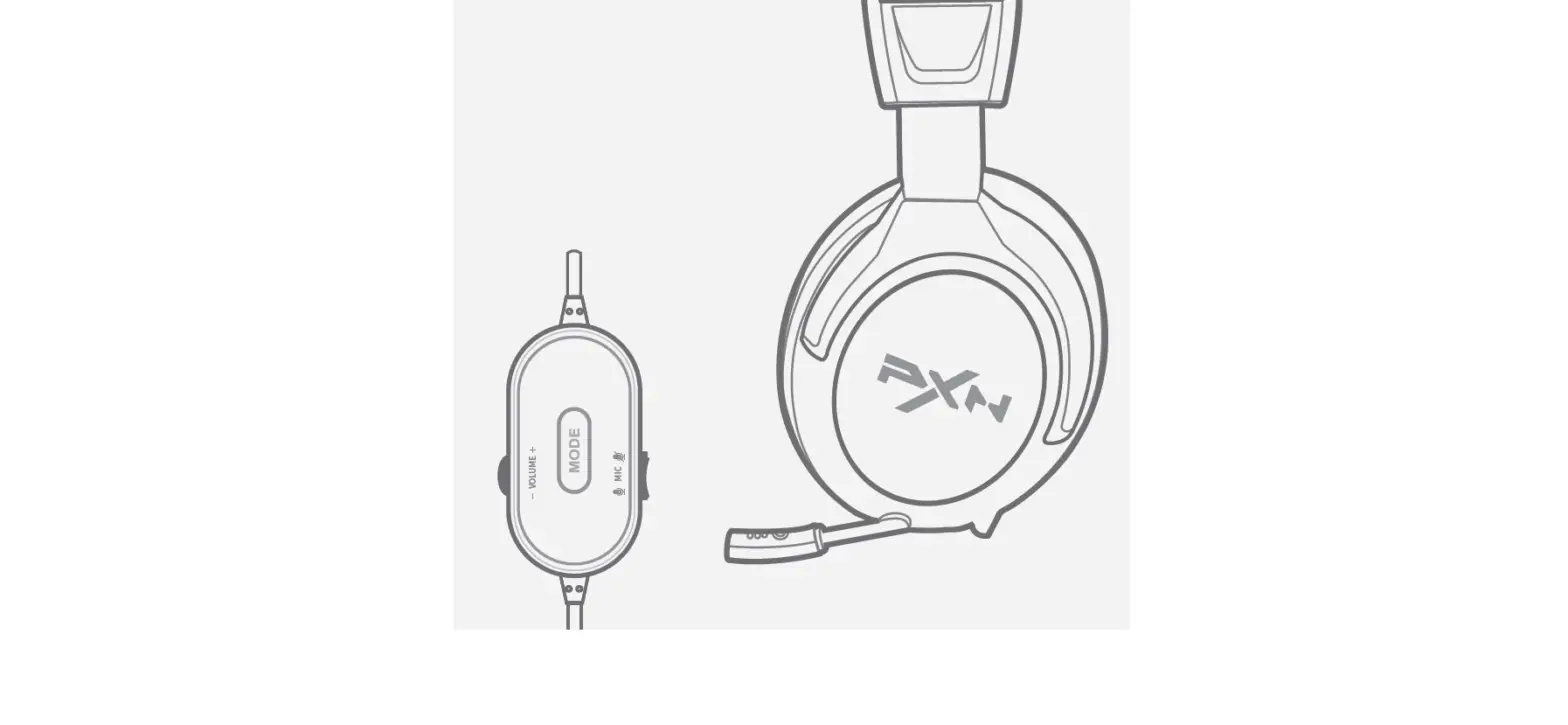
Press the 7.1MODE button on the cable controller to switch the EQ sound effect.
| Light status | Purple | Blue | Red | Green | 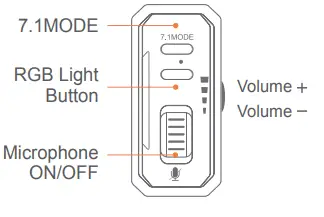 | |
| Sound effect | 7.1 Mode | Game Mode | Music Mode | Movie Mode | Original Mode |
 Product Overview
 Product Overview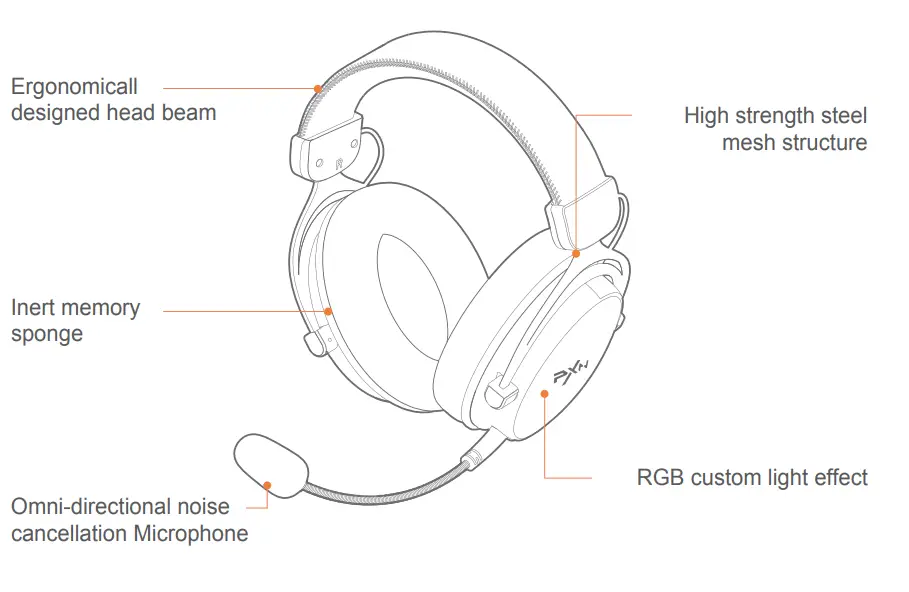
- Supported Platforms: Support PC, MAC, PS4, PS5
- System Requirement: Windows XP/ 7/ 8/ 10/ 11
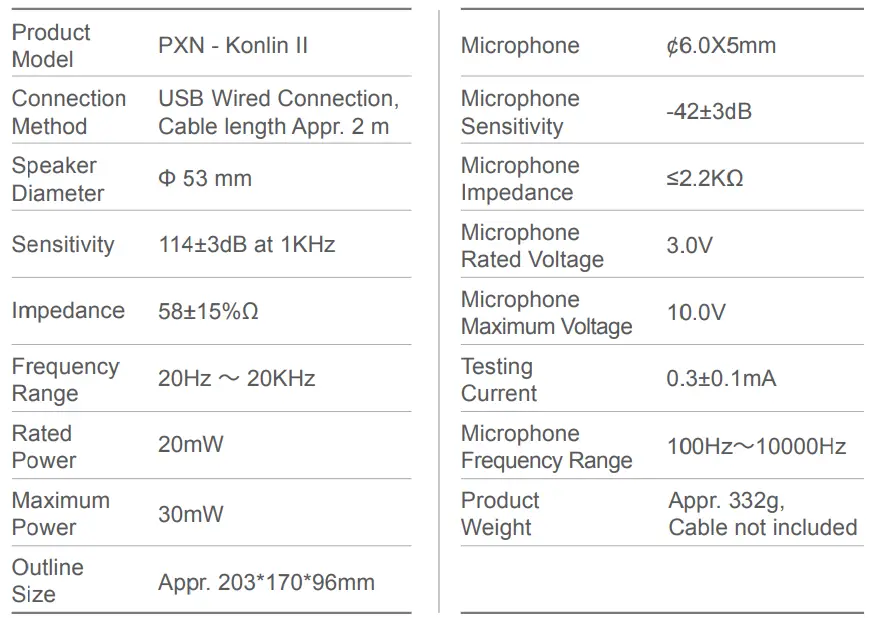
Product Specifications
Attention
- Avoid placing in humid, high temperature or soot place.
- Prevent water or other liquids from entering the inside of the headphone.
- Avoid using the headphone at a high volume for a long time. If tinnitus or earache occurs, please stop using.
- If you have any problems or suggestions about the product, please contact the seller or the after-services.
Warranty Regulation
We will begin to guarantee the product when the original purchaser purchases it for a period of 12 months, and the warranty is limited to manufacturing defects
Please scan the QR code to view the detailed manual in PDF.