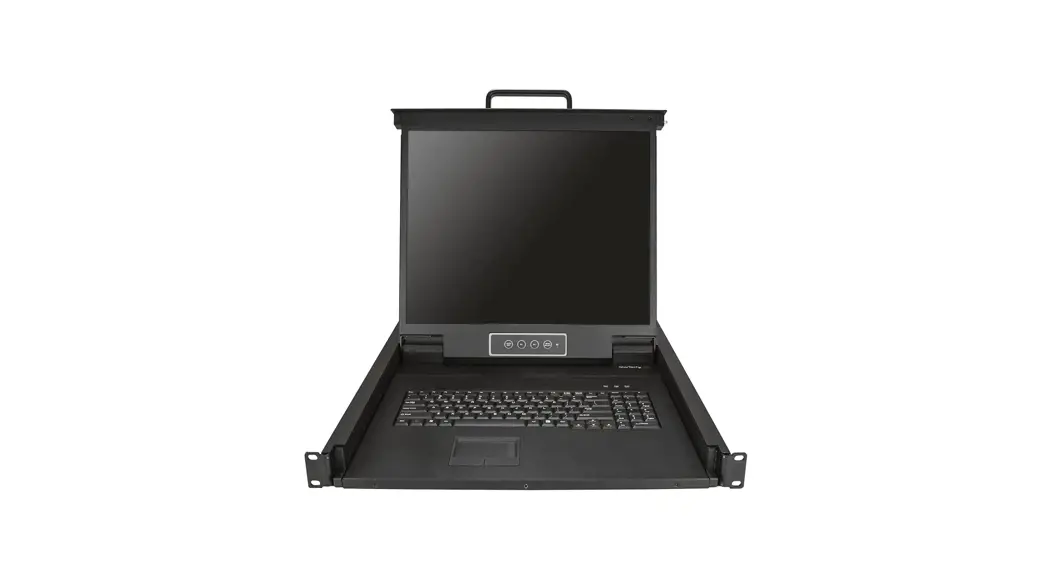
LH1801 18.5 Inch 1 Port HDMI LCD KVM Console
Product Information:
Product Name: 18.5 1 Port HDMI LCD KVM Console
LH1801
Manufacturer: www.kinankvm.com
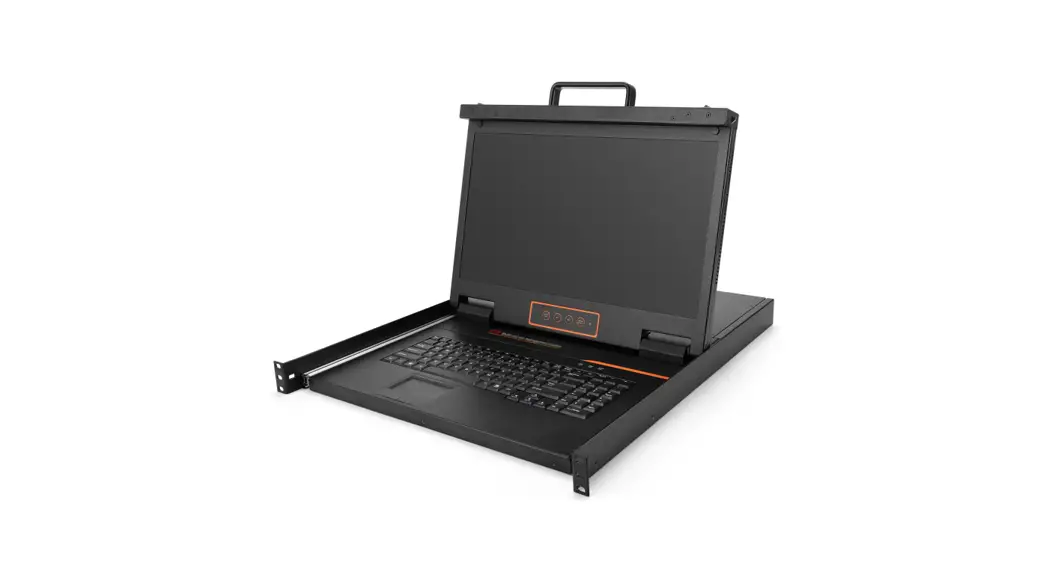
Description: LH1801 is a single port HDMI
console which integrates an 18.5 widescreen LCD monitor, keyboard,
and mouse in a 1U rack housing. It is designed to be installed in a
standard 19″ rack. The console can connect to one HDMI computer via
a standard HDMI port, with a maximum resolution of up to 1920 x
1080@60Hz.
Product Usage Instructions:
- Ensure that the power input is connected to a power source
within the voltage range of 100-240Vac and frequency range of
50-60Hz. - Connect the HDMI port of the console to the HDMI port of your
computer. - Connect the USB port of the console to a USB port on your
computer. - Switch on the power using the power switch.
- Adjust the display settings using the display menu buttons
located on the console. - Use the keyboard and mouse to interact with your computer
through the console.
Product Specifications:
- Model: LH1801
- Computer Connections: 1
- Port Emulation: Keyboard, mouse
- LCD Model: N/A (Not specified in the user
manual) - View Area: 18.5″ (diagonal)
- Optimum Resolution: 1920 x 1080@60Hz
- Display Color: N/A (Not specified in the user
manual) - Brightness: N/A (Not specified in the user
manual) - Contrast Ratio: N/A (Not specified in the user
manual) - Pixel Pitch: N/A (Not specified in the user
manual) - Mouse:
- X/Y Resolution: N/A (Not specified in the user
manual) - Scroll Wheel: Yes
- X/Y Resolution: N/A (Not specified in the user
- Keyboard: N/A (Not specified in the user
manual)
Connection Diagram:

www.kinankvm.com
18.5″ 1 Port HDMI LCD KVM Console LH1801
Overview
www.kinankvm.com
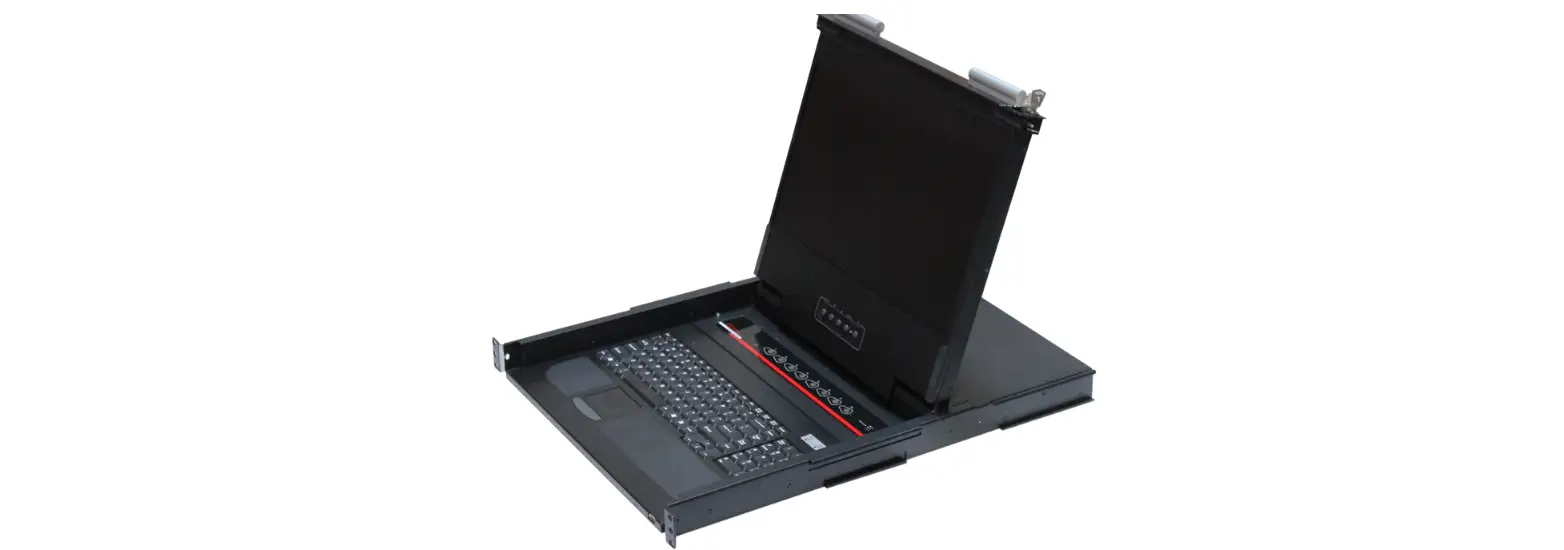
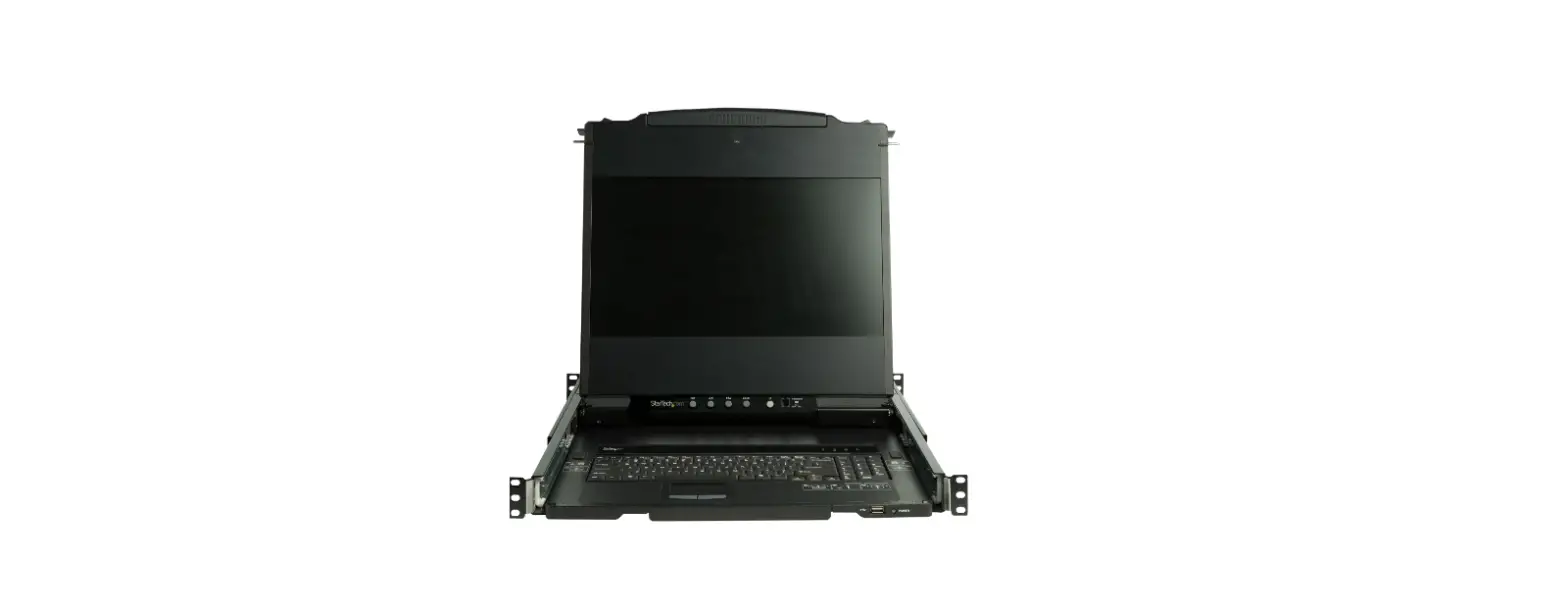
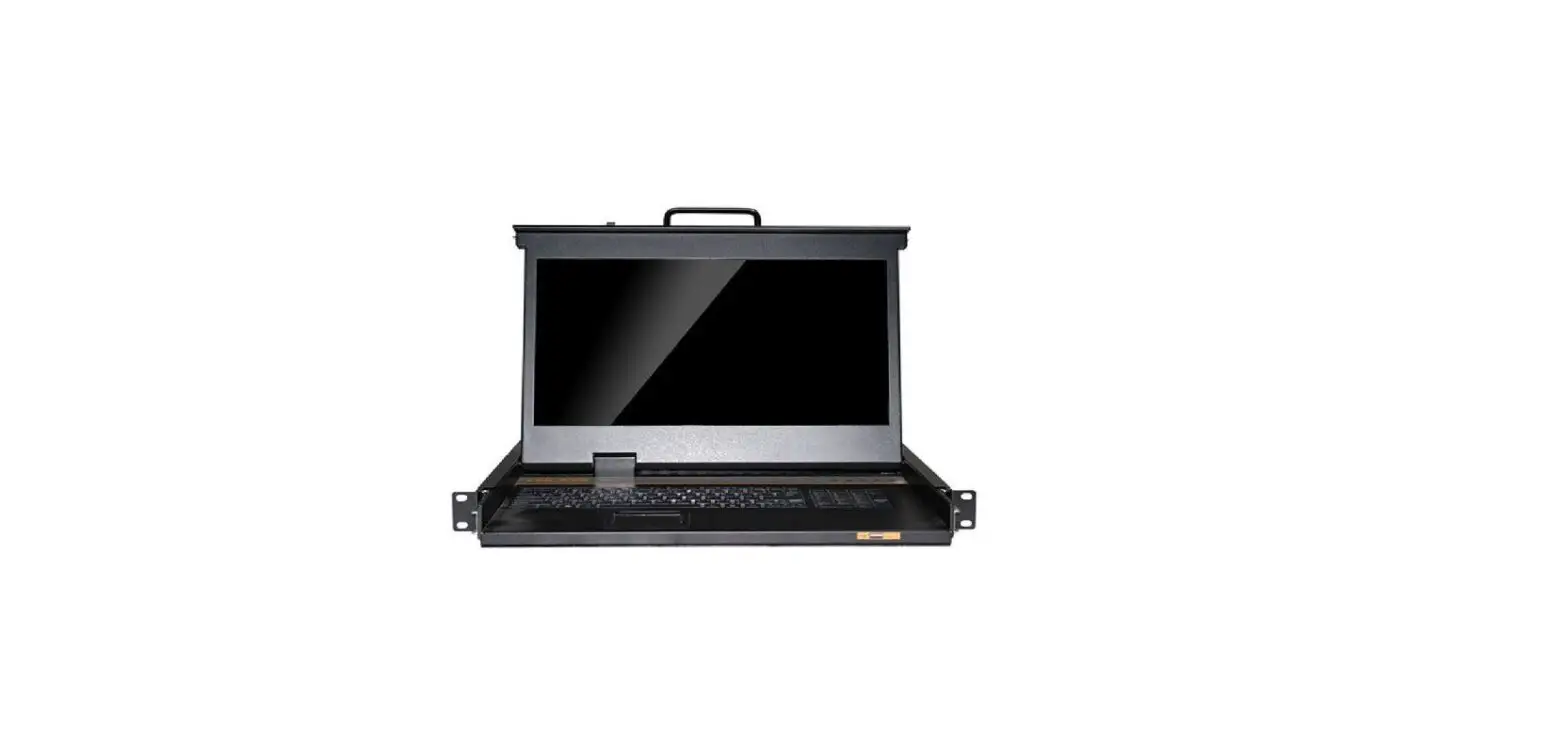
LH1801 is a single port HDMI console which integrates the 18.5″ widescreen LCD monitor, keyboard and mouse in a 1U rack housing; it is fit to be installed in a standard 19″ rack. It can connect one HDMI computer via standard HDMI port, resolution is up to 1920 x 1080@60Hz.
Structure
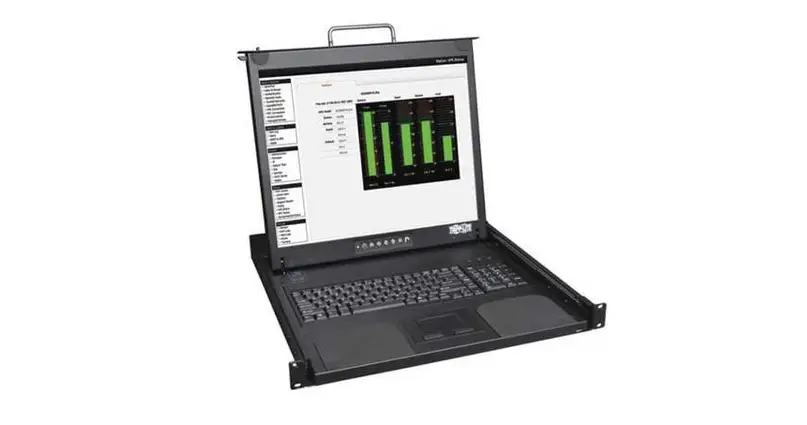
1 LCD Monitor 2 Rear Bracket Slot 3 Display Menu Buttons 4 Mounting Bracket 5 Keyboard
6 Touchpad 7 Handle 8 Release Switch 9 Display Panel
42.5
561
38.0
482.6 465.0 448.0
31.8
www.kinankvm.com
100-240Vac 50-60Hz
USB
HDMI
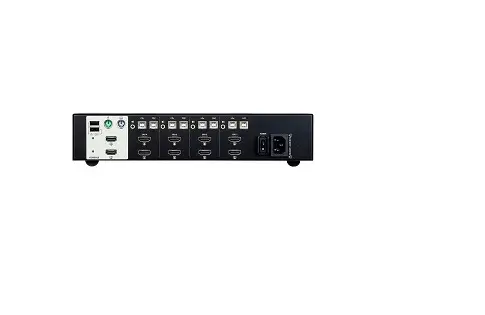
1 Power input 2 Power Switch 3 Ground Connection Screw 4 USB port, HDMI port
Features
3 in 1 LCD console integrates the monitor, keyboard and mouse The console can be connected to a PC or a KVM switch to control and manage single/multiple PCs 18.5″ TFT LCD monitor with high brightness, high definition and high resolution Resolution is up to 1920 x 1080@60Hz Ultra-slim keyboard with 99 keys and numeric keypad Standard PS/2 emulation Touchpad with trackball Automatically lock up with the front panel lock latch Compact steel construction and high-quality hand-protection sliding rails
Connection Diagram
Specifications
Model
Computer Connections
Port emulation Keyboard, mouse
LCD model
View area
Optimum resolution
LCD monitor Display color
Brightness
Contrast ratio
Pixel pitch(mm)
Mouse
X/Y resolution Scroll wheel
Keyboard
Input power Power consumption Operating temperature Store temperature Humidity Net weight Product dimension (W × D × H) Package dimension (W × D × H)
www.kinankvm.com
LH1801 1 PS/2, USB FHD TFT 18.47 ” 1920×1080@60Hz 16.7 M 250cd/m² (T y p) 1000: 1(T y p) 0.213(H) × 0.213(W) >1000 points / inch, (40 points/mm) Support scroll wheel function 99 keys (82 keys main keyboard +17 independent small numeric keyboard) 100V 240Vac, 50 ~ 60Hz, <1.5A 17W 0 50 -20 60 0 80% RH, non-condensing 12.5 kg 448mm×561mm×42.5mm 765mm×615mm×185mm
 Kinan-Professional KVM over IP, LCD KVM Console, KVM Switch Manufacturer