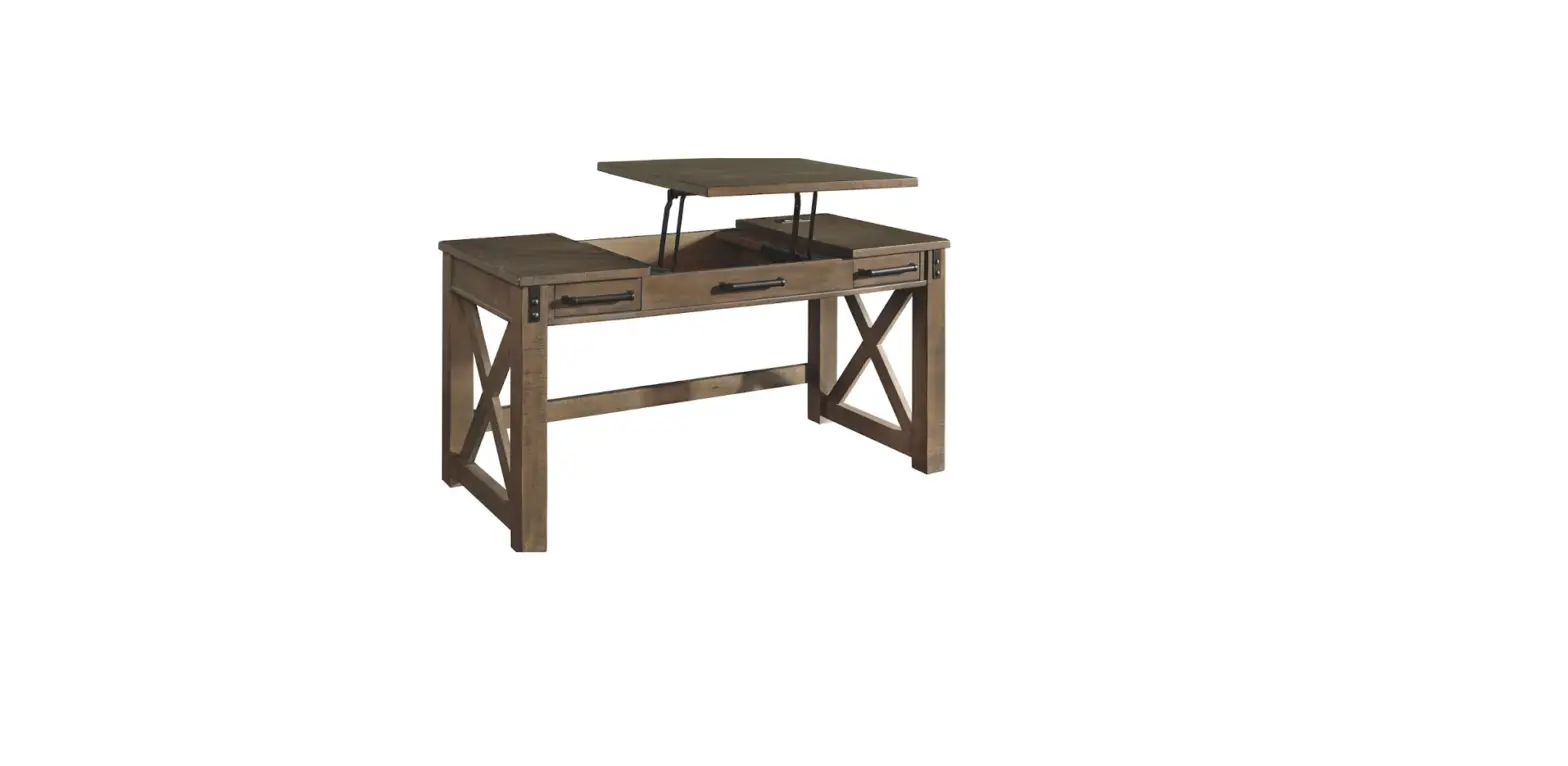
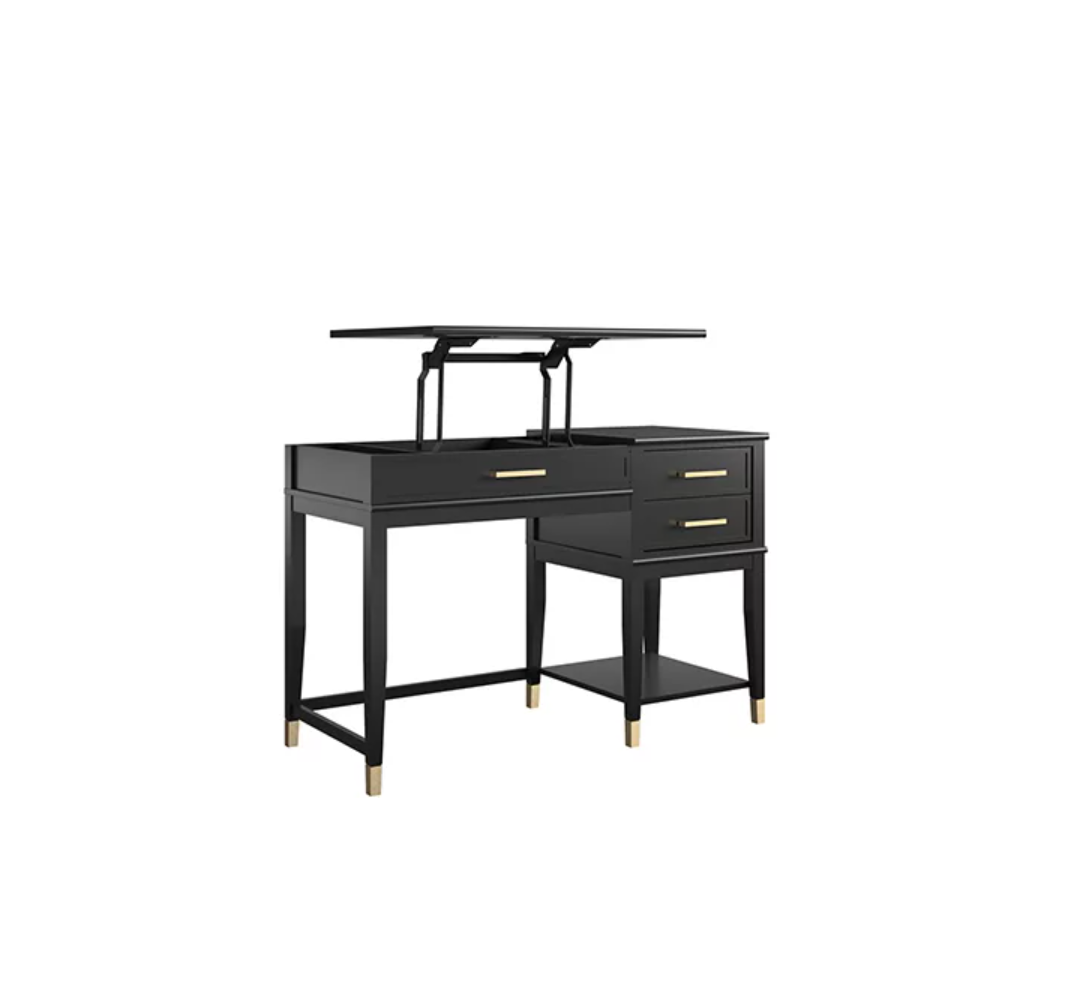
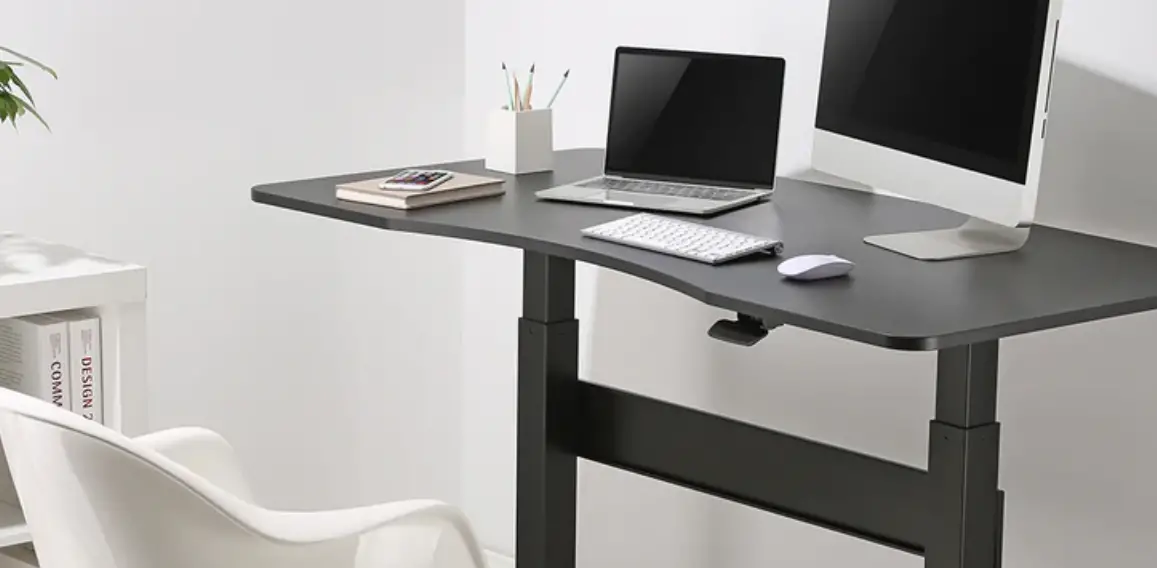
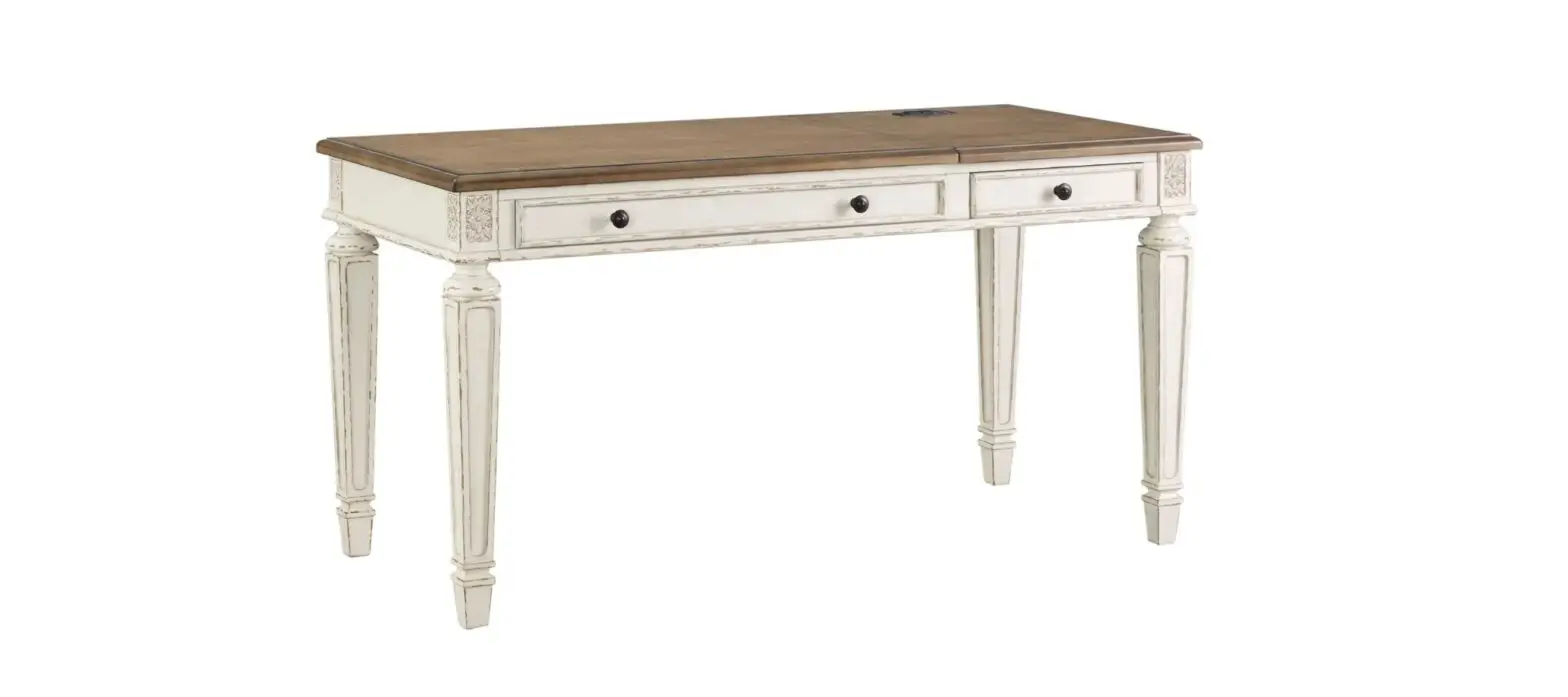
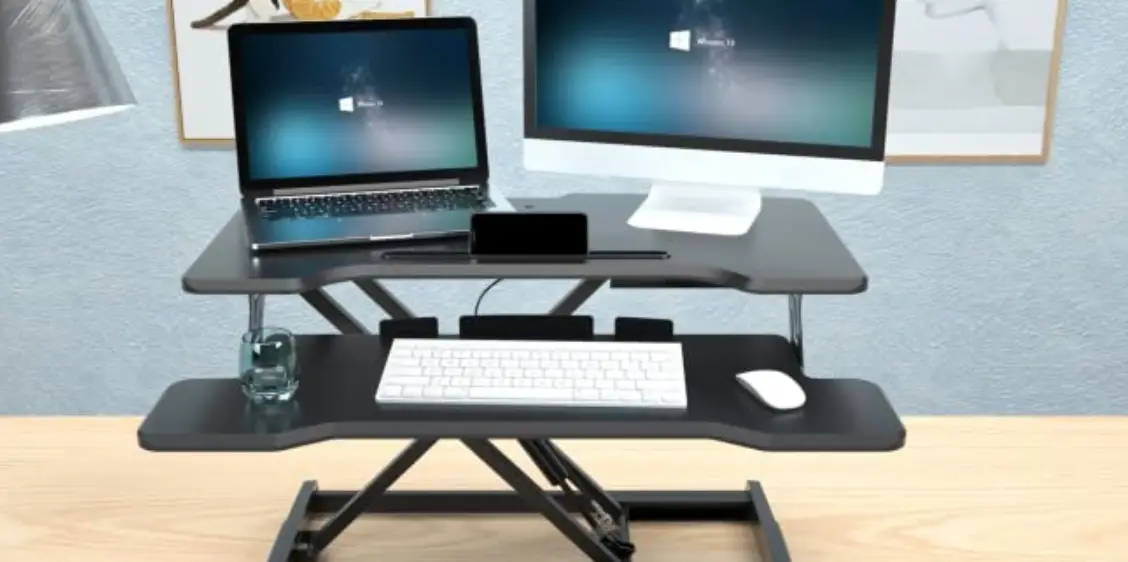
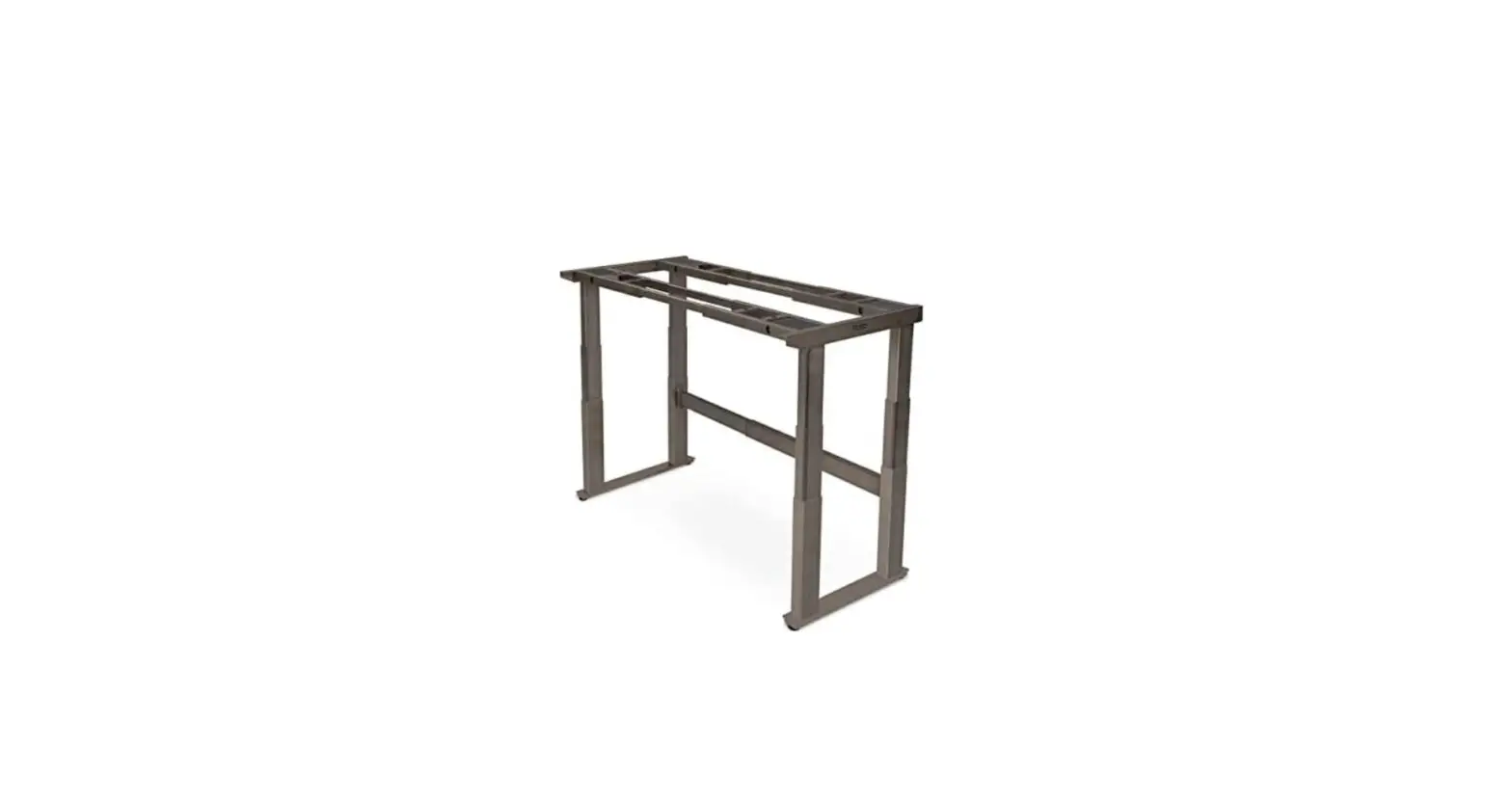
I394-360T-CHG Lift Desk Top
Product Information:
- Product Name: I394-360T-CHG 60 Adj. Lift Desk Top
- Model Number: IUAB-301-1
- Country of Origin: Vietnam
- Date of Manufacture: 02-14-2023
Product Usage Instructions:
- Before using the product, read and understand the assembly
instructions. - Check all packing material for small loose parts.
- Tools required for assembly: Phillips screwdriver (not
provided). - Step 1: Put the desk top face down on a soft surface.
- Step 2: Place Lift Mechanism IUAB-301-1 on the desk top and
adjust to align with threaded inserts. Follow Step 3 from the
IUAB-301-1 assembly instructions for adjusting the width of the
Lift Mechanism. - Step 3: Secure Lift Mechanism IUAB-301-1 to the desk top by
using 8 bolts (A), 4 wood screws (F), 8 lock washers (B), and 8
flat washers (C). Use an Allen wrench to tighten all the
bolts. - Refer to Lift Mechanism assembly instructions for Handset
operation.
Note: This product is for indoor use only. Keep these
instructions for future reference.
ASSEMBLY INSTRUCTIONS
ITEM NO: I394-360T-CHG 60″ Adj. Lift Desk Top (for IUAB-301-1)
Thank you for purchasing this quality product. Be sure to check all packing material carefully for small parts that may come loose inside the carton during shipment.
TOOLS REQUIRED (NOT PROVIDED) PHILLIPS SCREWDRIVER
Assembly instructions for the Lift Mechanism are in the Lift Mechanism package. Follow the below instructions when attaching desk top to the Lift Mechanism.
Lift Mechanism
HARDWARE LIST:
No.
Description
Sketch
A Bolt Ø5/16″ x 3/4″ B Lock Washer Ø5/16″
C Flat Washer Ø5/16″ x 3/4″
D Allen Wrench 4mm E Plastic Wire Clip
F Wood Screw #7 x 5/8″
Quantity
8 PCS 8 PCS 8 PCS 1 PC 6 PCS 10 PCS
FUNCTIONALITY INSTRUCTION
COMPONENTS LIST:
No.
Description
1 Desk Top
Sketch Quantity 1 Set
Lift Mechanism Handset Lift Mechanism Power Box
2 AC outlet / 2 USB power pack Flip down keyboard tray
Cane
Lift mechanism (IUAB-301-1)
Metal plate Hook latch
Press here to release
Leveler on Base Adjust the leveler when necessary
BEFORE USING THIS PRODUCT PLEASE READ, UNDERSTAND, AND FOLLOW THESE INSTRUCTIONS.
Save these instructions for future reference. FOR INDOOR USE ONLY
Page 1/2
MADE IN VIETNAM
02-14-2023
ASSEMBLY INSTRUCTIONS
ITEM NO: I394-360T-CHG 60″ Adj. Lift Desk Top (for IUAB-301-1)
STEP 1: Put the desk top face down on a soft surface. STEP 2: Place Lift Mechanism IUAB-301-1 on desk top and adjust to align with threaded inserts. Follow Step 3 from the IUAB-301-1 assembly instructions for adjusting width of Lift Mechanism. STEP 3: Secure Lift Mechanism IUAB-301-1 to desk top by using 8 bolts(A), 4 wood screws (F), 8 lock washers(B) and 8 flat washers(C). Then use an allen wrench to tighten all the bolts.
D
A
B
F
C
Threaded insert
Desk Back
STEP 4: Tighten bolts that were loosened in Step 3 from the IUAB-301-1 assembly instructions. STEP 5: Attach Lift Mechanism Power Box and Handset (“5” and “6”on the component list for lift desk mechanism) to the desired positions with screws (“A” on the hardware bag for lift desk mechanism). STEP 6: Follow Step 5 from the IUAB-301-1 assembly instructins. STEP 7: Clip the wire into the plastic wire clip, Attach the plastic wire clips(E) to the right position with screws(F). STEP 8: Turn the assembled desk to the upright position. STEP 9: Connect the appropriate wires leading from the motor and Handset to the Lift Mechanism Power Box. STEP 10: Plug in the Power Box to an AC outlet. STEP 11: If disassembly is required, lower the Lift Mechanism to the lowest point.
AC/USB outlet
Lift Mechanism Power Box
F E
Wire
Screw
Lift Mechanism Handset
Lift Mechanism Handset
Desk Back
Lift Mechanism Power Box
Page 2/2
Note: Refer to Lift Mechanism assembly instructions for Handset operation.
MADE IN VIETNAM
02-14-2023
Lift Desk Mechanism Assembly Instructions
Component list
Date: 04/12/2019
1
2
Leg base 2PCS
Lifting leg 2PCS
3
4
Sideframe piece 2PCS
Crossbeam 1PC
5
6
Power box 1PC
Handset 1PC
Safety Warning
· Never let children climb on the product or play with the product. · Designed to be used with Aspenhome Lift Desk only. · Do not use a desktop other than what is intended. · The manufacturer is not liable for damage or injury caused by incorrect assembly or use. · Keep the assembly instructions for future reference.
Additional Safety and Warning Information
This product can be used by children 13 years and older. Persons with reduced physical, sensory or mental capabilities or lack of experience and knowledge can only use this product if they have been given supervision or instruction in a safe way and understand the hazards involved. This product is not a toy and can only be used as a component of a complete lift desk.
Product Information
Electric Control: Input Voltage: 100-240VAC,50/60Hz,1.6A MAX,150W Output Voltage: MAX 29V ,MAX 3.0A
Desk Frame: Built limit switch Dynamic load: 40 kg(88 lbs) Maximum static load: 70 kg (154 lbs.) Load speed: 25 mm/s(~1 in/s) Lift range: 650 mm-1090 mm(25.6 in-43 in)
Page 1
7
8
Cable w/power plug 1PC
Accessory list
A x8
B
x8
C x8
D x4
ST4.2x16mm
F
x1
M6x12mm
F
x1
M6x16mm
M6x12mm
4×4
5×5
Cable tray 4PCS
E
x2
M8x20mm
Page 2
STEP 1
D x4
F
4×4
Install sideframe piece(3)
F D
3 4
Install sideframe piece (3) & crossbeam (4) together, use 4*4 wrench (F) to tighten the bolts (D).
STEP 2
B x8
F
4×4
Install lifting leg(2)
F B
2 4
STEP 3
CD x8
2.5×2.5
F
5×5
Install the leg base (1)
F C
Install lifting leg (2) & crossbeam (4) together, use 4*4 wrench (F) to tighten the bolts (B).
Unscrew 4 screws in the middle F
4×4
1
Loosen the screws on both sides,
instead of completely unscrew
2
unscrew
4
Install the leg base (1) to the lifting leg (2), and tighten the bolts (C) with 5×5 Wrench (F).
Tighten them after stretching
STEP 4
E x8 A x6 F
5×5
Install the tabletop and the handset (6)
A 6 F
E
3
STEP 5
A x2
Install the control box
Please follow assembly instructions from Desk Top for attaching Lift Mechanism to Desk Top.
4
Install the tabletop and the crossbeam (3) with the bolts (E), and then install the handset (6) on the tabletop with screw (A), and tighten them with 5×5 Wrench (F).
A
5
STEP 6
Connect all the cables onto the Power box(5)
7
5
Power port
6
8
Use cable tray (8)to keep the cables neat and tidy.
Handset
Port for cable connected to the crossbeam
Page 3
Page 4
How to use handset
Button
LED display
Alarm button for reminding of keeping same position for long time Memory button for height memory function Position 3, third height position saved by user Position 2, second height position saved by user
Position 1, first height position saved by user Down Bottom, Adjust the desk downwards Up Bottom, Adjust the desk upwards
Instruction
· Press the UP button or DOWN button to lift or lower the height of desk surface. The LED display shows the real time value. The range of the height value: 650mm -1090mm (25.6 in – 43 in).
· Saving A Height Position a. Press the UP button or DOWN button to lift or lower the height of desk surface. For instance, you adjust the height to 80cm. b. Press “M” SAVE button and the LED display shows” “, then press “1” to save the 1st height position to 80cm. The LED display shows ” “. c. Repeat step a and step b to save the 2nd height position to 100cm The LED display shows ” “. Save the 3rd height position to 109cm The LED display shows ” “. d. Press “1”, “2”,”3″, to automatically reach the height saved before.
· Long-Time Sitting Reminder a. Press REMINDER button “A” to activate the function. The LED display shows ” ” b. Two seconds later, press the “” or “” button to adjust the reminder time only when the display screen flashes. Then
press any button to save the time setup, or wait 5 seconds and system will save the time setup automatically. During the countdown, any operation will lead to a repeat starting of the timer. When the countdown finishes, the buzzer will be active with a 10-second “DiDi…DiDi…DiDi…”tone. c. Within the 10-second reminder buzz, press any button to reactivate the time countdown that is set up in (b) step. If no operation during the 10-second reminder buzz, there will be another reminder buzz after 5 minutes. No operation during the second buzz will turn off the Long-Time Sitting Reminder. d. Press and hold the “A” button for three seconds to turn off the Long-Time Sitting Reminder. The LED display shows ” “.
Troubleshooting a.Reset: When the LED shows ” “, press “” button until the desk reaches its lowest height and rebounds to stop, it means
the reset has been finished. b.When it doesn’t work and the LED shows “E01” or “E02”, please retry 18 mins later. c.If the “” button doesn’t work, please check the cable connection and then cut off the power for at least 10 seconds.
Reconnect to the power and press “” button to start the reset process when it shows the ” “. d.If all these above process are inefficient, plz contact our customer service.
Common fault treatment
The following tips will help you detected and eliminate the common fault and error. If the fault you met is not listed below, please contact with your supplier. Only the manufacturer and professionals are capable for investigating and correcting those fault and error.
Fault phenomenon
No response while long pressing down arrow after connected with a power supply No response while pressing up arrow/ down arrow after connected with a power supply
Rising in a low speed
The motor not move as instructed
Go down but not go up
Downward sliding
Frequently Reposition
Overwork
Duty cycle:Max 2min on/18min OFF!
Not enough up&down height
Method
1.Check if all the cables be connected well 2.Contact your supplier or dealer 1.Check if all the cables be connected well 2.Contact your supplier or dealer 1.Check if overloaded, max loading: 70kg; 2.Contact your supplier or dealer 1. Contact your supplier or dealer 1.Reposition 2.Contact your supplier or dealer 1.Check if overloaded, max loading: 70kg; 2.Contact your supplier or dealer 1.Check if overloaded, max loading: 70kg; 2.Contact your supplier or dealer 1.Restart after suspend for 18mins while
connecting with power; 2.Contact your supplier or dealer; 1. Press “M”and “3” together for 3 seconds or more, after hearing continuous beeping for twice, it will restore factory settings 2.Contact your supplier or dealer
Attention
1. Power supply: AC100V-240V,50/60HZ 2. Service Environment: 0-40° 3. Unplug the power plug before cleaning, wipe the dust on surface with slight wet dishcloth when cleaning, be careful not to let the drops into the internal parts, not loose the connector. 4. The electric box contains electronic components, metals, plastics, wires etc., so dispose of it in accordance with each country’s environmental legislation, not the general household waste. 5. Check carefully to ensure correct and complete assembly before using. 6. Be familiar with all functions and program settings of the product before first use. 7. Children are forbidden to play on the product because of unforeseen action when playing, so any dangerous consequences caused by this improper action will not be on 8. Slight noise caused by the V-ribbed belt or brake system due to structure will not have any effect on the use of the equipment. 9. Corrosive or abrasive materials are forbidden to clean the equipment. Must ensure that the cleaner used will not pollute the environment. 10. This appliance can be used by children aged from 8 years and above and persons with reduced physical, sensory or mental capabilities or lack of experience and knowledge if they have been given supervision or instruction concerning use of the appliance in a safe way and understand the hazards involved. Children shall not play with the appliance. 11. Cleaning and user maintenance shall not be made by children without supervision. 12. If the supply cord is damaged, it must be replaced by the manufacturer, its service agent or a similarly qualified person in order to avoid a hazard.
Waste disposal
This marking indicates that this product should not be disposed with other household wastes. To prevent possible harm to the environment or human health from uncontrolled waste disposal, recycle it responsibly to promote the sustainable reuse of material resources. To return your used device, please use the return and collection systems or contact the retailer where the product was purchased. They can take this product for environmental safe recycling.
Page 5
Page 6