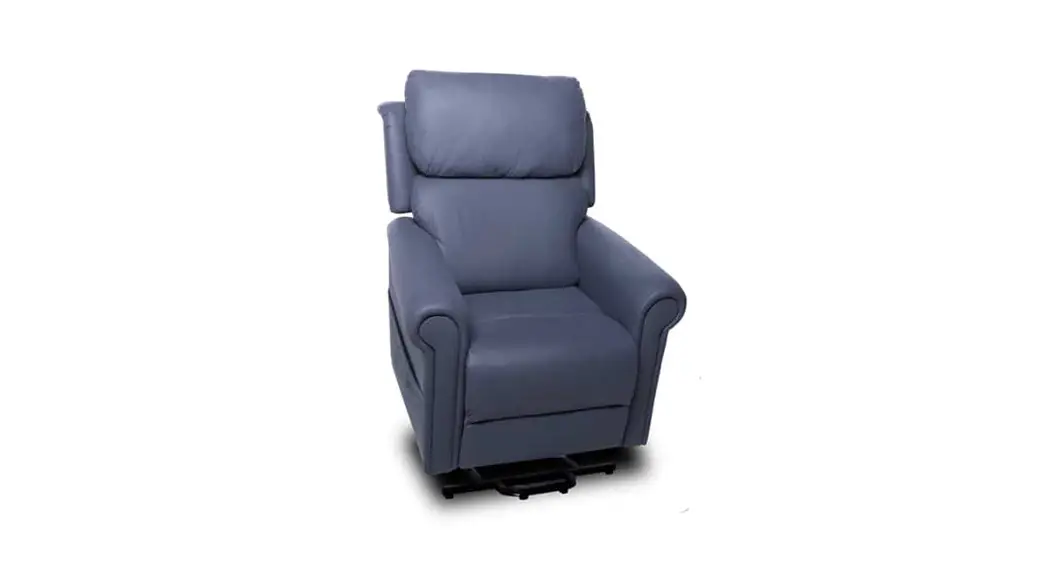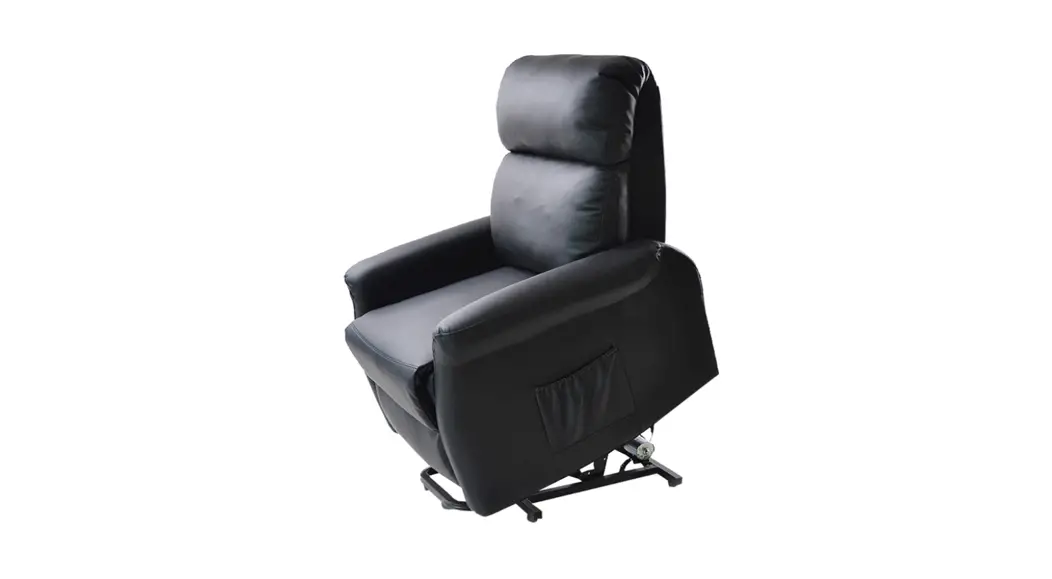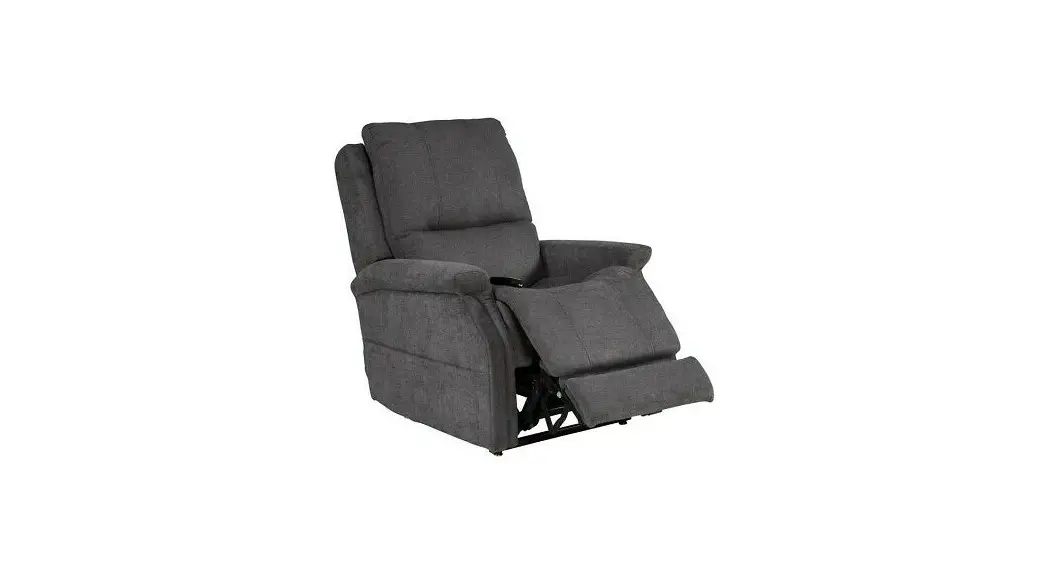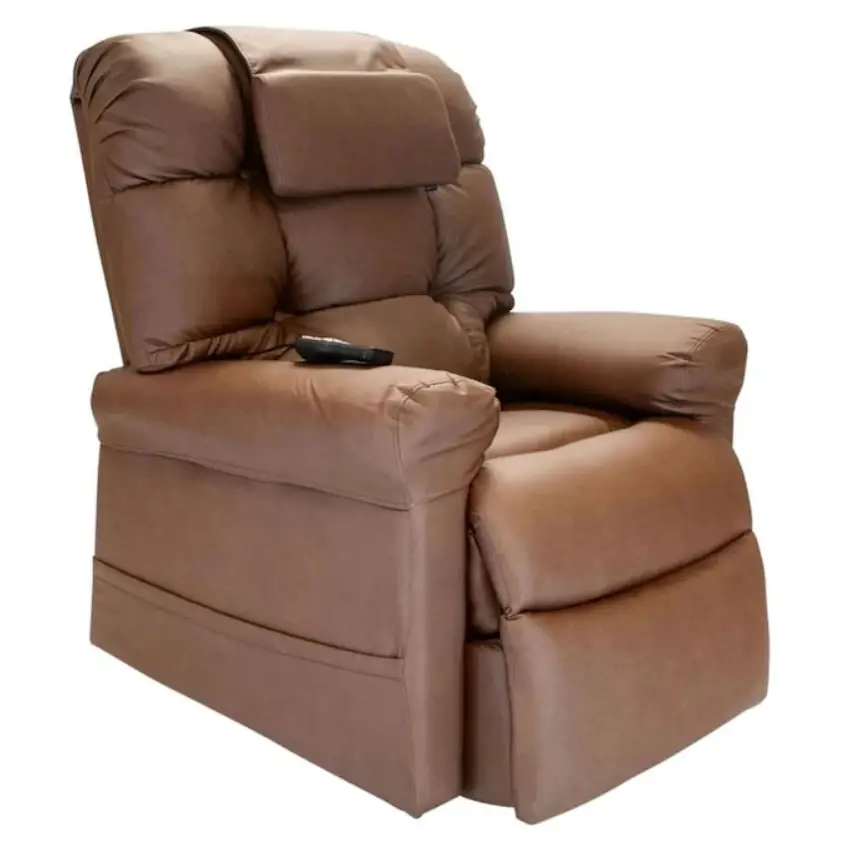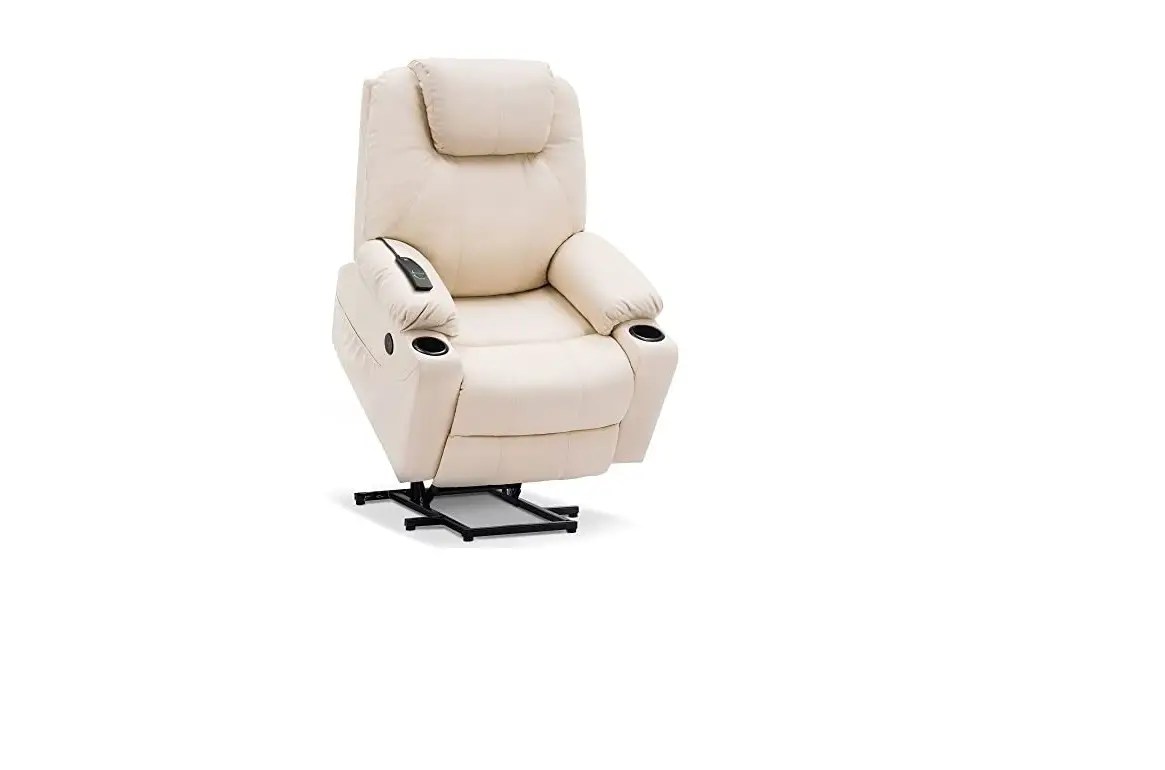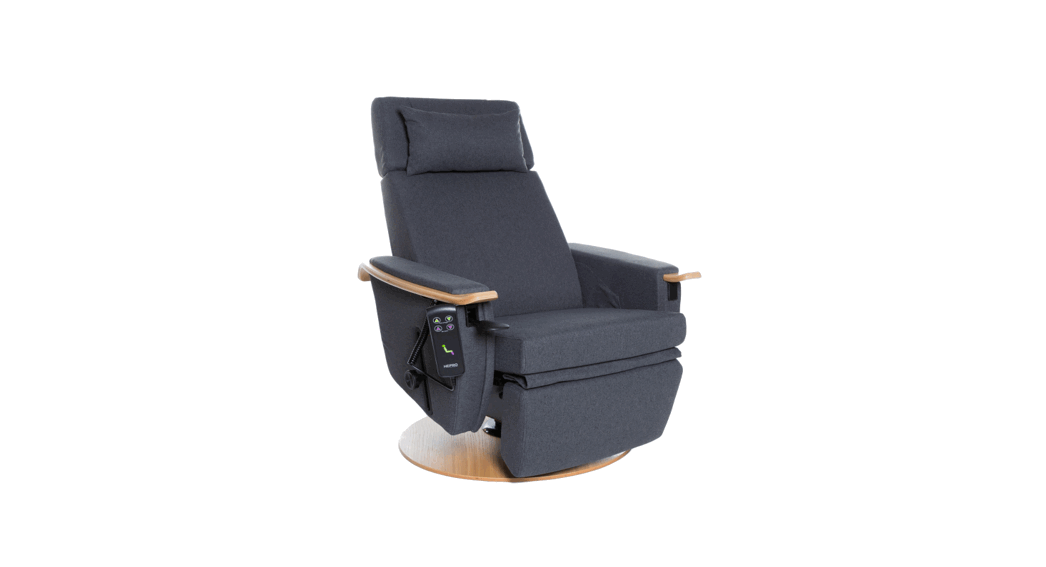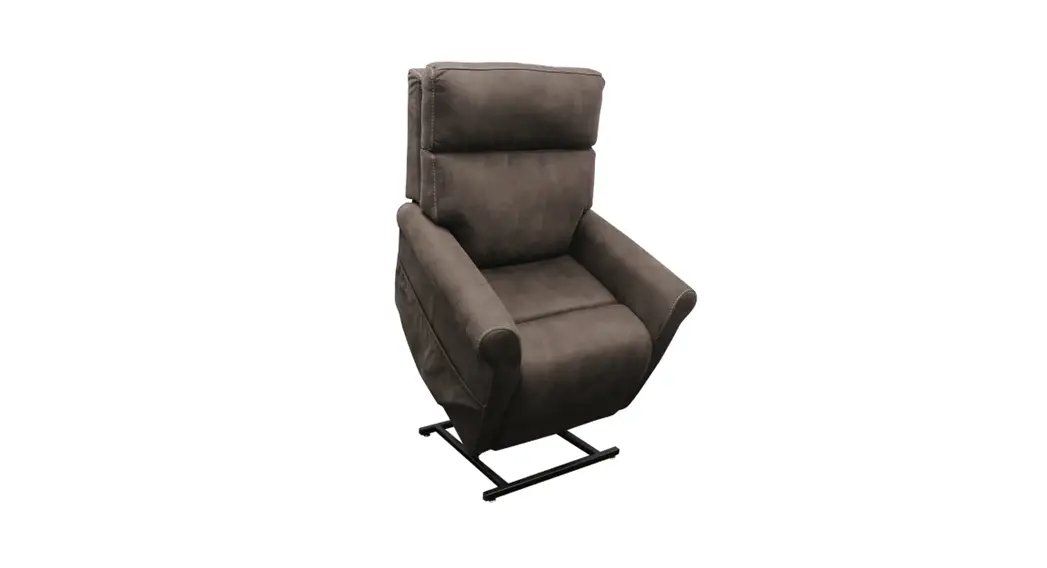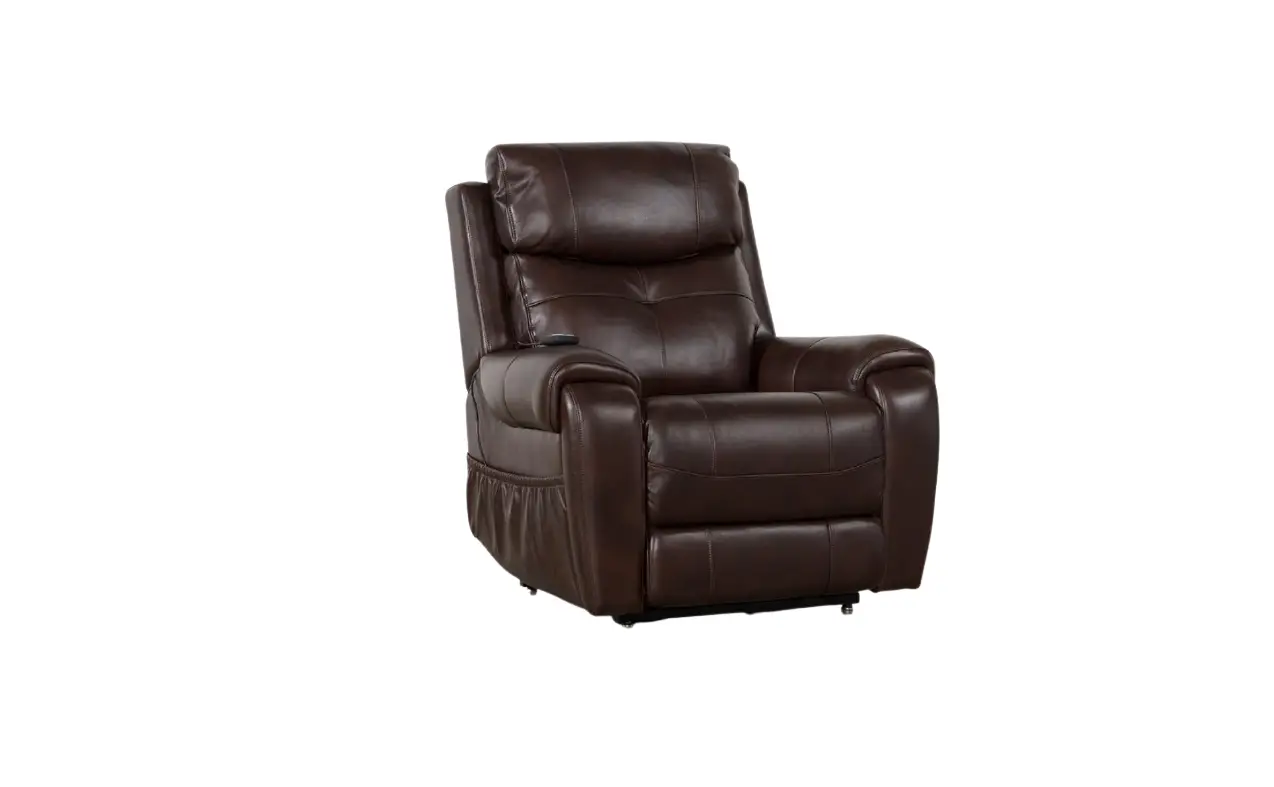
LIVING SPACES 1555 Carl Lift Chair User Manual
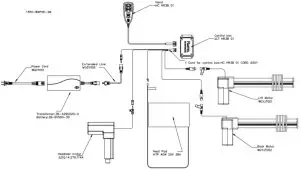
Components
- Hand wand – placed in the side pocket (outside LAF arm), controls all motors and functions (reclining, power headrest, lifting, etc.) via a direct connection with motors.
- AC wall plug– connects the power transformer to the power outlet.
- Extended cord- connects the transformer to the Y cord with control box.
- Power Transformer – A box-shaped unit to transfer 110V AC power to 25V DC power to supply for the furniture.
- Battery- The battery was mounted at the top of transformer and could provide the power while can’t get power.
- Y-cable w/ control Box – splitter/extension cord connecting the power transformer to multiple motors/Handwand/ heating padding.
- Back / Headrest Motor – mounted on mechanism to drive movement on seat/headrest via hand wand control.
- Lift motor – mounted underneath mechanism to drive upward and downward movement via hand wand control.
- Mechanism– the motion mechanical frame unit within the piece of furniture.
- Heating pad – mounted inside lower section of back, produces heat via hand wand control. Turns off automatically after 30 minutes of use as safety feature.
Quick Trouble-Shoot for Motors Malfunctioning
Below are some possible reasons to cause motors to stop working:
- Loose connection or wires not securely plugged in.
- Broken hand wand
- Broken power transformer (especially when ALL motors stops working on one unit)
- Power cords damaged
- Motors failure
NOTE: In some cases a button on the switch might be stuck after being pushed, thus continuously activating the motor. This can cause overheating or even damages on the power transformer.
Hand Wand Manual
| BACK/LEG/HEAD | Description |
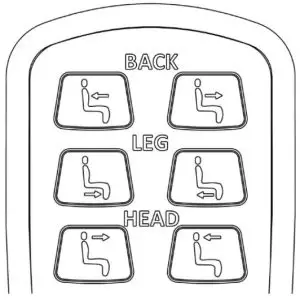 | |
| Standard Function | The BACK/LEG/HEAD buttons control the motion features of the piece of furniture. The BACK buttons will open and close the back position of the piece of furniture, indicated by the button icon. The LEG buttons will open and close the leg rest position of the piece of furniture, indicated by the button icon. The HEAD buttons will open and close the headrest position of the piece of furniture, indicated by the button icon. The open buttons are grouped on the left side of the Hand Control. The close buttons are grouped on the right side of the Hand Control.When a button is pressed, the button will become more brightly lit. The lighting will return to the dim level when the button is released. |
| NOTE: | The LEG motor and LIFT motor are one and the same. Pressing the LEG close button for an extended time will cause the LIFT motor to open, causing the piece of furniture to rise. Please be cautious when operating the LEG function of the furniture. |
| Error: HEAD motor does not function | If the HEAD motor does not move when the HEAD button is pressed, the motor connection could have become disconnected. Please follow these steps to attempt to correct the error:
|
HEAD Motor Cord (Motor Connection) | |
HEAD Motor Cord (Junction Connection) | |
| Error: BACK or LEG/LIFT motor does not function | If the BACK or LEG/LIFT motor(s) do(es) not function, the motor connection(s) could have become disconnected. Please follow these steps to attempt to correct the error:
|

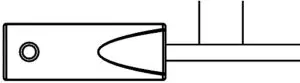
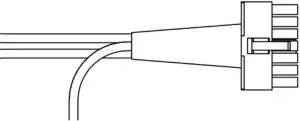
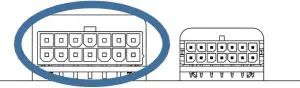
| |
BACK or LIFT/LEG Motor Cord (Motor Connection) | |
BACK or LIFT/LEG Motor Cord (Junction Connection) | |
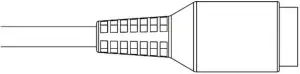
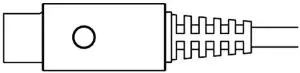

| LIFT | Description |
| |
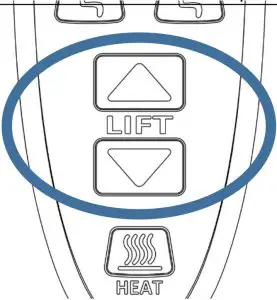
| Standard Function | The LIFT function controls the lift function of the piece of furniture. When the LIFT open button (arrow pointing up) is pressed, the piece of furniture will begin to close the BACK and LEG sections. When these are fully closed, the piece of furniture will rise, allowing for easier accessibility out of the piece of furniture. |
| NOTE: | The LIFT function shares a motor with the LEG function. Pressing LIFT close when the piece of furniture is fully lowered will cause the LEG section to begin opening. Please take caution when pressing the LIFT or LEG buttons when either section is fully opened or closed. When the LIFT function is in use, the HEAD and BACK buttons will have special functions. The HEAD and BACK buttons will cause the BACK motor to move or stop moving if pressed while the LIFT function is active, described below:
|
| |
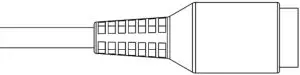
| Error: BACK or LEG/LIFT motor does not function | If the BACK or LEG/LIFT motor(s) do(es) not function, the motor connection(s) could have become disconnected. Please follow these steps to attempt to correct the error:
|
BACK or LIFT/LEG Motor Cord (Motor Connection) | |
BACK or LIFT/LEG Motor Cord (Junction Connection) | |
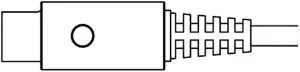
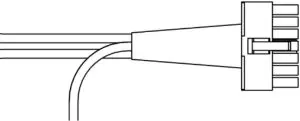
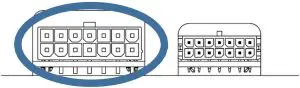
| HEAT | Description |
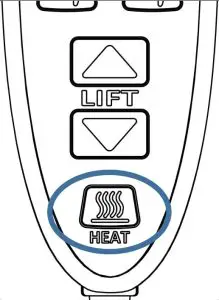 | |
| Standard Function | The heat function is activated by pressing the HEAT button. There are two heat modes, HOT and WARM. When active in the HOT mode, the heat pad will provide up to 48 ⁰C of heat. The HEAT button will be lit bright red when in the HOT mode. When active in the WARM mode, the heat pad will provide up to 38 ⁰C of heat. The HEAT button will be lit a dim red when in the WARMmode. |
| NOTE: | Heat function will be disabled if any BACK/LEG/HEAD/LIFT button is pressed. This is to ensure safety for the user and to improve system longevity. |
| Error: Heat Button lit but no heat is produced. | If the HEAT button is illuminated, but the heat pad is not producing heat, the heat pad could have become disconnected.
|
Heat Cord | |
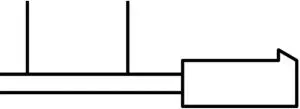
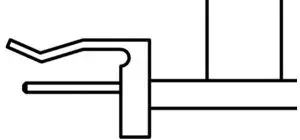
| Hand Control Operation | Description |
| Standard Function | The Hand Control give the user the ability to access the motion functions of the piece of furniture. The Hand Control has nine buttons. Two control the BACK section. Two control the LEG section. Two control the HEAD section. Two control the LIFT function. One controls the HEAT function. When the system is idle, all Hand Control buttons will be illuminated blue. When a motion button (BACK/LEG/HEAD/LIFT) is pressed, that button will be more brightly lit. The button will return to normal brightness when it is released. When the HEAT function is active the HEAT button will be lit red. In the HOT heat mode, the HEAT button will be brightly lit red. In the WARM heat mode, the HEAT button will be dimly lit red. |
| Error: Hand Control is not lit when idle. | If the Hand Control does not correctly control the motion features of the piece of furniture or is not lit while idle, the system could have become disconnected from the wall power supply or the Hand Control could have become disconnected.
|
Hand Control Cord | |

Power Lift chair PARTS
Power Recliner Trouble Shooting
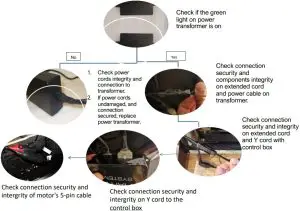
For dual-power recliners, please check connection and integrity of Y-Cable splitter.