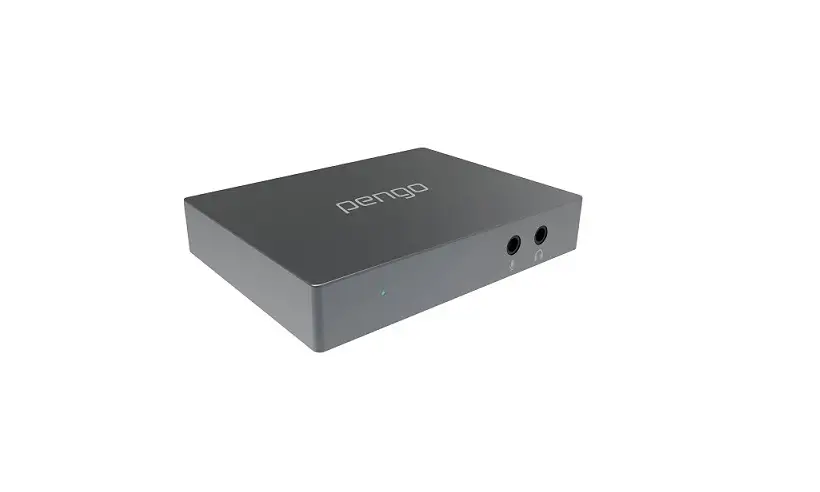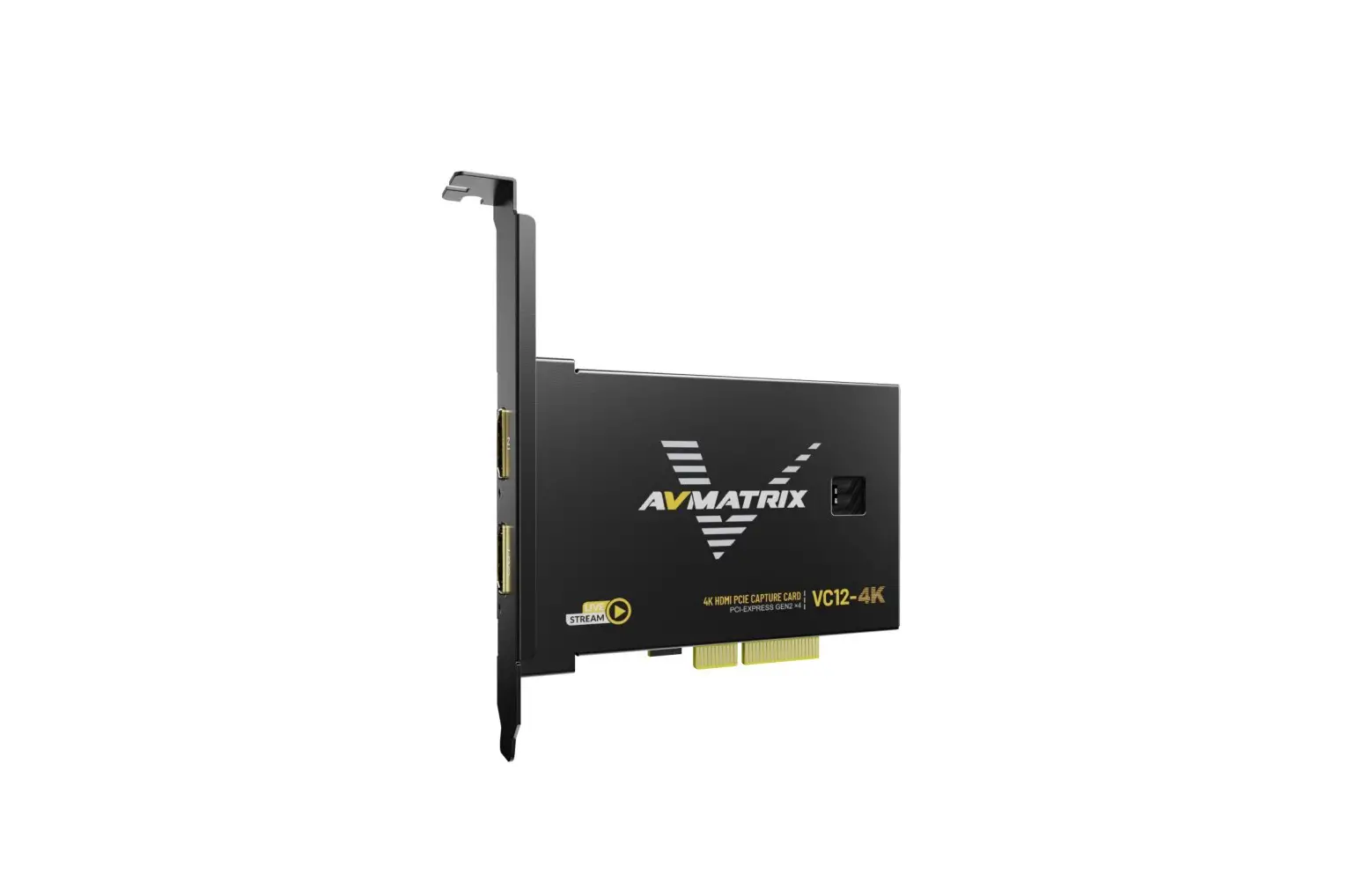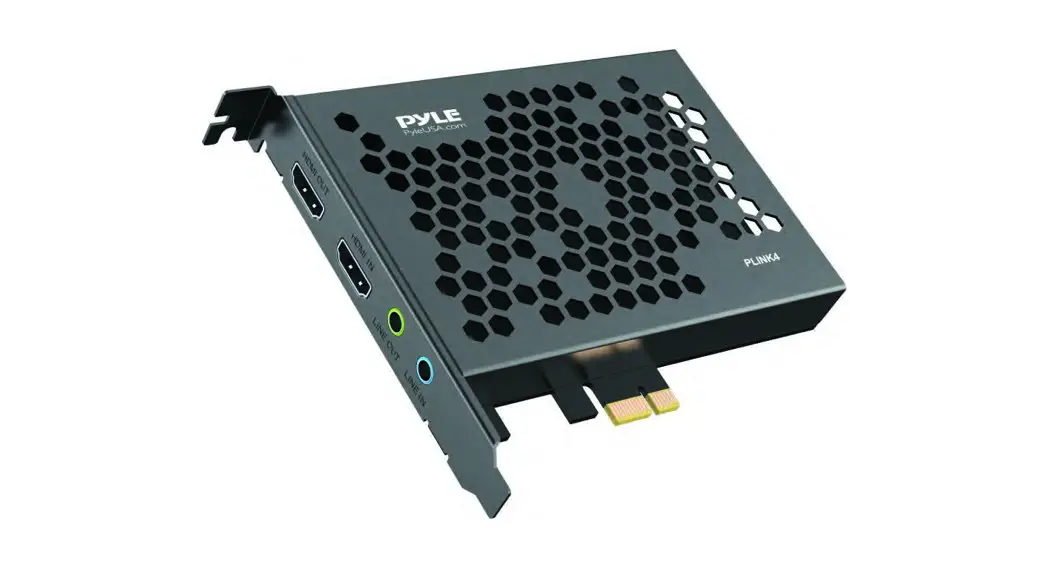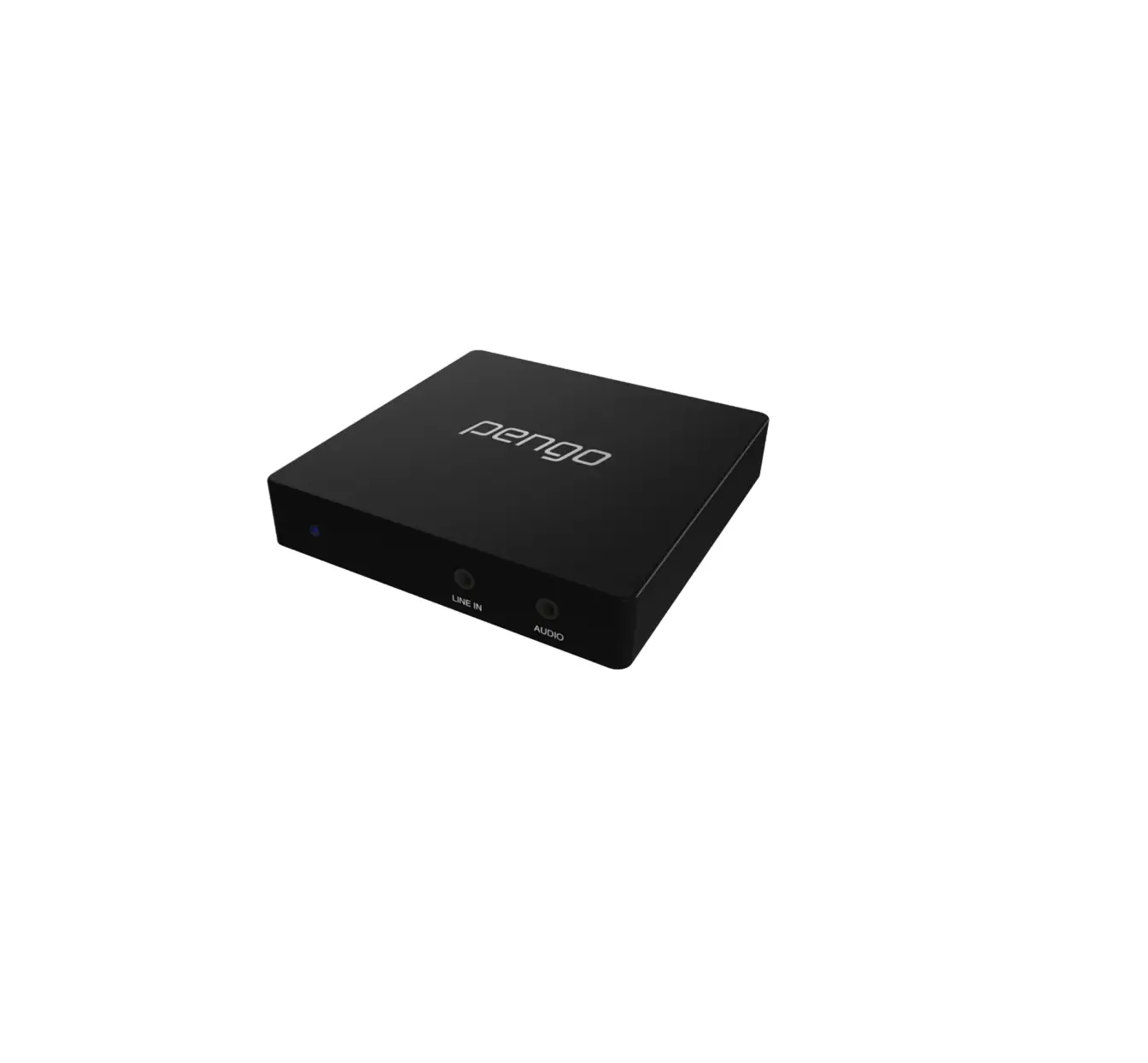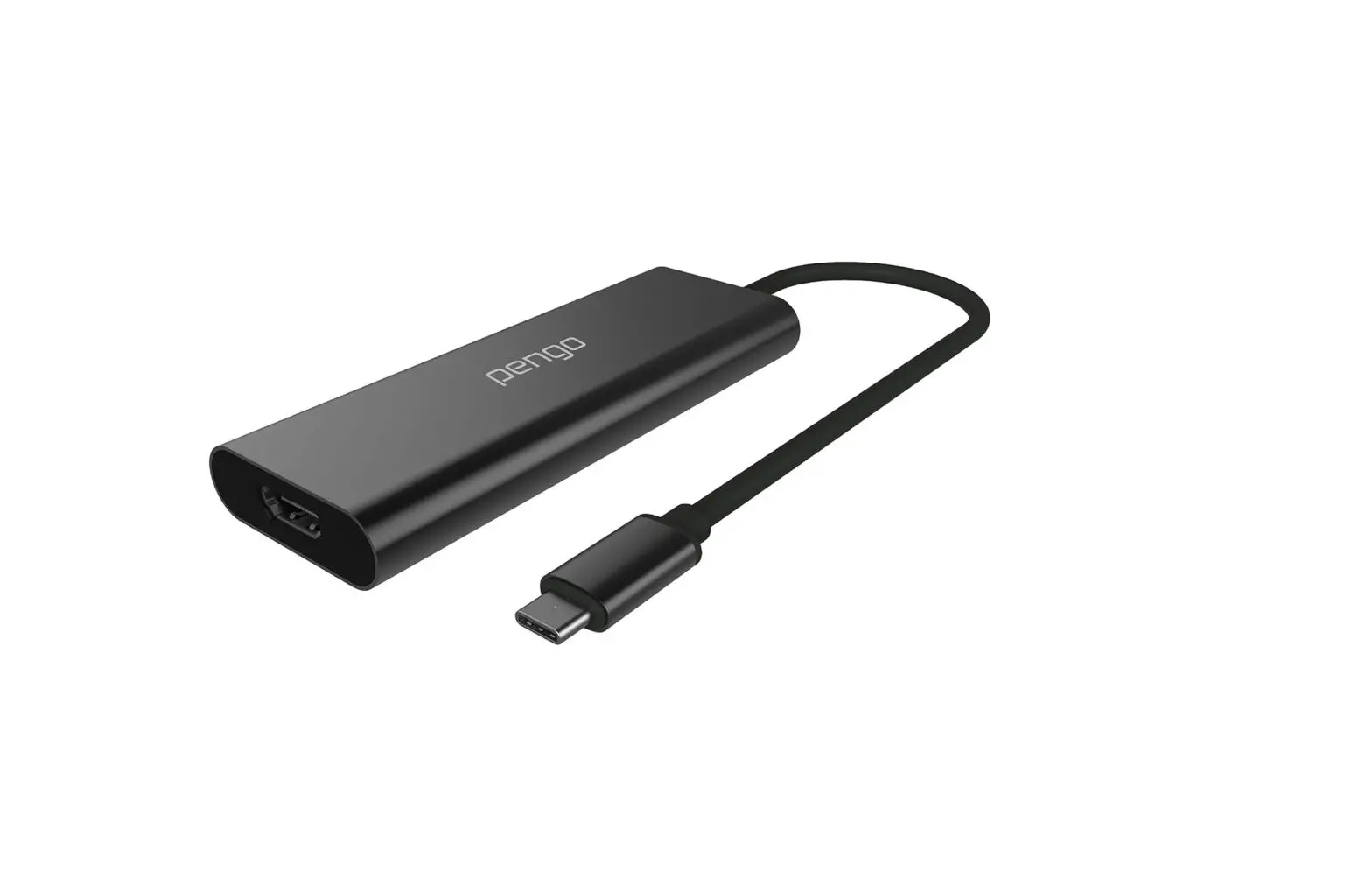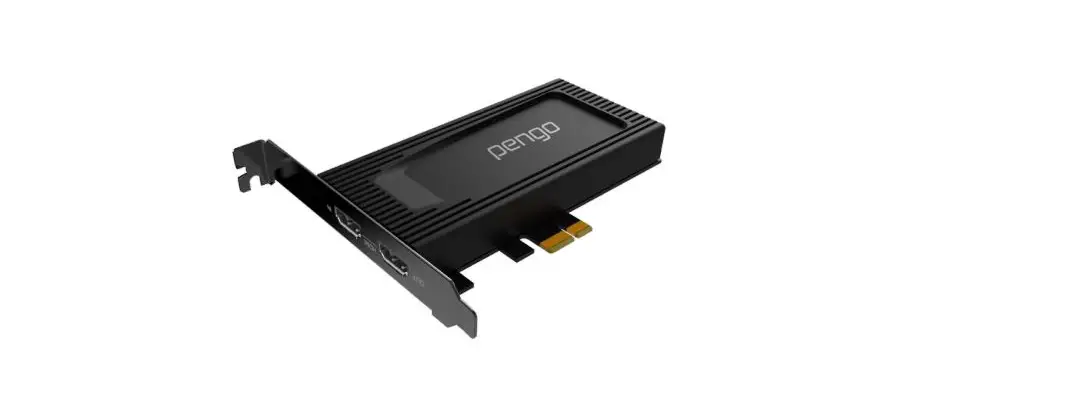

pengo 4K HDMI PCIe Capture Card
Introduction
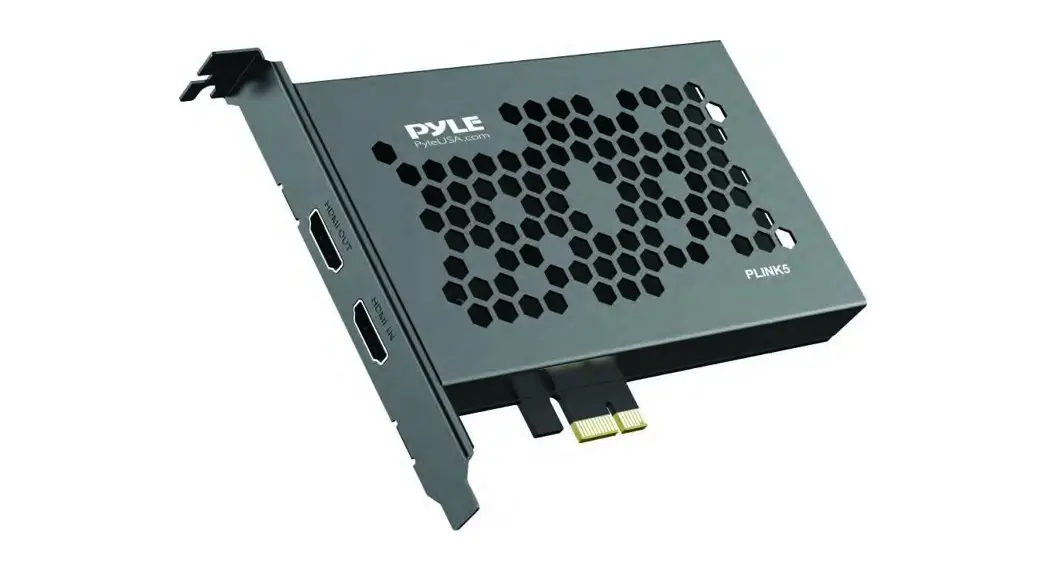
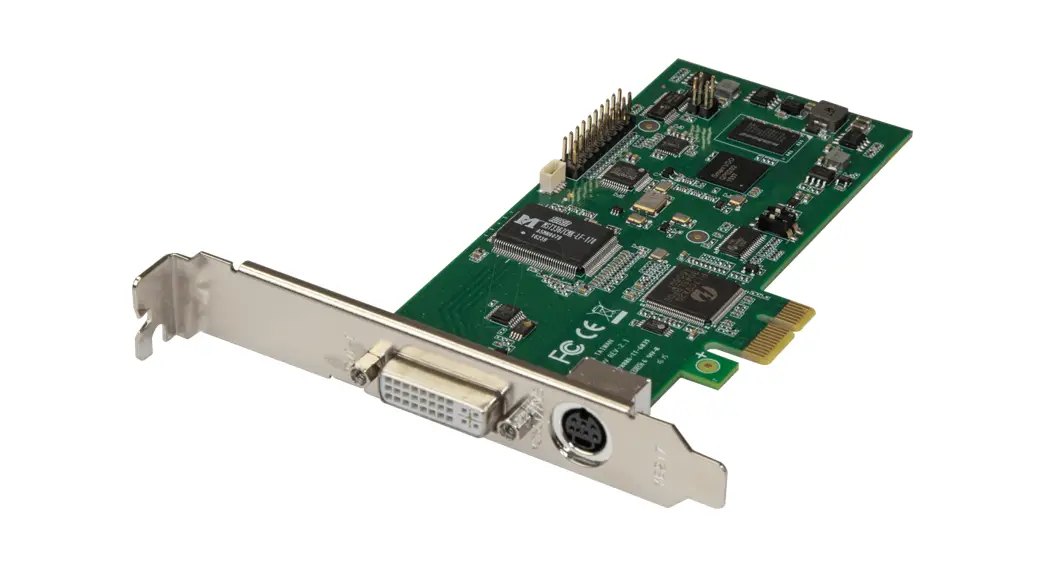
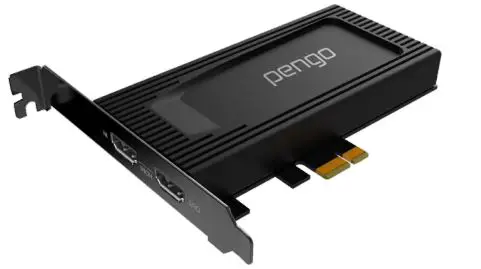
Pengo 4K HDMI PCIe Capture Card adopts a black anodized aluminum alloy housing to increase the ability of heat dissipation and keep dust away from your game. Dual black electroplated nickel bracket not only ensures durability but also prevents oxidation. The premium desktop computer users can effortlessly rely on the Pengo 4K HDMI PCIe Capture Card for its performance and well-thought-out design. Stream 4K UHD 60Hz HDR HDMI devices directly from your desktop. Become the content creator you were born to be. Capture digital media at 4K UHD 30Hz and share it with the world. Ready to use with no driver required
Features
- HDMI 2.0 input and output (loop-out) supports 4K60 HDR
- Maximum video capture resolution up to 2160p/30Hz or 1080p/120Hz
- Supports deep color (36-bit color)
- Supports PCIex1 (Gen4)
- Heat dissipation anodized aluminum alloy housing
- Dual black electroplated nickel bracket
- Compatible with third-party applications, such as, OBS, XSplit, vMix, Zoom, Skype, etc
System Requirements
CPU: i5 Dual Core 2.8GHz or higher
RAM: 4GB or higher
OS: Microsoft Windows 8.1 and above
Installation
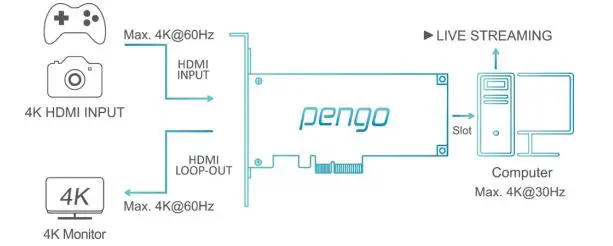
- Connect Pengo 4, K PCIe Card, into the computer PCIe port
- Plugin your HDMI source with an HDMI cable into the HDMI INPUT port.
- Plugin your display device with an HDMI cable into the HDMI LOOP-OUT port.
Specifications
| MODEL NAME | 4K HDMI PCIe Capture Card | |||
| INPUT INTERFACE | 1 x HDMI 2.0 Type A | |||
| OUTPUT INTERFACE | 1 x PCIe , 1 x HDMI 2.0 Type A | |||
| INPUT/OUTPUT(LOOP- OUT) RESOLUTION | 3840 x 2160p 2560 x 1440p 1920 x 1080p 1920 x 1080i 1280 x 720p 720 x 576p 720 x 480p 720(1440) x 576i 720(1440) x 480i | 60/50/30/25/24Hz 144/60Hz 240/144/120/60/50/30/25/24Hz 60/50Hz 60/50Hz 50Hz 60Hz 50Hz 60Hz | ||
| 640 x 480p | 60Hz | |||
| CAPTURE RESOLUTION | NV12 | YUY2 | ||
| 3840 x 2160p 30 Hz 2560 x 1440p 60 Hz 1920 x 1080p 120/60/50/30/25Hz 1280 x 720p 60 Hz 720 x 480p 60 Hz 720 x 576p 50 Hz 640 x 480p 60 Hz | 2560 x 1440p 50 Hz 1920 x 1080p 60/50/30/25 Hz 1280 x 720p 60 Hz 720 x 480p 60 Hz 720 x 576p 50 Hz 640 x 480p 60 Hz | |||
| COLOR SAMPLING | RGB, YUV (YCbCr 4:4:4, YCbCr 4:2:2, YCbCr 4:2:0) | |||
| VIDEO FORMAT | NV12 , YUY2 | |||
| UAC AUDIO OUTPUT | Stereo / 16-bit PCM encoded audio at 48KHz sampling rates | |||
| SYSTEM REQUIREMENTS | CPU: i5 Dual-Core 2.8GHz or higher RAM: 4GB or higher OS: Windows (8 and above) | |||
| ENVIRONMENT | Operating Temperature 0~45℃ Operating Humidity 20~90% | |||
| DIMENSION | 120.9 x 133.7 x 21.6 mm (W x L x H) | |||
| WEIGHT | 160 G | |||
| COLOR | Black | |||
| PRODUCT NUMBER | 8RPCI-H01HP2B0PE | EAN NUMBER | 4718009820531 | |
Inside the box
Pengo 4K HDMI PCIe Capture Card x 1
Operating Instructions (Windows with OBS)
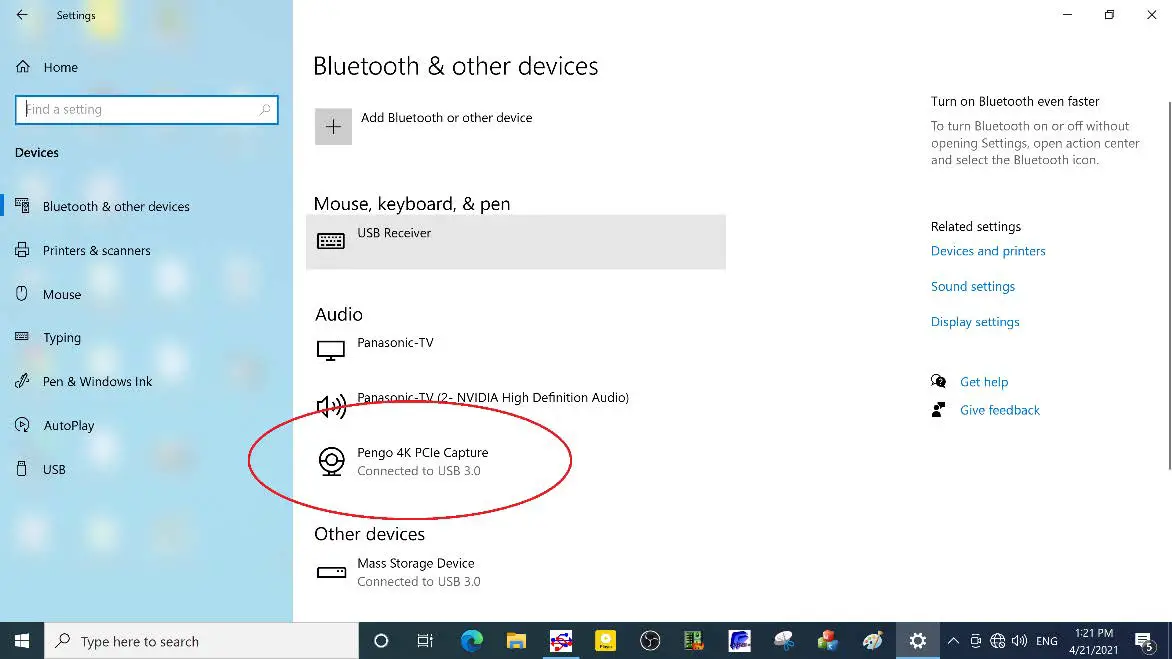
- After plugging in your device, go to [Windows Settings] and then go under [BT and Other Devices] and make sure Pengo 4K PCIe Capture is detected

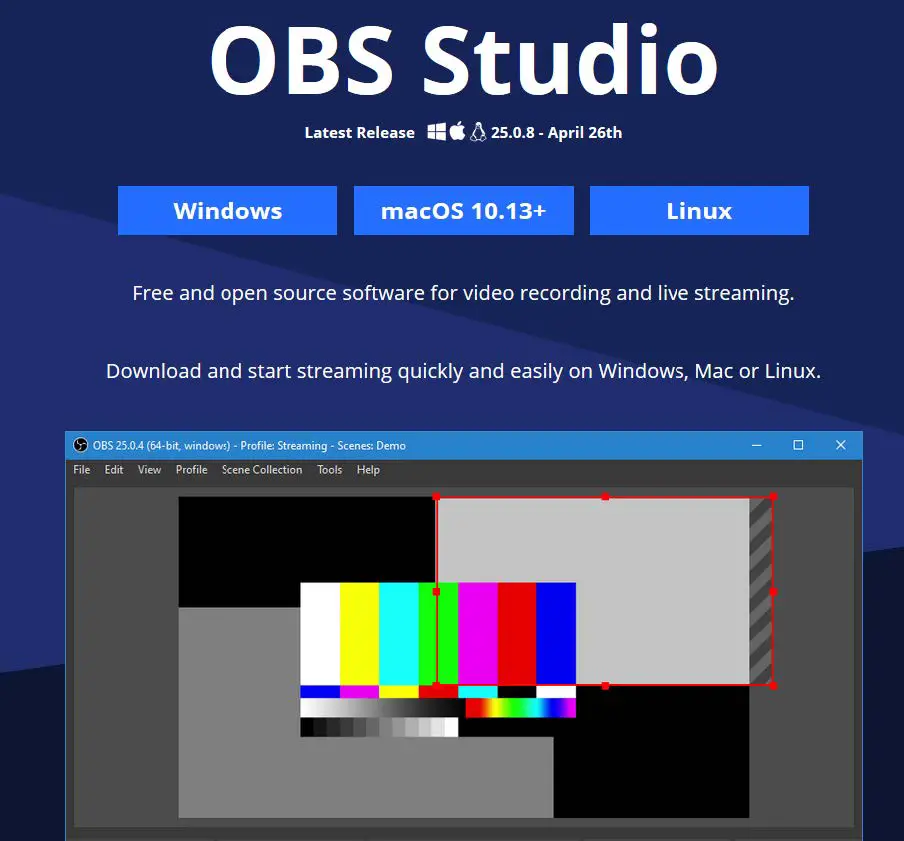
- Download OBS Studio: https://obsproject.com/(OBS-Studio-25.0.8-Full-Installer-x64. exe)
3. Open OBS Studio. (version 25.0.8)
Video Setting
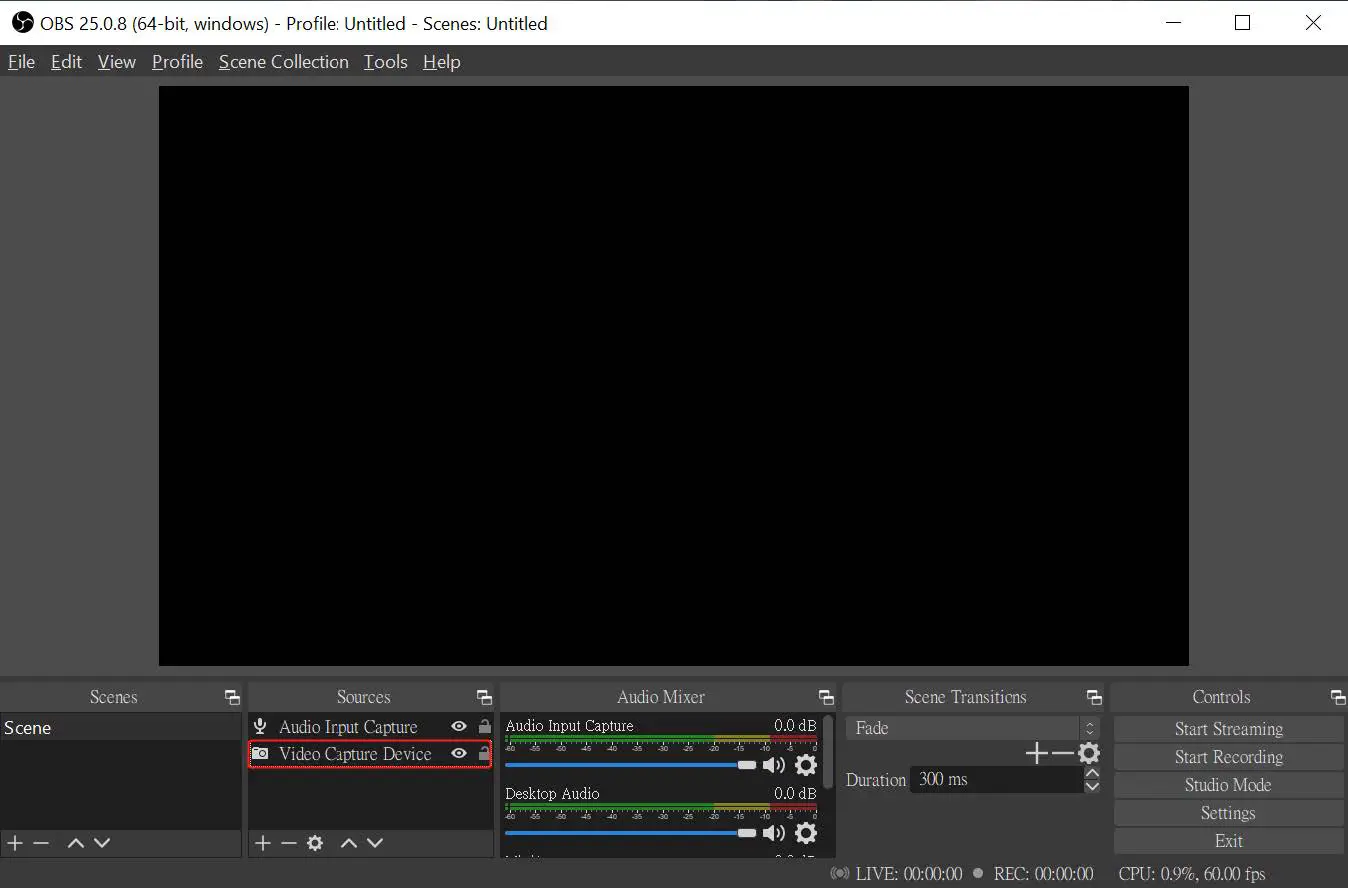
- Add and select “Video Capture Device”, rename the source and click OK

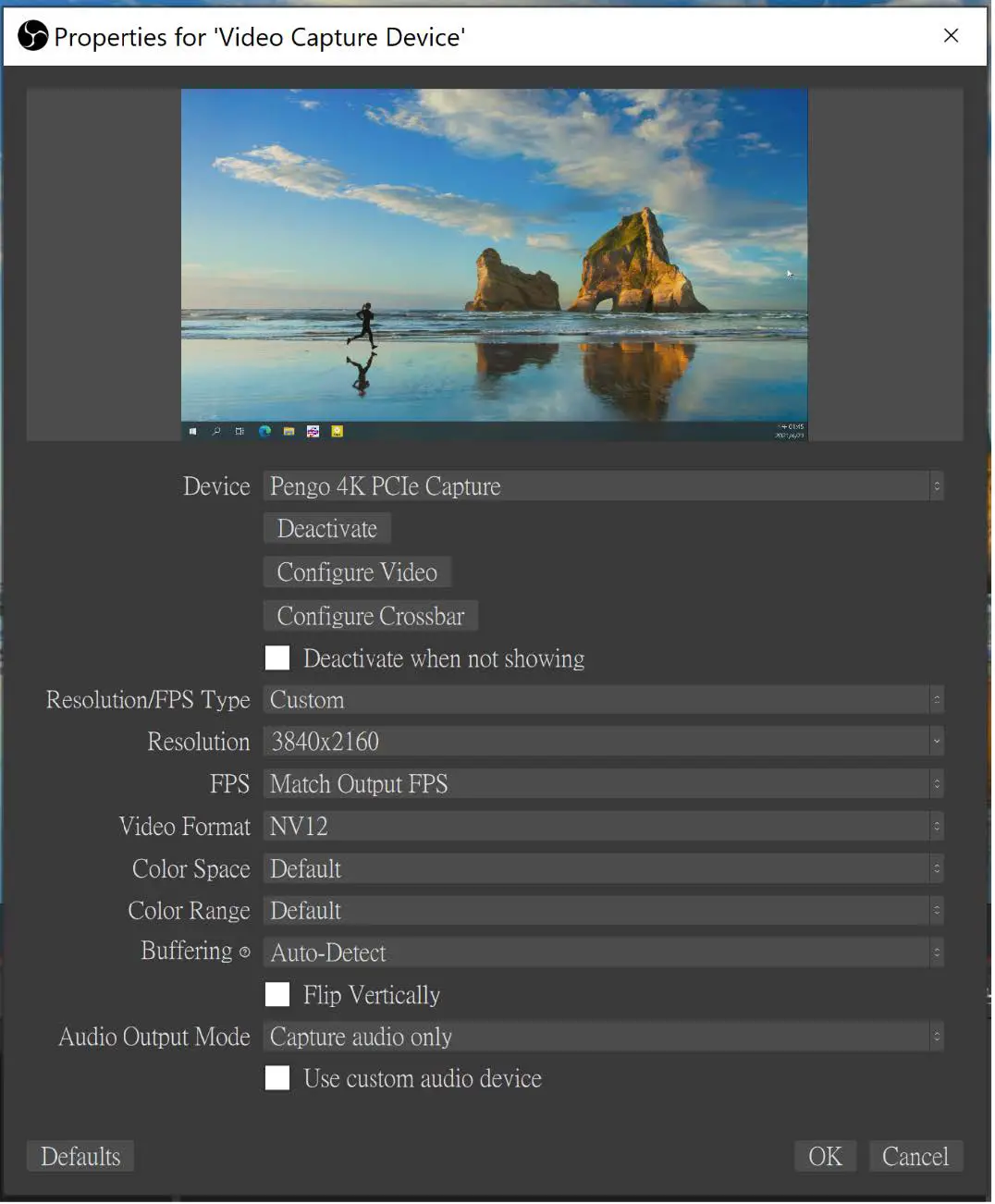
- Select “Pengo 4K PCIE Capture” as your device

- Parameter Setting references are displayed as below* Resolution/FPS Type: Custom
* Resolution: 3840×2160
* FPS: Match Output FPS (auto select: 30)
* Video Format: NV12
Audio Setting
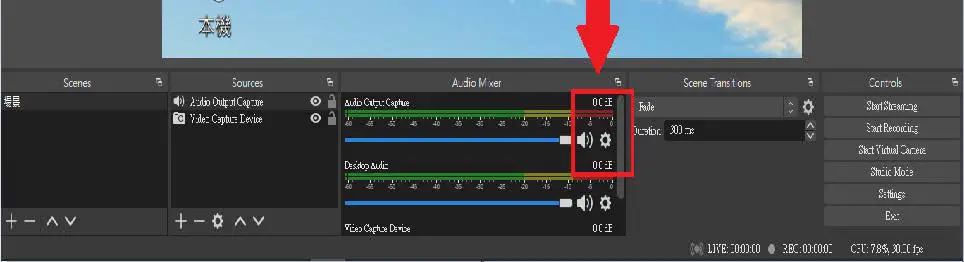
- Click on the Mic / Aux audio setting icon as displayed below

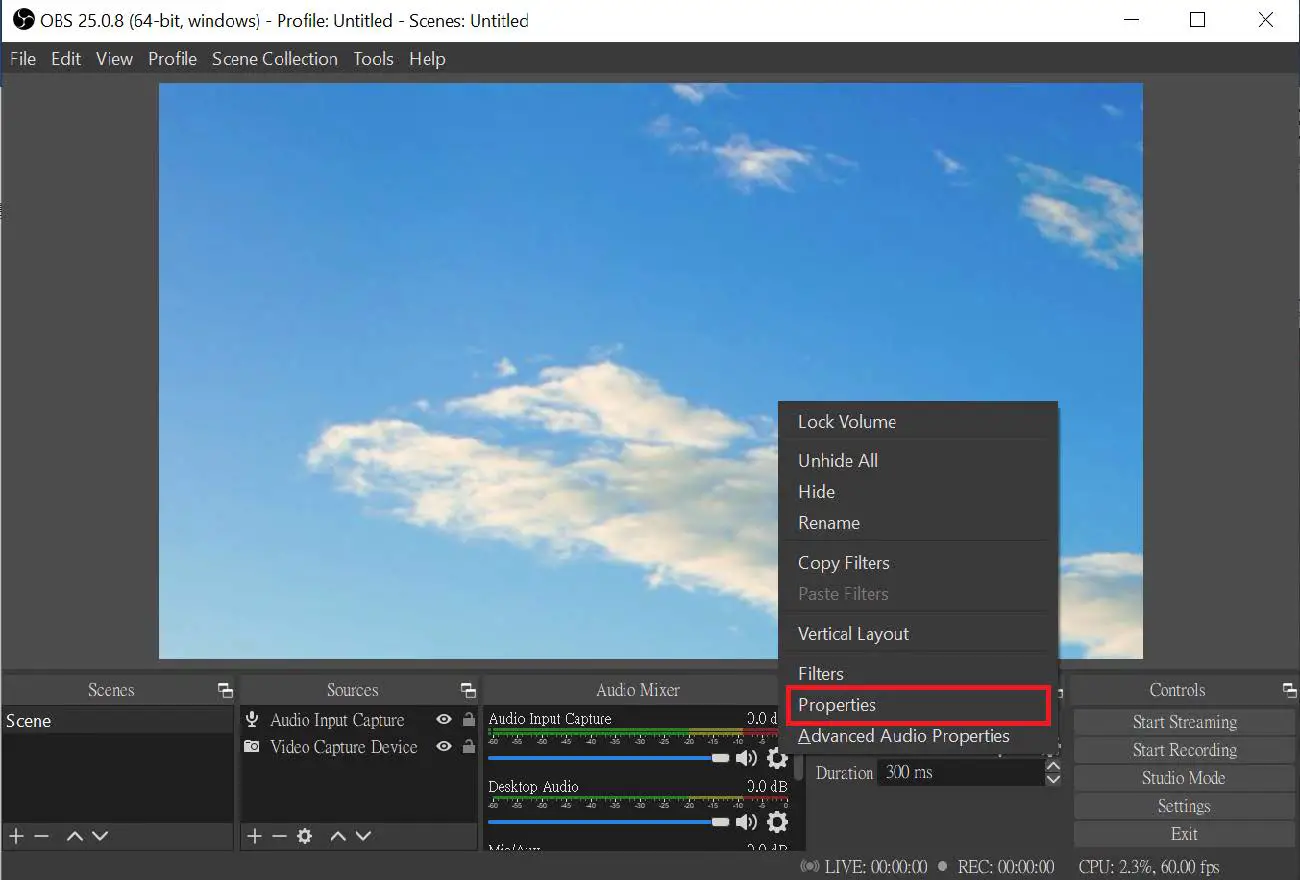
- Select “Properties”

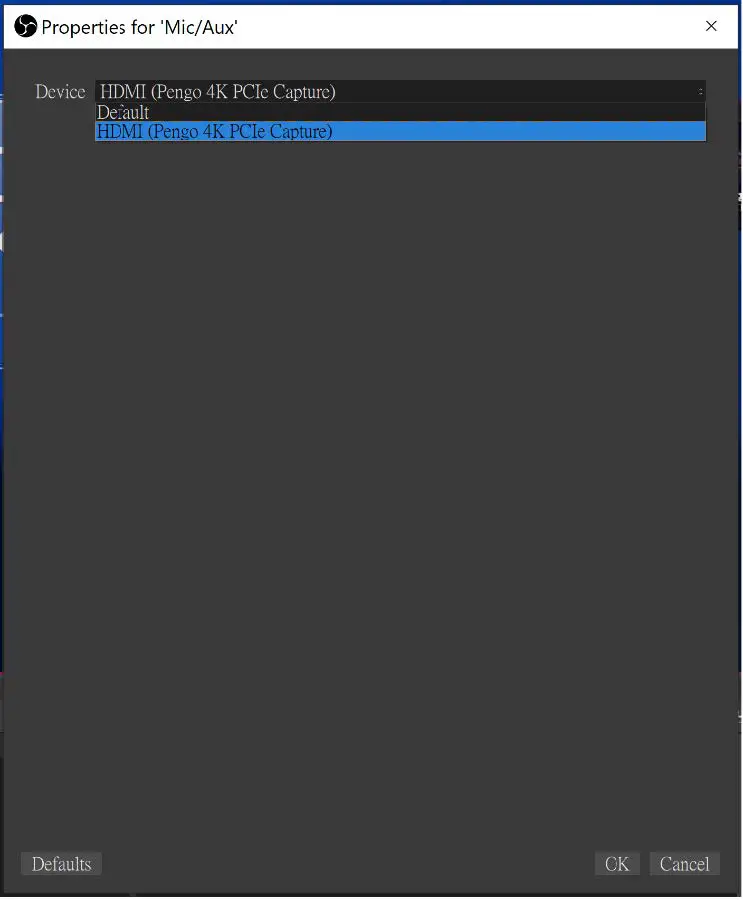
- Under Properties: Select “HDMI (Pengo 4K PCIe Capture)” as your device

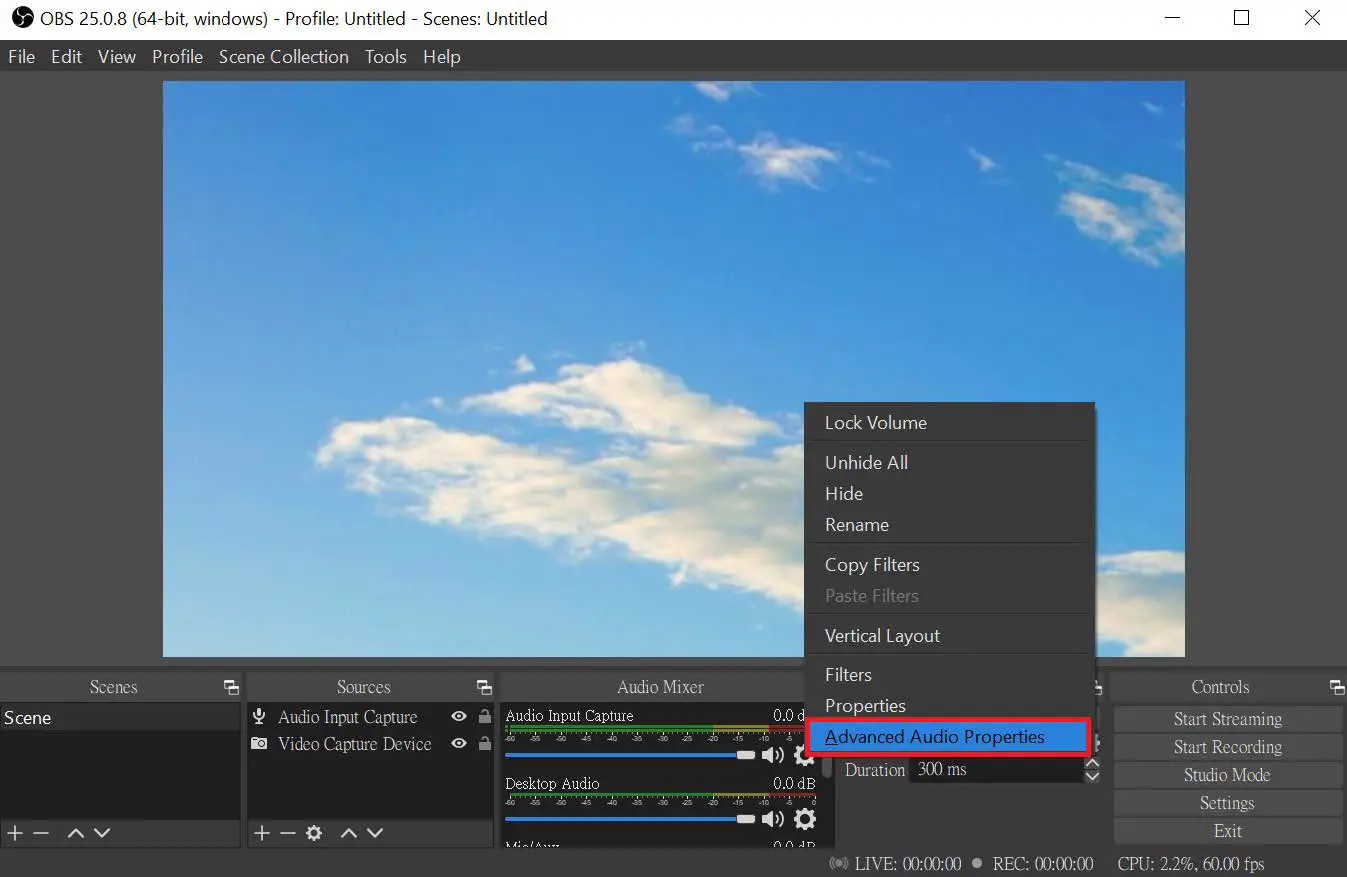
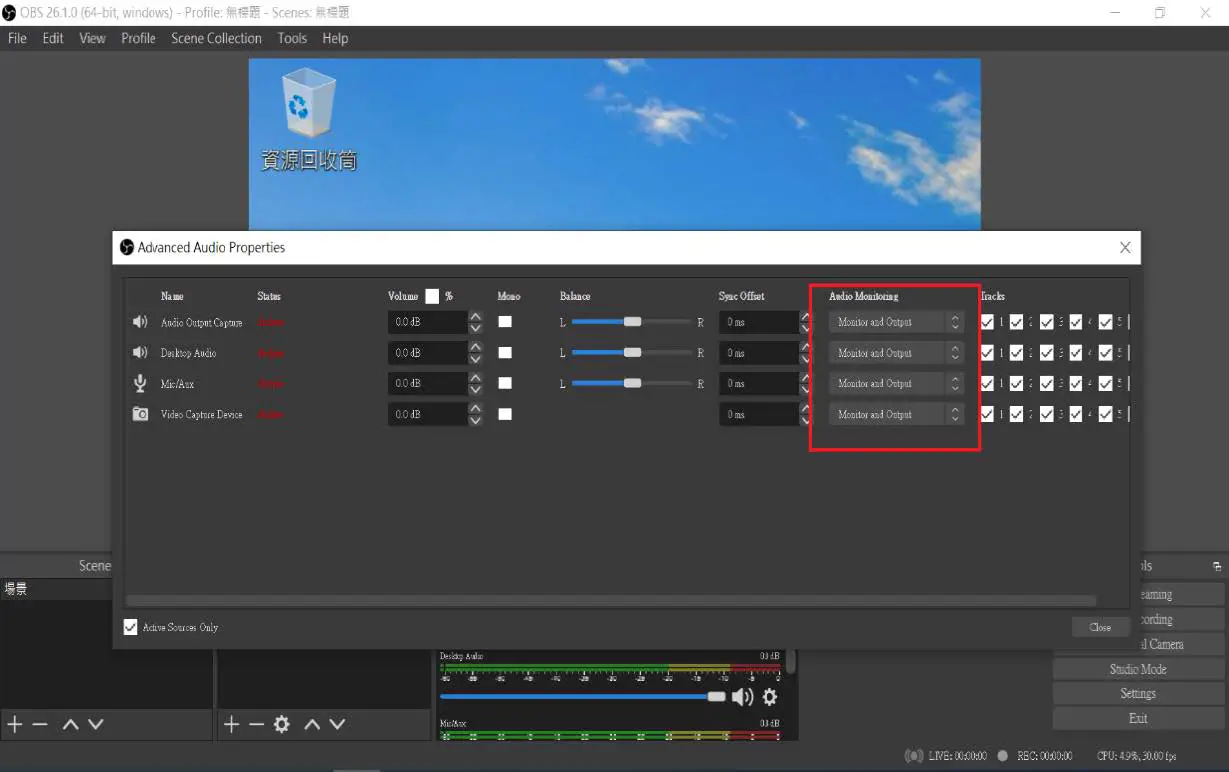
- Under the Audio Setting Icon: Select “Advanced Audio Properties”

- Under Advanced Audio Properties: Adjust your audio source to suggested preferences ( Microphone and speaker need to change the setting into
Monitor and Output)
- OBS Setting completed
Note:
- Different versions will have slightly different interface.
- Make sure your source does not have HDCP, we do not support HDCP.
- Please contact us if you have any issue.
- Please register your Pengo product at: www.pengohome.com/register
- We reserve the right to make any updates without prior notice