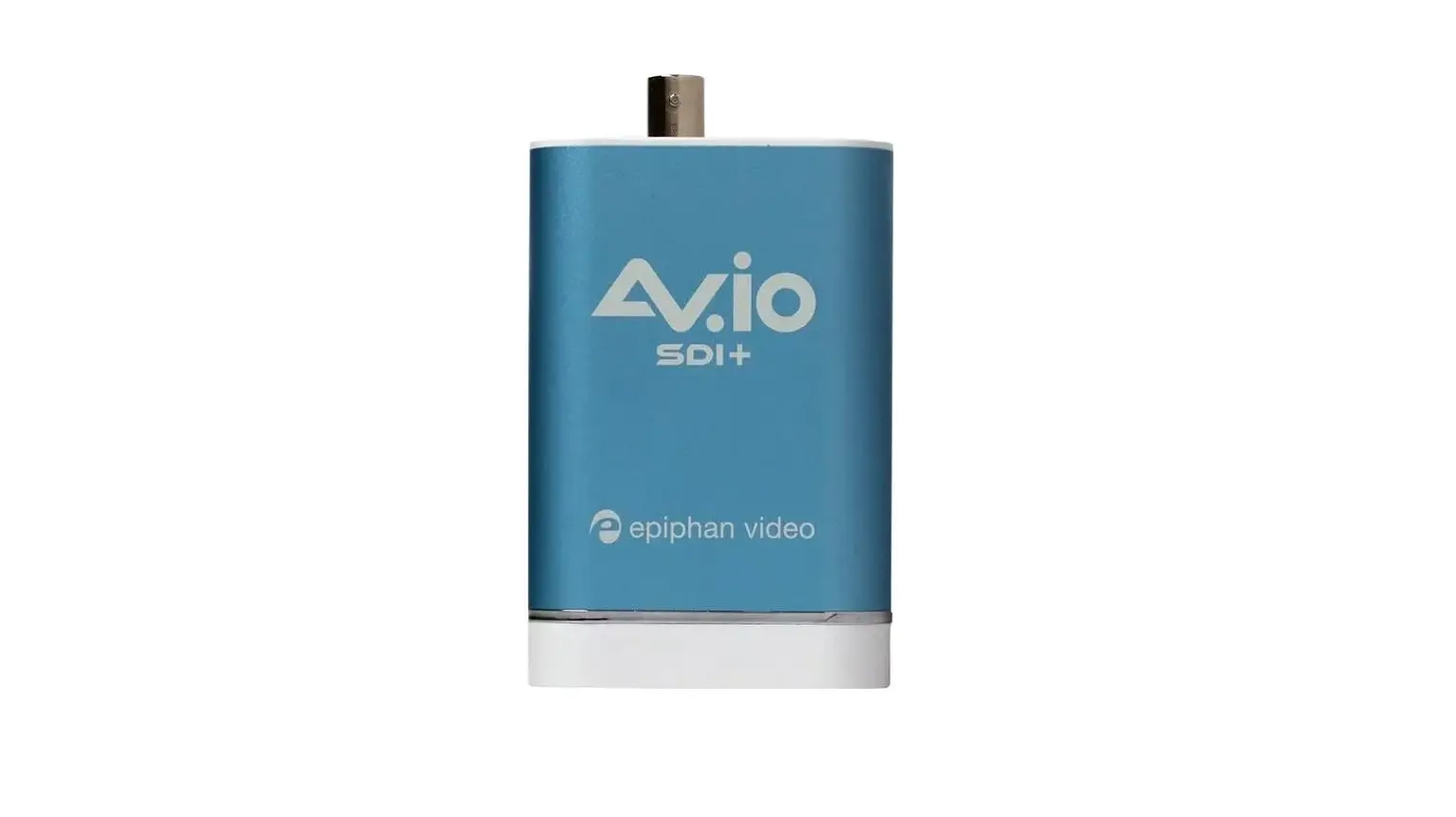
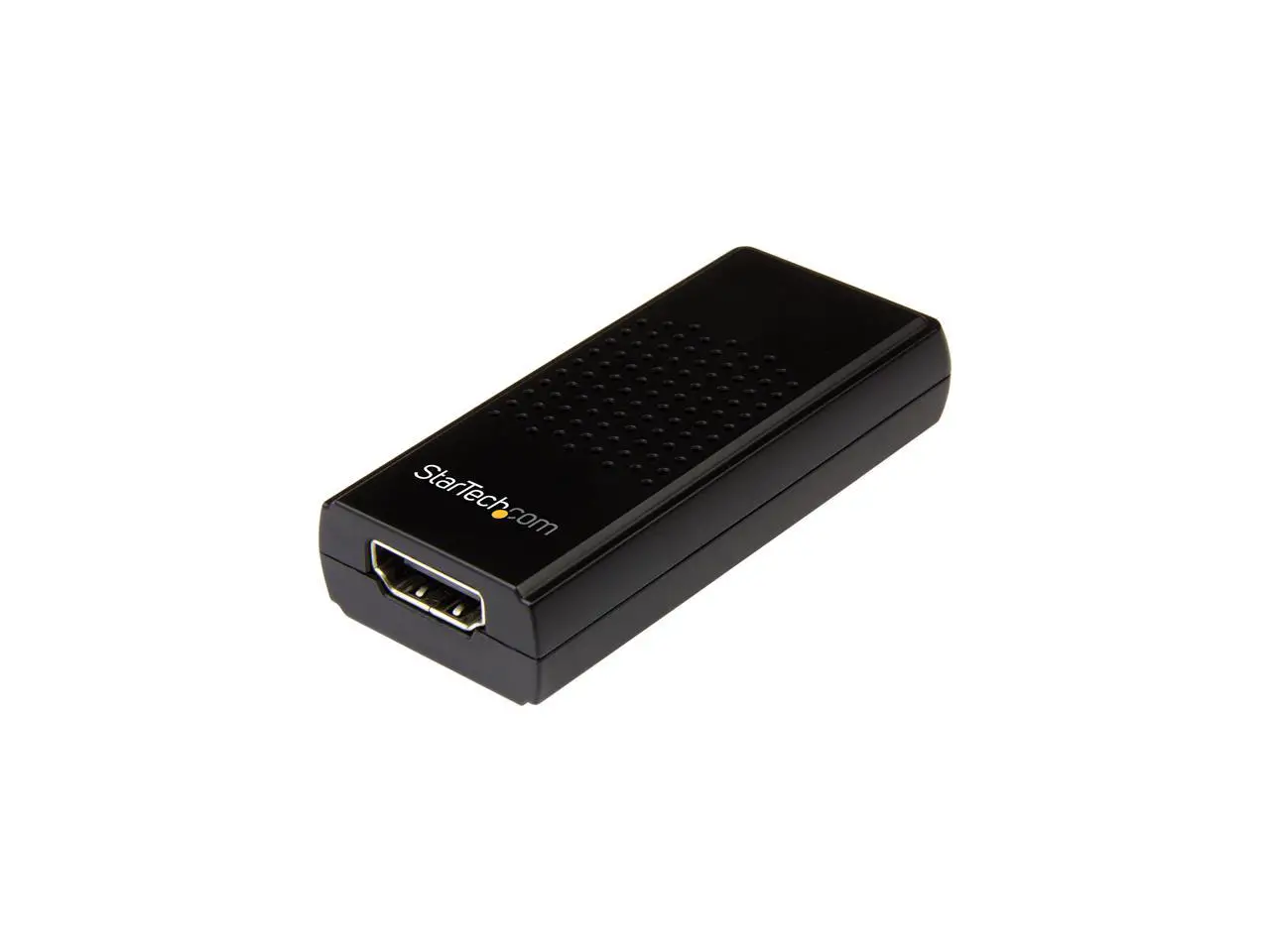
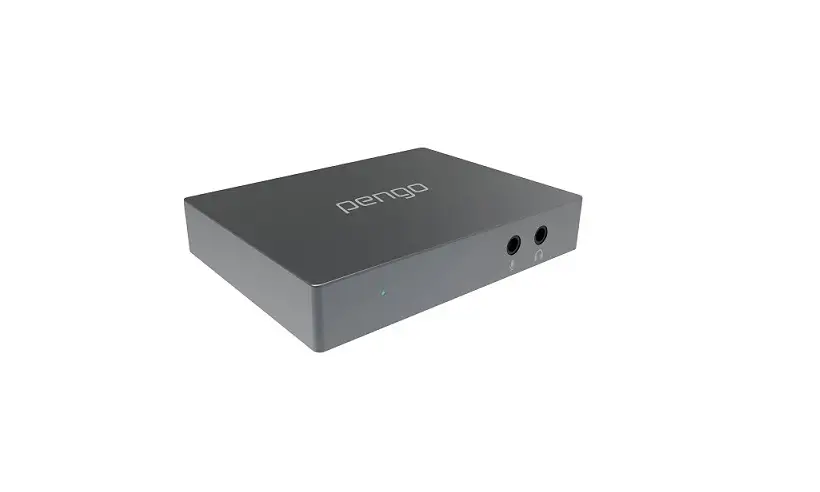
AV.io HD+ HDMI-to-USB Capture Card
Product Information:
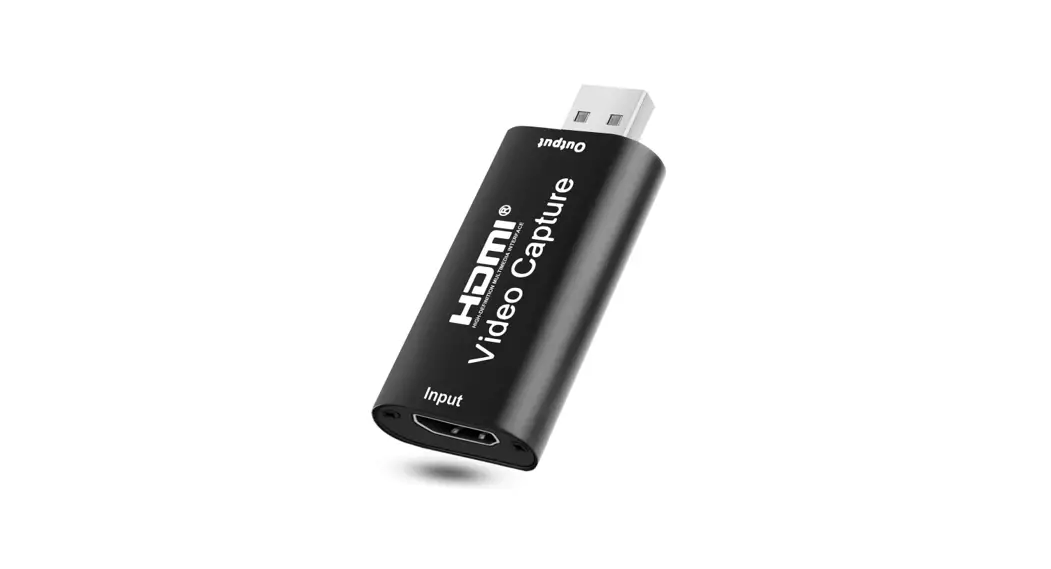
The AV.io HD+ is a HDMI-to-USB capture card that allows you to
easily capture 1080p video from HDMI cameras and devices. It
features an all-metal enclosure and durable connectors, making it
suitable for repeated, long-term use. The capture card is
compatible with Windows, Mac, and Linux operating systems and
offers enhanced performance and a 3.5 mm analog audio input.
- Interface: USB 3.0, USB 2.0
- OS drivers: UVC and UAC device
- Dimensions: mm mm mm
- Connectors: HDMI, USB 3.0 B-Type connector
- Input: HDMI, 3.5 mm audio
- Input resolution: Available resolutions: , , , , , , , , , , ,
, , , , , , , , , , - Output format: UVC and UAC device
- Output color space: YUV 4:2:2
- Capture latency: Third-party applications may add to capture
delay - HDMI audio (input): bit and bit PCM encoded audio at k , . k ,
and k sampling rates - Audio output: bit k stereo sampling rates
- LED: Power, readiness, operation in progress
- Power consumption:
- OS support: Windows and up, Mac OS X and up, Linux distribution
with kernel . . or higher - HDCP compliance: Can’t capture from video sources protected by
HDCP (High-bandwidth Digital Content Protection)
Product Usage Instructions:
- Connect your HDMI source (such as a camera or computer) to the
AV.io HD+ using the HDMI and 3.5 mm audio connectors. - Connect the AV.io HD+ to your computer using the USB 3.0 or USB
2.0 interface. - Install the necessary drivers for the AV.io HD+ on your
operating system. - Launch your preferred video capture software on your
computer. - Configure the video capture software to use the AV.io HD+ as
the input source. - If you want to capture audio, select the desired audio input
option – either directly from the HDMI source or through the 3.5 mm
audio input. - Start capturing video by pressing the appropriate record or
capture button in your video capture software. - Monitor the LED indicators on the AV.io HD+ to check power,
readiness, and operation status. - When finished, stop capturing video and save the captured
footage on your computer. - Disconnect the AV.io HD+ from your computer and HDMI
source.
AV. I O H D +
HDMI-to-USB capture you can count on
The plug-and-play AV.io HD+ lets you easily capture 1080p video from HDMI cameras and devices. With its all-metal enclosure and durable connectors, AV.io HD+ will stand up to repeated, long-term use.
CONNECT YOUR SOURCE
CAPTURE YOUR VIDEO
Camera Switcher
Computer
HDMI
3.5 mm audio
USB 3.0 Capture computer
Audio mixer
NEW! Now featuring enhanced performance and 3.5 mm analog audio input.
Epiphan AV.io HD+TM USB capture card
Make video capture effortless
With AV.io HD+, capturing video from HDMI devices on
Windows, Mac, or Linux is as easy as using a plug-and-play
webcam no driver installation required.
WINDOWS
LINUX
MAC
Take your capture card with you
AV.io HD+ is light and compact. It’s powered over USB, which means one less adapter to carry around. And it’s based on tough-as-nails technology that’s even been used in space, so you can confidently take it wherever there’s video to capture.
Size and scale effortlessly
There’s no need to think about video scaling or aspect ratios with this capture card. AV.io HD+ will automatically adjust your image based on the software you’re using, delivering superior video quality even when swapping between sources.
AUTOMATIC SCALING
Bring in your audio
Capture audio directly from your HDMI source, or through the 3.5 mm input to capture from a mixer or other external source. You can even bring in audio from both inputs simultaneously.
Interface
USB 3.0, USB 2.0
OS drivers Dimensions Connectors Input Input resolution
Output format
UVC and UAC device
.
.
.
mm mm mm
HDMI, USB 3.0 B-Type connector
I including audio , . mm analog audio
p to
Available resolutions:
,
,
,
,
,
,
,
,
,
,
,
,
,
,
,
,
,
,
,
,
,
,
,
Available frame rates:
fps to fps
Output color space Capture latency HDMI audio (input) Audio output LED Power consumption OS support
YUV 4:2:2 ear ero third party applications may add to capture delay bit and bit P encoded audio at k , . k , and k sampling rates bit k stereo sampling rates ne E to indicate status power, readiness, operation in progress ma indows and up, ac S . and up, inu distribution with kernel . . or higher
HDCP compliance
an’t capture from video sources protected by P igh bandwidth igital ontent Protection
Note: Third-party software will set frame size and frame rate.
Your address and contact information here.
TM and © 2022 Epiphan Systems Inc. All rights reserved. Epiphan, Epiphan Video, Epiphan Systems, its products names and logos are tradenames or trademarks of Epiphan Systems Inc. All other company, interface and product names and logos are trademarks or registered trademarks of their respective owners in certain countries. Product descriptions and specifications regarding the products in this document are subject to change without notice.
BR171-3