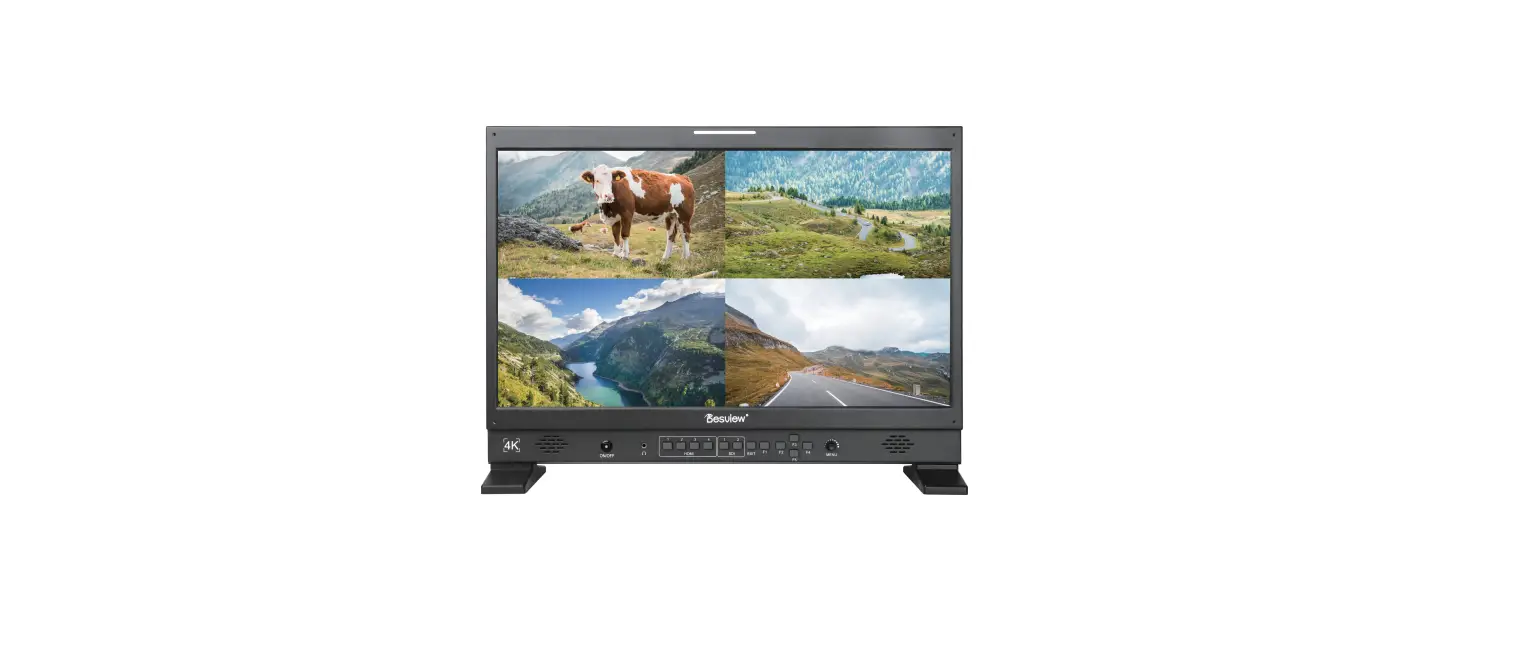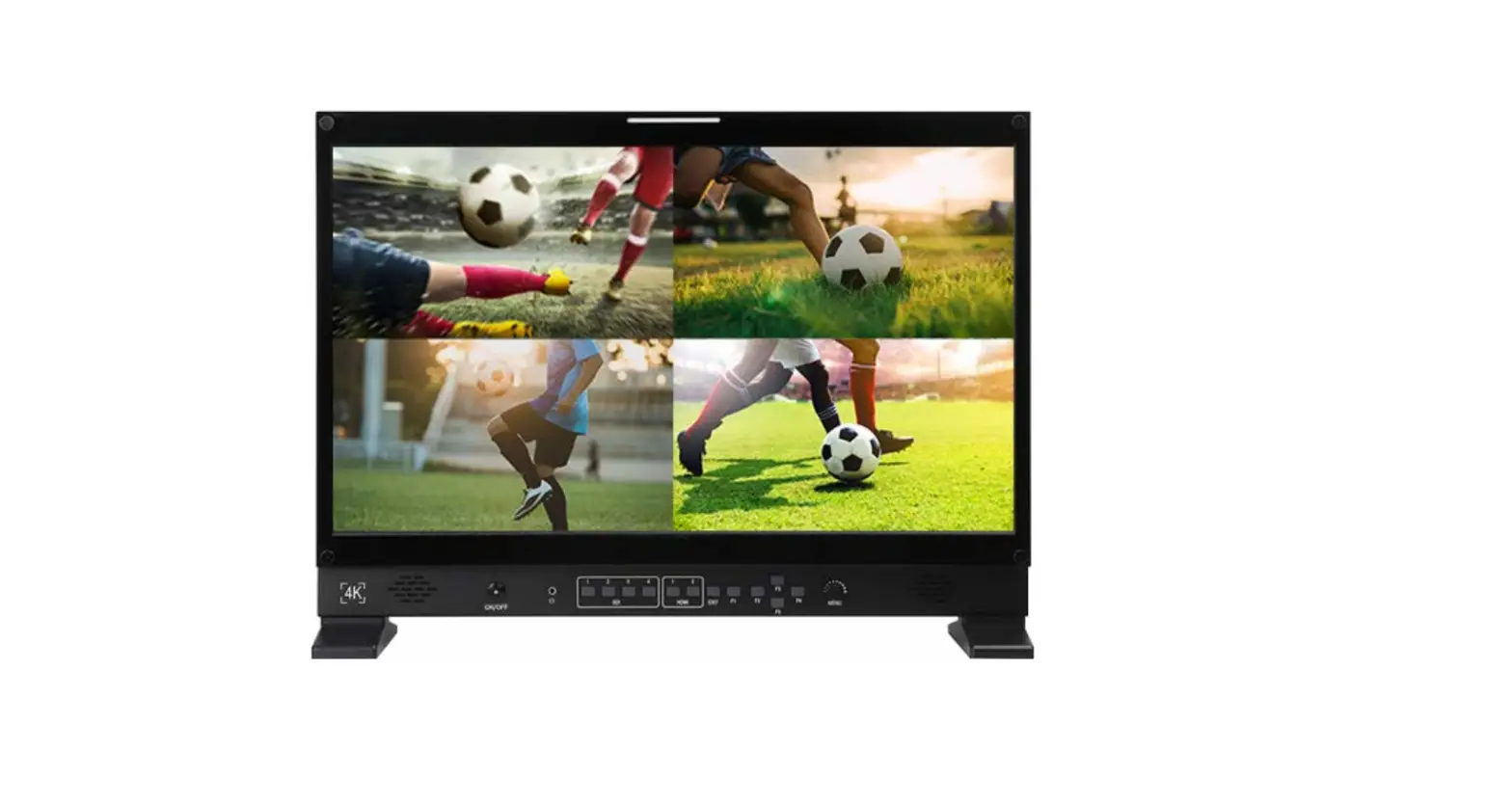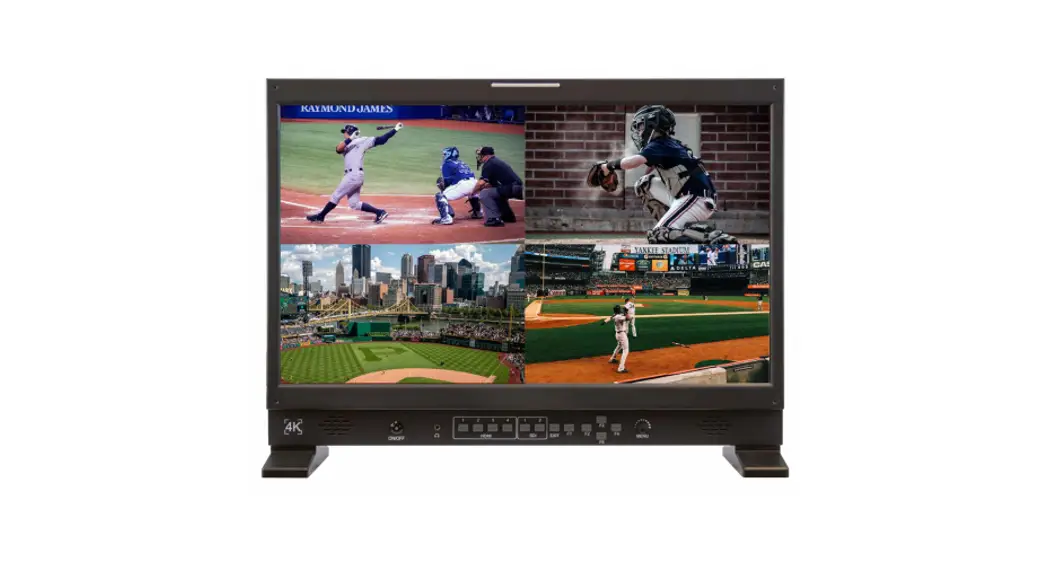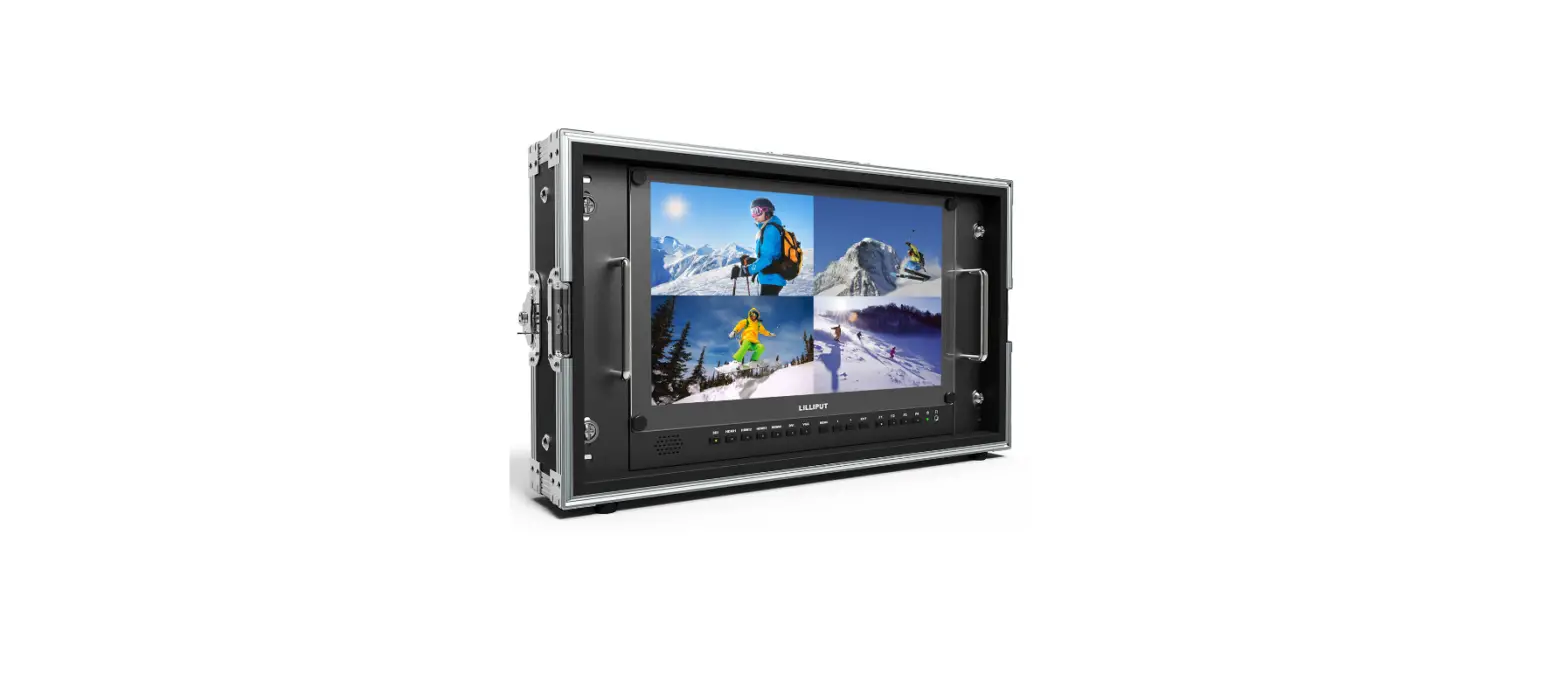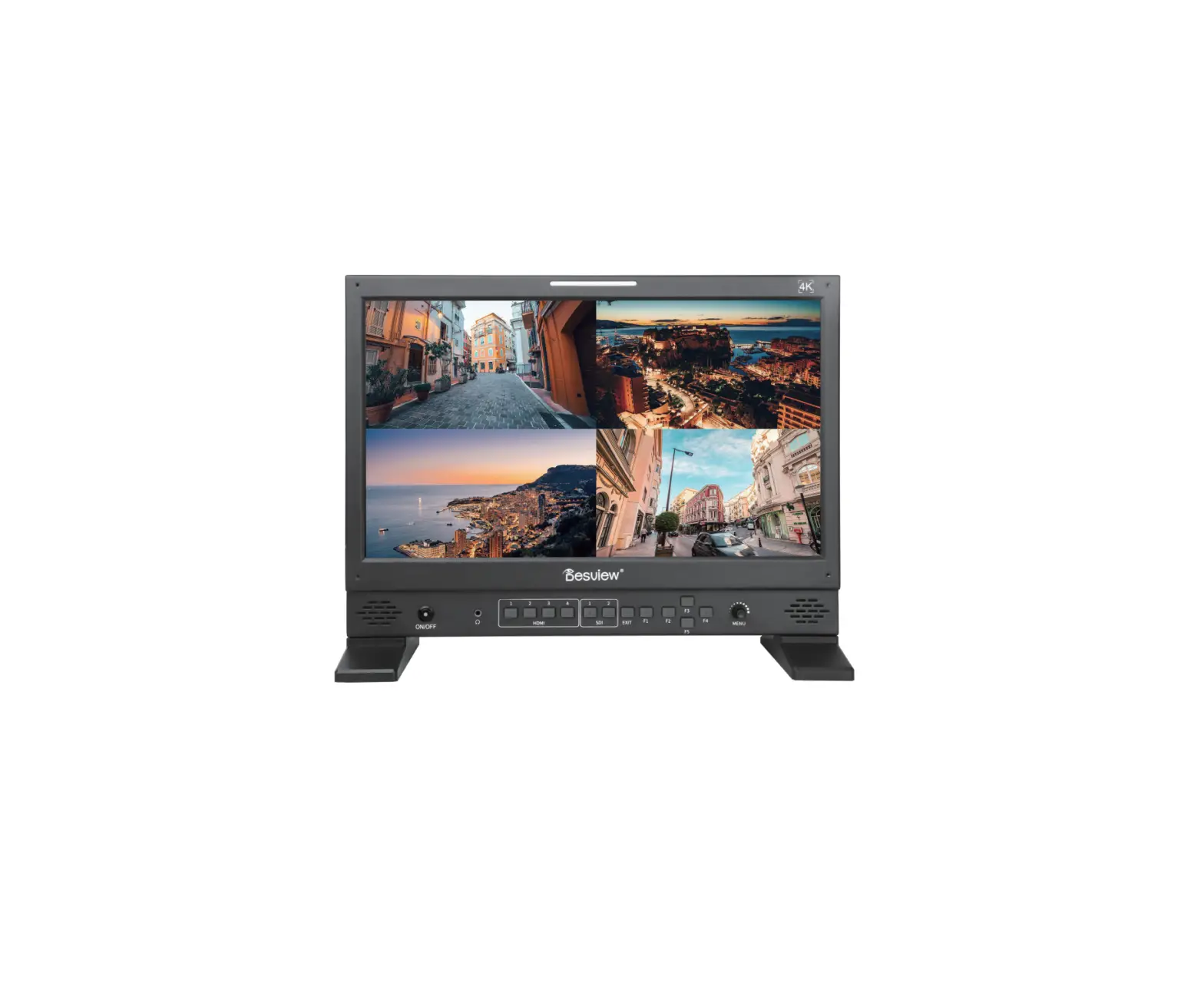
Desview S17-HDR 17.3 Inch 4K HDR Multi View Broadcast Director Monitor
Contents hide
Welcome!
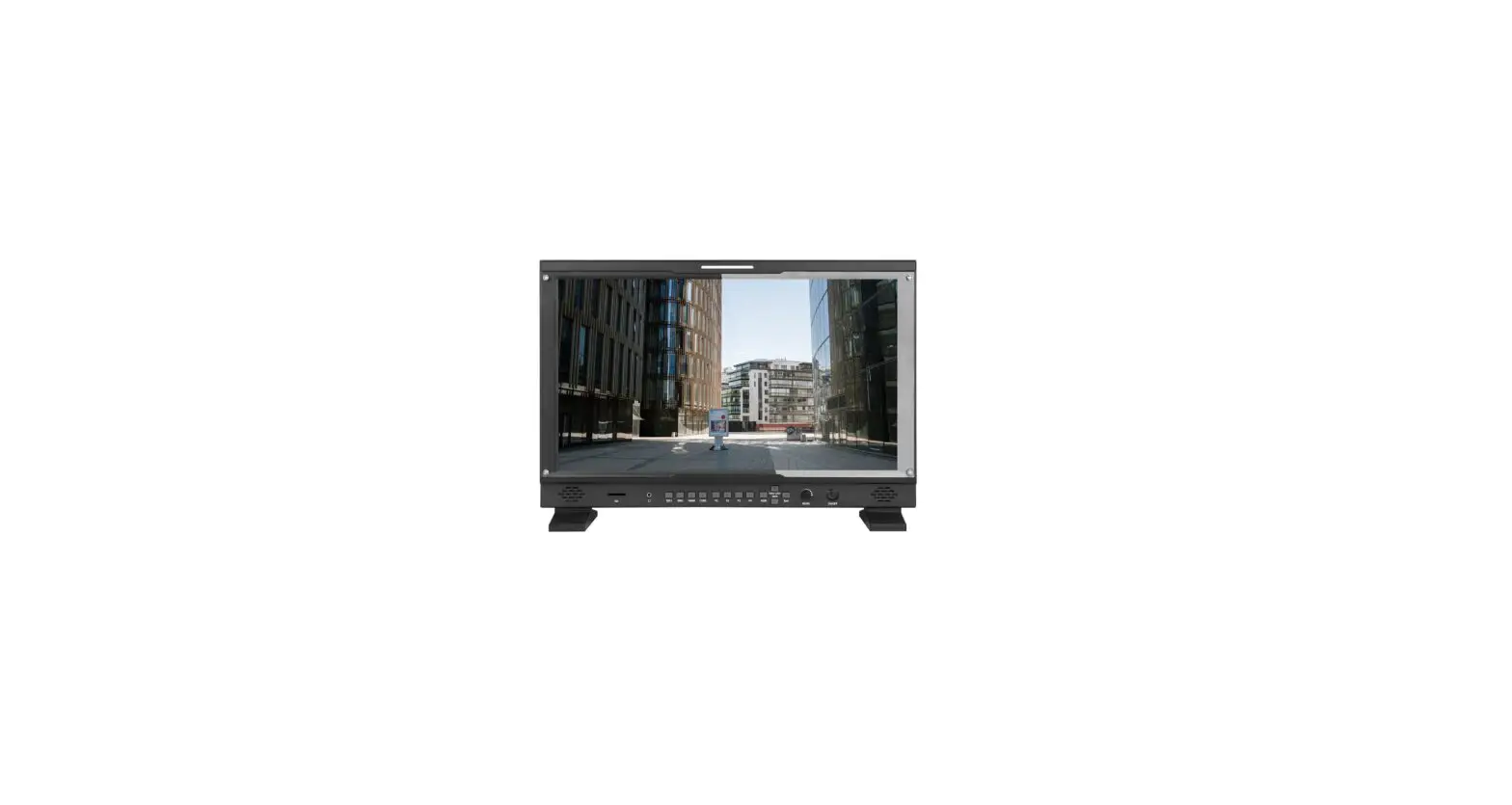
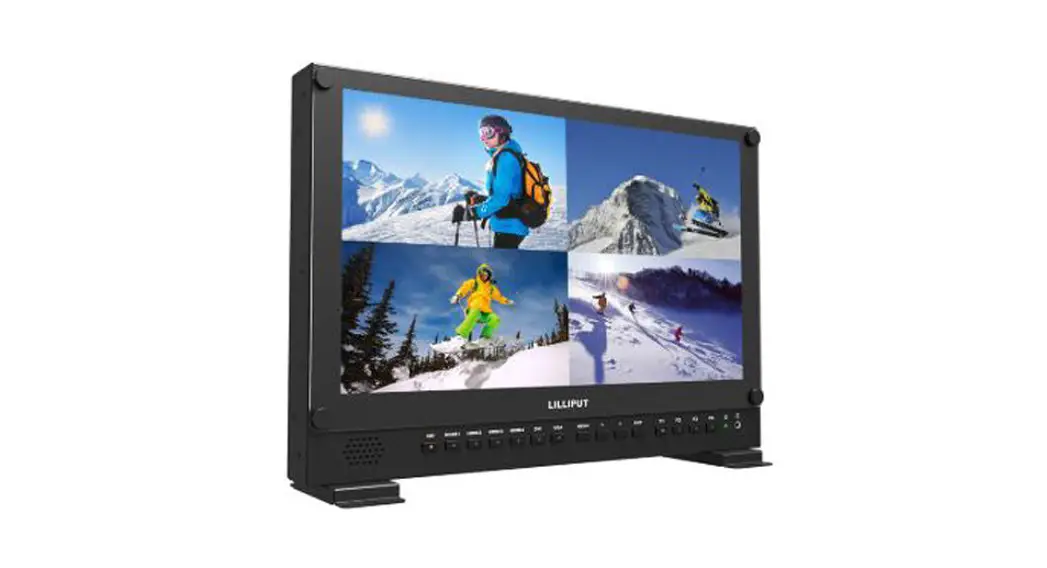
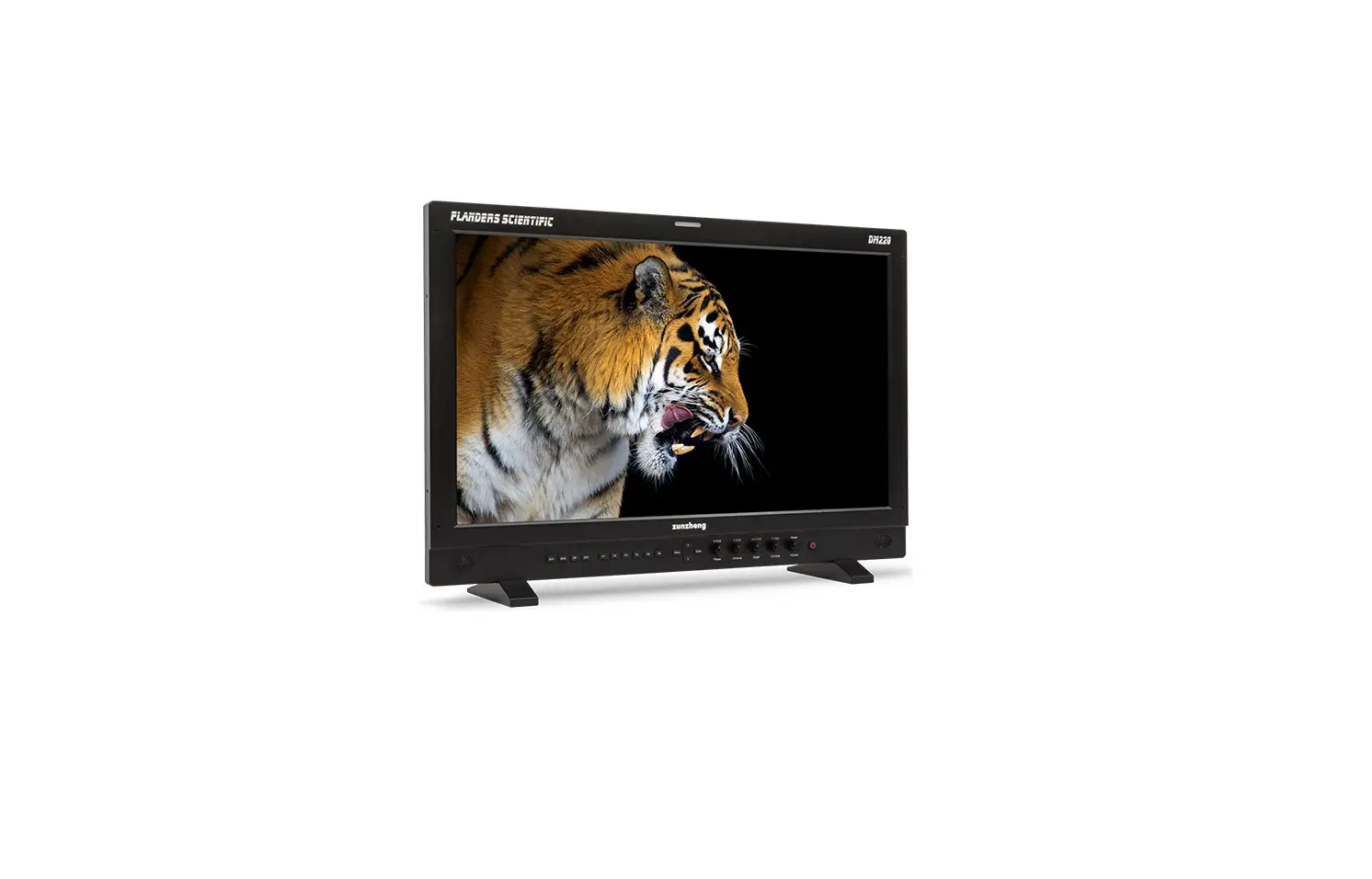
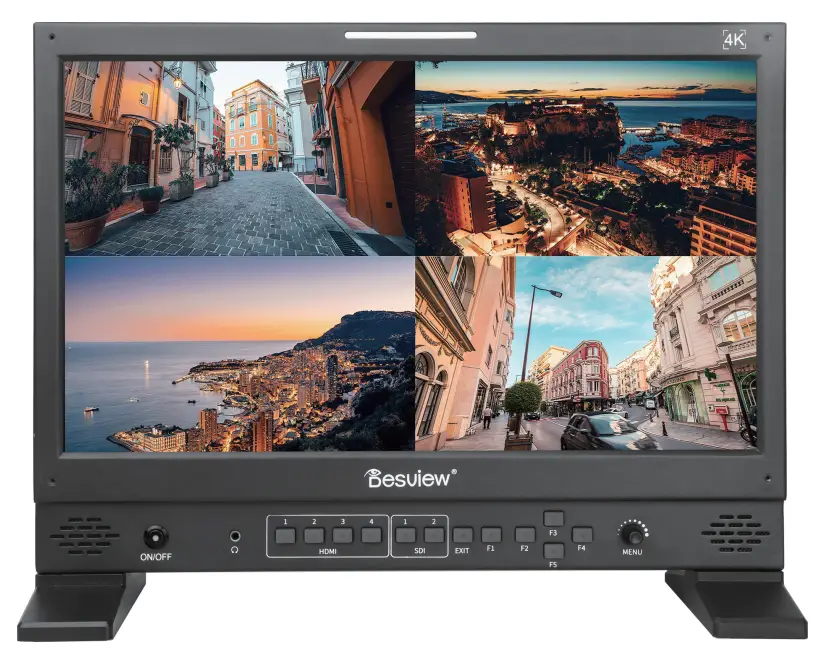
Thank you for choosing the Desview 4K HDR broadcast monitor which for the professional film make using.It adopts a 17 .3-inch 3840×2160 4K LCD full-view display panel, which supports 4 channels of 4K HDMI video signal input and 1 channel HDMI output, 2x 3G-SDI video signals input and 1x 3G-SDI output. It perfectly equipped with the vast majority of cameras on the market.
Features

Precautions
- Make sure to read the instruction carefully before using.
- Please check and confirm that the product accessories are complete after unpacking.
If there is anything missing, please contact the seller.
Accessories
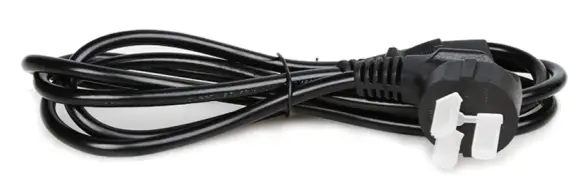
- Power Cable
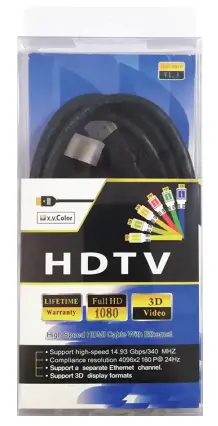
- HDMI Cable (A/A)
- Microfiber Cloth

- Instruction & Warranty Card.
Assembly Option
A: Engineering aluminum Case + Sun-Hood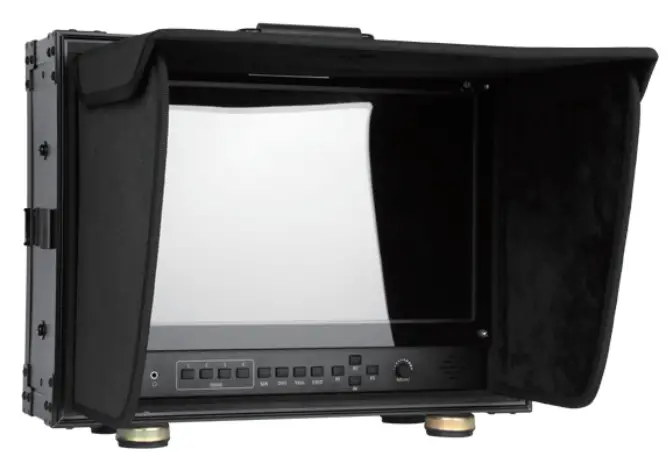
B: T type base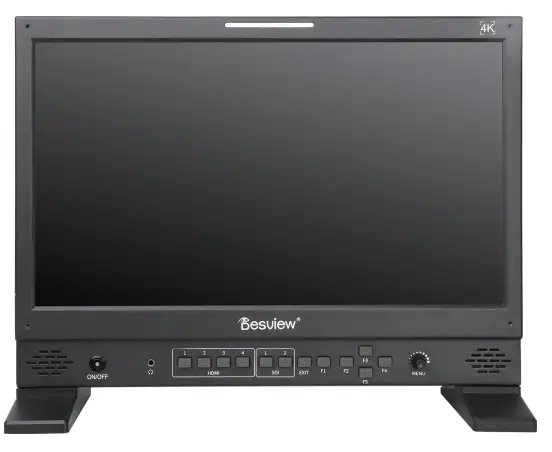
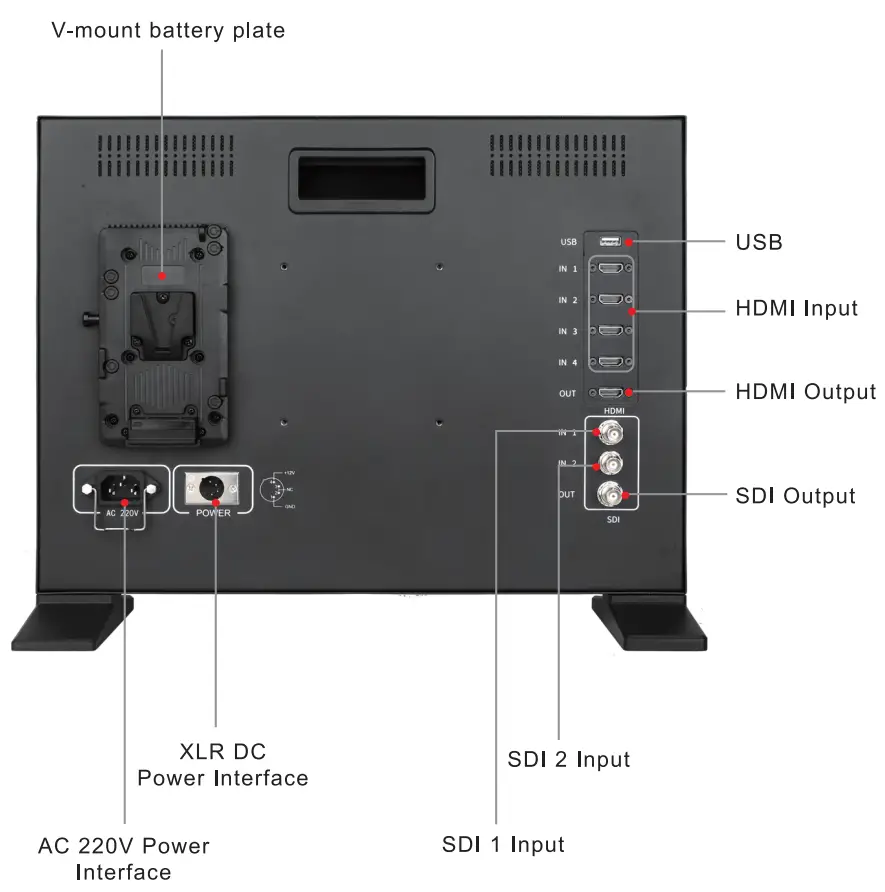
Signal connect
| HDMI | 3G-SDI | USB | |
| Input | x2 | x2 | |
| Output | x1 | x1 | x1 (5V/2A) |
Power Connect
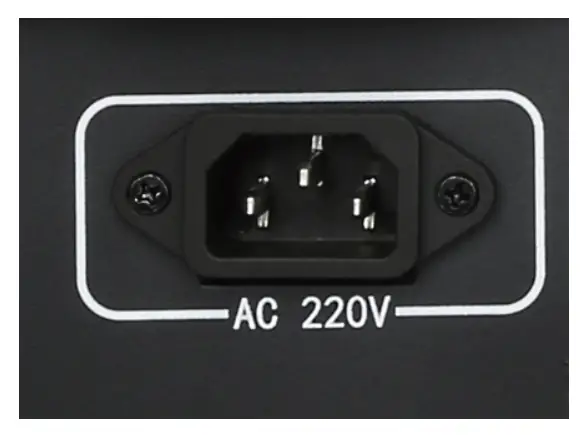
- AC 220V Power Interface
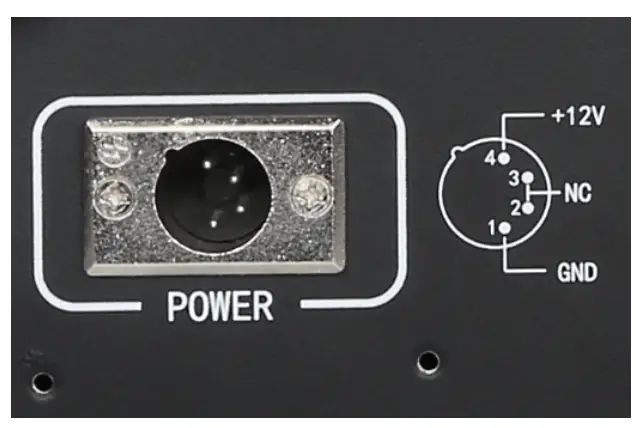
- XLR Power Interface
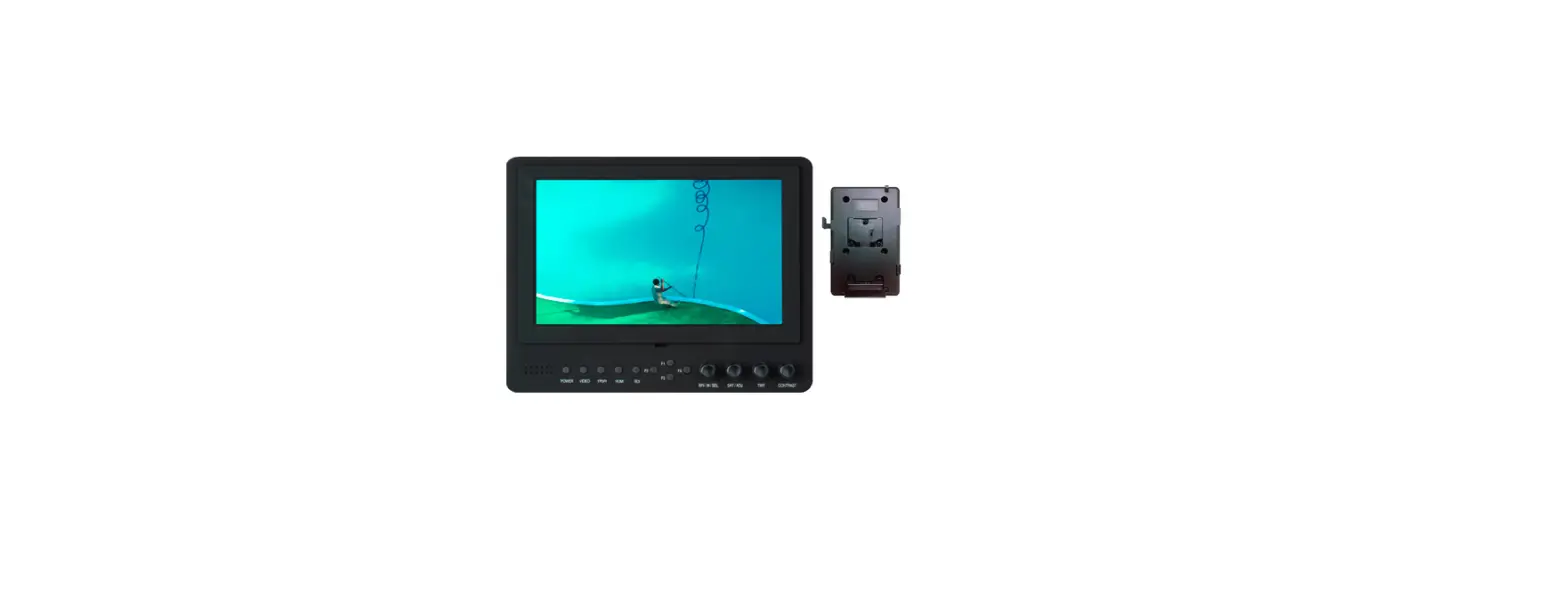
- V-mount battery plate
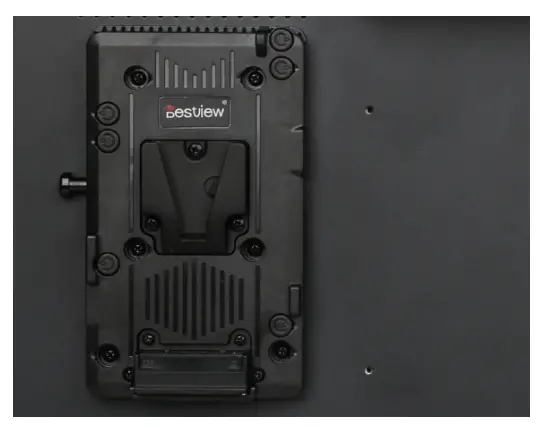
Connect the power cable > Find the Power Button in front > Press to turn on/off.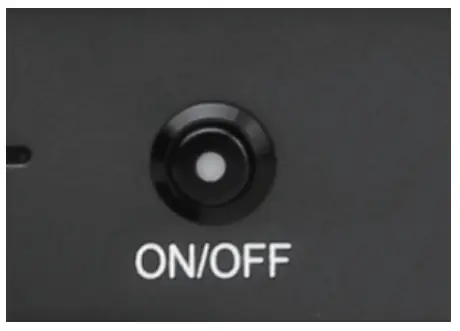
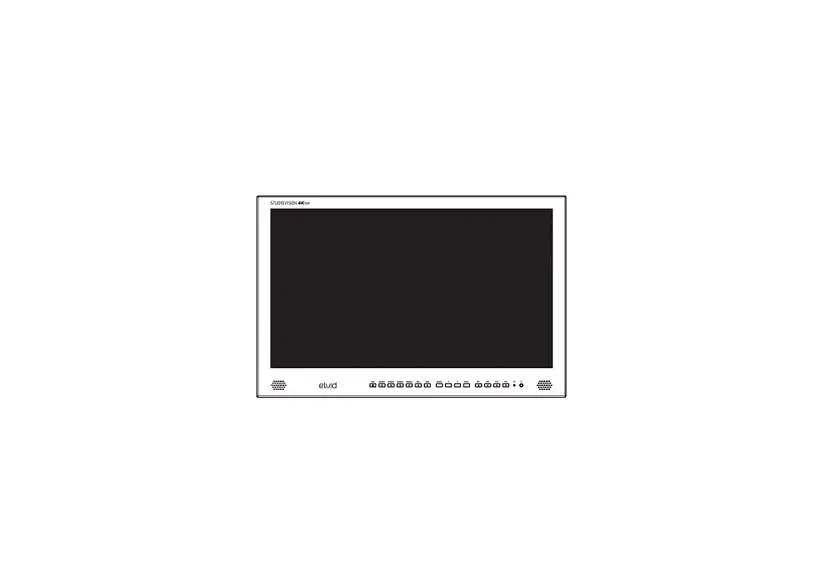
Control Panel
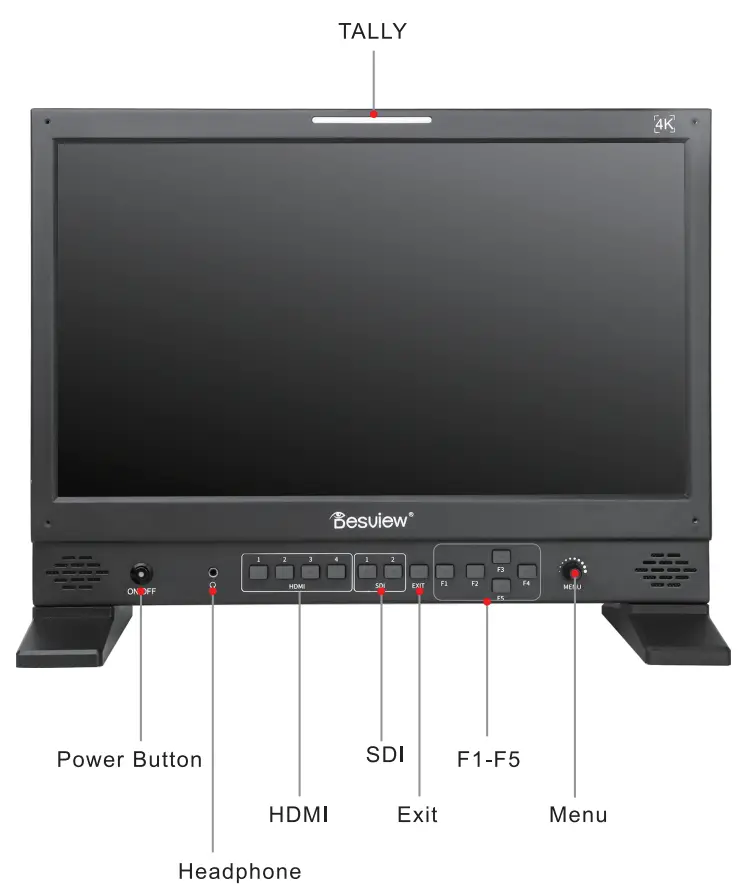
Specifications
| Display | Screen Size: 17.3inch | Resolution: 3840×2160 |
| Brightness: 400cd/m2 | Contrast Ratio: 1000: 1 | |
| Viewing Angel: 178° ( HI V) | ||
| Signal | Input Signa l | Output Signal |
| 4x HDMI | 1x HDMI | |
| 2x 3G-SDI | 1x 3G-SDI | |
| Signal Forma | HDMI | 3G- SDI |
| 720 x480 i&720x480p@59 .94, 60Hz 720x576i&720x576p@50Hz 1280x720p@50, 59.94, 60Hz 1920x1080i@50 , 59.94, 60Hz 1920x1080psf@24, 25 , 29.97, 30Hz [email protected], 24, 25, 29.91 7,30, 50,59.94,60Hz 3840x2160p @24, 25,30Hz [(HDM I 1\2)] [email protected],24,25,29 .97,30Hz [(HDMI 1\2)] | 720x480i&@59.94, 60Hz 720x576i&@50Hz 1280x720p@50, 59.94, 60Hz 1920x1080i@50, 59.94, 60Hz 1920x1080psf@24, 25, 29.97, 30Hz [email protected], 24, 25, 29.97, 30Hz | |
| Power | AC:100-240V,50/60Hz DC:12-24V | |
| Power Consumption : $21.6W Typ | ||
| Working Environment | Working Temperature:-20 C- 60 C Stored Temperature: -30 C- 70 C | |
| Relative Humidity:No condensation operating humidity 10%- 90% | ||
OSD
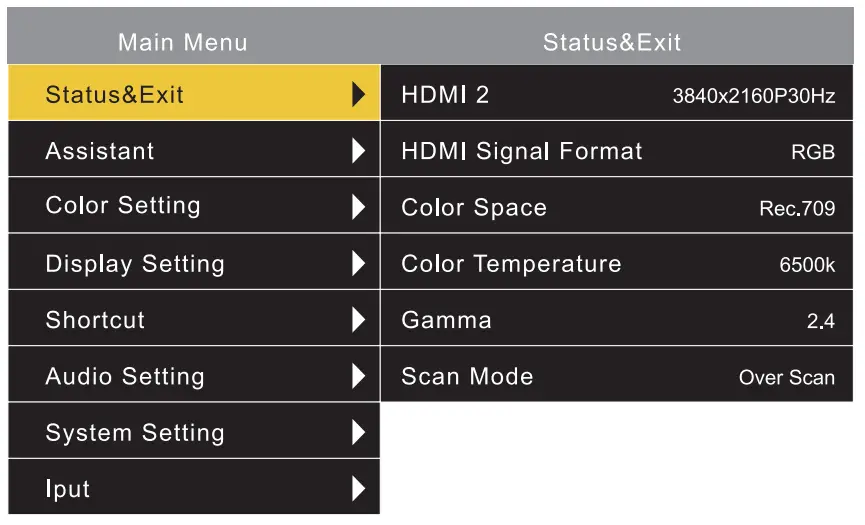
Assistant
| Monochrome | Off, Red, Green, Blue. Black/White |
| Center Mark | Off.. On |
| False Color | Off.. On |
| Safety Border | Off .. 80%-. 85%-. 90%-. 93%-. 95% |
| Make Ratio | Off, 1 6: 1 0, 4: 3, 2. 35 : 1 , 1 . 85 : 1 |
| Make Color | White, Red, Green, Blue |
| Display Border | Off On |
| Battery | Off On |
| Exit |
Color Setting
| Color Space | Off, EBU, SMPTE C, Rec. 709, DCI-P3 |
| HOR | Off, ST2084 |
| Gamma | Off, 2.2 , 2.4, 2.6 |
| Color Temperature | 5600K, 6500K, 9300K, User |
| Brightness | 0-100 ( User) |
| Contrast | 0-100 ( User) |
| Saturation | 0-100 ( User) |
| Sharpness | 0-100 ( User) |
| Backlight | 0-100 |
| Red | 0-255 ( User) |
| Green | 0-255 ( User) |
| Blue | 0-255 ( User) |
| Exit |
Display Setting
| Aspect Ratio | Auto” 4:3″ 16:9″ 16:10″ 2.35:1″ 1.85:1″ Full Screen |
| Scan Mode | Over Scan” Standard |
| Pixel to Pixel | Off On |
| U/D Rotation | Off On |
| Freeze | Off On |
| Display Mode | 1 P” 2P- LR” 2P- TB-. 2P- PIP-. 4P |
| Display Swap | Off On |
| Exit |
Shortcut
| F1 | Display (Default, Custom) |
| F2 | Mute (Default, Custom) |
| F3 | Center Mark (Default, Custom) |
| F4 | Make Ratio (Default, Custom) |
| F5 | Safty Border (Default, Custom) |
| Exit |
Audio Setting
| Volume | 0-100 |
| Mute | Off On |
| Audio Source | HDMI |
| Exit |
System Setting
| Language | Chinese, English |
| OSD Background | Black, Gray |
| OSD Time | Off, 5s, 1 Os, 15s |
| OSD Transparency | 0-10 |
| Reset | Cancel, Confirm |
| Service Support | www.bestview.cc |
| +86-755-28447130 | |
| Exit |
Input
| Input | SDI 1″ SDI 2″ HDMI 1″ HDMI 2″ HDMI 3″ HDMI 4 |
| Exit |
Attention: There will not be a notice for the update, this instruction is for reference only. Please be subject to the actual product.