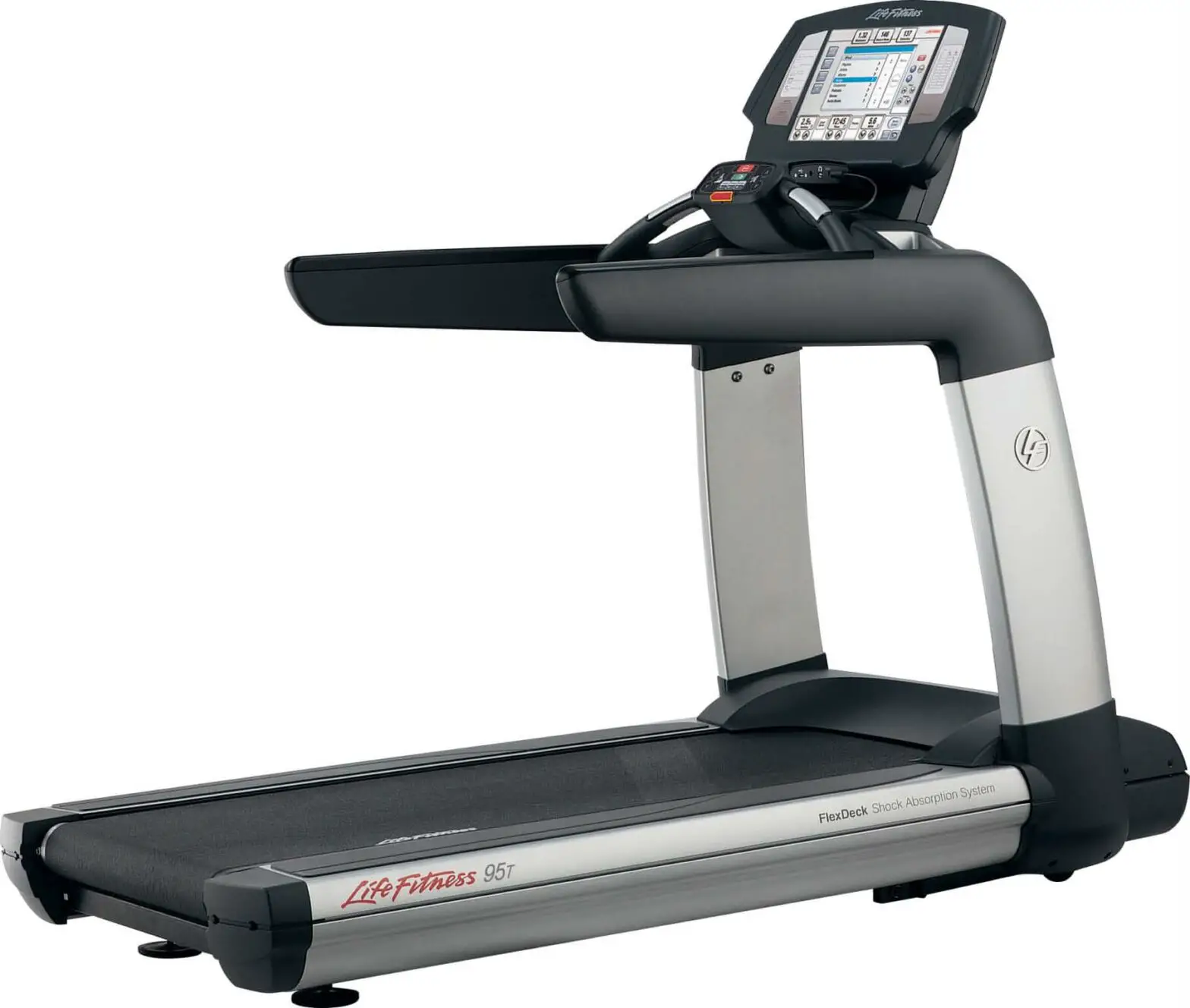
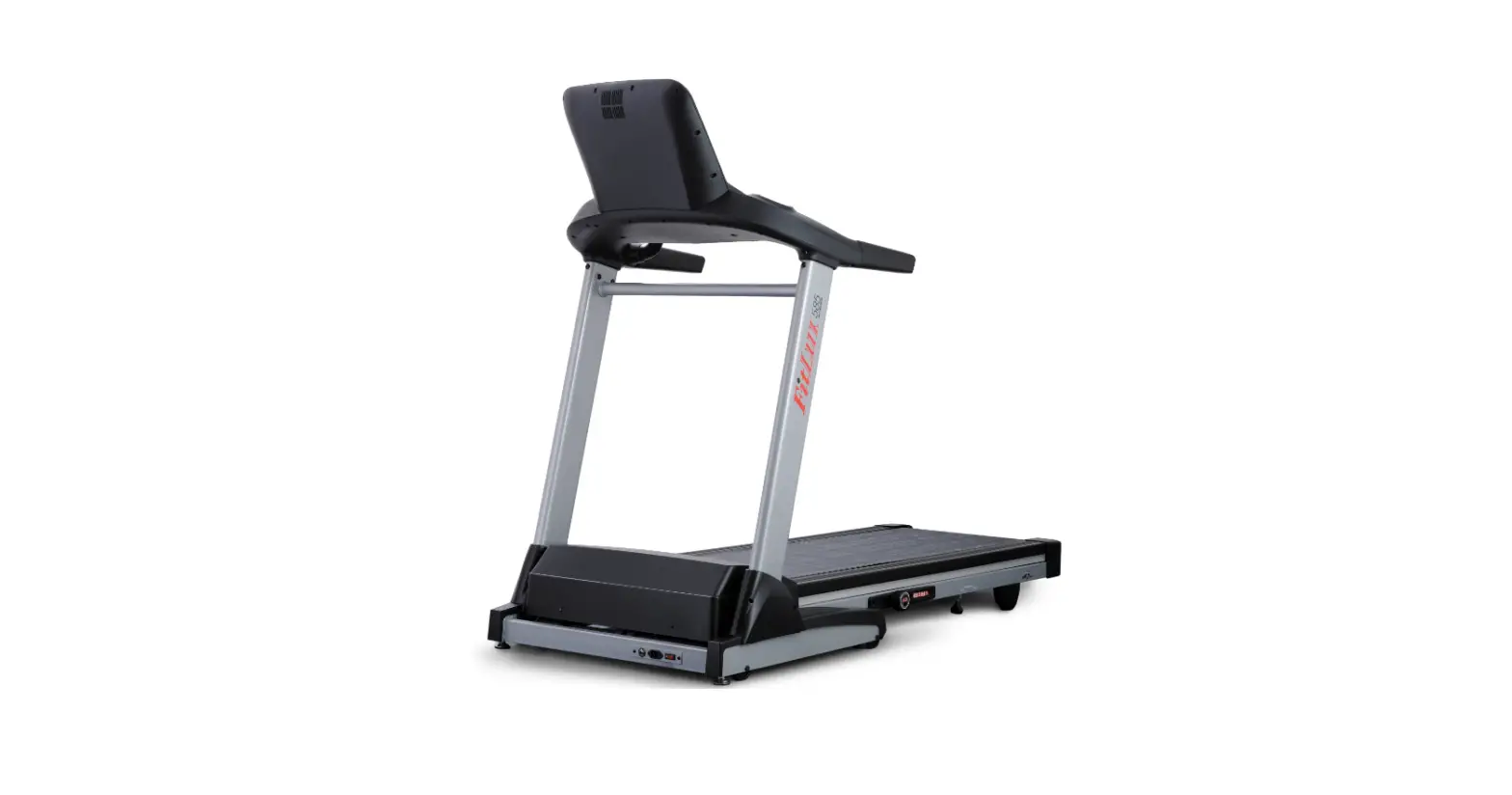
Elevation 95T Inspire Achieve and Engage Treadmill
LIFE FITNESS ELEVATION 95T INSPIRE, ACHIEVE, AND ENGAGE
TREADMILL
Product Information:
- The Life Fitness Elevation 95T is a treadmill designed for
Inspire, Achieve, and Engage workouts. - It is not compatible with Discover Models.
- The treadmill has a lower frame that includes system components
such as the top motor shroud, anti-slip pad, end cap, bottom motor
shroud, side shroud, and lower plastic extrusion. - The product also includes an assembly manual for guidance on
assembly and replacement of components. - The product has an upper frame that includes handrails with cup
holders and covers for inside and outside handrails.
Product Usage Instructions:
- Replacement of Top Motor Shroud Cover:
- Turn off the treadmill power switch.
- Remove and save the six Phillips screws that secure the top
motor shroud cover to the motor cover mounting brackets and
frame. - Install the new top motor shroud cover using the Phillips
screws saved in Step 1.
- Turn off the treadmill power switch.
- Unplug the line cord from the wall outlet.
- Remove the top motor cover.
- Remove either right or left upright shroud depending on which
upright is being replaced. - Remove the inside handrail covers.
- Remove the Activity Zone assembly.
- Remove the outer handrail covers.
- Remove the lower bridge cover.
- Remove and save the six upper bolts (three per upright) that
secure the bridge to the uprights. - Determine which cable will be disconnected depending on which
upright is being replaced. - Carefully lift the bridge frame assembly up and out of the
uprights and set it to the side. - Remove and save the three lower bolts that secure the upright
to the base frame. - Install the new upright using the hardware removed in the
previous steps.
- Remove the top motor shroud cover.
- Remove and save the two Phillips screws that secure the upright
cover to the upright. - Loosen the screw securing the upright cover to the main frame
(in front of the upright). - Remove the upright cover.
- Install the new upright cover, using the screws removed in Step
2.
- Remove the top motor shroud cover.
- Remove and save the four Phillips screws that secure the bottom
motor shroud cover to the motor cover mounting brackets. - Install the new bottom motor shroud cover using the screws
removed in Step 2.
- Turn off the treadmill power switch.
- Unplug the line cord from the wall outlet.
- Remove the cup holders.
- Remove the inside handrail covers.
- Remove the Activity Zone assembly.
- Remove the lower bridge cover.
- Remove the outer handrail covers.
- Remove and save the two bolts that secure the handrail to the
Ergo.
LIFE FITNESS ELEVATION 95T INSPIRE, ACHIEVE, AND ENGAGE
TREADMILL
(DO NOT USE for Discover Models)
Assembly Manual
Lower Frame: System Components
Top Motor Shroud
Anti-Slip Pad
End Cap
Bottom Motor Shroud Side Shroud
Lower Plastic Extrusion Extrusion
2
3
4
5
Lower Frame: How To’s
REPLACEMENT OF TOP MOTOR SHROUD COVER 1. Remove and save the six Phillips screws that secure the top motor
shroud cover to the motor cover mounting brackets and frame. 2. Install the new top motor shroud cover using the Phillips screws
saved in Step 1.
REPLACEMENT OF UPRIGHTS 1. Turn the treadmill power switch off.
2. Unplug the line cord from the wall outlet.
3. Remove the top motor cover.
4. Remove either right or left upright shroud depending on which upright is being replaced.
5. Remove the inside handrail covers (See UF 3)
6. Remove the Activity Zone assembly (See CA 22).
7. Remove the outer handrail covers (See UF 5).
8. Remove the lower bridge cover (See UF 4).
9. Remove and save the six upper bolts (three per upright) that secure the bridge to the uprights.
10. Cables run through both of the uprights. Determining which cable will be disconnected will depend on which upright is being replaced. If replacing the left upright, this will require disconnecting the power cables to the attachable TV and re-routing them through the new upright. The transformer cable must be removed and rerouted if the left upright is being replaced.
11. Carefully lift the bridge frame assembly up and out of the uprights and set it to the side.
12. Remove and save the three lower bolts that secure the upright to the base frame.
13. Install the new upright using the hardware removed in the previous steps.
Bridge Left Upright
25-35 lb*in [29-40 kg*cm] Right Upright
6
Lower Frame: How To’s
REPLACEMENT OF UPRIGHT COVERS 1. Remove the top motor shroud cover. 2. Remove and save the two Phillips screws that secure the upright cover to the upright. 3. Loosen the screw securing the upright cover to the main frame (in front of the upright). 4. Remove the upright cover.
Screw (2) Right Upright Cover
5. Install the new upright cover, using the screws removed in Step 2.
All Screws: Torque to 25-35 in*lb. [29-40 kg*cm]
Example of a Bad Gap M ismatch
Upright
Example of a Good Gap
Top Motor Cover
Example of a good gap
Bottom Side Shroud
7
Lower Frame: How To’s
REPLACEMENT OF BOTTOM MOTOR SHROUD COVER 1. Remove the top motor shroud cover (See LF 3).
2. Remove and save the four Phillips screws that secure the bottom motor shroud cover to the motor cover mounting brackets.
3. Install the new bottom motor shroud cover using the screws removed in Step 2.
Lower Motor Shroud
Lower Motor Shroud
Lower Motor Shroud Screws (2 of 4 shown)
Torque to 25-35 in*lb. [29-40 kg*cm]
8
Upper Frame: How To’s
REPLACEMENT OF HANDRAILS 1. Turn the treadmill power switch off. 2. Unplug the line cord from the wall outlet. 3. Remove the cup holders. 4. Remove the inside handrail covers (See UF 3). 5. Remove the Activity Zone assembly (See CA 22). 6. Remove the lower bridge cover (See UF 4). 7. Remove the outer handrail covers (See UF 5). 8. Remove and save the two bolts that secure the handrail to the Ergo
bar. 9. Remove and save the two Allen bolts that secure the handrail to the
upright. 10. Remove the handrail. 11. Install the new handrail using the bolts removed and saved in Steps
8 & 9.
Ergo bar
Screw (2)
Torque to 2.5 ft-lb [3.4 N-m]
Handrail
REPLACEMENT OF ERGO BAR 1. Turn the treadmill power switch off. 2. Unplug the line cord from the wall outlet. 3. Remove the cup holders. 4. Remove the inside handrail covers (See UF 3). 5. Remove the Activity Zone assembly (See CA 22). 6. Remove the lower bridge cover (See UF 4). 7. Remove the outer handrail covers (See UF 5). 8. Remove and save the two bolts that secure the handrail to the Ergo
bar. 9. Remove and save the three bolts that secure the Ergo bar to the
bridge frame. 10. Disconnect the heart rate cable from the Ergo bar to the console. 11. Install the new Ergo bar assembly using the hardware removed and
saved in Steps 8 and 9.
Washers (3)
Washers (2 on each side)
Allen Bolt (2) Torque to 62 ft-lb [84 N-m]
Screw to Bridge Frame (3)
Screw to Handrails (2 on each side) Torque to 2.91 ft-lb [3.97 N-m]
9