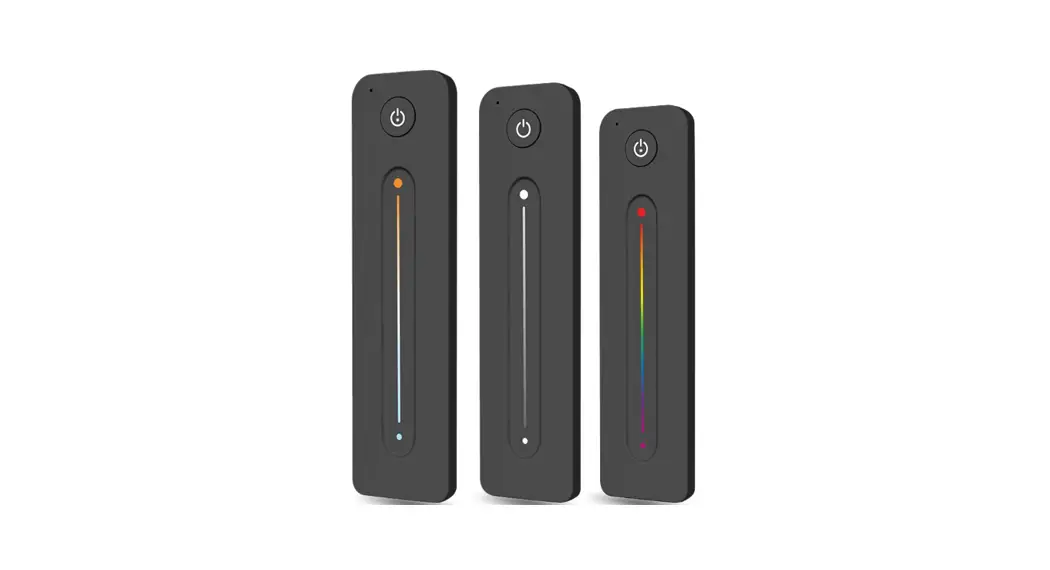
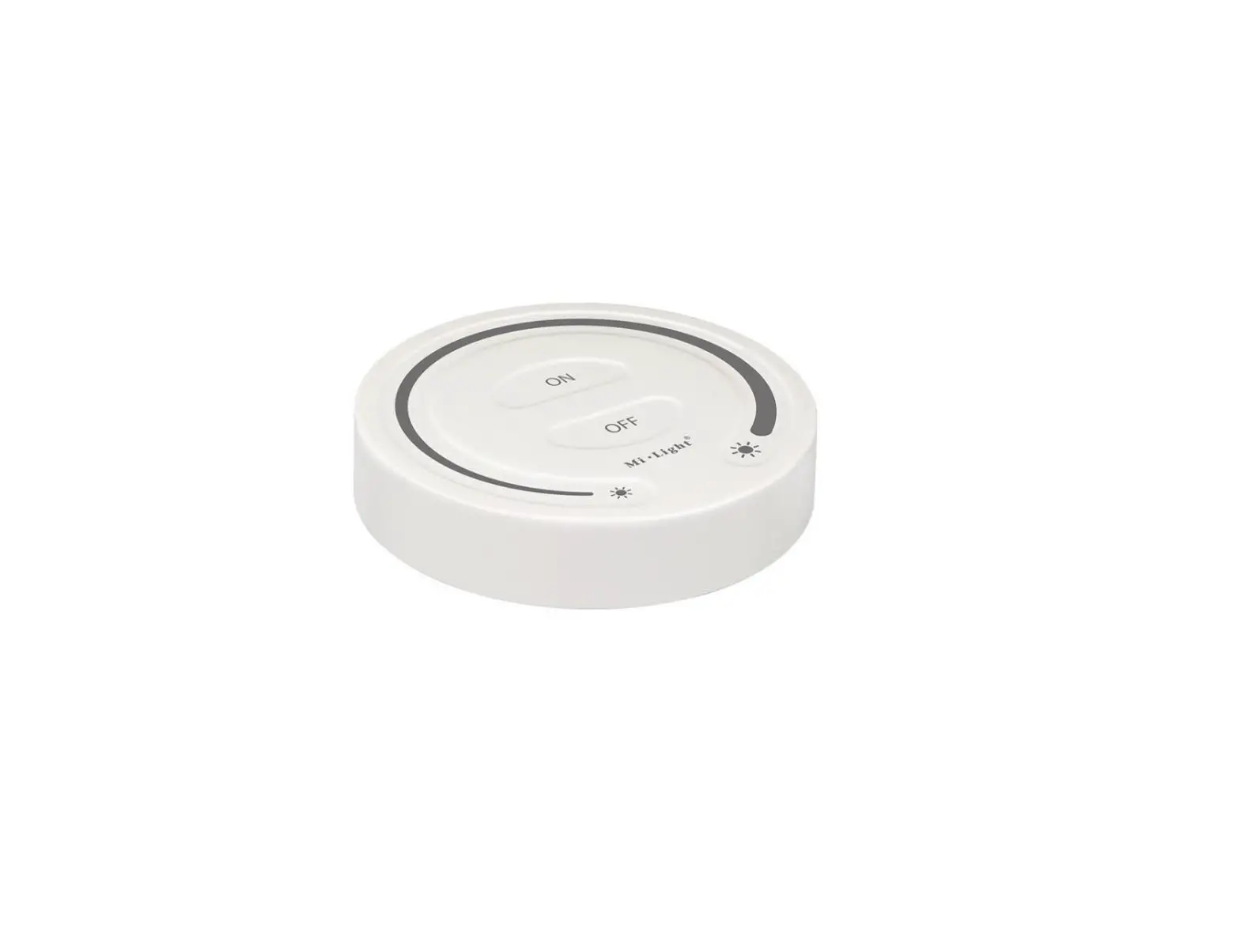
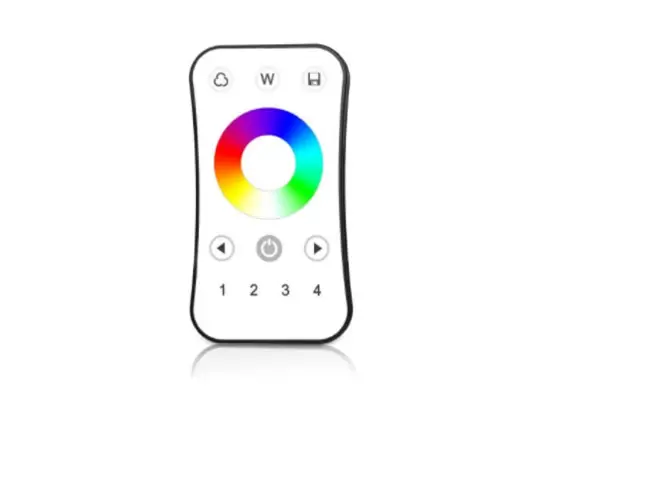
RBX Series 2.4G Touch Remote Control
Product Information: 2.4G Touch Remote Control
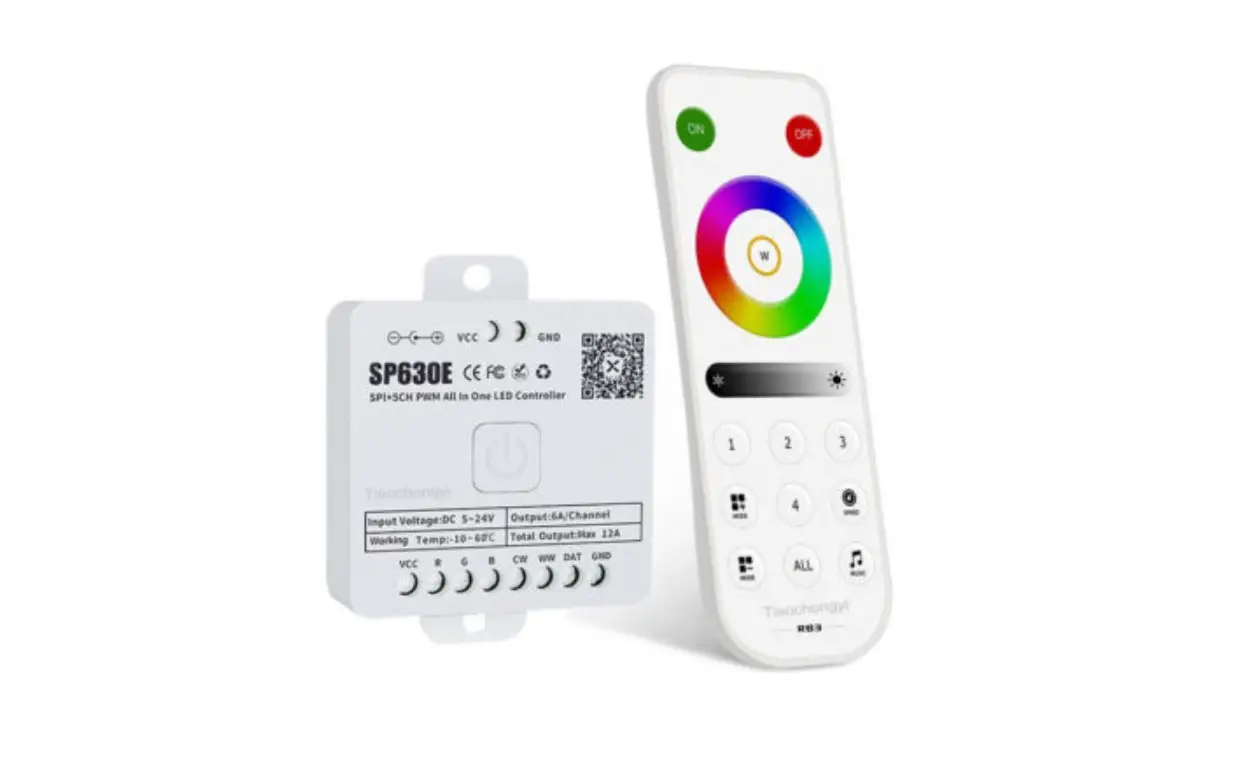
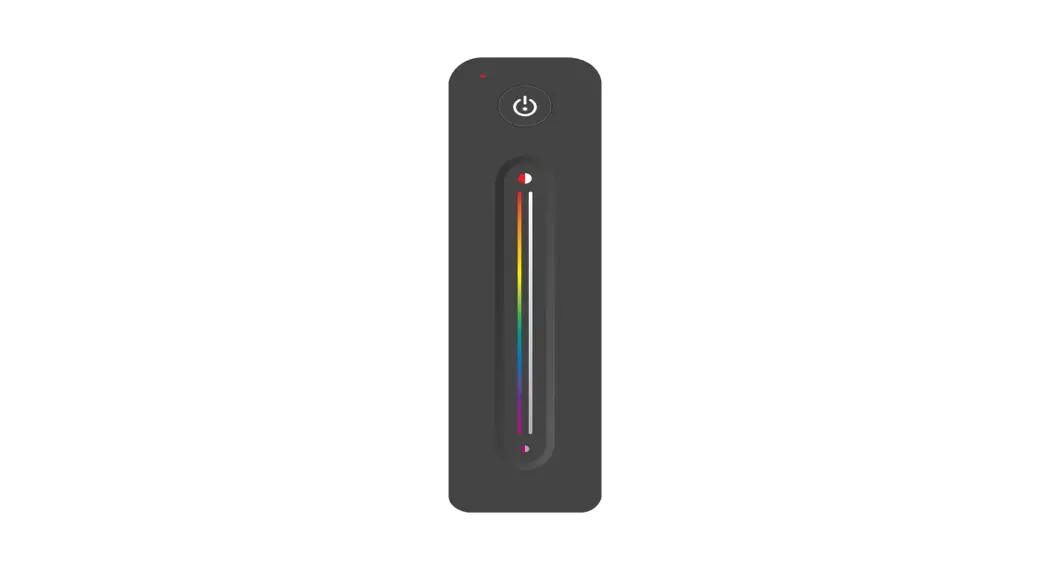
The 2.4G Touch Remote Control is a wireless remote control
technology that works with RBX series (RB1, RB2, RB3, RB4) and RCX
series (RC1, RC2, RC3, RC4) controllers such as SP63XE, SP52XE,
etc. It has low power consumption, long transmission distance,
strong anti-interference ability, and touch control with high
sensitivity, good consistency, and reliability. It supports
one-to-many control, multi-to-many control with up to 5 remote
controls per controller, unified control, and 4-zones control.
Product Features:
- 2.4G wireless remote control technology
- Low power consumption
- Long transmission distance
- Strong anti-interference ability
- Touch control with high sensitivity, good consistency, and
reliability - Support one-to-many control
- Multi-to-many control with up to 5 remote controls per
controller - Unified control
- 4-zones control
Functions:
The 2.4G Touch Remote Control has different functions according
to different models. It has remote models for RBX and RCX series
controllers, and 86-Type Panel Models for RC1, RC2, RC3, RC4.
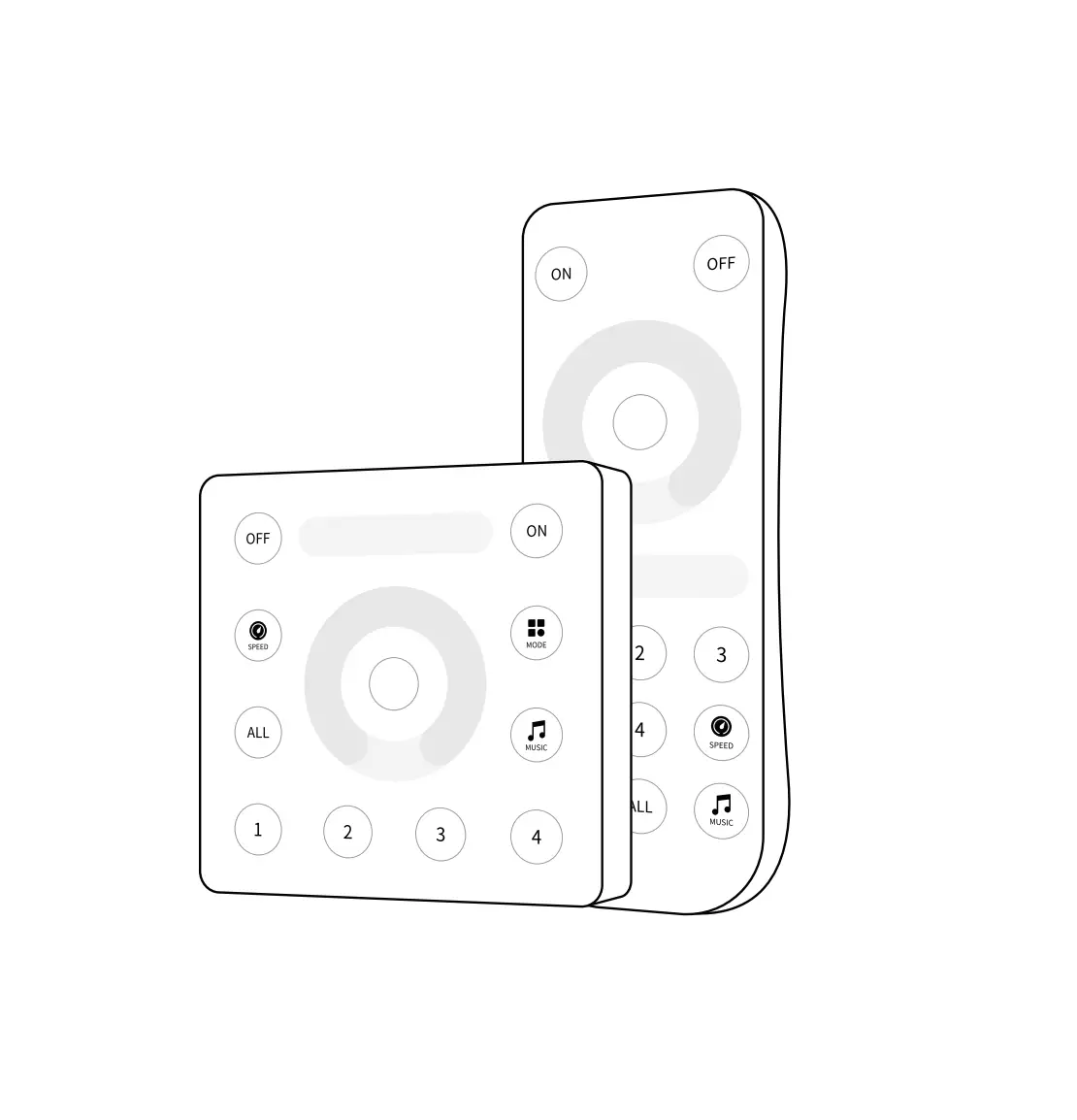
Remote Models:
- ON: Short press to turn on the light. Long press within 20s
after the controller is powered on to bind/unbind the remote
control. - OFF: Short press to turn off the light. Long press within 20s
after the controller is powered on to first turn off the lights
completely, and then long press the button to clear all bound
remote controls. - ZONE: Short press to select a specific zone. Long press to set
the controller to a specific zone within 20s after the controller
is powered on. - SPEED: Short press to adjust the brightness level. Long press
to unset the zones within 20s after the controller is powered
on. - MUSIC: Short press to select all zones. Long press to set the
controller to specific zone within 20s after the controller is
powered on. - MODE: Short press to select warm/nature/cold white or color
HUE/temperature ring. Long press for zone setting within 20s after
the controller is powered on. - MODE+: Increase brightness level
- MODE-: Decrease brightness level
86-Type Panel Models:
- ON: Short press to turn on the light. Long press within 20s
after the controller is powered on to bind/unbind the remote
control. - OFF: Short press to turn off the light. Long press within 20s
after the controller is powered on to first turn off the lights
completely, and then long press the button to clear all bound
remote controls. - SPEED: Short press to adjust the brightness level. Long press
to unset the zones within 20s after the controller is powered
on. - MUSIC: Short press to select all zones. Long press to set the
controller to specific zone within 20s after the controller is
powered on. - MODE: Short press to select warm/nature/cold white or color
HUE/temperature ring. Long press for zone setting within 20s after
the controller is powered on. - 1-9: Select specific zone
Technical Parameters:
No technical parameters were provided in the user manual.
Cautions:
- The remote control should be kept away from water and other
liquids to avoid damage. - Do not disassemble or modify the remote control.
- Avoid strong impact on the remote control to prevent
damage. - Do not place the remote control near high temperature or fire
to avoid damage.
Product Usage Instructions:
- Ensure that the controller and the light are connected
properly. - Power on the controller and the light.
- Within 20 seconds, long press the ON button of the remote
control to bind it with the controller. The light will flash to
indicate successful binding. - Short press the ON button to turn on the light. Short press the
OFF button to turn off the light. - To adjust the brightness level, short press the SPEED button
and use the MODE+ and MODE- buttons to increase or decrease the
brightness level respectively. - To select a specific zone, short press the ZONE button and then
press the corresponding number button (1-9) for that zone. To
select all zones, short press the MUSIC button. - To set the controller to a specific zone, long press the ZONE
button and then press the corresponding number button (1-9) for
that zone within 20 seconds after the controller is powered
on. - To select warm/nature/cold white or color HUE/temperature ring,
short press the MODE button. Long press the MODE button for zone
setting within 20 seconds after the controller is powered on. - To unbind the remote control, long press the OFF button within
20 seconds after the controller is powered on.
2.4G Touch Remote Control Instructions
1.Brief
RBX series (RB1, RB2, RB3, RB4) and RCX series (RC1, RC2, RC3, RC4) are 2.4G RF wireless touch remote controls, which can work with our SP63XE, SP52XE etc. series controllers.
2.Features
1. 2.4G wireless remote control technology, with low power consumption, long transmission distance, strong anti-interference ability etc.. 2. Touch control, high sensitivity, good consistency and reliability. 3. Support one-to-many control, a remote control can control multiple controllers. 4. Support multi-to-many control, each controller can bind up to 5 remote controls. 5. Support unified control and 4-zones control.
3.Functions
Remote Models
25%
MODE MODE
SPEED MUSIC
MODE MODE
SPEED MUSIC
MODE MODE
SPEED MUSIC
MODE MODE
SPEED MUSIC
86-Type Panel Models
RC1
RC2
5
RC3
RC4
7
ON
Short press: Turn on the light. long press: Within 20s after the controller is powered on, long press to bind/unbind the remote control.
OFF
1
Short press: Turn off the light. Long press: Within 20s after the controller is powered on, first turn off the lights completely, and then long press the button to clear all bound remote controls.
ZONE
Short press: select specific zone, E.g:
short press first, then press
then only zone 1 will respond to this
operation.
Long press: zone setting, within 20s
after the controller is powered on, long
25%
press a key to specific zone.
to set the controller 3
15
Short press:select all zones.
long press:Within 20s after the
MODE
controller is powered on, long press
– to unset the zones.
16
MODE
MODE+
MODE-
2
10 9
SPEED
71
1
MUSIC
8
SPEED
MUSIC MODE
4
25% 25%, 50%, 75% Brightness(RB1)
RB1
RB2
1%-100% Brightness Adjustment (RB2,RB3,RB4)
RB3
RB4
100% Brightness
Warm/Nature/ Cold White
White
Color HUE/ Temperature Ring
Brightness Ring
Temperature Ring
Color HUE Ring
Color HUE/ Temperature Ring
Different functions according to different models
8
2
1
5
6
3
7
4 9
ON
Short press: Turn on the light. long press: Within 20s after the controller is powered on, long press
to bind/unbind the remote control.
OFF
Short press: Turn off the light. Long press: Within 20s after the controller is powered on, first turn off the lights completely, and then long press the button to clear all bound remote controls.
Short press:select all zones. long press:Within 20s after the controller is powered on, long press – to unset the zones.
Short press: select specific zone, E.g: short
press first, then press then only zone
1 will respond to this operation.
Long press: zone setting, within 20s after the
controller is powered on, long press a key
.
to set the controller to specific zone.
SPEED MODE MUSIC MODE
RB1
RB2
1%-100% Brightness Adjustment (RB2,RB3,RB4)
RB3
RB4
Brightness Level
Warm/Nature/ Cold White
White
Color HUE/ Temperature Ring
Brightness Ring
Temperature Ring
Color HUE Ring
Color HUE/ Temperature Ring
Different functions according to different models
4.Technical Parameters
5. Cautions
1. Please match the model of remote control correctly according to the model of controller. 2. If the LED indicator appears to be unresponsive or flashing chaotically, please replace the battery in time, please do not use inferior batteries. 3. Do not touch the touch panel within 2S after installing the new battery. 4. Please do not use it in high humidity, high temperature, dusty and high pressure environment. 5. Please do not use the remote control in strong electromagnetic interference area, otherwise it will seriously affect the remote control distance.