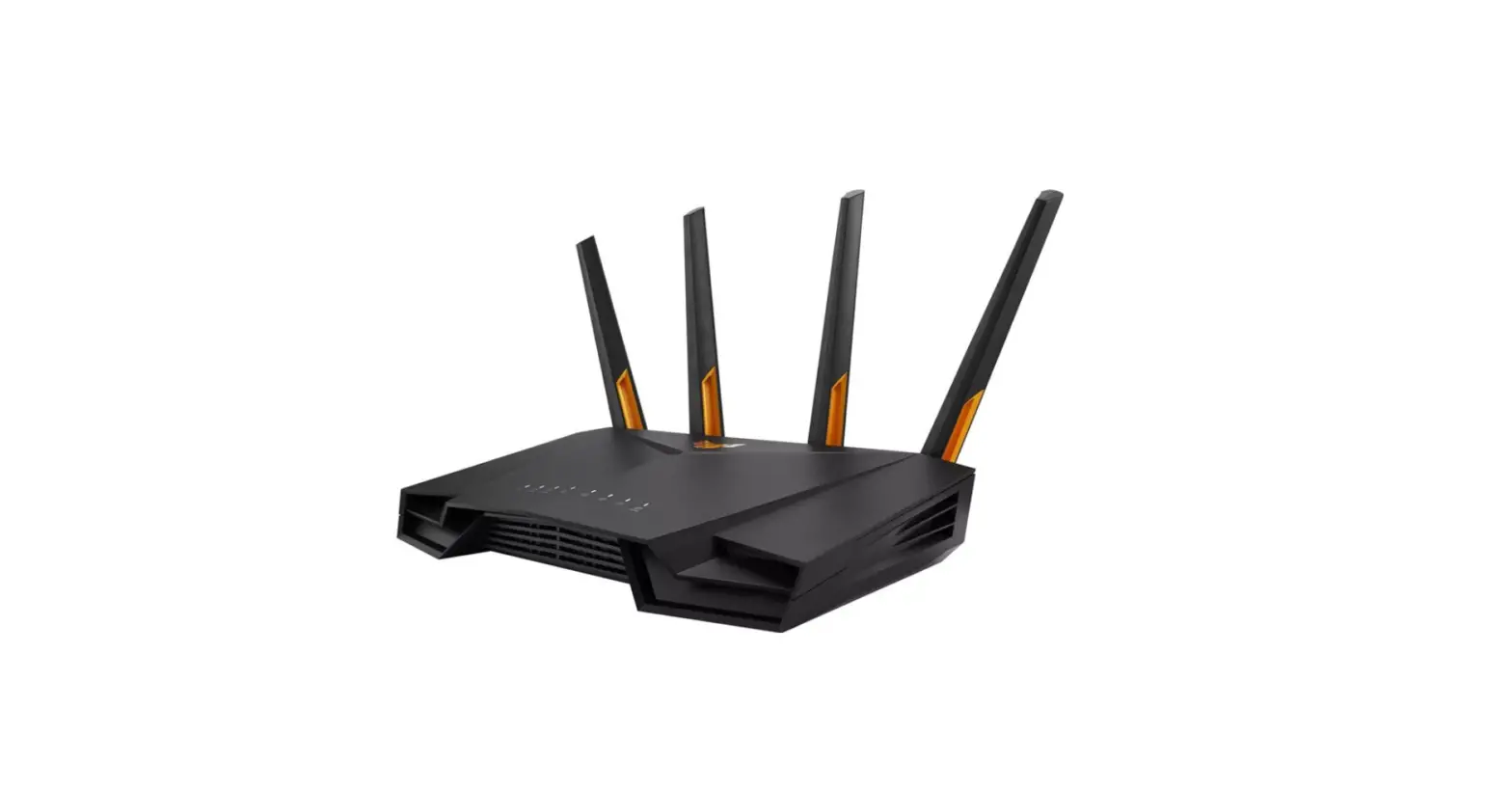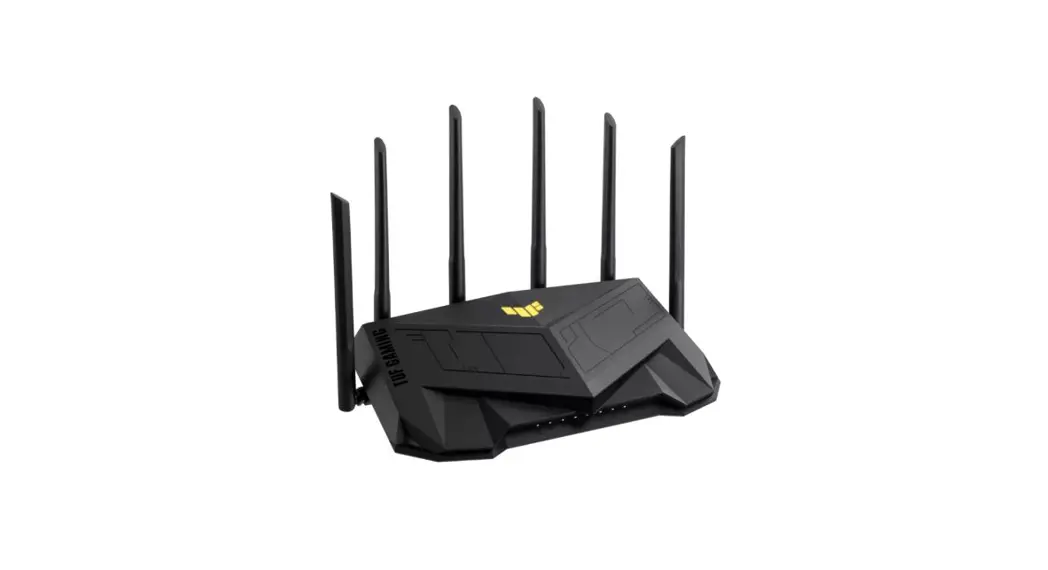
 Quick Setup Guide
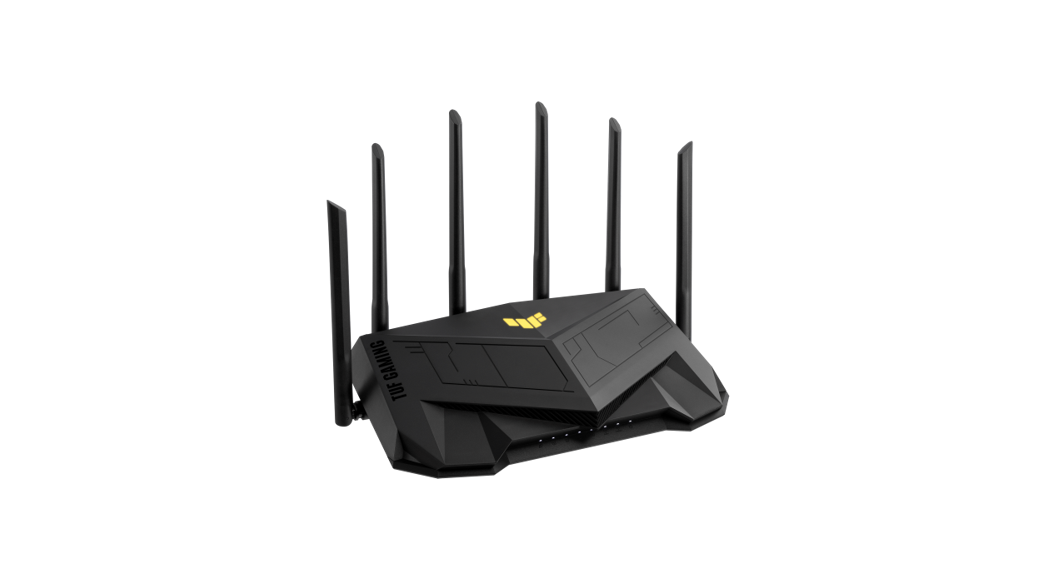
Dual Band Wi-Fi Router
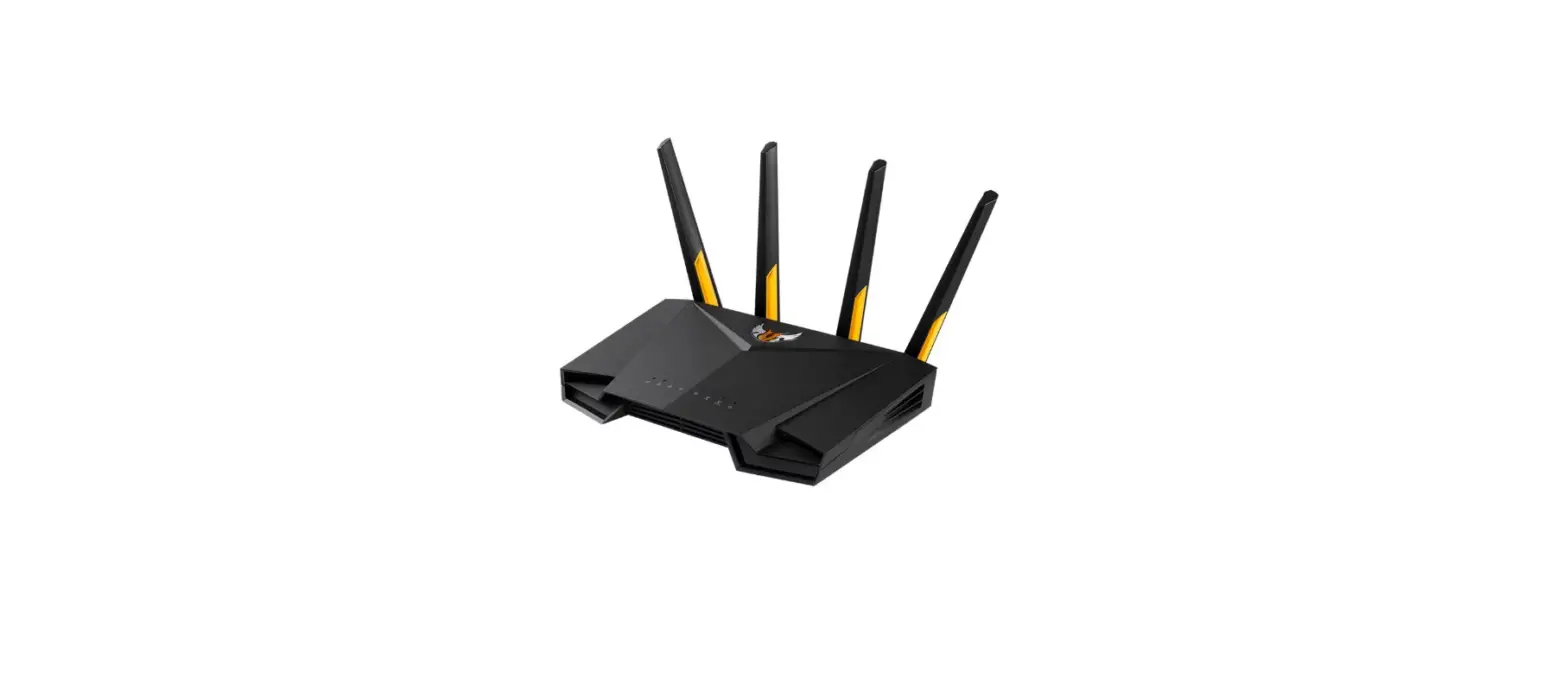
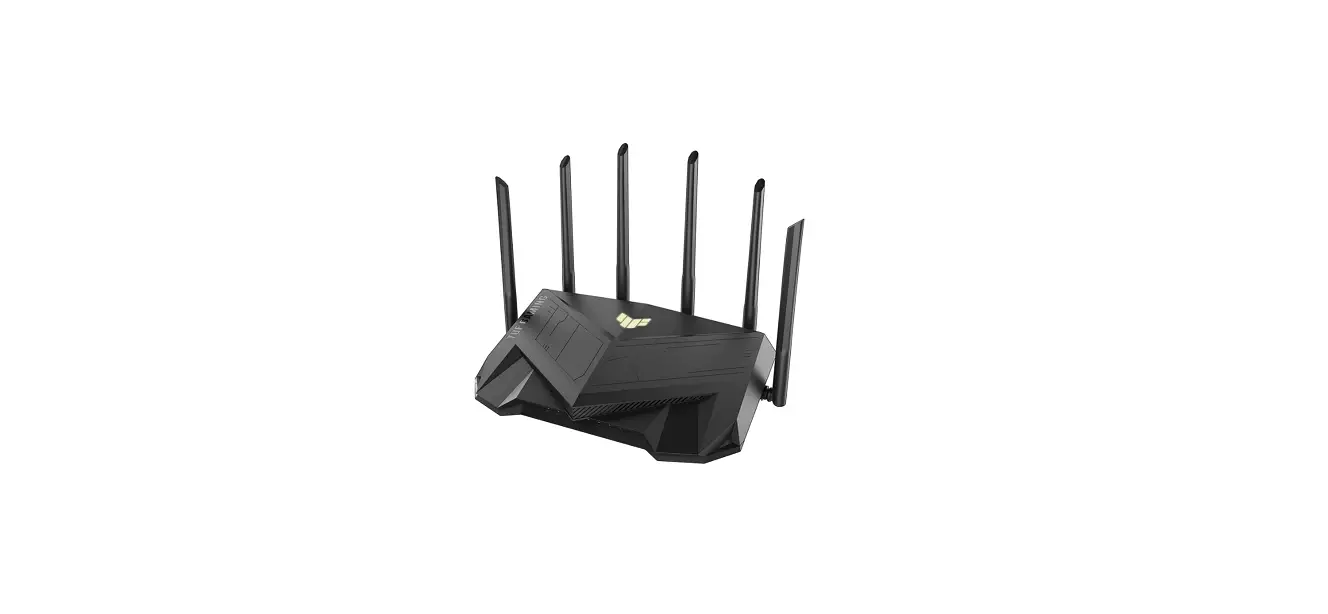
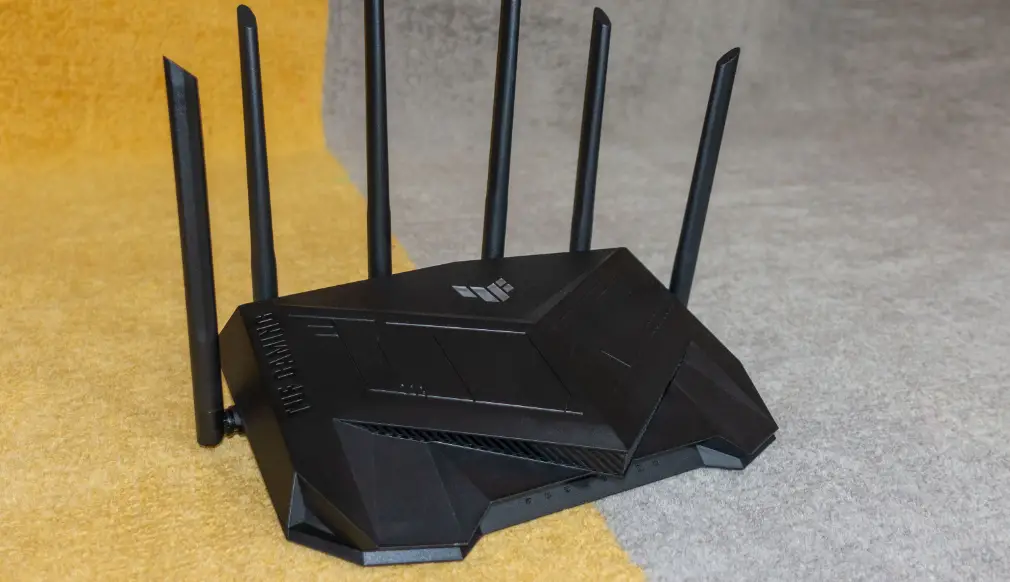
TU F-AX4200
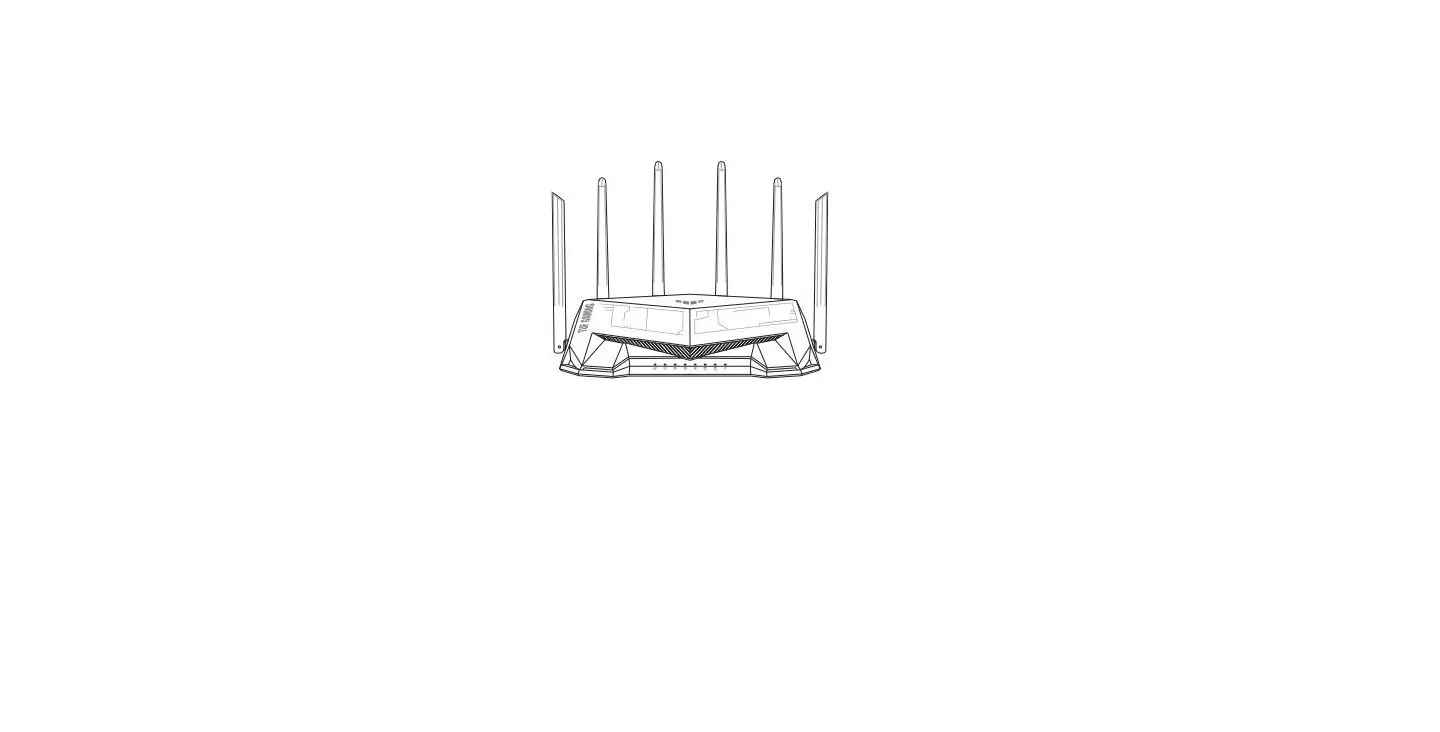
Router Overview
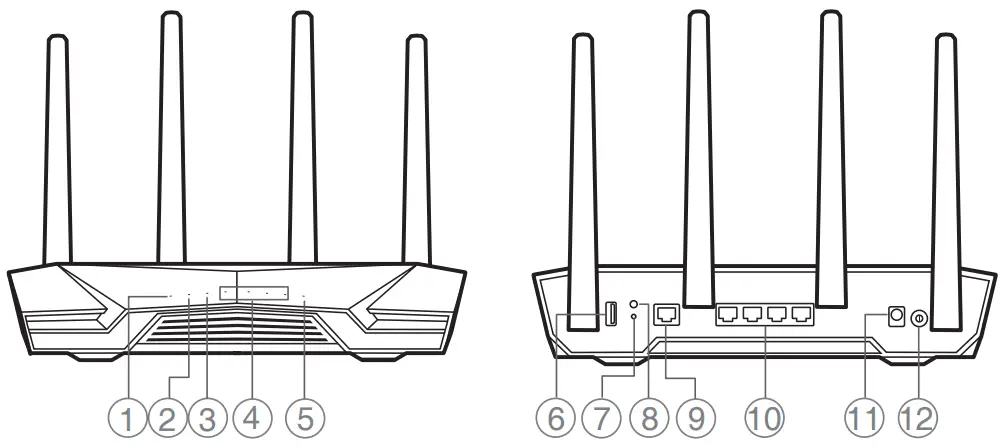
| 1. Power LED 2. 2.4GHz LED 3. 5GHz LED 4 LAN 1~4 LEDs 5. 2.5G/1G WAN LED 6. USB 3.2 Gen 1 port | 7. Reset button 8. WPS button 9. 2.5G/1G WAN port 10. LAN 1~ 4 ports 11. Power (DCIN) port 12. Power button |
 * For detailed information, please refer to
https://asus.me/TUFAX4200_manual
Specifications:
| DC Power adapter | DC Output: +12V with max 2.5A current | ||
| Operating Temperature | 0~40°C | Storage | 0~70°C |
| Operating Humidity | 50~90% | Storage | 20~90% |
PAP 22 COLLEZIONE DI CARTA ……………. U21193
| Service and Support | Video Tutorials |
 |  |
| https://www.asus.com/support | https://qr.asus.com/wl_videotutorials |
Reboot modem and ensure its connection is ready
Notice: Unplug modem for 10 sec then plug back in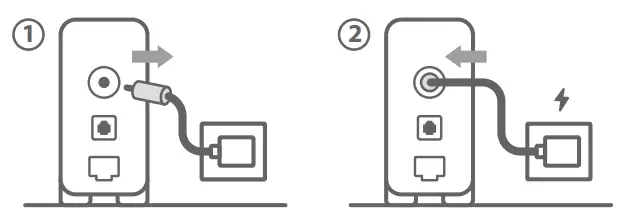 Prepare your ASUS router and power it on
Once the WAN LED turns ON, it is ready for setup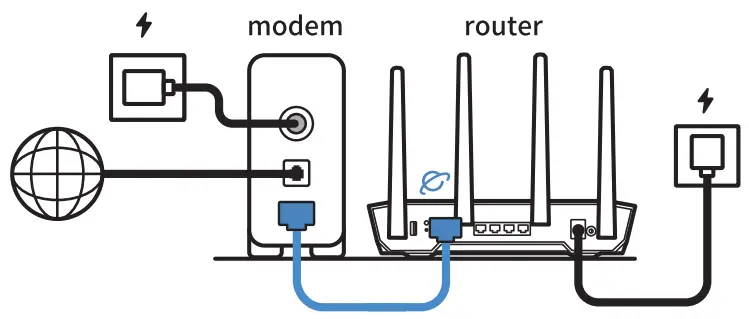 Scan the QR code and download ASUS Router app for setup
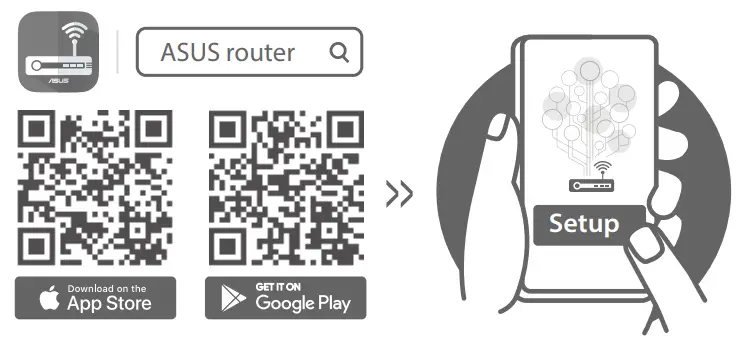 http://asus.me/asusrouteri
http://asus.me/asusrouterg
 asus.me/asusrouterg
 qr.asus.com/wl_videotutorials
 Official Support | ASUS Global