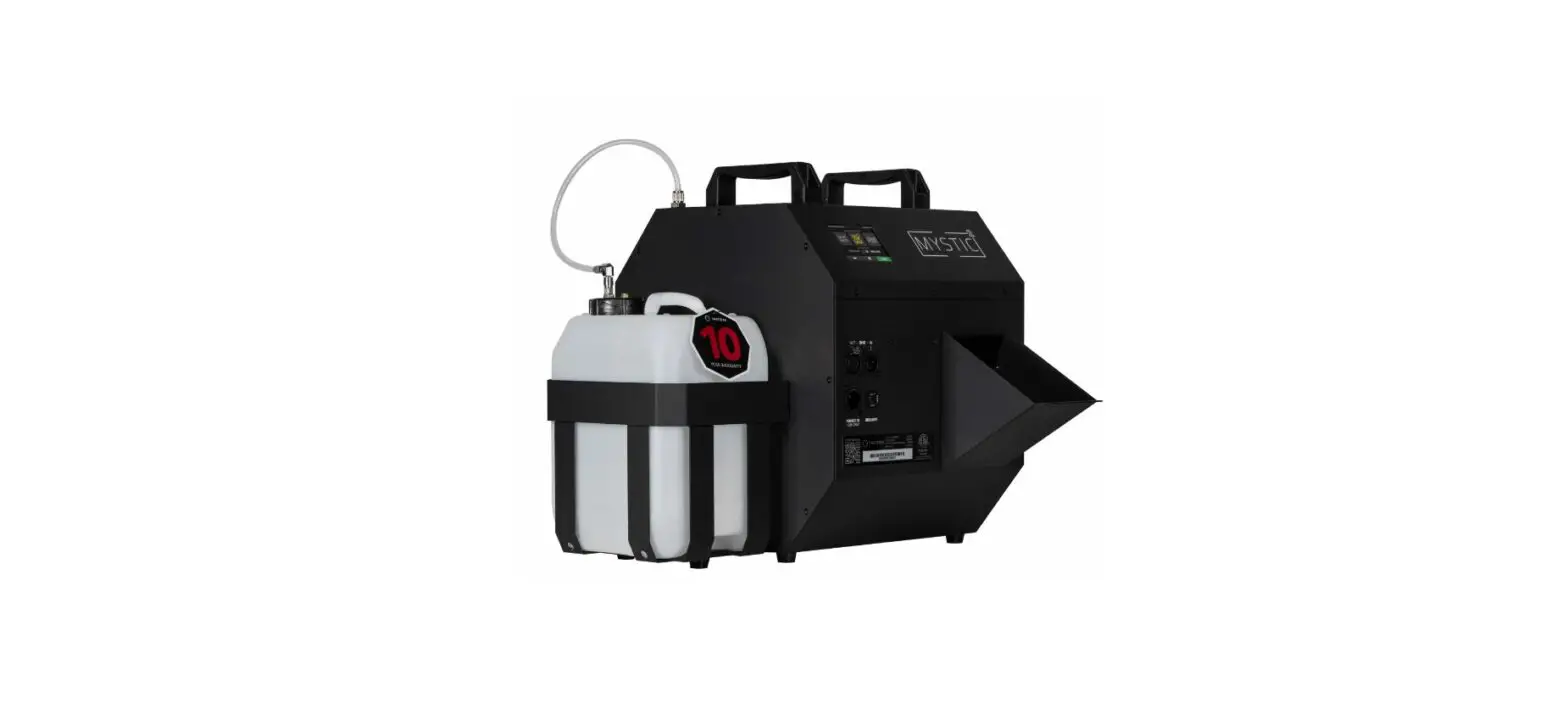
 FX Mystic Mini Compact Haze Generator
User Manual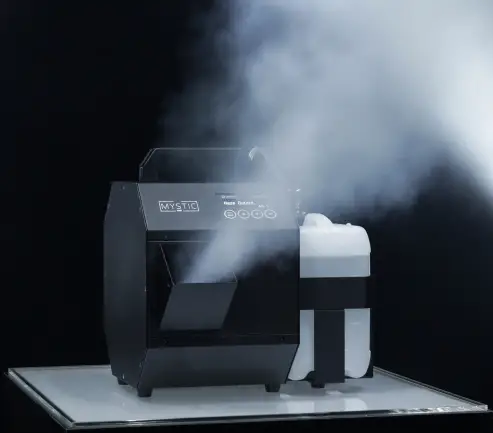
WELCOME TO THE
Thank you for choosing Master FX, we are excited to have you aboard. Designing and manufacturing special effects equipment isn’t our job; its our passion. We love what we do and take pride in our products, services, and the impactful moments they help create. We hope you enjoy your Mystic Mini as much as we enjoyed bringing it to life.
Packing List
Upon receiving your Mystic Mini, open the package and carefully remove contents to verify all components are accounted for, and have been shipped and handled with care. If any parts are damaged or missing please notify us. Packing list includes, but is not limited to:
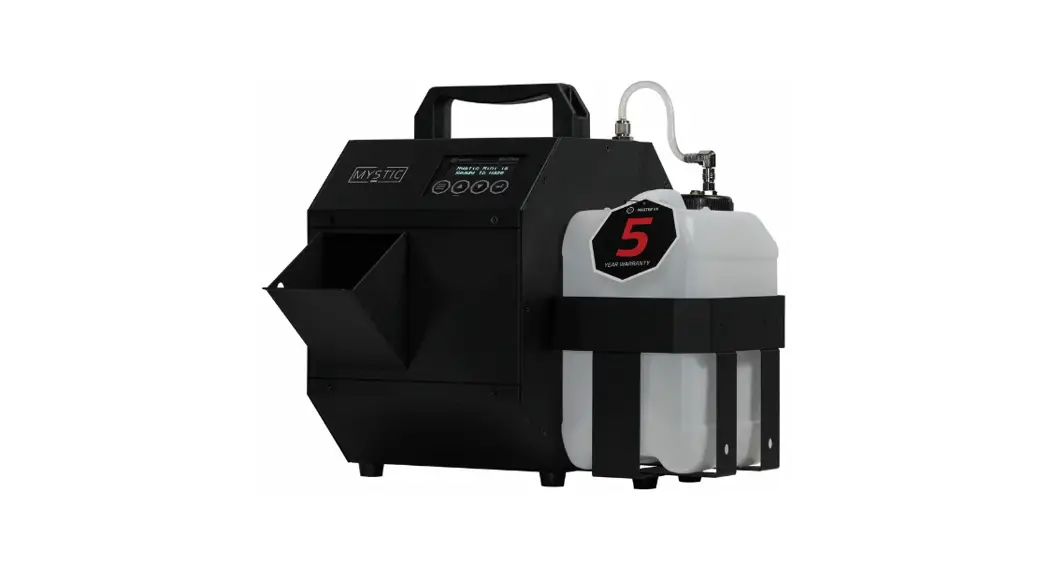
- Mystic Mini Compact Hazer
- PowerCon True1 Cable
- 2.5L Fluid Container
- Diverter
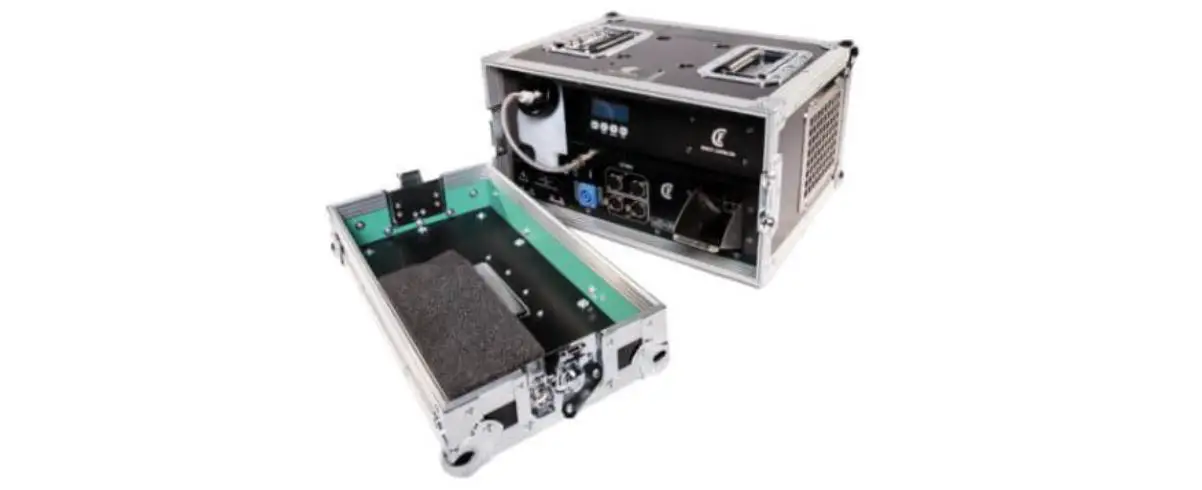
- Mystic Maintenance Kit
- Warranty Registration Card
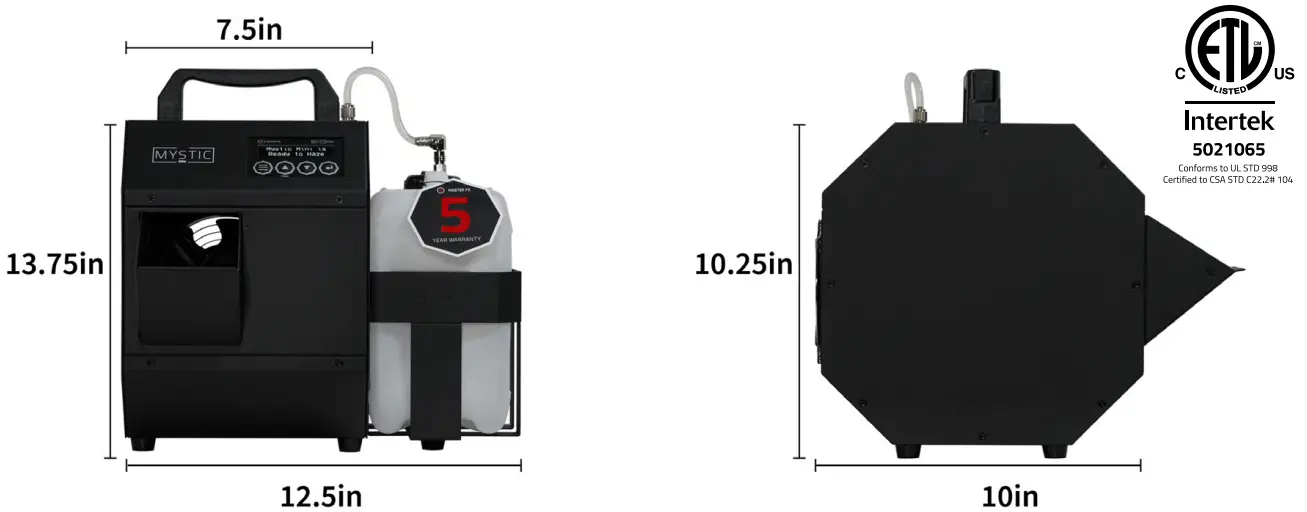
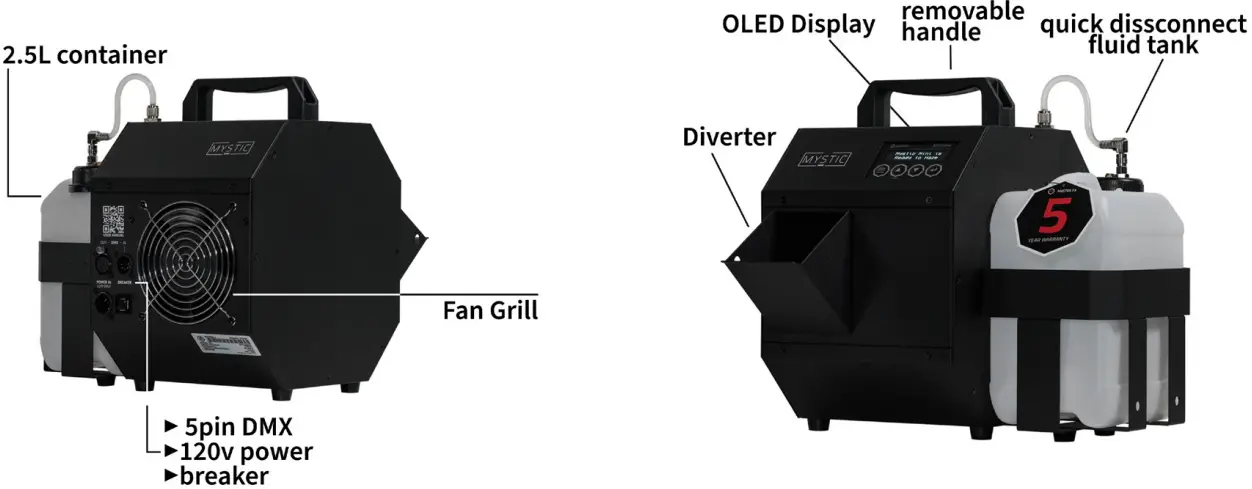
DIMENSIONS + OVERVIEW
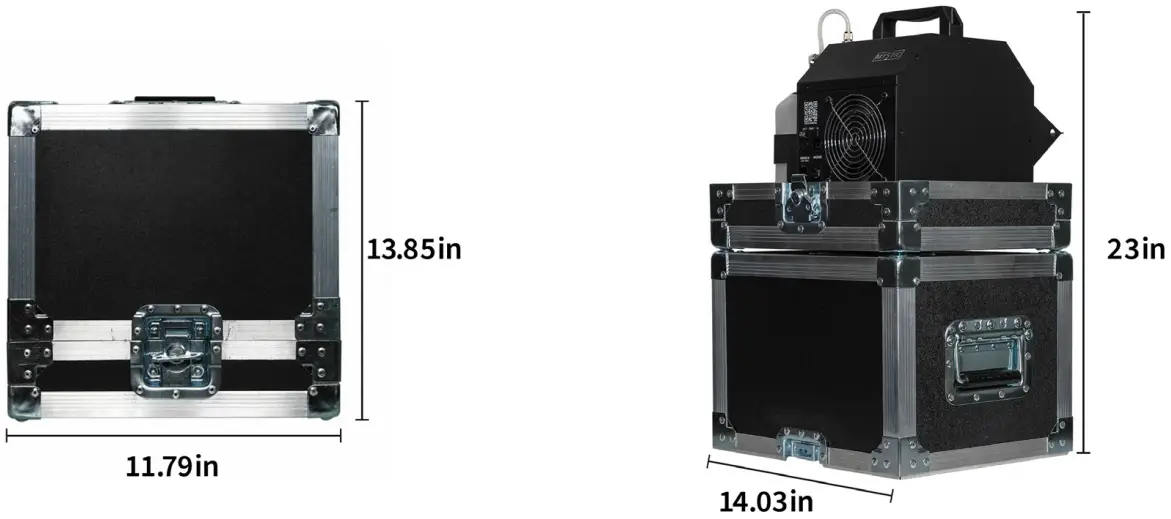
| ▶ 900 W / 120V / 10.5 Amps ▶ Integrated Voltage Detection ▶ OLED Control Panel ▶ Intuitive Operating System | ▶ 5 Year Warranty ▶ RDM Functionality ▶ Standby Mode ▶ 50 Second Warm-Up | ▶ Mystic Mini – 15lbs ▶ Mystic Mini Tour – 35lbs ▶ 5-pin Neutrik DMX ▶ Haze Color: Pure White |
Obscure Fluid Consumption Rate: 2.5L = Xhrs on “Light Haze” or Xhrs on “Haze for Daze”
Nebulous Fluid Consumption Rate: 2.5L = Xhrs on “Light Haze” or Xhrs on “Haze for Daze”
MYSTIC MINI TOUR PACKAGE
SAFETY
 Please read the following information very carefully before operating your machine. This article contains important details regarding set up, usage, and maintenance. Failure to abide by all warning labels and instructions may result in personal harm, machine malfunction, and a void in warranty.
 Persons with asthma or allergic sensitivity may experience irritation, discomfort, or other allergic symptoms when exposed to artificially produced haze. Please allow sufficient air circulation around machine at all times. Only use approved Master FX fluids
 Prior to connecting power to your Mystic Mini, verify the machine’s operating voltage matches your provided voltage. Always connect to a grounded circuit to avoid the risk of electrocution.
 Once the machine is properly powered and operating, beware of hot surface. Do not set items on top of the machine and avoid contact with output nozzle. Always disconnect power when not in use.
 Operate only in a well ventilated area and never leave unit unattended. Haze may set off fire alarms if not properly ventilated. Please allow at least 6 inches of space around unit to avoid overheating. Do not continue to haze if visibility is reduced to 2 ft.
 This product is for indoor use only, to prevent risk of fire or shock, do not expose this product to rain, moisture, and flammables.
 Only use Master FX Obscure or Nebulous Haze Fluids. Use of any other fluids will result in a voided warranty. Always use caution when pouring fluid and avoid any contact with hands and eyes. If contact occurs rinse thoroughly. If you experience irritation seek medical advice. Refer to the Nebulous and Obscure SDS for proper handling.
 If your machine is not working properly, promptly stop use and contact your Master FX dealer.
Repair and service is to be done only by authorized technicians. Failure to comply will result in a voided warranty.
OPERATION
GETTING STARTED
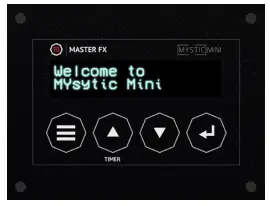 Once you’ve unboxed your Mystic Mini, connect the power cable into a 120v power source. The screen will read “Welcome to Mystic Mini” and the heat up process will begin.
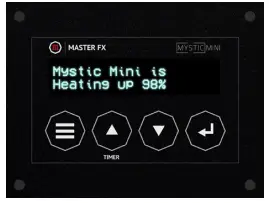 Your heat up progress is visible on the screen. Please allow up to 50 seconds for the heat up process to complete.
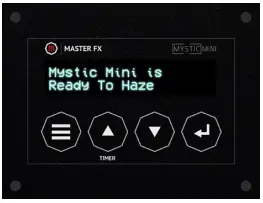 Your Mystic Mini will notify you as soon as it is ready to haze.
CHOOSE YOUR FLUID
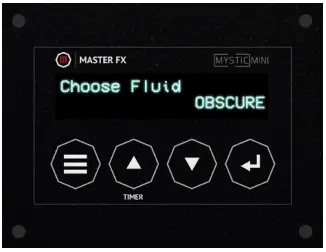
Your Mystic Mini is equipped with the unique ability to switch between 2 fluids to achieve a variety of effects. Prior to hazing it is important to “choose your fluid” to ensure the heater is vaporizing your haze at the optimal temperature.
To access this setting, navigate through the menu using the left button on the touch pad, select your fluid, and hit enter to confirm your fluid selection. Click here to learn more about the Mystic Series fluid options.
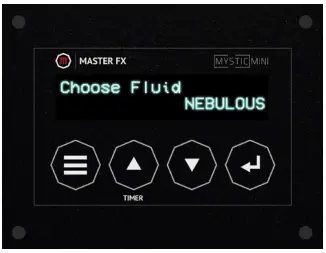
NEBULOUS
Choose Nebulous for thin density haze that sharply accentuates lights and lasers while still maintaining clear visibility conditions.
 OBSCURE
Choose Obscure for thick density haze that diffuses lights and lasers with a visible canvas of atmosphere.
HAZING
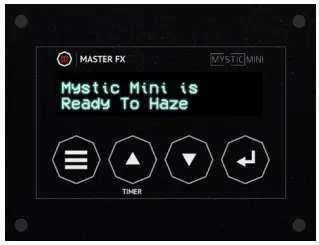 Once your Mystic Mini is “Ready to Haze” and your fluid selection is complete, press the enter button on the far right of the touch pad to begin. You will be promoted to select your haze mode. You can control the Mystic Mini with 2 integrated presets, “Light Haze” or “Haze for Daze”, or you can control the Mystic Mini manually.
LIGHT HAZE
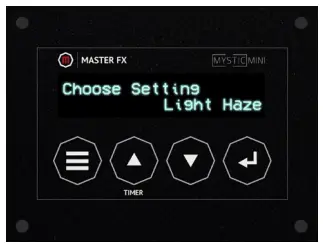 Light Haze is perfect for a gentle haze that slowly fills a room with an even canvas of haze.
HAZE FOR DAZE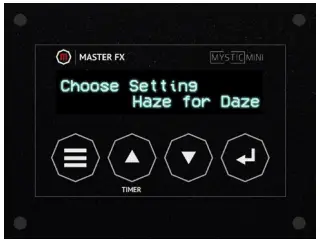
Haze for Daze is maximum output settings for quickly filling a room or creating a dense atmosphere.
MANUAL SETTING
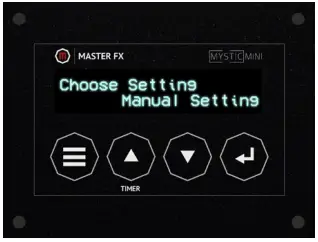 Manual Setting allows you to dial in customized parameters.
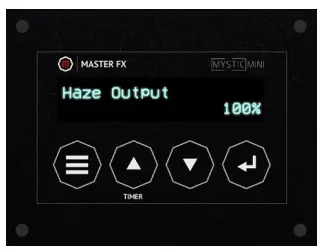 In manual mode, you are able to adjust the volume of haze from 1-100% using the up and down arrows in the middle of the touch pad. This will control the amount of haze that is being dispersed.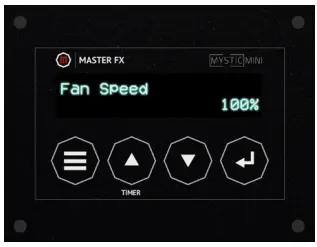
In addition to Haze Output, you are able to control the fan speed from 1-100% using the up and down arrows. This will control the speed at which the haze is being dispersed. For finer haze particles use a higher fan speed.
TIMER
Your Mystic Mini is equipped with an on board timer that allows you to dial in custom parameters. To adjust the settings of your timer, navigate through the menu using the far left button on the touch pad, use the the arrows keys to dial in your desired parameters. To initiate the timer from the home screen, press the up arrow.
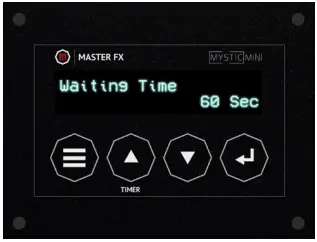 Waiting Time: The amount of time The Mystic Mini is on standby before hazing.
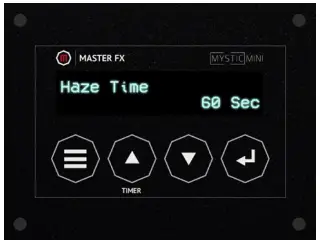 Haze Time: The amount of time the Mystic Mini is hazing after the standby interval.
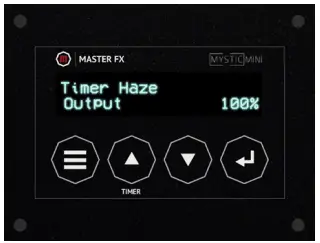 Timer Haze Output: The amount of haze that outputs during the haze interval.
ADDITIONAL SETTINGS
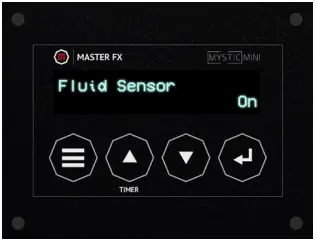 Fluid Sensor: Detects when your Mystic Mini runs out of fluid and turns off the internal pumps to percent them from running dry and causing damage. We recommend keeping this on for all applications except for permanent installations.
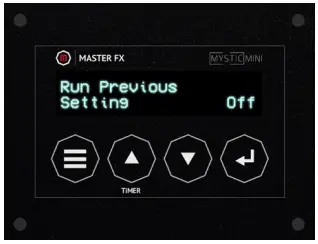 Run Previous Setting: Saves all your system settings for each use.
DMX OPERATION
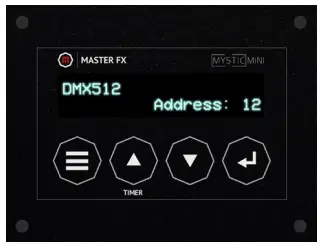 The Mystic Mini is equipped with DMX operation and utilizes three channels. To assign the DMX Channel, navigate through the settings, using the up and down arrows select your address number and press enter to confirm.
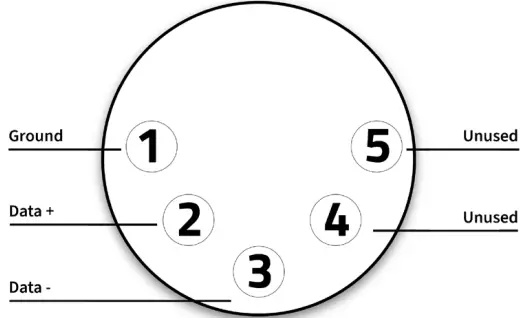
| CHANNEL | OPERATION | VALUE |
| 1 | HAZE OUTPUT | 6-255 |
| 2 | FAN SPEED | 6-255 |
| 3 | POWER ON | 6-127 |
| 3 | POWER OFF | 128-255 |
SHUT DOWN PROCEDURE
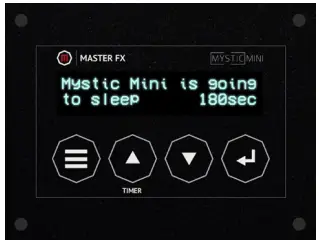
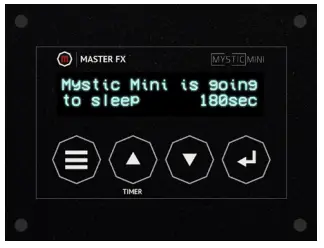
It is important to properly shut down your Mystic Mini after each use to ensure there is no residue remaining in the heater. Following this procedure is imperative to maintaining your machine’s performance and extending longevity. There are 4 simple ways to power down your Mystic Mini.
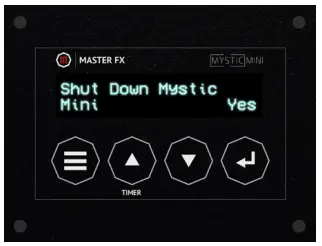
- Scroll through the menu to “Shut Down Mystic”, Select “Yes” and press enter.

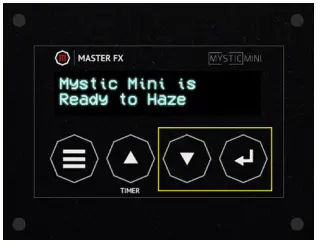
- Press and hold the down arrow and enter button for 5 seconds. A prompt will show up. Select “Yes” to begin shut down.

- From your DMX Controller, assign channel 3 to a value over 128.

- Disconnect the DMX cable from the machine
MAINTENANCE
Maintaining your Mystic Mini is critical for consistent performance and durability. After 100 hours of operation it is recommended to clean the heater to avoid potential residue build up and overheat errors. Using the maintenance kit included in your order, follow the directions below. It is important to follow this procedure in well ventilated areas only.
TOOLS REQUIRED:
- Mystic Maintenance Fluid
- Syringe
- Tubing
- T15 Torx Driver
- Paper Towel
- Ziptie

STEP 1: REMOVE SIDE PANEL
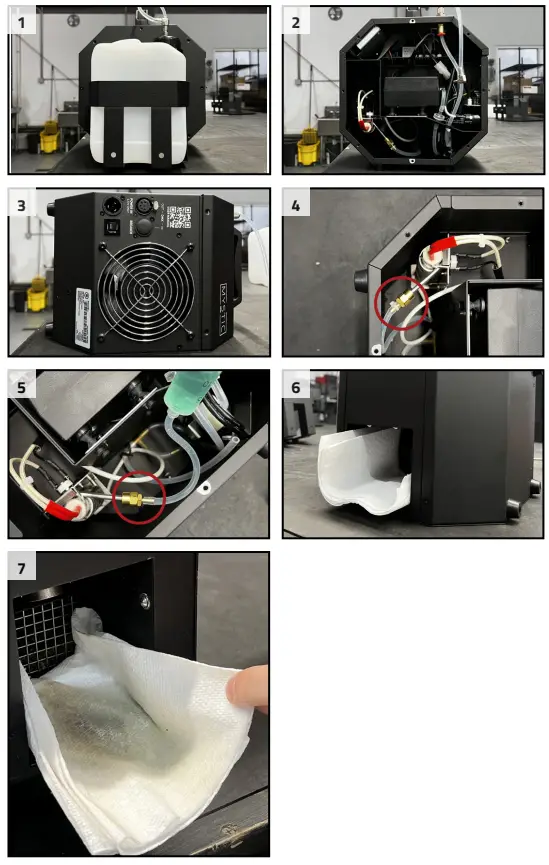
While the Mystic Mini powered off (pic 1), disconnect the fluid container and use a T15 driver to remove the fluid cage side panel of your Mystic Mini. (pic 2)
STEP 2: DISCONNECT FLUID HOSE
CAUTION: Make sure the machine has been off for more than 1 hour to avoid high temperatures and potential injury. (pic 3) With the Mystic Mini positioned on the opposite panel side, cut the zip tie and remove the fluid hose from the heater. (pic 4)
STEP 3: PREPARE CLEANER
Connect a short hose to the syringe and fill the syringe to 30ml with Mystic Maintenance Fluid. Connect the syringe to the heater (pic 5). Next, place a paper towel in the output opening to collect any potential residue (pic 6).
STEP 4: CLEAN HEATER
IMPORANT: Only clean your heater in a well ventilated area! DO NOT clean your Mystic Mini heater in confined spaces.
Begin by powering on your Mystic Mini. Once the heat up process is complete, leave the machine idle. Slowly press the syringe until you’ve reach the 15ml mark. Residue will begin to build to build up on the towel (pic 7). Once the Mystic Mini has reheated, slowly press the syringe to push the remainder of the cleaner through the heater.
NOTE: Repeat steps 3 and 4 as needed until the output runs clear. In picture 7 you will notice light residue building up on the paper towel, this particular case would not require a repeat of steps 3 and 4.
STEP 5: REASSEMBLY
Remove the syringe from the heater and replace with the fluid hose removed in step 2 Secure with a zip tie. Reinstall the fluid cage side panel and replace the fluid container.
STEP 6: HAZE
Run your Mystic Mini at 100% Fan and Haze output to ensure the fluid hoses was installed correctly and there is no is remaining residue.
DIAGNOSTICS & TROUBLESHOOTING
Your Mystic Mini is equipped with on board diagnostics to help identify the source of a error.
Please read the details of each prompt below to determine next steps.
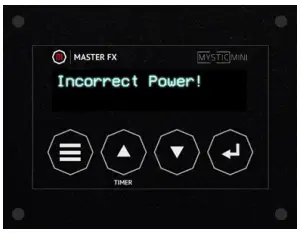 | Incorrect Power! The Mystic Mini is designed for 120v power only. To clear this prompt simply locate a 120v circuit. |
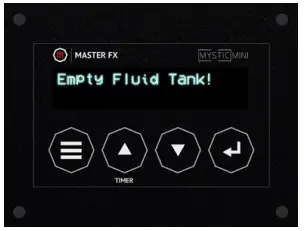 | Empty Fluid Tank! The fluid sensor has detected a starvation of fluid. Ensure the fluid tank is filled and properly connected to the fluid input. Press enter to begin hazing again. |
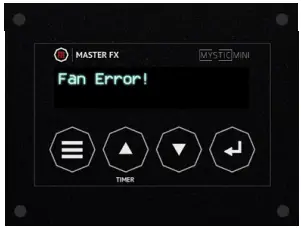 | Fan Error! Potential Causes: check for obstructions in the fan or excessive dust build up on the grill. Potential Fixes: remove the fan grill and clean obstructions. |
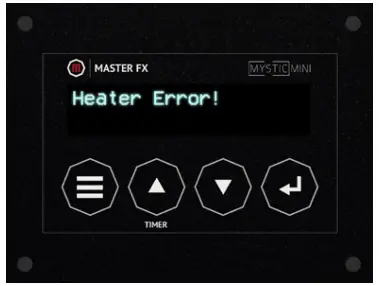 | Heater Error! Potential Causes: utilizing the incorrect fluid or not consistently running the shutdown cycle (see page 4). Potential Fixes: Run maintenance cleaning cycle detailed on page 5. |
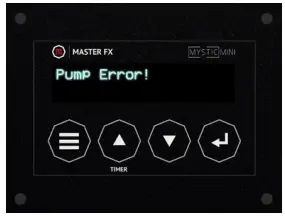 | Pump Error! Potential Causes: Pump ran dry, hole or cut in hose line, blocked quick connect fitting. Potential Fixes: Replace broken hose or quick connect fitting. |
CONTACTING SERVICE
Do not attempt to replace parts on your Mystic Mini as this will void your warranty. If your machine requires service please contact us and we will set up an RMA for you. For more information on the warranty terms please see the next page.
Service Advisor: [email protected]
Service Technician: [email protected]
877-578-6577
[email protected]
WARRANTY TERMS
Master FX reserves the right to alter the following terms and conditions if contingencies develop which were not apparent at the time of sale.
The warranty is valid to the original purchaser only and covers all internal components and required labor for the first 5 years from date of purchase. Master FX and approved dealers will still perform repairs and regular maintenance outside of the 5 year warranty at the owner’s expense. The timeline of repair is at the discretion of Master FX and approved dealers. All repairs must have an RA (Return Authorization) number clearly noted on the box prior to returning for service, any packages without an RA will not be accepted. To schedule repairs and receive a RMA, please email [email protected] or call 877.578.6577. The customer is responsible for any shipping costs that may incur.
Insignificant deviations of the regular production quality does not guarantee repair or replacement rights. Moreover, the warranty does not cover faults or defects caused by misuse or negligence; e.g. improper ventilation, dropping machine, exposure to moisture, etc. The use of any fluids other than Master FX Obscure or Nebulous Haze Fluids is
strictly prohibited, failure to comply will void warranty. Moreover, tampering with the internals and modifications will also void warranty. All service is to be done by Master FX authorized technicians only. Master FX is not liable for repair delays due to fire, strikes, or causes beyond our control.