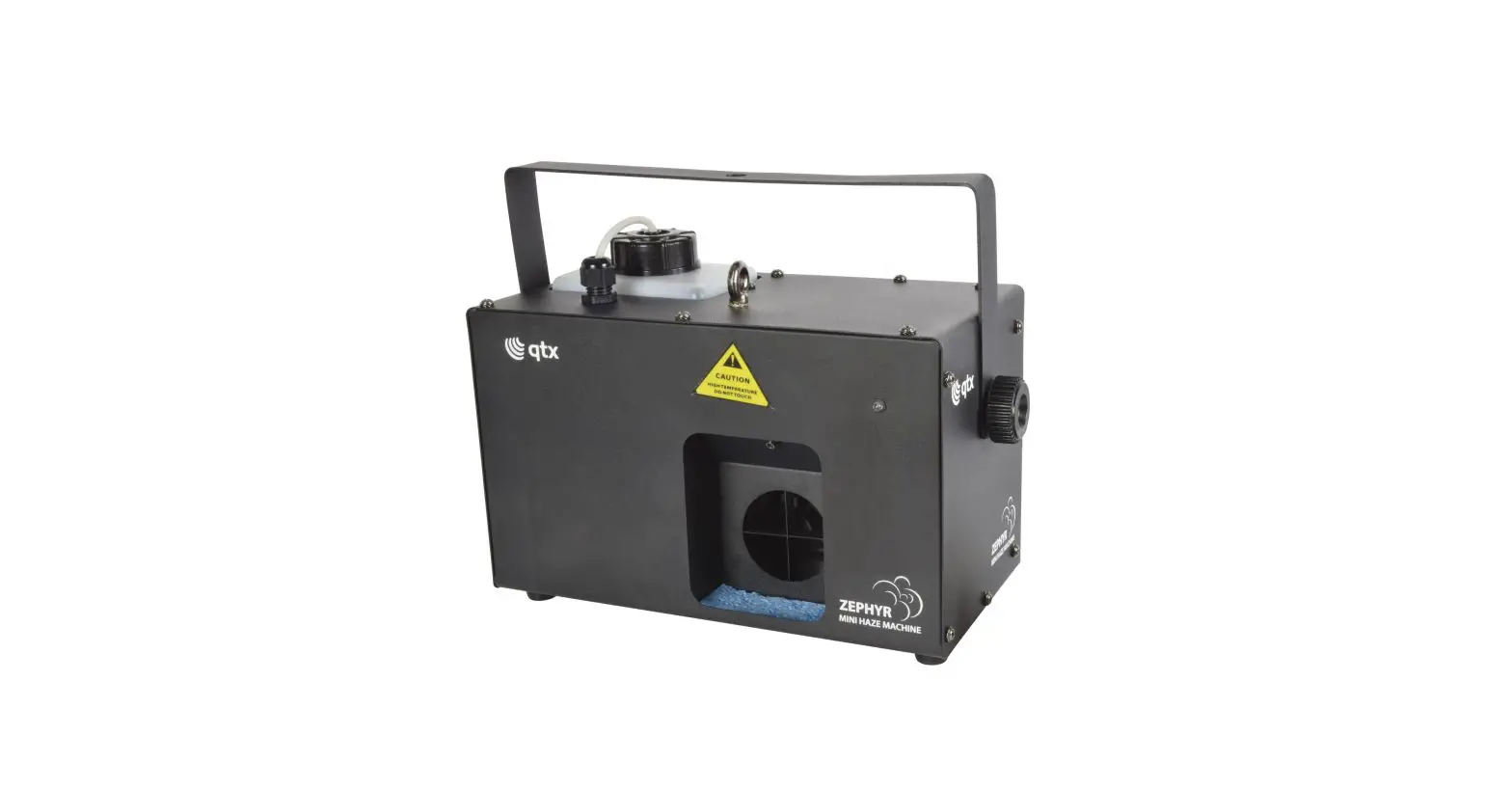

ZEPHYR
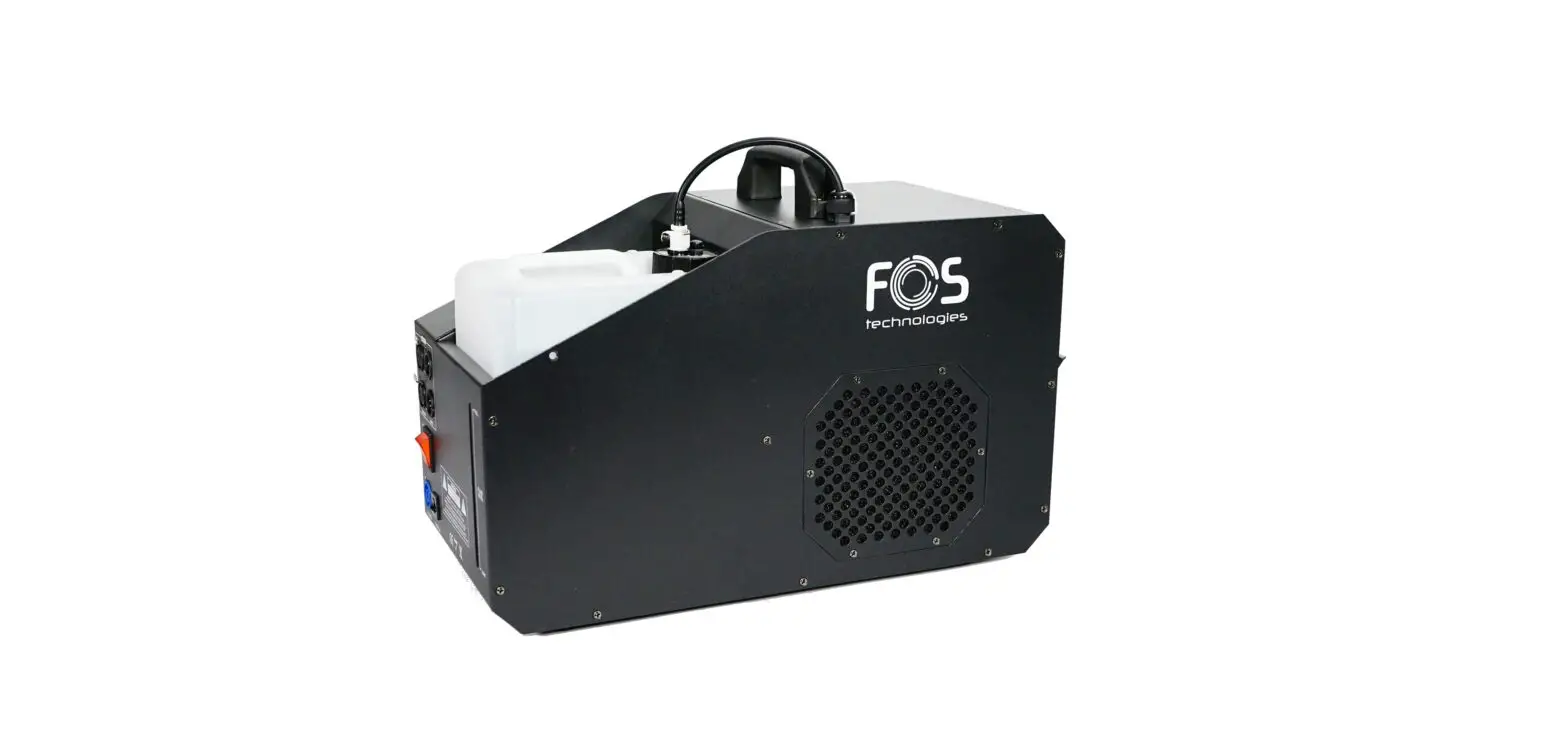
Compact Haze Machine
Item ref: 160.494UK
User Manual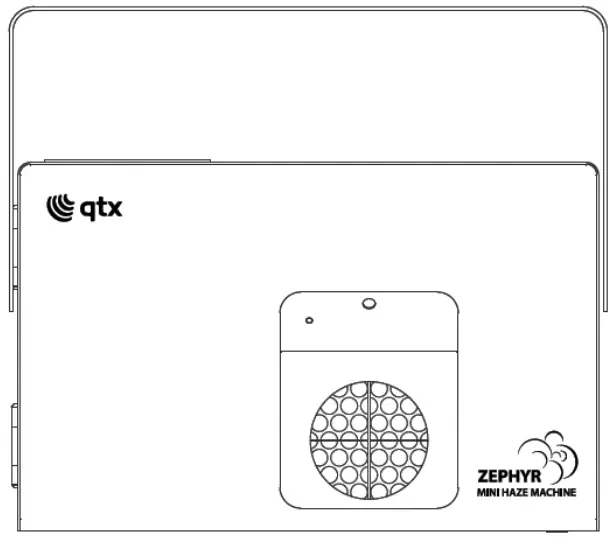
 | Caution: Please read this manual carefully before operating damage caused by misuse is not covered by the warranty |
Introduction
Thank you for purchasing the ZEPHYR compact haze machine. This product has been designed to provide controlled haze effects for stage productions and themed events. Please read and keep this manual in order to achieve the best results from this equipment and avoid damage through misuse.
Unpacking
The product should arrive with you in good condition with the following components.
- ZEPHYR haze machine
- Wireless remote control & keyfob
- Mains lead(s)
Warning
To prevent the risk of fire or electric shock, do not expose electrical parts to rain or moisture. If liquids are spilled on areas other than inside the fluid tank, disconnect the mains, allow the ZEPHYR to dry out, and have it checked by qualified personnel before further use. Avoid any impact, dropping or extreme pressure on the housing. No user- erviceable parts inside – do not open the case. Allow the ZEPHYR to acclimatize to room temperature before operating.
Placement
The ZEPHYR has a built-in fluid container and should be operated in an upright position. Ensure that the ZEPHYR is positioned on a stable, non-slip surface.
Safety
- Check for correct mains voltage and condition of IEC lead before connecting to mains
- This unit must be earthed
- This unit uses a heating element – be aware that parts of the housing may be hot in use!
Cleaning
- Use a soft dry or slightly damp to clean the casing
- Do not use strong solvents for cleaning the housing
- Clean the haze mechanism periodically by operating with distilled water instead of haze
- It is also recommended to use fog machine cleaning fluid (160.670UK) periodically
Recommended fluid
For the ZEPHYR haze machine, we strongly recommend the following fluid which has been specifically formulated to perform best with any heater-based haze machine.
| QTX ref code | Description | Size |
| 160.591UK | High-quality professional haze fluid | 5 Litre |
| 160.596UK | Eco haze fluid | 5 Litre |
Use power supply with Earth connection and adequate current capacity for the unit Use the plug to connect to the main power supply as follows:
| Wire | Connection | International signal |
| Brown | Live | L |
| Blue | Neutral | N |
| Yellow /Cyan | Earth |  |
Rear panel
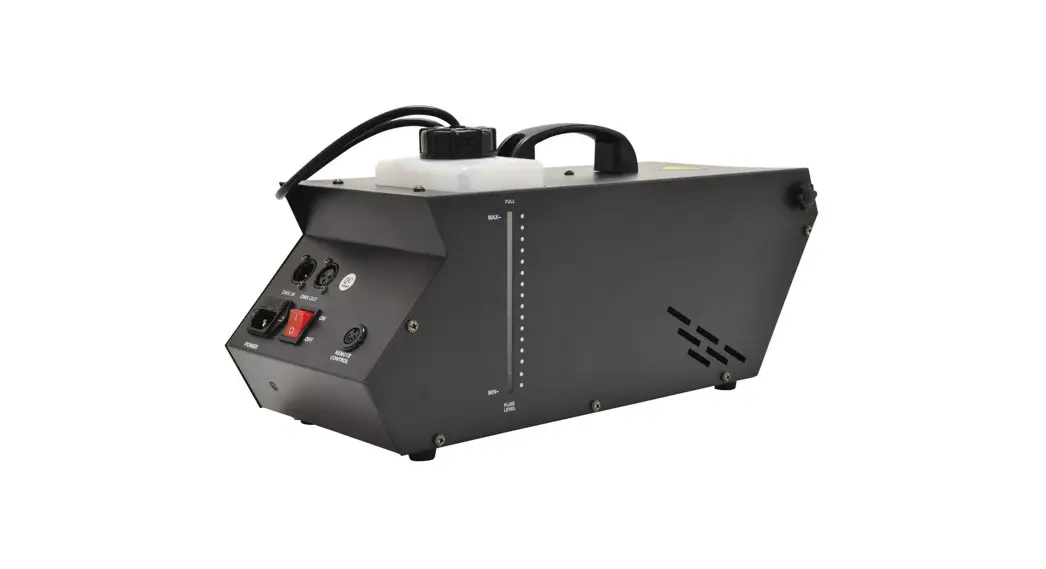
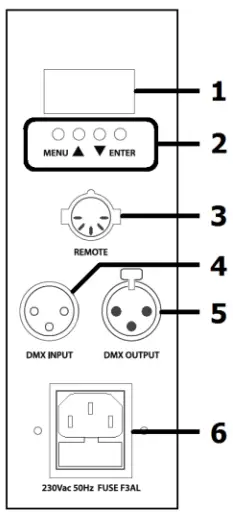 | 1 LED display |
| 2 4 button control panel | |
| 3 RF remote receiver connection (5-pin DIN) | |
| 4 DMX input (3-pin XLR) | |
| 5 DMX output (3-pin XLR) | |
| 6 IEC mains inlet & fuse holder |
Setting up
- Unpack the ZEPHYR unit.
- Unscrew the top cap of the tank and remove it to fill it with haze fluid.
- Replace the bottle and screw the cap securely, making sure that the pipe is fed down to the bottom of the bottle to ensure a consistent flow of fluid.
- If required, connect the remote receiver via the 5-pin DIN socket on the rear panel.
- Set the DIP switches on the side of the RF receiver to respond to the required button on the keyfob transmitter (e.g. setting DIP switch 1 on will mean that haze will be produced when button 1 is pressed on the keyfob)
- If DMX is to be used for control, connect the DMX signal from the controller to the DMX IN XLR connector. Any further DMX-controlled units may be connected via the DMX OUT XLR connector.
- Connect the IEC mains plug and switch the power on.
- Heat-up time is as little as 35 seconds before the ZEPHYR is ready to use.
Operation
To operate the ZEPHYR in standalone mode, use the 4-button control on the rear panel beneath the LED display as follows.
| Press MODE | Press ▲▼ and ENTER | Function |
 |  | DMX start address 001 to 512 |
 |  | Haze output 0 – 100% |
 |  | Fan speed slow to fast |
Adjust the fan speed and output to the required output consistency.
If the remote receiver is connected, then this will enable wireless on/off control of the haze output from the buttons asset on the DIP switches. It is important to note that the Zephyr uses an efficient fast heating element and will take around 1 minute to clear the fluid from the heater after hazing has stopped. An LED above the output aperture is lit when hazing is activated to show the status.
If the display is showing the DMX address, the ZEPHYR will operate from DMXcontrol as follows.
| Channel 1 (start address) | 0 | Off |
| 1-255 | Haze output 1-100% | |
| Channel 2 (start address + 1) | 0-255 | Fan speed slow to fast |
Specifications
| Power supply | 230Vac, 50Hz (IEC) |
| Power | 300W |
| Tank capacity | 1.2 liter |
| Haze output (approx.) | 3,000 CuFt (68m²) per minute |
| Reheat time | 35 seconds (min.) |
| Controls | Output (0-255), Fan speed (0-255) |
| Fuse | F3AL 250V |
| Remote control | RF keyfob & receiver (5-pin DIN) |
| Remote control frequency | 433MHz |
| DMX channels | 2 (output & fan) |
| DMX connection | 3-pin XLR in & out |
| Dimensions | 253 x 336 x 155mm |
| Weight | 3.56kg |
Troubleshooting
Warning: Hot components! … Switch off and allow to cool before touching the unit.
| No light on mains switch or remote | Check mains voltage is correct and the socket is switched on |
| Check IEC lead is OK and connected properly | |
| Check mains fuse in IEC connector and fuse in plug top | |
| If fuse blowing repeatedly, refer to qualified service personnel | |
| Greenlight is on but no haze output on manual or continuous mode | Check fluid level in the tank |
| If the fluid is OK and pumps working, the lines may be blocked | |
| Check that output is not set to zero on the control panel | |
| Check that output is not switched off on the keyfob remote | |
| If blocked, clean with fog machine cleaner & distilled water | |
| Check that if DMX mode is selected, the DMX channel is correct | |
| In DMX mode, check that haze output is not set to zero |
Bubble Fluid
| Stock Code | Volume | Description | Results | For use with |
| 160.574UK | 1 Litre | Bubble fluid | Light, long-lasting bubbles | 160.462UK, 160.560UK 160.562UK, 160.563UK 160.564UK |
| 160.575UK | 5 Little | |||
| 160.576UK | 1 Litre | UV bubble fluid | Light bubbles which glow in UV light | |
| 160.577UK | 5 Littre |
Snow Fluid
| Stock Code | Volume | Description | Results | For use with |
| 160.578UK | 1 Litre | Snow fluid | High-quality snow fluid.Lasts 30% longer than other standard fluids | 160.565UK, 160.569UK |
Fog Fluid
| Stock Code | Volume | Description | Colour | Results | For use with | |||
| Dispersion | Density | Stability | Fog colour | |||||
| 160.643UK | 1 Litre | Standard fog fluid | Yellow | Quick | Light | Low | White | 160.452UK, 160.453UK, 160.461UK or any machine up to 900W |
| 160.582UK | 5 Littre | |||||||
| 160.587UK | 1 Litre | High-grade fog fluid | Orange | Slow | Medium | Good | White | |
| 160.588UK | 5 Littre | |||||||
| 160.644UK | 1 Litre | High-quality fog fluid | Pink | Slow | High | Good | Thick white | 160.455UK, 160.456UK, 160.457UK or any machine 1000-1500W |
| 160.583UK | 5 Litre | |||||||
| 160.589UK | 5 Litre | Premium fog fluid | Clear | Slow | Very high | Excellent | Opaque White | |
| 160.592UK | 1 Litre | Low-level fog fluid | Clear | Slow | Highest | Excellent | Opaque White | 160.447UK |
| 160.593UK | 5 Litre | |||||||
| 160.670UK | 20m1 | Fog machine cleaner | Clear | Extends life of your fog machine | All fog machines | |||
| Stock Code | Volume | Description | Colour | Results | For use with | |||
| Dispersion | Density | Stability | Haze colour | |||||
| 160.591UK | 5 Litre | High-quality haze fluid Eco haze fluid | Clear | Slow | High | Good | Thick white | 160.458UK, 160.459UK 160.462UK, 160.465UK |
| 160.591UK | 5 Littre | Medium | Medium | Good | White | |||
Fog
| Stock Code | Volume | Description | Results | For use with |
| 160.650UK | 20m1 | Coconut fog fragrance | Adds fragrance to fog or haze | 20m1 = S Litre fog or haze fluid |
| 160.651UK | 20m1 | Mint fog fragrance | ||
| 160.652UK | 20m1 | Vanilla fog fragrance | ||
| 160.653UK | 20m1 | Tropical fog fragrance | ||
| 160.654UK | 20m1 | Strawberry fog fragrance | ||
| 160.655UK | 20m1 | Energy fog fragrance |
 160.494UK User Manual
This product is classed as Electrical or Electronic equipment and should not be disposed of with other household or commercial waste at the end of its useful life. The goods must be disposed of according to your local council guidelines.
Errors and omissions excepted. Copyright© 2021 AVSL Group Ltd, Unit 2 Bridgewater Park,
Taylor Road, Trafford Park, Manchester. M41 73Q.
AVSL (Europe) Ltd, Unit 3D North Point House, North Point Bus. Park, New Mallow Road, Cork, Ireland.
160.494UK User Manual