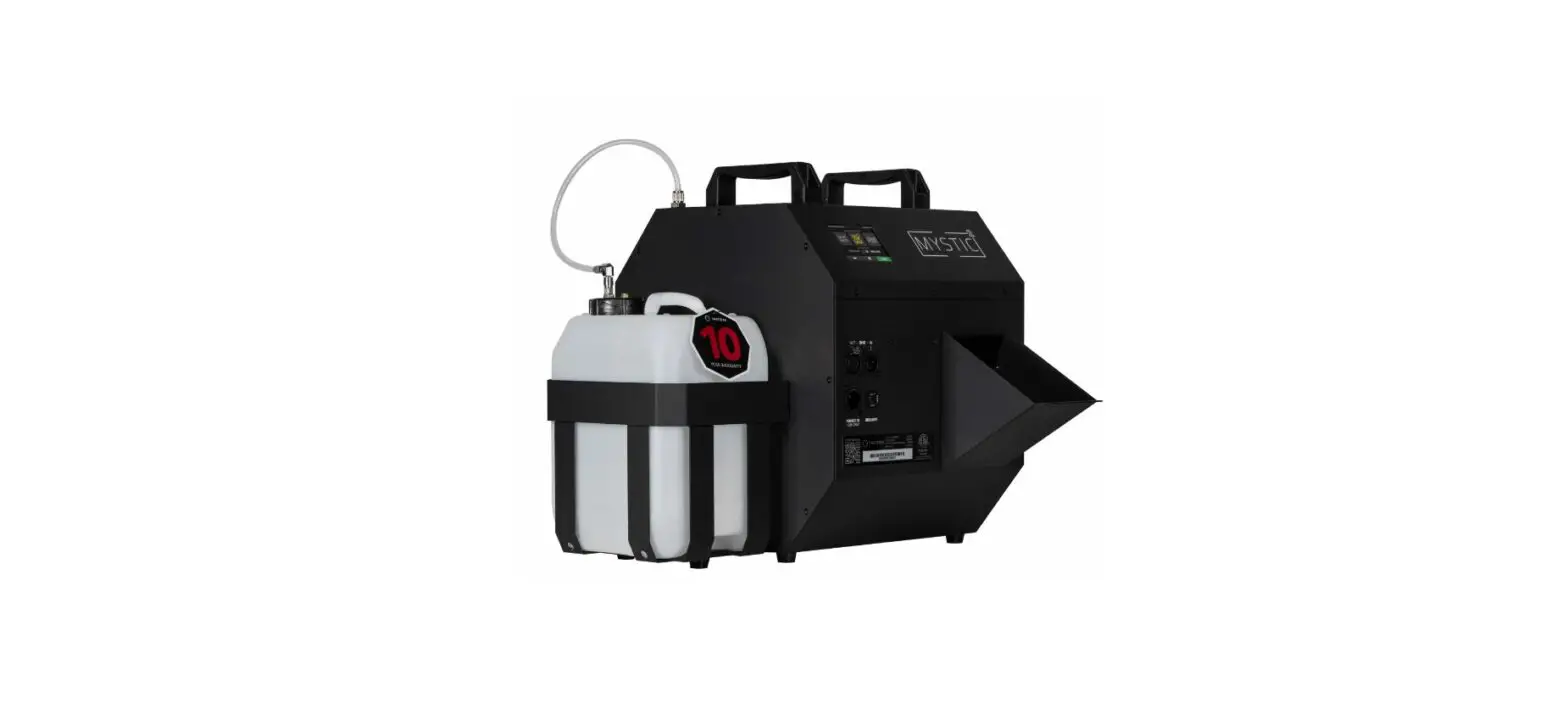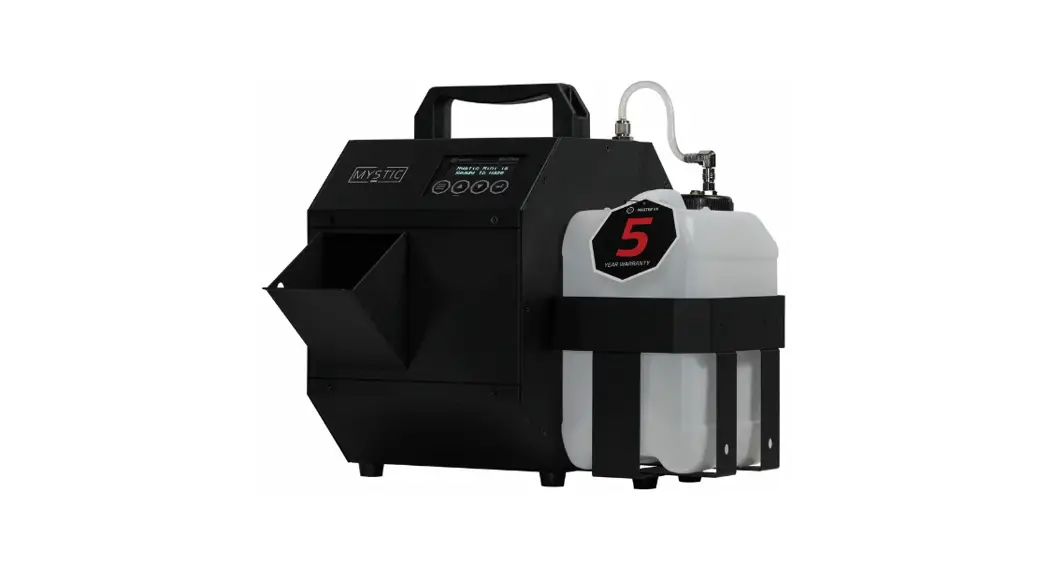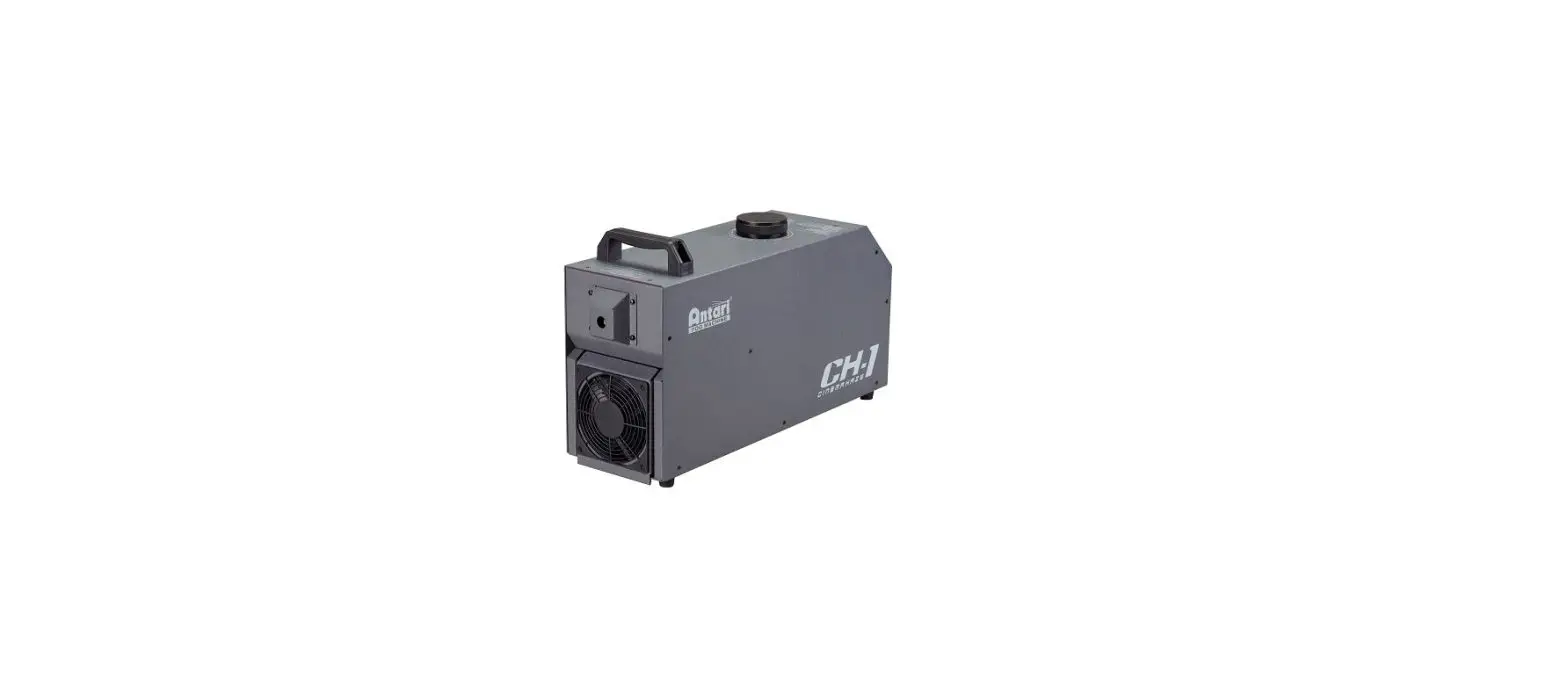
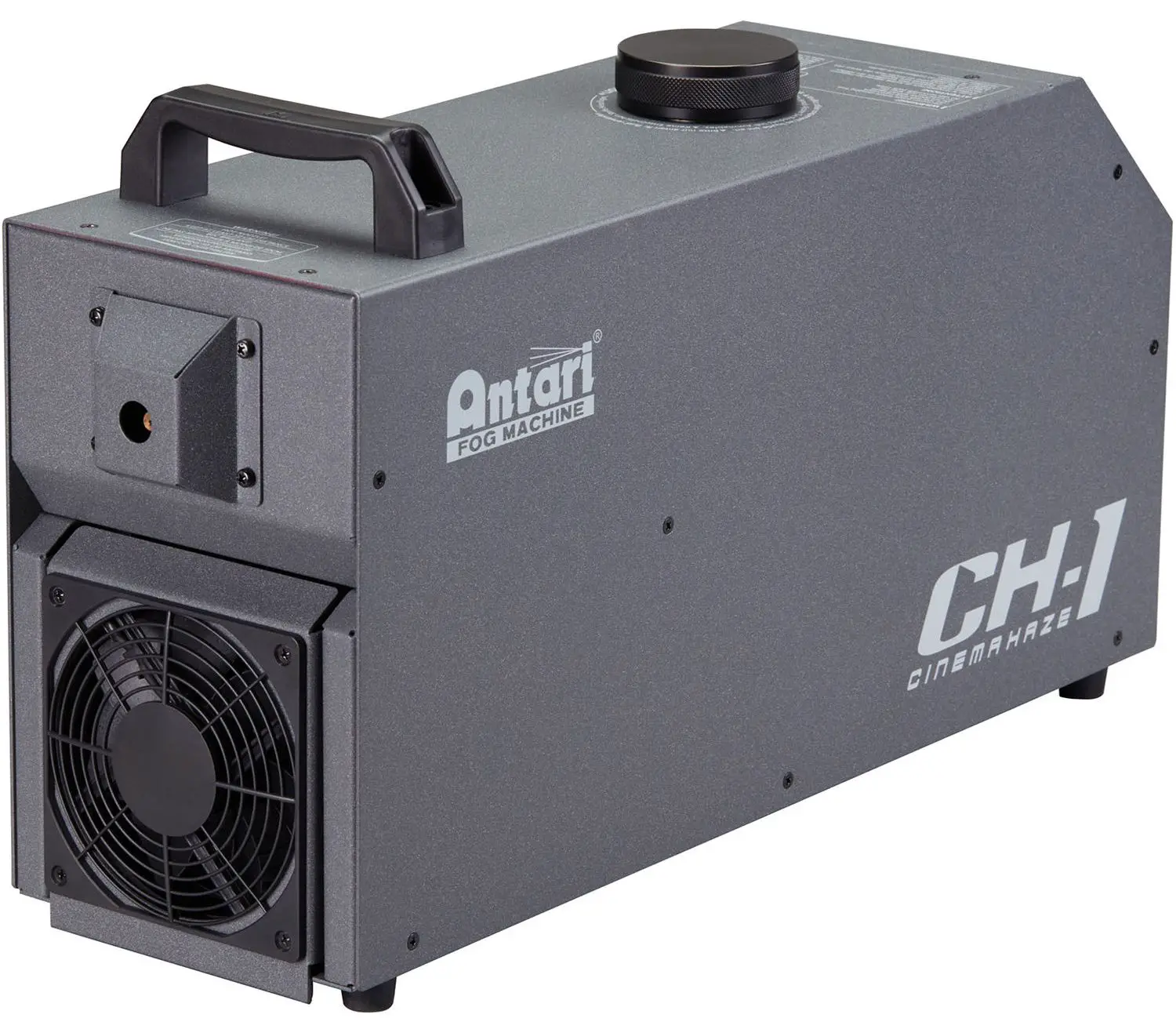
Antari CH-1 Cinema Haze Machine
Safety Information
Please read the following safety information carefully before operating the machine. Information includes important safety information about installation, usage, and maintenance. Pay attention to all warning labels and instructions in this manual and printed on the machine. If you have questions about how to operate the machine safely, please contact your local Antari dealer for help.
- Keep this device dry.
- Always connect to a grounded circuit to avoid risk of electrocution.
- Before connecting the machine to power, always check the voltage indicated on the machine matches to your local AC voltage. Do not use the machine if the AC power voltage does not match.
- Disconnect the machine from AC power and gas cylinder before servicing and when not in use.
- This product is for indoor use only! Do not expose to rain or moisture. If fluid is spilled, disconnect AC power and clean with a damp cloth. If fluid is spilled onto electronic parts, immediately unplug the machine and contact your local Antari dealer for advice.
- No user serviceable and modifiable parts inside. Never try to repair this product, unauthorized technician may lead the machine to damage or malfunction.
- For adult use only. Never leave the machine running unattended.
- Install in a well ventilated area. Provide at least 50 cm of space around the machine.
- Never add flammable liquid of any kind to the machine.
- Make sure there are no flammable materials close to the machine while operating.
- Only use Antari fluid. Other fluid may lead to heater clog and malfunction.
- If the machine fails to work, unplug the machine and stop operation immediately. Contact your local Antari dealer for advice.
- Before transporting the machine, make sure the fluid tank is completely drained.
- Smoke fluid may present health risks if swallowed. Do not drink smoke fluid. Store it securely. In case of eye contact or if fluid is swallowed immediately seek medical advice.
- The appliance is not to be used by persons (including children) with reduced physical, sensory or mental capabilities, or lack of experience and knowledge.
- Children being supervised not to play with the appliance.
- If the supply cord is damaged, it must be replaced by a special cord or assembly available from the manufacturer or its service agent.
Product Dimension
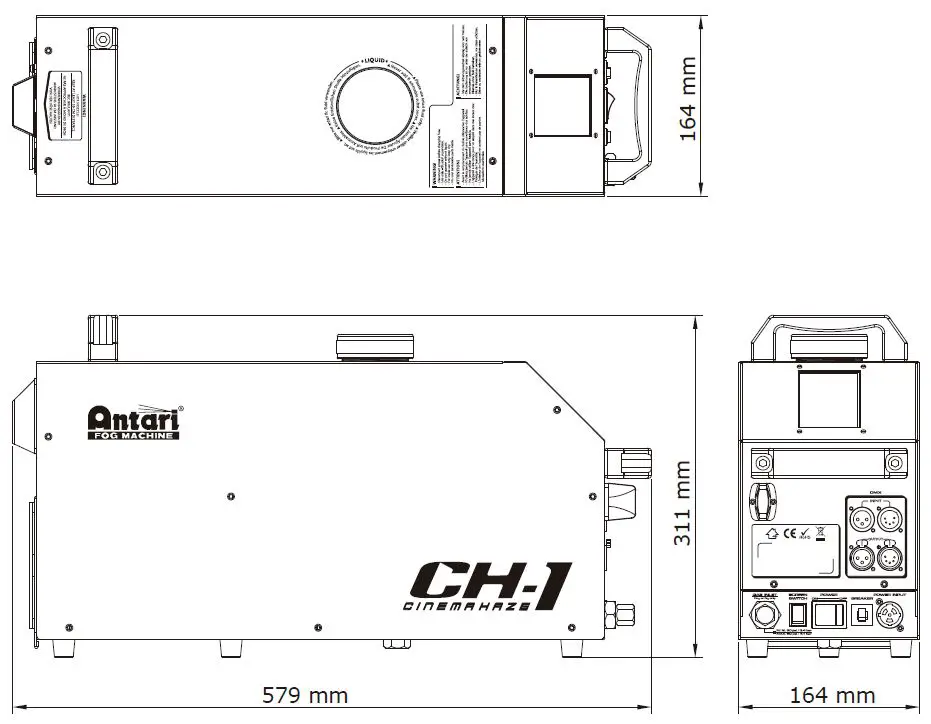
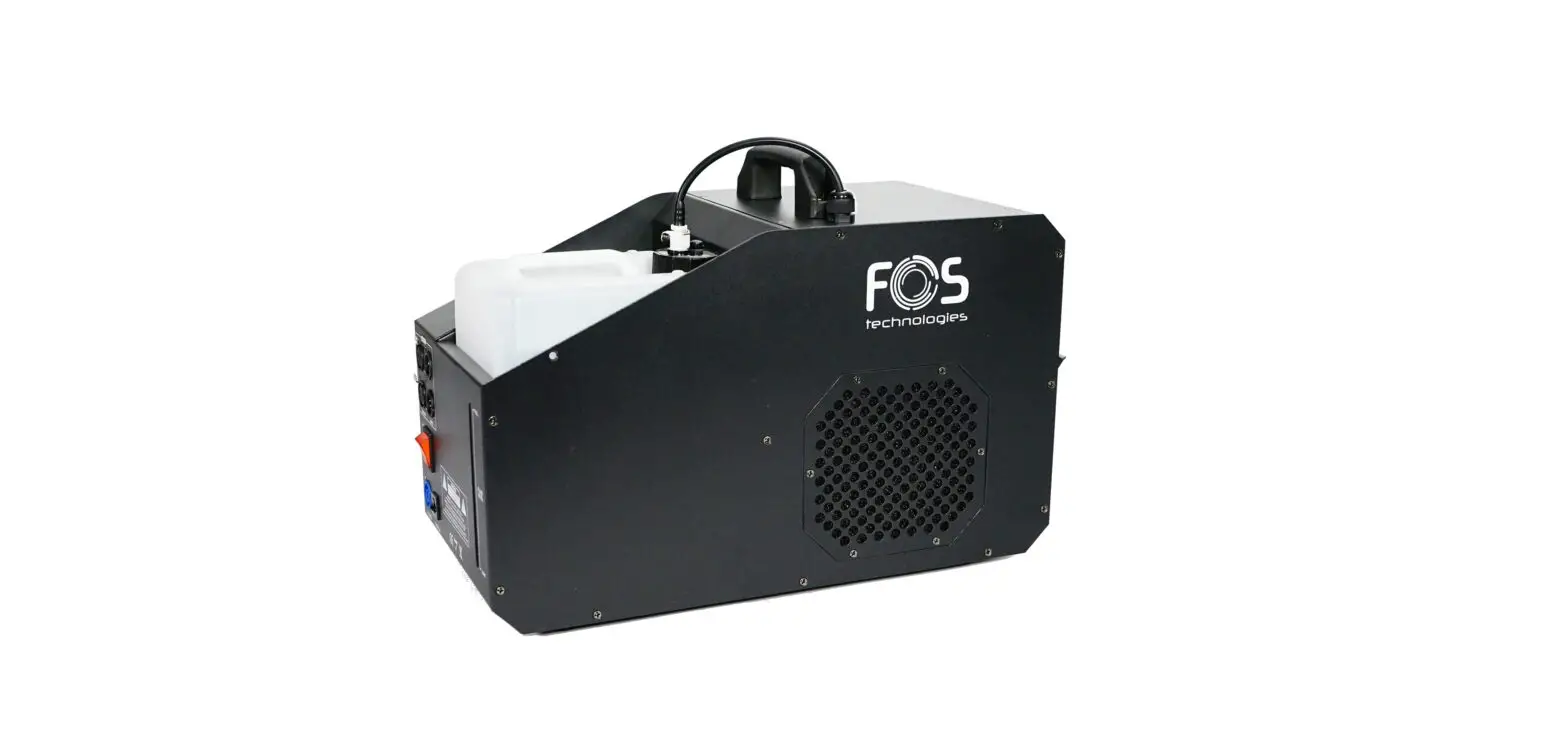
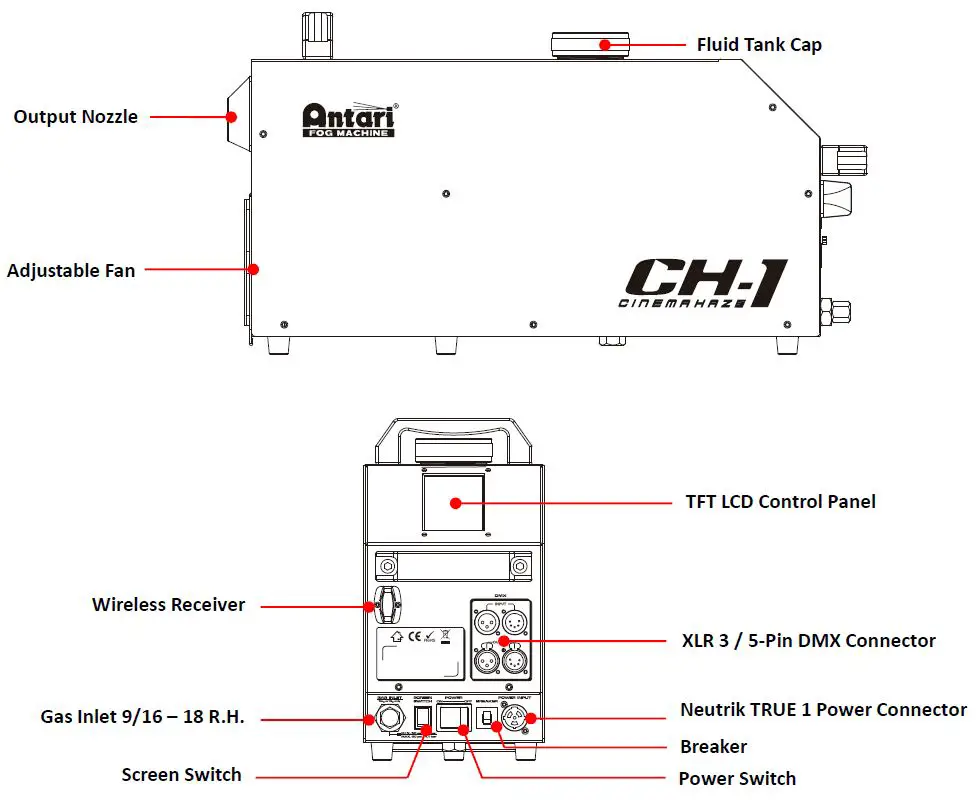
Product Overview
Setting Up
- Step 1: Place the machine on a flat surface and in a suitably large area with at least 50 cm open space around the machine.
- Step 2: Connect machine to mains power (AC100-240VAC, 50/60Hz)
- Step 3: Connect gas inlet to gas cylinder equip with pressure regulator. (Gas inlet 9/16 – 18 R.H.)
- Step 4: Set pressure regulator between 50 to 60 psi, then open gas cylinder
- Step 5: Fill the fluid tank with Antari approved fluid.
- Step 6: Press the “ HEATER” menu, then press “ START” to start heating. The machine will take approximately 8 mins to heat up.
Always connect the machine to a protected circuit and ensure it is properly grounded to avoid risk of electrocution. - Step 7: To start making haze press the “ MANUAL” menu, then press “ START” .
Press “ STOP” to stop haze. Press the “ SETTING” menu to adjust haze and fan output level. - Step 8: To turn off the machine press the “ POWER OFF” menu, and follow direction shown on display. Shut off gas cylinder, at the same time machine will start release the pressure. Make sure pressure is completely released by checking the regulator. Disconnect power and gas connection to finish shutting down the process.
Operation
Control Panel Operation
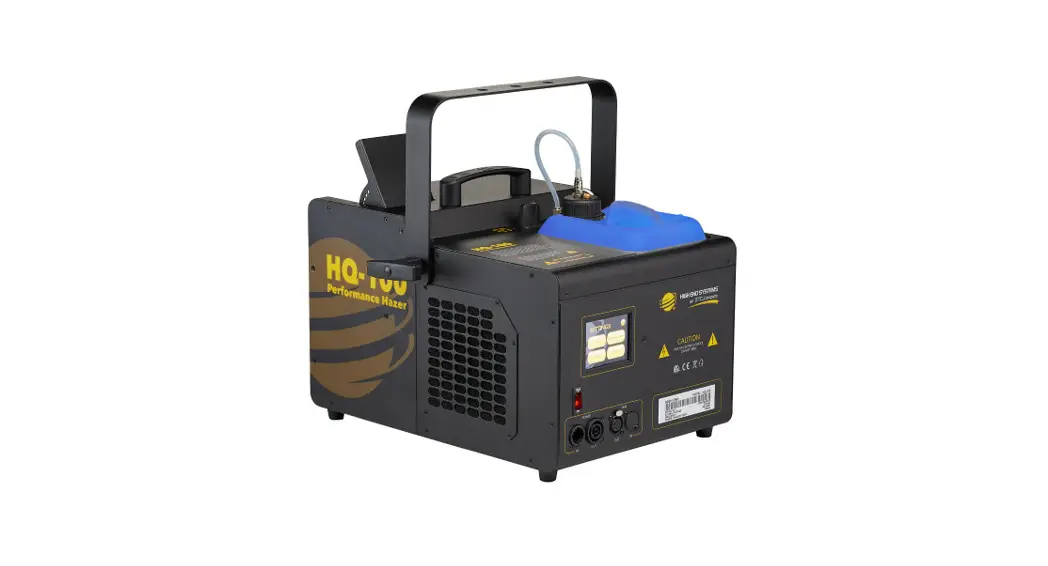
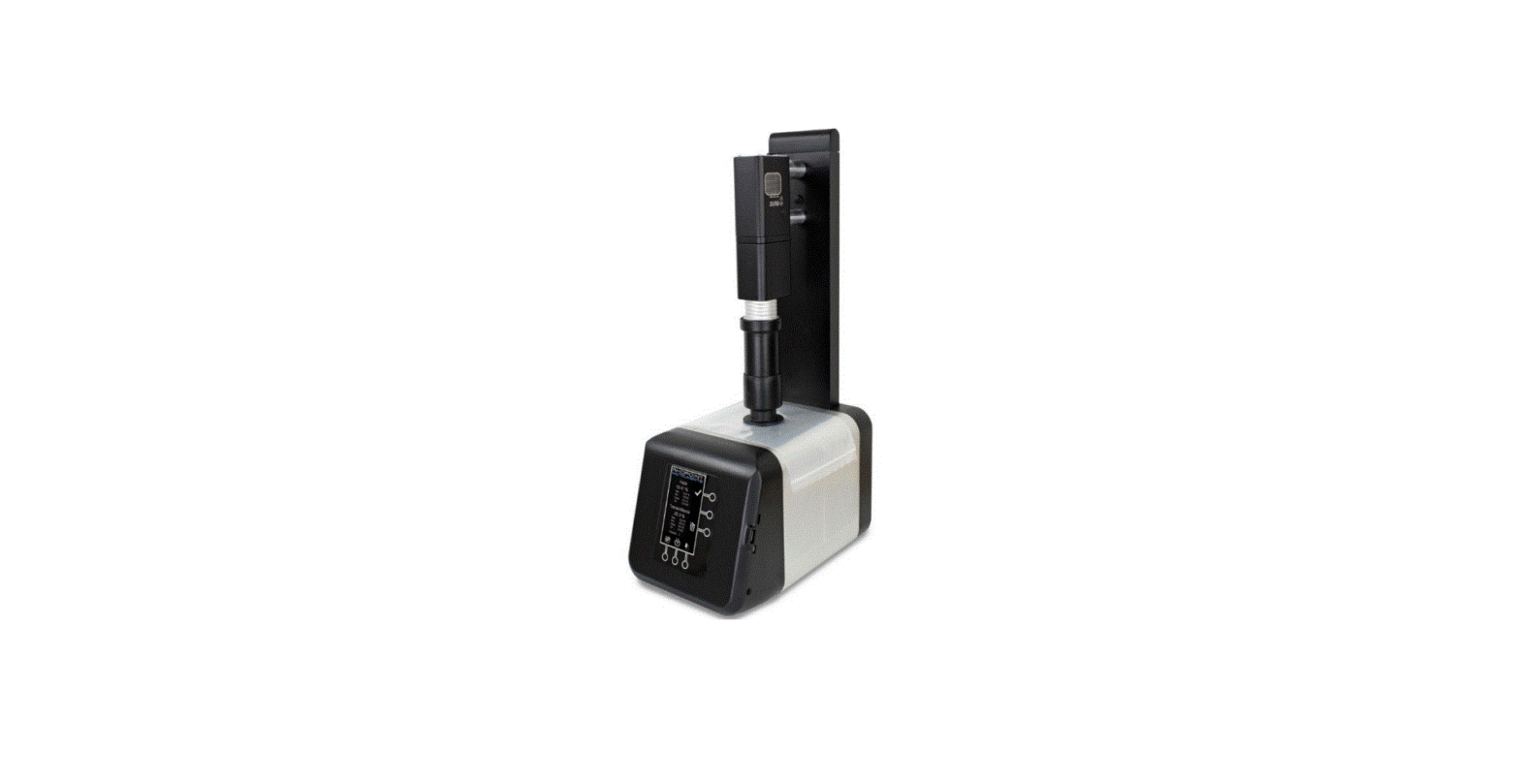
The machine can be operated with the TFT LCD control panel located on the rear. 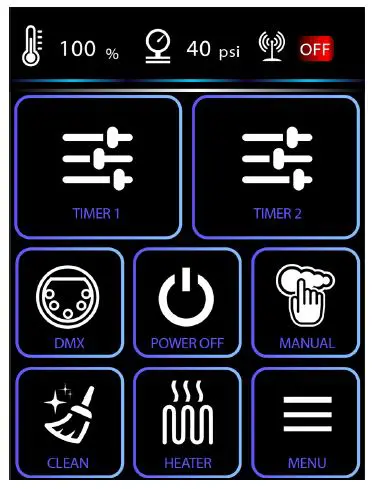
| Main Menu | Level 1 | Level 2 | Level 3 |
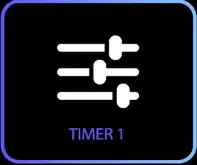
| TIMER 1
| Interval | 0 – 200 mins | |
| Duration | 0 – 200 mins | ||
| Output Level | 5 – 40 psi | ||
| Fan | 20 – 100% | ||
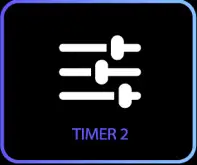
| TIMER 2
| Interval | 0 – 200 mins | |
| Duration | 0 – 200 mins | ||
| Output Level | 5 – 40 psi | ||
| Fan | 20 – 100% | ||
| DMX
| Address | 1 – 512 | |
| Channel Mode | 1 / 3 / 5 Channels | ||
| Link Mode | Wireless / Wired | ||
| Wireless | Unlink | ||
| POWER OFF
| |||
| MANUAL
| Output Level | 5 – 40 psi | |
| Fan | 20 – 100% | ||
| CLEAN
| |||
| HEATER
| |||
| MENU
| DMX Setup | Address | 1 – 512 |
| Channel Mode | 1 / 3 / 5 Channels | ||
| Link Mode | Wireless / Wired | ||
| Wireless | Unlink | ||
| Information | Software Version | ||
| Wireless Signal | |||
| Temperature | |||
| Pressure | |||
| Device Hour |






| LCD Backlight | High / Normal / Low / Auto |
| Auto Start | On / Off |
| Factory Reset | |
| Language | English /中文 |
| Software Update | Proceed |
| Keypad Sound | On / Off |
DMX Connector Pin Assignment
The machine provides a 3 or 5 pin XLR connector for DMX connection. The diagram below indicates pin assignment information.
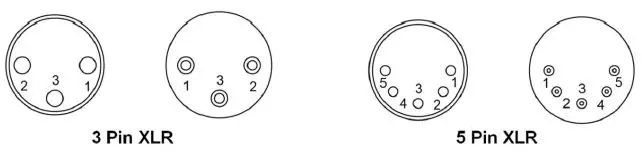
| Pin | Function |
| 1 | Ground |
| 2 | Data- |
| 3 | Data+ |
| 4 | N/A |
| 5 | N/A |
DMX Operation
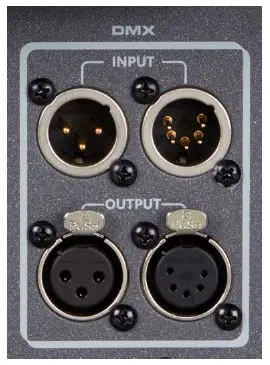
Making the DMX Connection – Connect the machine to a DMX controller or to one of the machines in the DMX chain. The machine uses both 3-pin and 5-pin XLR connector for DMX connection, the connector is located on the rear of the machine.
DMX Channel Function
| 1 Channel Mode | DMX Value Range | Function |
| Output Level | 0 – 4 | Off |
| 5 – 255 | 1 – 100% | |
| 3 Channel Mode | DMX Value Range | Function |
| Output Level | 0 – 4 | Off |
| 5-255 | 1 – 100% | |
| Fan Level | 0 – 4 | Off |
| 5 – 255 | 1 – 100% | |
| Heater | 0 – 127 | Off |
| 128 – 255 | On | |
| 5 Channel Mode | DMX Value Range | Function |
| Output Level | 0 – 4 | Off |
| 5-255 | 1 – 100% | |
| Fan Level | 0 – 4 | Off |
| 5 – 255 | 1 – 100% | |
| Heater | 0 – 127 | Off |
| 128 – 255 | On | |
| Operation Mode | 0 – 127 | DMX |
| 128 – 192 | Timer 1 | |
| 193 – 255 | Timer 2 | |
| Cleaning | 0 – 127 | Off |
| 128 – 255 | On |
RDM Control
The CH-1 CINEHAZE is RDM enabled, allowing the control system to configure, monitor, and manage. See the below table for supported RDM parameters.
| Value | RDM Parameter ID’s | GET Allowed | SET Allowed |
| 0x0001 | DISC_UNIQUE_BRANCH | ||
| 0x0002 | DISC_MUTE | ||
| 0x0003 | DISC_UN_MUTE | ||
| 0x0030 | STATUS_MESSAGE | O | |
| 0x0050 | SUPPORTED_PARAMETERS | O | |
| 0x0051 | PARAMETER_DESCRIPTION | O | |
| 0x0060 | DEVICE_INFO | O | |
| 0x0070 | PRODUCT_DETAIL_ID_LIST | O | |
| 0x0080 | DEVICE_MODEL_DESCRIPTION | O | |
| 0x0081 | MANUFACTURER_LABEL | O | |
| 0x0082 | DEVICE_LABEL | O | O |
| 0x00A0 | LANGUAGE_CAPABILITIES | O | |
| 0x00B0 | LANGUAGE | O | O |
| 0x00C0 | SOFTWARE_VERSION_LABEL | O | |
| 0x00E0 | DMX_PERSONALITY | O | O |
| 0x00E1 | DMX_PERSONALITY_DESCRIPTION | O | |
| 0x00F0 | DMX_START_ADDRESS | O | O |
| 0x0200 | SENSOR_DEFINITION | O | |
| 0x0201 | SENSOR_VALUE | O | |
| 0x0400 | DEVICE_HOURS | O | |
| 0x1000 | IDENTIFY_DEVICE | O | O |
Fluid
Use Antari CHL oil-based fluid for the best effect on CH-1 CINEMAHAZE. The machine is tested and calibrated with this liquid to get the best output performance. Warranty will be void if any other type of liquid is used, improper use of liquid may lead to machine faluire and malfunction.
Service and Maintenance
- Do not allow the machine to become contaminated.
Remove dust from air vents with air compressor, vacuum or a soft brush. - Only use a damp cloth to clean the casing.
- It is recommended to run the machine on a monthly basis in order to achieve best performance and output condition.
- Excessive dust, liquid and dirt built up will degrade performance and cause overheating.
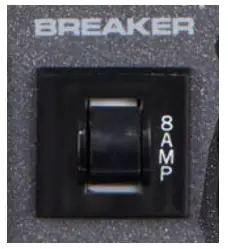
Breaker Reset
Disconnect AC power before reset breaker. Only replace fuse with same type and rating.
- Step 1: Disconnect AC power
- Step 2: Flip breaker to ON position
- Step 3: Turn on the machine to test
Breaker
- 120V = 8A 250V
- 240V = 8A 250V
Error Message
Pressure Error
When fluid reservoir can not reach proper pressure to work, pressure error will be displayed and stop machine from working. It may be caused by one of following:
- The fluid reservoir cap is loosened
- Leak in high-pressure pipeline
- Gas cylinder not open properly
- Gas cylinder running empty
- Pressure regulator not set to range between 50 – 60psi (3.4 – 4.1 bar)
- Pressure sensor failure or damaged
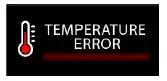
Temperature Error
When the heater can not heat up properly or overheat, a temperature error message will be displayed. It may be caused by one of the following:
- Heater element failure or damaged
- Main control PCB failure or damaged
Please contact Antari dealer for advice if problem persists.
Technical Specifications
- Input voltage AC 100 – 240V, 50 – 60Hz
- Rated power 120V 700W 240V 1250W
- Warm-up time 8 minutes (approx)
- Fluid consumption 2 ml/min @ 40psi / 2.76 bar
- Fluid tank capacity 2.5 Liters (0.66 gallon)
- Compatible fluid Antari CHL-2 Haze Fluid
- Gas type CO2, N2
- Gas pressure range 50 – 60psi / 3.4 bar – 4.1bar
- Gas consumption 0.36 Kg / hr @ 40psi 0.18 Kg / hr @ 20psi
- Control interface TFT LCD Touch Screen
- Ambient temp. range 0°C – 40°C (32°F – 104°F)
- Control Manual, Timer, DMX Wireless DMX (Optional)
- DMX channels 1 / 3 / 5 Channels
- Connection Neutirk TRUE 1 Connector (Power) XLR 3-pin and 5-pin (DMX) 9/16 -18 R.H (Gas inlet)
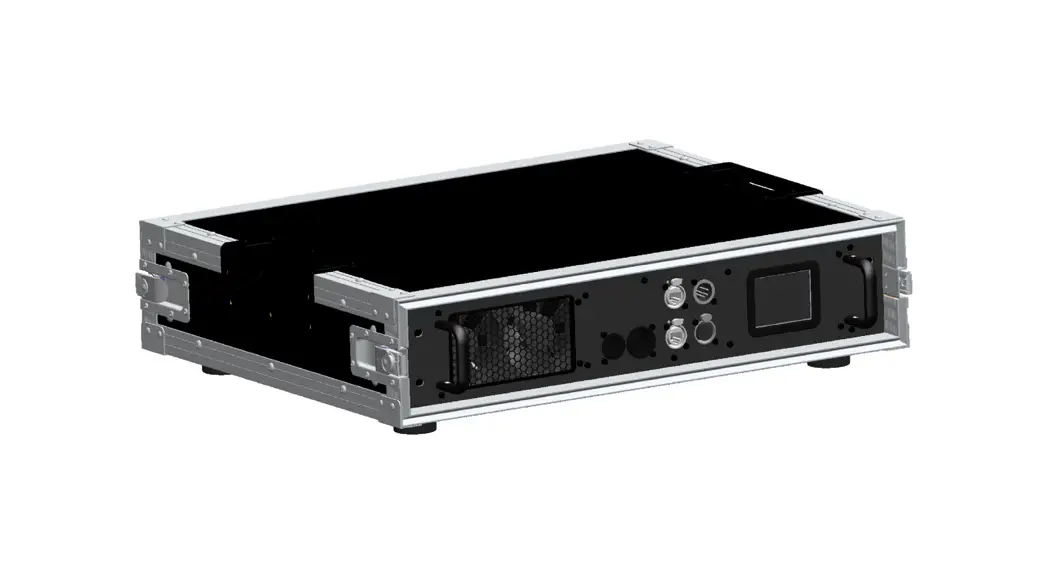
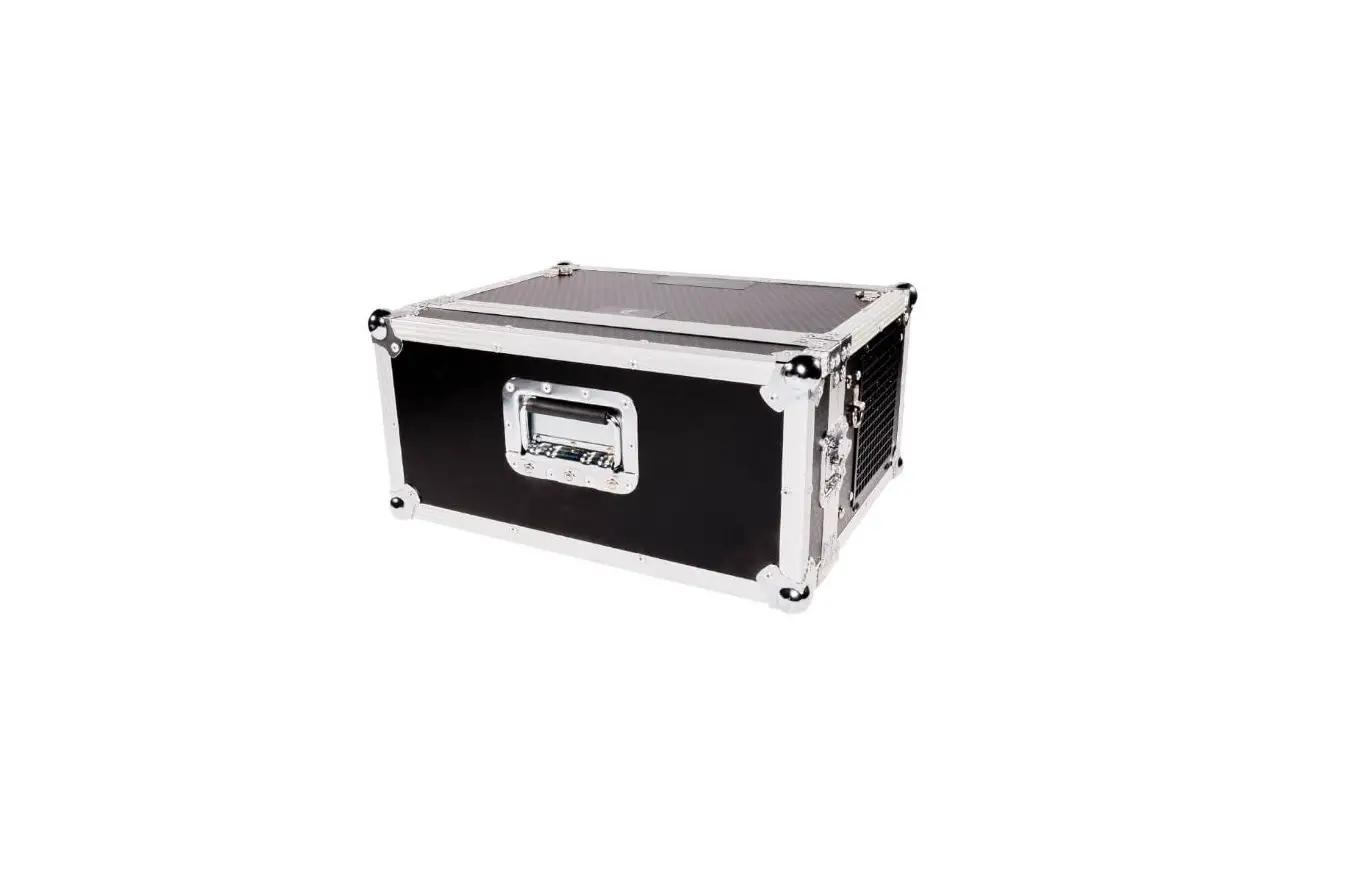
- Optional accessories W-DMX-PCBR FCH-1 Flight Case
- Dimension L 579 W 164 H 311 mm (L 22.79 W 6.46 H 12.25 inch)
- Weight 17 kg (37.48 lbs)
 Home - Antari Lighting And Effects