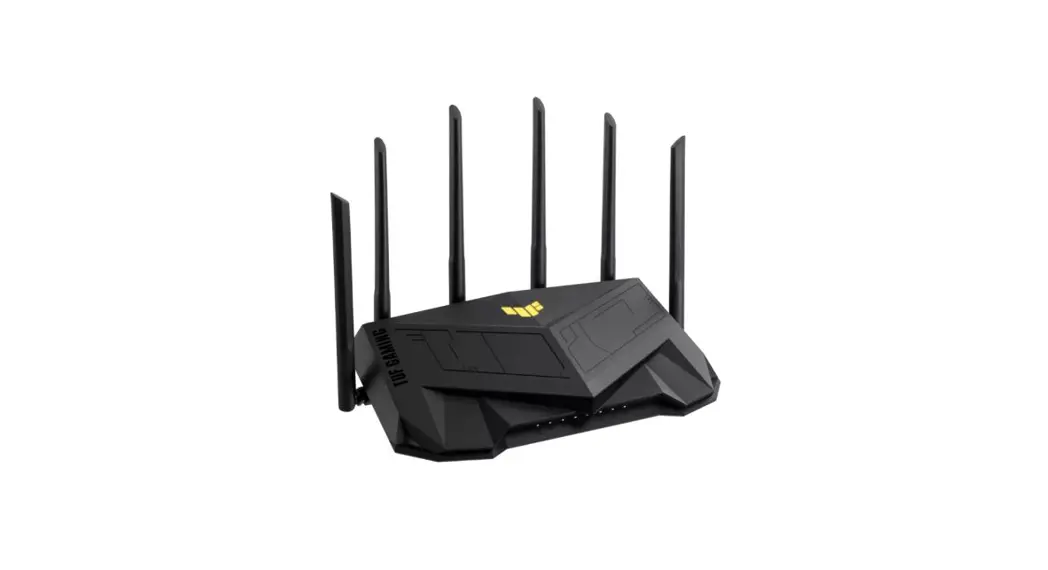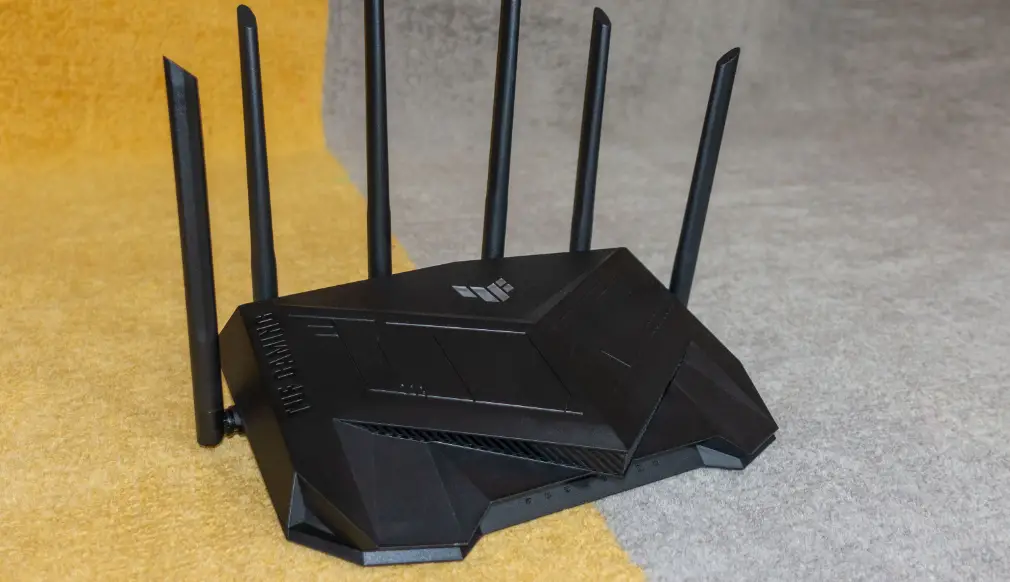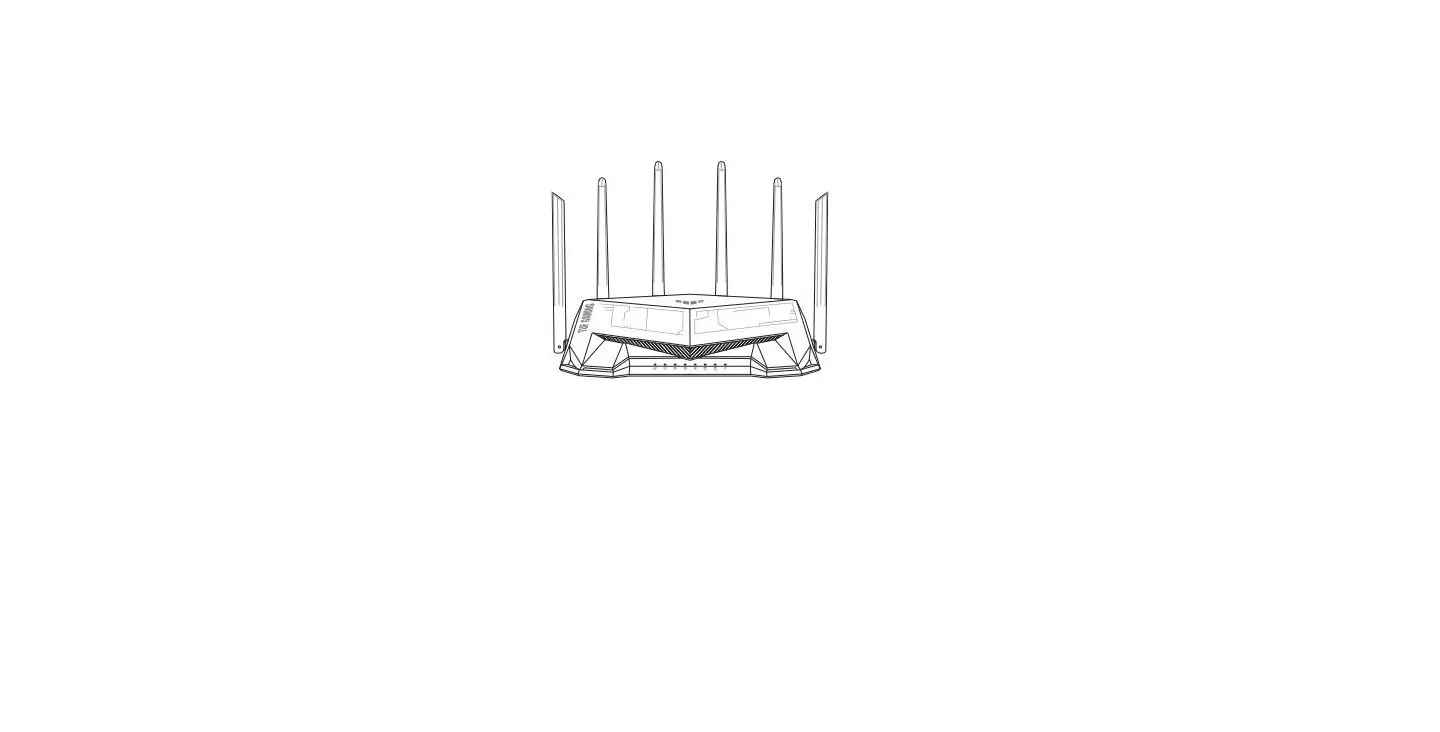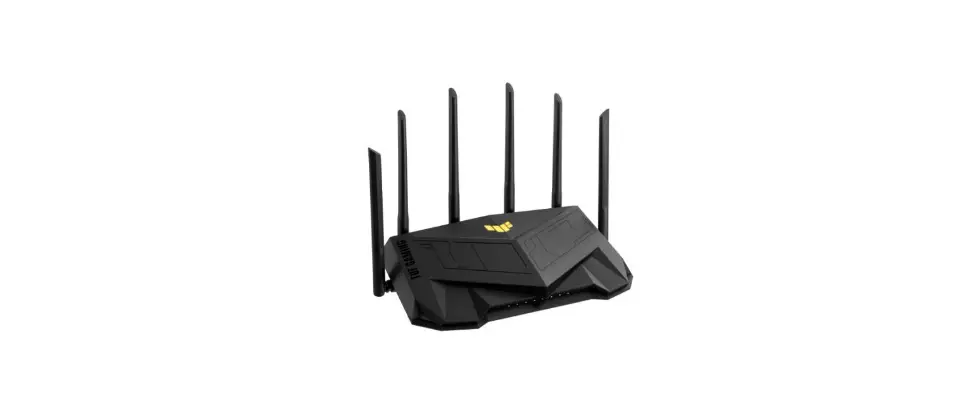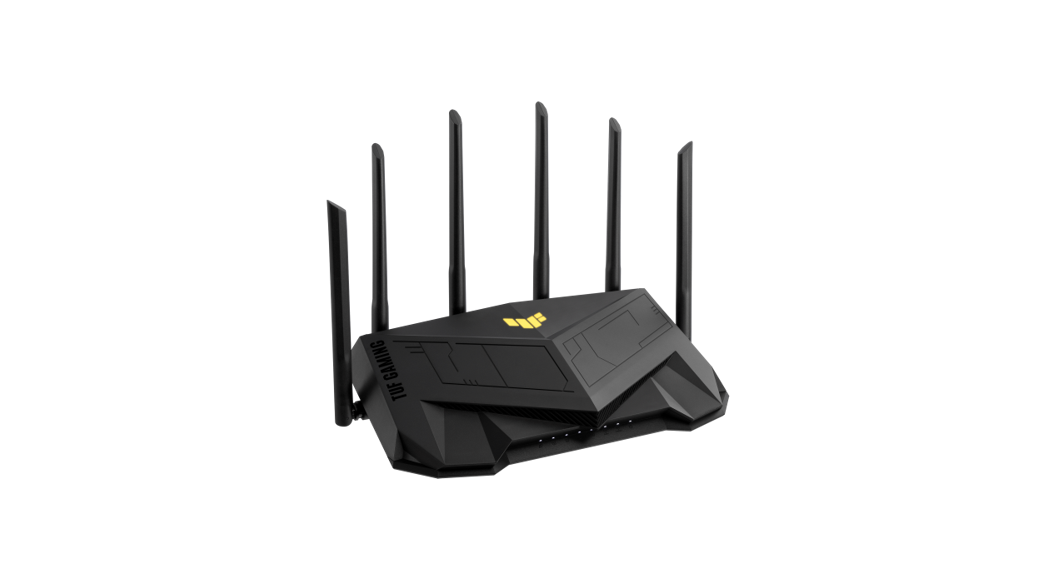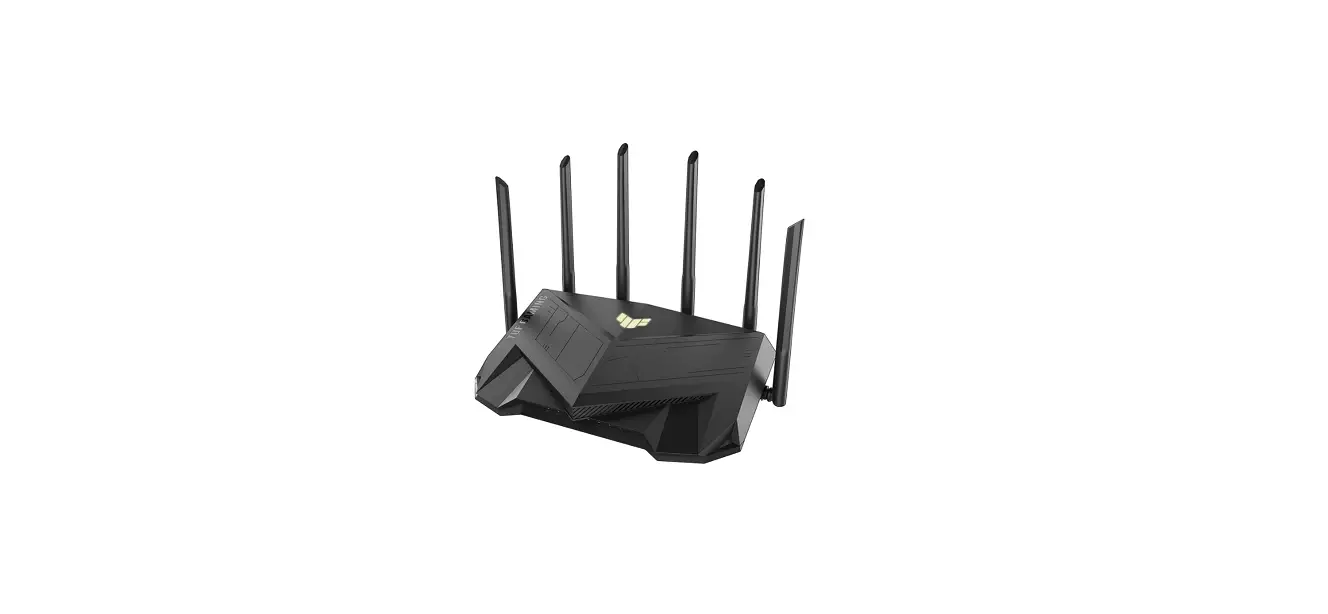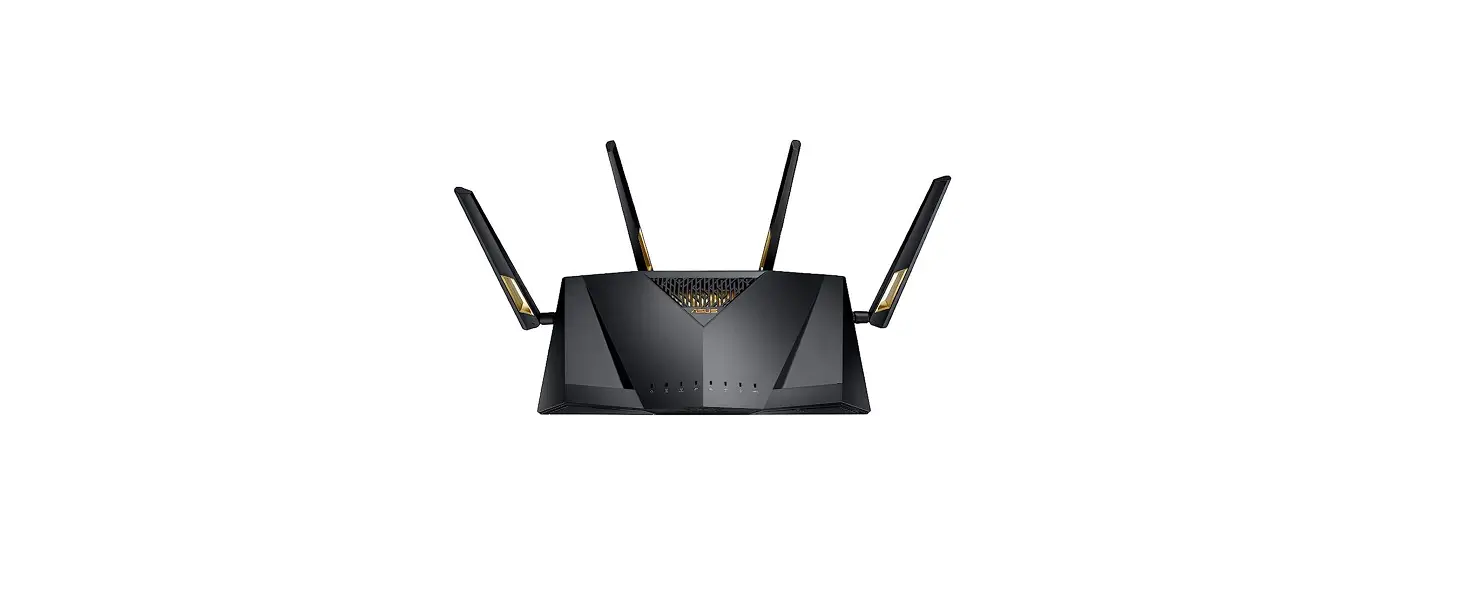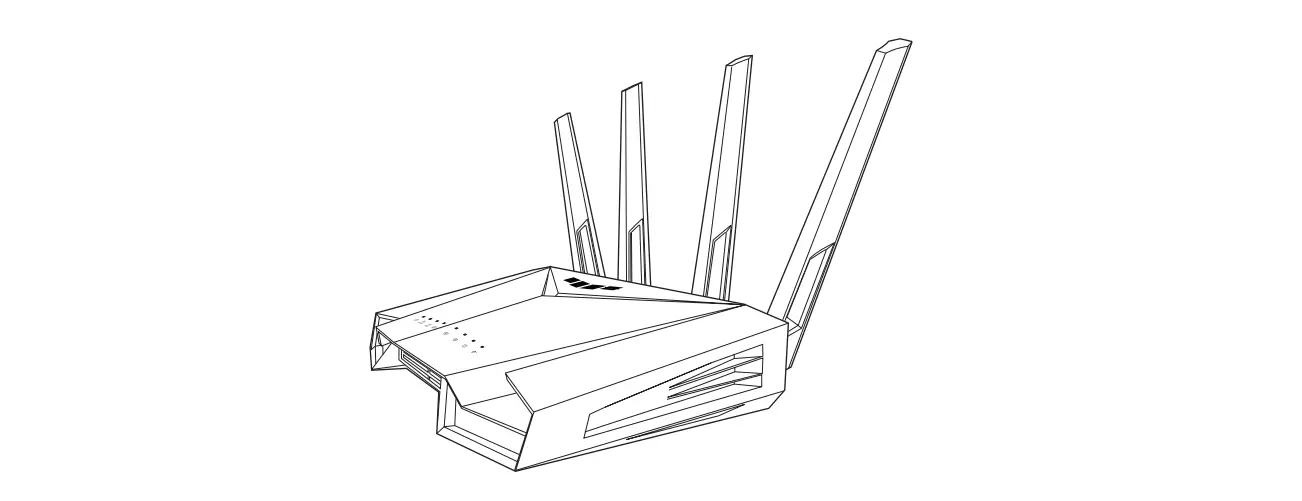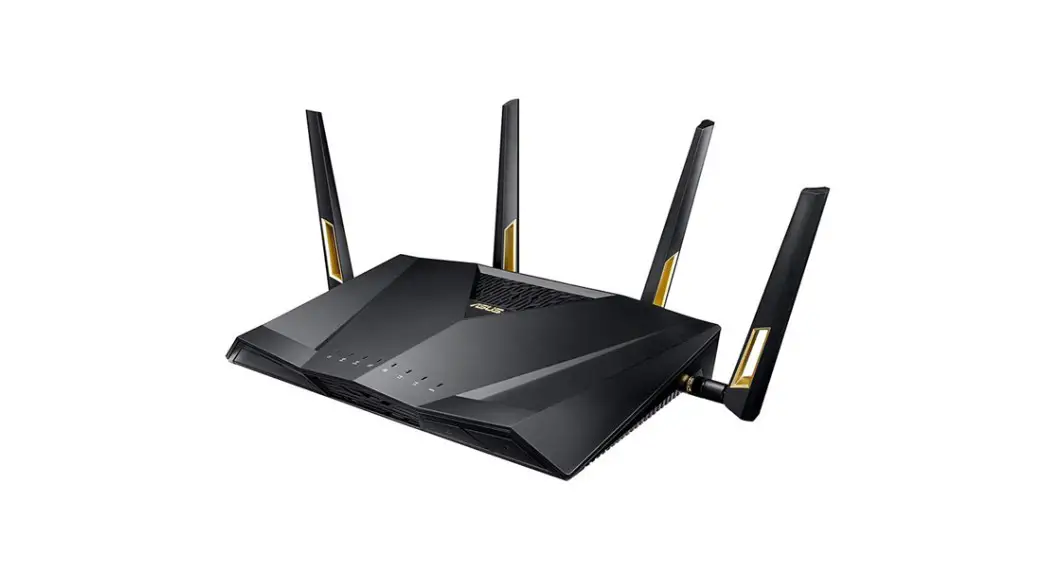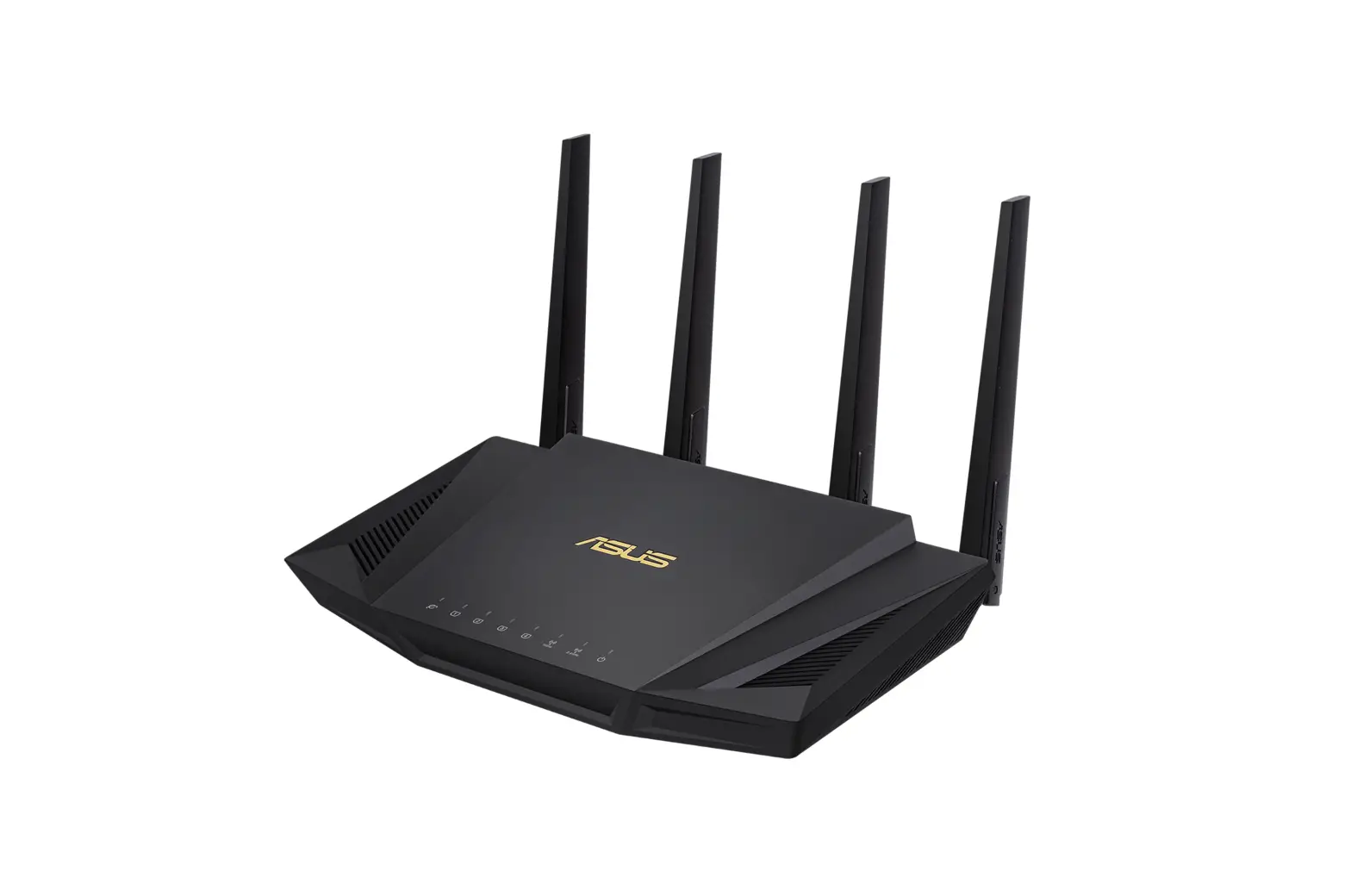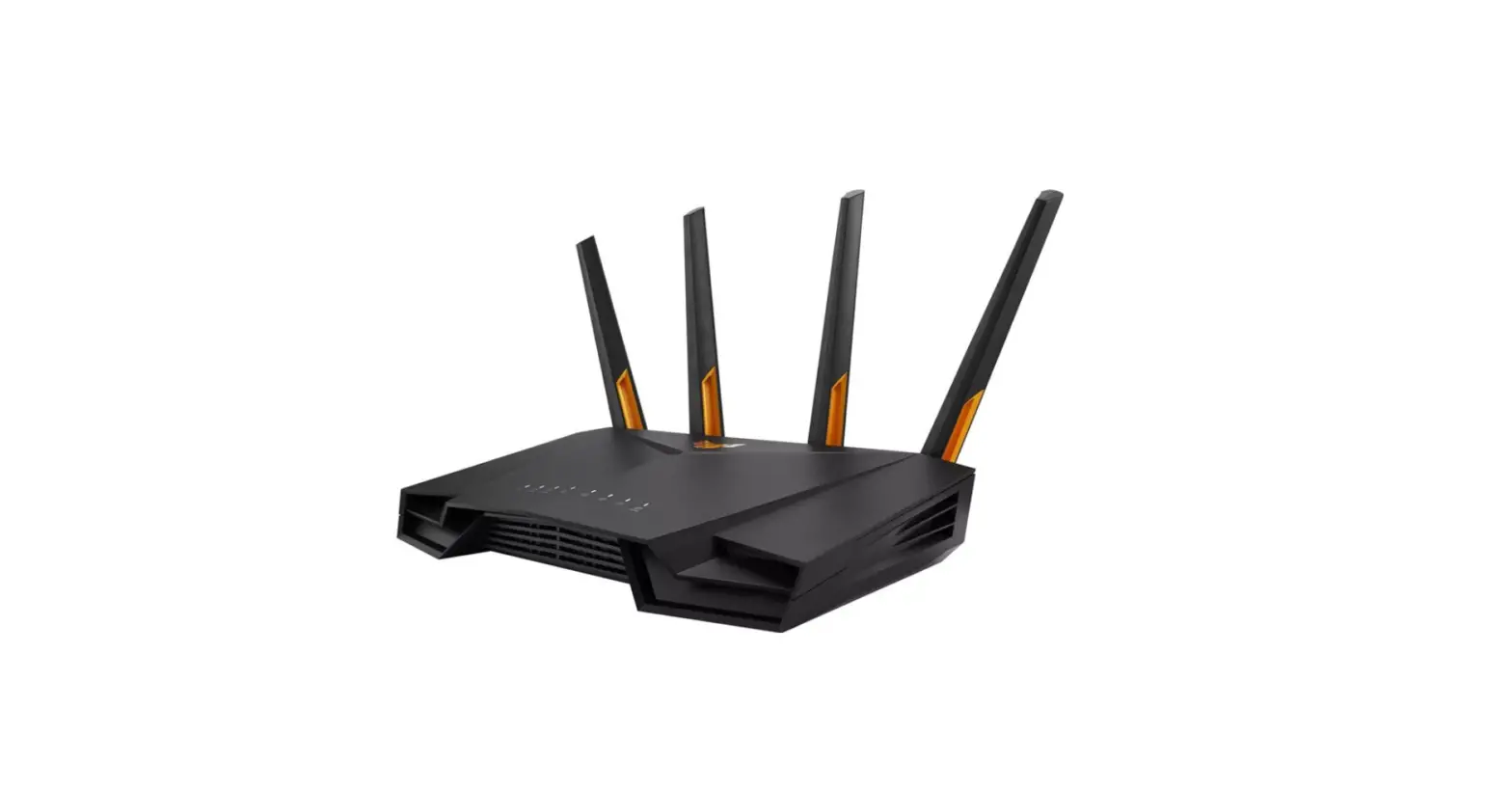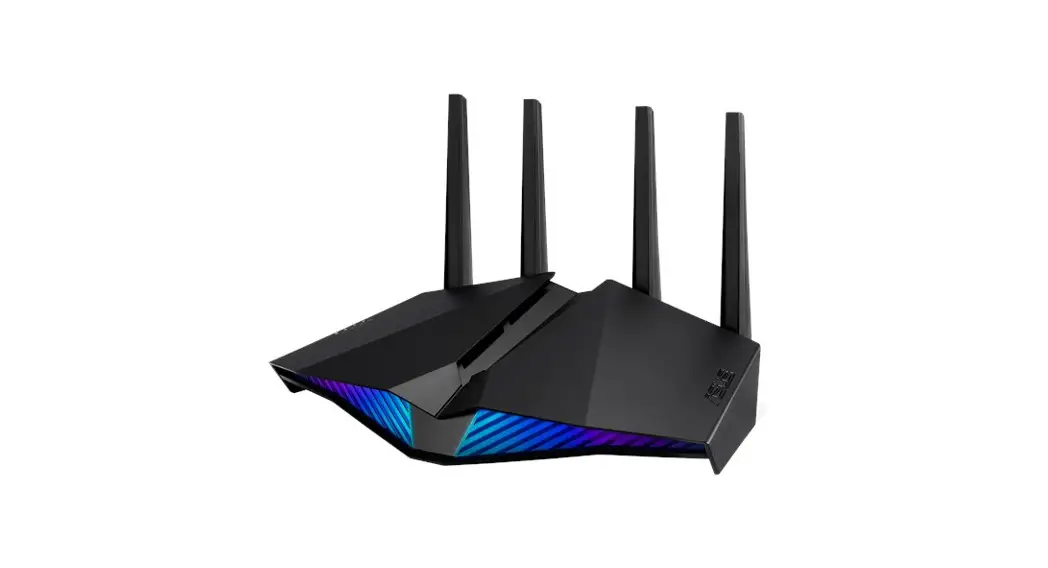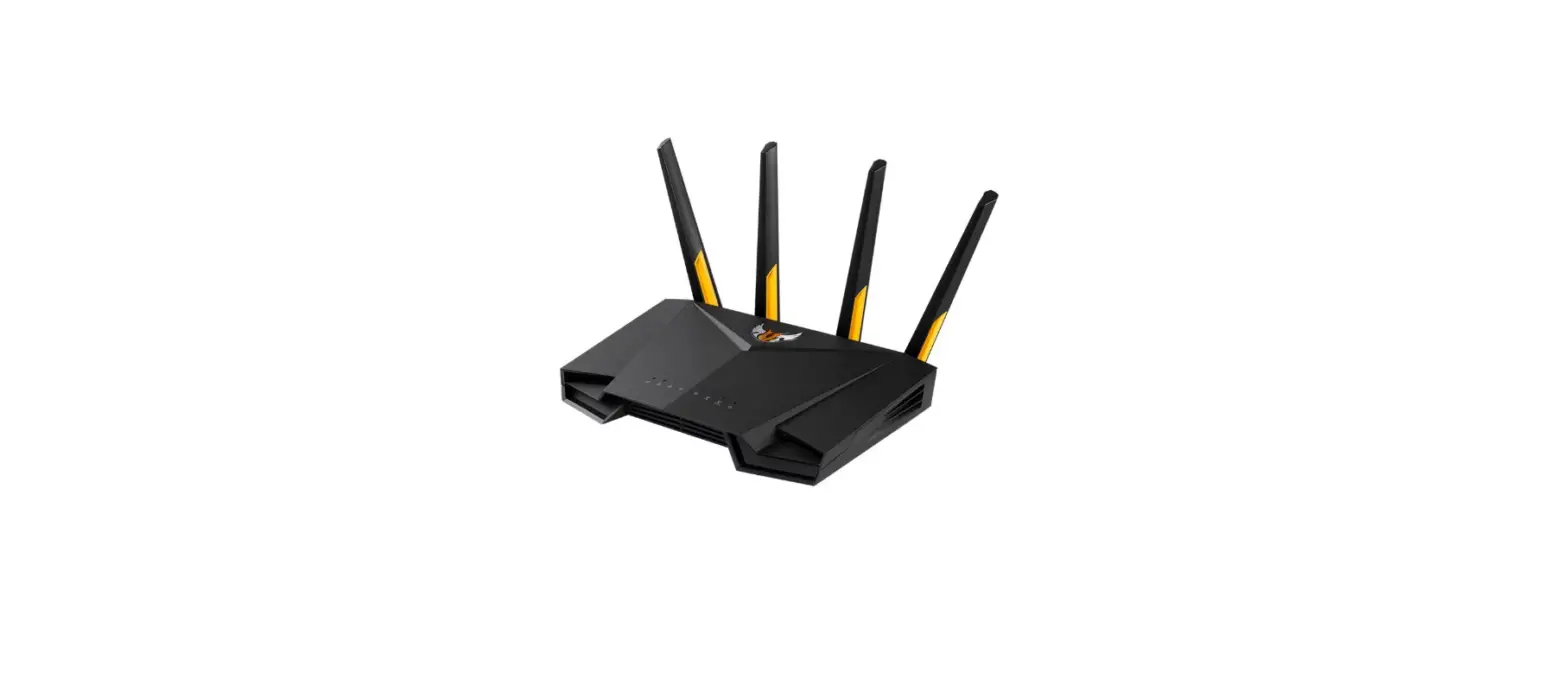

ASUS TUF-AX6000 Dual Band Wi-Fi Router
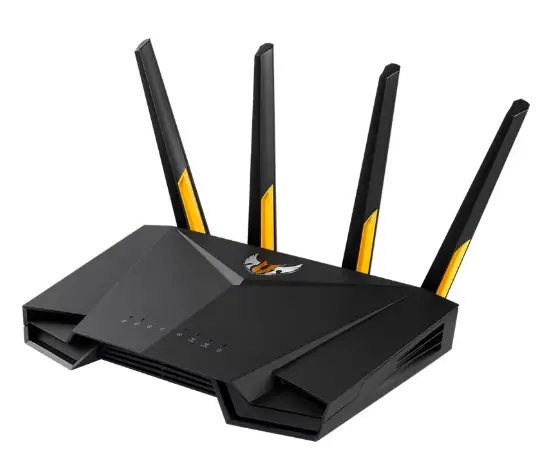
ROUTER OVERVIEW
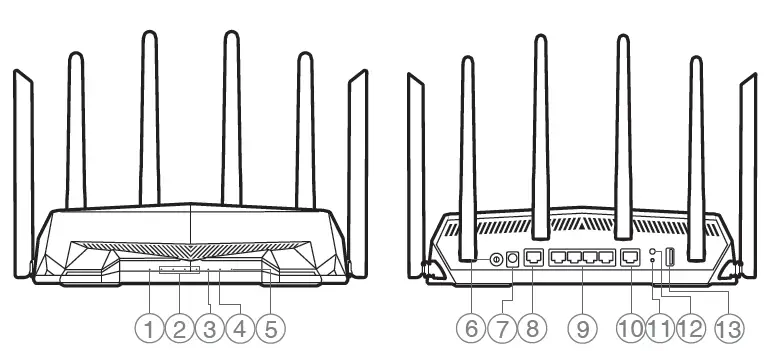
- 2.5G WAN (Internet) LED
- 2.5G LAN port
- LAN 1~4 LEDs
- LAN 1~4 ports
- 2.5G LAN LED
- 2.5G WAN (Internet) port
- Wi-Fi LED
- Reset button
- Power LED
- WPS button
- Power button
- USB 3.2 Gen 1 port
- Power (DCIN) port
CONNECTION
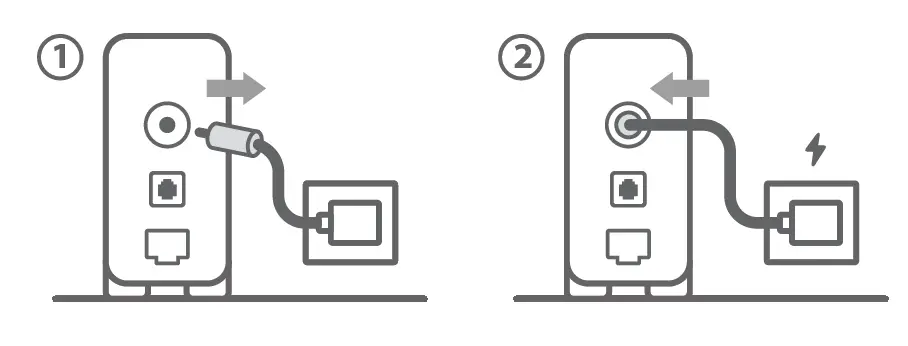
reboot modem and ensure its connection is ready
Notice: Unplug modem for 10 sec then plug back in
WIRING
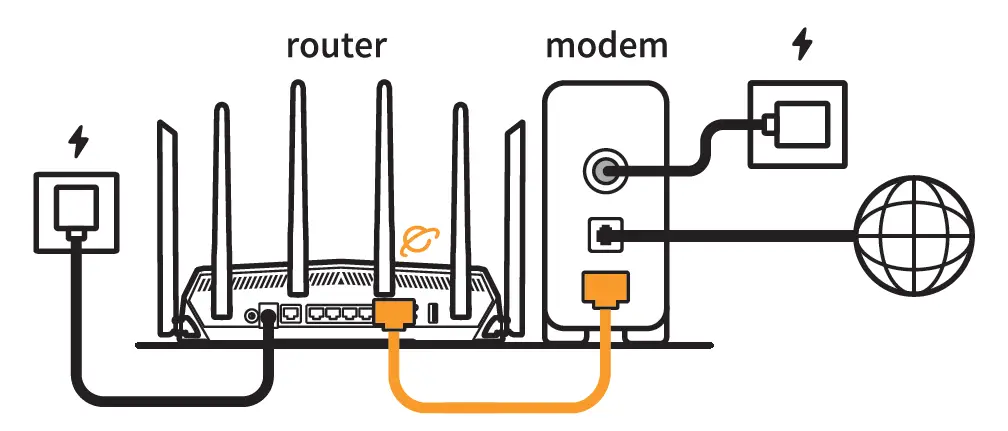
Prepare your ASUS router and power it on Once the WAN LED turns ON, it is ready for setup
INSTALLATION
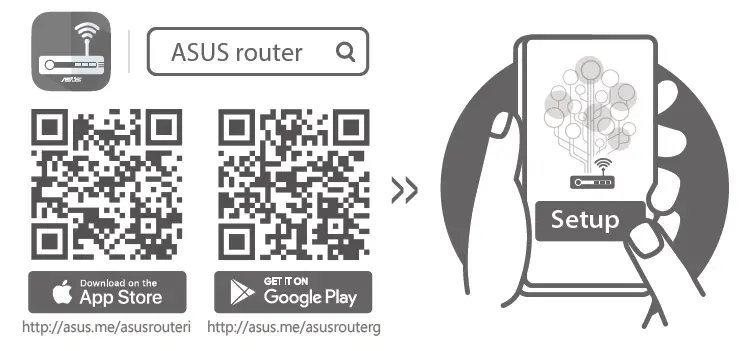
can the QR code and download ASUS Router app for setup.
 asus.me/asusrouterg
 qr.asus.com/wl_videotutorials
 Official Support | ASUS Global