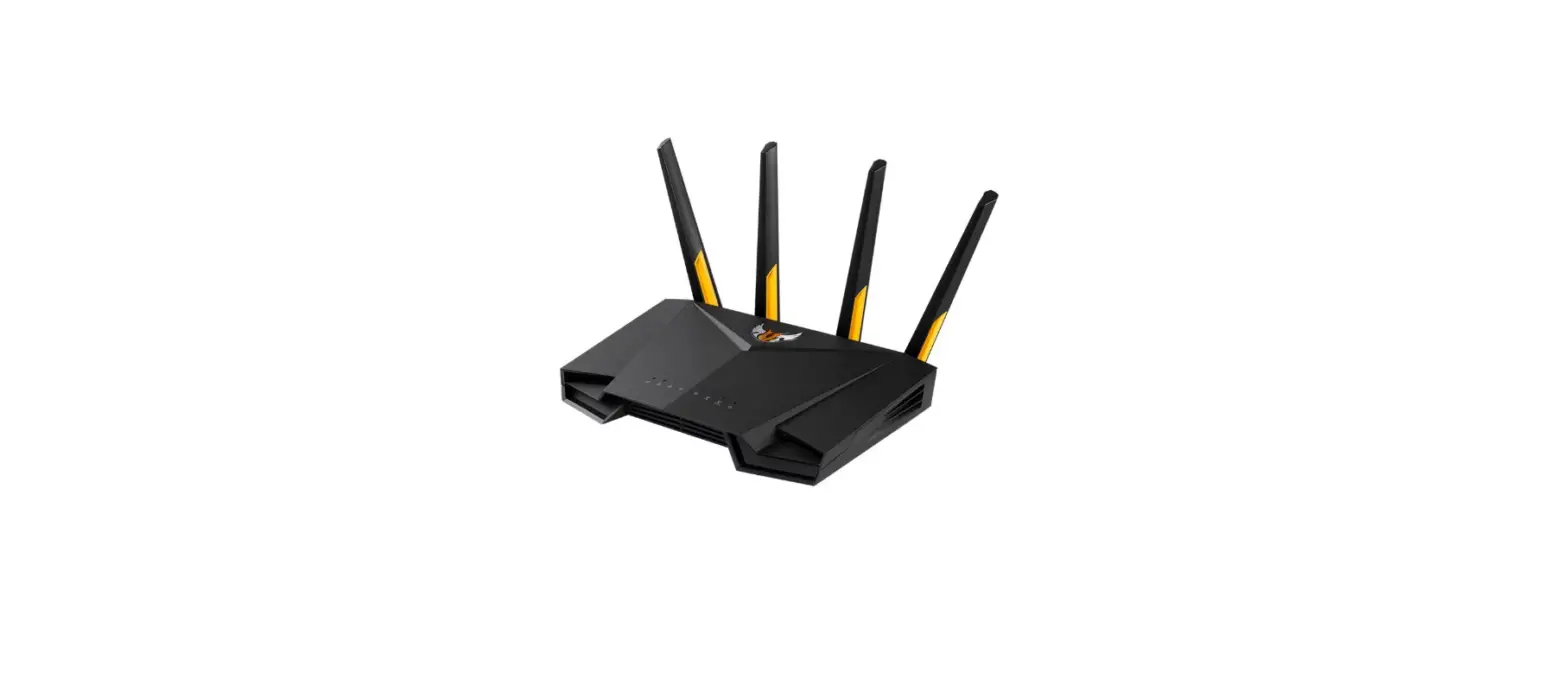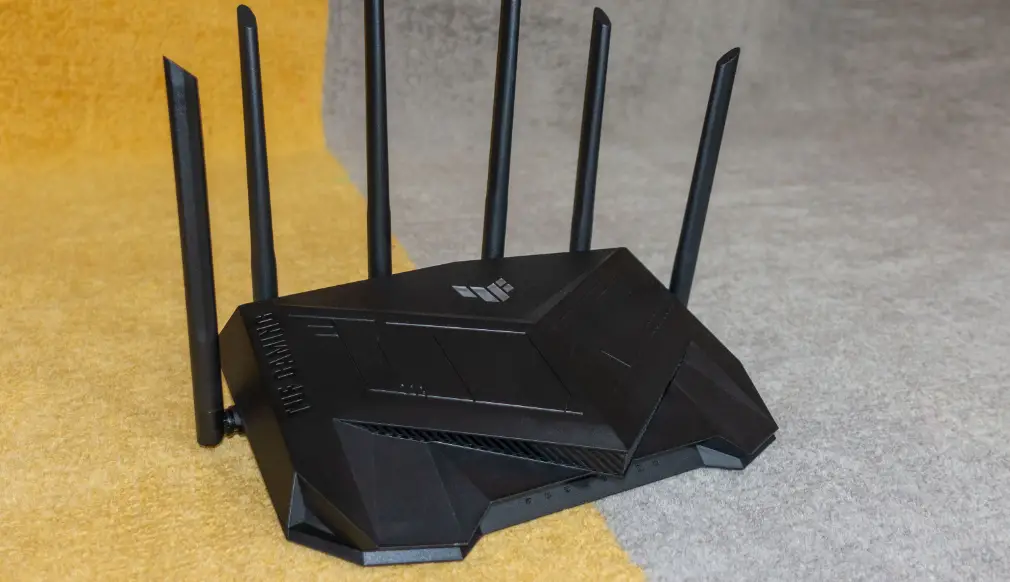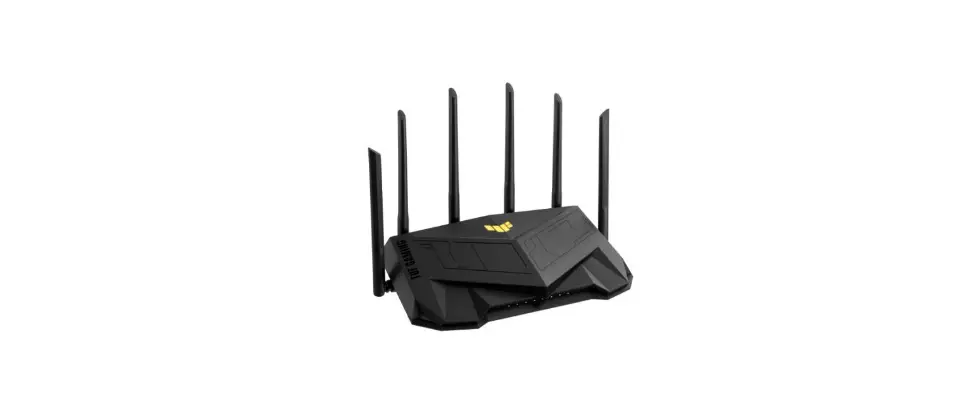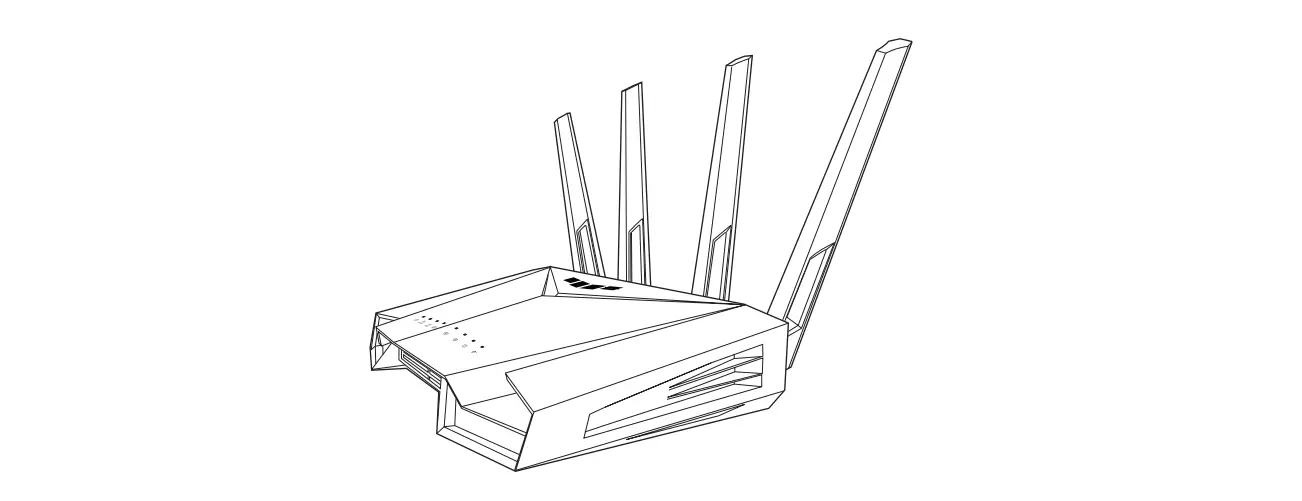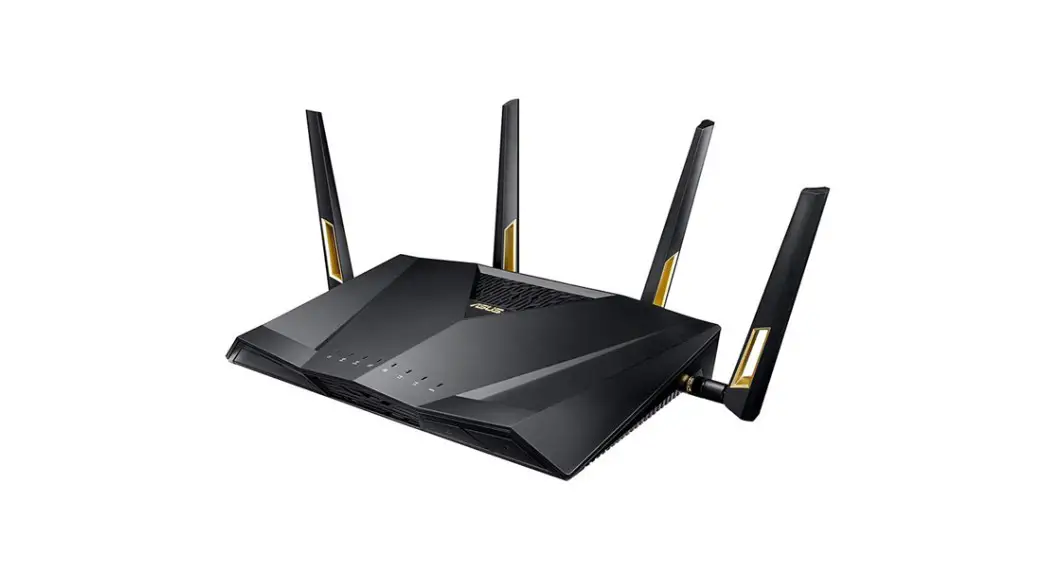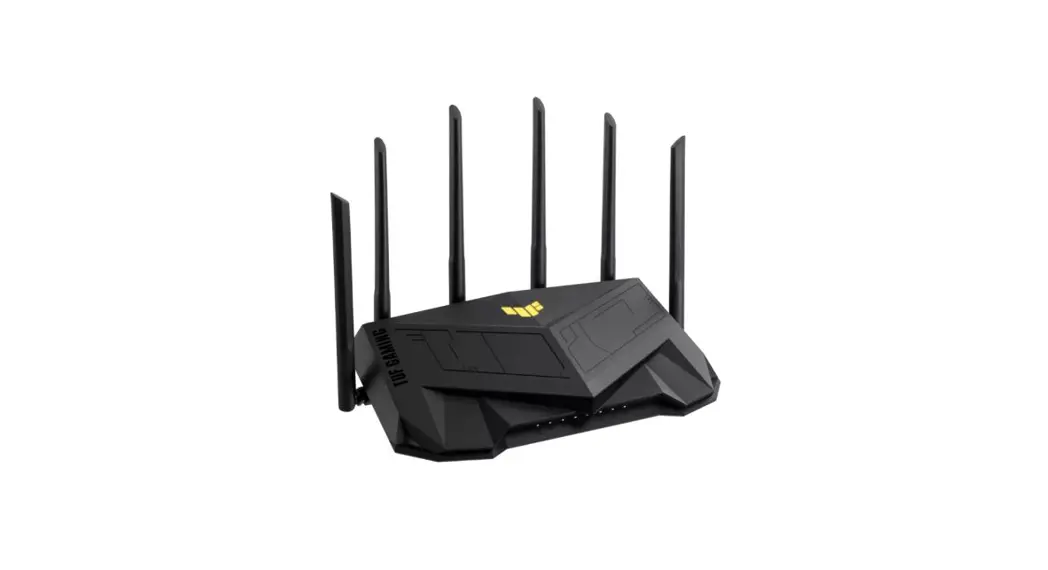
 Dual Band Wi-Fi Router
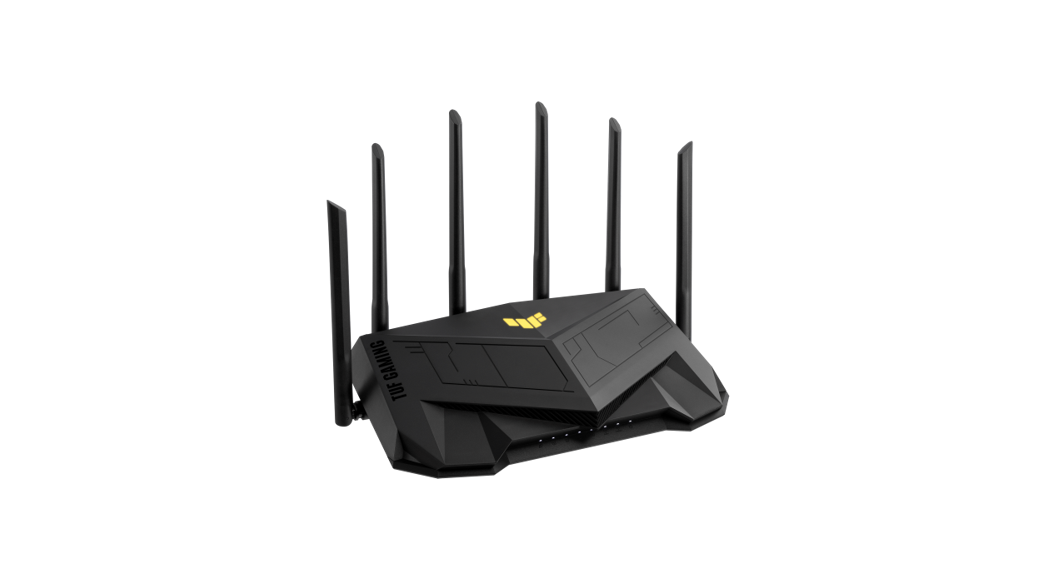
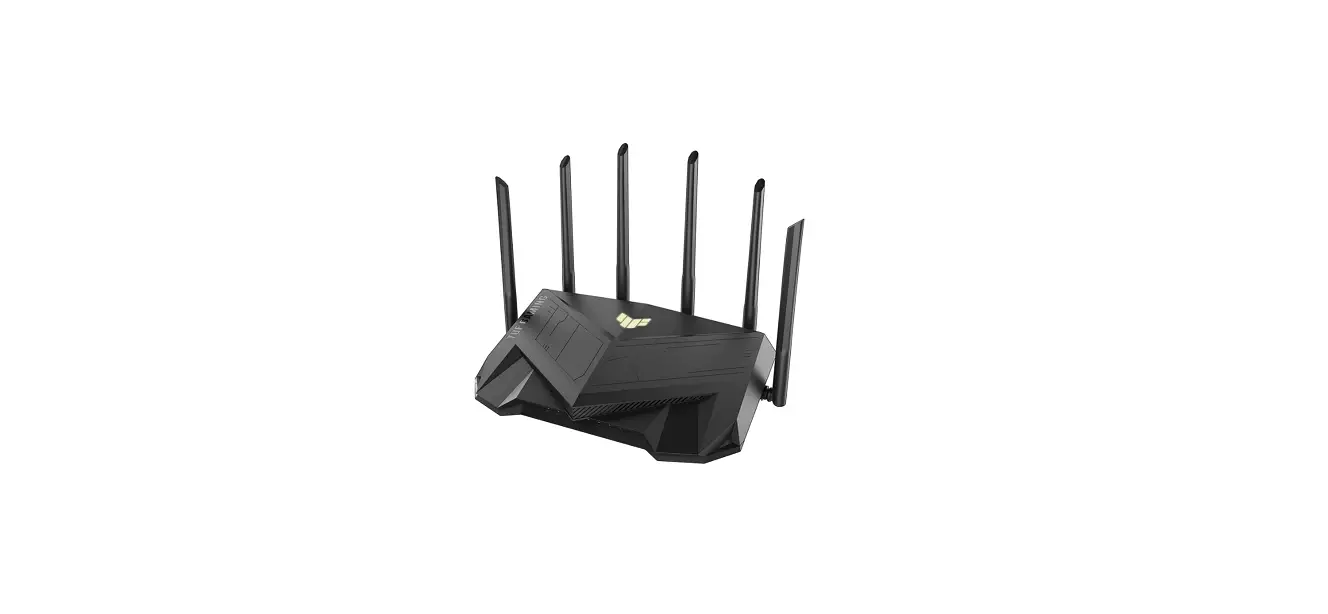
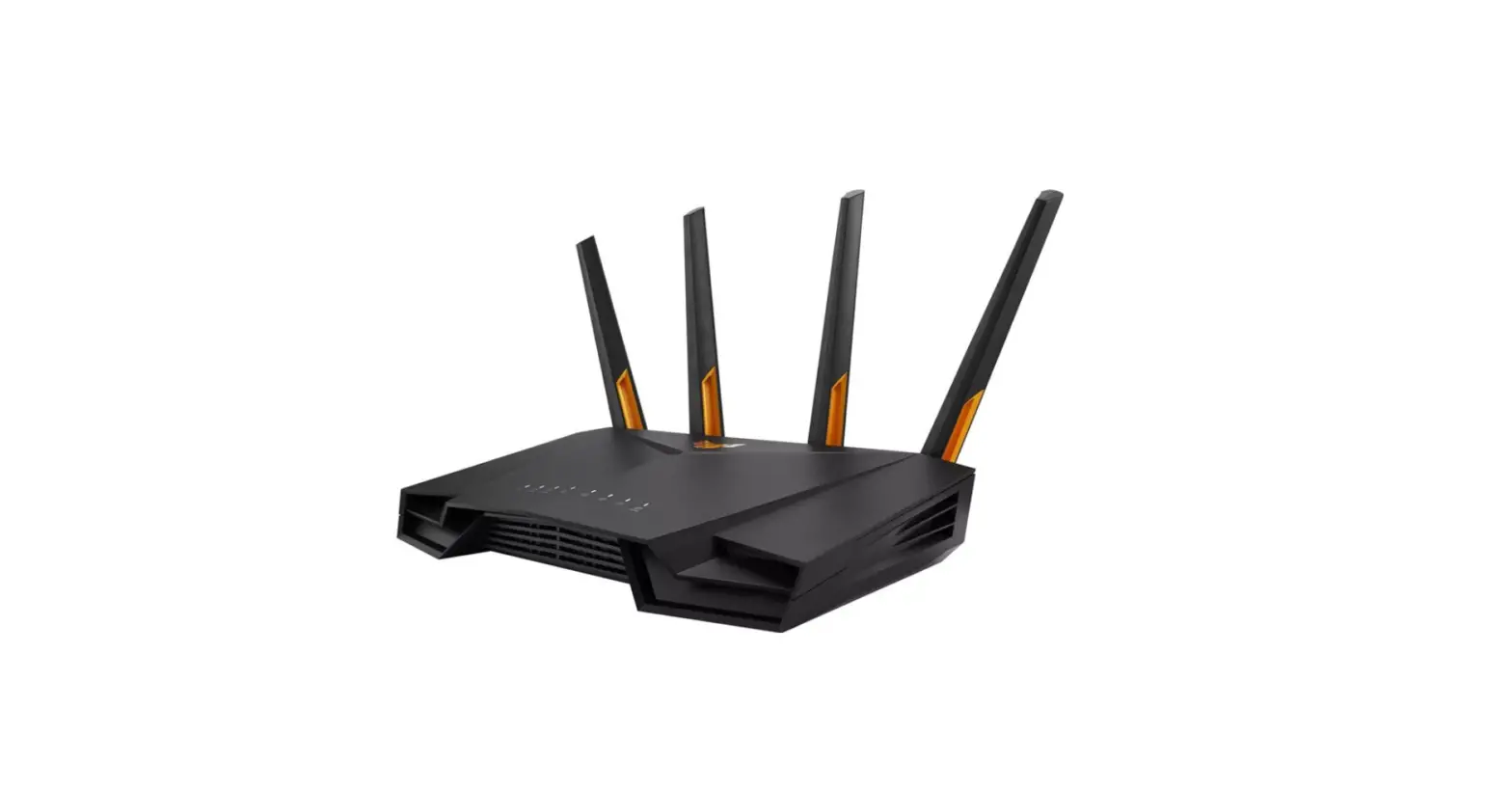
TUF-AX6000
User Guide
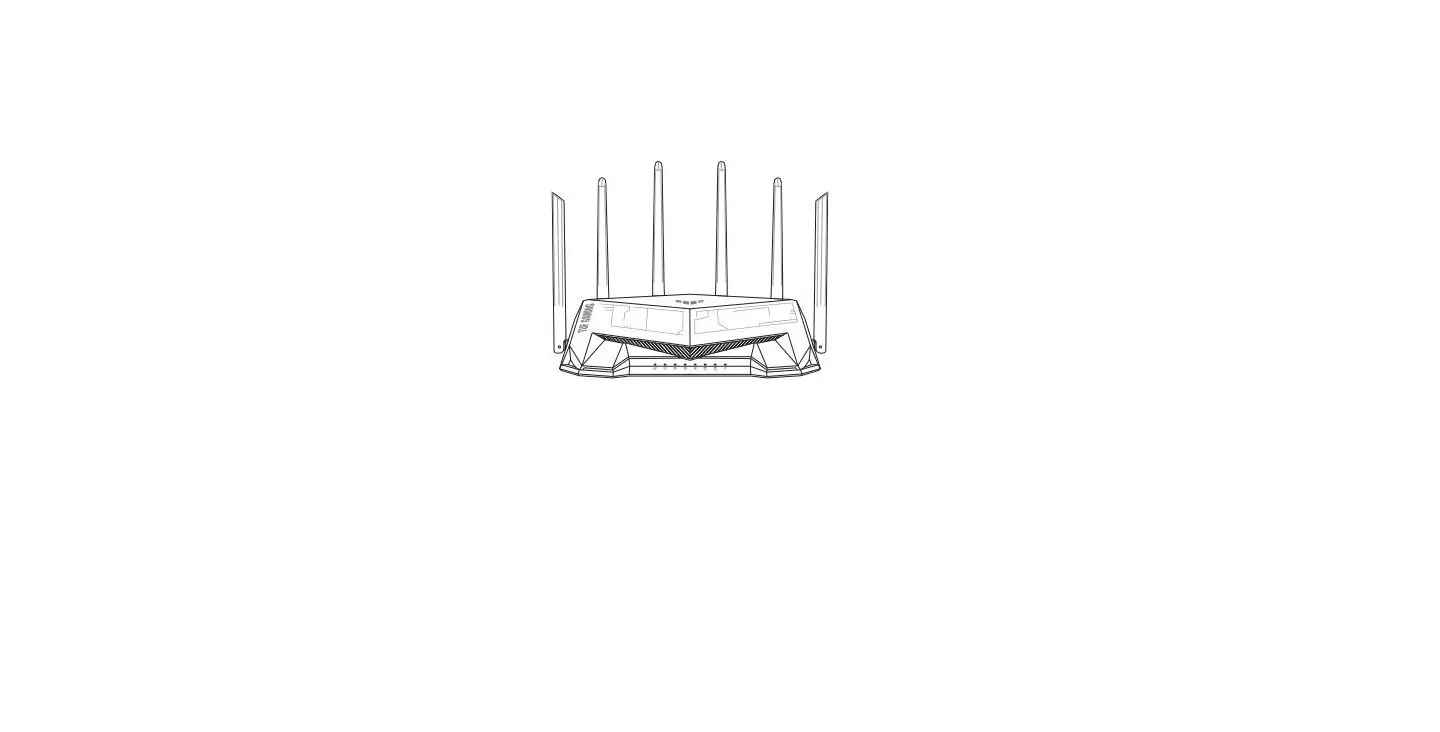
Router Overview
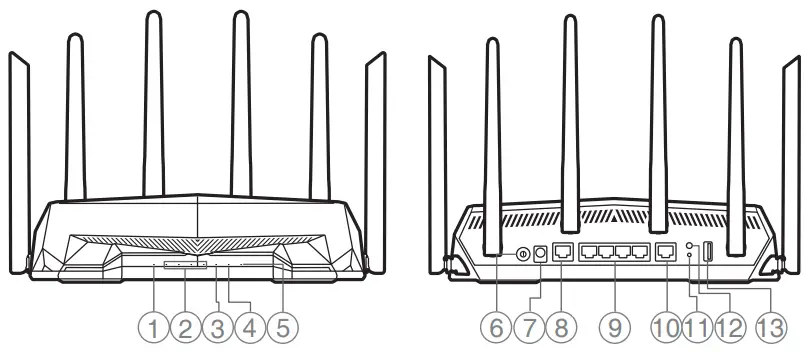
| 1 2.5G WAN (Internet) LED 2 LAN 1~4 LEDs 3 2.5G LAN LED 4 Wi-Fi LED 5 Power LED 6 Power button 7 Power (DCIN) port | 8 2.5G LAN port 9 LAN 1~4 ports 10 2.5G WAN (Internet) port 11 Reset button 12 WPS button 13 USB 3.2 Gen 1 port |
* For detailed information, please refer to https://asus.click/TUFAX6000_Manual
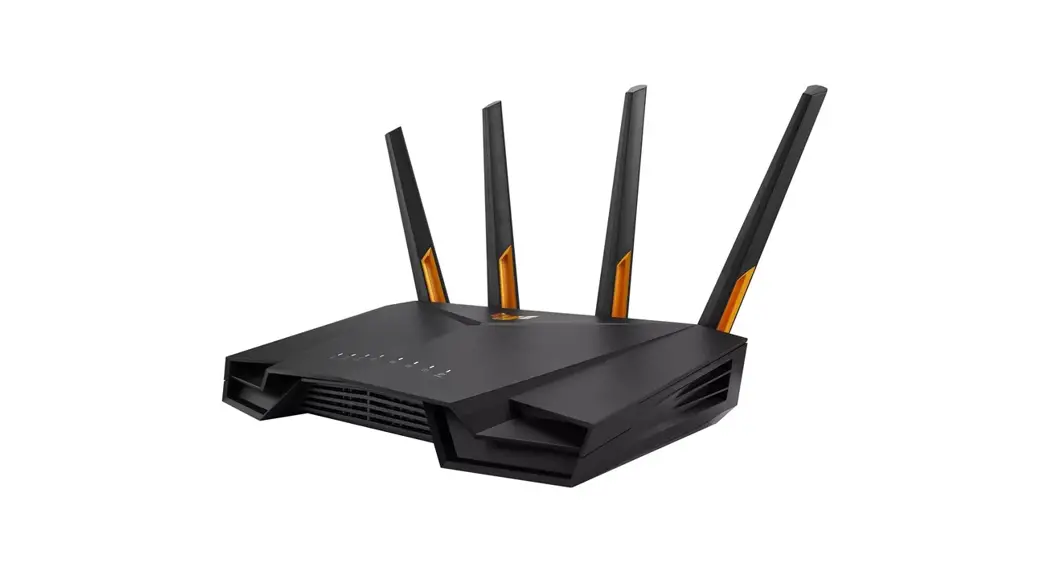
 https://asus.click/TUF-AX4200_Manual
Specifications:
| DC Power adapter | DC Output: +12V with max 2.5A current | ||
| Operating Temperature | 0~40 ºC | Storage | 0~70 ºC |
| Operating Humidity | 50~90% | Storage | 20~90% |
| Service and Support | Video Tutorials |
 |  |
| https://qr.asus.com/support | https://qr.asus.com/wl_videotutorials |
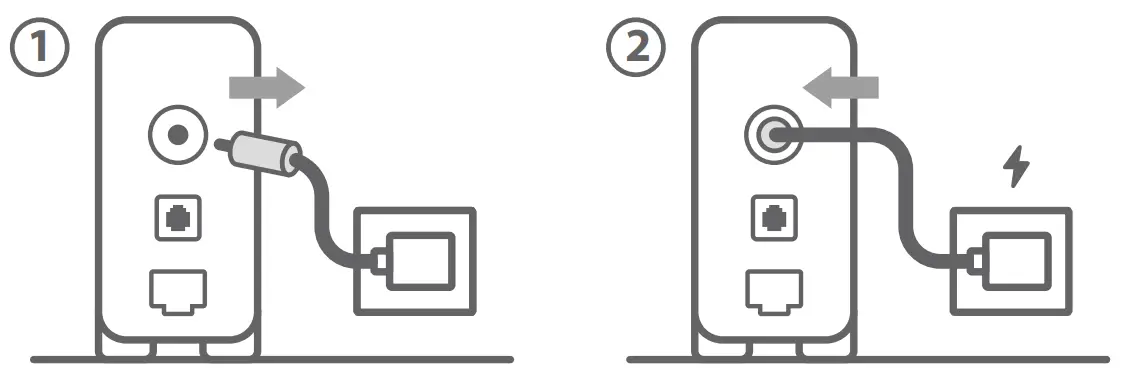
- Reboot modem and ensure its connection is ready
Notice: Unplug modem for 10 sec then plug back in
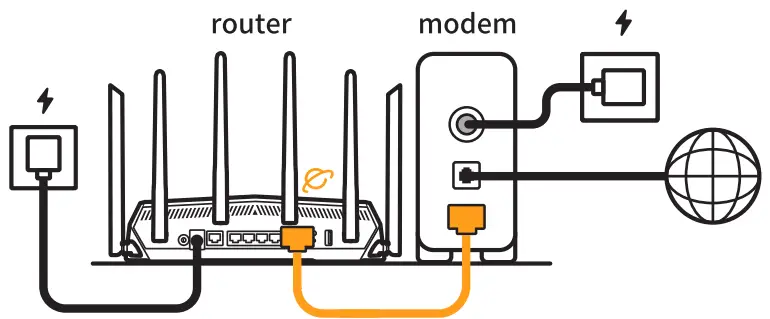
- Prepare your ASUS router and power it on
Once the WAN LED turns ON, it is ready for setup
- Scan the QR code and download ASUS Router app for setup
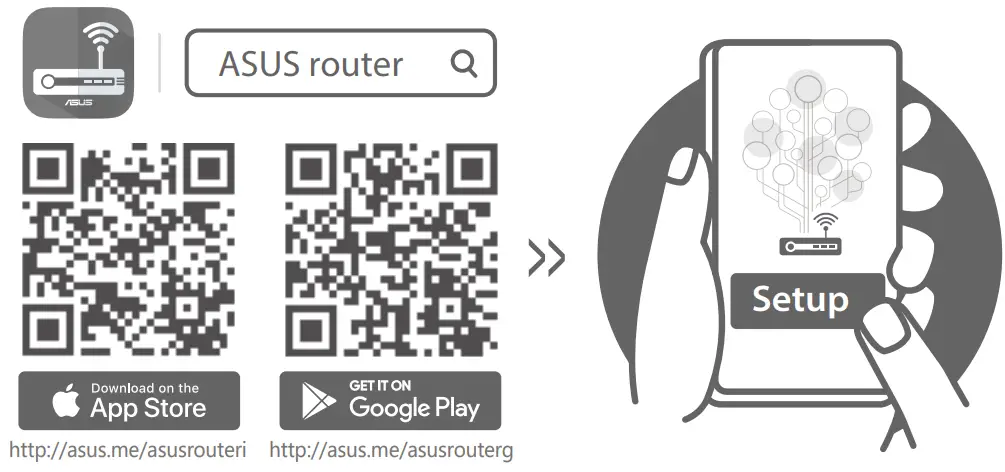 http://asus.me/asusrouteri
http://asus.me/asusrouterg
 asus.me/asusrouterg
 qr.asus.com/wl_videotutorials
 Official Support | ASUS Global