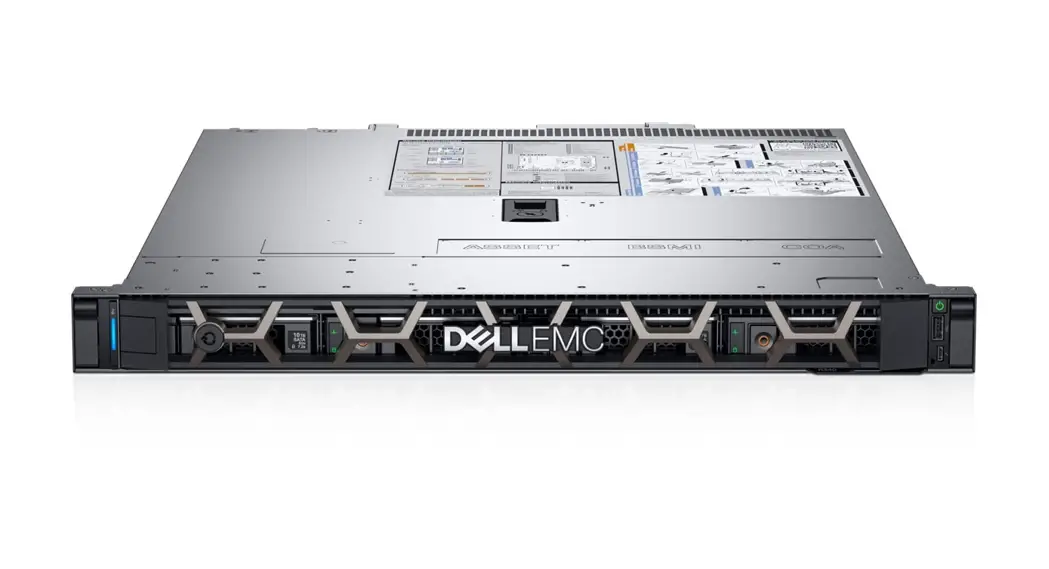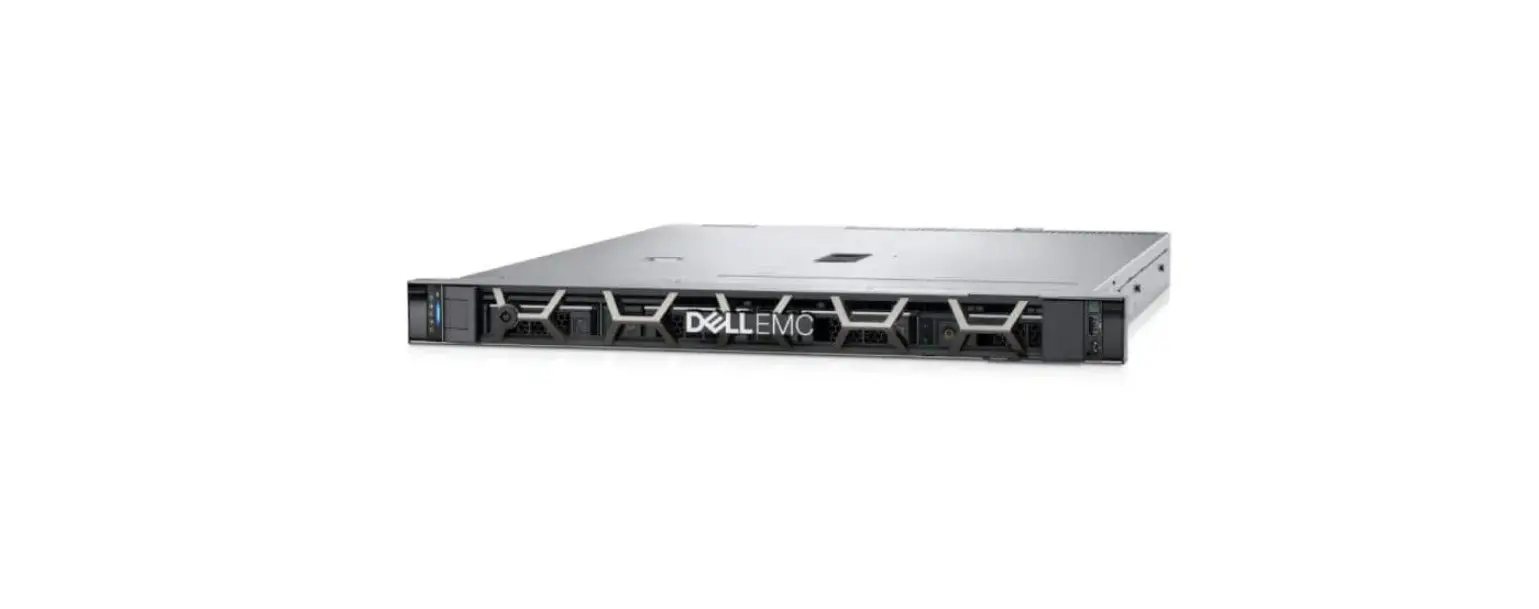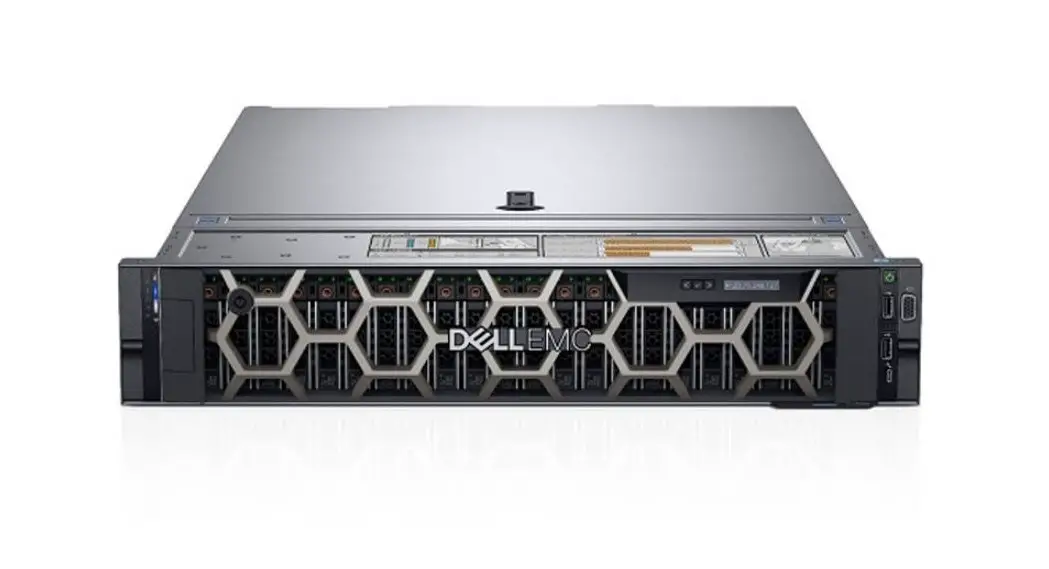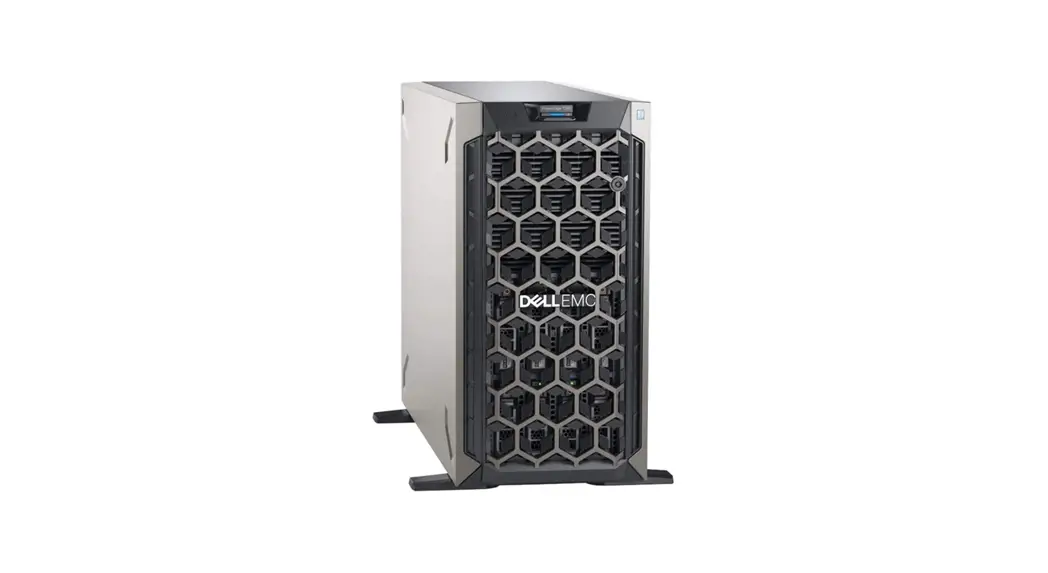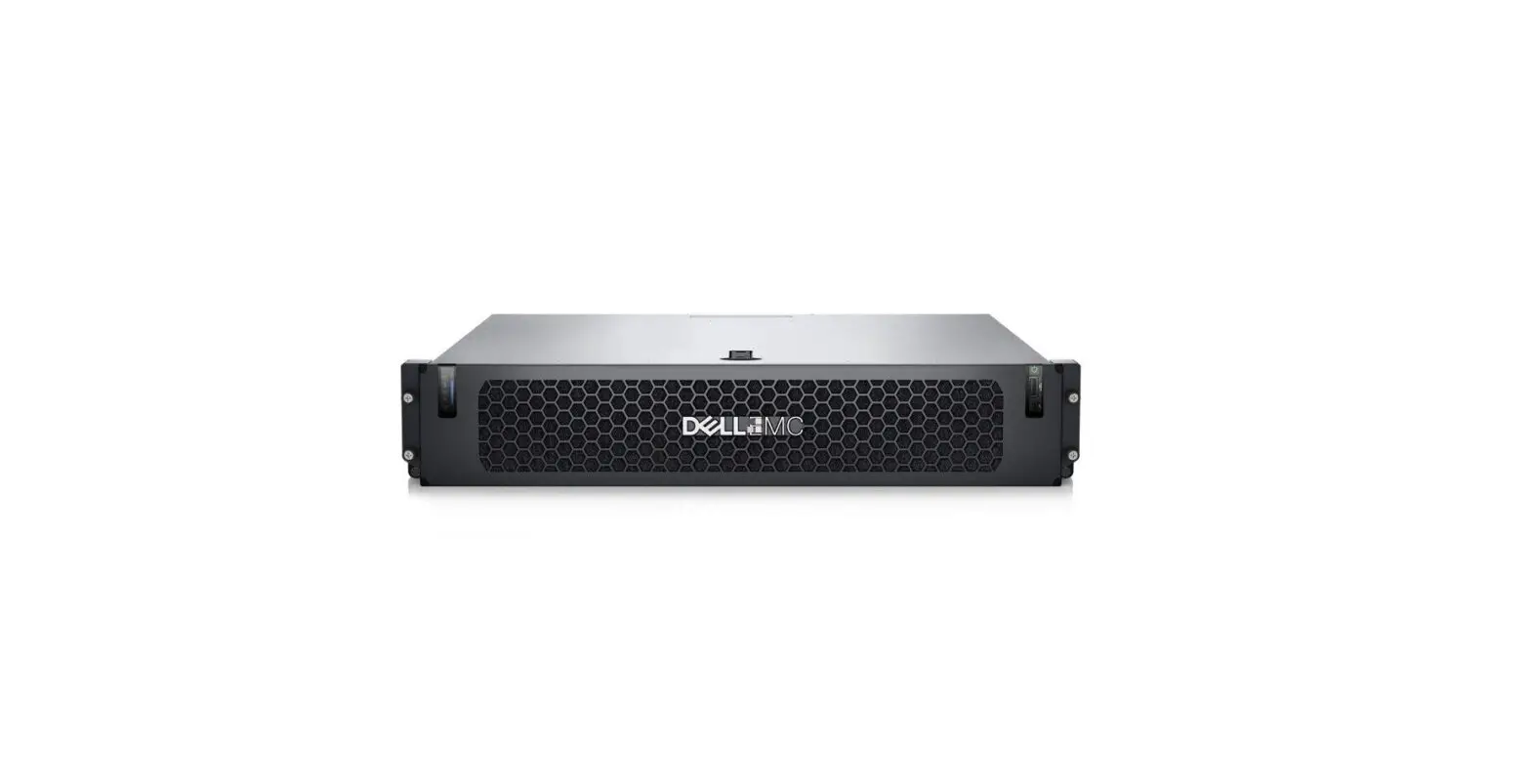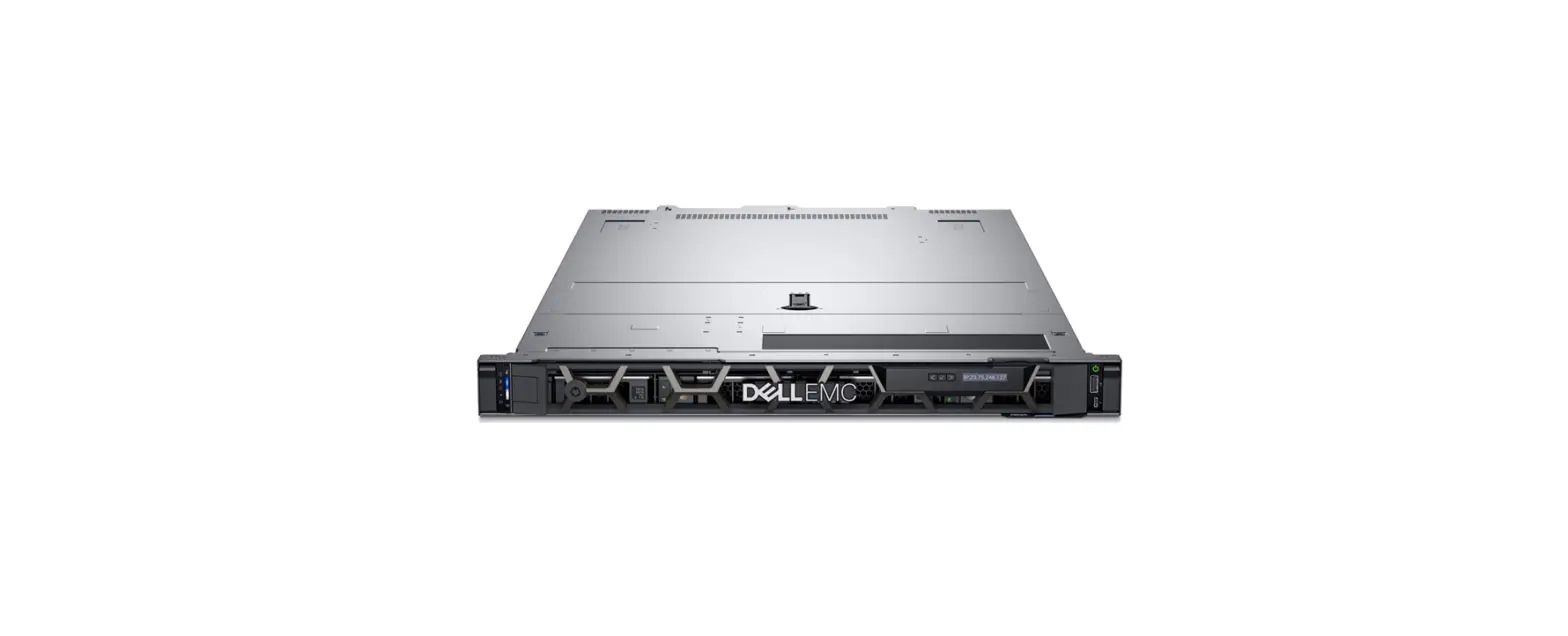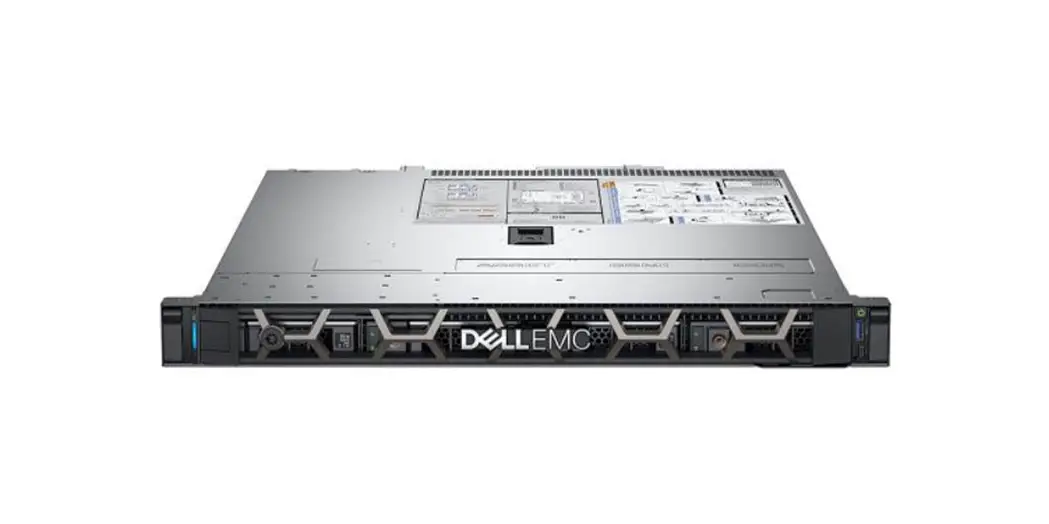

Dell EMC PowerEdge R240
Getting Started Guide
Before you begin
 WARNING: Before setting up your system, follow the safety instructions included in the Safety, Environmental, and Regulatory Information document shipped with the system.
 CAUTION: Use Extended Power Performance (EPP) compliant power supply unit(PSUs), indicated by the EPP label, on your system. For more information about EPP, see the Installation and Service Manual at Dell.com/poweredgemanuals.
 NOTE: The documentation set for your system is available at Dell.com/poweredgemanuals. Ensure that you always check this documentation set for all the latest updates.
NOTE: Ensure that the operating system is installed before installing hardware or software not purchased with the system. For more information about supported operating systems, see Dell.com/ossupport.
Setting up your system
NOTE: Ensure that the system is installed and secured. For more information about installing and securing the system into a rack, see the rack documentation included with your rack solution.
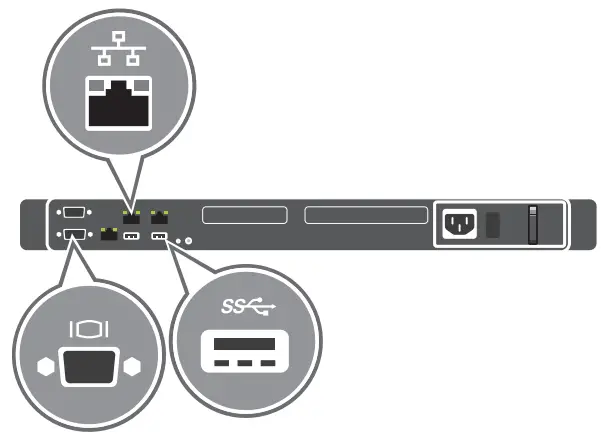
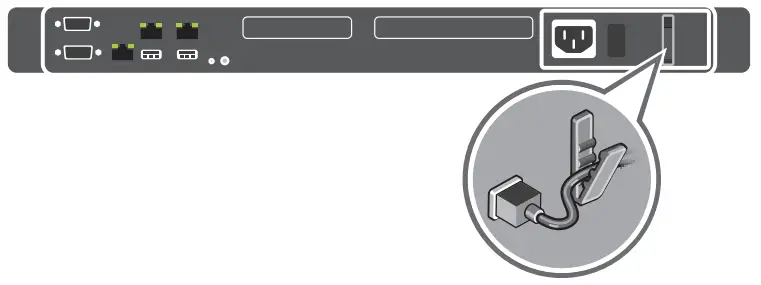
- Connect the network cable and the optional I/O devices

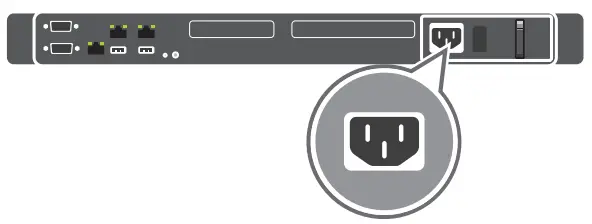
- Connect the system to a power source

- Secure the power cable in the power cable retention clip

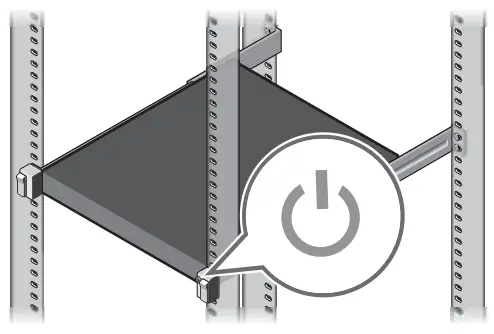
- Turn on the system

Technical specifications
The following specifications are only those required by law to ship with your system. For a complete and current listing of the specifications for your system,
see Dell.com/poweredgemanuals.
| Power supply | Wattage at 100–240 V | Derated Wattage at 100–120 V – Low Line |
| 250 W Bronze AC 50/60 Hz, 4 A–2 A 450 W Platinum AC 50/60 Hz, 6.5 A–3.5 A | 250 W 450 W | NA NA |
System battery: 3 V CR2032 lithium coin cell
Temperature: Maximum ambient temperature for continuous operation: 35°C/95°F
NOTE: Certain system configurations may require a reduction in the maximum ambient temperature limit. The performance of the system may be impacted when operating above the maximum ambient temperature limit or with a faulty fan.
For information about Dell Fresh Air and supported expanded operating temperature range, see the Installation and Service Manual at Dell.com/poweredgemanuals.
Dell End User License Agreement
Before using your system, read the Dell Software License Agreement that shipped with your system. If you do not accept the terms of the agreement, see Dell.com/contactdell.
Save all software media that shipped with your system. These media are backup copies of the software installed on your system.
WARNING: A WARNING indicates a potential for property damage, personal injury, or death.
CAUTION: A CAUTION indicates either potential damage to hardware or loss of data and tells you how to avoid the problem.
NOTE: A NOTE indicates important information that helps you make better use of your product.
| Regulatory model/type | E57S Series/E57S001 |
Quick Resource Locator
http://www.dell.com/QRL/Server/PER240
Scan to see how-to videos, documentation, and troubleshooting information.
© 2017 – 2019 Dell Inc. or its subsidiaries.
P/N K58VC Rev. A01
2019-12
 Contact Support | Dell US