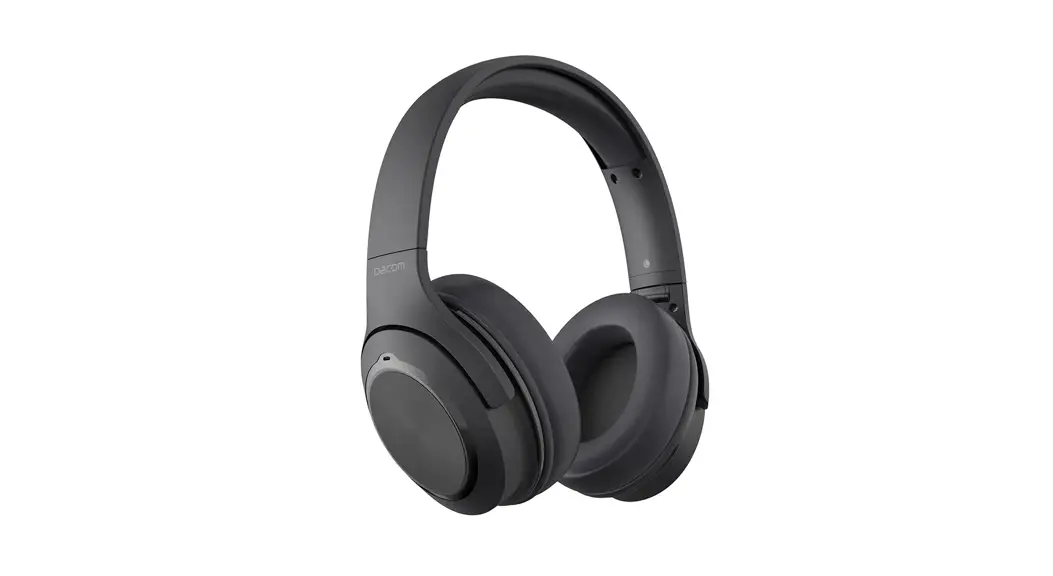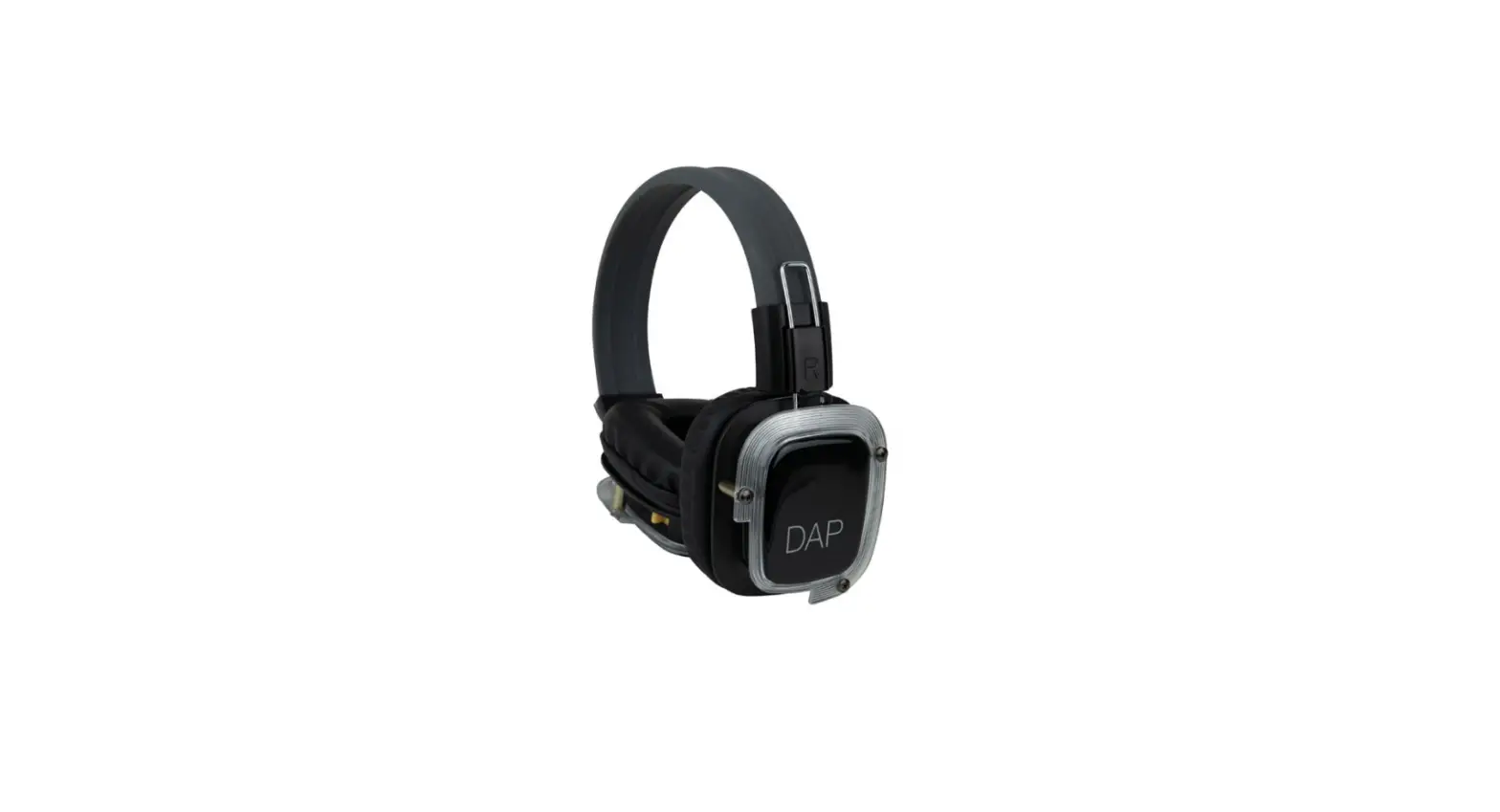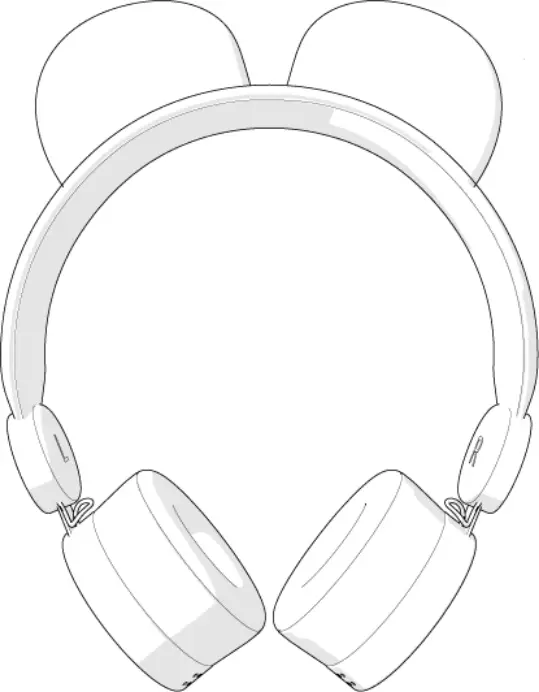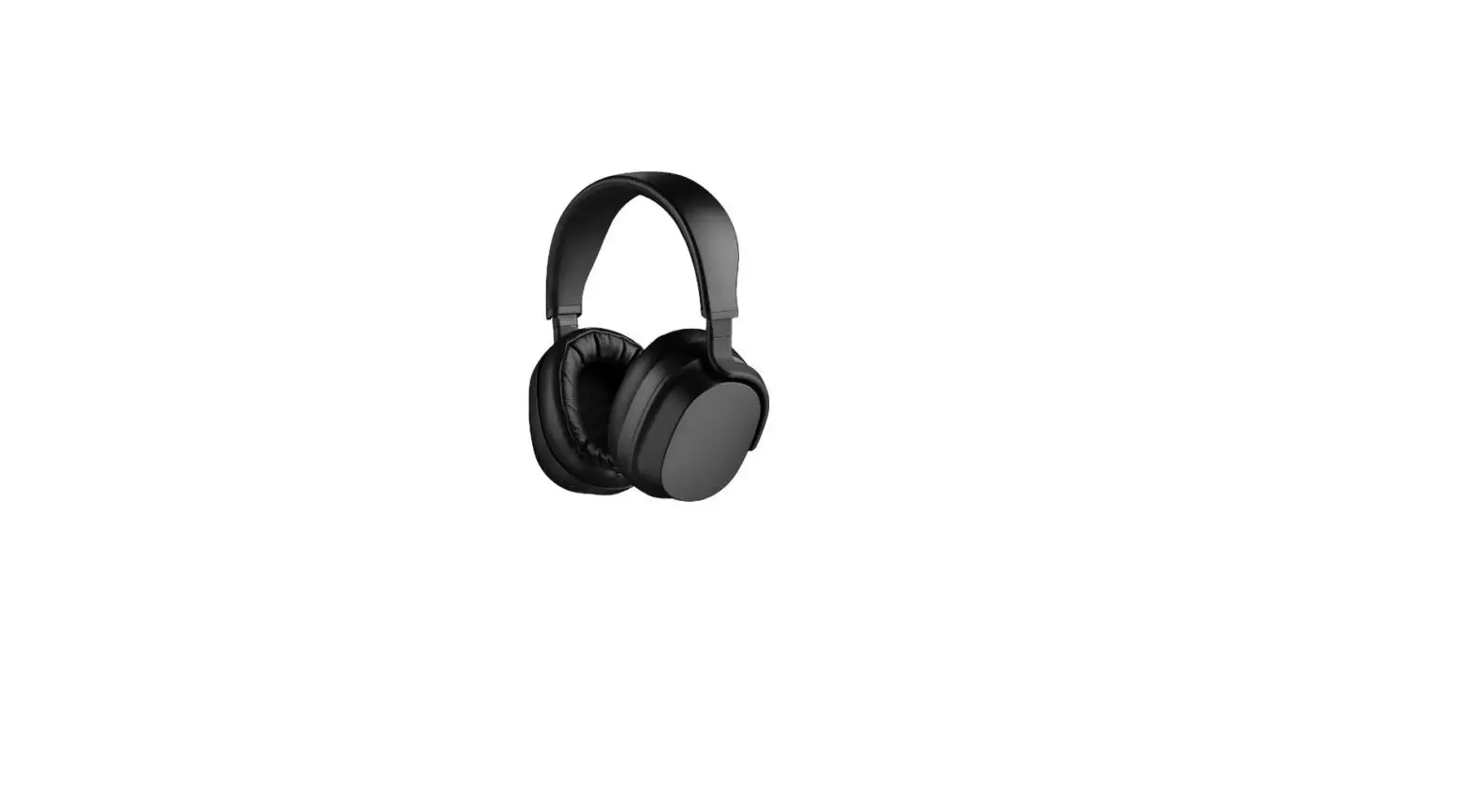
Panda Headphones
PANDA HEADPHONES USER MANUAL
For the very first time, a true audiophile listening experience is no longer reserved for wired headphones. Delivering the lowest distortion ever on a wireless headphone, the Drop + THX Panda puts you closer to your music than you ever thought possible.
The world’s first headphones to combine THX’s acclaimed AAATM linear amplifier technology with premium planar ribbon drivers, the Drop + THX Panda lets you experience sound just as the way it was intended.
1
TABLE OF CONTENTS
WARNINGS
PRECAUTIONS
FEATURES
HOW TO USE Wearing Turn On/Off Pair Bluetooth Media Controls Calling Controls Charging Wired Use Cleaning LED Meanings Reset Procedure Troubleshooting
03
SPECIFICATIONS
13
04
Included in Kit
13
General Specs
14
05
Power
15
06
Battery
15
06
Audio
16
06
Microphone
16
06
Physical
17
07
Optional Accessories
17
07
08
TRADEMARKS
18
08
WARRANTY
19
09
ADDITIONAL LANGUAGES
20
09
10
11
2
WARNINGS
Please read and keep all safety and use instructions.
This set contains small parts which may be a choking hazard and not suitable for children under age 3.
Avoid exposing this product to rain, liquids, moisture and excessive heat.
Do not use while driving. Avoid using the device in areas that could pose a danger to yourself or others if you cannot hear while wearing the headphones.
Do not continue to use the headphones if they emit any loud or unusual noises or experience a loss of audio.
Remove headphones immediately and power off if the headphones get warm or hot to the touch.
BATTERIES
Do not attempt to remove the battery from the headphones or make any unauthorized alterations. Use this product only with an agency approved power supply which meets regulatory requirements.
HIGH VOLUME
Do not use the headphones at a high volume for any extended period of time. It is recommended to set the volume at a moderate level.
Try turning the volume down before putting on the headphones. Place the set over your ears and then turn the volume up to a level that is comfortable.
LANGUAGE DISCLAIMER
All voice prompts are in English.
WARNINGS 3
PRECAUTIONS
BLUETOOTH
The headphones use Bluetooth 5.0, the latest version of the Bluetooth standard. The range of connectivity has limitations and variations. Accessing Bluetooth may not always be possible and it may drop in or out in various circumstances. Due to this, there might be audio delays or other connectivity issues. Connection is not guaranteed.
This device complies with part 15 of the FCC Rules and supports security functions in compliance with Bluetooth standards.
These headphones generate, use, and can radiate radio frequency waves. Some devices use the same frequency and thus can cause interference between devices. There is no guarantee that interference will occur or not occur in every situation.
If this equipment is suspected to cause interference, turn the equipment off and on to test. If there is causality, then try to correct the interference by increasing the distance between the headphones and any receivers, or power down and move to a new location.
Drop assumes no liability for leaked information caused through any part by the headphones or accessing of Bluetooth technologies.
4 PRECAUTIONS
FEATURES
Adjustable Headband
LEFT EAR Analog 3.5mm Headphone Jack
RIGHT EAR Directional Button
LED Indicator
USB-C Port Microphones
FEATURES 5
HOW TO USE
WEARING
The directional button should be on right side. The headband is adjustable. Adjust so the earpieces are comfortably covering the ears.
TURN ON/OFF
1 Locate the directional button on the bottom of the right earpiece. 2 To turn on, press and hold for two seconds until the LED indicator turns
white. An audio cue will sound. 3 To turn off, press and hold the button for three seconds until the white
LED fades. An audio cue will sound.
PAIR BLUETOOTH
1 Locate the directional button on the bottom of the right earpiece. 2 When powering off, press and hold for four seconds. 3 While pairing, the LED indicator will blink blue and red. Pairing is success-
ful once the LED illuminates white. ADDITIONAL BLUETOOTH NOTES The effective range is approximately 30 feet (10 meters). The pairing memory can accommodate up to eight devices.
6 HOW TO USE
MEDIA CONTROLS
FUNCTION Play/Pause
DIRECTION
ACTION Press button once
Next Track
Push button right
Previous Track
Push button left
Volume Up
Push button up
Volume Down
Pull button down
Media functions use the directional button.
CALLING CONTROLS
FUNCTION Answer Call
ACTION Press button once
End Current Call
Press button once
Reject Incoming Call
Press and hold button
Voice Assistant1
Quickly press button twice
Calling functions use the directional button. 1Functionality may vary based on phone model.
HOW TO USE 7
CHARGING
1 Attach the USB-C cable to the USB-C port on the right earpiece. 2 Connect the USB-C cable to a power source. The headphones can be
charged with any 5V/1A or higher DC charger, powered hub, or USB port (not included). ADDITIONAL BATTERY NOTES: As headphones charge, the red LED indicator will fade in and out. A full charge takes approximately two hours with a 5V/1A DC power supply. The headphones can also be quick-charged in 10 minutes for 3 hours of operation. From full charge, the battery will last approximately 30 hours in use. An auditory cue will sound and the LED will illuminate red when there is 60 minutes of battery life remaining. The battery should not be removed or replaced by the user. The maximum weight is 5 kg of lithium batteries per package for passenger and cargo aircraft and 35kg of lithium batteries per package for cargo aircraft only. https://tadiranbatteries.de/pdf/IATA_Lithium_Battery_Guidance_2019.pdf
8 HOW TO USE
WIRED USE
The headphone has a 3.5mm TRS jack on the bottom of the left earcup which allows the headset to work as a wired passive headphone. The headphone will automatically turn off when a plug is inserted. The directional button will be unresponsive while the plug is inserted.
CLEANING
The headphones do not require special cleaning. Should cleaning become necessary, simply wipe the outside surfaces with a soft, dry cloth. Avoid using liquids or sprays. Do not allow moisture to get inside the earpieces or the audio or power inputs.
LED MEANINGS
SIGNAL Blue Red Blue fading on then off Red fading on then off Two blue flashes Two short blue flashes every 3 seconds Red fast flashes
MEANING Powering on Powering down Pairing with Bluetooth Charging Soft reset Powered on Quick charging
HOW TO USE 9
RESET PROCEDURE
1 Locate the directional button on the bottom of the right earpiece. 2 To reset2,connect the headphone to a power source using the included
USB cable. Press and hold the button for six seconds until the white LED fades. 3 Then turn on by pressing and holding the button for two seconds until the LED indicator turns white. 2A reset will result in a loss of all saved settings and stored devices.
Directional Button
10 HOW TO USE
TROUBLESHOOTING
PROBLEM
If sound skips frequently during playback
WHAT TO DO
Try turning the bluetooth connection off and on again. Make sure the headphone is properly paired with the headset.
The situation may be improved by setting the sound quality mode to “priority on stable connection.” For details, refer to the Help Guide.
The situation may be improved by changing the wireless playback quality settings or fixing the wireless playback mode to SBC on the transmitting device. For details, refer to the operating instructions supplied with the transmitting device.
When listening to music from a smartphone, the situation may be improved by closing unnecessary apps or restarting the smartphone.
Headphones won’t turn on Charge the battery.
No sound coming through headphones
Check the charge on the battery and then charge if needed.
Try increasing the volume on the headphones or device.
Move your device closer to the headphones and away from any possible interference or obstructions.
HOW TO USE 11
PROBLEM Battery won’t charge
Poor sound quality
Headphones won’t connect to Bluetooth
12 HOW TO USE
WHAT TO DO
Check that the USB-C cable is securely connected to the headphones and the charger.
Try another charging source and/or outlet.
If your headphones have been exposed to extreme cold or hot temperatures, let the headphones return to room temperature. Try charging again.
If you are using the audio cable, check that the cable is securely connected to the headphones and the device.
If using Bluetooth, check the connection.
Try connecting to a different device or source to test the headphones.
Move your device closer to the headphones and away from any possible interference or obstructions.
Disconnect all cables.
Move your device closer to the headphones and away from any possible interference or obstructions.
On your device, turn the Bluetooth feature off and on. Delete your headphones from the Bluetooth list on your device. Then, pair again.
Reset your headphones (directions are on pg 10).
SPECIFICATIONS
1
2
3
4
INCLUDED IN KIT 1 Headphones 2 Neoprene Carry Pouch 3 Auxiliary 3.5mm TRS Cable
4 USB Type-C Cable 5 Drop Sticker 6 Drop 2-Year Warranty
SPECIFICATIONS 13
GENERAL SPECS Headphone Type Driver Unit Amplification Microphones Wearing Style Impedance Frequency Response THD @ 1kHz / 100dB SPL Sensitivity (dB /Mw) Isolation Passive Operation Left/Right channel matching
Closed, Planar Magnetic 55m, Ribbon Planar Magnetic THX AAA-0TM Dual Circumaural 26 ohms 1050,000 Hz THD: 94 dB SPL @ 300Hz < 0.1% 102 dB/ 1 Mw (1 Khz) -40dB Yes +/- 2 dB
14 SPECIFICATIONS
POWER Cable Type Recommended Power Source
Stand by Mode
USB-C cable
Can be charged with any 5V/1A or higher DC charger, powered hub, or USB port (not included)
Headphone will automatically enter standby mode after 15 minutes when nothing is playing.
BATTERY Battery Charge Time Battery Quick Charge Time
Battery Charge Method Battery Life (Continuous Playback Time)
Approximately 2 hours for full charge
Approximately 10 minutes for 3 hours of charge
USB-C Cable
Maximum of 30 hours
SPECIFICATIONS 15
AUDIO Bluetooth Effective Range
Frequency Range Profile Supported Audio Formats
Pairing Memory
5.0
Line of sight, approximately 30 feet (10 meters)
2.4 Ghz Band (2.42.4835 Ghz)
A2DP, AVRCP, HFP, HSP
SBC, AAC, APTX, APTX HD, APTX Adaptive, Sony LDAC
Up to 8 devices
MICROPHONE Type
Dual microphone
16 SPECIFICATIONS
PHYSICAL USB Type-C Cable Auxiliary Cable 3.5mm TRS Cable Weight (Headphone Only)
OPTIONAL ACCESSORIES Boom Microphone Cable Y-Splitter Adapter
48 inches 3.5mm TRS to straight 3.5mm TRS, Single-Sided (Detachable), 48 inches 374 grams
3.5mm TRRS to 3.5mm TRS, 4 feet 3.5mm TRRS to split dual 3.5mm TRS, 6 feet
SPECIFICATIONS 17
TRADEMARKS
THX and the THX Logos are the property of THX Ltd., registered in the U.S. and other countries.
18 TRADEMARKS
WARRANTY
This product includes the Drop 2-year Warranty. For more information on terms, limitations, and how to contact Drop, scan the QR code below, or visit https://docs.drop.com/drop-panda-warranty.pdf
WARRANTY 19
ADDITIONAL LANGUAGES
This guide may be available in additional languages. To check for different language, scan the QR code or visit https://docs.drop.com/drop-pandamanual-languages.pdf
20 ADDITIONAL LANGUAGES
© 2020 Drop, Inc. Rev 1.07 2020/05/13
FOLLOW DROP Visit drop.com to find out the latest information on this product and more.
facebook.com/drop twitter.com/drop instagram.com/drop
PANDA HEADPHONES QUICK START GUIDE
ONLINE RESOURCES
ADDITIONAL LANGAUGES
This guide may be available in additional languages. To check for your language, scan the QR code below or visit https://docs.drop.com/droppanda-qsg.pdf
USER MANUAL
To access the user manual online, or find additional languages, scan the QR code below, or visit https://docs. drop.com/drop-pandamanual.pdf
SPECIFICATIONS
Headphone Type Bluetooth® Wireless Technology Effective Range Battery Life (Continuous Playback Time) Impedance (Passive Mode) Sensitivity (Passive Mode) THD @ 1kHz / 100dB SPL Frequency Response Driver Unit Microphone Net Weight (Headphones Only)
Closed, Planar Magnetic 5.0 Line of sight, approximately 30 ft (10 m) Maximum of 30 hours 26 ohm 102 dB in 1 mW THD: 94 dB SPL @ 300Hz < 0.1% 1050,000 Hz 55mm, Ribbon Planar Magnetic Dual 374 grams
1
2
3
4
INCLUDED IN KIT:
1 Headphones 2 Neoprene Carry Pouch 3 Auxiliary 3.5mm TRS Cable
4 USB Type-C Cable 5 Drop Sticker 6 Drop 2-Year Warranty
Directional Button On Press 2 sec Off Press 3 sec
USB-C Port Analog 3.5mm Headphone Jack
CHARGING
1 Attach the USB-C cable to the USB-C port on the right earpiece. 2 Connect the USB-C cable to a power source. The headphones can be charged with any 5V/1A or higher DC charger, powered hub, or USB port (not included).
TURN ON/OFF
1 Locate the directional button on the bottom of the right earpiece.
2 To turn on, press and hold for two seconds until the LED indicator turns white. An audio cue will sound.
3 To turn off, press and hold the button for three seconds until the white LED fades. An audio cue will sound.
© 2019 Drop, Inc. Rev 1.01 2019/12/11
FOLLOW DROP Visit drop.com to find out the latest information on this product and more.
facebook.com/drop twitter.com/drop instagram.com/drop
LED Status Pairing Paired
PAIR BLUETOOTH
1 Locate the directional button on the bottom of the right earpiece.
2 While power is off, press and hold for four seconds. 3 While pairing, the LED indicator will blink blue and red.
Pairing is successful once the LED illuminates white.
Directional Button
MEDIA CONTROLS
FUNCTION Play/Pause
DIRECTION
ACTION Press button once
Next Track
Push button right
Previous Track
Push button left
Volume Up
Push button up
Volume Down
Pull button down
Media functions use the directional button.
Directional Button
CALLING CONTROLS
FUNCTION Answer Call
ACTION Press button once
End Current Call
Press button once
Reject Incoming Call Press and hold button
Voice Assistant1
Quickly press button twice
Calling functions use the directional button. 1Functionality may vary based on phone model.
 Drop: Passions lead here Drop Drop Drop
 Facebook
 twitter.com/drop