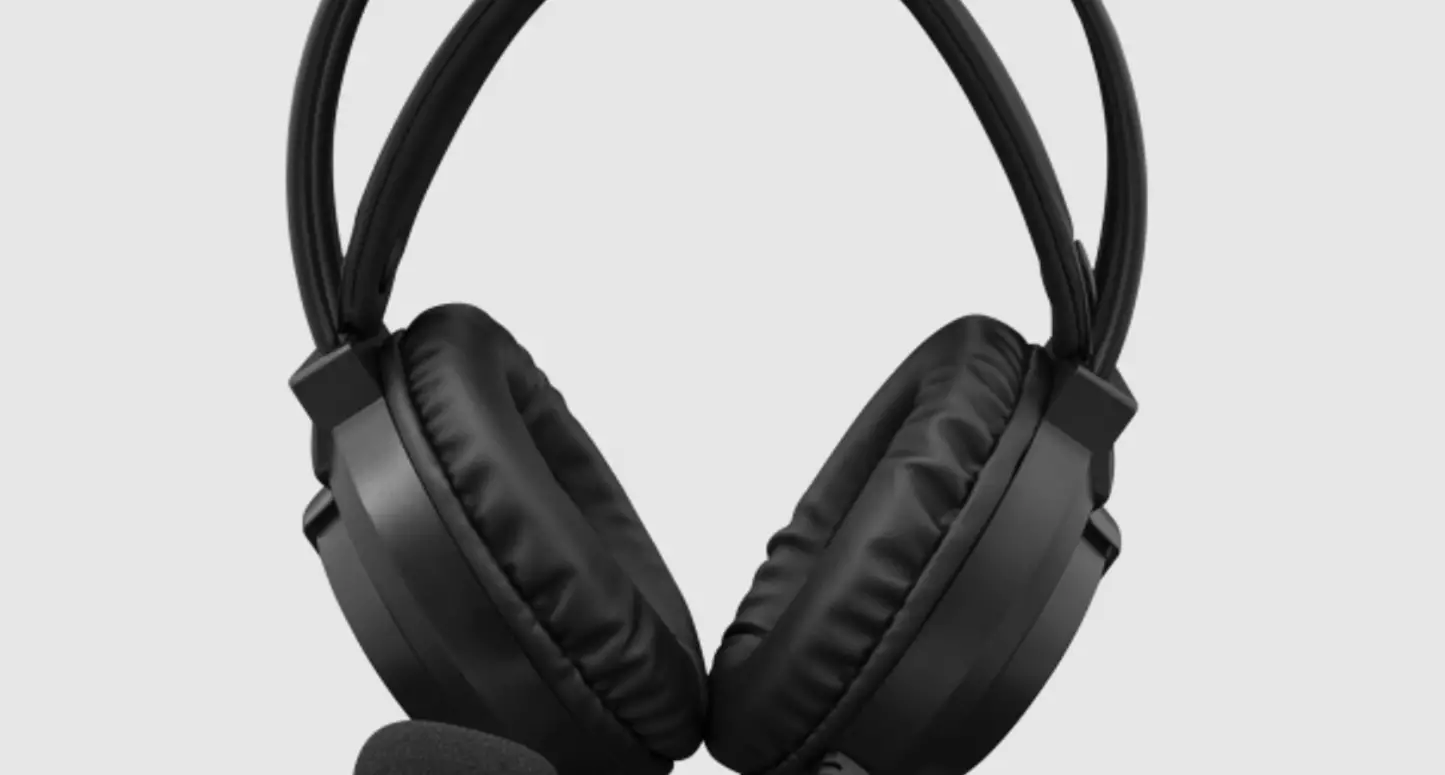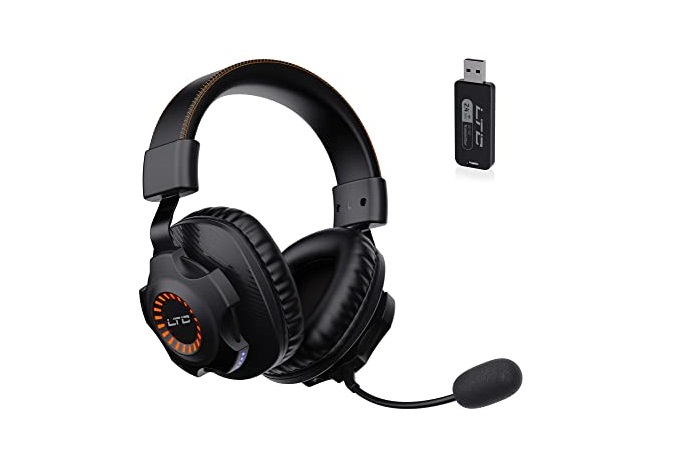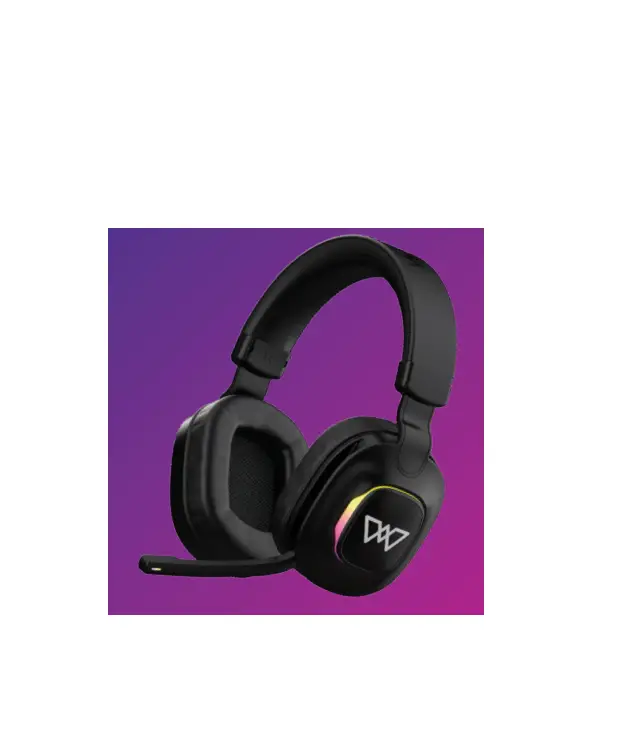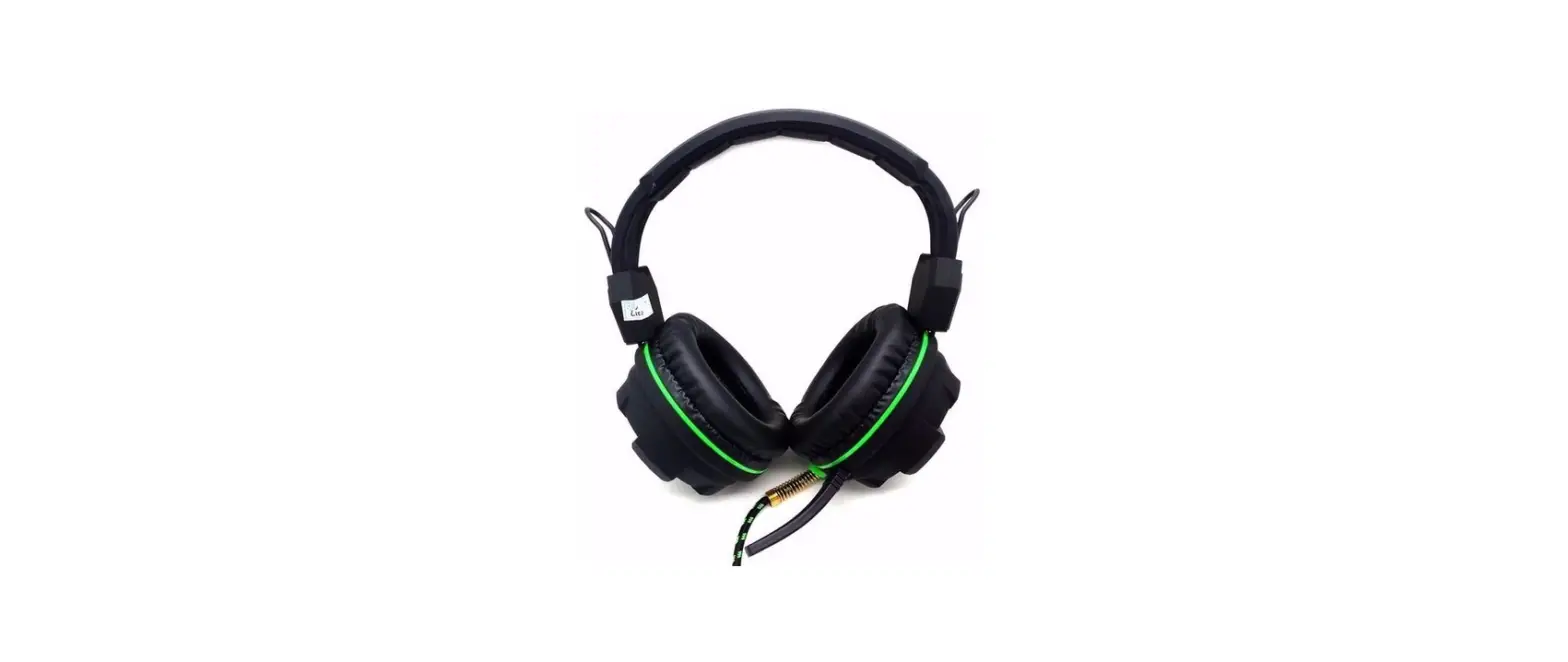

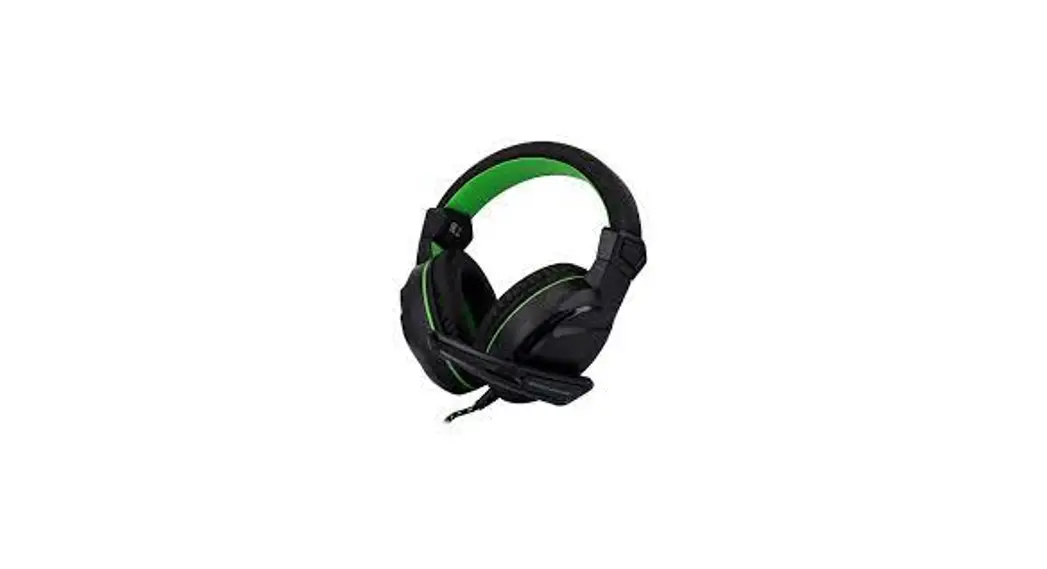
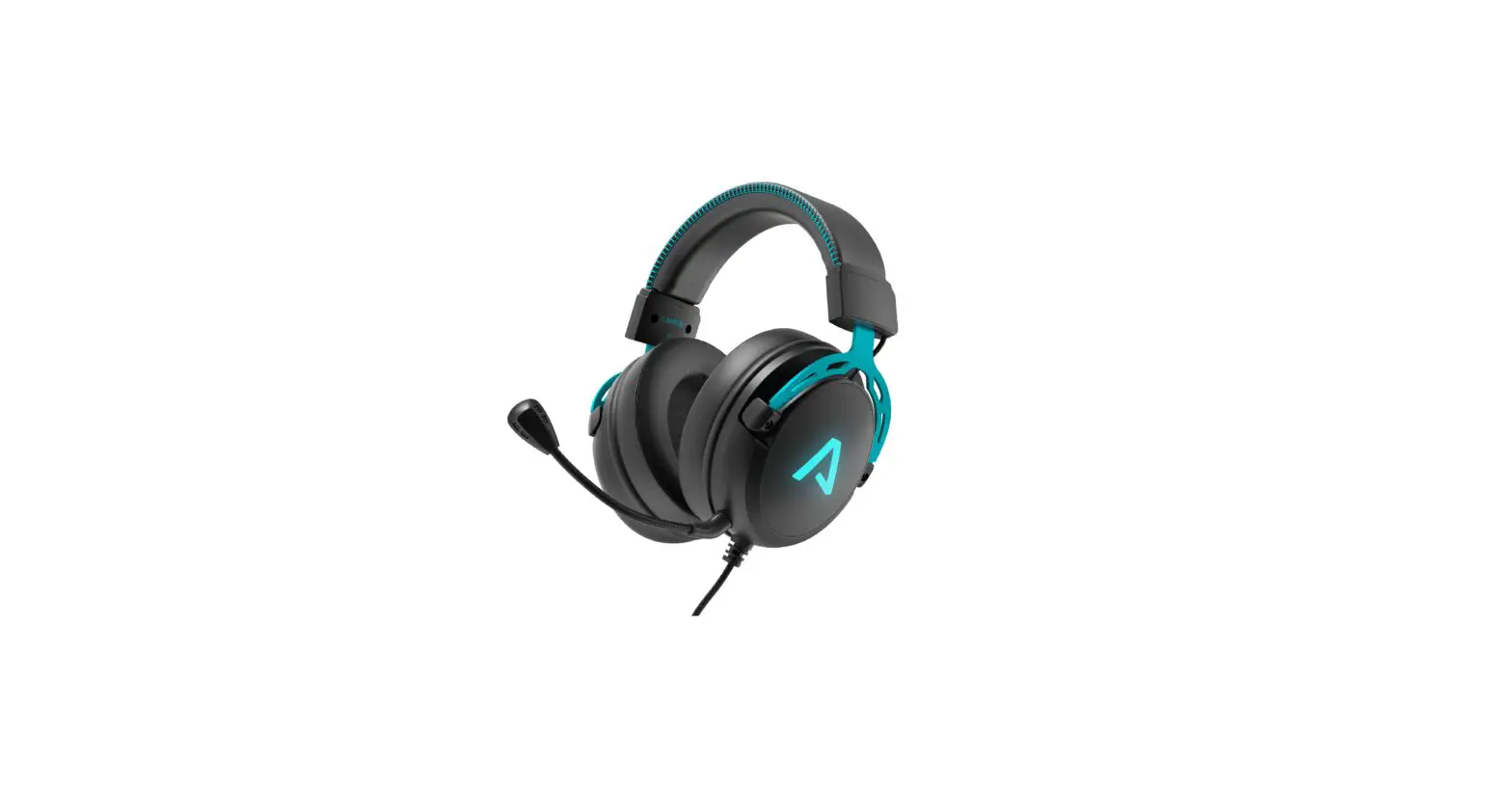
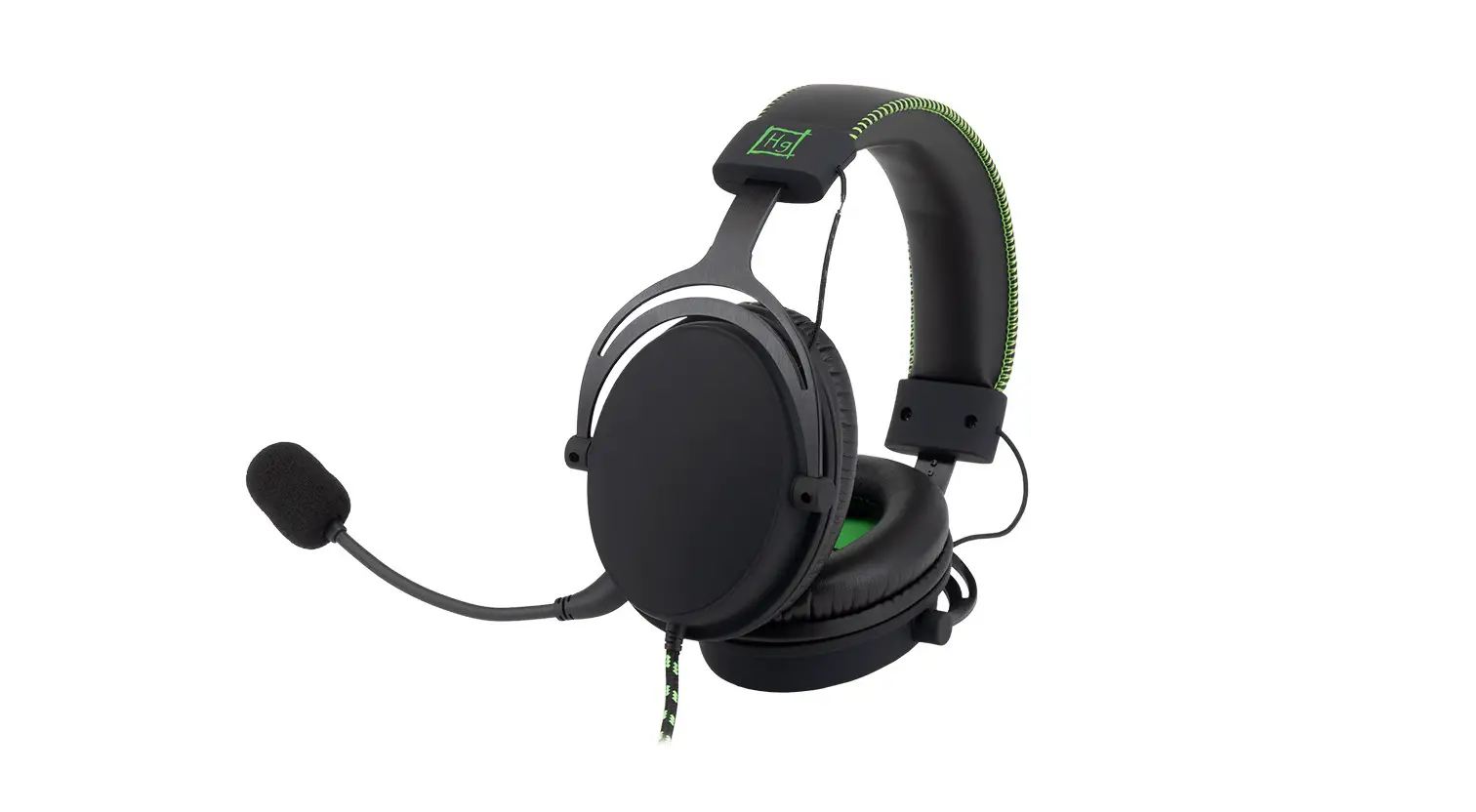
DRAGON WAR GHS015 Headphone
DESCRIPTION OF FUNCTIONS
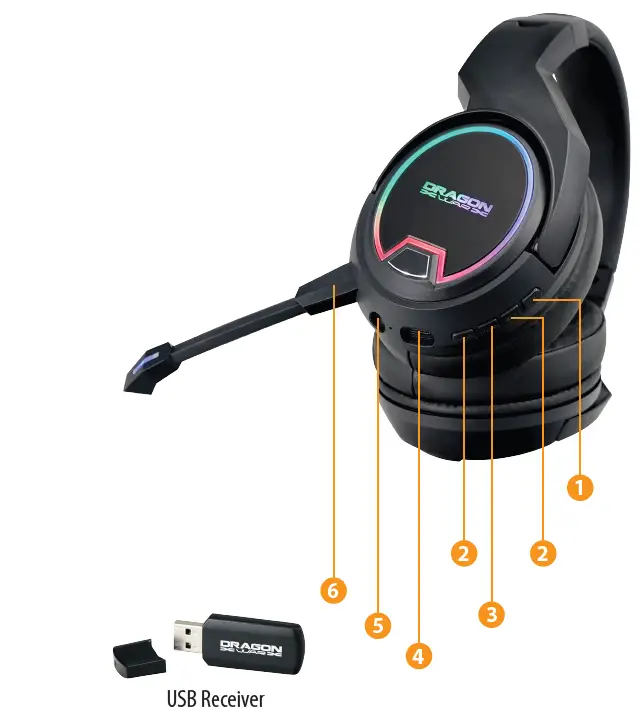
- RGB LED :
Press and hold 2 Second RGB LED ON/OFF - Adjust Volume :
Press and Hold Volume Increase / Press Next Song Press and Hold Volume Reduce / Press Previous Song - Power on and off :
Press and Hold 3 Second ON/OFF + Play/Pause - Charging :
Please fully charge the product through the charging cable when using it for the first time. Plug in USB Type-C Cable, charger Red light on indicating charging statue. Once fully charged, red light turn off and blue light on. Do not use the headset while charging. - AUX IN :
Plug in 3.5mm audio cable to use it as a wired headset. - Microphone :
Detachable Microphone
FEATURES
HEADPHONE
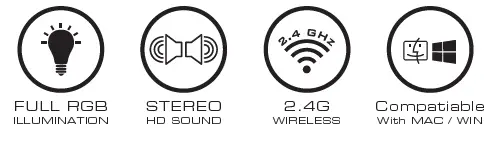
- 2.4G Wireless
- Frequency response : 20Hz – 15KHz
- Diameter : 50mm
- Impedance : 32ohm +/-15%
- Sensitivity : 118dB +/-3dB
- RGB LED Colorful lights Stereo HD Sound
- Battery Capacity : 900mAh
- Receiving distance : 10M
- Connection : USB
- Weight : 294g
MICROPHONE
- Frequency response : 30Hz-16KHz
- Sensitivity : -58dB +/-2dB
- impedance : 2.2Kohm
- Mic length : 11cm
- Direction : Omni-directional
- Detachable microphone
PACKAGE CONTENTS
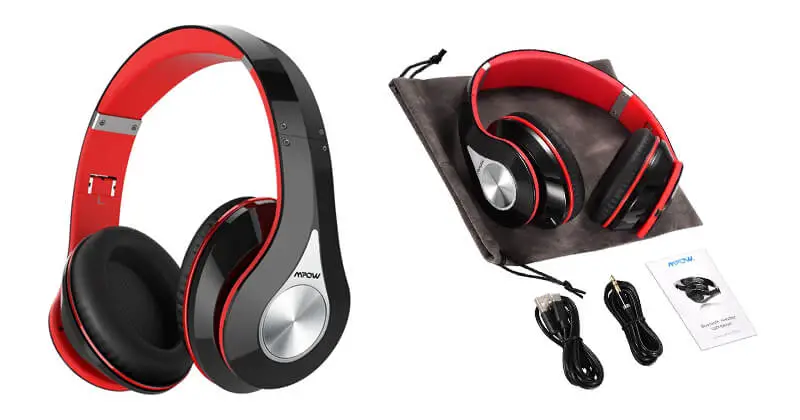
- 1 x Dragonwar Gaming Headset
- 1 x Detachable microphone
- 1 x 3.5mm Audio Cable
- 1 x USB Receiver
- 1 x User Manual

![Google Headphones User Manual [gid5b]](https://static-data1.manualsee.com/1/img/264/2814/2018/09/Google-Headphones-featureed.jpg "Google Headphones User Manual [gid5b]")