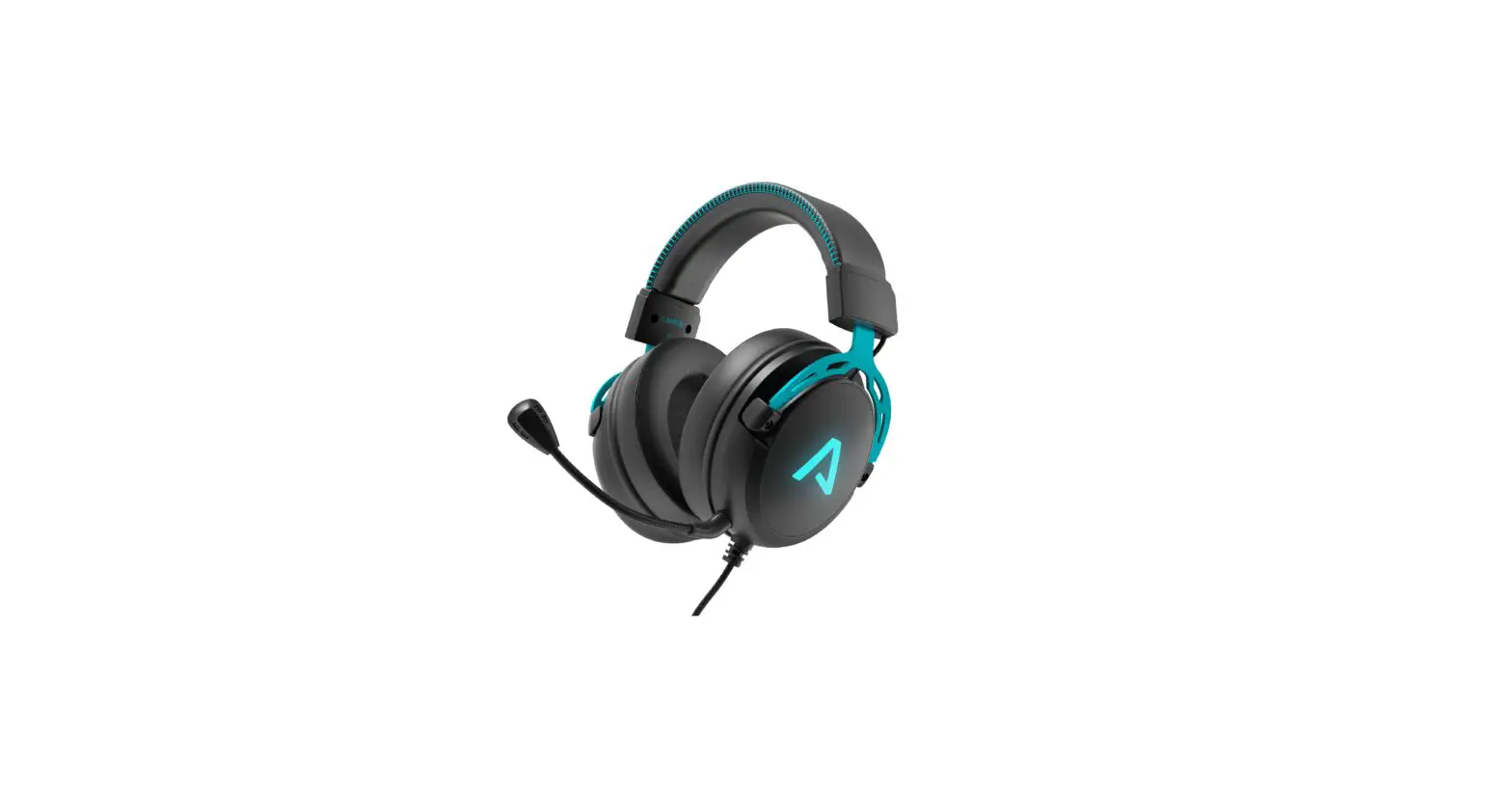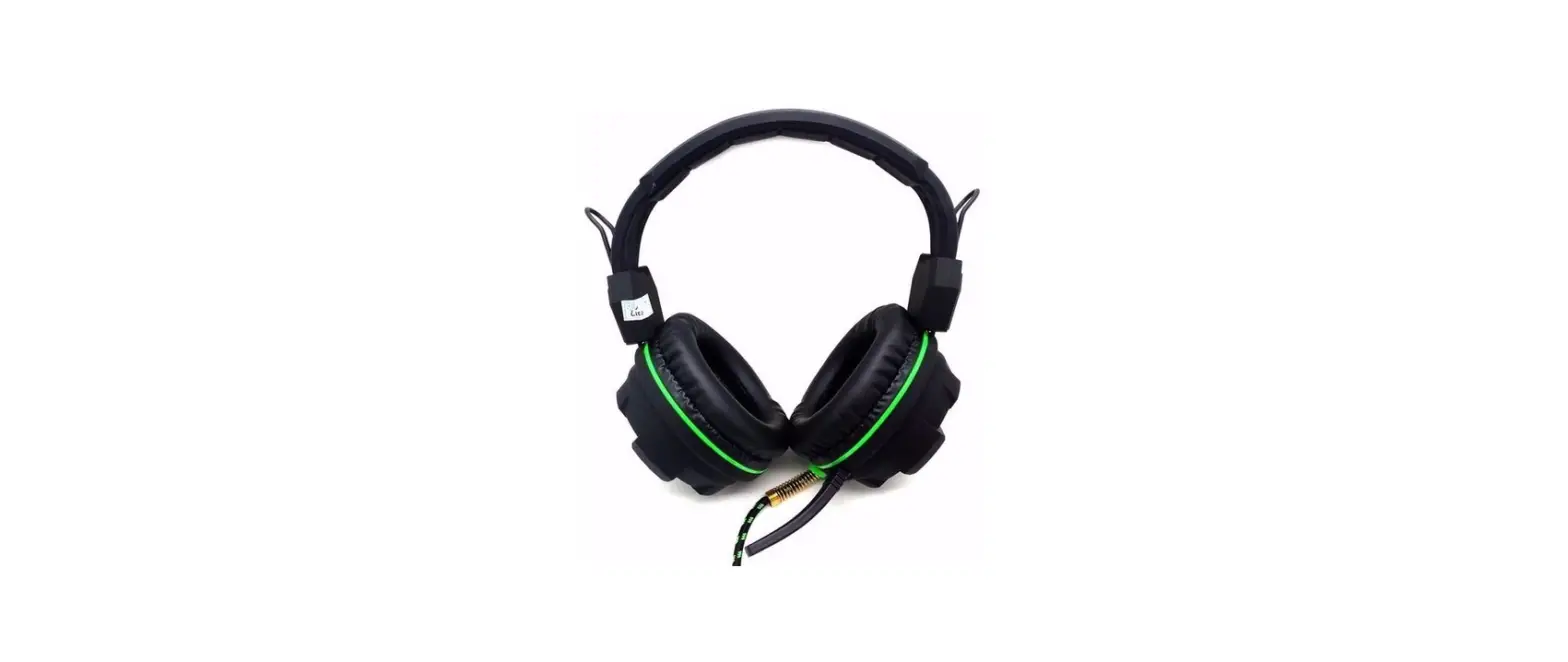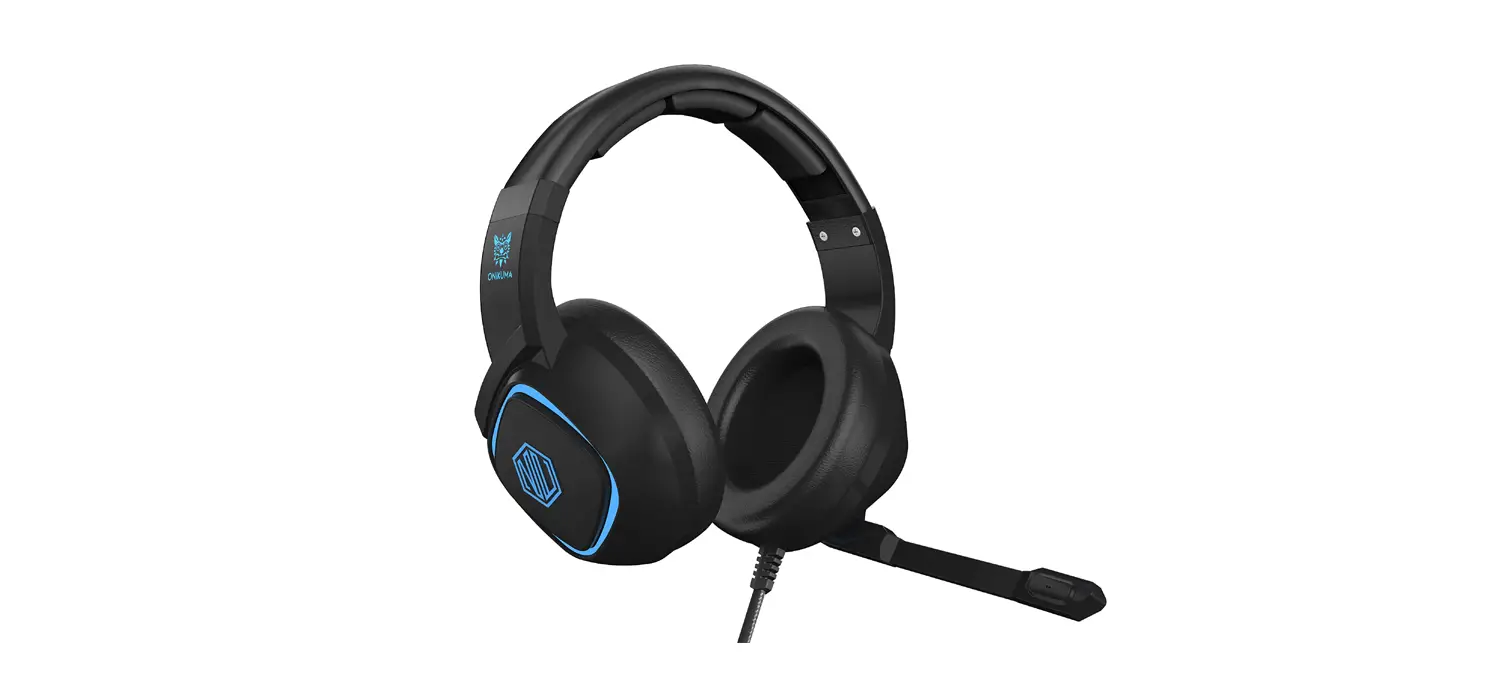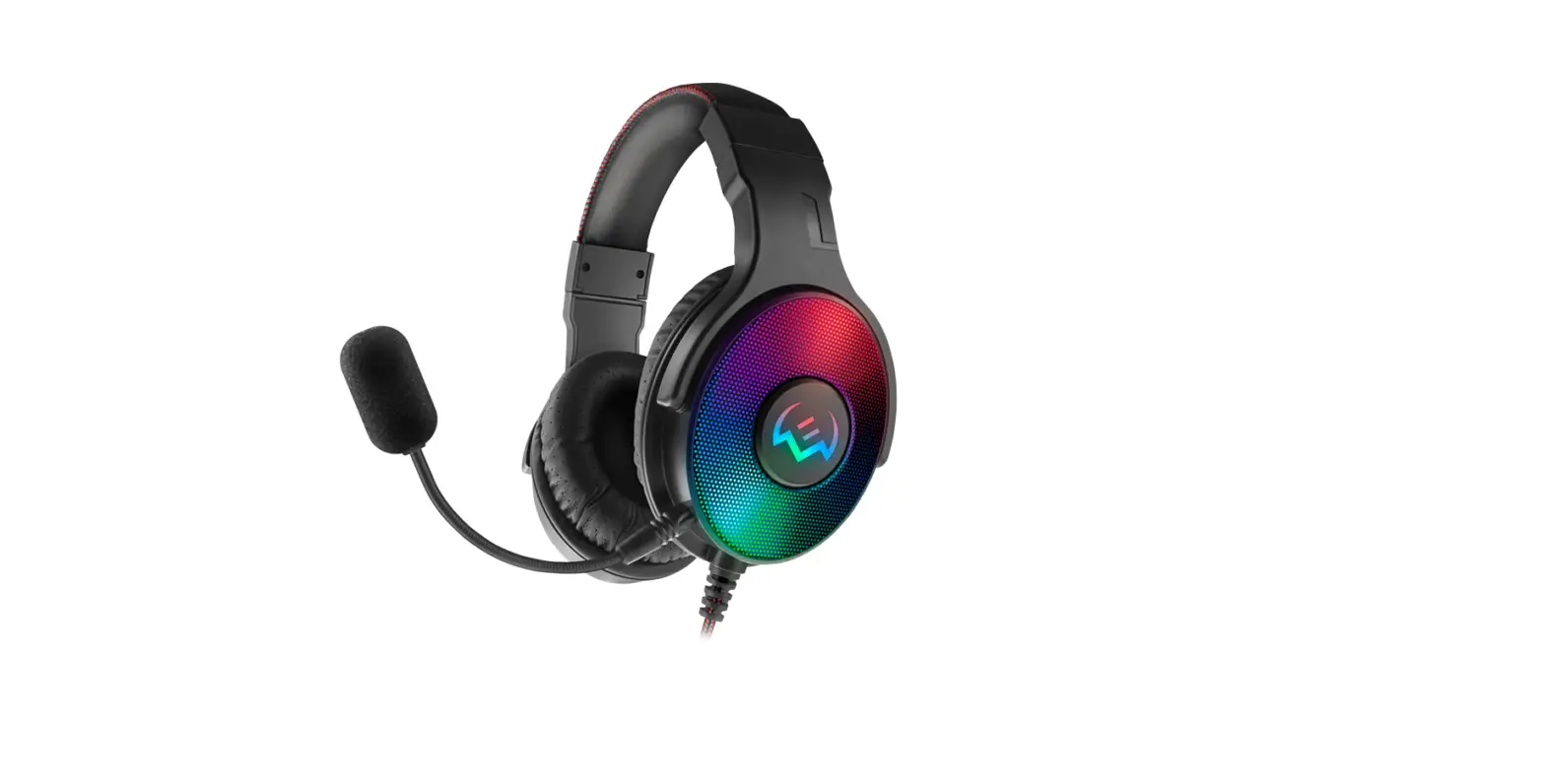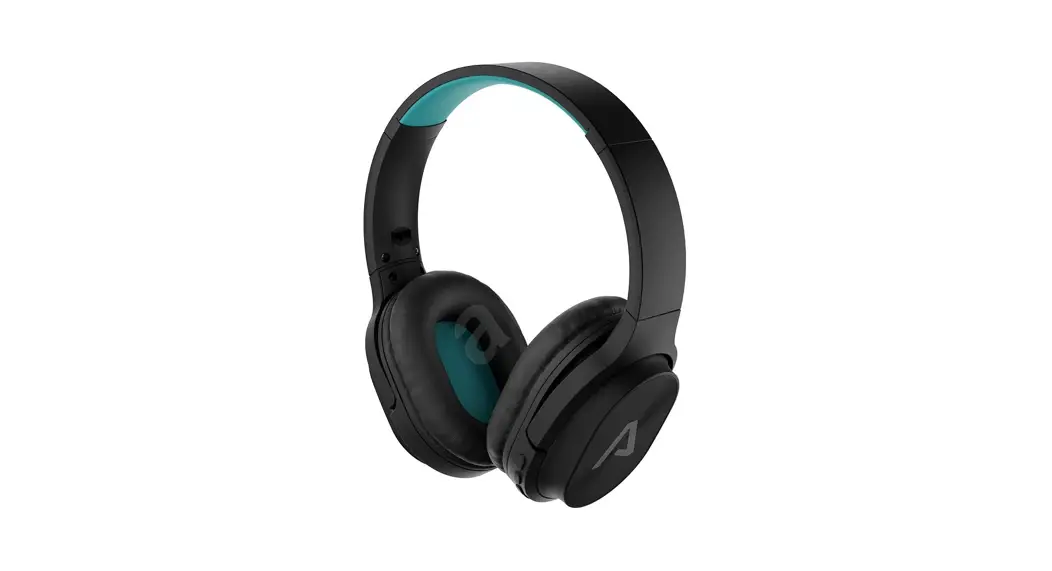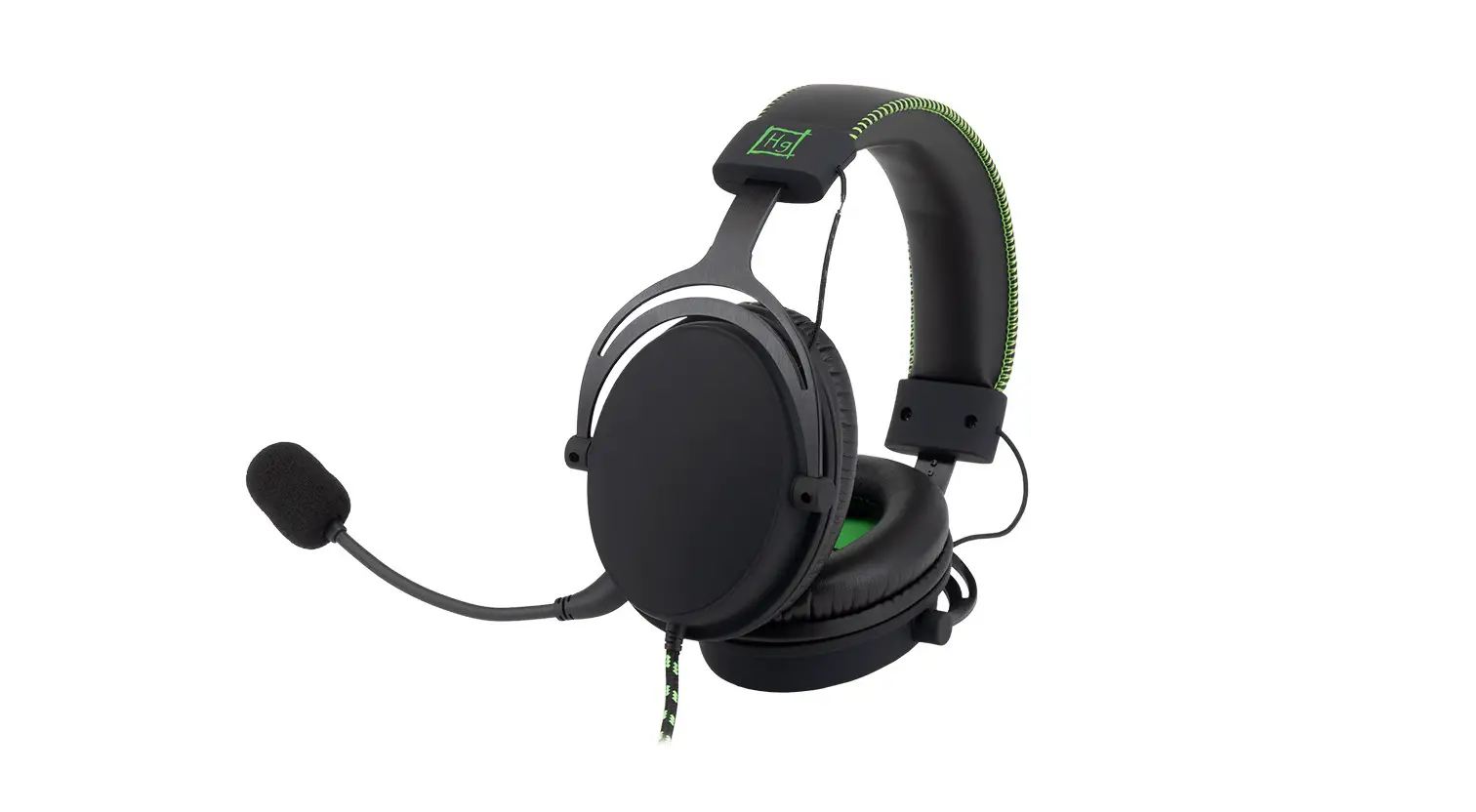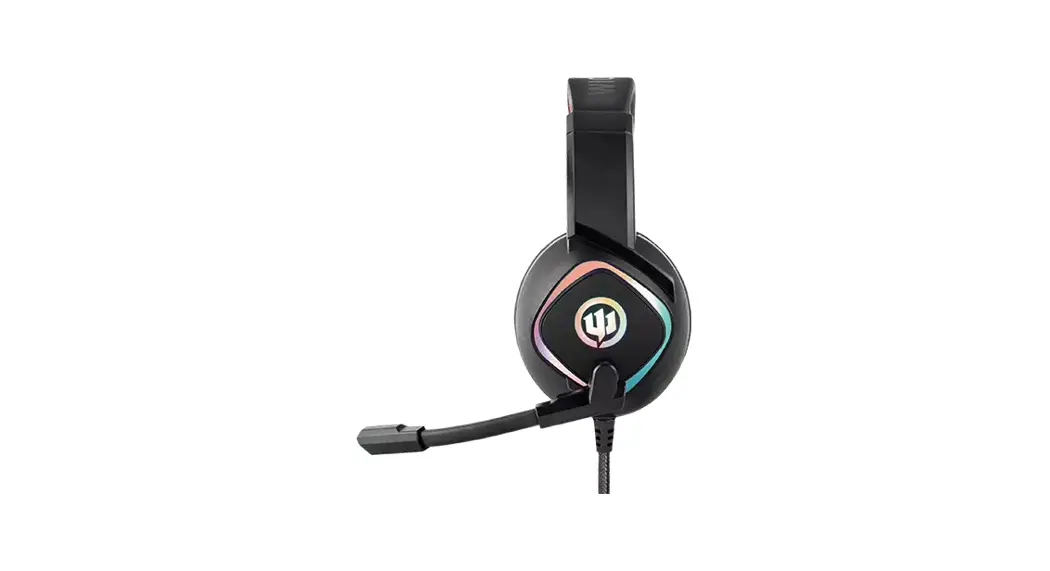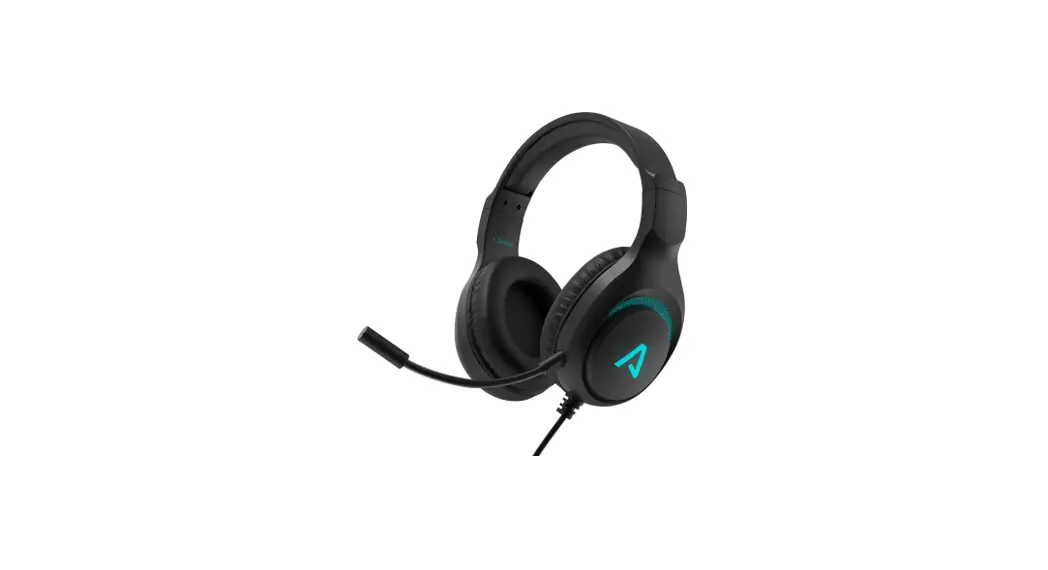
 Heroes Guard1 Gaming Headphone
User Manual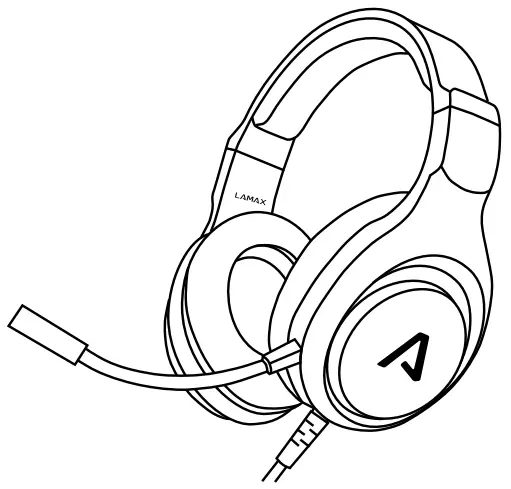
Controls
| Increase volume | Turn the dial on the control up |
| Decrease volume | Turn the dial on the control down |
| Turn on microphone | Move the switch on the control up |
| Turn off microphone | Move the switch on the control down |
Connection
Connect the headphones to your computer or other device using the USB and 3.5mm jack connector. Make sure you have the headphones selected as output and input devices in your device settings. The USB connector is only used to power the headphone light. The headphones can be used without a USB connection. If your device has a separate input for headphones and microphone, use the audio adapter.
Parameters
| Impedance | 32 Ω |
| Sensitivity | 120 dB +/- 3 db |
| Frequency range | 20 Hz – 20 kHz |
| Driver size | 40 mm |
| Microphone sensitivity | -46 dB +/- 3 db |
| Connection | 3,5 mm jack, USB |
| System support | Windows / Mac / Mobile / PS5 / Xbox Series / Nintendo Switch |
| Weight | 270 g |
| Cable length | 2 m |
Printing errors reserved.
The latest version of the user guide can be downloaded here:
lamax.cz/heroes-guard1/manual

 LAMAX Heroes Guard1 | LAMAX Electronics | EN