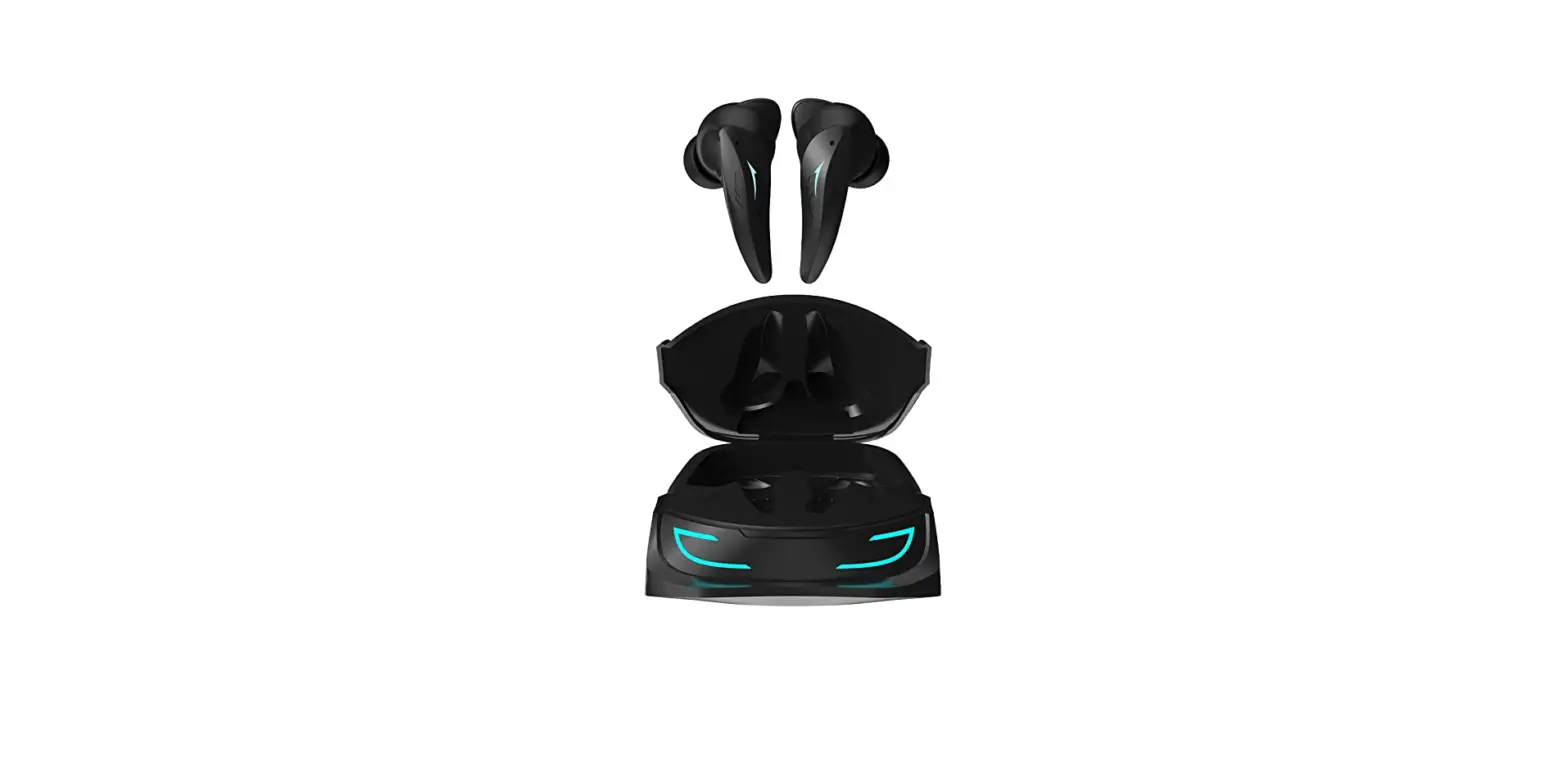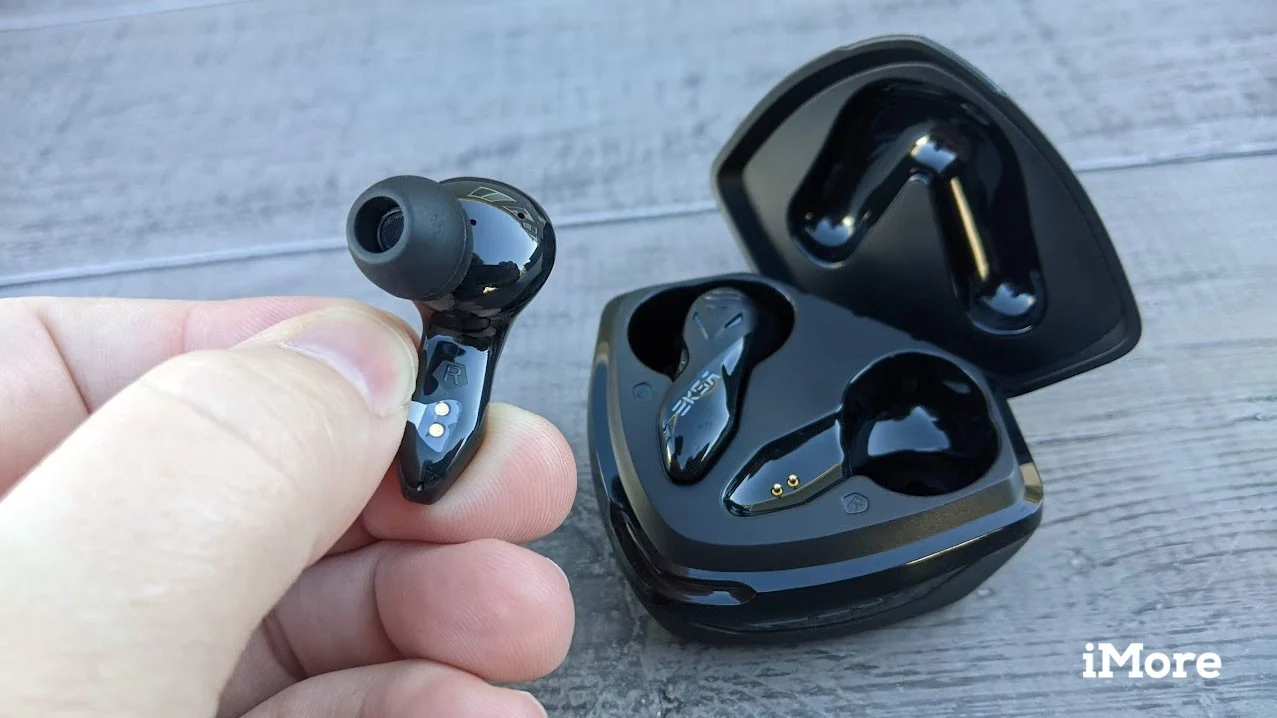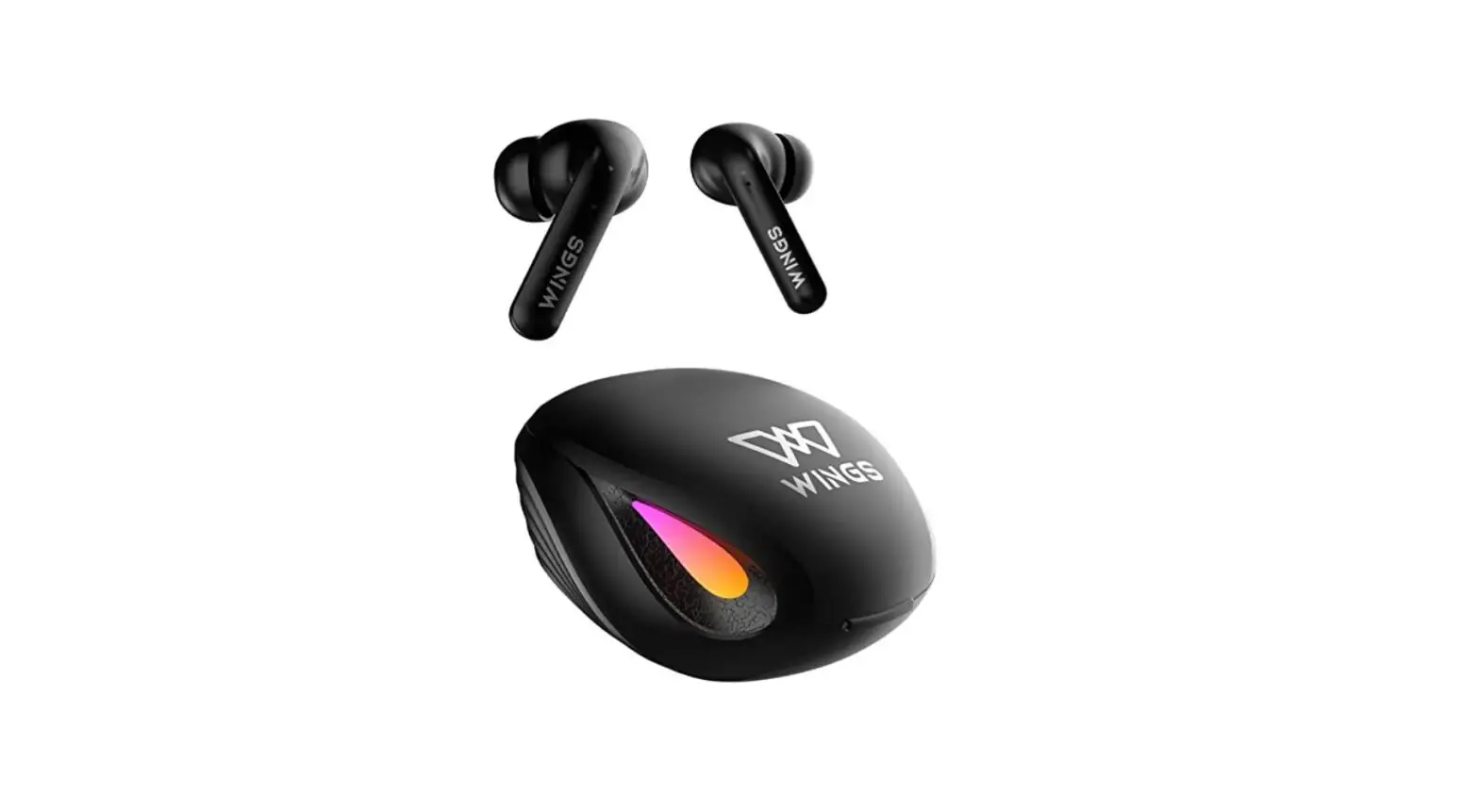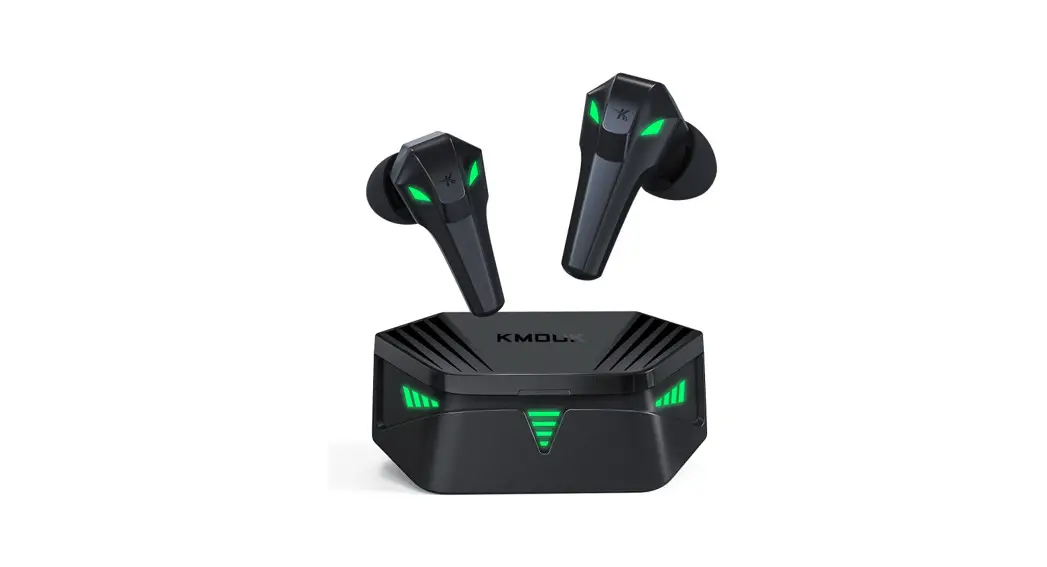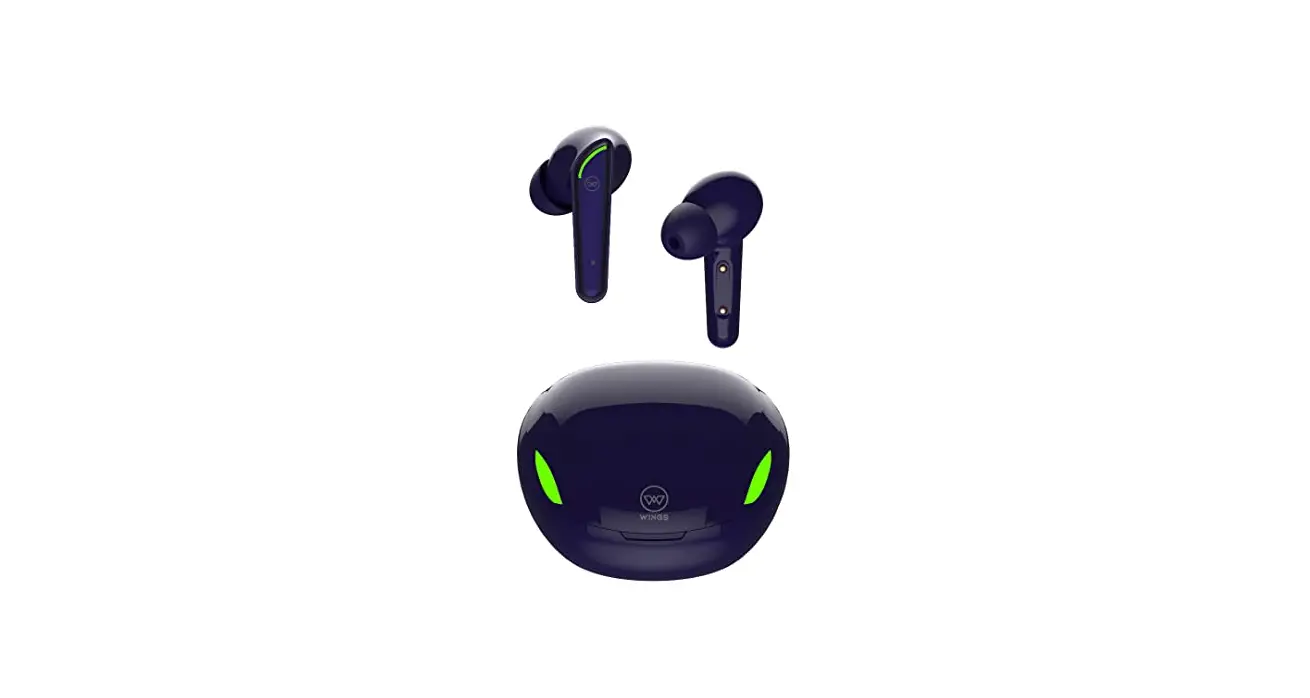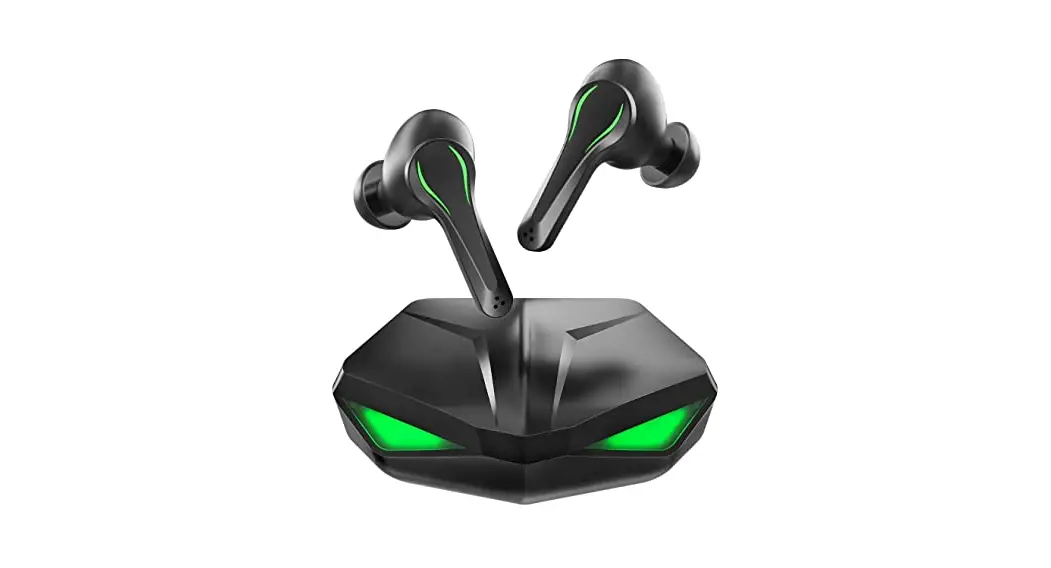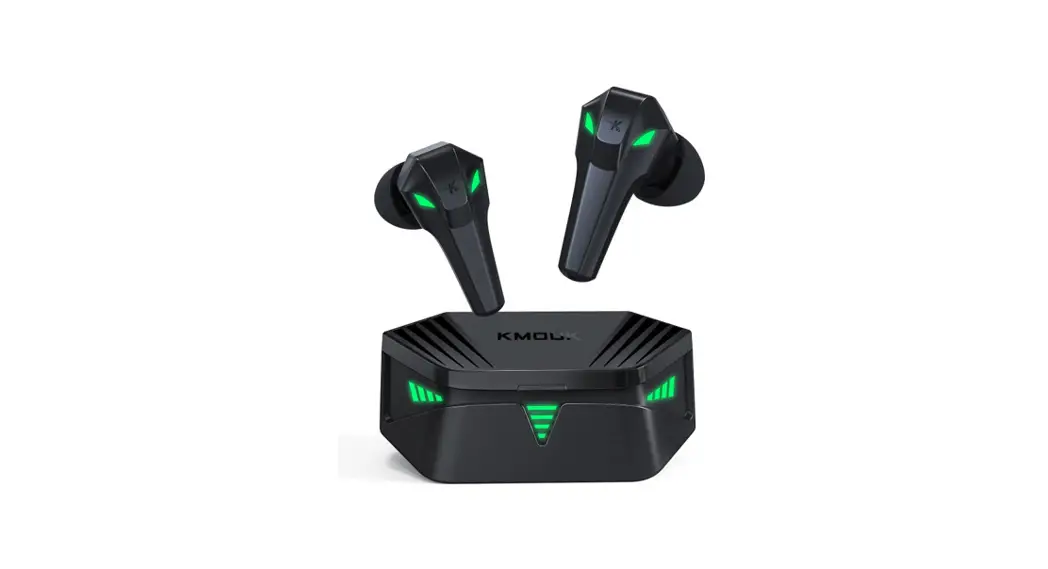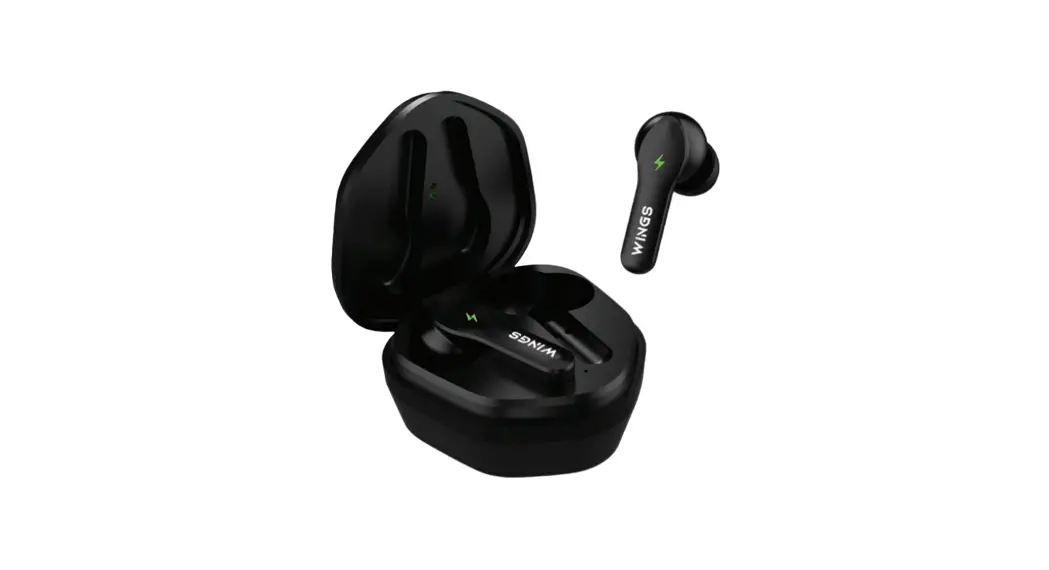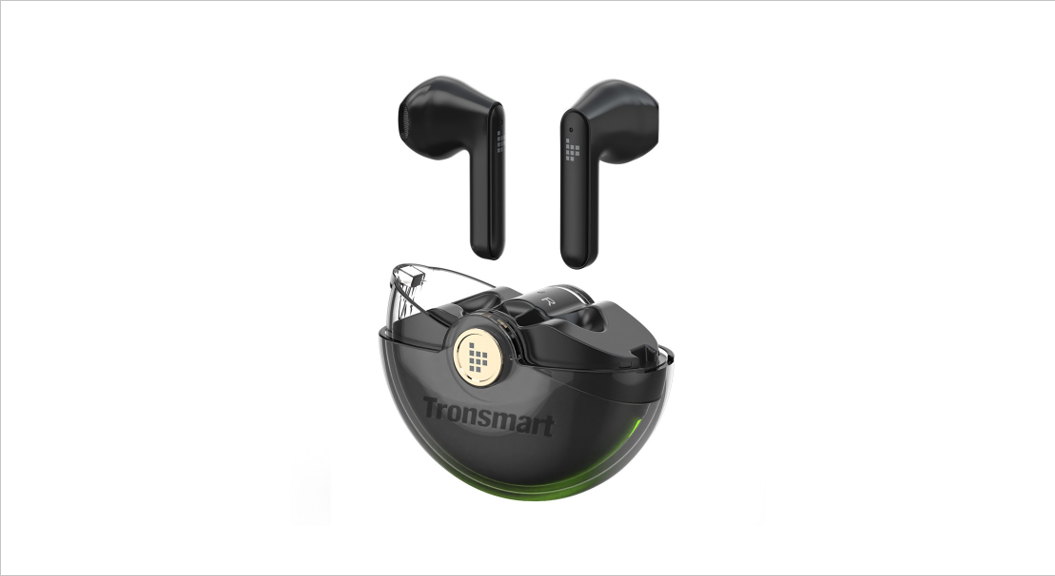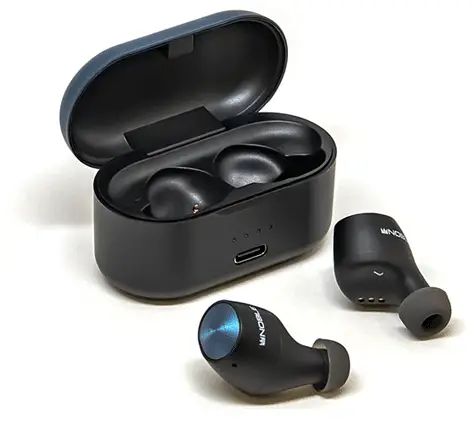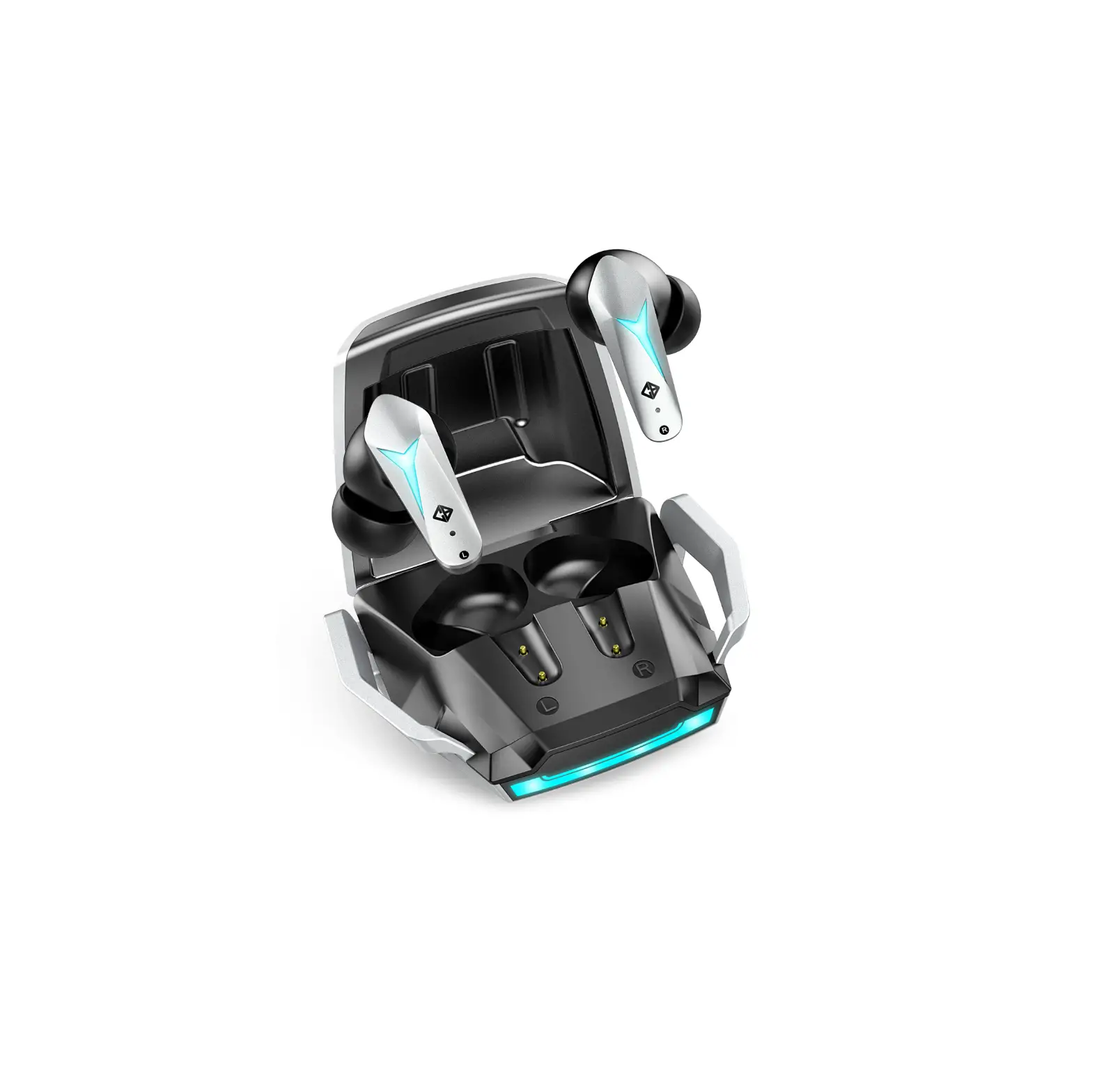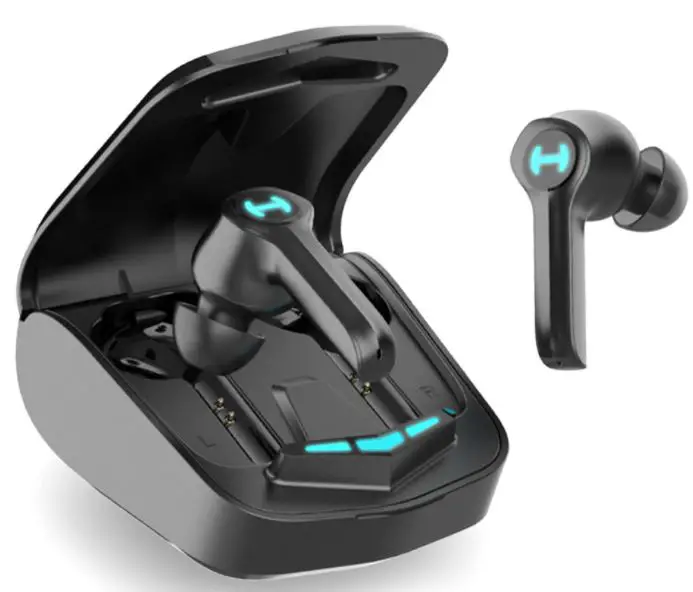
LAMAX Heroes Ninja1 Wireless Gaming Earbuds User Manual

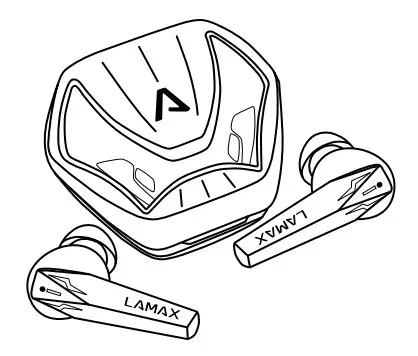
Controls
| Power on | Hold the button for 3 seconds |
| Power off | Hold the button for 5 seconds |
| Play / Pause | Tap the button |
| Volume up | Double tap the button on the right earpiece |
| Volume down | Double tap the button on the left earpiece |
| Next track | Triple tap the button on the right earpiece |
| Previous track | Triple tap the button on the left earpiece |
| Answer call | Double tap the button |
| End call | Double tap the button |
| Reject call | Hold the button for 2 seconds |
| Turn on / off game mode | Hold the button of the right earpiece for 2 seconds |
| Activate virtual assistant | Hold the button of the left earpiece for 2 seconds |
Powering on
The earphones will automatically power on when removed from the charging dock and an audible alert will sound. It is also possible to switch on the earphones manually by holding down the button on the earpiece for 3 seconds. Both earpieces must be turned on separately.
Powering off
The earphones will automatically power off when placed in the charging dock. It is also possible to switch off the earphones manually by holding down the button on the earpiece for 5 seconds.
Pairing
- Remove the earphones from the charging dock. The earphones will automatically connect to each other and are ready for pairing.
The LED on one of the earpieces will flash blue. - Turn on Bluetooth on your smart device and search for LAMAX
Heroes Ninja1 in the list of available Bluetooth devices. After successful pairing, you will hear an audible alert.
If there are problems with pairing, take the earphones from the charging dock and remove the earphones from the list of paired devices on your smart device. Tap the multi-function button of both earpieces at the same time five times. The earphones will flash and then turn off. Place the earphones back in the charging dock and follow step 1 again.
To connect with some game consoles, you need to use a special Bluetooth adapter
Charging
To charge the charging dock, connect the cable to the USB-C port on the back and plug the other end of the cable into a USB power source with a maximum voltage of 5 V. When charging, the LED will flash red. It will glow white when fully charged.
To charge the earphones, place them in a charged charging dock. When charging the earphones, the LED on the charging dock (when not charging) lights up white. When the earphones are fully charged, the LED on the charging dock turns off..
Parameters
| Wireless technology | Bluetooth 5.1 |
| Max. pairing distance | 10 metres |
| Supported codecs | AAC, SBC |
| Earphone battery capacity | 40 mAh |
| Charging dock capacity | 400 mAh |
| Earphone charging time | about 1.5 hours |
| Playback time | 6.5 hours (50% volume) 5.5 hours (80% volume) |
| Weight of one earpiece | 5 g |
| Weight with charging dock | 54 g |
Subject to printing errors.
The latest version of the user guide can be downloaded here: lamax.cz/heroes-ninja1/manual

 LAMAX Heroes Ninja1 | LAMAX Electronics | EN