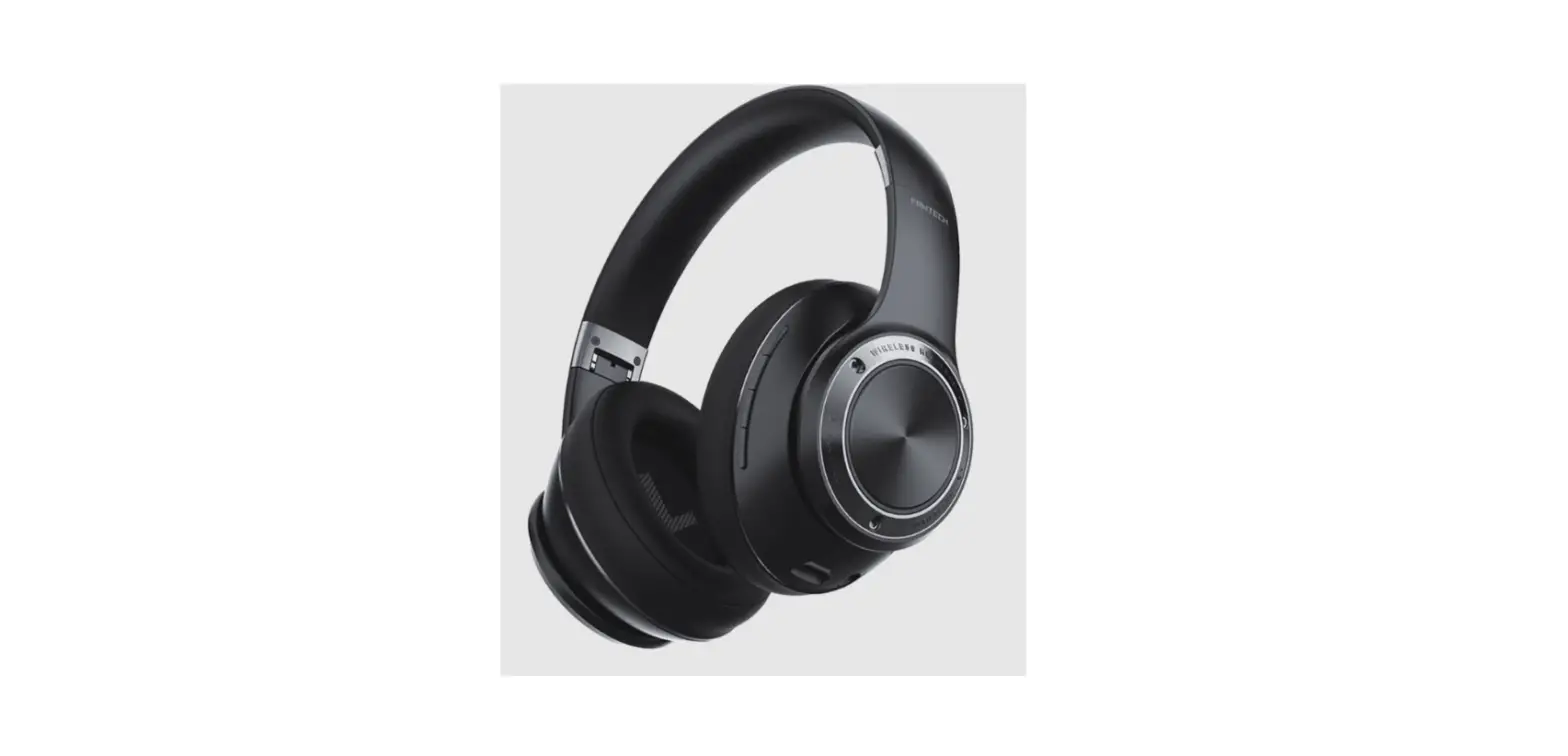
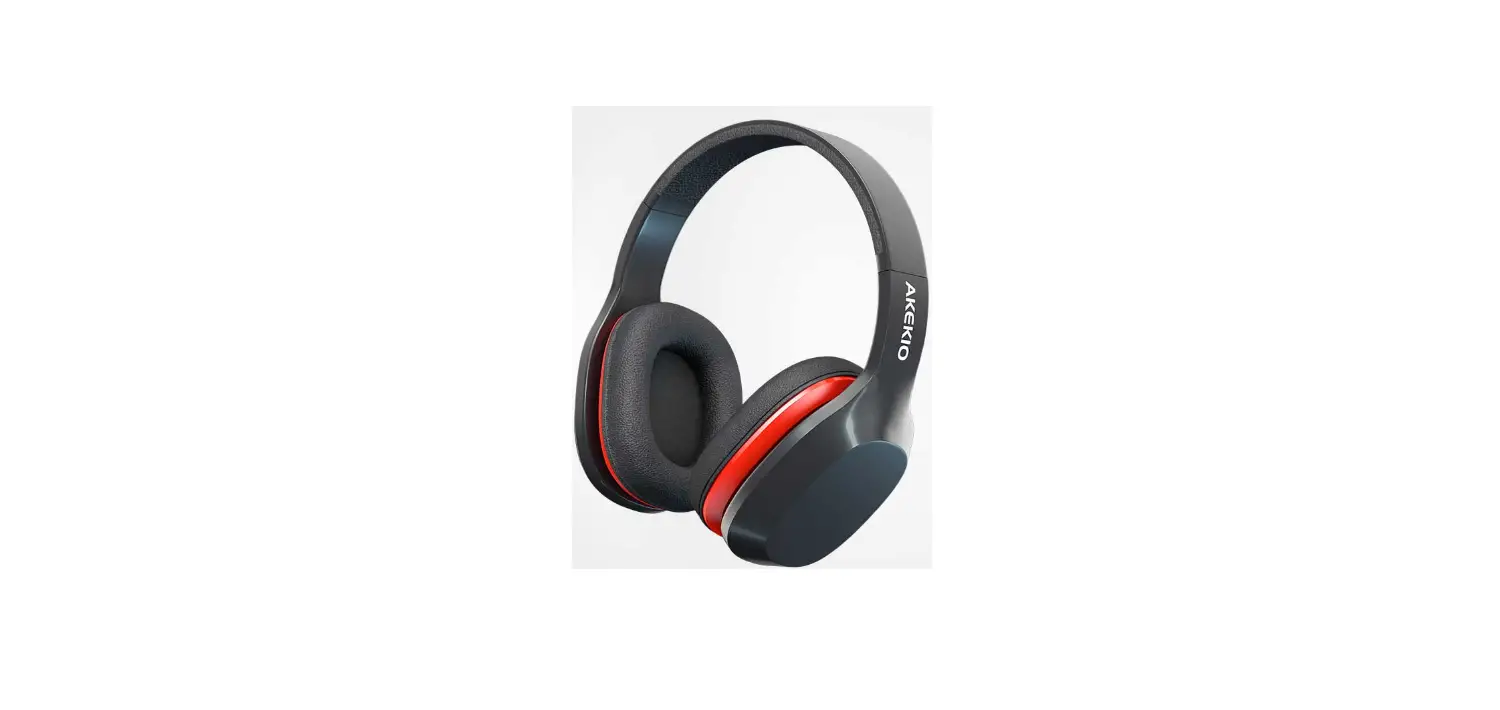
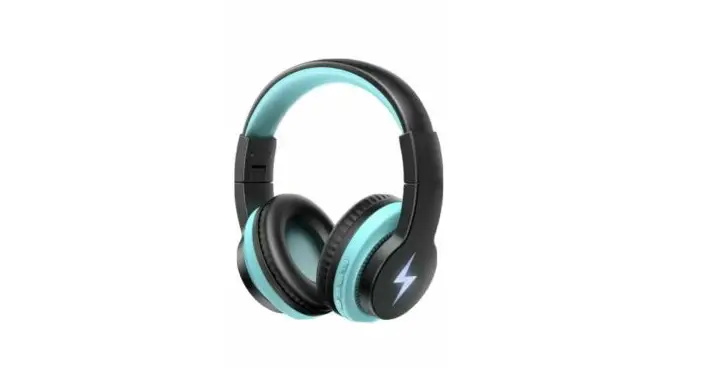
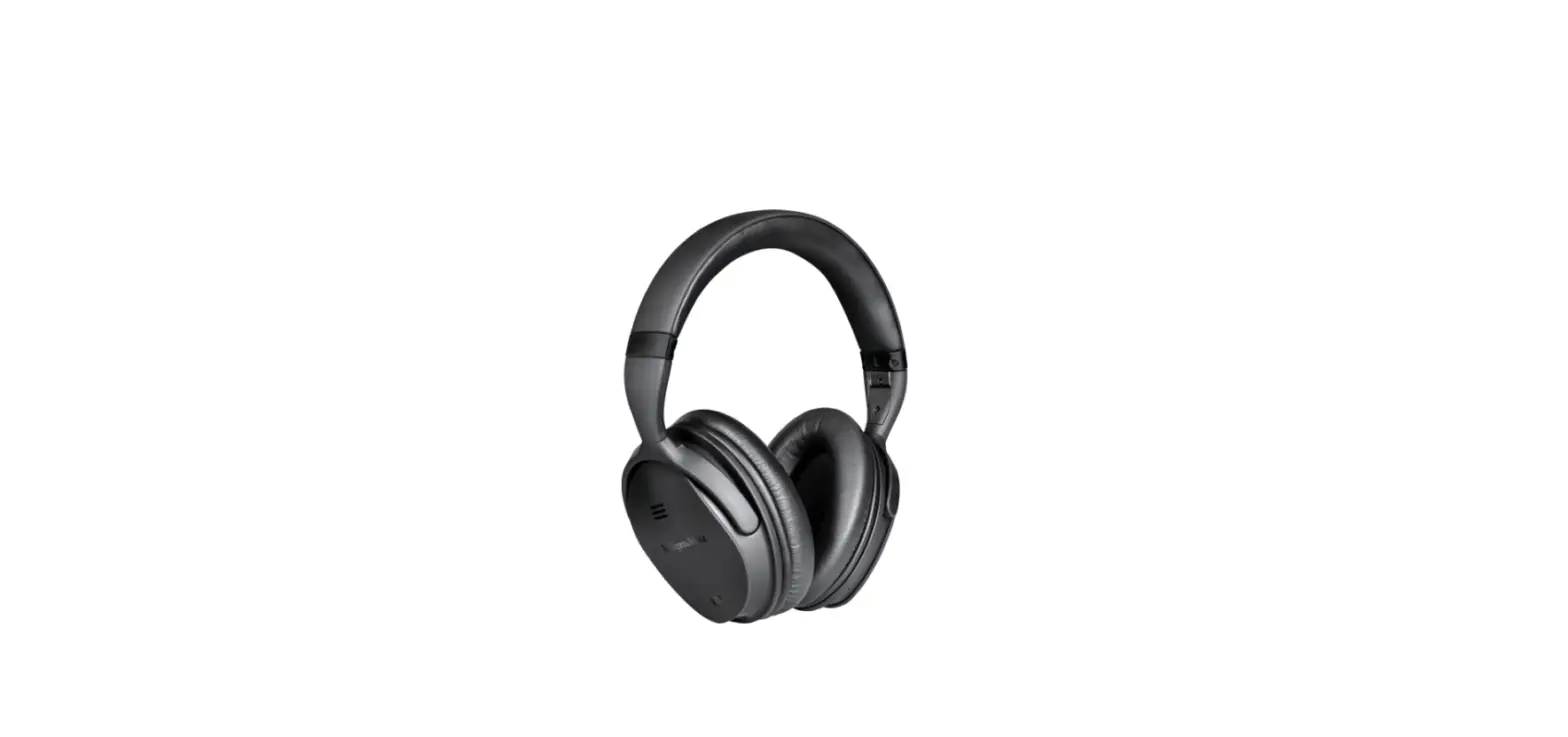
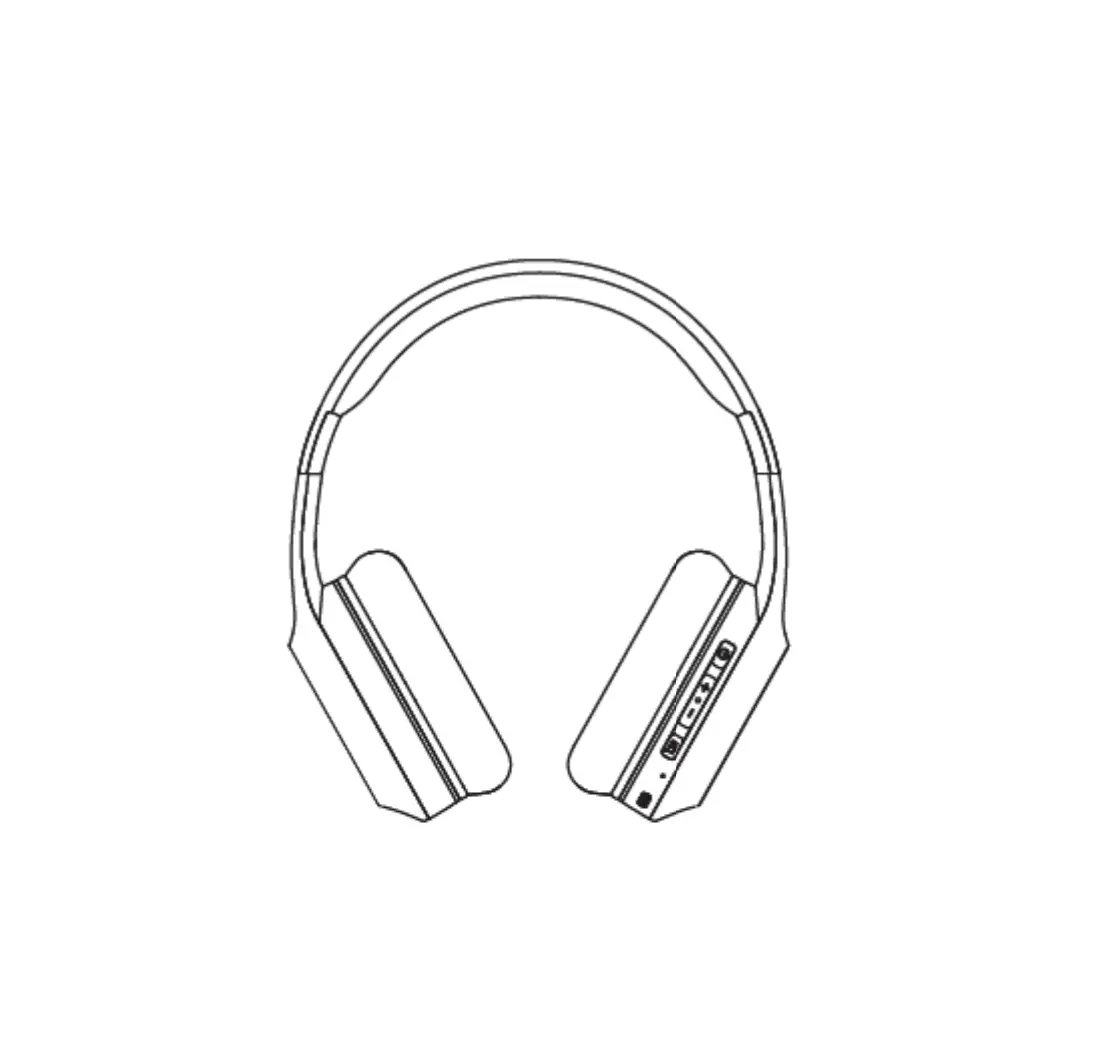
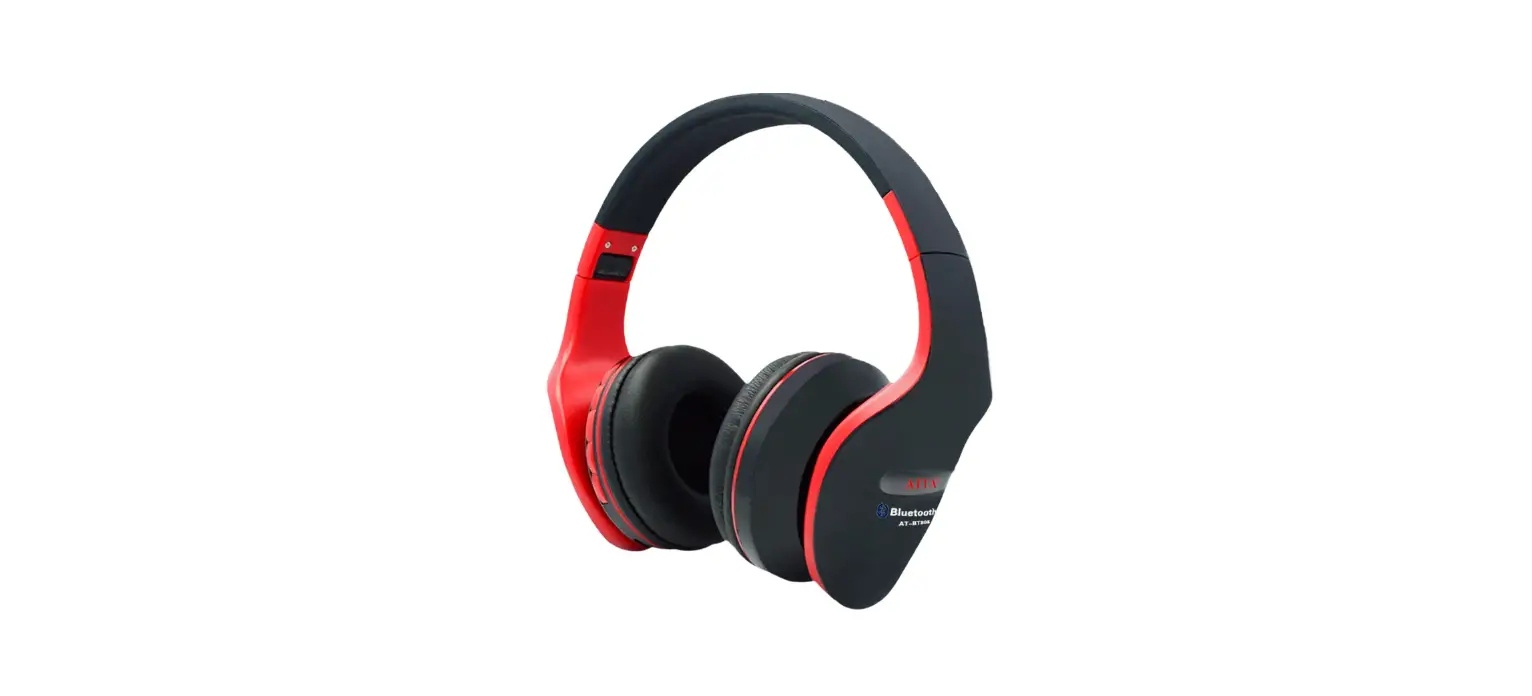
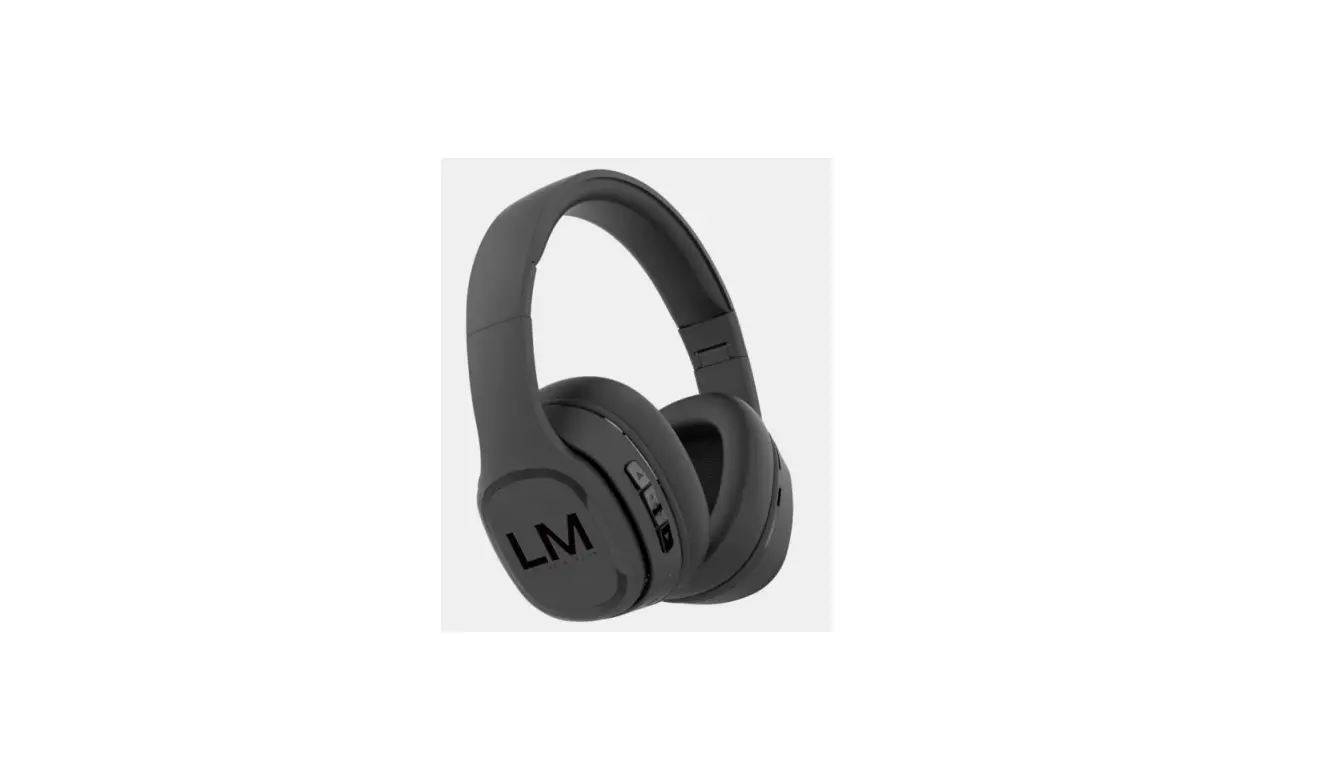
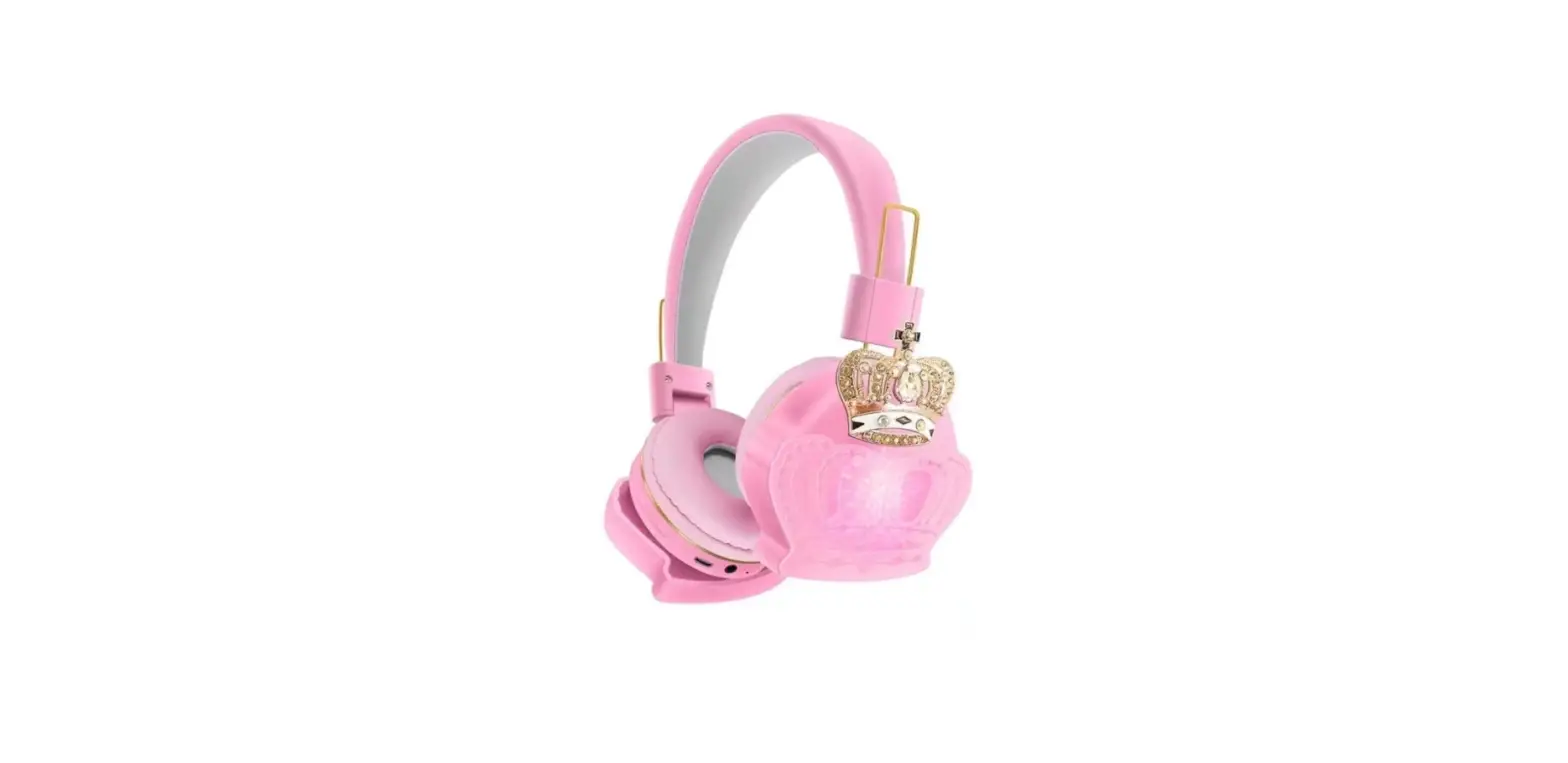
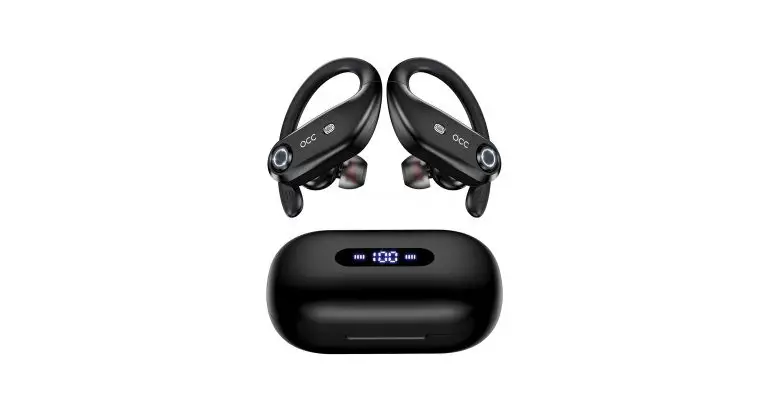
YD-01 Wireless Headphone
Product Information
The product is a wireless headphone that can be used to listen
to music and answer calls. It has a wireless mode and an FM mode.
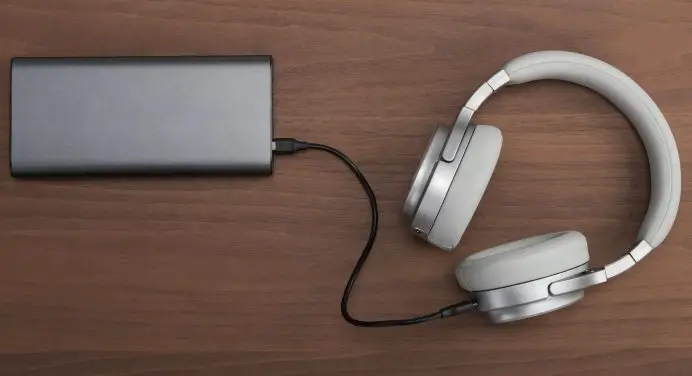
It comes with a charging cable and can be charged using a USB port.
The headphone has a low battery voltage warning and will
automatically power off when the battery voltage is too low. It
also has a SD card mode and an AUX IN mode.
Product Usage Instructions
General Usage
- Store and use this product in a normal temperature
environment. - Do not expose this product to rain or moisture.
- Do not throw, to avoid damage caused by falling products.
- Do not disassemble, repair and modify this product.
- Do not use chemical solvents to wipe the product.
- Do not arbitrarily discard or put in the fire, so as not to
cause danger!
Power On/Off
- To power on the headphone, long press the power button for
about 2 seconds. In wireless mode, the red lights will flicker
alternately. - To power off the headphone, long press the power button for
about 3 seconds. In wireless mode, the indicator light will turn
off.
Paring
- To enter pairing status, turn off the headphone and then power
it on again. In wireless mode, the red lights will flicker
alternately. - When pairing is successful, a “Ding Dong” sound will be heard
and the blue light will turn on. - To disconnect from a connected device, short press the power
button. The blue and red lights will flicker alternately. - If the headphone is out of range, it will enter pairing status
automatically. The blue and red lights will flicker
alternately. - If the headphone is out of range for more than 5 minutes, it
will power off automatically. - To adjust the volume, short press the volume button. To play
the previous or next track, long press the track button. - To play or pause music, short press the music button.
- To answer or reject calls, short or long press the call button,
respectively. - To redial the last number, double press the call button.
Battery Information
- The headphone has a low battery voltage warning when the
battery voltage is lower than 3.3V. - The headphone will power off automatically when the battery
voltage is lower than 3.1V. - When charging, the charging indicator will turn on and the red
light will be on. When fully charged, the red light will turn
off.
Mode Switching
- To switch to FM mode, long press the MEQ button for about 2
seconds. To switch back to wireless mode, long press the MEQ button
for about 2 seconds again. - To switch between wireless and SD card mode, short press the
MEQ button.
a
> > >
a
> > > > > >
a
1 2 3040
a
1
”
” 2S
“”
2
”
” 3S
“”
3
“”
4
5
/
“”
/
“”
6
“”
7
1
“”
5
8
/ “”
/
9
”
”
/
/
10
”
”
/
/
11 / 12
” /
”
/
/
“……”
/
13
” ”
/
/
14
15
16
17
18
19
” ” ” ” ” ” 3.3V
3.0V
/
/
/
/
/
/
20
”
/
”
“”
/
/
20
LIN
“”
21
/
22 FM “M/EQ” 2 “FM ”
/
FM
23
FM
24 SD TF
25
FM
26 /
SD
27
”
”
“M/EQ” 2 “M/EQ” 2 ” ” 2
“M/EQ”
/
“SD ”
/
“”
/
/
/
/
PRODUCT MANUAL
a1 BD LBHJOHJ UFNT
>Wireless headphone >Manual >Charging cable
a1 SFD BVUJPOT
>Store and use this product in a normal temperature environment; >Do not expose this product to rain or moisture; >Do not throw, to avoid damage caused by falling products; >Do not disassemble, repair and modify this product; >Do not use chemical solvents to wipe the product; >Do not arbitrarily discard or put in the fire, so as not to cause danger!
a5 JQT
In order to achieve the best sound quality headphones, please wear your headphones normally, do not disassemble the hardware yourself, use dry, soft cotton and so on. We recommend that you take the following precautions: 1gPlease listen to the appropriate volume of music, to prevent the adverse effects of hearing. 2gDo not use the product in the exposed liquid, wet or moisture in the environment. 3.When the temperature exceeds the specified temperature range 0 to 40, do not operate the product. (If the range exceeds the specified temperature, turn off the device and allow the temperature to stabilize within the specified operating range.)
a*OT USVD UJPOT
/P
‘VODUJPO 3FBMJ[BUJPO
)FBEQIPOF TUBUVT
0QFSBUF
WPJDF QSPNQU *OEJDBUPS
Blue and
1
Headphone
Power On
Off
Long Press” about 2s
”
“Wireless mode”
red lights flicker
alternately
Headphone Long Press”
”
2 Power Off
on
about 3s
“Power Off”
Indicator off
Blue and
3
Paring
Headphone off
Enter Paring Status when Power On
“Wireless mode”
red lights flicker
alternately
Pairing
4
Sucessful
Paring
“Ding Dong”
Blue light on
5 Disconnect connected
“Dong”
Blue and
red lights flicker
alternately
6 Auto Paring Power Off
Auto pairing when power on
¨ Ding Dong”
Blue light on
Out of distance
disconnectheadphone enter into paring status
Blue and red lights flicker
Out of
Out of
alternatelyheadphone
7
distance disconnect
distance disconnect
will be auto connected if move to working range
within 1mins
or will
automac power off
aer 5mins without
connecon
“Ding Dong”
Blue light on
8
volume
adjustment
Playing music
Short press
MaximumMinimum Volume”D D”
Previous
Playing
9
Track
Music
Long press”
”
Playing
10 Next Track
Music
Long Press”
”
PalyPause
Playing
11
Much
Music
Short Press”
”
Incoming 12 call prompt
Incoming Calls
Ling Lingn”
Answer
13
Calls
Incoming Calls
Short Press” ”
14 Reject Calls
Incoming Calls
Long Press” ”
Redial the
15
last
On State
Double Press” ”
number
Hangs up
16
Calls
On Calling
Short Press” ”
Low
17 Electricity Prompt
On State
Battery voltage lower than 33V
Prompts ¨please charge©every 20s
Low
18 Electricty Power Off
On state
Battery voltage lower than 31V
“Power Off”
Charging
19
Indicator
Charing Red Light when Charging
Red Light On
One Plug in
20
AUX IN
Any status Headphone
another plug
“Power Off”
into the audio devices
Indicator Off
Fully
21
Charge
charing
Fully Charge
Headphone Long Press”MEQ”about
22 FM Mode
On
2s
Automac FM Mode Short Press”
”
23
Staon
Searching
¨FM Mode”
Red Light Off
Blue light flash
Insert SD
24
SD Card
Card when on
Long Press “MEQ”
“SD Card Mode”
Model
Wireless
about 2s
mode
Wireless
Long Press”MEQ”about
25
Mode
FM Mode
2s
“Wireless Mode”
Turn onOff Headpone
26
LED light
On
Long Press 2 Second “”
LED light onOff
Playing
Switching
Music
27
Sound
Wireless
Short Press”MEQ”
Effects
Or SD Card
Mode
FCC Statement
This device complies with part 15 of the FCC rules. Operation is subject to the following two conditions: (1) this device may not cause harmful interference, and (2) this device must accept any interference received, including interference that may cause undesired operation. Changes or modifications not expressly approved by the party responsible for compliance could void the user’s authority to operate the equipment. NOTE: This equipment has been tested and found to comply with the limits for a Class B digital device, pursuant to part 15 of the FCC Rules. These limits are designed to provide reasonable protection against harmful interference in a residential installation. This equipment generates uses and can radiate radio frequency energy and, if not installed and used in accordance with the instructions, may cause harmful interference to radio communications. However, there is no guarantee that interference will not occur in a particular installation. If this equipment does cause harmful interference to radio or television reception, which can be determined by turning the equipment off and on, the user is encouraged to try to correct the interference by one or more of the following measures: ·Reorient or relocate the receiving antenna. ·Increase the separation between the equipment and receiver. ·Connect the equipment into an outlet on a circuit different from that to which the receiver is connected. ·Consult the dealer or an experienced radio/TV technician for help. The device has been evaluated to meet general RF exposure requirement. The device can be used in portable exposure condition without restriction.