HappyLighting App
Product Information
The product is a light controller that can be operated through a
mobile application called Happy Lighting. The controller has a
working temperature range of -20 to 60 degrees Celsius and requires
a supply voltage of DC5-24V. The product measures 86 x 62 x 35 mm
and has a net weight of 150g. It has three CMOS drain-open outputs
and can support a maximum load current of 10A each color.
Product Usage Instructions
- Download the Happy Lighting app by scanning the QR code
provided in the user manual. - To connect the controller to the app for the first time, follow
these steps:- Enable Bluetooth on your phone by accessing your phone
settings. - Open the Happy Lighting app and wait for it to automatically
scan and connect to the device.
- Enable Bluetooth on your phone by accessing your phone
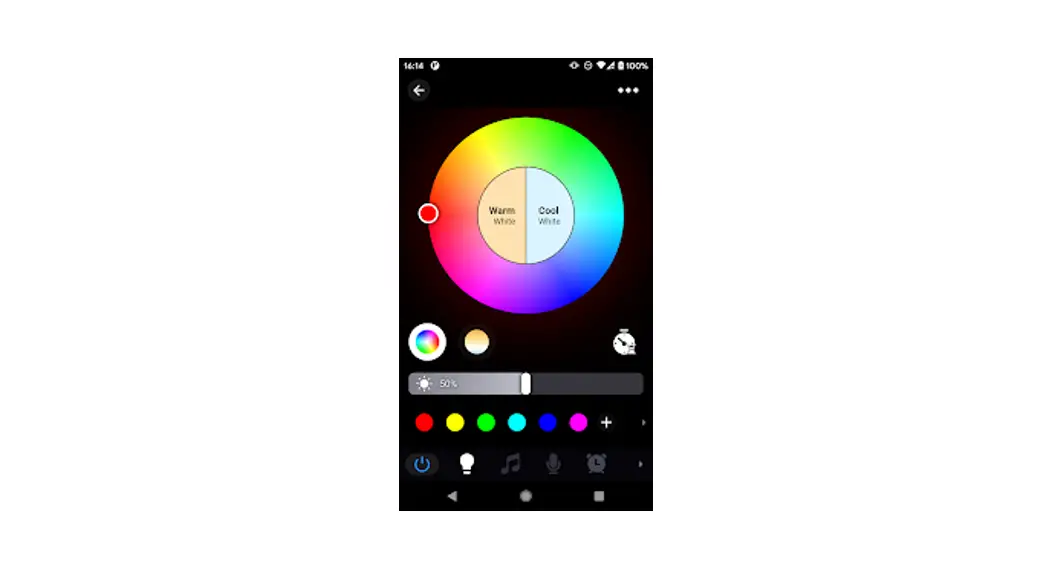
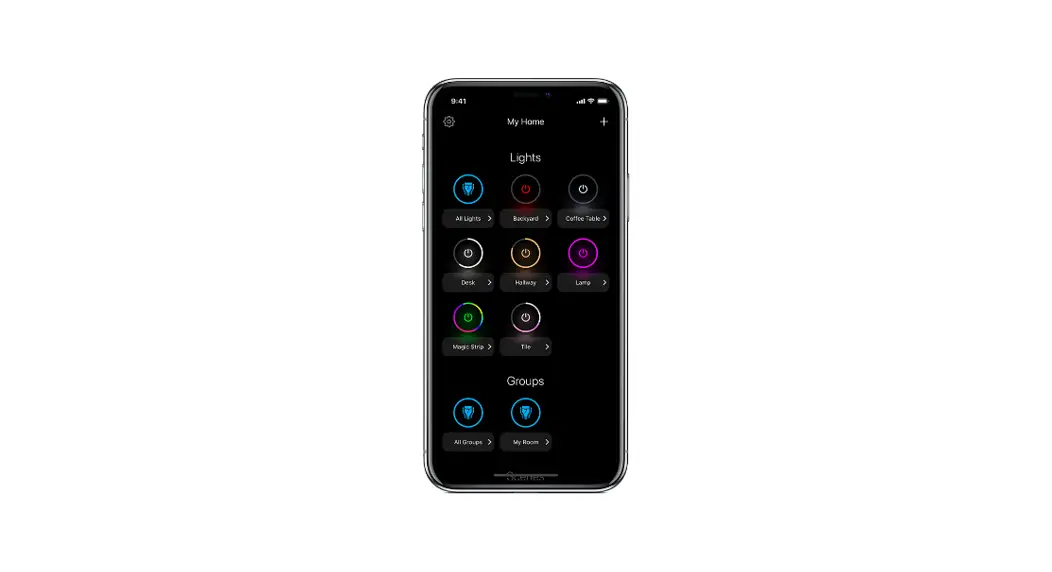
- Once connected, you can access the main user interface which
has the following features:- Adjust: Change the RGB colors and brightness.
- Music: Play music and change RGB colors based on music
rhythm. - Tape: Phone Mic: Change RGB colors by phone microphone input
voice rhythm. Device Mic: Change RGB colors by device microphone
input voice rhythm. There are four modes for users to choose. - Style: Change RGB colors by fixed model.
- Timing: Set timers to automatically turn on/off the
device. - Settings: Shake: Change colors by shaking the phone.
I. Specifications:
User Manual
Working temperature: -20-60
Supply voltage: DC5-24V
Product size: 86*62*35 Output: Three CMOS drain- open output
Net weight:150g Max load current: 10A each color
HappyLighting User Manual
Scan the QR-Code to download the App
1 Bluetooth Connection For the first time you use it or never pair with `HappyLighting’ after moving the equipment, please following the below steps: A First, please enter your phone settings, open the Bluetooth. Note: For Android phone, also
need the Location Services. B Second, open the `Happy Lighting app’, the app will auto to scan and connect the device.
2 Main User Interface A Adjust: Change the RGB colors and brightness.
BMusic: Play music and change RGB colors by music rhythm.
C Tape: Phone Mic: Change RGB colors by phone microphone input voice rhythm.
Device Mic: Change RGB colors by device microphone input voice rhythm.There are four modes for users to choose.
DStyle: Change RGB colors by fixed model.
ETiming: Set timers, can auto On/Off the device.
FSettings: Shake: Change colors by shake the phone.
This device complies with part 15 of the FCC Rules. Operation is subject to the following two conditions: (1) this device may not cause harmful interference, and (2) This device must accept any interference received, including interference that may cause undesired operation. Changes or modifications not expressly approved by the party responsible for compliance could void the user’s authority to operate the equipment. This equipment has been tested and found to comply with the limits for a Class B digital device, pursuant to Part 15 of the FCC Rules. These limits are designed to provide reasonable protection against harmful interference in a residential installation. This equipment generates uses and can radiate radio frequency energy and, if not installed and used in accordance with the instructions, may cause harmful interference to radio communications. However, there is no guarantee that interference will not occur in a particular installation. If this equipment does cause harmful interference to radio or television reception, which can be determined by turning the equipment off and on, the user is encouraged to try to correct the interference by one or more of the following measures: — Reorient or relocate the receiving antenna. — Increase the separation between the equipment and receiver. –Connect the equipment into an outlet on a circuit different from that to which the receiver is connected. — Consult the dealer or an experienced radio/TV technician for help.ct. This equipment complies with the FCC RF radiation exposure limits set forth for an uncontrolled environment. This equipment should be installed and operated with a minimum distance of 20cm between the radiator and any part of your body.