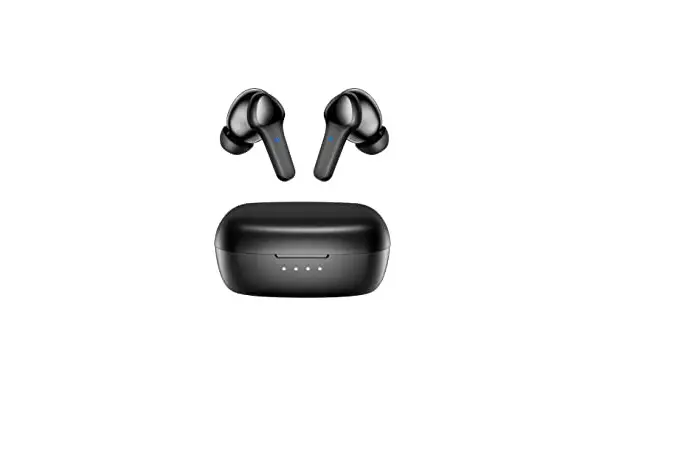
Z706A Neckband Bluetooth Headset
Product Information
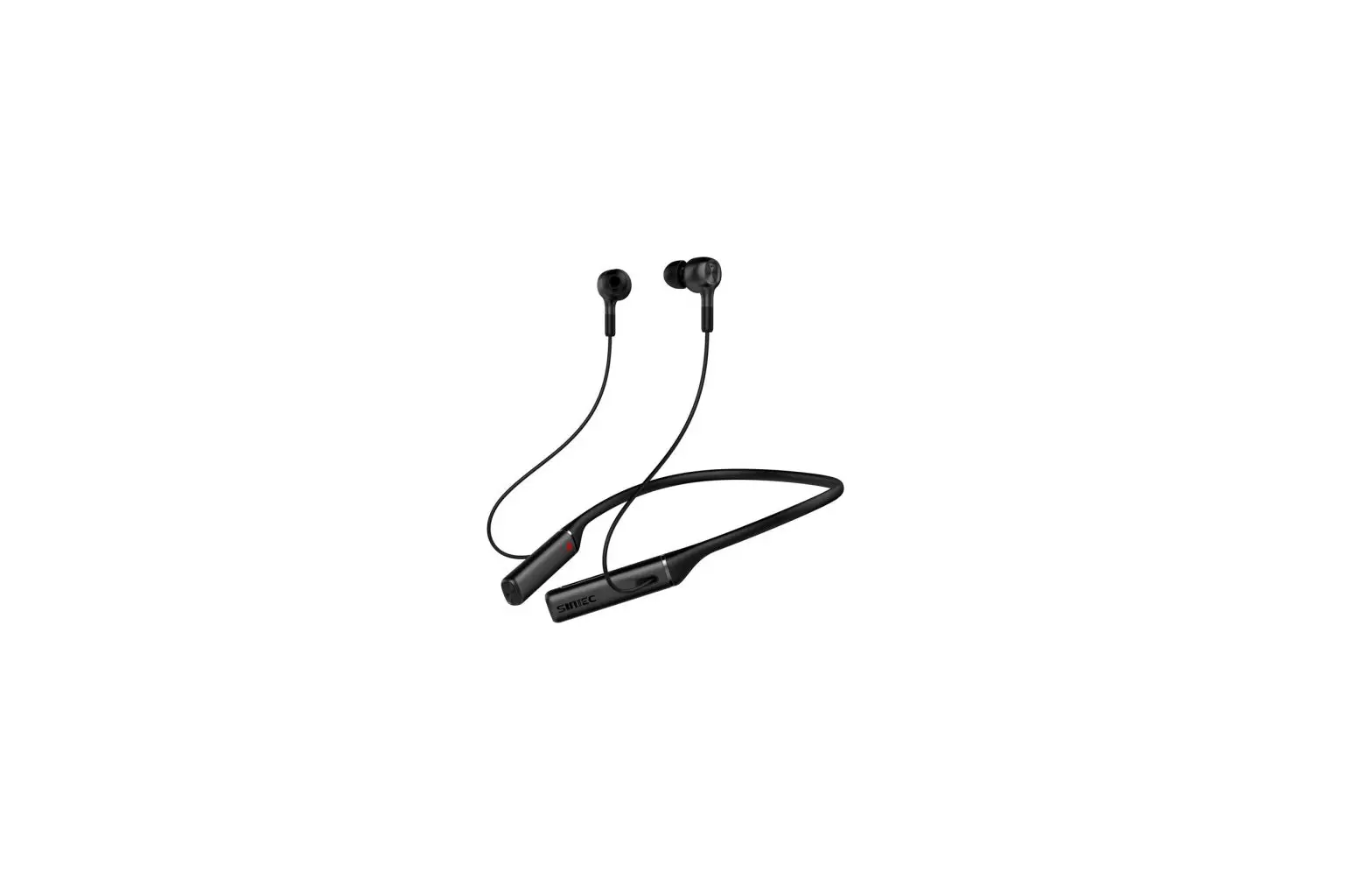
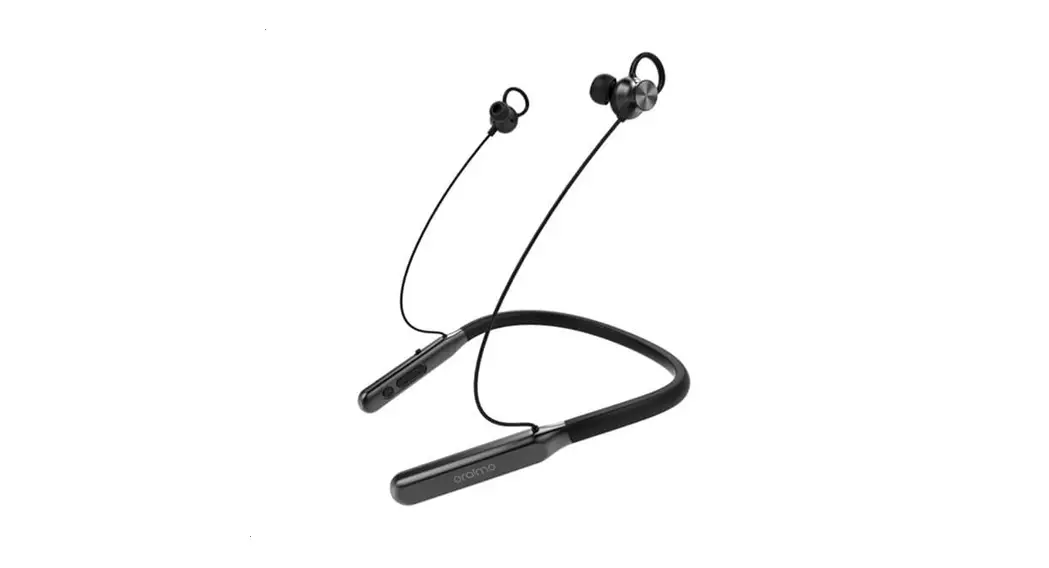
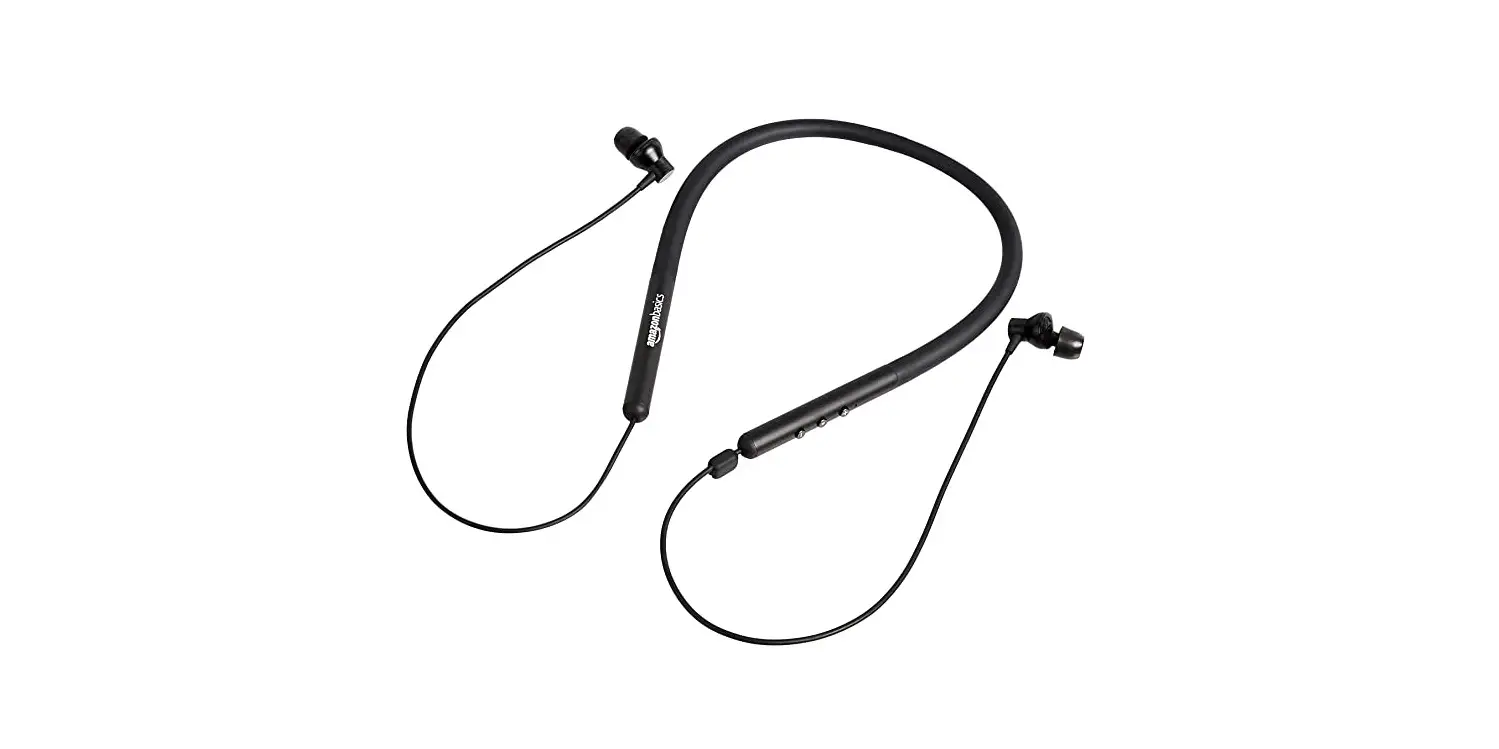
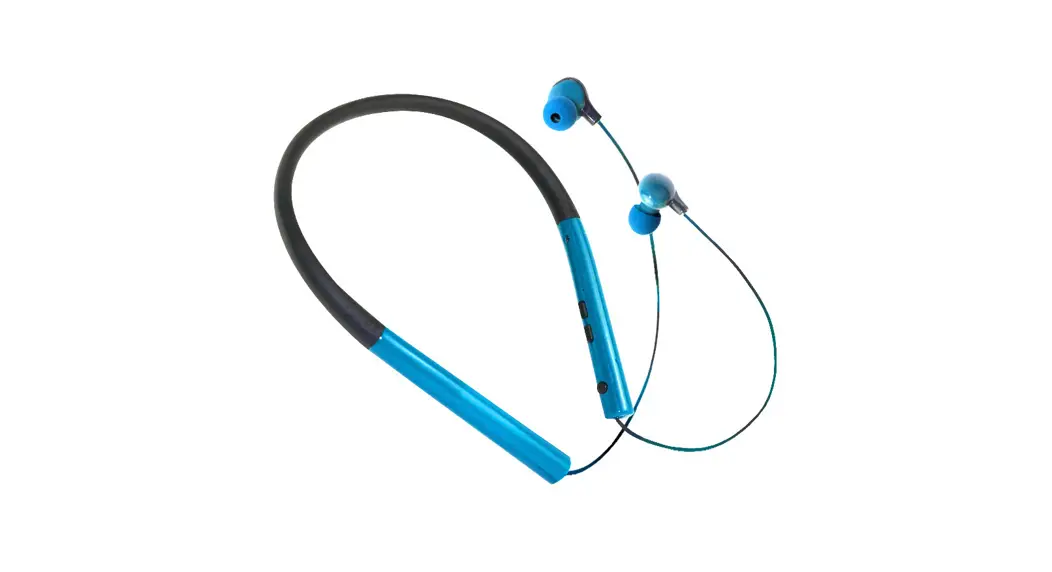
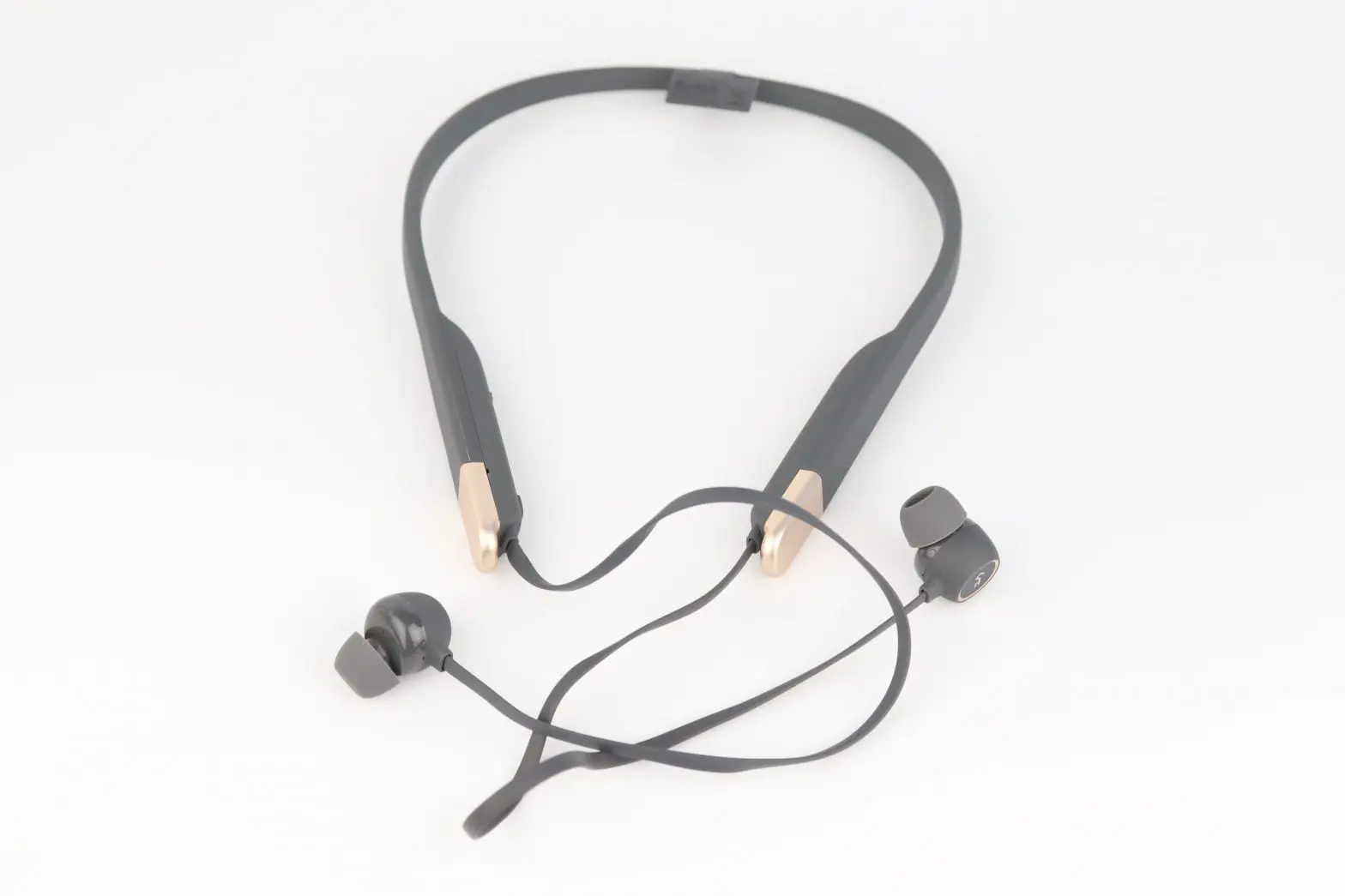
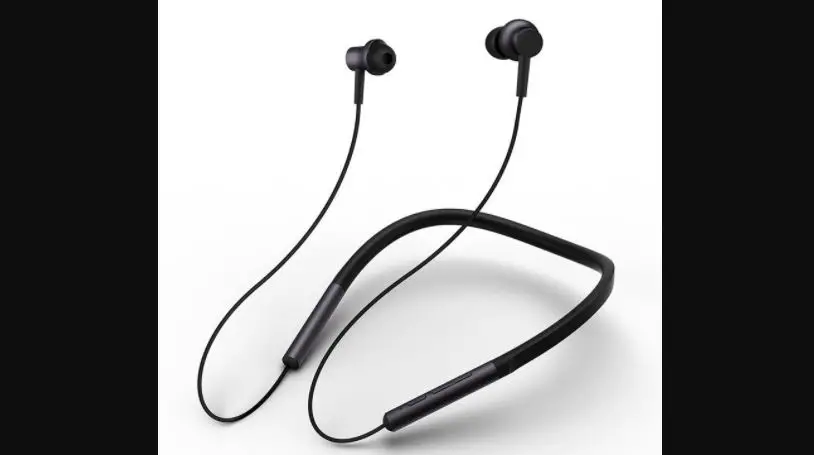
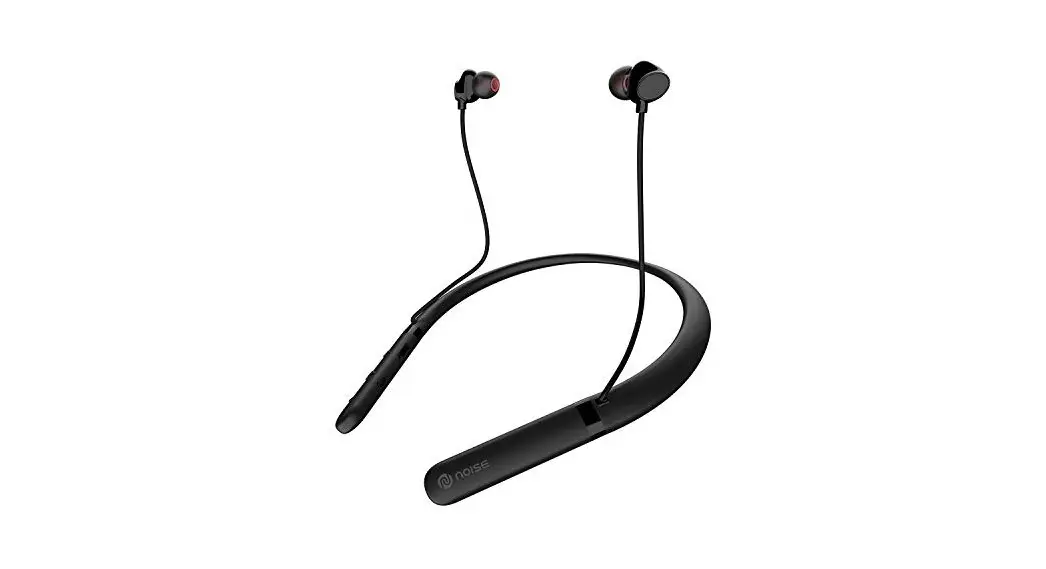
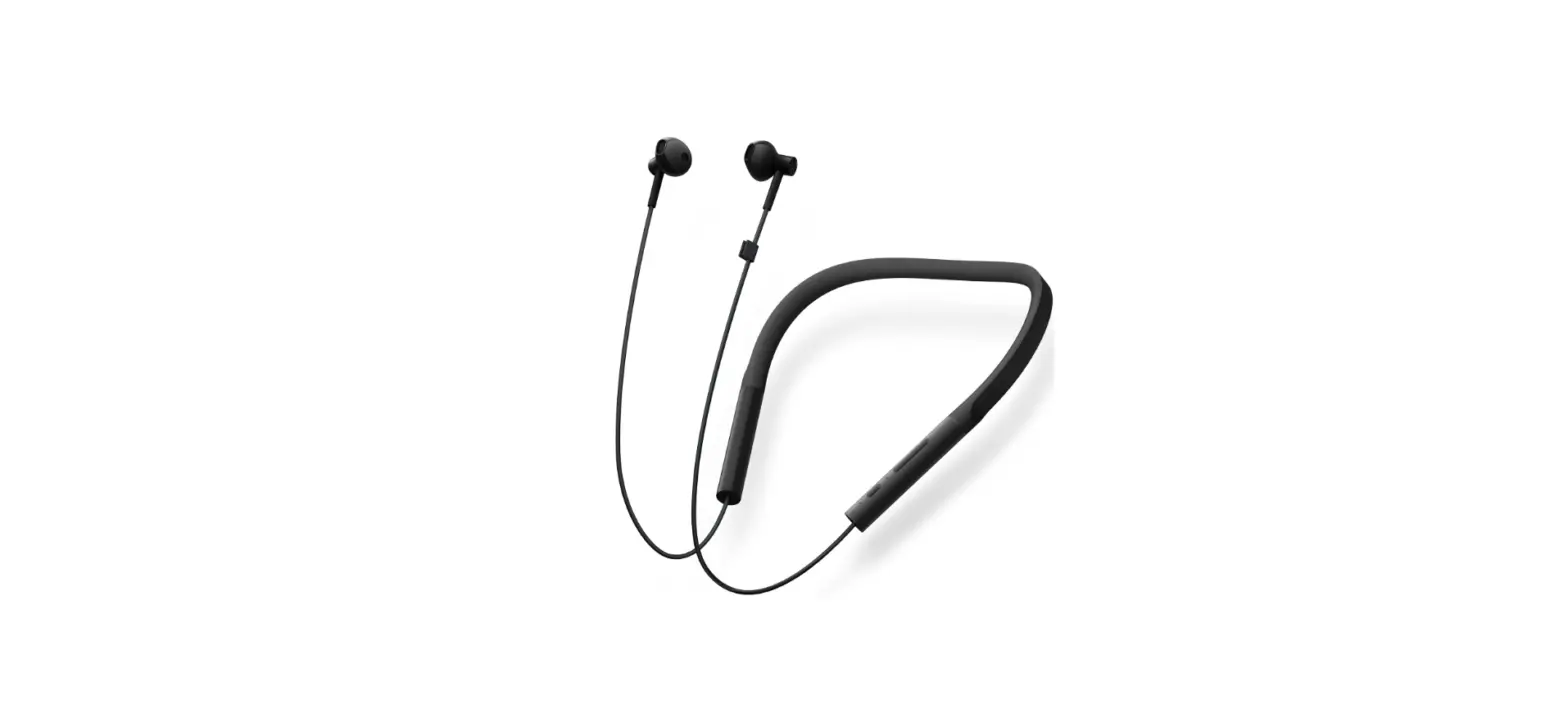
The Neckband Bluetooth Headset Z706A is a wireless headset
designed for hands-free communication and music listening. It
features a neckband for comfortable wearing, a microphone for clear
voice transmission, and a MFB (Multiple Function Button) for easy
control. The headset also has volume control buttons, a micro USB
charging port, and an LED indicator for battery and pairing
status.
Product Usage Instructions
Quick Start
- Charge the headset before using. See “Charger and Battery”
section for details. - Choose a cell phone or other Bluetooth device to pair with the
headset. See “Basic Operations” section for details about
pairing. - Keep the headset away from credit cards or other magnetic
storage media to prevent data loss due to demagnetization.
How to Connect with the Bluetooth Headset Z706A
- Turn the toggle switch upward to power on the headset. The
headset enters pairing mode with red and blue lights flashing
alternately and a voice prompt “Power on, pairing”. - Open the Bluetooth software of your phone and search for the
headset Z706A. - Click on Z706A to finish the connection. You will hear a voice
prompt “Connected” after successful pairing.
Basic Operations
- Power On: Push the toggle switch upward to
power on the headset. You will hear a voice prompt “Power on,
pairing” and the headset enters pairing mode with red and blue
lights flashing alternately. - Connecting: After the headset enters pairing
mode, search for the Bluetooth device on your cell phone and click
on Z706A to connect it. You will hear a voice prompt “Connected”
after successful pairing. - Answer a Call: Press the MFB button once to
end an ongoing call. - Reject a Call: Double-click the MFB button to
reject an incoming call. - Conversation Transfer: Press and release the
MFB button during a conversation to switch to the mobile phone.
Repeat the same step to switch back to Z706A. - Automatically Re-Connect: When powering on
Z706A, it automatically reconnects with the last cell phone that it
was paired with, if the cell phone is in connection range and its
Bluetooth is turned on. - Last Number Redialing: Double-click the MFB
button at the standby or music state to redial the last dialed
number. - Music Play/Pause: Press the MFB button once to
play music and press again to pause music. - Volume Up: Press the volume + button once to
increase the volume by one grade. If the volume reaches the
maximum, a tone sound is heard. - Volume Down: Press the volume – button once to
decrease the volume by one grade. If the volume reaches the
minimum, a tone sound is heard. - Previous Song: Press and hold the volume –
button for 1 second during music playing to play the previous
song. - Next Song: Press and hold the volume + button
for 1 second during music playing to play the next song. - Three-Way Calling: If a call (B) comes in
during an ongoing call (A), press the MFB button to end A and
answer B. Or, press the MFB button twice to hold A and answer B,
and press the MFB button twice again to switch between A and B.
During three-way calling, press the MFB button to end the current
call and recover the held call.
USER MANUALNECKBAND BLUETOOTH
HEADSET
Z706A
Quick Start The headset consists of the following components:
2 11
1
7
9
3
8
10
6
4
5
1. Toggle switch 2. Neckband 3. Le headset body 4. Right headset body 5. Microphone 6. MFB (Mul Funcon Buon) 7. Volume + 8. Volume 9. Micro USB charging port 10. LED indicator 11. Ear cap
1
Fully charge the headset before using. For details about how to charge the headset, see “Charger and Baery” in this manual. Meanwhile, choose the cell phone that is compable with the headset or other Bluetooth devices to pair with the headset. For details about pairing, see “Basic Operaons”.
Tip: Keep the headset away from your credit card or .other magnec storage media; otherwise, the stored informaon may be lost due to demagnezaon.
How to connect with the Bluetooth headset Z706A 1. When the headset is in power-off state, turn the toggle switch upward. Now the headset Z706A is power on and auto enters into a paring mode with red & blue light flash alternately along with a sound “Power on , pairing”.
Toggle switch
2.Open the Bluetooth soware of your phone,
searching the headset Z706A.
3.Find the Z706A, click it to finish the connecon.
You will hear a sound “connected” aer paired
successfully.
2
Basic Operaons Power On: When the headset is in power-off state, push the toggle switch upward to power on the headset. You will hear voice “Power on, Pairing”, and the headset automacally enters the pairing state with red & blue light flash alternately.
The indicators keep Red for 2 seconds and then off if the headset did not connect in 180 seconds, accompanied by the voice prompt “Power off”.
Connecng: Aer the headset enters the pairing state, search the Bluetooth on cell phone, and click Z706A to Connect it, accompanied by a voice prompt “Connected”.
Answer a Call: Press the MFB buon once to end an on-going call.
Reject a Call: When there is an incoming call, you can double click the MFB buon to reject the call.
Conversaon Transfer: If you press the MFB buon for 1 second then release during a conversaon, the conversaon is switched to the mobile phone. Repeat same step, the conversaon can be switched to Z706A again.
3
Automac Re-Connect: When power on Z706A, the Z706A is automacally connected with the last cell phone that Z706A has previously paired with If the cell phone in connecon range and its Bluetooth turned on.
Last Number Redialing: At the standby or music state, double click the MFB buon to redial the last dialed number.
Music Play/Pause: Press the MFB buon once to play music, press again to pause music.
Volume Up: Press the volume + buon once to increase the volume by one grade. If the volume reaches the maximum, a tone sound is heard.
Volume Down: Press the volume – buon once to decrease the volume by one grade. If the volume reaches the minimum, a tone sound is heard.
Previous Song: If you press the volume “-” buon for 1 second during music playing, the previous song is played.
Next Song: If you press the volume”+” buon for 1 second during music playing, the next song is played.
4
Three-Wall Calling: If a call (B) is coming in during an on-going call (A), you can press the MFB buon to end A and answer B. Or, you can press the MFB buon twice to hold A and answer B, and press the MFB buon twice again to switch between A and B. During three-calling, you can press the MFB buon to end the current call and recover the held call.
iOS Baery Indicator: Aer the headset is successfully connected to an iOS device, the IOS device displays the current baery status of Z706A headset.
Power Off: When the headset is in power on state, push the toggle switch downward, the indicators keep red for about 2 seconds and then off, accompanied by the voice prompt “Power off”.
Enabling/Disabling Voice Control: Press the MFB buon for 1 second and release, a tone sound is heard and voice control is enabled. Press the MFB buon for one second again, and voice control is disabled.
1-to-2 Mulpoint Connecng: Pair Z706A with cell phone A, and disable the Bluetooth funcon of A. Pair Z706A with cell phone B and connect successfully, then enable the Bluetooth funcon of A. If your
5
cell phone supports the automac re-connecon funcon, the Z706A will be automacally connected to A. Alternavely, you can click the headset Z706A to re-connect to A. At this me, the Z706A can be connected to A and B at the same me.
Reset factory seng: when charging, press the MFB for 5 seconds, the Red LED blinks 3 mes.
The lost/Out of range warning: There will be vibraon aer abnormal disconnecon or out of coverage distance.
Charging the Baery The headset is embedded with non-removable rechargeable baery. Do not aempt to remove the baery from the headset; otherwise, the headset may be damaged. If the headset is not used in a long me, keep it in a dry and well-venlated place, and charge the headset once every two months.
1.If the red indicator blinks every 8 seconds, the headset baery is low. If the headset connues to work, it may be automacally powered off. At this me, you need to charge the headset by connecng the charging cable to the charging port on the headset. 2.Connect the charger to the power socket.
6
3.The indicator keep Red on when the headset is being charged. If the charging is not started yet, disconnect the headset from the power socket, and reconnect the headset again. It takes about 2 hours to fully charge the headset. Aer charging fully, the red indicator is off, and the blue indicator is on. At this me, you can disconnect the charger from the power socket and headset.
Warning: Only use the recommended charger if possible. Other chargers may violate the warranty terms of the equipment and results in danger. If the charging cable is delivered with the headset, connect the cable to a CCC-cerfied charger or computer to charge the headset.
A fully charged baery can provide up to 21 hours of Music Time, 15 hours of talk me, or 360 hours of standby me. The actual talk me and standby me may vary with different cell phones, sengs, use methods, and environment.
7
Troubleshoong
Problem Descripon
Cause
Power on funcon is failed.
The baery is exhausted. Toggle switch is not in right posion.
Soluon
Use the charger to fully charge the baery. Turn the toggle switch again.
Charging The charging port funcon is not properly is failed. connected.
Reconnect the charging port.
Power off The headset program Use the charger to charge funcon is in error due to an and reset the headset. is failed. incorrect operaon.
The headset does
The headset cannot be
not enter into the pairing state.
searched or pairing fails.
The Bluetooth applicaon of the
cell phone is in error.
Enable the headset to enter into the pairing state. Close the cell phone and start again to pair the cell phone with the headset.
8
HNG DN S DNGTAI NGHE BLUETOOTH
Z706A
Hng dn nhanh Tai nghe ca bn bao gm các thành phn sau:
2
11
1
7
9
3
8
10
6
4
5
1. Nút chuyn i 2. Vòng choàng c 3. Thân máy bên trái 4. Thân máy bên phi 5. V trí Micro 6. Nút a chc nng 7. Nút tng âm lng 8. Nút gim âm lng 9. Cng sc Micro USB 10. èn LED 11. Nút tai.
9
Luôn sc y trc khi s dng. Vui lòng xem hng dn cách sc trong hng dn này. Cng lu ý rng, bn nên chn la in thoi hoc các thit b tng thích vi tai nghe. V cách kt ni gia các thit b, vui lòng xem “vn hành c bn” trong hng dn này.
Lu ý: Gi tai nghe cách xa th n dng, hoc các loi th t, thit b lu tr nh cng, th SD,…nu không s xy ra nh trng mt mát d liu áng c xy ra.
Cách kt ni tai nghe Bluetooth Z706A:
1.Khi tai nghe ang trng thái tt ngun, gt nút chuyn i lên phía trên m. Tai nghe s nhp nháy èn – xanh liên tc cùng vi âm thanh thông báo “Power on , pairing”. Tai nghe ã sn sàng kt ni.
Nút chuyn i
2. Tìm kim tai nghe Bluetooth Z706A phn cài t Bluetooth trong in thoi ca bn.
10
3. Chn tên tai nghe Z706A và hoàn tt kt ni. Bn s nghe âm thanh thông báo “connected” sau khi kt ni thành công.
Vn hành c bn M thit b: Khi tai nghe ang trng thái tt ngun, gt nút chuyn i lên phía trên m. Bn s nghe âm thanh “Power on” c phát ra. Tai nghe s nhp nháy èn – xanh liên tc, lúc này tai nghe ã sn sàng kt ni.
èn sáng khong 2 giây sau ó s tt nu ht thi gian ghép ni 180 giây, lúc này âm báo “Power off” s c phát ra. Tai nghe s tt.
Kt ni tai nghe: Sau khi tai c bt lên, bn vào mc Bluetooth trên in thoi, m tai nghe và kt ni. Khi ó, âm thanh”Connected” c phát ra.
Nhn cuc gi: Bm nút a chc nng 1 ln nghe cuc gi n.
T chi cuc gi: Bm nút a chc nng 2 ln t chi cuc gi n.
Chuyn cuc gi sang in thoi: Trong lúc thc hin cuc gi, bm nút a chc nng 1 giây chuyn
11
sang in thoi. Thc hin thao tác tng t chuyn sang tai nghe.
T ng kt ni li: Ngay khi c m ngun, tai nghe s kt ni vi in thoi ã kt ni trc ó.
Gi s gn nht: trng thái rnh, bm nút a chc nng 2 ln gi n s liên lc gn nht.
Nghe nhc: n nút a chc nng 1 ln nghe nhc, n ln na dng nghe.
Tng âm lng: n nút tng âm lng tng âm lng lên 1 nc. Nu âm lng ã mc ln nht, 1 âm báo s c phát ra.
Gim âm lng: n nút gim âm lng gim âm lng 1 nc. Nu âm lng ã mc nh nht, 1 âm báo s c phát ra.
V bài hát trc ó: Nu bn n nút gim âm lng 1 giây trong lúc nghe nhc, bài hát trc ó s c phát .
Ti bài hát p theo: Nu bn n nút tng âm lng 1 giây trong lúc nghe nhc, bài hát p theo s c phát.
12
Thc hin cuc gi 3 bên: Nu cuc gi (B) n khi bn ang thc hin cuc gi (A), bn n nút a chc nng 1 ln kt thúc cuc gi (A) và tr li cuc gi (B). Hoc, bn có th n nút a chc nng 2 ln gi A, tr li B, và n nút a chc nng 2 ln li ln na chuyn i qua li gia 2 cuc gi. Sau ó, bn n nút a chc nng 1 ln na kt thúc cuc gi hin ti, và quay tr li cuc gi ang gi kia.
Ch báo pin trên iOS: Sau khi kt ni thành công vi các thit b Apple, thit b s th hin ch báo pin trên thanh trng thái.
Tt ngun: Tai nghe ang trng thái m, gt nút chuyn i xung phía di tt ngun. Khi ó, èn màu s sáng lên 2 giây và âm báo “Power off” s c phát ra.
Kích hot/hy kích hot iu khin bng ging nói: n nút a chc nng 1 giây, 1 âm báo s phát ra, chc nng iu khin bng ging nói ã c bt. n 1 giây ln na tt chc nng này.
Kt ni a thit b: Kt ni in thoi A vi tai nghe. Sau ó, tt Bluetooth ca in thoi A, kt ni tai nghe vi in thoi B. Lúc này, m Bluetooth in thoi A lên,nu in thoi ca bn h tr chc nng
13
t ng kt ni, tai nghe s t kt ni vi A, nu không, bm chn tên tai nghe Z706A kt ni. Lúc này, tai nghe s kt ni ng thi c A và B.
Khôi phc cài t gc: Cm sc tai nghe, ng thi gi nút a chc nng 5 giây, èn s nhp nháy 3 ln báo hiu tai nghe ã c khôi phc v trng thái ban u
Cnh báo ngoài phm vi kt ni: S có cnh báo rung khi thit b b ngt kt ni t ngt hoc ra ngoài phm vi kt ni vi in thoi.
Sc tai nghe và pin Tai nghe c gn cht vi pin. Vui lòng không c gng tách ri pin khi tai nghe; nu không, có th làm hng tai nghe. Nu không s dng tai nghe 1 thi gian dài, gi tai nghe ch thoáng mát và khô ráo. Sc tai nghe ln mi 2 tháng sau ó.
1.Nu èn nhp nháy 8 giây, iu ó có ngha là tai nghe ca bn ã ht pin. Vui lòng sc tai nghe p tc s dng. 2.Kt ni tai nghe vi c sc. 3.Khi ang sc, èn s sáng màu . Nu qúa trình sc cha c din ra, vui lòng kt ni li vi b sc. Mt khong 2 ng sc y. Sau ó èn s chuyn
14
sang mày xanh, lúc này bn có th ngt kt ni vi b sc. Cnh báo: Ch s dng c sc c khuyn ngh sc thit b. Trng hp s dng c sc ngoài khuyn ngh có th gây nh hng n iu kin bo hành và gây nguy him khi s dng. Nu sn phm có kèm theo cáp sc, vui lòng kt ni cáp sc vi c sc có chng nhn CCC hoc kt ni vi máy nh sc thit b. Sau khi sc y, tai nghe có th s dng lên n 21 gi nghe nhc, 15 gi àm thoi, hoc 360 gi ch. Thi gian s dng này còn tùy thuc vào in thoi, cài t, cách s dng và môi trng ngi dùng.
15
X lý s c
Vn thng gp
Nguyên nhân
X lý
Tai nghe không lên.
Pin ã cn. Nút gt ngun không úng v trí
Sc y pin cho tai nghe Tt và bt li nút ngun.
Không sc c tai nghe
Cha kt ni b sc chc chn
Kt ni vi b sc li.
Không tt c tai nghe.
Tai nghe b li phn mm trong quá trình vn hành sai cách.
Kt ni b sc và reset li tai nghe.
Không m thy tai nghe trong cài t kt ni
Tai nghe cha trng thái ch kt ni. Cài t kt ni ca in thoi b li
a tai nghe v trng thái ch kt ni. Khi ng li in thoi và th li ln na.
16
105YNN