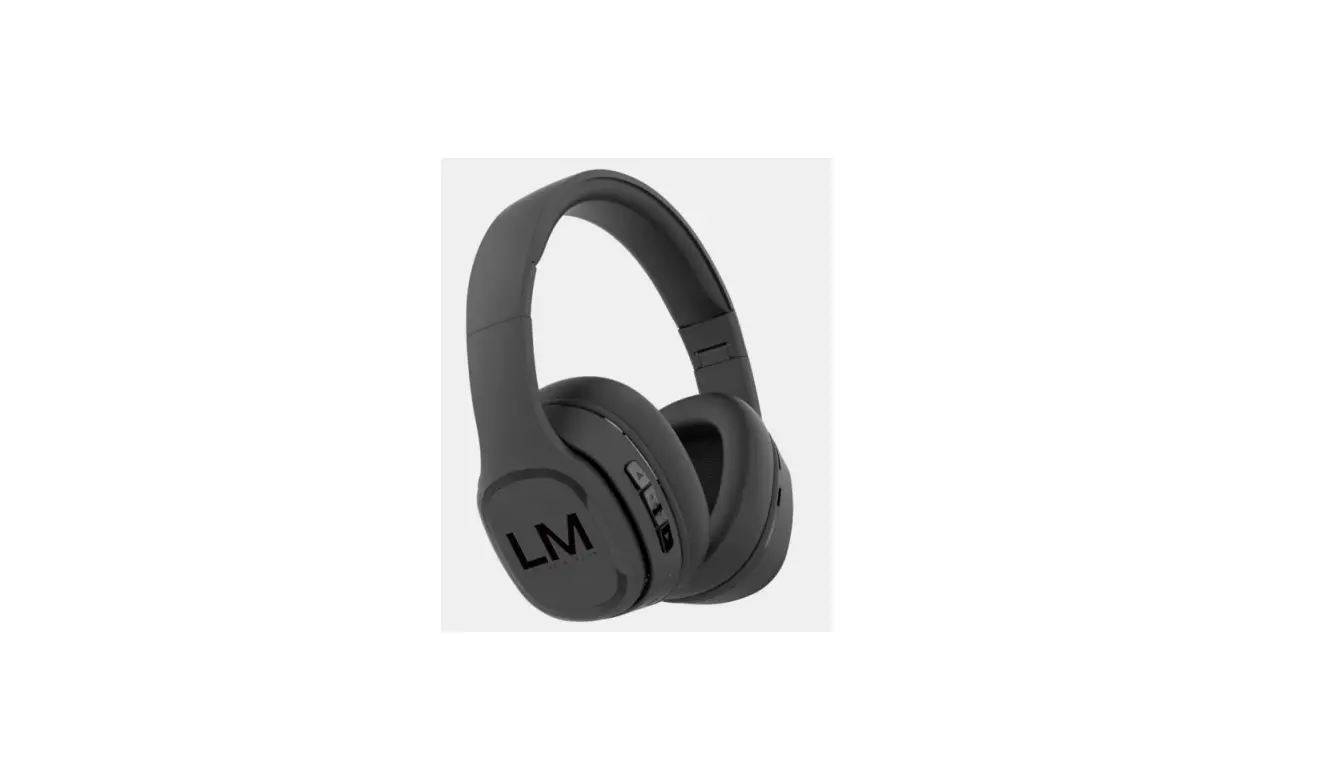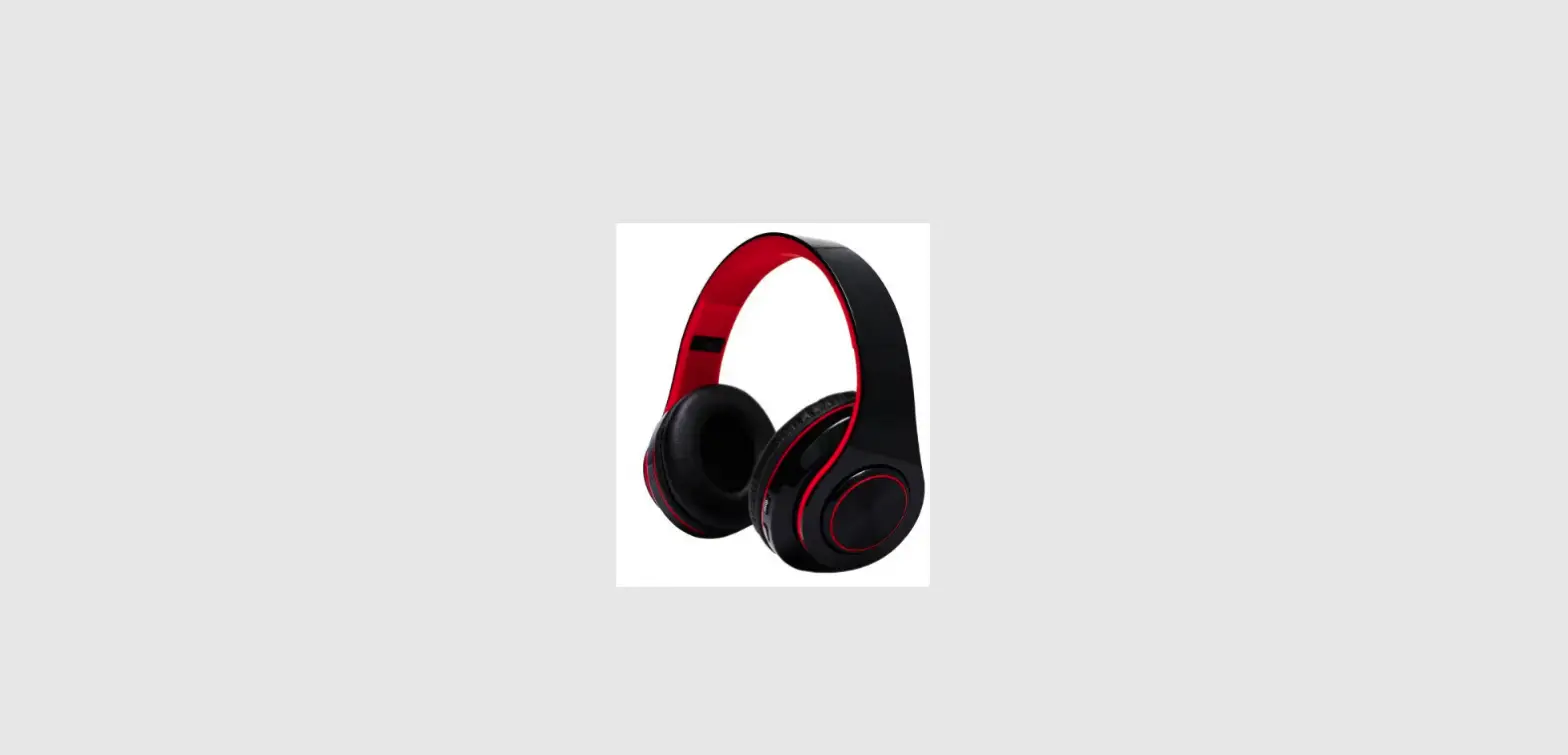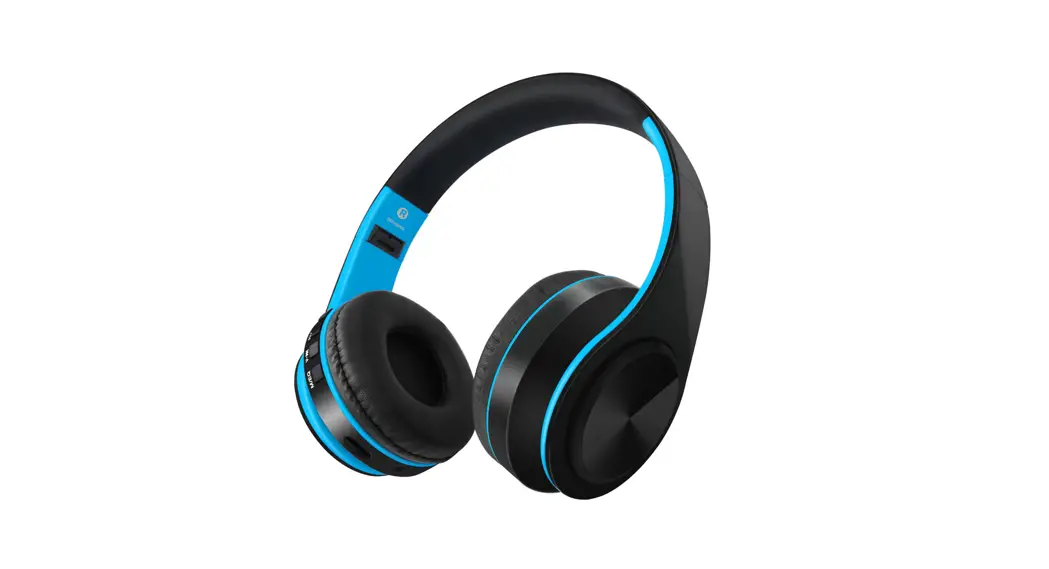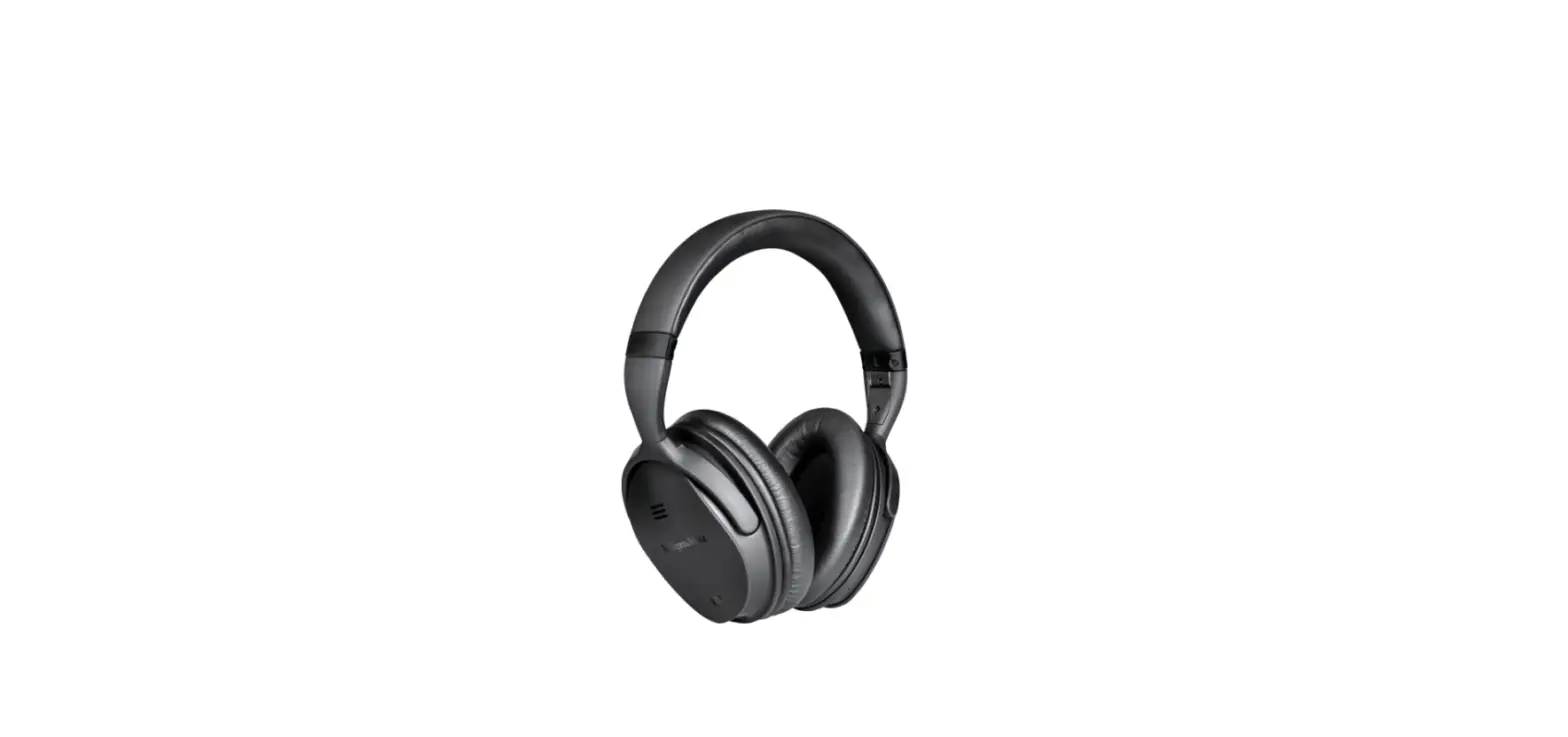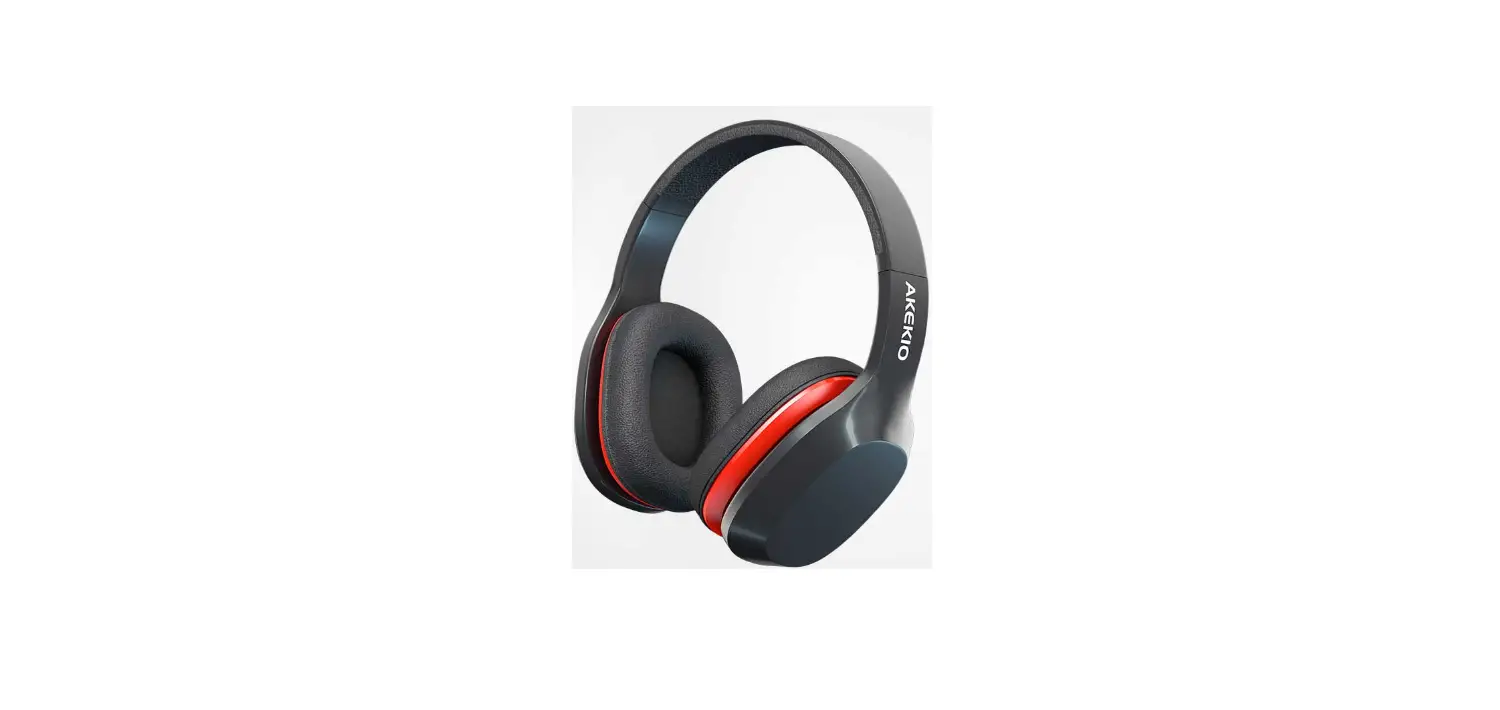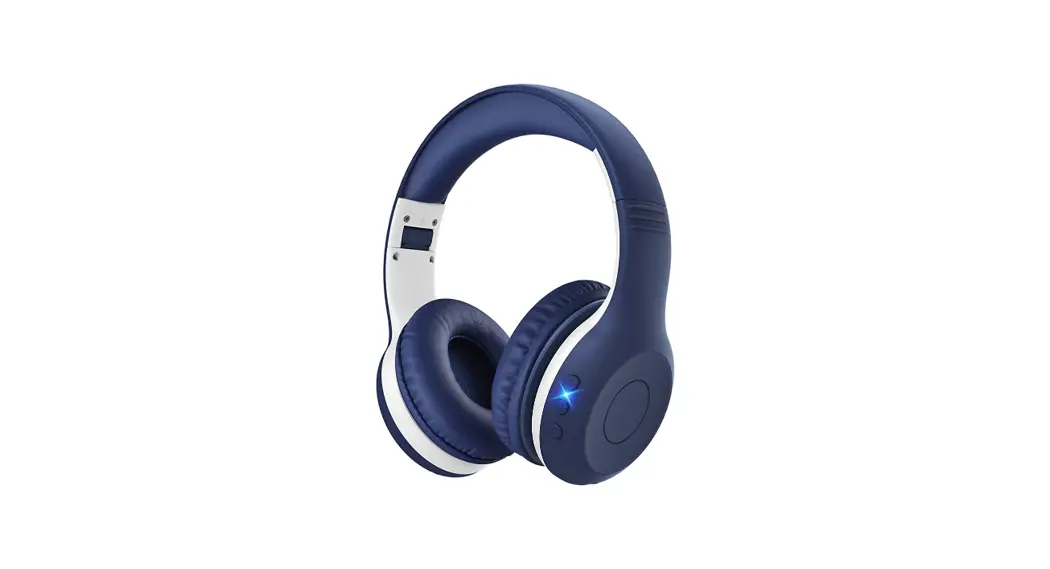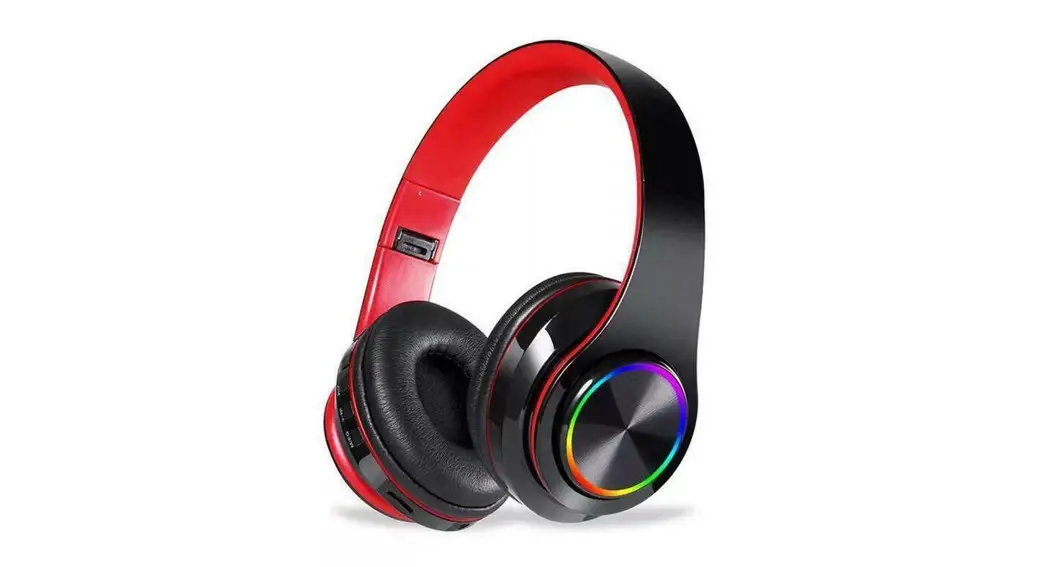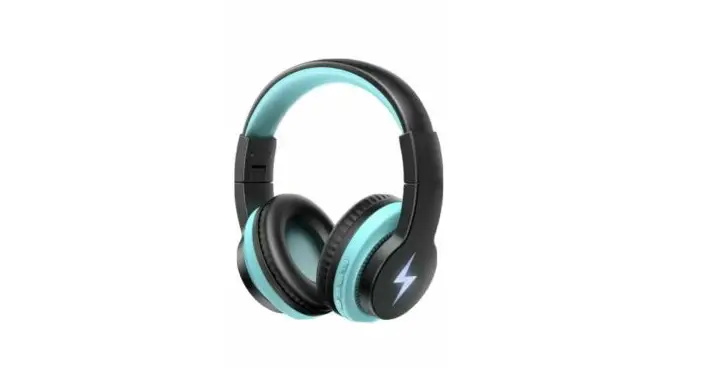
Wireless Headphones
Model: JCH-01
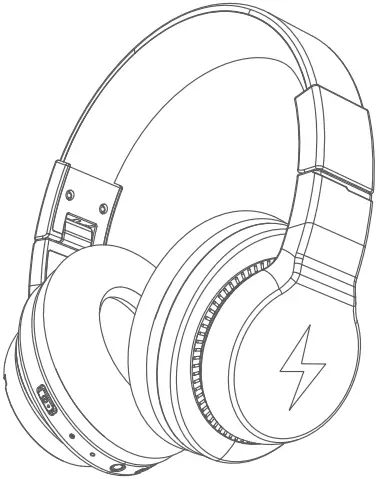
User Manual
Package Contents
1 x JCH-01 Wireless Headphones


1 x 3.5mm Audio Cable 1 x USB Type-C Cable
 1 x User Manual
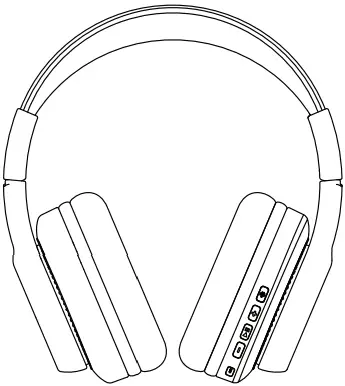
Product Diagram
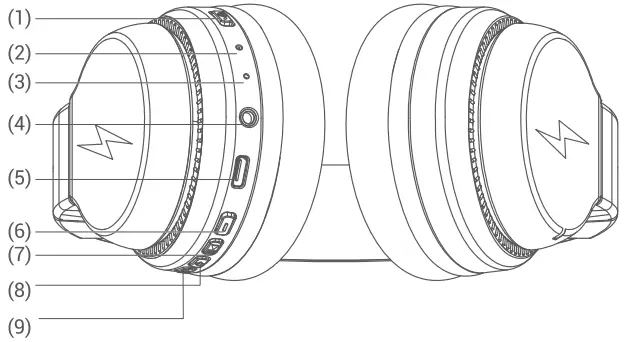
- Power Button
- LED Indicator
- Microphone
- 3.5mm Audio Input
- Type-C Charging Port
- Volume – / Previous Track
- MFB Button
- Volume + / Next Track
- Light Mode Switch Button
On/Off
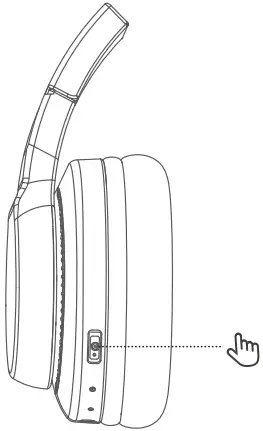
- Power on:
Switch the button to the “ON” direction. Then the LED indicator flashes blue for 1 second, and the colorful lights are on. - Shutdown:
Switch the button to “OFF” direction, and the headphone is turned off. The LED indicator flashes blue for 1 second and then goes off.
Bluetooth Pairing
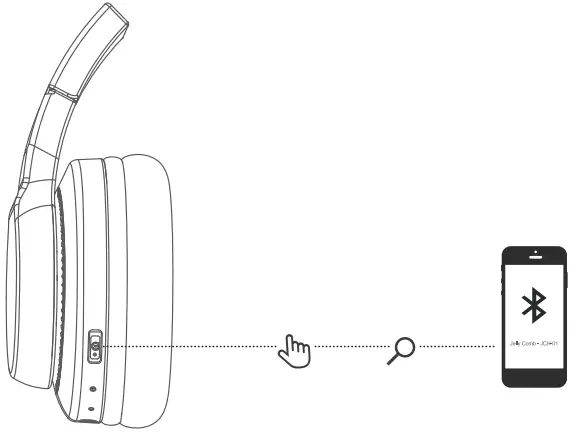
- In the power-on state, switch the button to the “ON” direction; the colorful lights are on; Bluetooth enters the pairing state, and the red and blue lights flash alternately.
- Turn on the Bluetooth of the mobile phone. Then find and select the “JCH-01” Bluetooth pairing name in the device list for Bluetooth pairing connection.
Short press the light mode switch button, and you can switch multiple light modes at will.
| Volume Up | Short press the “+” button. |
| Volume Down | Short press the “-” button. |
| Next Track | Press and hold the “+” button for 2 seconds. |
| Previous Track | Press and hold the “-” button for 2 seconds. |
| Play / Pause | Press the MFB button once. |
| Answer / End A Call | Press the MFB button once. |
| Reject A Call | Keep pressing the MFB button for 2 seconds |
| Voice Assistant | Press the MFB button for 2 seconds |
| Redial Last Number | Press the MFB button twice |
| Light mode switching | Short press to switch 4 kinds of light modes |
voice prompt
| Power On | Power on |
| Power Off | Power off |
| Pairing | Pairing |
| Successful Pairing | Connected |
| Disconnection | Disconnected |
| Low Power | Battery Low |
How to Charge the Headphone
Connect the Type-C cable to the Type-C port on the headphone, and a 5V power outlet (power adapter is not included). The indicator light will glow red to indicate charging. When the headphone is fully charged, the indicator light will change from red to blue.

FCC ID: 2AUKD-JCH-01
FCC Statement
This device complies with part 15 of the FCC Rules. Operation is subject to the following two conditions: (1) This device may not cause harmful interference, and (2) this device must accept any interference received, including interference that may cause undesired operation.
This equipment has been tested and found to comply with the limits for a Class B digital device, pursuant to part 15 of the FCC Rules. These limits are designed to provide reasonable protection against harmful interference in a residential installation. This equipment generates, uses and can radiate radio frequency energy and, if not installed and used in accordance with the instructions, may cause harmful interference to radio communications. However, there is no guarantee that interference will not occur in a particular installation. If this equipment does cause harmful interference to radio or television reception, which can be determined by turning the equipment off and on, the user is encouraged to try to correct the interference by one or more of the following measures:
-Reorient or relocate the receiving antenna.
-Increase the separation between the equipment and receiver.
-Connect the equipment into an outlet on a circuit different from that to which the receiver is connected.
-Consult the dealer or an experienced radio/TV technician for help.
Caution: Any changes or modifications to this device not explicitly approved by manufacturer could void your authority to operate this equipment.
RF Exposure Information
The device has been evaluated to meet general RF exposure requirement. The device can be used in portable exposure condition without restriction.