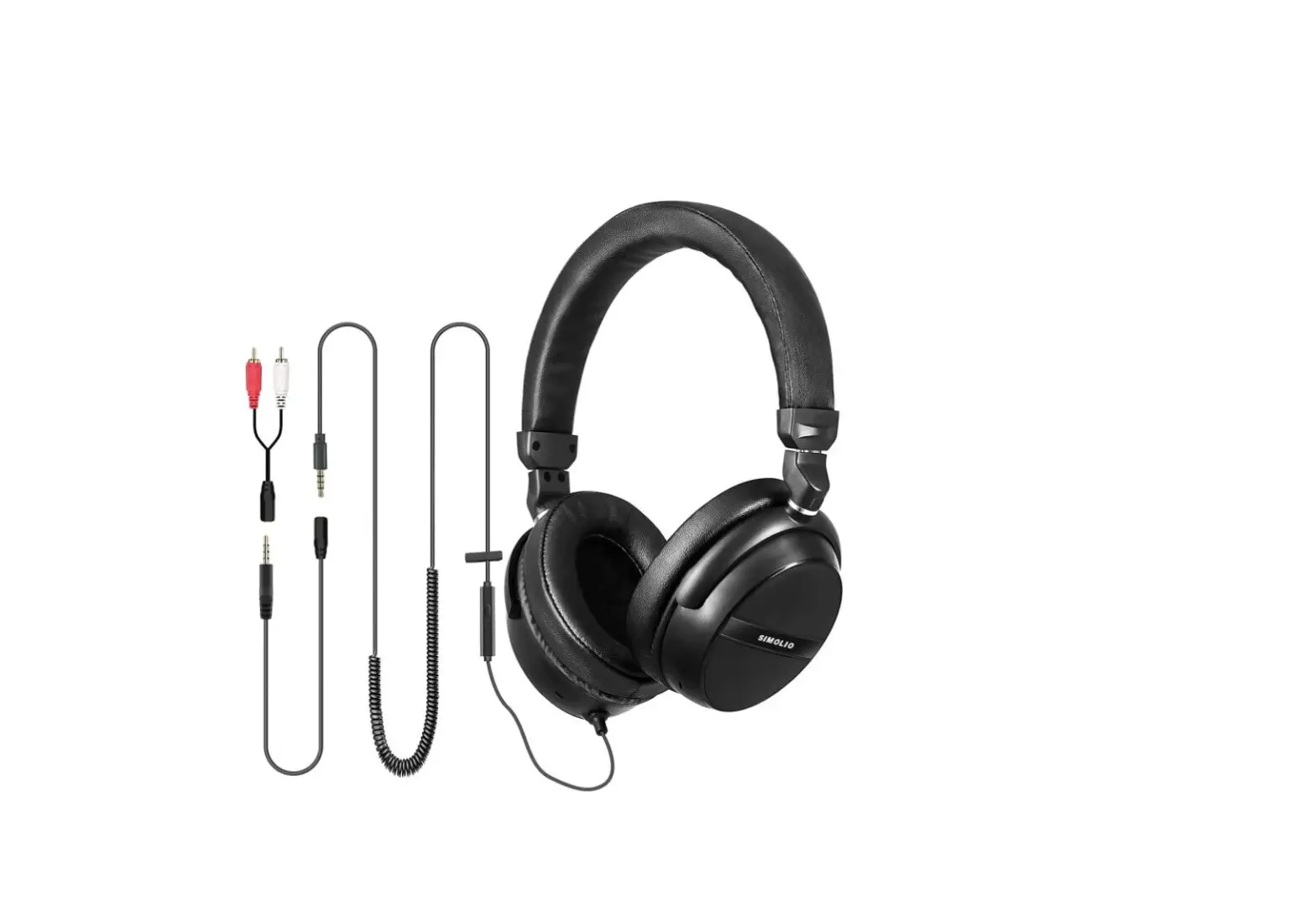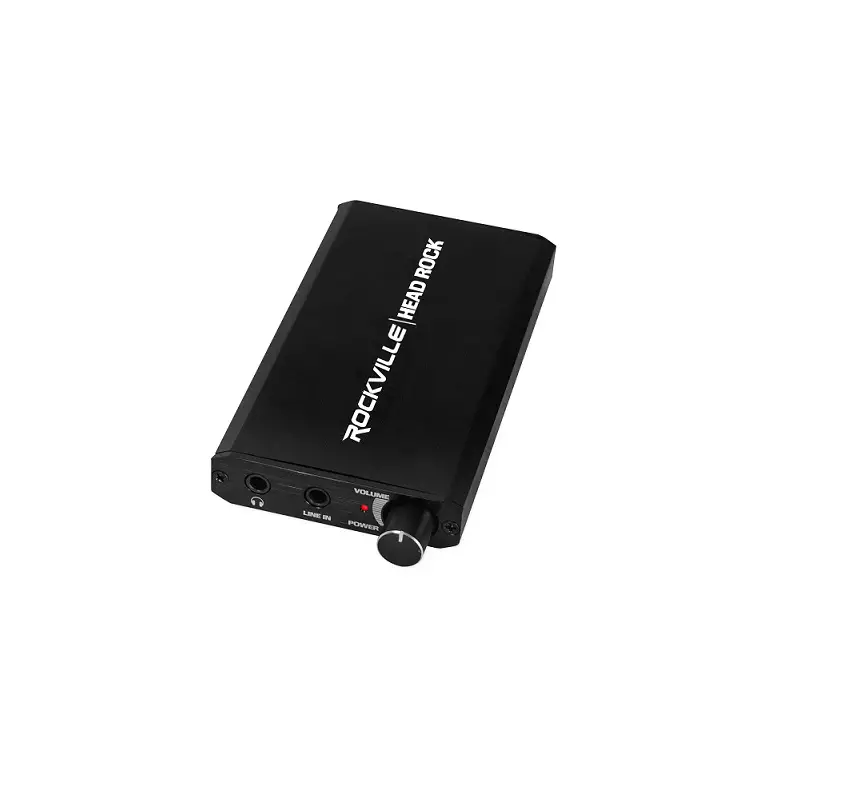

ROCKVILLE RDAC5 RCA Headphone
Please read this guide carefully for proper use of your RDAC5 Digital to Analog Converter. Scan the QR codes or visit URLs below to access how-to videos, the owner’s manual and other important information you may need to get the most out of your item. Should you need assistance please call our technical help line at 1-646-758-0144, 24 hours a day/7 days a week.
FUNCTIONS
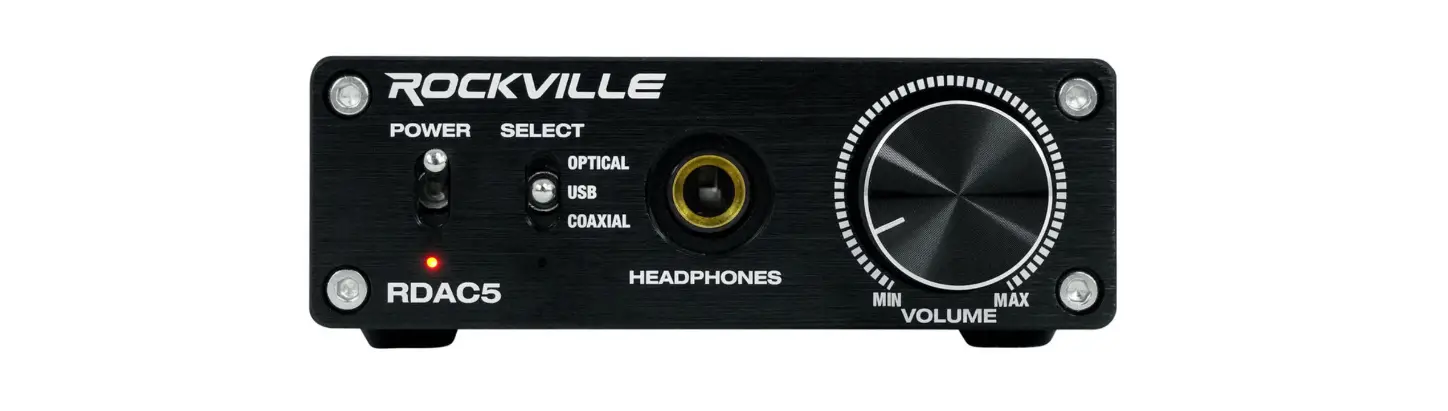
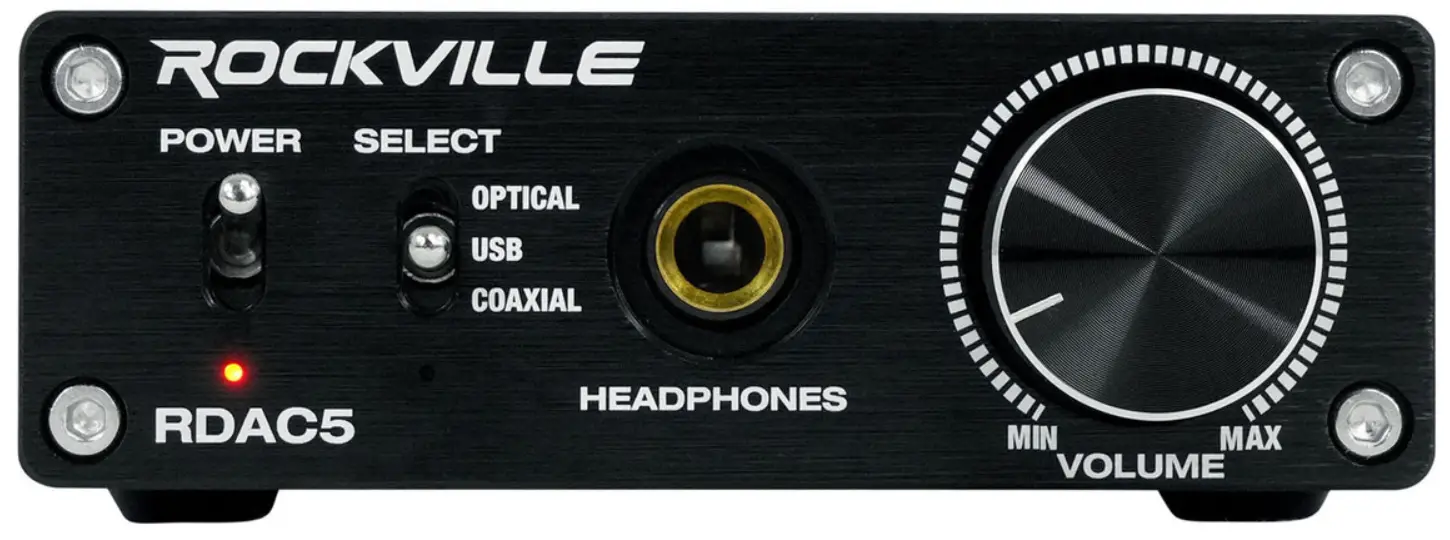
- Power ON/OFF switch
- Input selector switch: optical/USB/coaxial
- 1/4” headphone jack
- Volume control
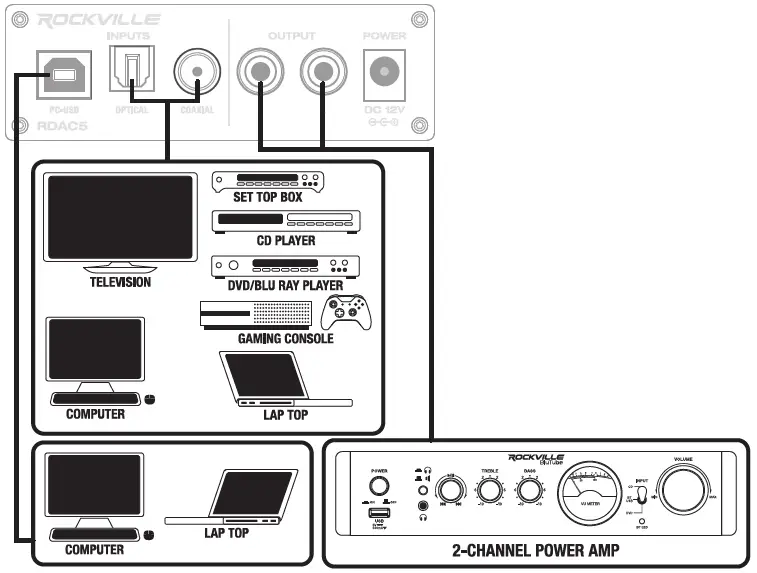
- USB input
- Optical input
- Coaxial input
- RCA outputs
- 12V power input: Connect the included power supply to power on the unit.




CONNECTIONS
SETTING SAMPLE RATE/BIT DEPTH
PC
- Connect the RDAC5 to your PC via USB.
- Click on the Windows icon on the lower right corner of your screen, then click on SOUND SETTINGS.
- In the SOUND SETTINGS menu click on SOUND CONTROL PANEL.
- Find RDAC5 in the SOUND CONTROL PANEL, click on it and select PROPERTIES from the drop down menu.
- Click on the ADVANCED tab. There you will find a drop down menu with all the available sample rate and bit depth settings.
MAC
- Connect the RDAC5 to your Mac via USB.
- Go to your APPLICATIONS folder, the find and open the UTILITIES folder.
- Find and open the AUDIO MIDI SETUP app.
- Select RDAC 5 form the panel on the left.
- Click the OUTPUT tab on the right side panel. There you will find a drop down menu with all the available sample rate and bit depth settings.
RockvilieAudio.com
©2022 ROCKVILLE// The infonnation presented is subject to change and/or improvement without notice,