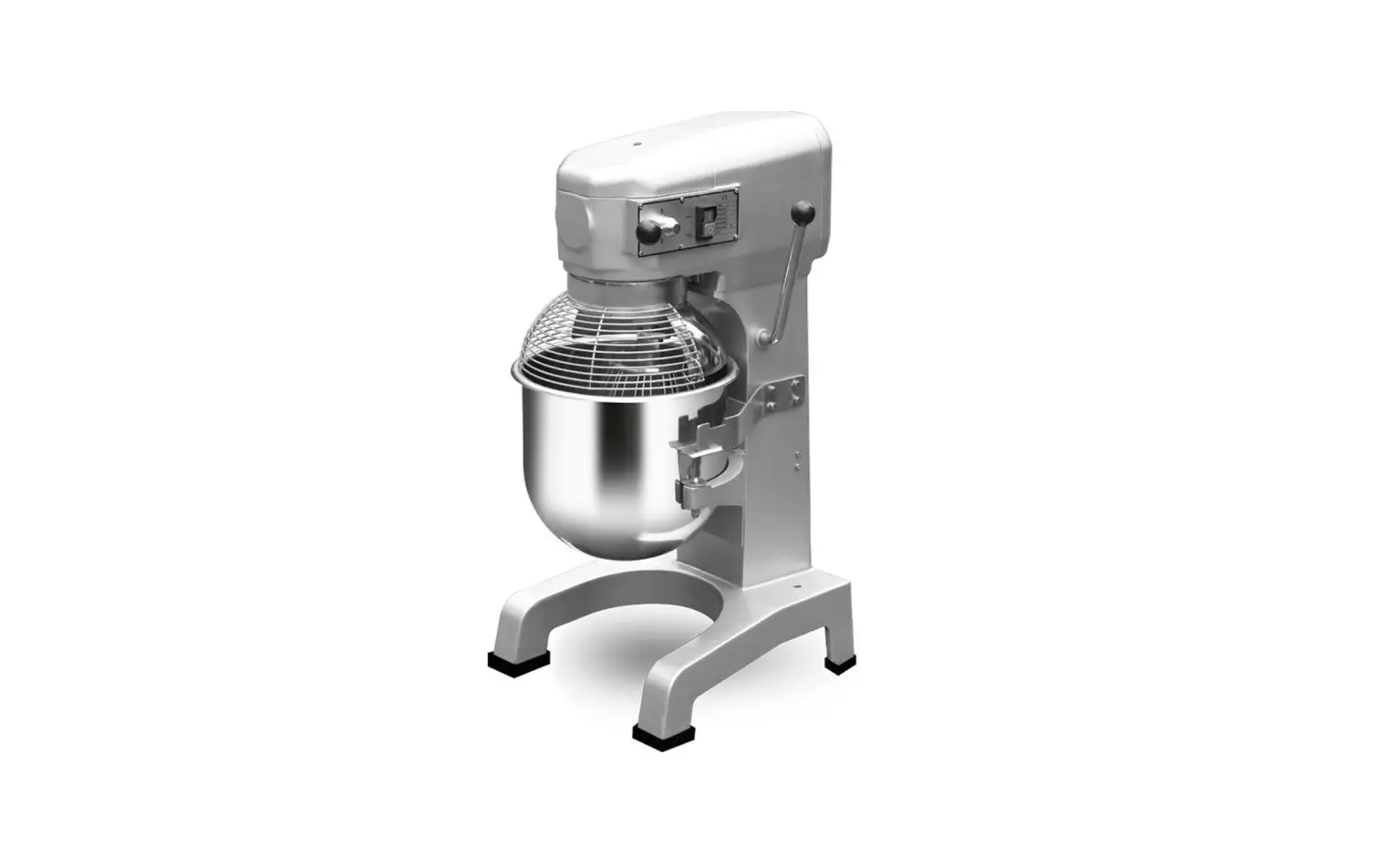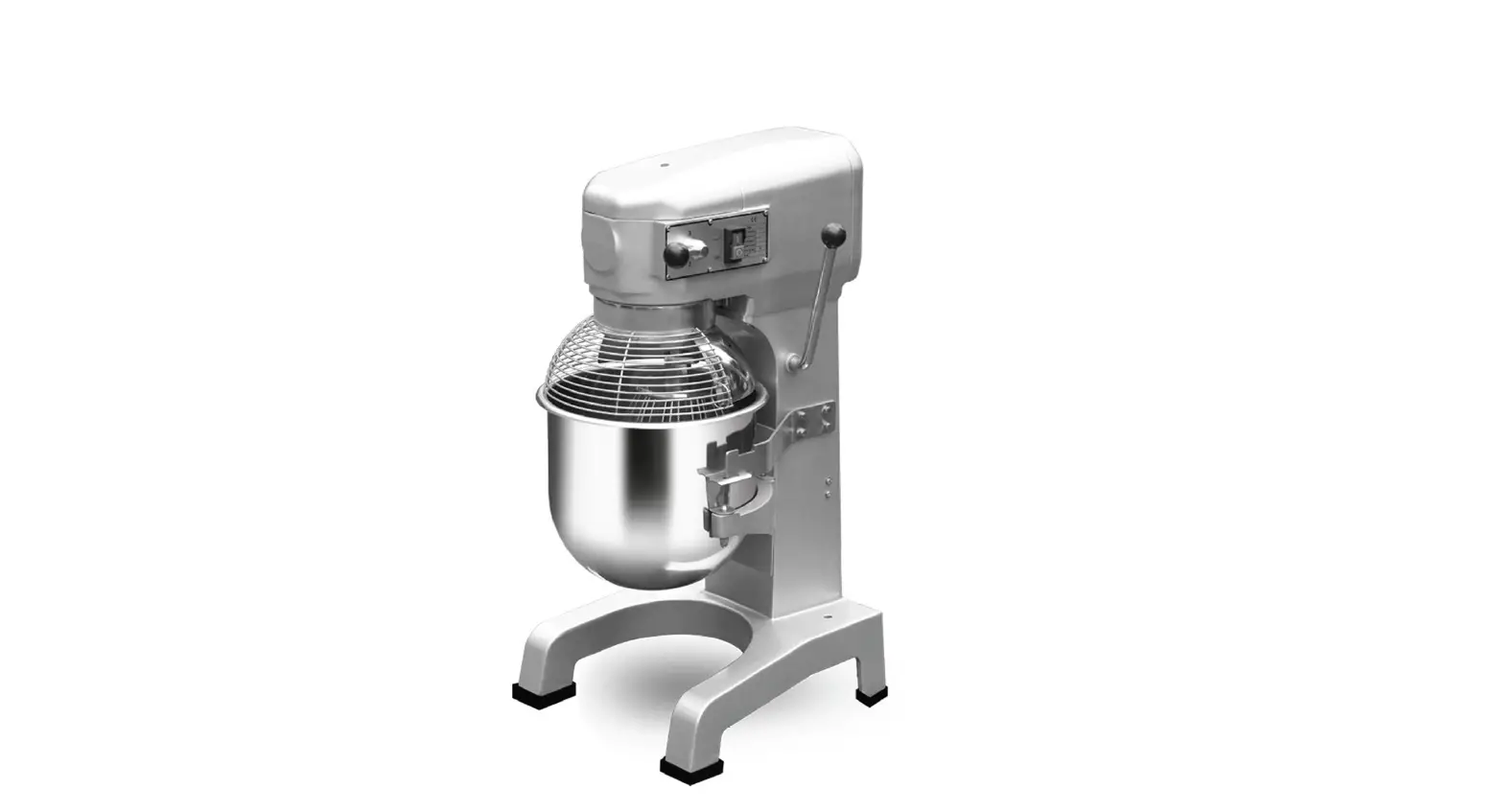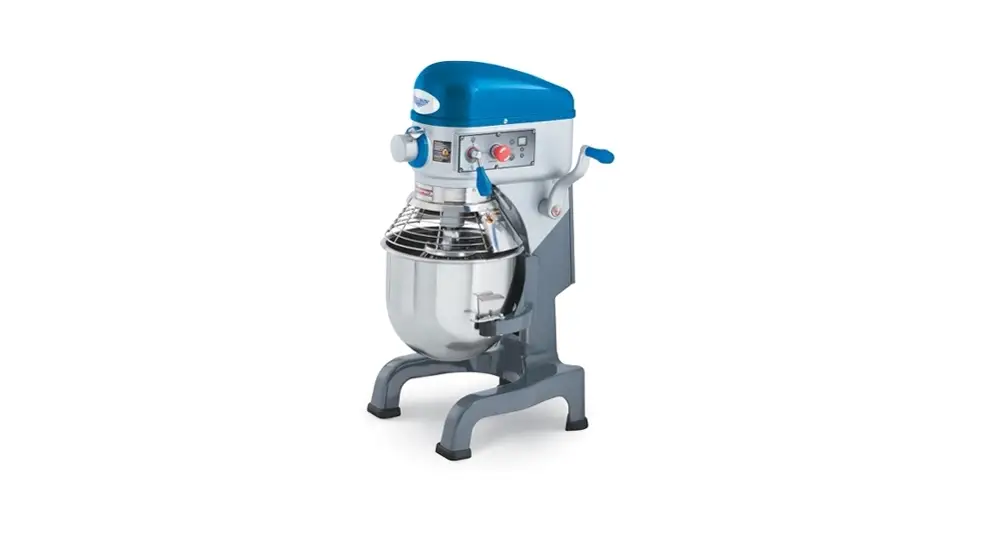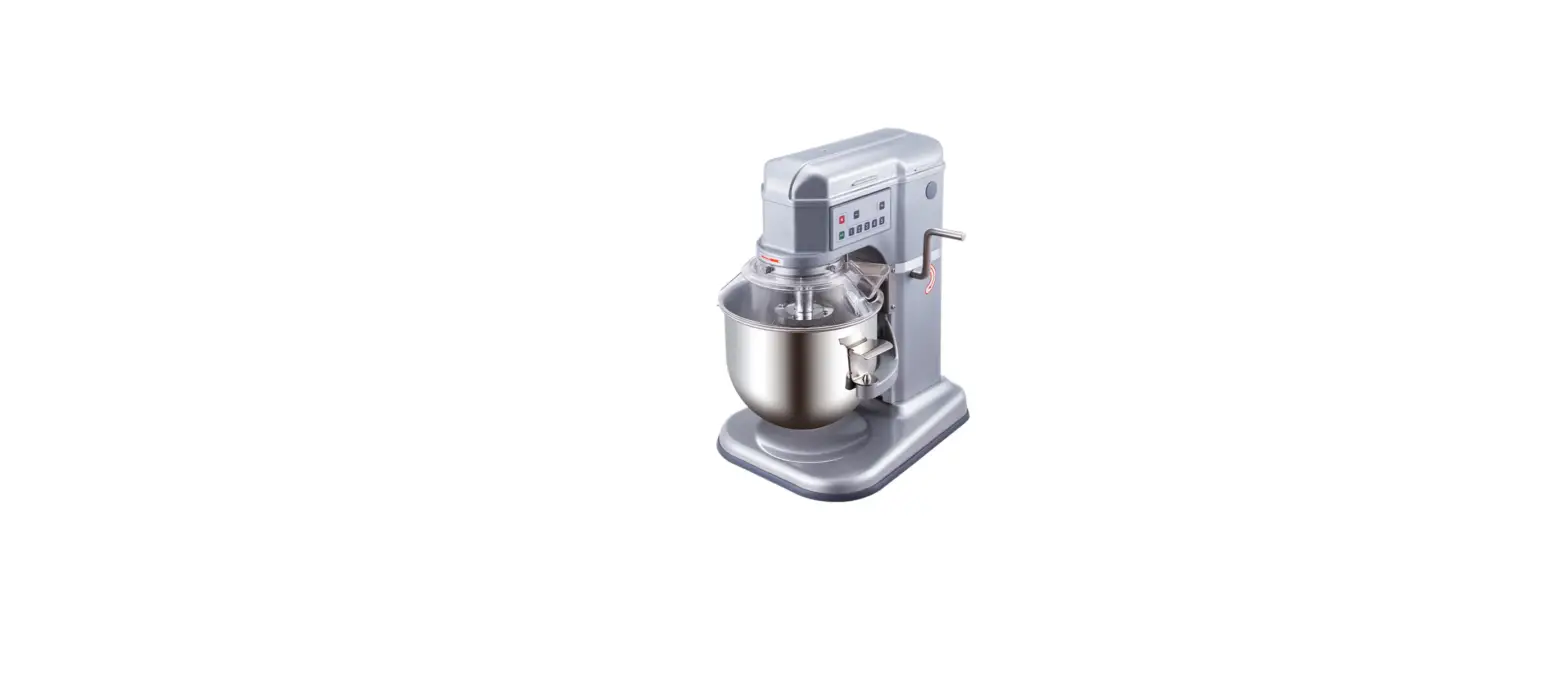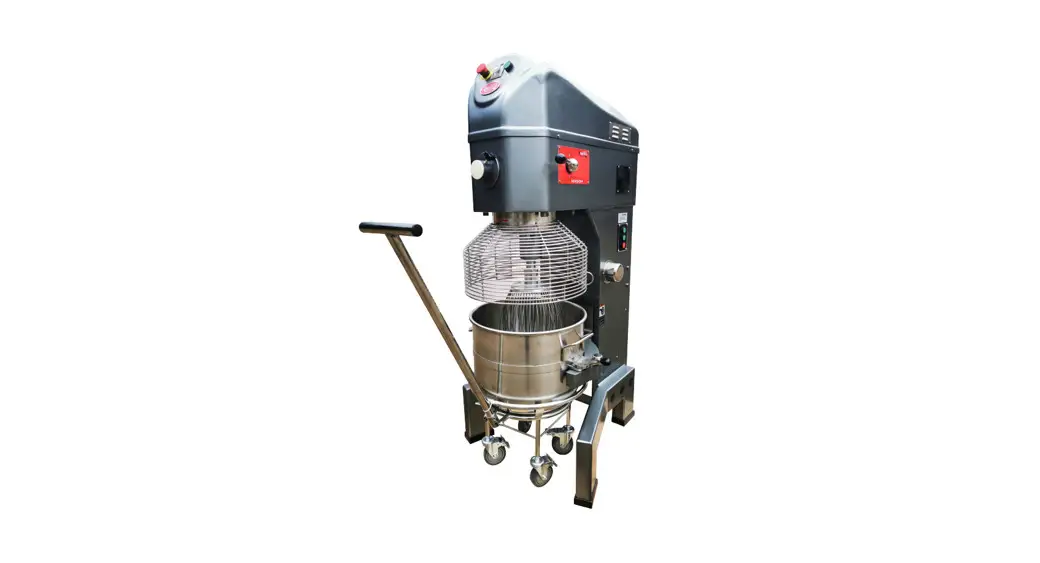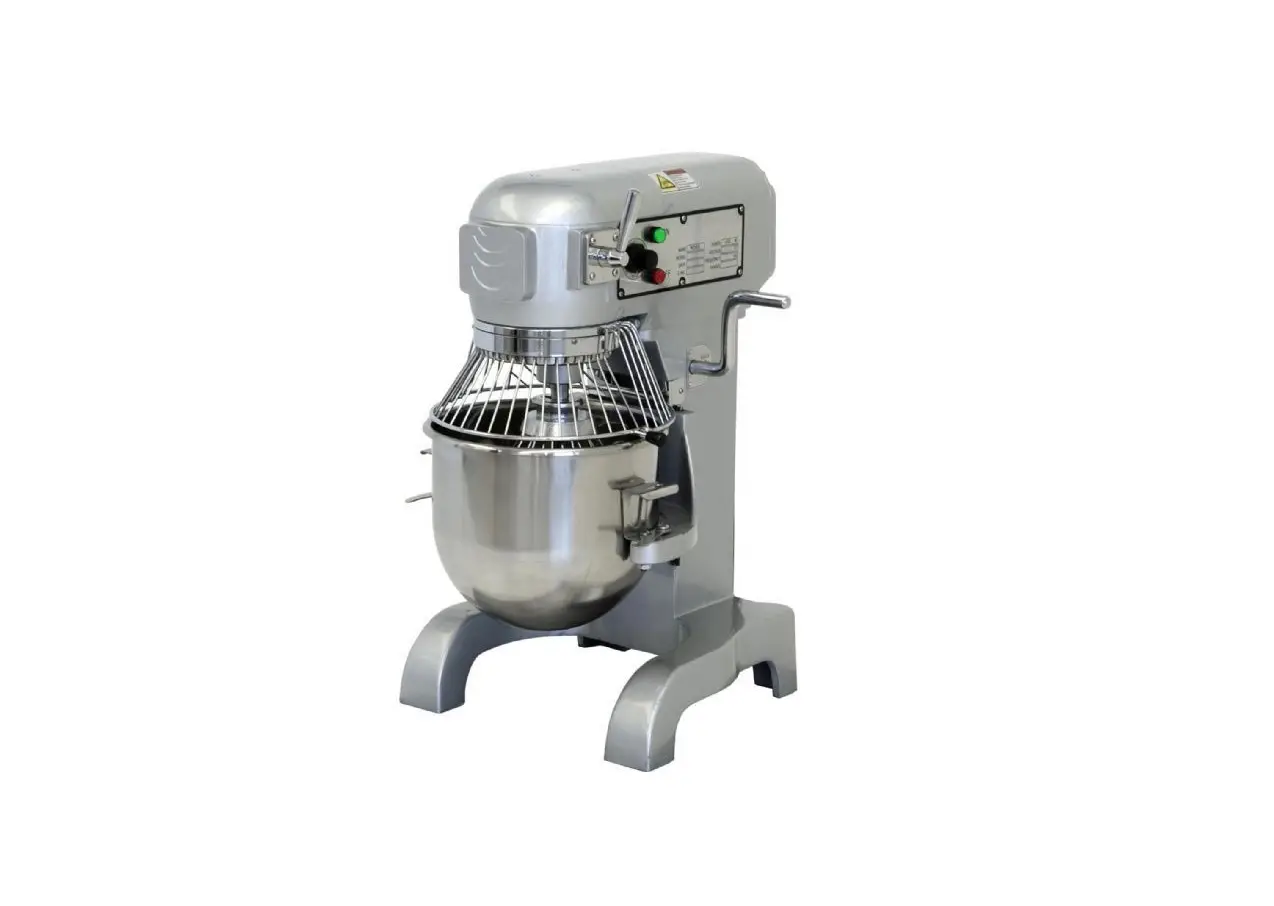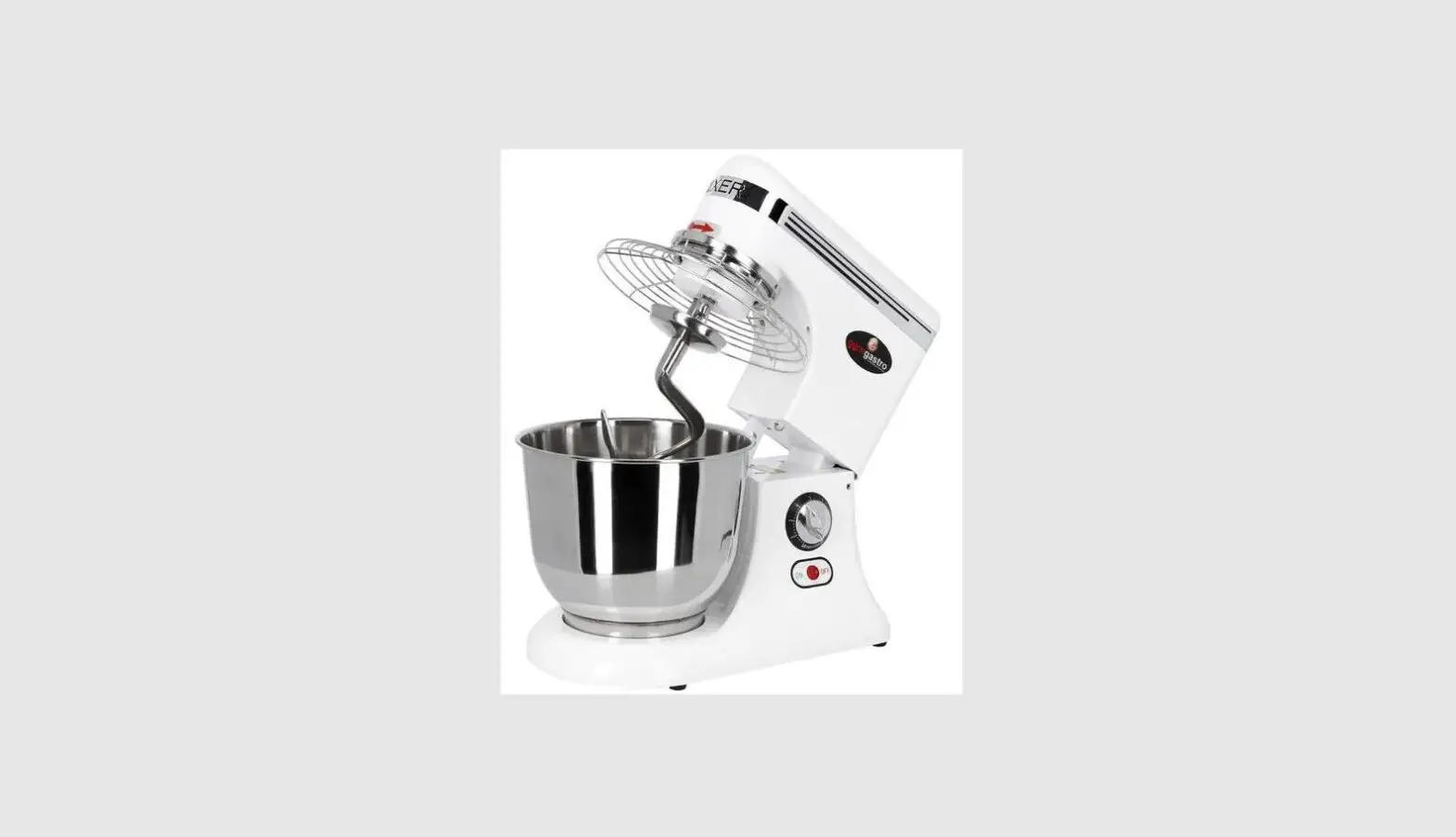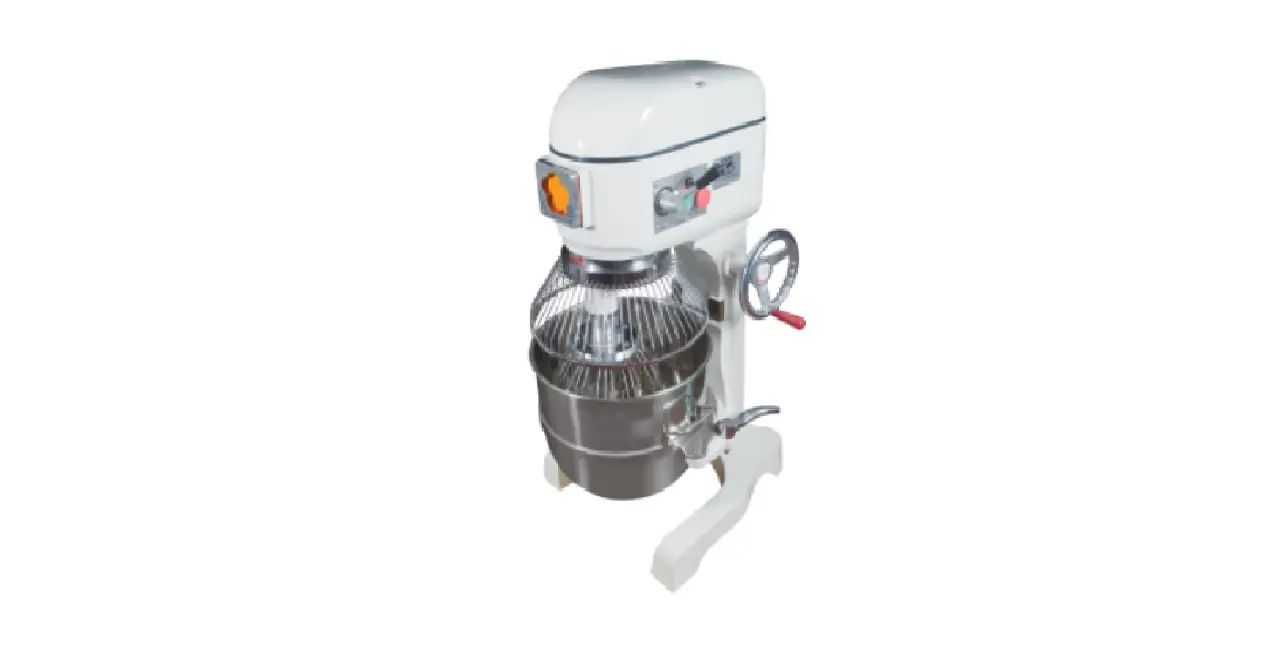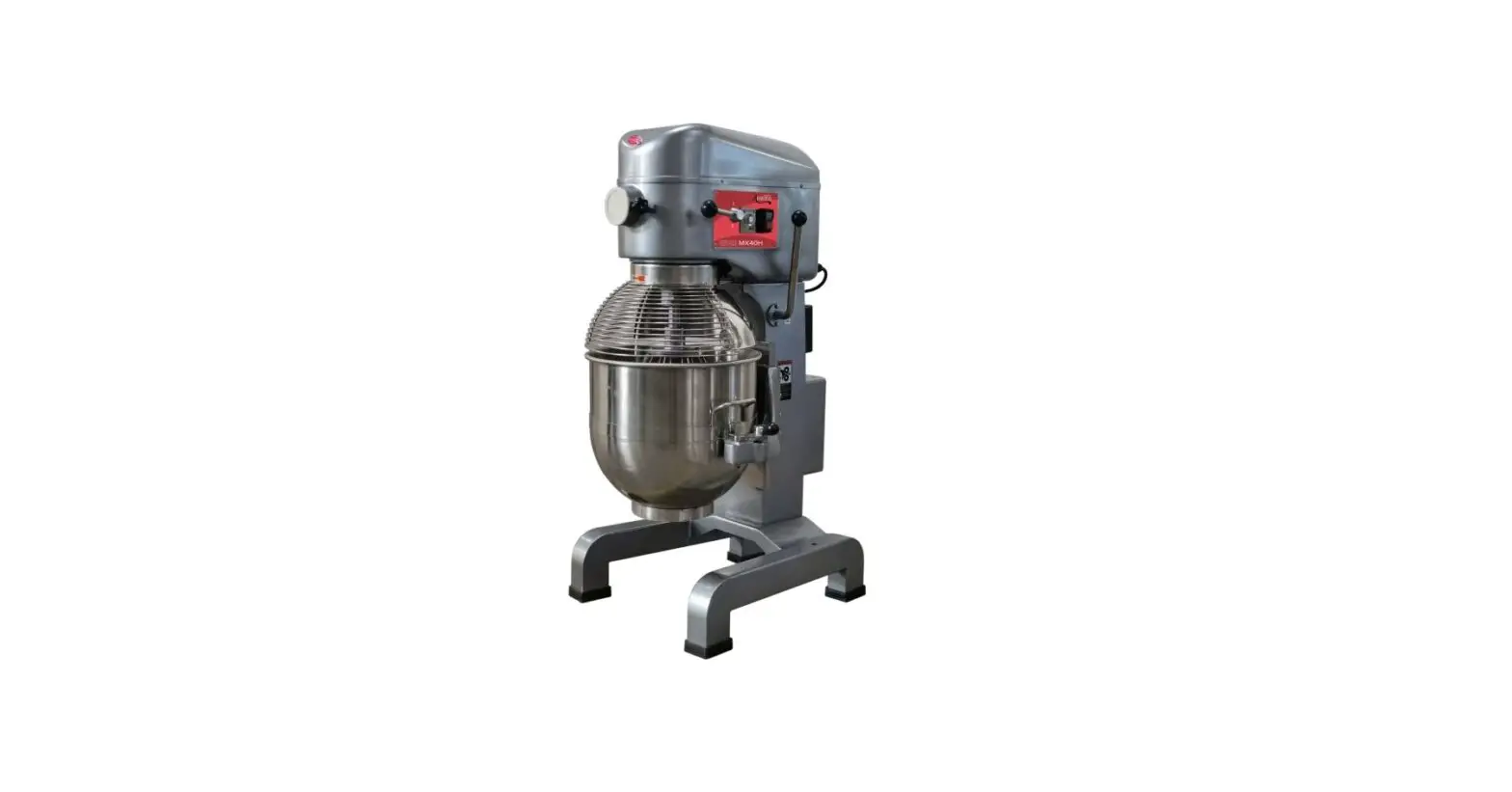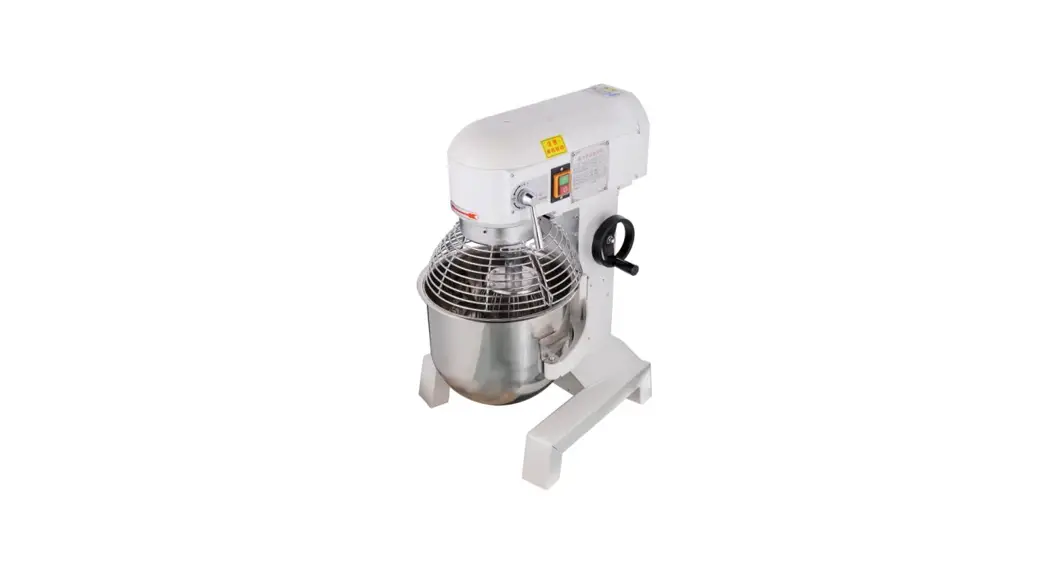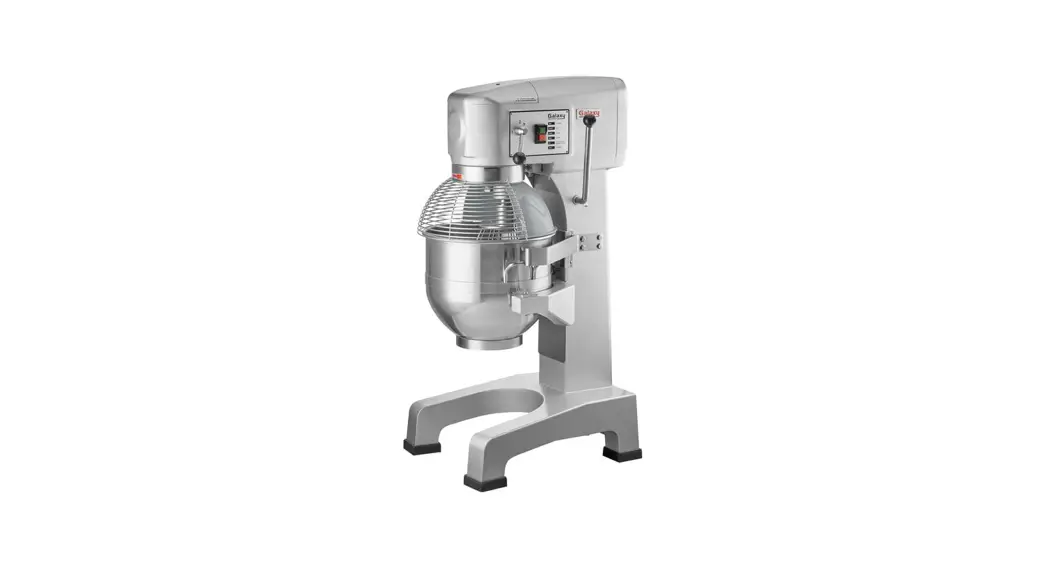

User Manual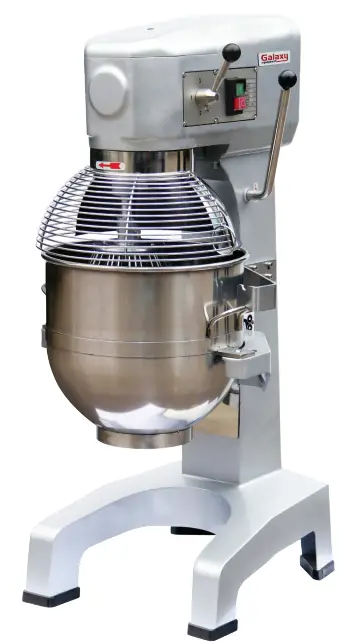 Planetary Mixers
User’s Manual
177GMIX30
8/2021
Please read the manual thoroughly prior to equipment set-up, operation, and maintenance.
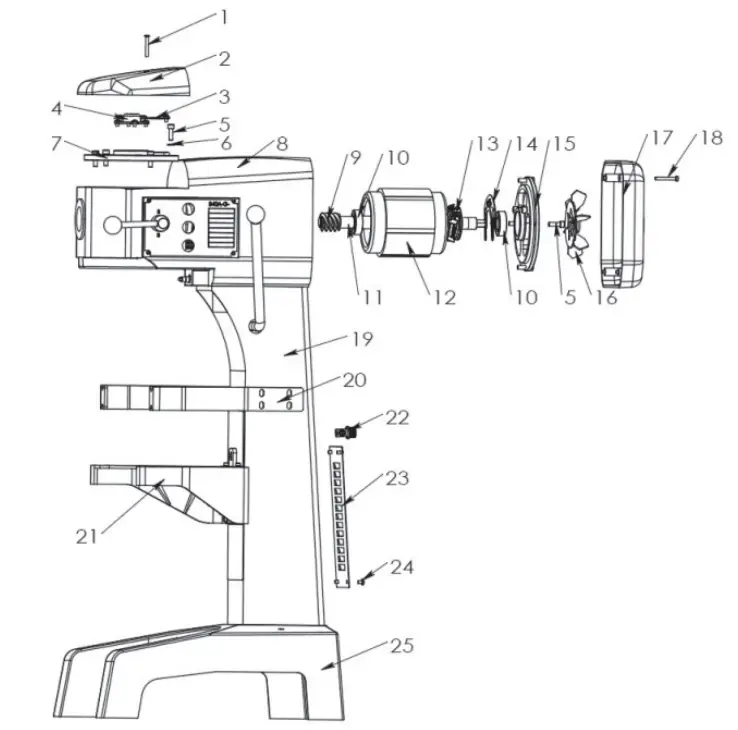
Parts Overview
| ITEM | DESCRIPTION | # |
| 1 | Screw M6*45 | 1 |
| 2 | Top Cover | 1 |
| 3 | Two Axle Cover | 1 |
| 4 | Center Axle Cover | 1 |
| 5 | Screw M8*25 | 8 |
| 6 | Ring | 4 |
| 7 | Bearing Cover | 1 |
| 8 | Body | 1 |
| 9 | Spiral | 1 |
| 10 | Bearing 6205 | 2 |
| 11 | Motor Rotor | 1 |
| 12 | Stator of Motor | 1 |
| 13 | Motor Switch-A | 1 |
| 14 | Motor Switch-B | 1 |
| 15 | Rear Bearing Cover | 1 |
| 16 | Fan | 1 |
| 17 | Rear Cover | 1 |
| 18 | Screw M6*45 | 4 |
| 19 | Stand | 1 |
| 20 | Bowl’s Board | 2 |
| 21 | Arm | 1 |
| 22 | Cable Joint | 1 |
| 23 | Cover | 1 |
| 24 | Screw M6*12 | 4 |
| 25 | Seat | 1 |
Standard Accessories
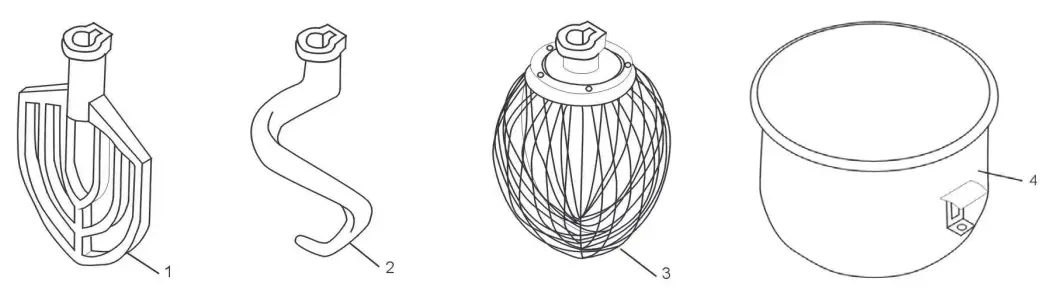
| Item | Description | Qty |
| 1 | Flat Beater | 1 |
| 2 | Dough Hook | 1 |
| 3 | Whisk | 1 |
| 4 | Bowl | 1 |
NOTES:
- Any agitator is easily installed by simply raising it onto the mixing axle, and rotating it clockwise on the shaft until it locks into place. To remove, raise the agitator on the shaft until it clears the lock, and then rotate counter-clockwise and lower.
- All of the accessories are precisely fitted to the bowl, have rounded corners, and are easily removable for cleaning.
- DO NOT hose down the mixer.
- DO NOT operate the mixer with wet hands.
- ALWAYS unplug the mixer from the electrical supply prior to any maintenance or repairs.
Operation Instructions
 Please ensure that your power supply matches your machine
  For changing the speed: Please stop the machine first before changing the speed in order to avoid damage to the gearbox. Also, make sure that the bowl is in a fully lifted position and the guard is closed.
- Slow Speed is the middle, *1 setting. The knob will be facing forward.
- Medium Speed is the bottom, *2 set. The knob will be straight down.
- High Speed is the top, *3 settings. The knob will be straight up.
Mixing: Always use the correct attachment for the job. A. Whisk: Suitable for mixing liquids and soft ingredients, can work at all speeds. Do not run for more than 15 minutes.
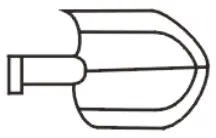 B. Flat Beater: Suitable for mixing dry ingredients, can work at low & medium speeds only. Do not use it at high speed. Do not run for more than 15 minutes.
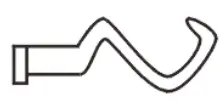 C. Dough Hook: Suitable for mixing dough, can work at low & medium speeds only. Do not use it at high speed, and do not run for more than 20 minutes. Absorption ratio must be more than 50%. Refer to mixer capacity chart.
Mixer Capacity Chart
| Product | Agitator and Speed | Maximum Bowl Capacity 10 Qt. / 20 Qt. |
| Bread and Roll Dough – 60 % AR | Dough Hook – 1st only | 5 lb. / 20 lb. |
| Heavy Bread Dough – 55% AR | Dough Hook – 1st only | 3 lb. / 15 lb. |
| Pizza Dough, Thin – 40% AR | Not Recommended | – |
| Pizza Dough, Medium – 50% AR | Not Recommended | – |
| Pizza Dough, Thick – 60% AR | Not Recommended | – |
| Raised Donut Dough – 65% AR | Dough Hook – 1st and 2nd | 2 lb. / 8 lb. |
| Mashed Potatoes | Flat Beater | 5 lb. / 12.5 lb. |
| Waffle or Hot Cake Batter | Flat Beater | 4 Qt. / 8 Qt. |
| Egg Whites | Wire Whisk | 1 Qt. / 1 Qt. |
| Whipped Cream | Wire Whisk | 1 Qt. / 2 Qt. |
| Cake Batter | Flat Beater | 8 lb. / 20 lb. |
When mixing dough ( pizza, bread, or bagels), check your “AR” absorption ratio – water weight divided by flour weight. Above capacities are based on 12% flour moisture at 70°F water temperature. If high-gluten flour is used, reduce the above dough batch size by 10%.
Example: If recipe calls for 5 lb. of water and 10 lb. of flour, then 5 divided by 10 = 0.50 x 100 = 50% AR.
- 2nd Speed should never be used on mixtures with less than 50% AR.
- Do not use attachments on the hub while mixing.
When calculating the correct size mixer for your application, here are some helpful weights and measures: - 8.3 lb. = 1 gallon of water – 2.08 lb. = 1 Quart.
Troubleshooting
| Trouble | Possible Causes | Solution |
| The axles can’t work when operating the machine | Poor contact with the electrical equipment | Check the Plug |
| The mixing bowl is out of position | Moving direction is not correct | Change |
| Leaks oil | Sealing washer is damaged | Change |
| Difficult to move the bowl up and down | Slideway is rusted | Clean the slideway and lubricate |
| The motor is overheated and the speed is down | The voltage is not enough, or the incorrect speed | Check the voltage or use a lower speed |
| Noise and overheating | Poor lubrication | Add or change lubrication |
| Mixer touches bowl | The mixing device or bowl deformed | Repair or change the bowl or mixing device |
Circuit Diagram
| ITEM | DESCRIPTION |
| K0 | Electromagnetic Switch |
| K1 | Safety Covering Switch |
| K2 | Fluctuate Safety Switch |
| K3 | Overload Protection Switch |
| K | Switch |
| C | Capicitor |
| M | Motor |
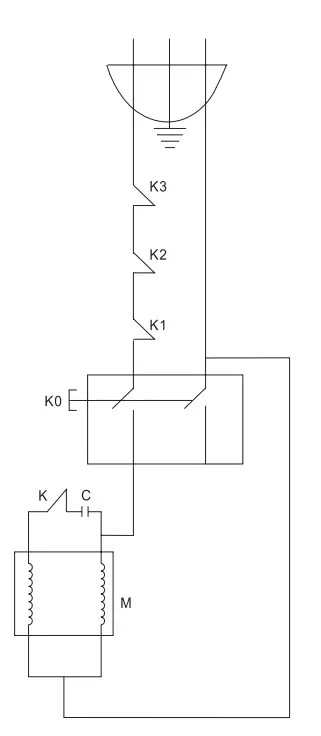
Axle Diagram
| ITEM | DESCRIPTION | # |
| 1 | Baffle | 1 |
| 2 | Roller | 6 |
| 3 | Spring | 6 |
| 4 | Engager | 1 |
| 5 | Gear Ring | 1 |
| 6 | Dividing Ring | 1 |
| 7 | Joint Gear | 1 |
| 8 | Bearing Ring | 1 |
| 9 | Joint | 1 |
| 10 | Bearing Ring | 1 |
| 11 | Joint Gear 1 | 1 |
| 12 | Ring | 1 |
| 13 | Bearing (6206) | 1 |
| 14 | Oil Seal (Pd45*52*10) | 1 |
| 15 | Sleeve | 1 |
| 16 | Axle | 1 |
| 17 | Key | 1 |
| 18 | Key | 2 |
| 19 | Key | 1 |
| 20 | Bearing (6205) | 1 |
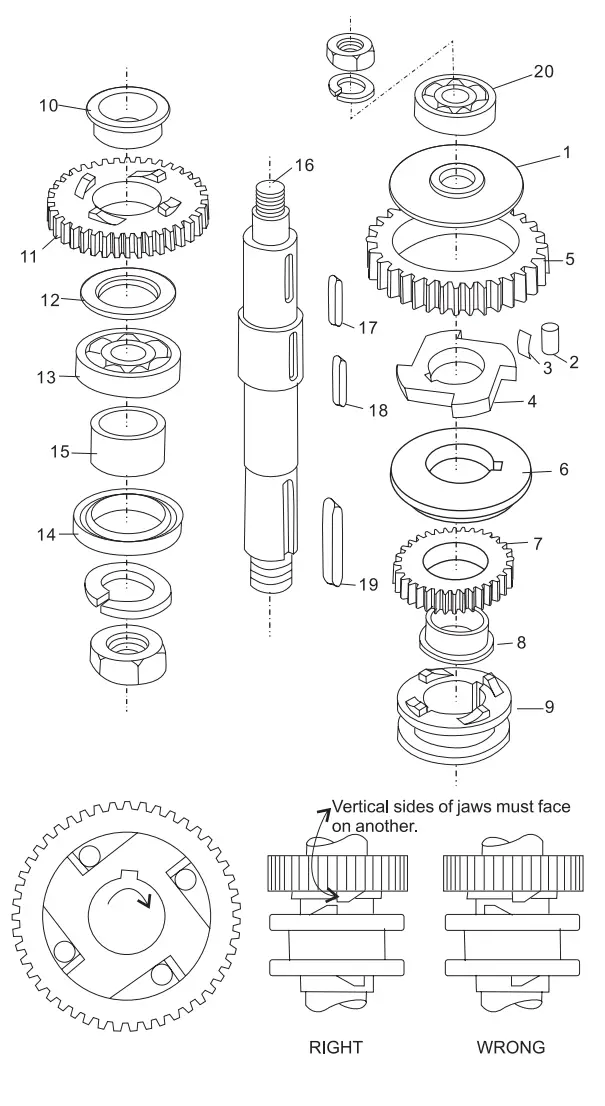
NOTES:
- Be sure to install it in the correct position (see Figure 2-1) and lubricate all of the pins in the sleeve drives when assembling.
- Joint (9) must always be raised and lowered smoothly. Be sure the join of the sleeve is positioned as shown in Figure 2-2.
- Check Oil Seal (14) if oil leaks from the drip cup.
Gear Axle Diagram
| ITEM | DESCRIPTION | # |
| 1 | Bearing (6203) | 1 |
| 2 | Gear Axle | 1 |
| 3 | Key | 2 |
| 4 | Sleeve | 1 |
| 5 | High Speed Gear | 1 |
| 6 | Low Speed Gear | 1 |
| 7 | Bearing 6203 | 1 |
| 8 | Plate | 1 |
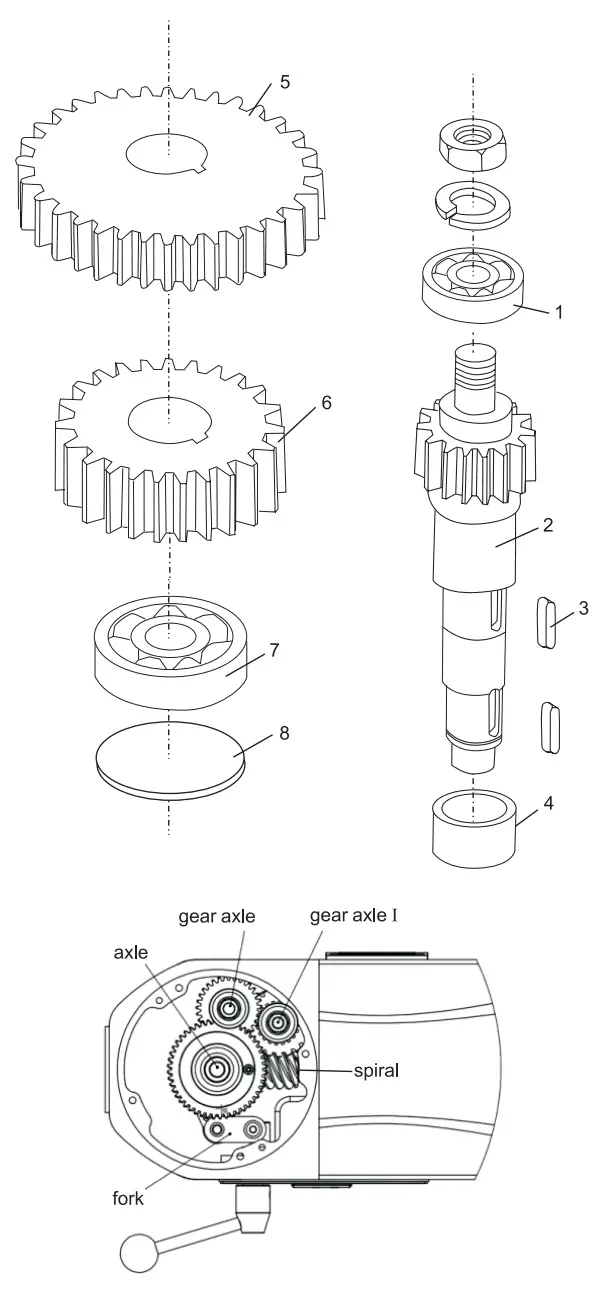
NOTES:
- At the center in the shaft unit. To the above is the gear shaft and gear shaft I. (see Figure 3-1)
- C-type stop ring (6/8) has to be fixed when reassembling.
- Be sure that the keys are inserted
Gear Axle I
| ITEM | DESCRIPTION | # |
| 1 | Bearing (6201) | 1 |
| 2 | Gear Axle | 1 |
| 3 | Key (5*14) | 1 |
| 4 | Gear | 1 |
| 5 | Stop Ring | 1 |
| 6 | Bearing (6201) | 1 |
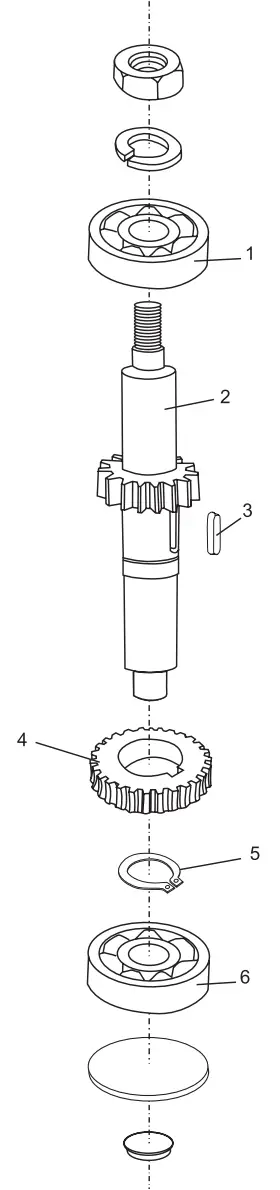
NOTES:
- C-type stop ring (5) has to be fixed when reassembling
Turning Plate & Mixing Axle Diagram
| ITEM | DESCRIPTION | # |
| 1 | Screw (M6*35) | 6 |
| 2 | Turning Plate | 1 |
| 3 | Ring | 1 |
| 4 | Nut | 1 |
| 5-1 | Safety Net (Locomotion) | 1 |
| 5-2 | Safety Net (Immobility) | 1 |
| 6 | Inner Gear | 1 |
| 7 | Screw | 1 |
| 8 | Planetary Gear | 1 |
| 9 | Bearing (6204) | 1 |
| 10 | Bearing (6206) | 1 |
| 11 | Oil Seal (Pd35*56*12) | 1 |
| 12 | Key | 1 |
| 13 | Mixing Axle | 1 |
| 14 | Pin | 1 |
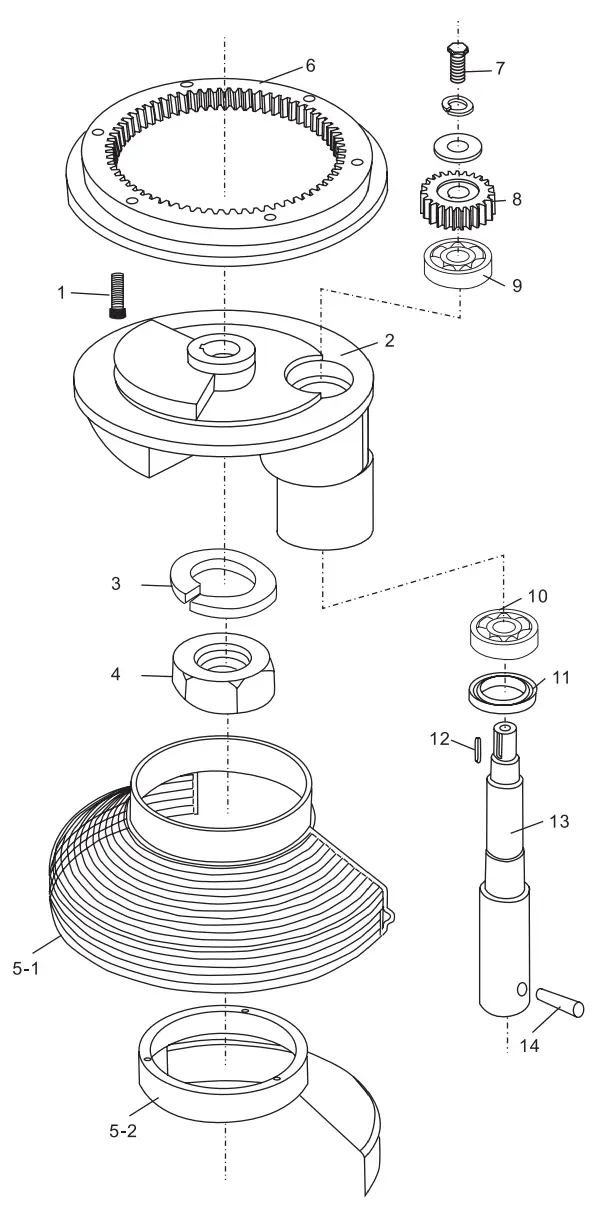
Lifting Unit
| ITEM | DESCRIPTION | # |
| 1 | Arm | 1 |
| 2 | Bowl’s Screw | 2 |
| 3 | Ring | 2 |
| 4 | Nut | 2 |
| 5 | Scew M5*12 | 4 |
| 6 | Gasket | 4 |
| 7 | Arm’s Upper Board | 1 |
| 8 | Guide Post Plate | 1 |
| 9 | Scew M8*20 | 8 |
| 10 | Flat Plate | 2 |
| 11 | Gasket | 6 |
| 12 | Screw M8*20 | 6 |
| 13 | Arm’s Lower Board | 1 |
| 14 | Plastic Ball | 1 |
| 15 | Handle | 1 |
| 16 | Flange Sleeve | 1 |
| 17 | Handle Crank | 1 |
| 18 | Small Shaft of Pull Rod | 1 |
| 19 | Pull Rod | 1 |
| 20 | Screw M12*45 | 1 |
| 21 | Handle Hanging Shaft | 1 |
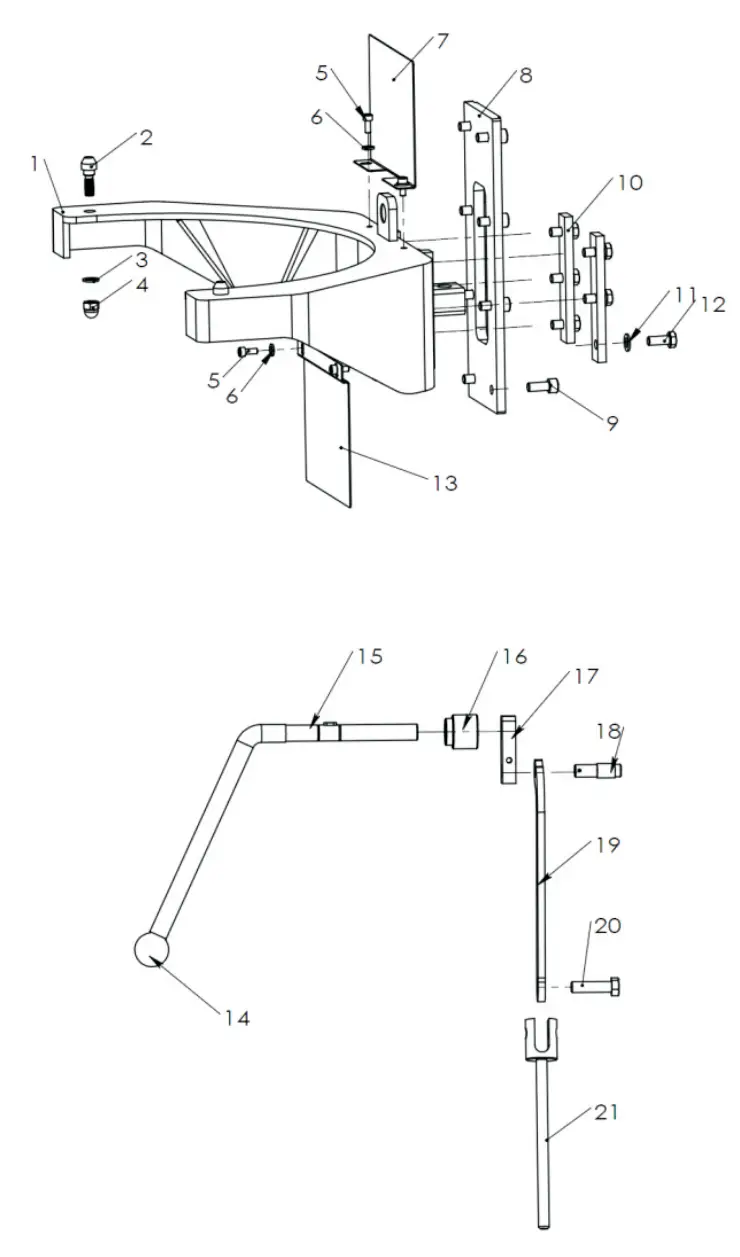
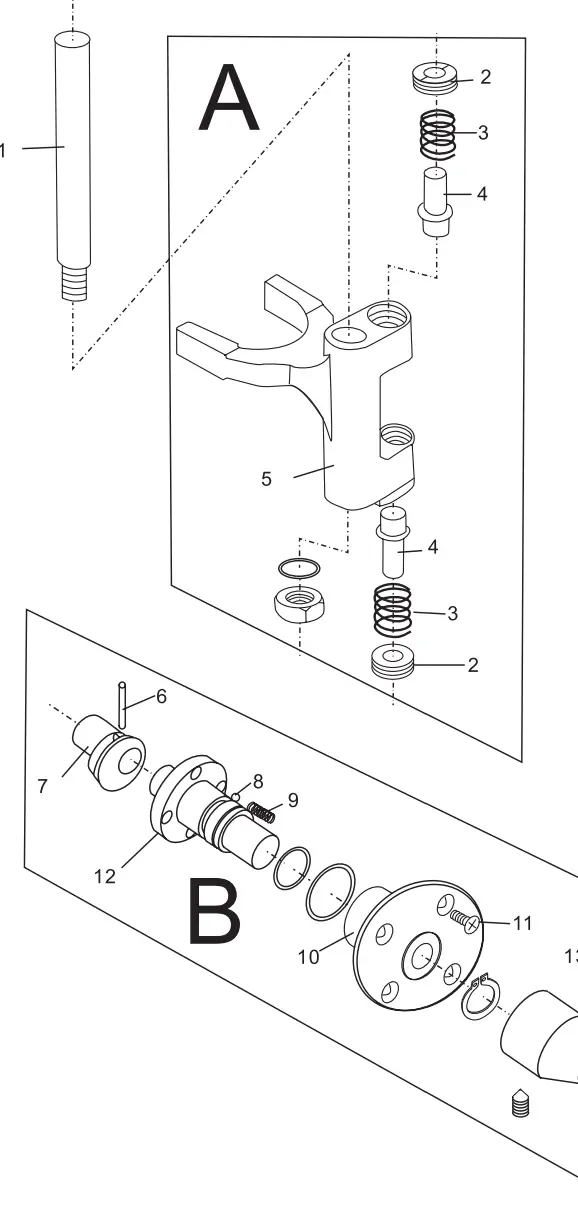
Fork & Speed Shaft
| ITEM DESCRIPTION # | |||
| 1 | Axle | 1 | |
| A | 2 | Nut | 1 |
| 3 | Spring | 1 | |
| 4 | Shaft | 1 | |
| 5 | Fork | 1 | |
| B | 6 | Pin | 1 |
| 7 | Eccentricity Knot | 1 | |
| 8 | Steel Ball | 1 | |
| 9 | Speed Spring | 1 | |
| 10 | Speed Block | 1 | |
| 11 | Screw | 1 | |
| 12 | Shaft | 1 | |
| 13 | Handle | 1 | |
177GMIX30
8/2021