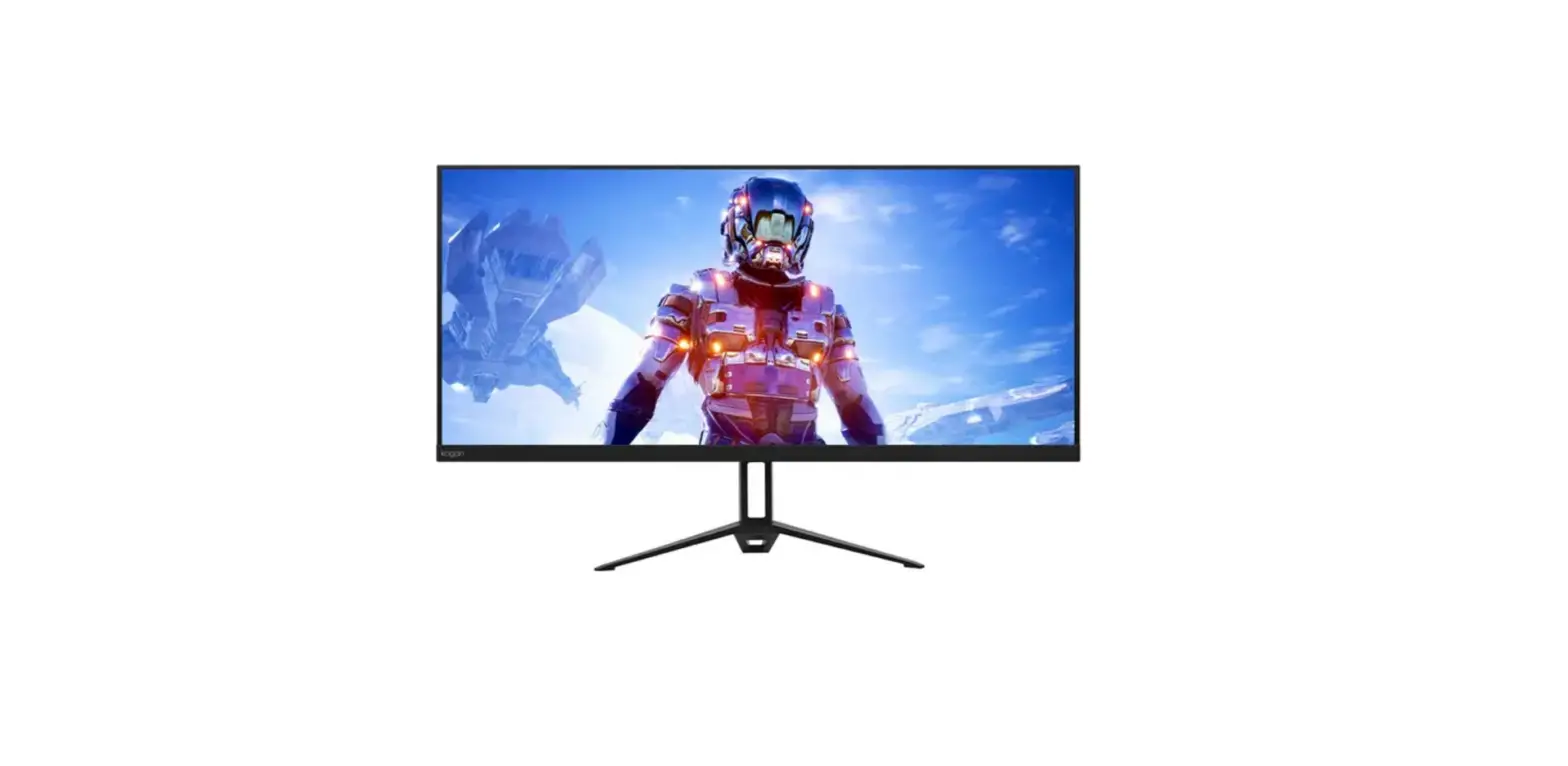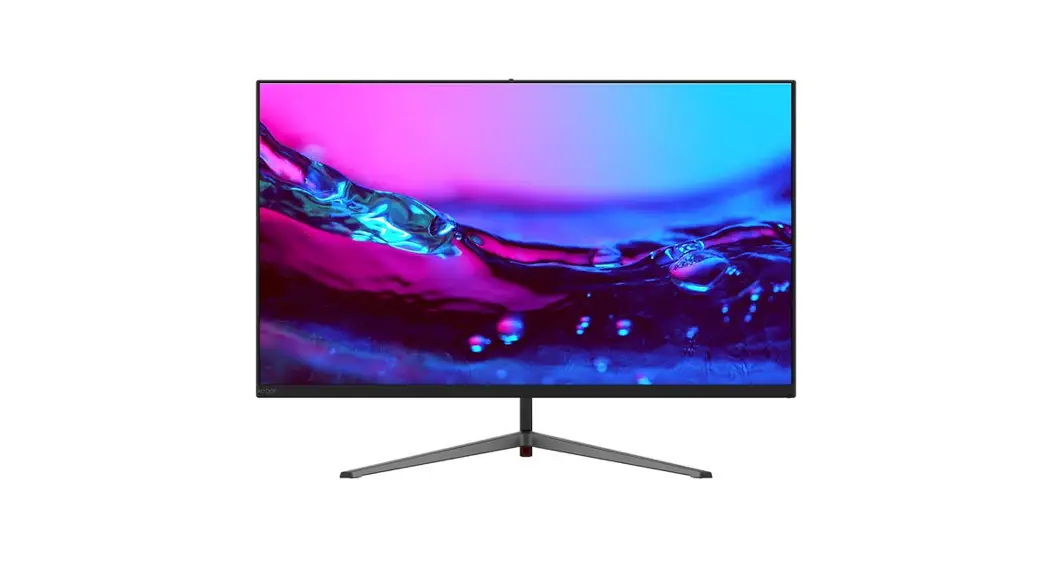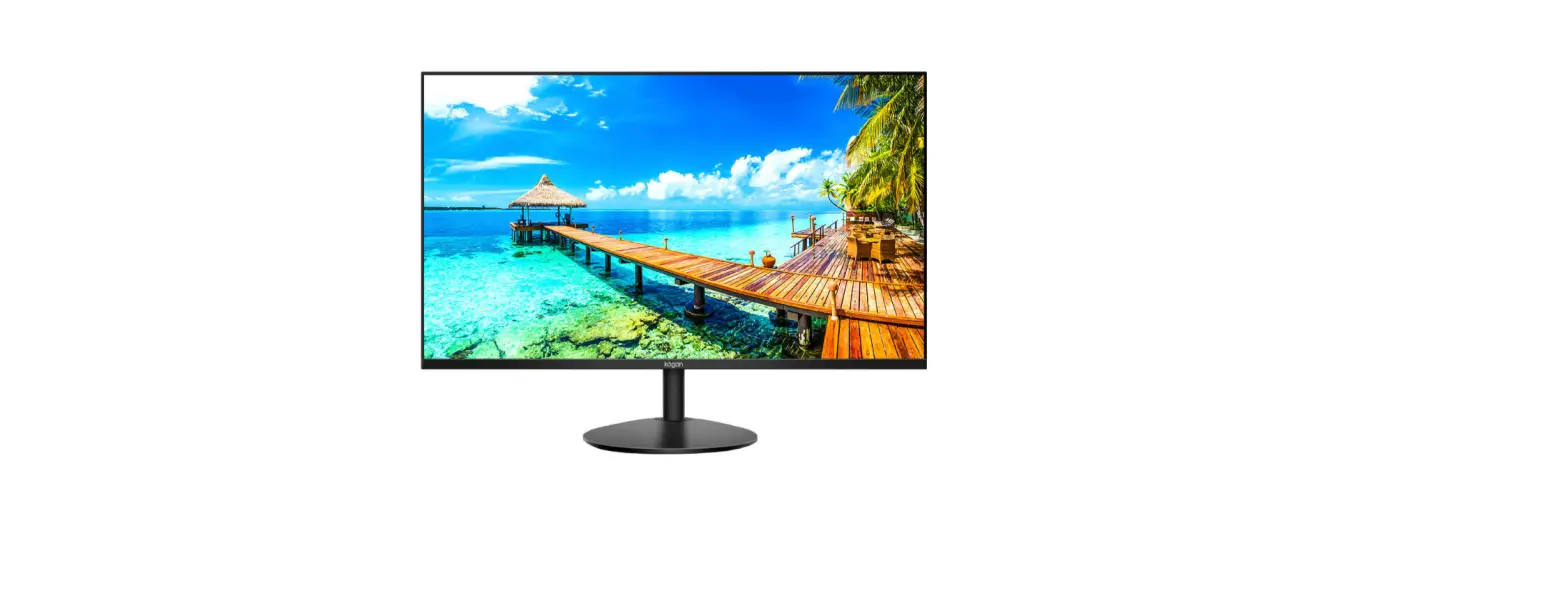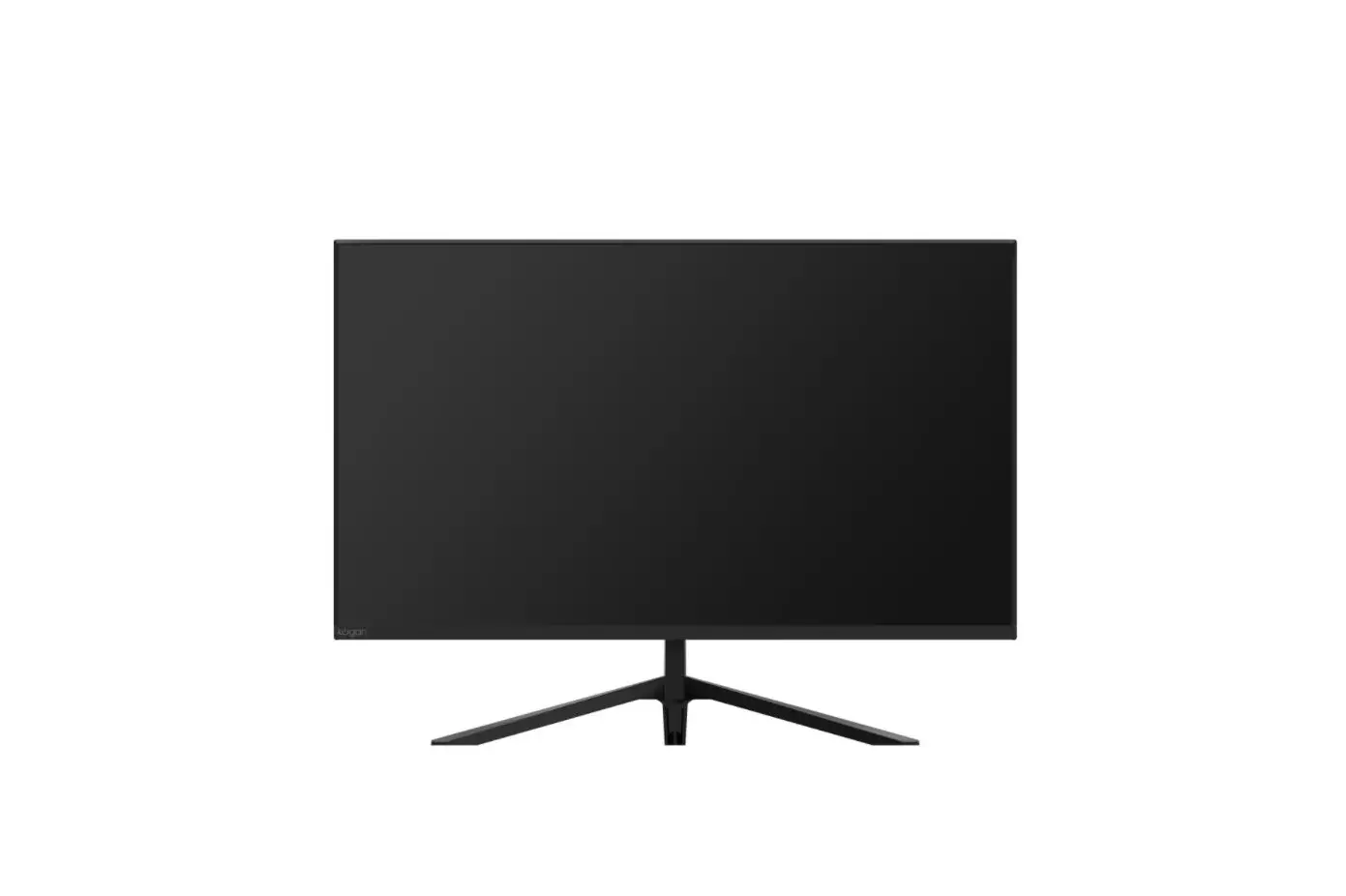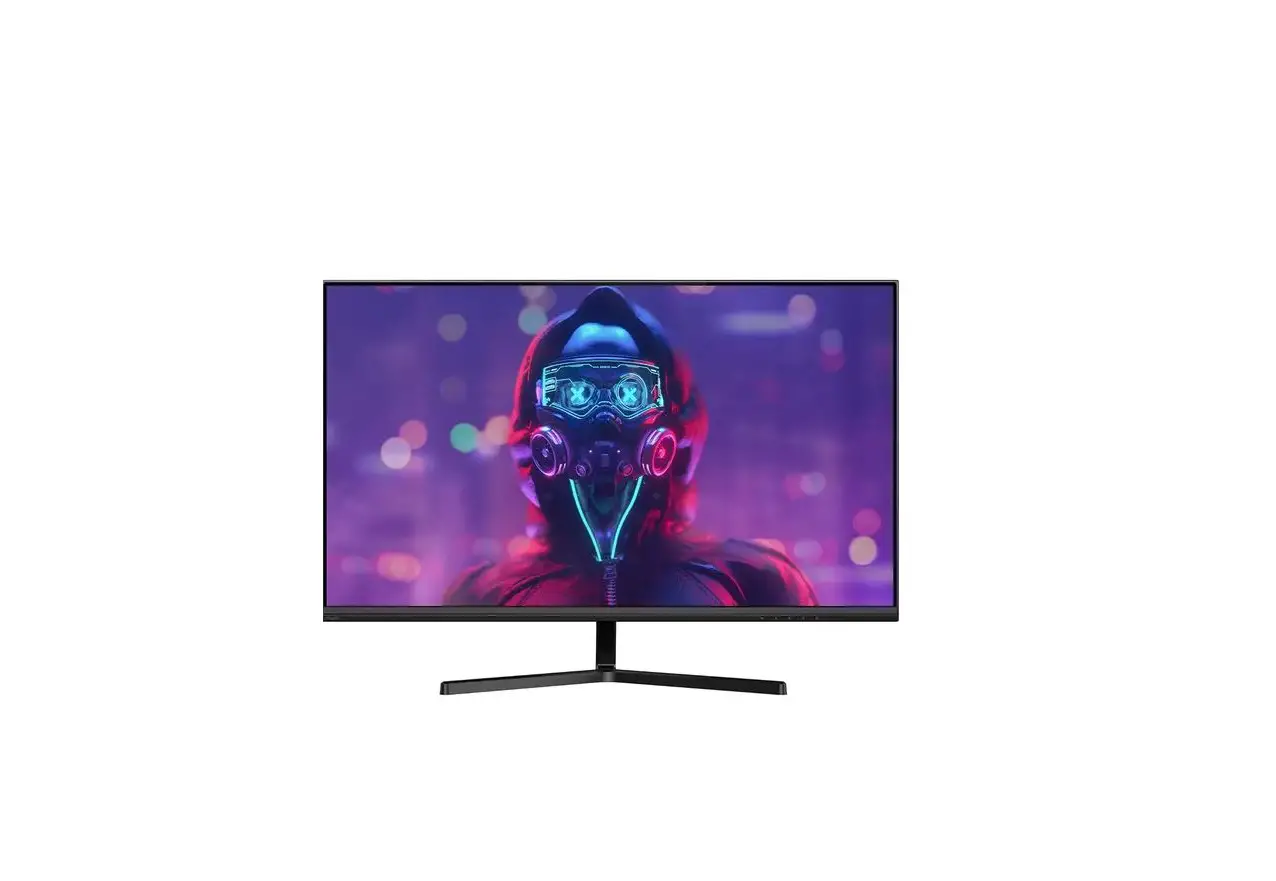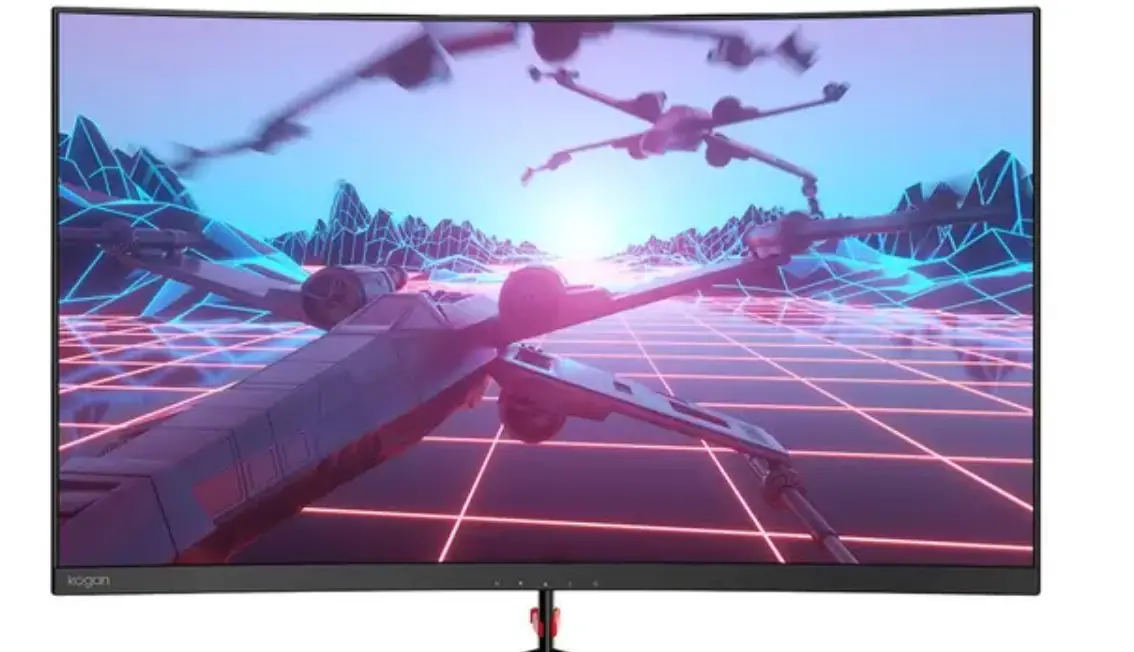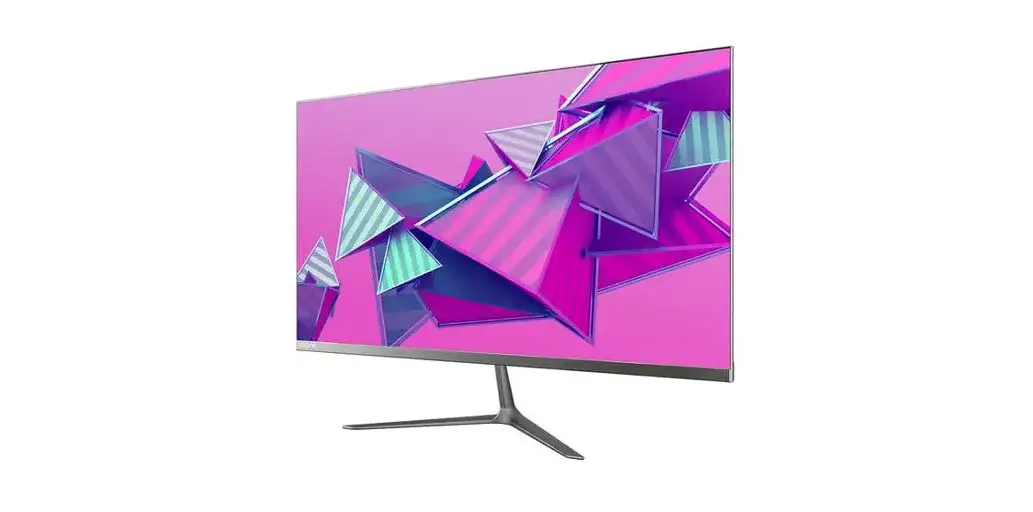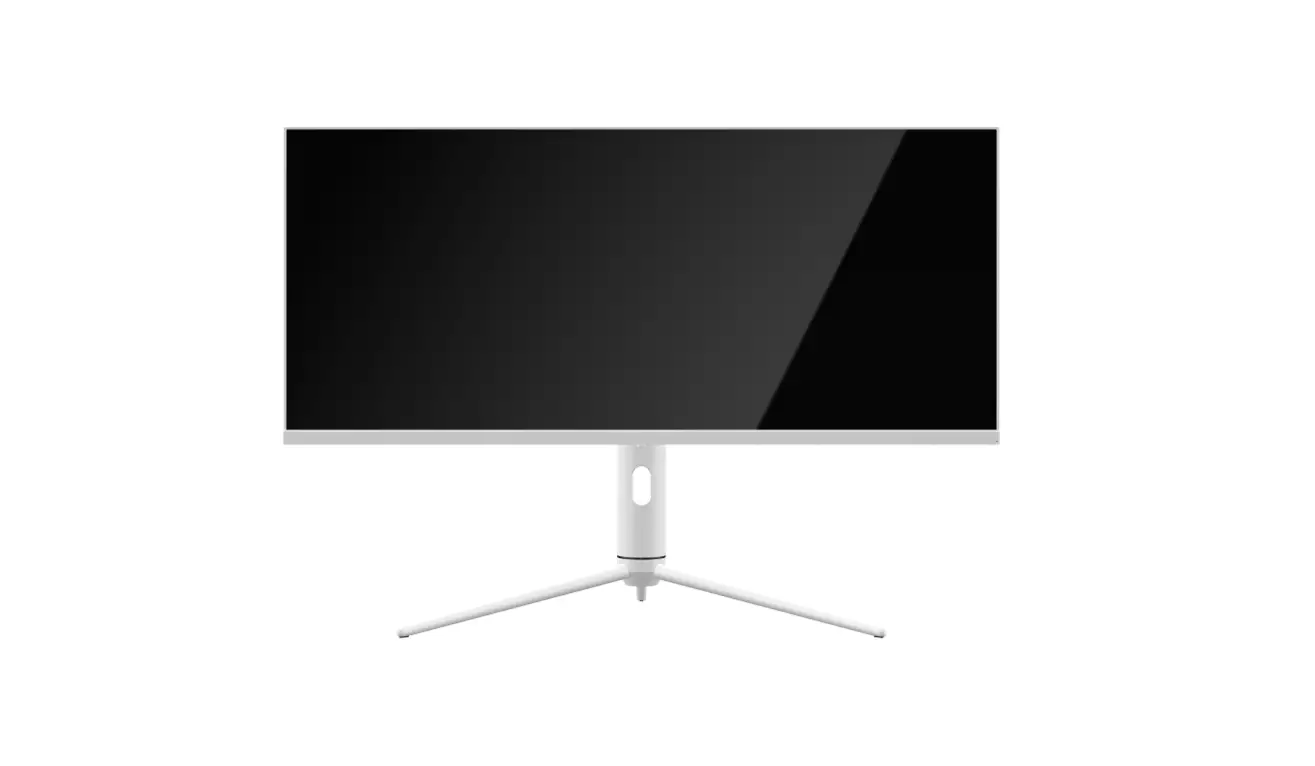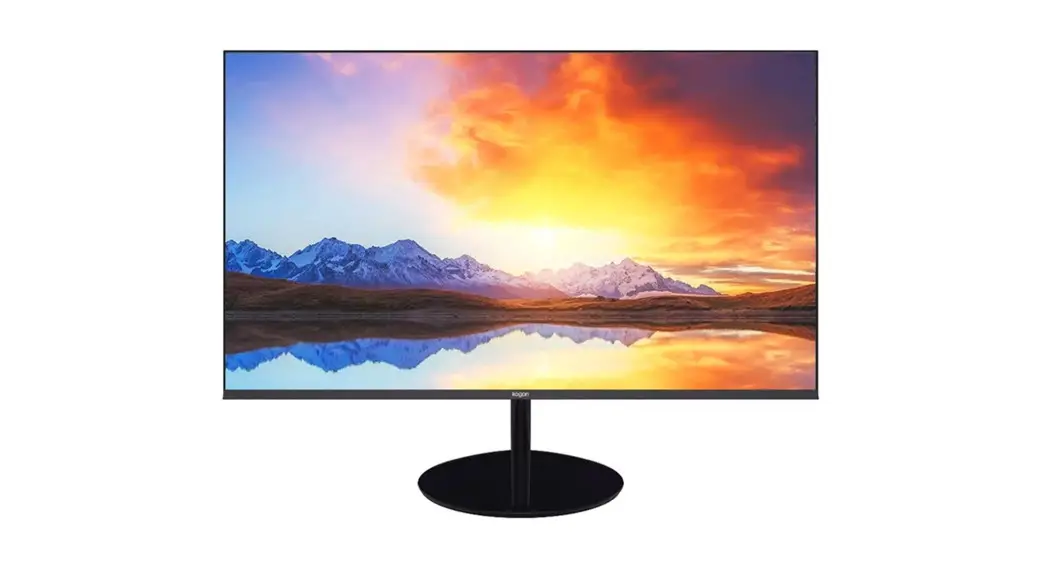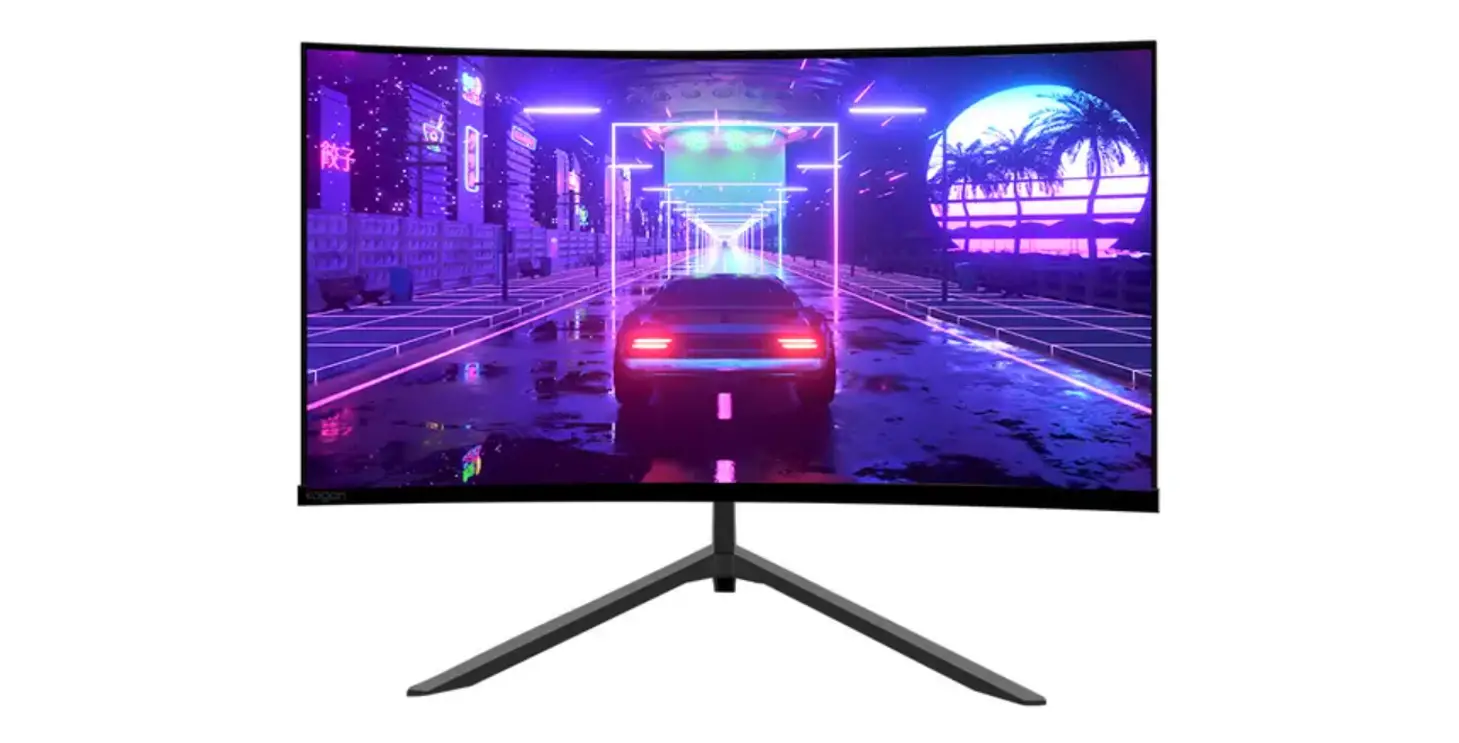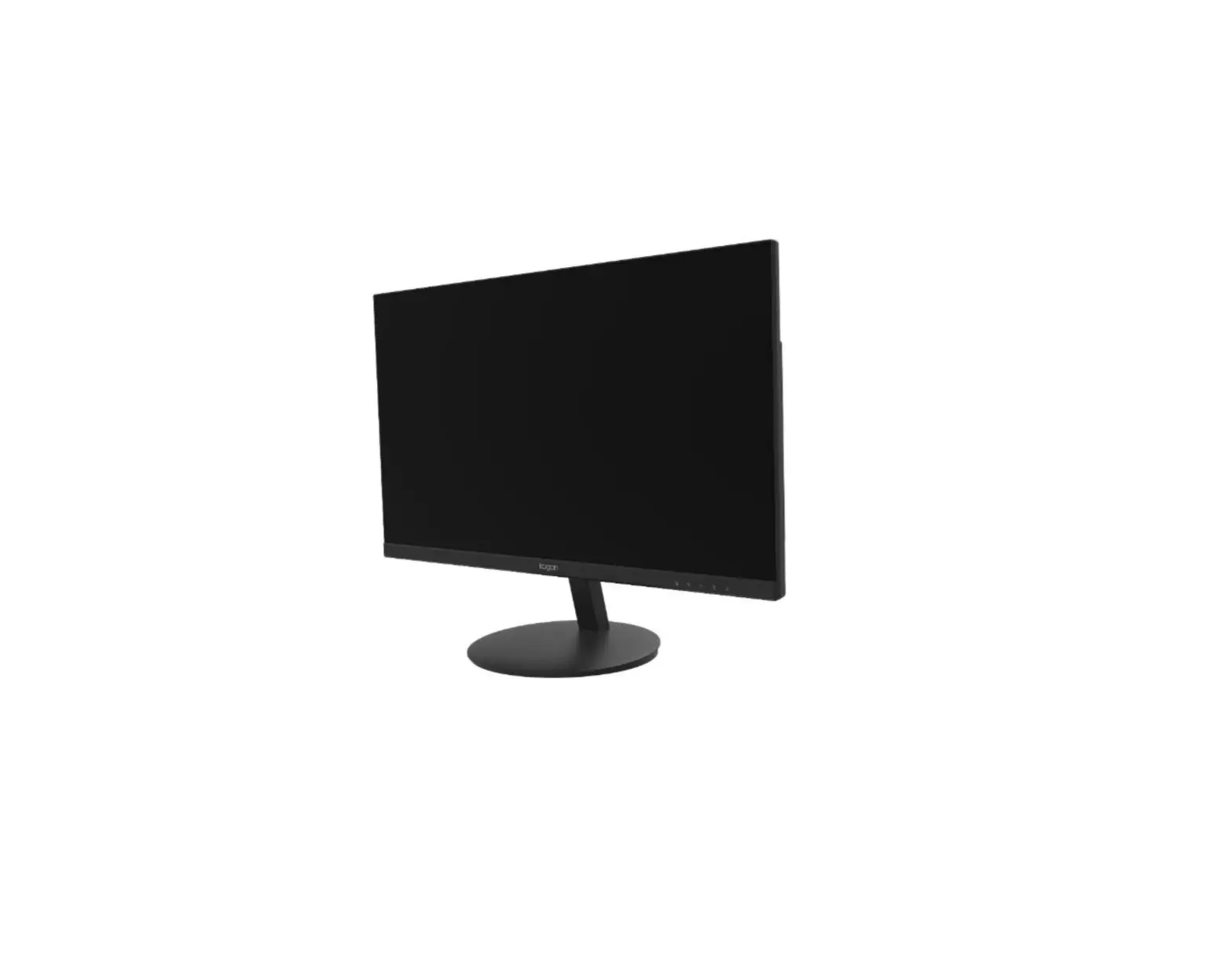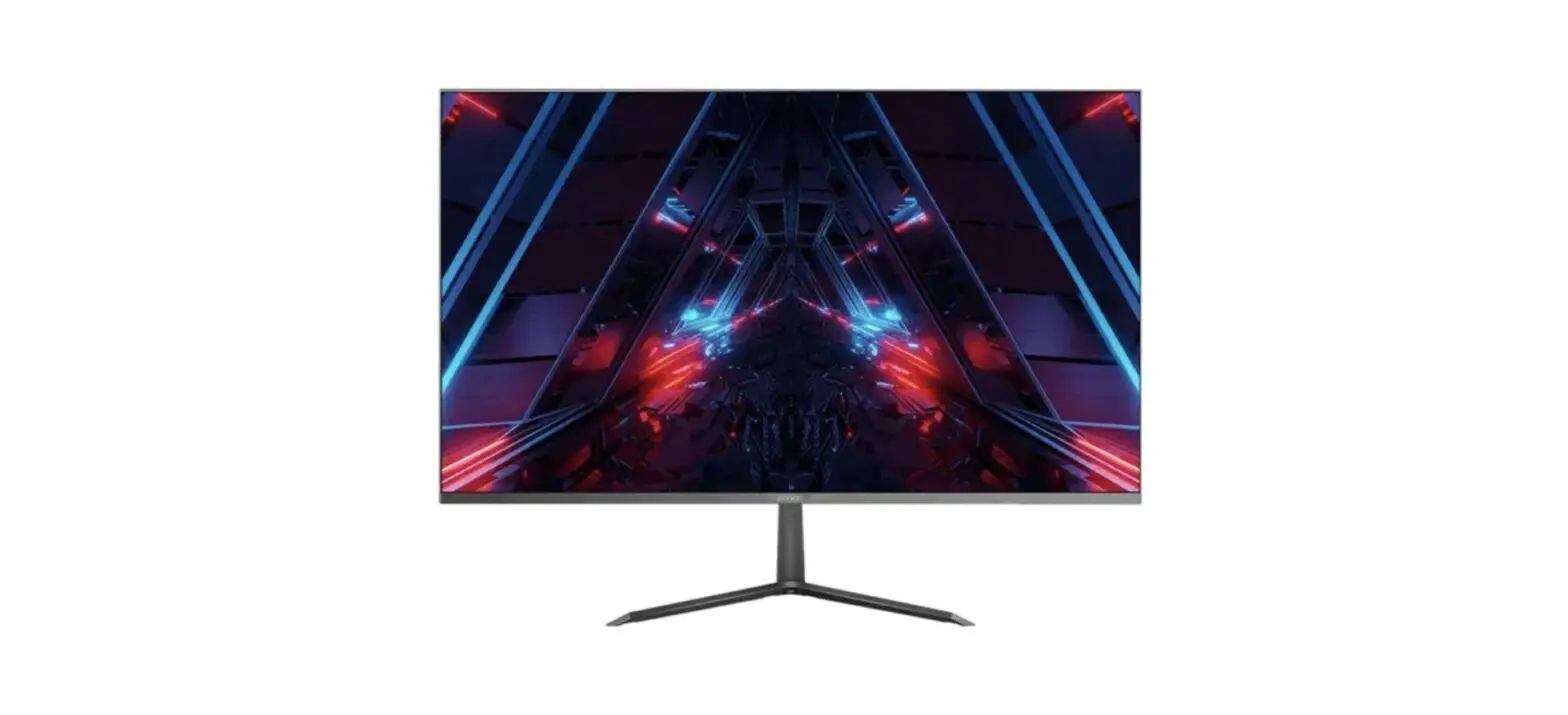

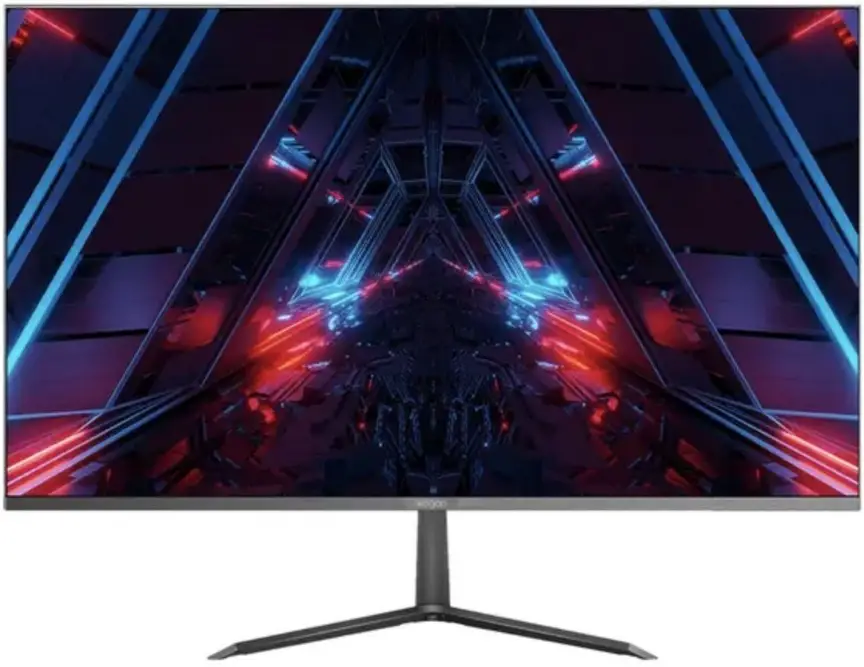
kogan KAMN27F7USA 27 Inches Full HD 75HZ USB-C Freesync Monitor
SAFETY & WARNINGS
- Read all instructions before using the appliance and retain for reference.
- Unplug the monitor before cleaning it.
- Use a clean, slightly dampened cloth to wipe the main monitor body.
- To clean the screen, turn it off unplug it and wait for it to cool completely, then wipe it with a dry microfiber cloth.
- Do not use cleaning alcohol, ammonia-based liquids or other harsh cleaners.
- This monitor is designed with ventilation holes on the back of the casing. Do not cover or block them.
- Do not insert any object or spray any liquid into the vents.
- Avoid placing the monitor near heaters, stoves, fireplaces or other sources of heat, as well as in rooms lacking adequate ventilation.
- Do not position the monitor in unsafe locations. If the monitor falls, it may be damaged and may injure nearby people.
- Unplug the monitor if it is not going to be used for an extended period.
- Do not place heavy objects on the monitor, its power cord or any connected cable.
- Do not open the back panel of the monitor, as it contains a high-voltage current even when not plugged in.
The terms HDMI and HDMI High-Definition Multimedia Interface and the HDMI Logos are trademarks or registered trademarks of HDMI Licensing Administrator, Inc. in the United States and other countries.
COMPONENTS
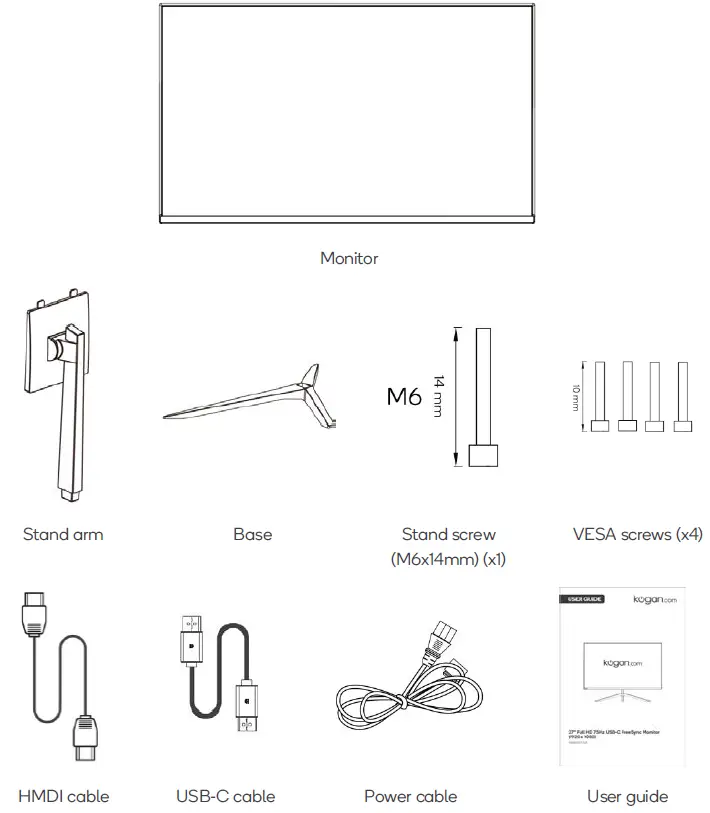
OVERVIEW
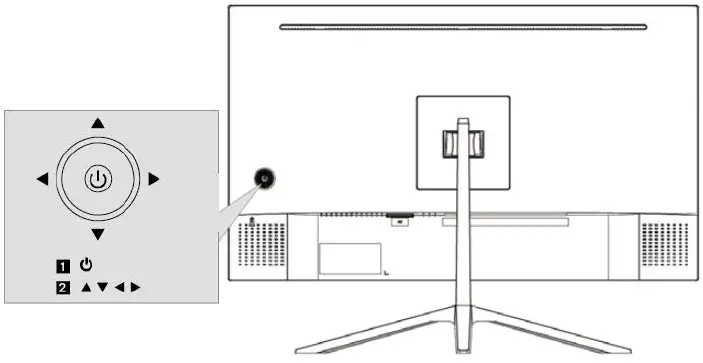
| Button | Function | |
|
1 |
Power | a. Press and hold the “Power” button for 6 seconds to turn the monitor on/off. b. When the monitor is on, press the “Power ” to wake up the main menu for one second. c. Select “direction key” to select the items to be adjusted up and down in the main menu. After selecting the items, click ” Power ” to adjust. Click ” Power ” again to save and return to the upper menu. |
| 2 | Directional | Use to navigate menus. Pressing left and right while on a progress bar will reduce and increase the functions respectively. |
|
Shortcut button | a. Press the “Power” button right: source selection menu. Select the signal source using the directional buttons and then press “Power” button to confirm. b. Press the “Power” button left: display mode menu. Select the display mode using the directional buttons and then press “Power” button to confirm. c. Press the “Power” button up: Gameplus timer shortcut. Select the desired timing length and then press “Power” button to confirm. To exit, repeat the “Power” button up. d. Press the “Power” button down: Gameplus sight shortcut. Select the desired sight and then press “Power” button to confirm. To exit, repeat the “Power” button up. | |
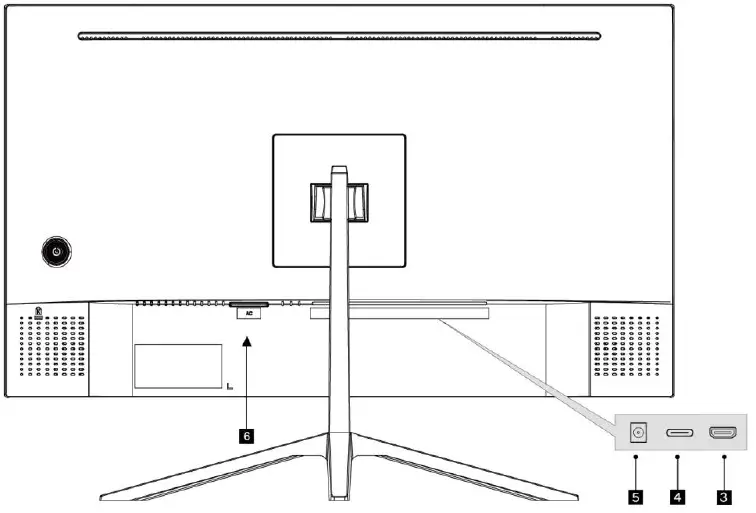
| Button | Function |
| 3 | HDMI input |
| 4 | USB-C input |
| 5 | Audio out |
| 6 | Power input |
ASSEMBLY
WARNING:
The panel of the monitor is fragile. Keep the foam underneath the monitor screen while assembling the stand.
- Carefully remove the monitor, stand arm and stand base from the box.

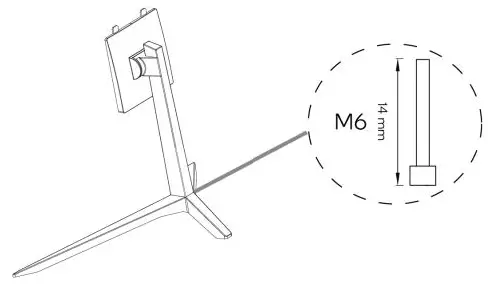
- Attach the stand base to the stand arm using the supplied M6 screw.

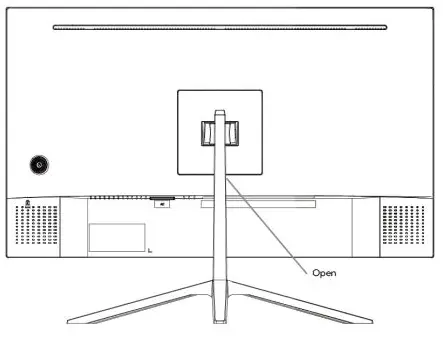
- Insert the connection block into the back cabinet and push down until firmly connected.

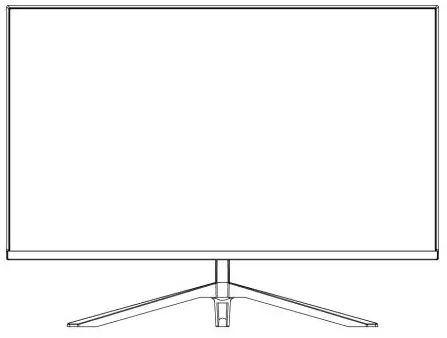
- Lift monitor up straight and remove the bottom foam. Stand the monitor up on the installed base.

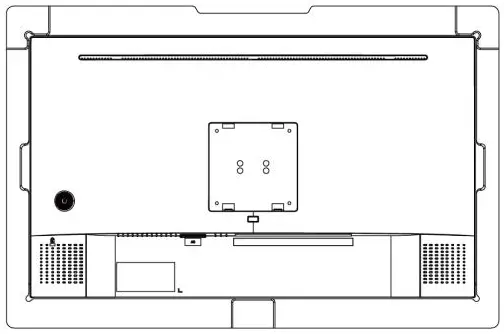
VESA MOUNT
VESA mounting pattern 75 x 75mm, screw size M4.
Note: VESA mount or mounting accessories are not included.
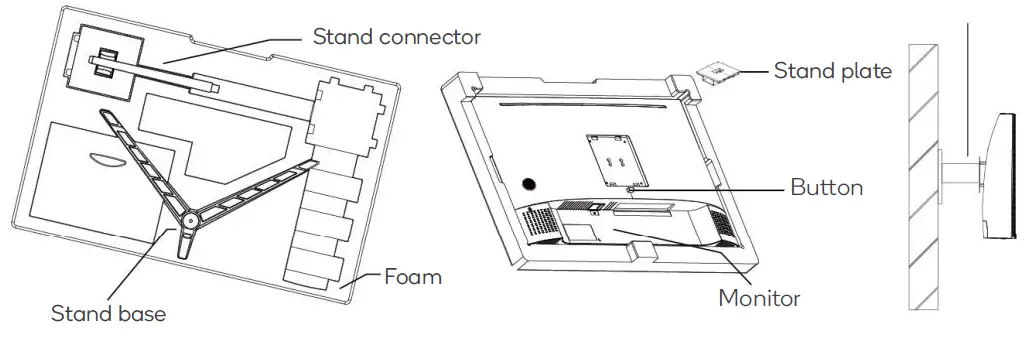
- Open the box, take out the monitor with protection form attached and gently place it on a desktop or table. Remove the extra parts and the foam covering the back of the monitor. Press the release button to remove the stand plate. If the monitor was already attached to the stand, remove the stand.

- Assemble the mount as per the instructions provided with the mount.

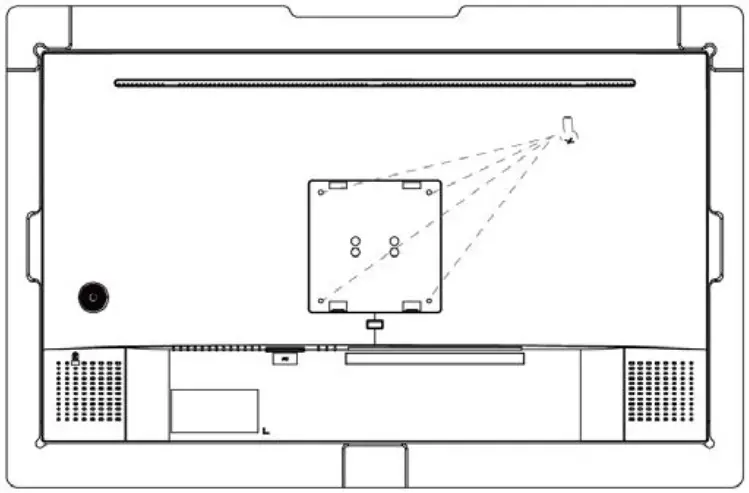
Note:
To prevent the monitor on the mount from failing, please install it firmly and protect it fully. Do not place or hang any object on the mount. Ensure the height of the mount is less than 2 meters.
CONNECTIVITY
Power cable
Connect the included power cable to the monitor power port, then connect the other end to a power outlet.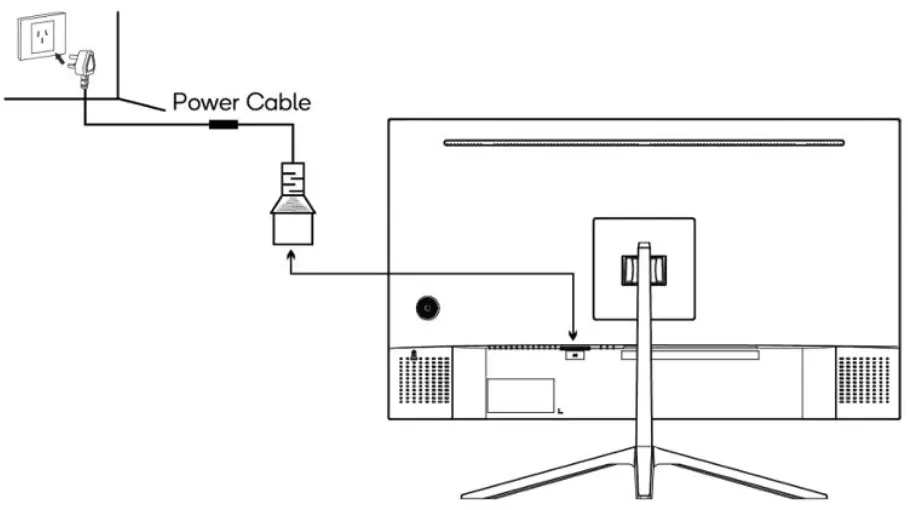
Earphones (Audio Out)
Connect an audio cable to the 3.5mm audio port on the monitor (Audio In) and the 3.5mm audio port on your computer.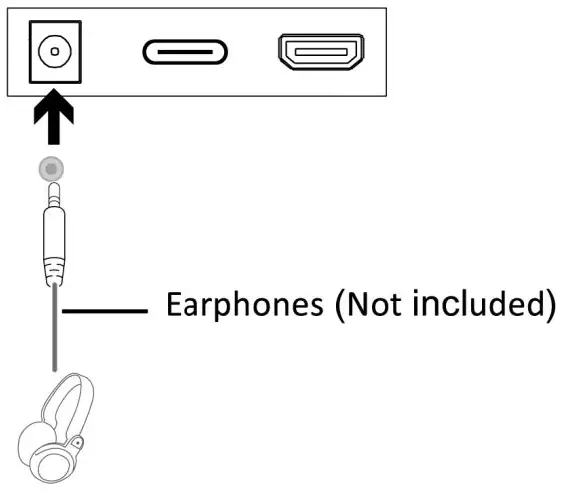
USB-C
In order for the monitor to receive USB-C signals from the computer, use the USB-C cable to connect the monitor to the computer.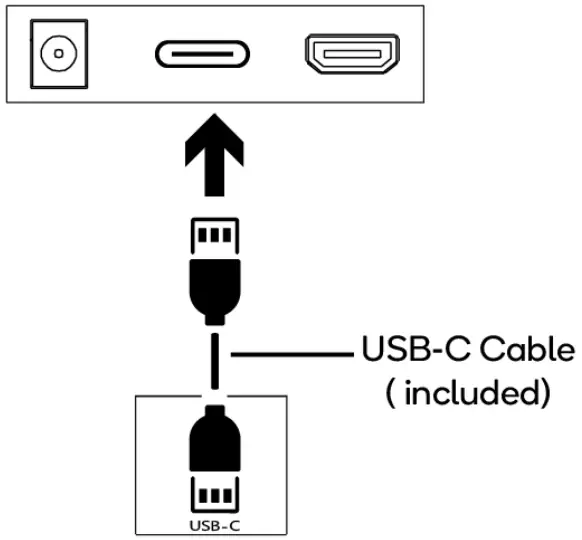
HDMI
In order for the monitor to receive HDMI signals from the computer, use the HDMI cable to connect the monitor to the computer.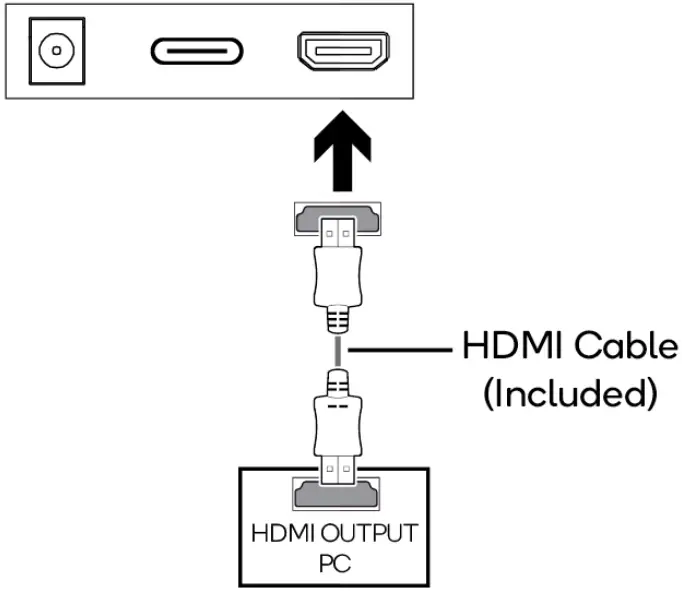
OPERATION
- Connect the monitor to the input device via HDMI / TYPE-C.
- Connect the power cable to the monitor, then connect the other end directly to a power socket.
- Use the power button to turn the monitor on.
On-Screen Display
The On-Screen Display (OSD) Menu may be used to adjust your monitor’s settings and appears on the screen after turning on the monitor and pressing the “Power” button.
When using the monitor for the first time, it will configure optimal settings automatically.
- Press “Power” to enter the OSD menu.

- Press “Power” up/down to browse functions.
- With the desired function highlighted, press “Power” right to enter the
- sub-menu.
- Press “Power” up/down to browse sub-menus, then press “Power” to highlight the desired function.
- Press “Power” up/down to highlight an option, then press “Power” to confirm the settings and exit the current screen.
- Press “Power ” left to exit the current screen.
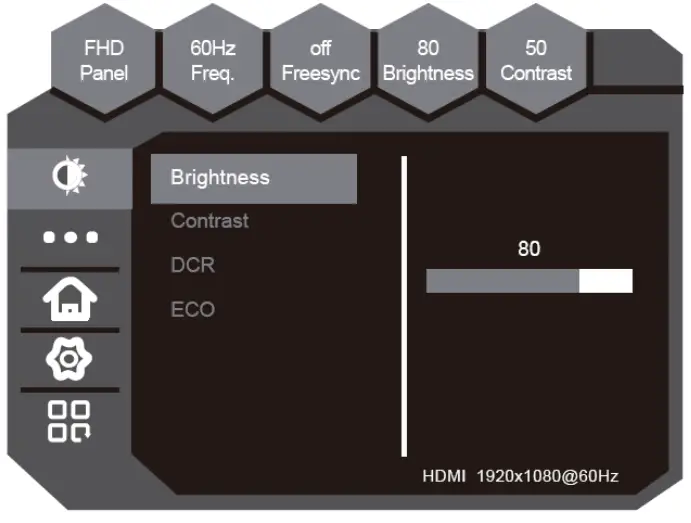
Refer to the following pages for a detailed list of the OSD menu functions
| Menu | Sub-Menu | Options | Description |
 | Brightness | ~0-100 | Adjust display brightness |
| Contrast | ~0-100 | Adjust display contrast | |
| DCR | ON/OFF | ||
| ECO | STANDARD/MOVIE /TEXT/GAME /FPS/RTS | Preset colour modes | |
 |
Colour Temperature | Standard |
Select colour temperature mode or allow manual colour configuration |
| Warm | |||
| Cool | |||
| sRGB | |||
| User Define | |||
| Red | ~0-100 | Adjust red value | |
| Green | ~0-100 | Adjust green value | |
| Blue | ~0-100 | Adjust blue value | |
 | Language | English,中文, 한국어, Deutsch, Español, Français, Italiano | Set OSD language |
| OSD Horizontal | 0~100 | Adjust OSD horizontal position | |
| OSD Vertical | 0~100 | Adjust OSD vertical position | |
| OSD Transparency | 0~100 | Set OSD overall transparency | |
| OSD Time Out | 10-60 | Set how long the OSD remains open after last input |
 | Input Source | Auto Select/ HDMI/TYPE-C | Select input source or allow manual selection |
| Mute | ON / OFF | Enable or disable monitor speaker output | |
| Volume | 0-100 | Adjust monitor speaker volume | |
| Reset | / | Restore factory defaults | |
 |
Display Size | Full Screen |
Select the display’s aspect ratio |
| 4:3 | |||
| Auto | |||
|
Low blue | Off |
Blue light reduction adjustment | |
| Weak | |||
| Strong | |||
| Over Driver | On/ Off | This option makes panel response time shorter. | |
| FreeSync | On/ Off | Enable or disable AMD FreeSync |
FreeSync
- In order to use this feature, ensure your hardware has FreeSync capability and the graphics drivers are fully up to date.
- After connecting, you may receive a prompt to enable the feature on your computer. If you do not receive the prompt, you may need to enable the function in your graphics card menu.
- See your graphics card manufacturer’s documentation for instructions on how to turn on and/or enable FreeSync.
ECO MODES
Press “Power” left to switch ECO modes. These modes include; Standard, Text, Movie, Game, FPS and RTS and can be used to optimise settings according to your activity. Standard mode is suitable for most activities. 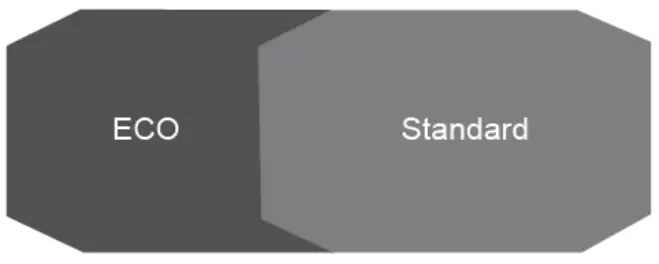
SPECIFICATIONS
| Screen size | 27” |
| Aspect ratio | 16:9 |
| Brightness | 300cd/m2 (typical) |
| Panel | VA |
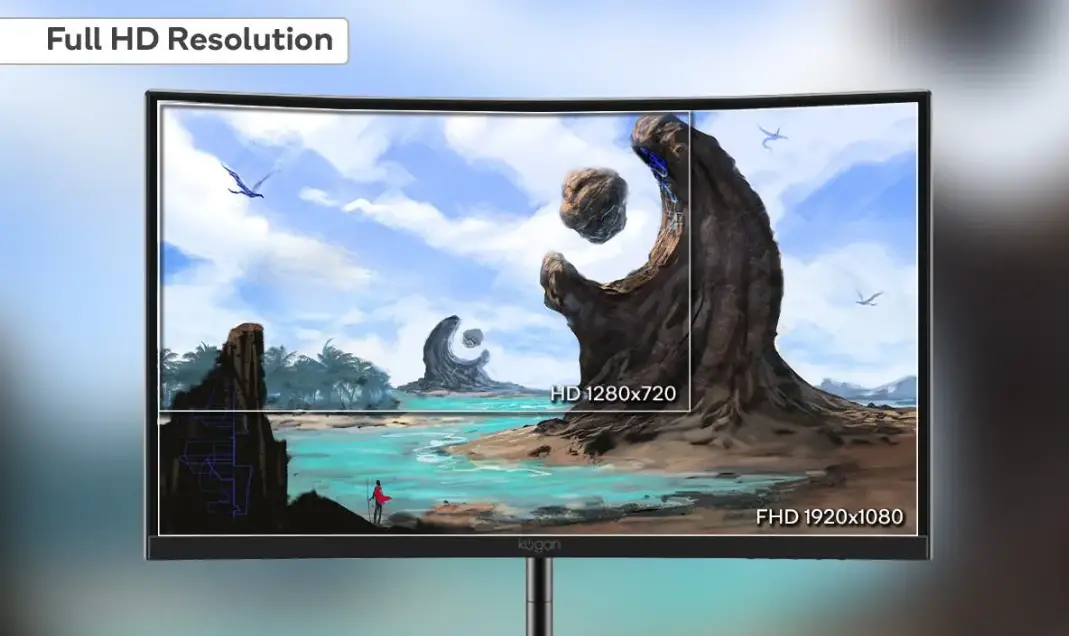
| Resolution | 1920 x 1080 |
| Refresh rate | 75Hz |
| Response time | 7ms with Overdrive enabled (14ms typical) |
| Viewing angle | ≥178°(H) / 178°(V) |
| Contrast ratio | 4000:1 |
| VESA mounting | 100 x 100mm |
| Colours | 16.7M |
| Signal input | HDMI 1.4 x 1, USB-C x 1 |
| Power | 100-240V ~50/60Hz 2.5A |
| Audio | |
| Speakers | YES |
| Audio out | YES |
| Accessories | |
| Power cable | YES |
| HDMI Cable | YES |
| USB-C Cable | YES |
| Additional functions | |
| Low Blue Light | YES |
| Flicker Free | YES |
| Physical dimensions | |
| Dimensions (w. Stand) | 615.3×455.3×247.3 (mm) |
| Dimensions (w/o Stand) | 615.3×360.83×72.2 (mm) |
| Net weight | 4.7kg |
| Gross weight | 6.7kg |
Need more information?
We hope that this user guide has given you the assistance needed for a simple set-up.
For the most up-to-date guide for your product, as well as any additional assistance you may require, head online to help.kogan.com.