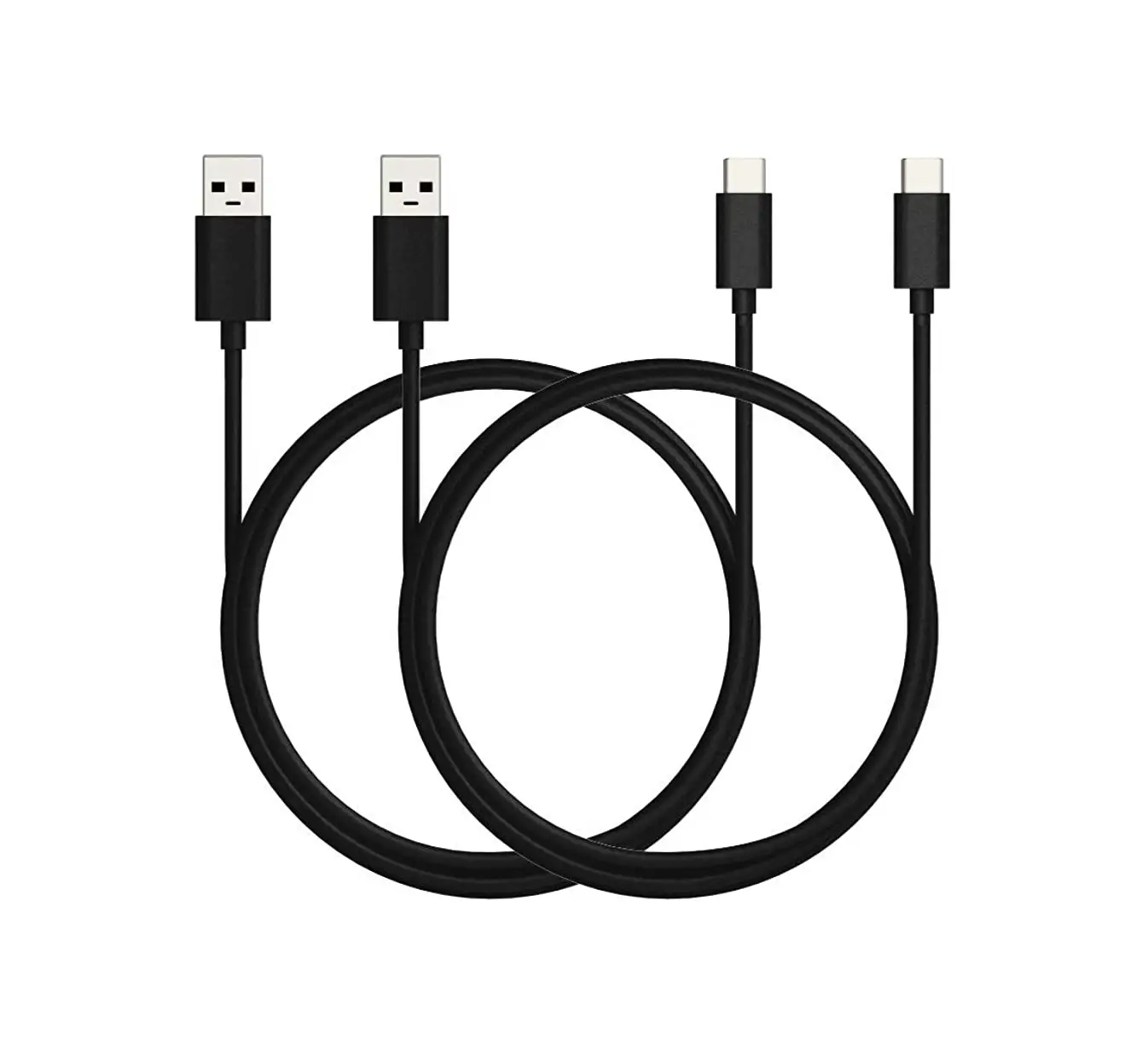

Motorola T56aa6 Neckband Data Cable Charging Cable Installation Guide

Motorola T56aa6 Neckband Data Cable Charging Cable Installation Guide

Motorola logo

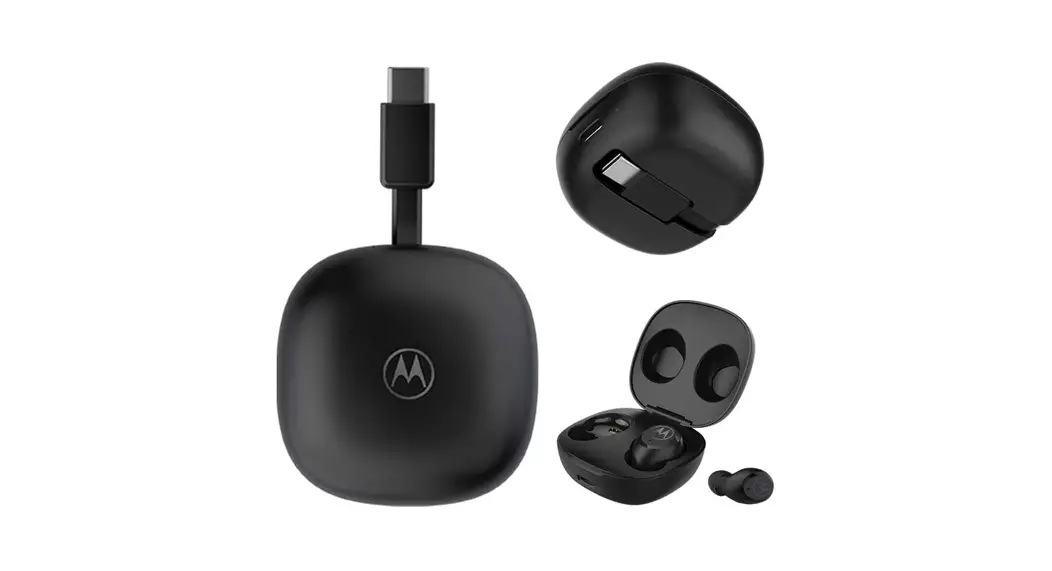
Motorola T56AA6 Neckband Data Cable Charging CableMotorola T56AA6 Neckband Data Cable Charging Cable-product

INSTALLATION INSTRUCTION

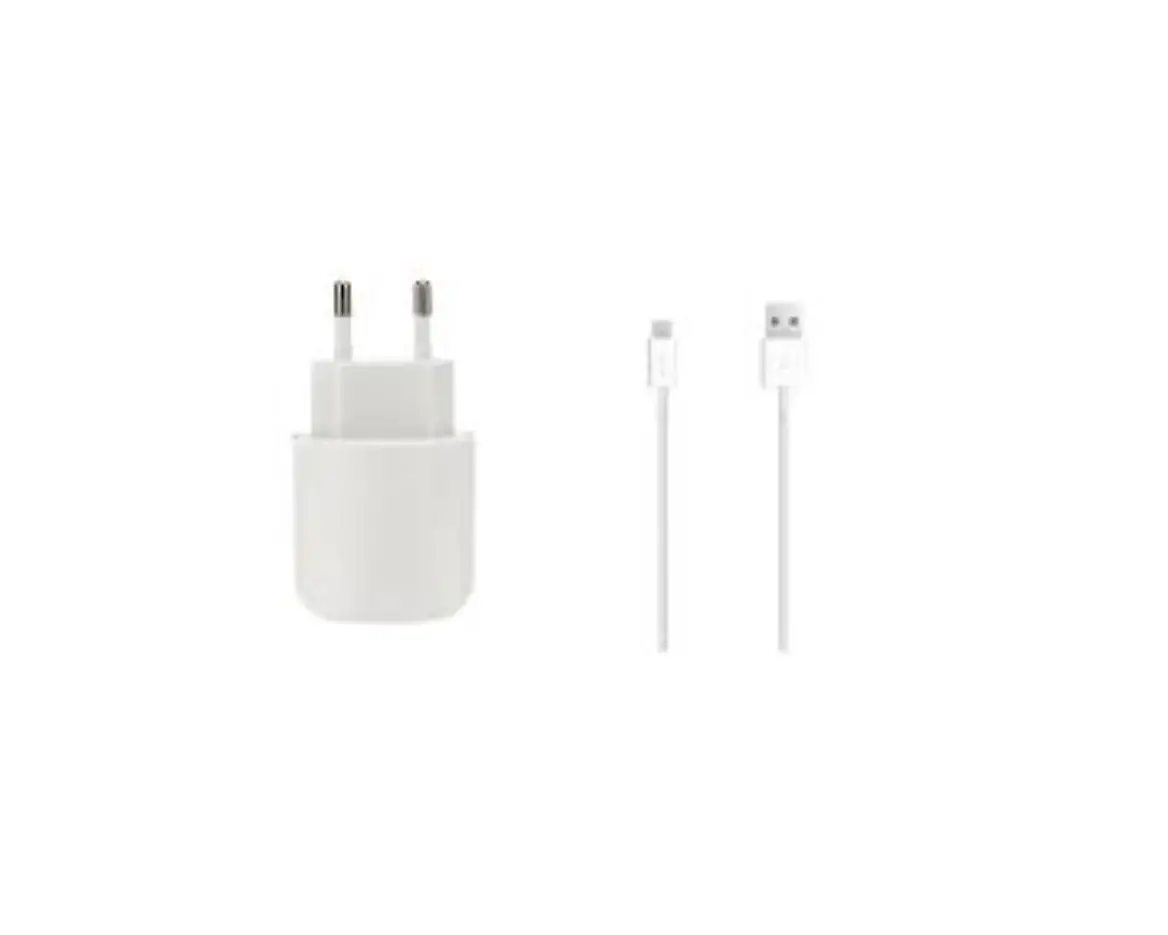
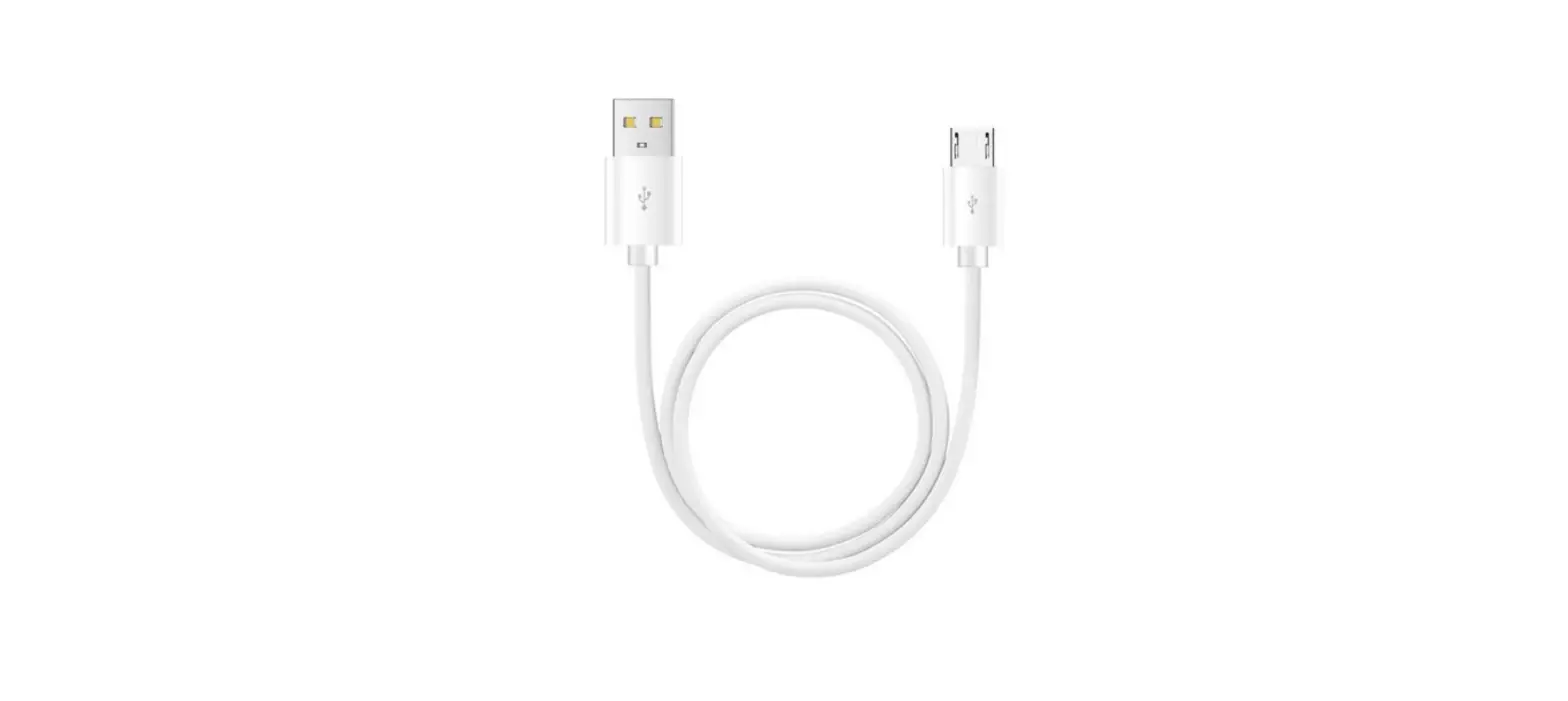
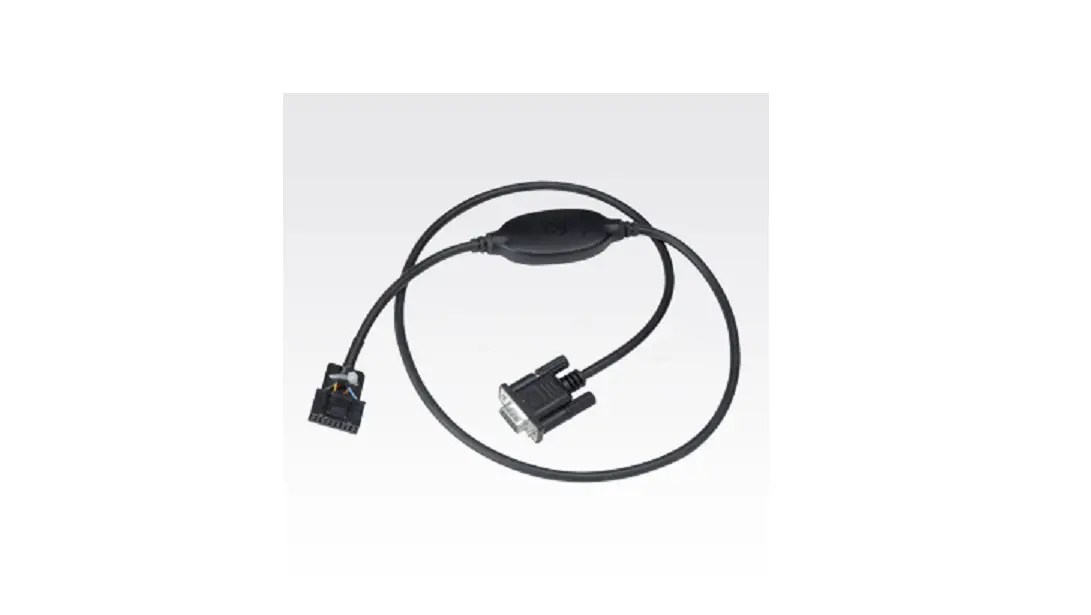
Neckband Data Cable

SIM Tool
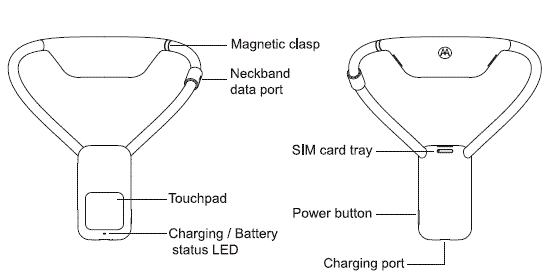
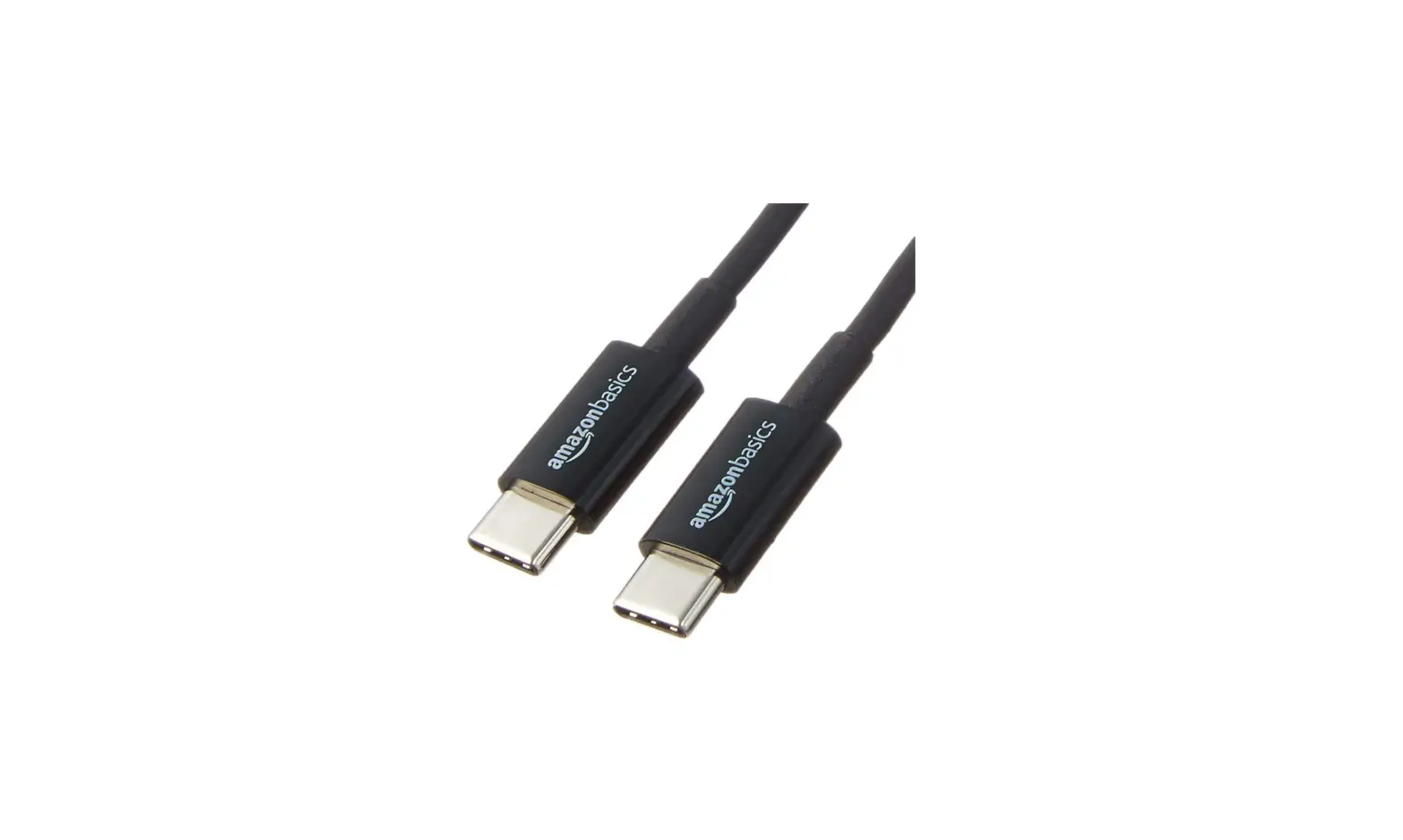
Charging CableMotorola T56AA6 Neckband Data Cable Charging Cable Installation Guide-fig-1
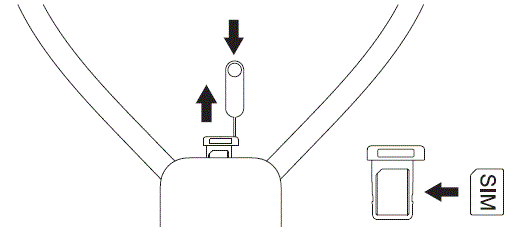
  1. Use the SIM tool to remove the SIM tray, place the SIM card in the tray, then insert the tray into the neckbandMotorola T56AA6 Neckband Data Cable Charging Cable Installation Guide-fig-2
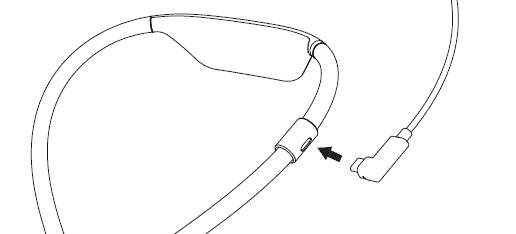
  2. Connect the data cable to the neckbandMotorola T56AA6 Neckband Data Cable Charging Cable Installation Guide-fig-3
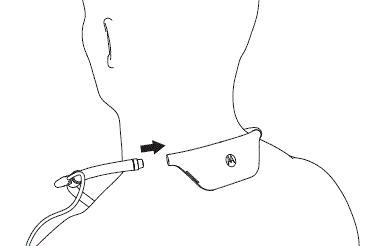
  3. Disconnect the magnetic claspMotorola T56AA6 Neckband Data Cable Charging Cable Installation Guide-fig-4
  4. Reconnect the magnetic claspMotorola T56AA6 Neckband Data Cable Charging Cable Installation Guide-fig-5
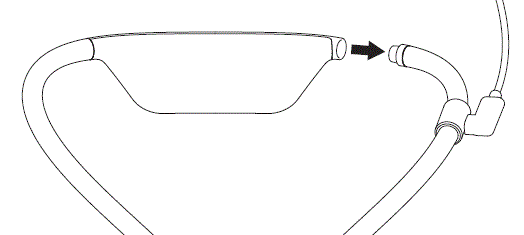
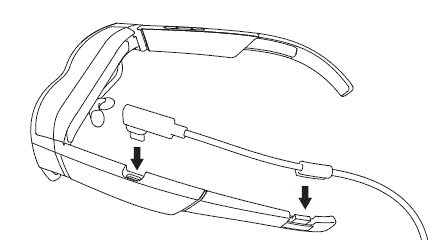
  5. Connect the neckband data cable to the glassesMotorola T56AA6 Neckband Data Cable Charging Cable Installation Guide-fig-6
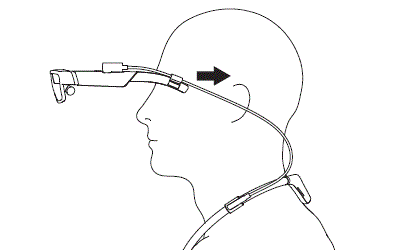
  6. Put on the glassesMotorola T56AA6 Neckband Data Cable Charging Cable Installation Guide-fig-7
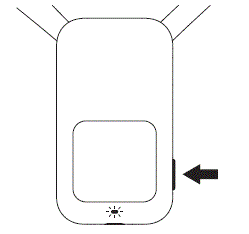
  7. Press the power button to power on the neckband, the LED will confirm the power statusMotorola T56AA6 Neckband Data Cable Charging Cable Installation Guide-fig-8


Documents / Resouces

Download manual
Here you can download full pdf version of manual, it may contain additional safety instructions, warranty information, FCC rules, etc.


Related Manuals