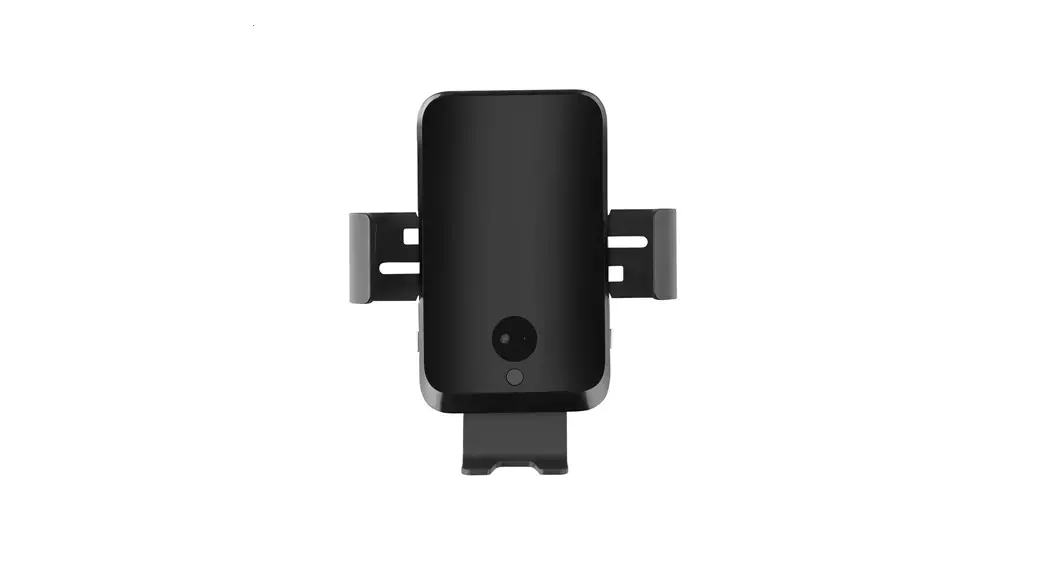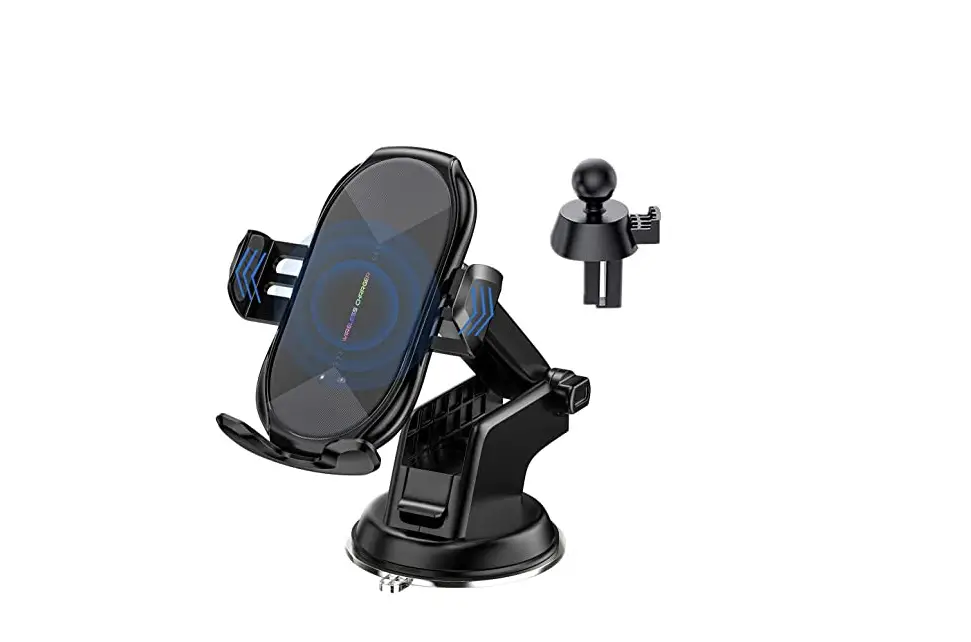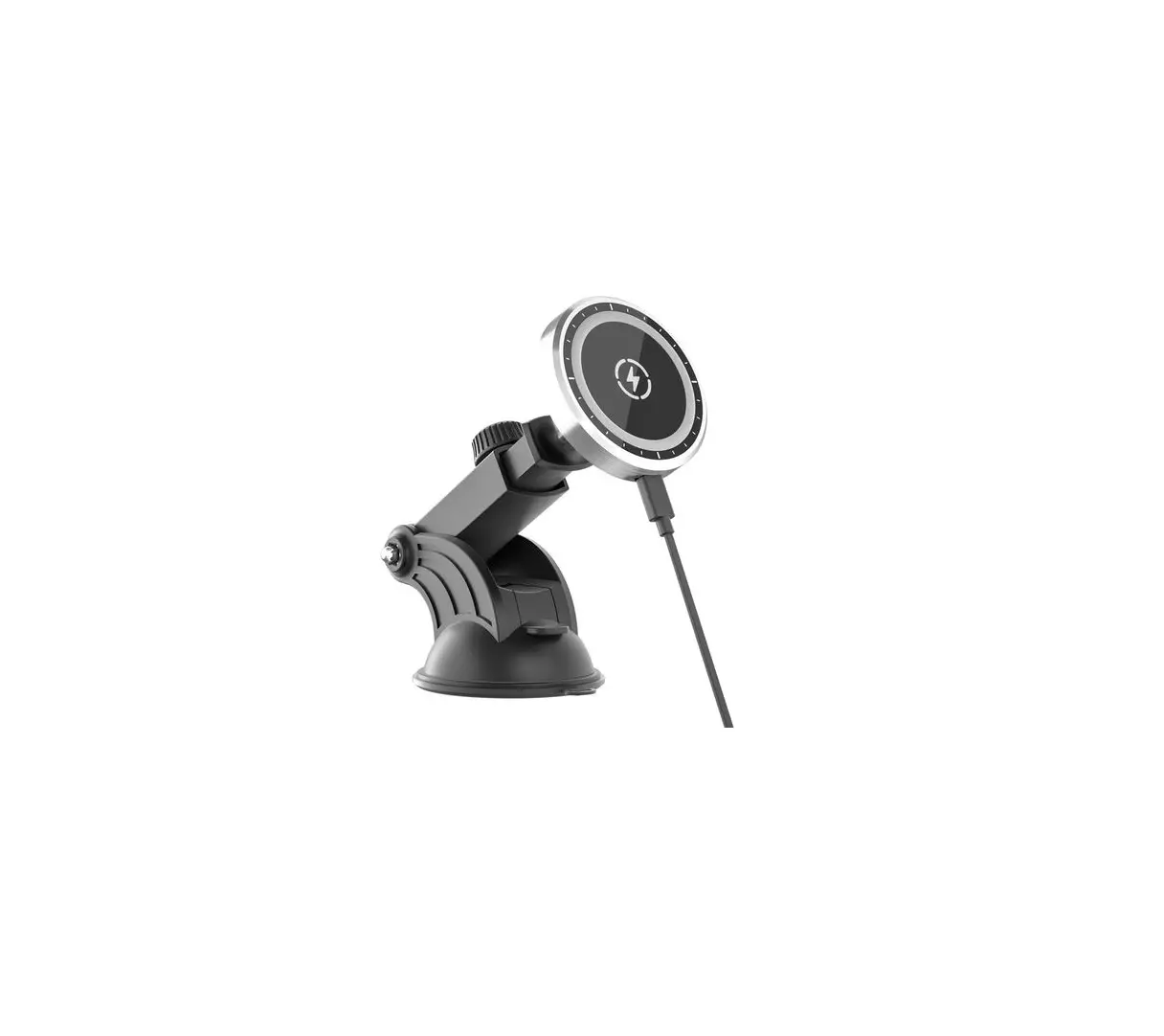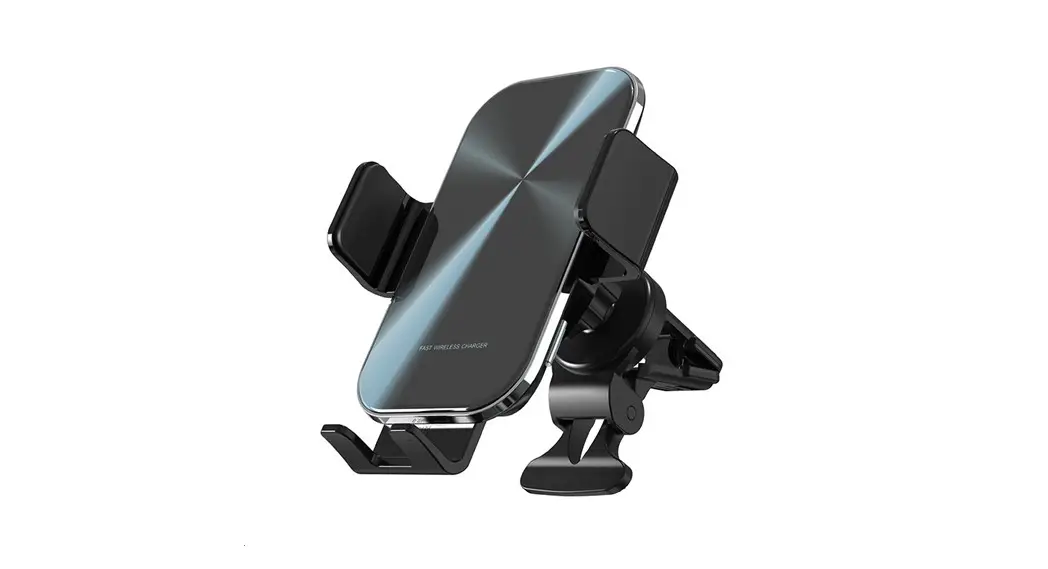

Shenzhen Tangzao Technology
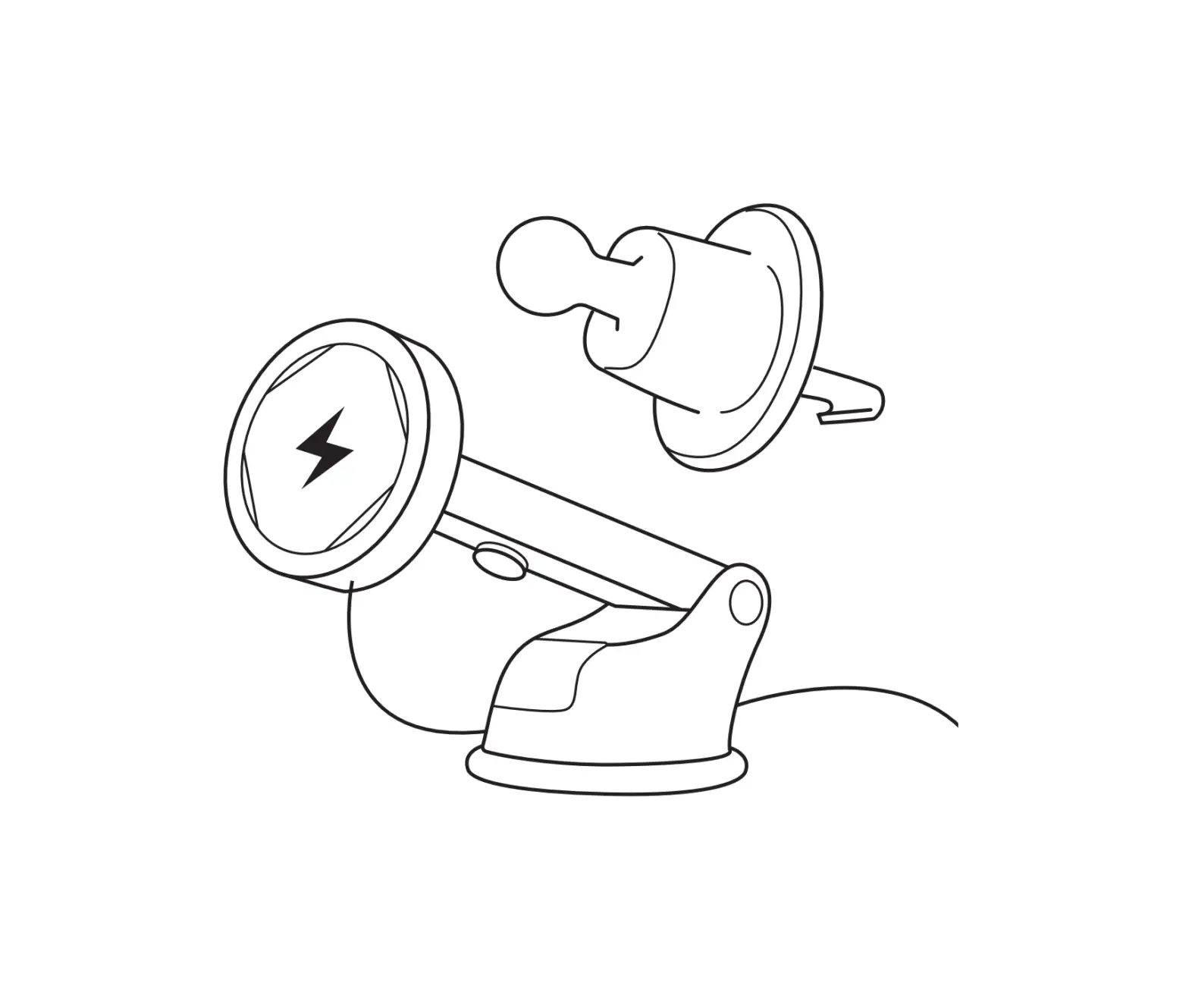
Package Contents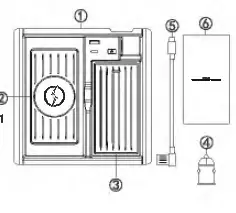
- Chagreless ChargerX 1
- Anti-slip MatX 1
- Rubber Pad X t
- Car ChargerX 1
- Type-C USB CableX1
- User Manual x 1
Lamp Status Description
| 11&”1 | Stat1.1a | De9cription |
| Switch | Blue Ught On | Power On |
| Blue Light Off | Power Off | |
|
LED Indicator Llgnt | Green Light On | Charging |
| Green Light Flashing | Error/FOO | |
| White Light On | Fully Chargad |
Specification
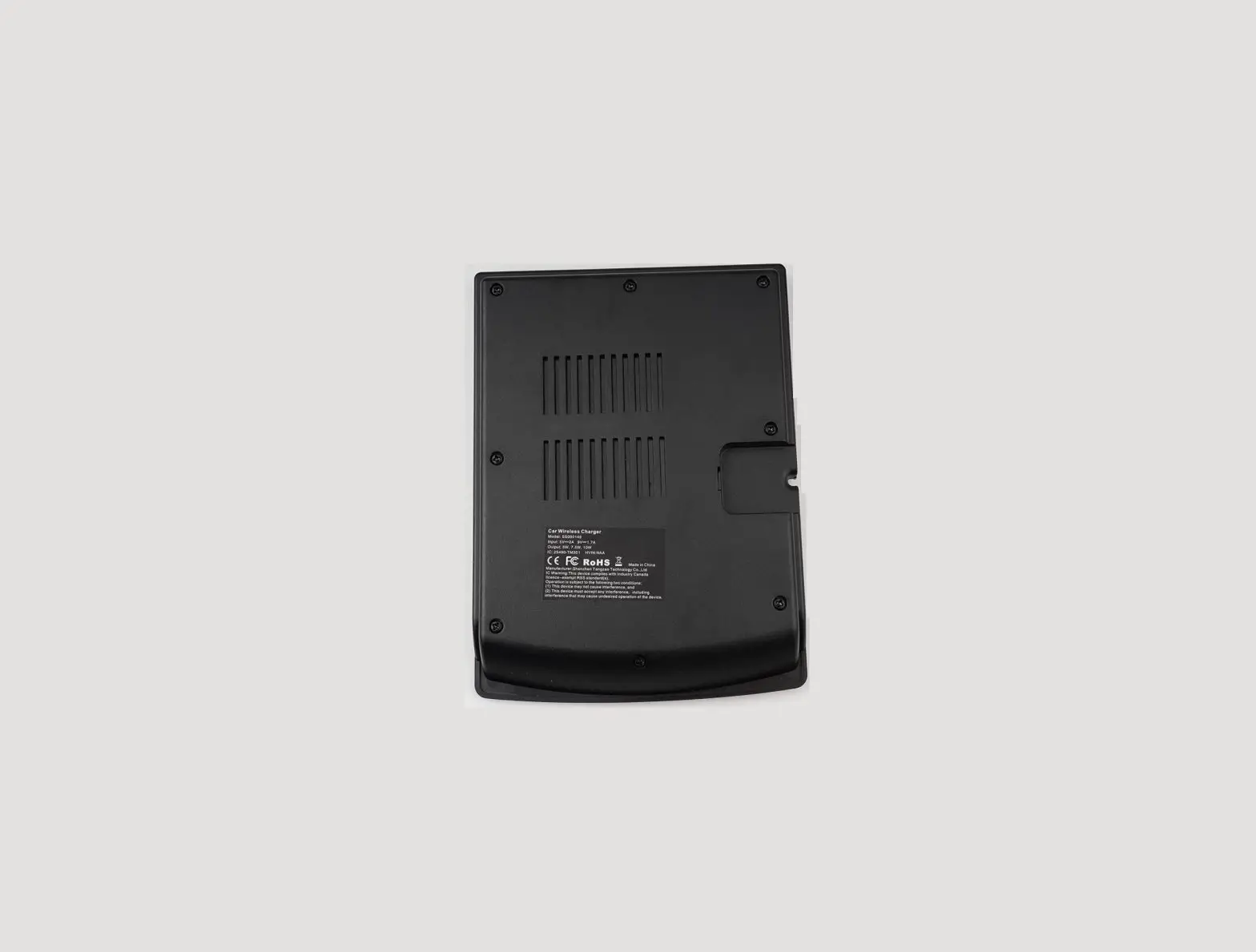
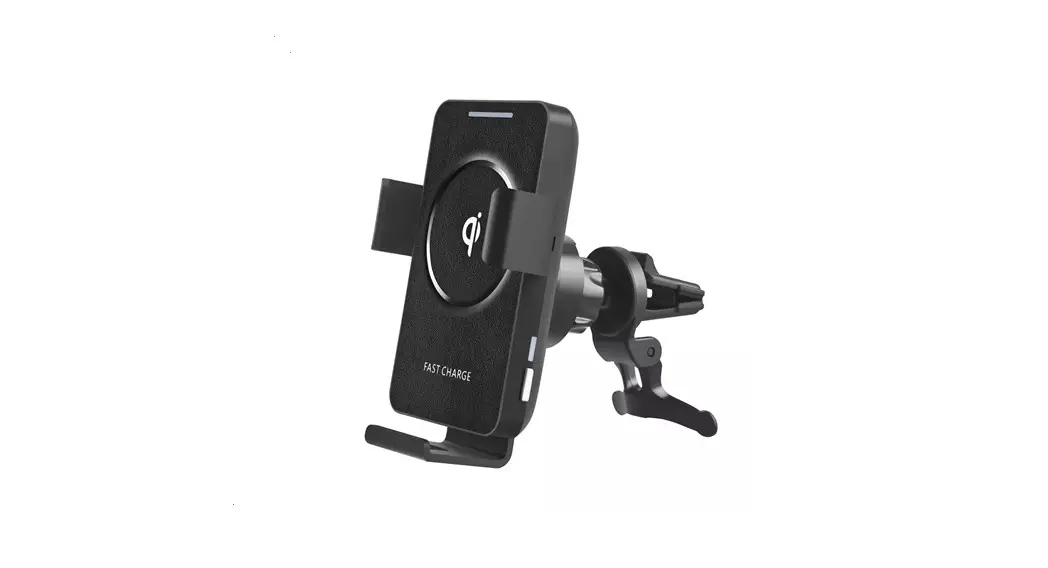
| Product Name | Car Wireless Charger |
| Model | TTAA |
| Input | 5V == 2A 9V=1.7A |
| Output | 5W,7.SW,10W |
| Working Frequency | 115KHz-2D5KHz |
| Charging E11Iclency | 78% Max |
| Coll 01.1.annty | 1 |
| USB Port Oulput |
Installation Steps
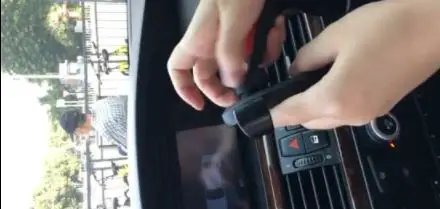
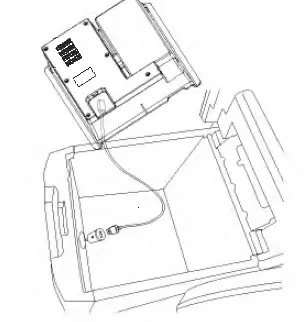
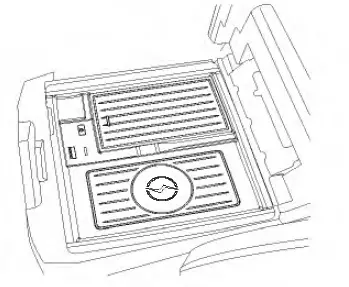
- 1pen the cover of the center control armrest
- 2.lnsert one end of the Type-C USB Cable into the Wireless
- Charger and the other end into the USB interface of the Car
- Charger.Turn up the cigarette lighter cover,and insert the Car
- ChargeCharger and the other end into the USB interface of the Car
- Charger.Turn up the cigarette lighter cover,and insert the Car Charger

- lnstall the Wireless Charger.slightly move and adjust it to fit with the car.

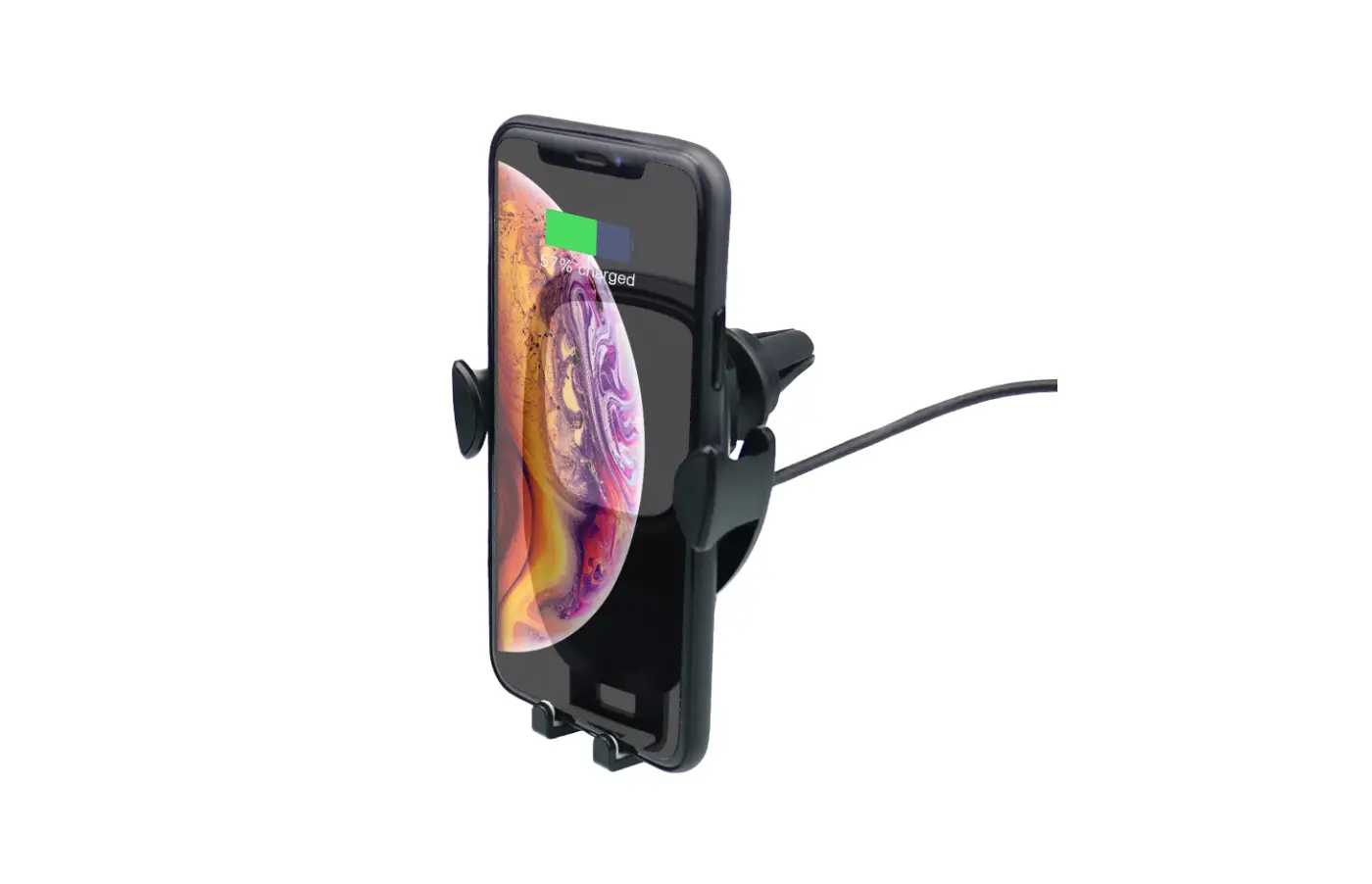
- Turn on the switch of the Wireless Charger,and then place the phone compatible with QI standard on it to be charged.
- Put in the Rubber Pad,and you can place some items such as pens,cigarettes,lighters and coins according to your personal preference.
FCC ID: 2AS5P-TTAA
FCC WARNING:This device complies with part 15 of the FCC Rules. Operation is subject to the following two conditions:
(1) this device may not cause harmful interference, and
(2) this device must accept any interference received, including interference that may cause undesired operation.
Any changes or modifications not expressly approved by the party responsible for compliance could void the user1s authority to operate the equipment.
NOTE: This equipment has been tested and found to comply with the limits for a Class B digital device, pursuant to Part 15 of the FCC Rules. These limits are designed to provide reasonable protection against harmful Interference In a residential installation. This equipment generates, uses and can radiate radio frequency energy and, if not installed and used in accordance with the instructions, may cause harmful interference to radio communications. However, there is no guarantee that interference will not occur in a particular installation.If this equipment does cause harmful interference to radio or television reception,which can be determined by turning the equipment off and on,the user is encouraged to try to correct the interference by one or more of the following measures:
— Reorient or relocate the receiving antenna.
— Increase the separation between the equipment and receiver.
— Connect the equipment into an outlet on a circuit different from that to which the receiver is connected.
— Consult the dealer or an experienced radio/TV technician for help.
To maintain compliance with FCC’ s RF Exposure guidelines, This equipment should be installed and operated with minimum distance between 20cm the radiator your body: Use only the supplied antenna.