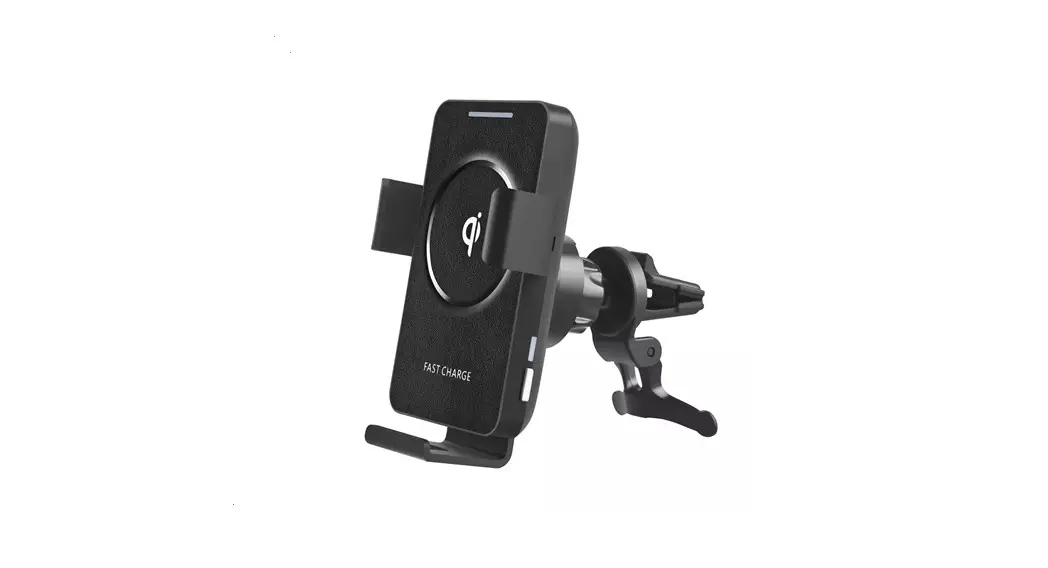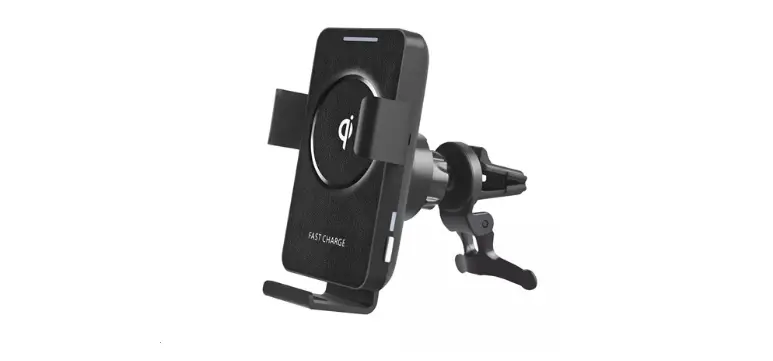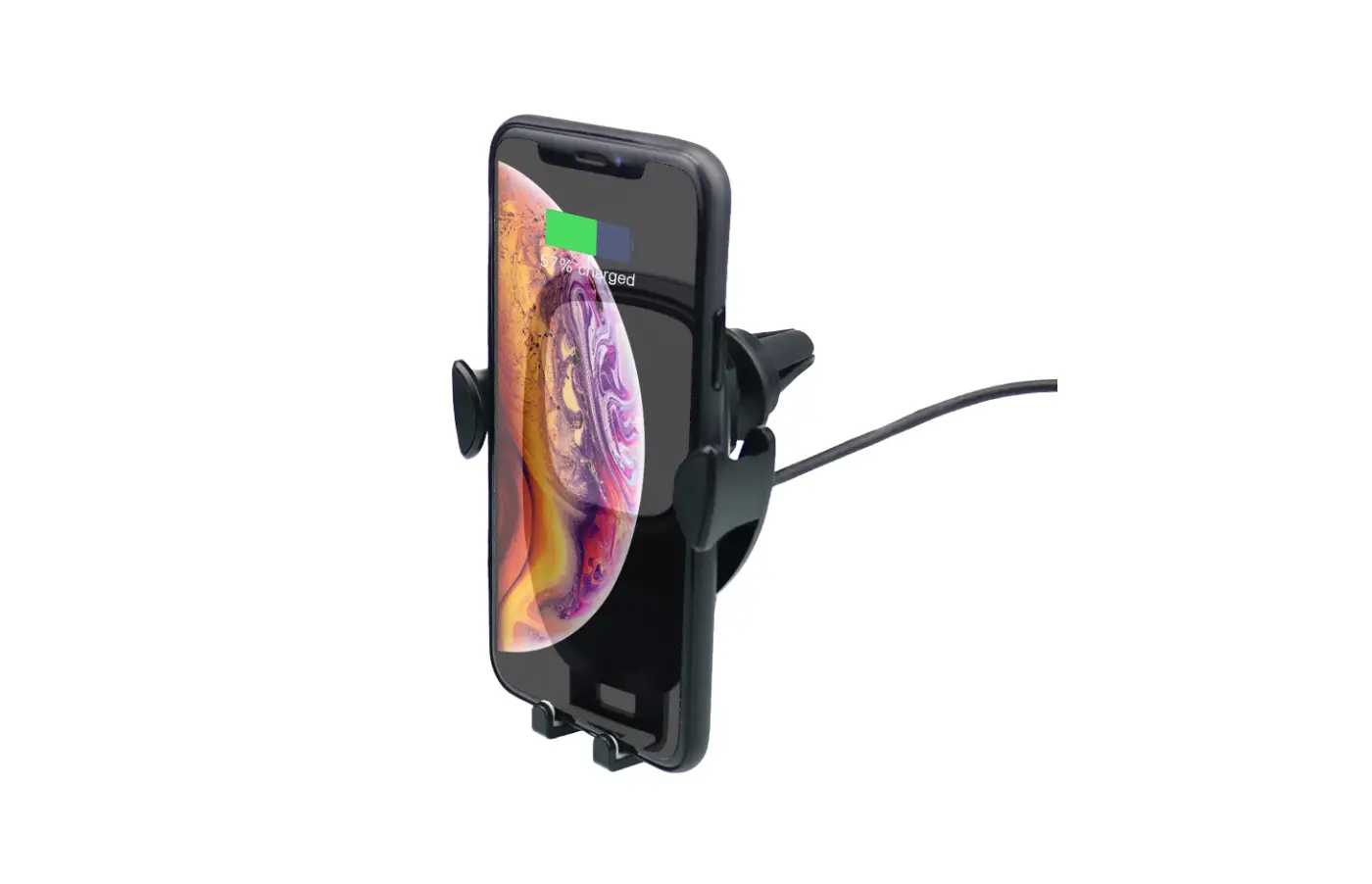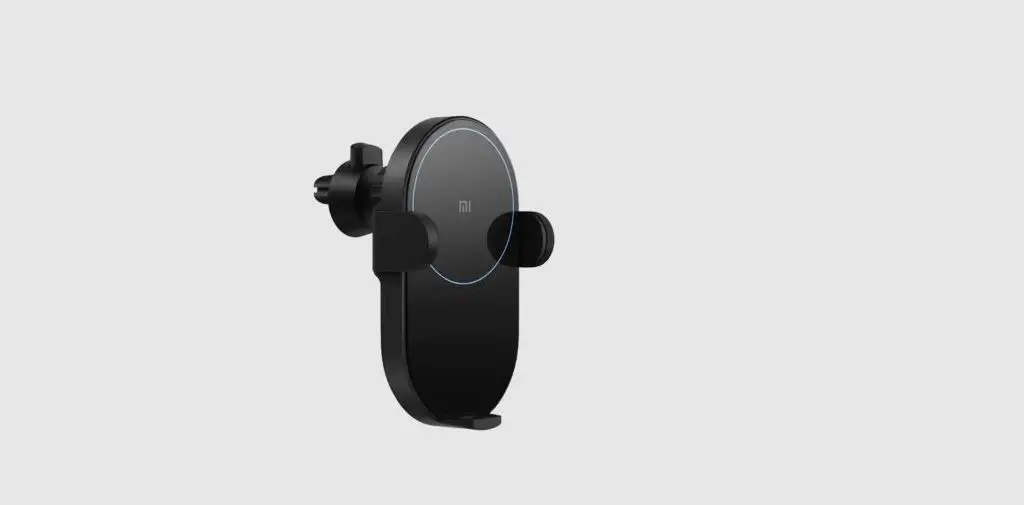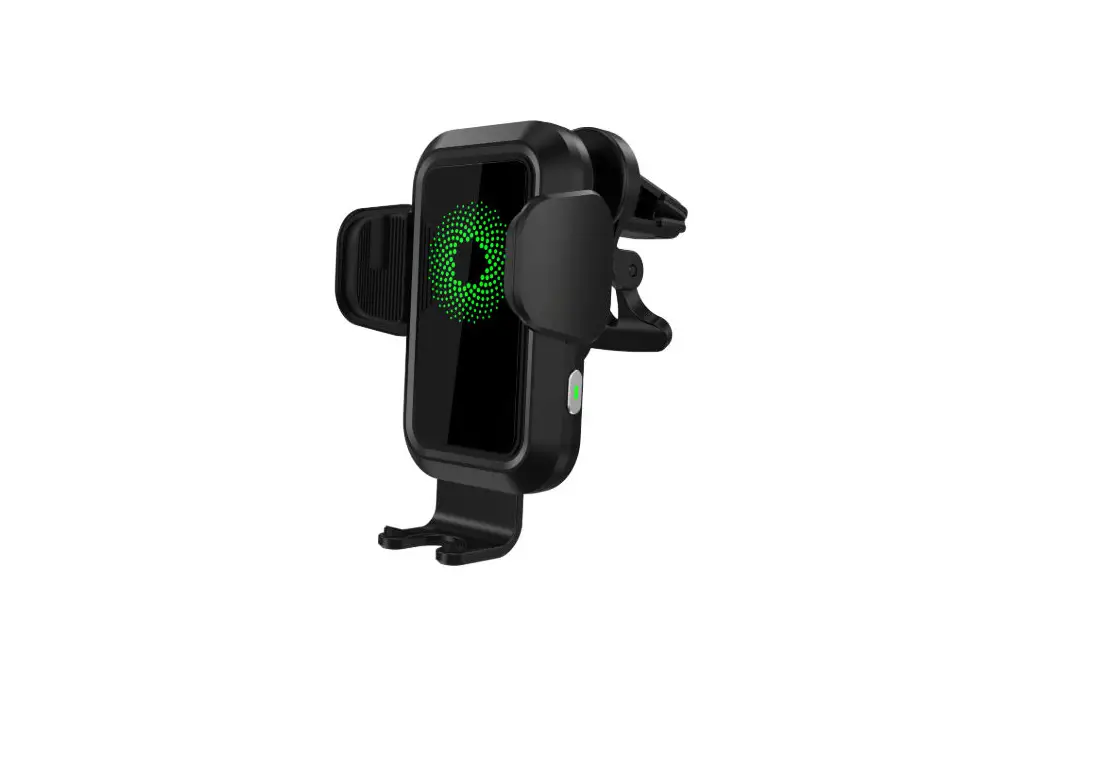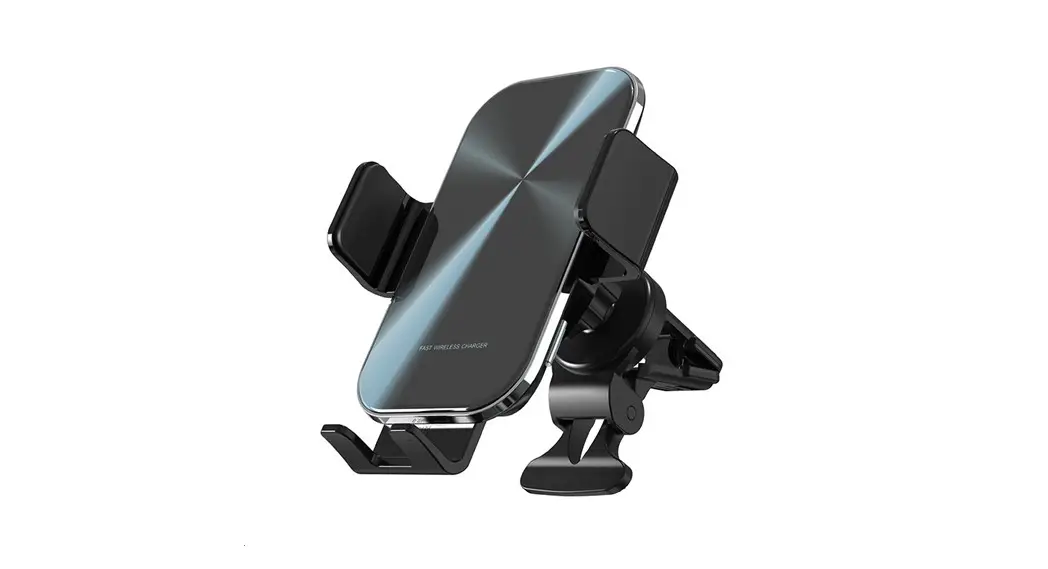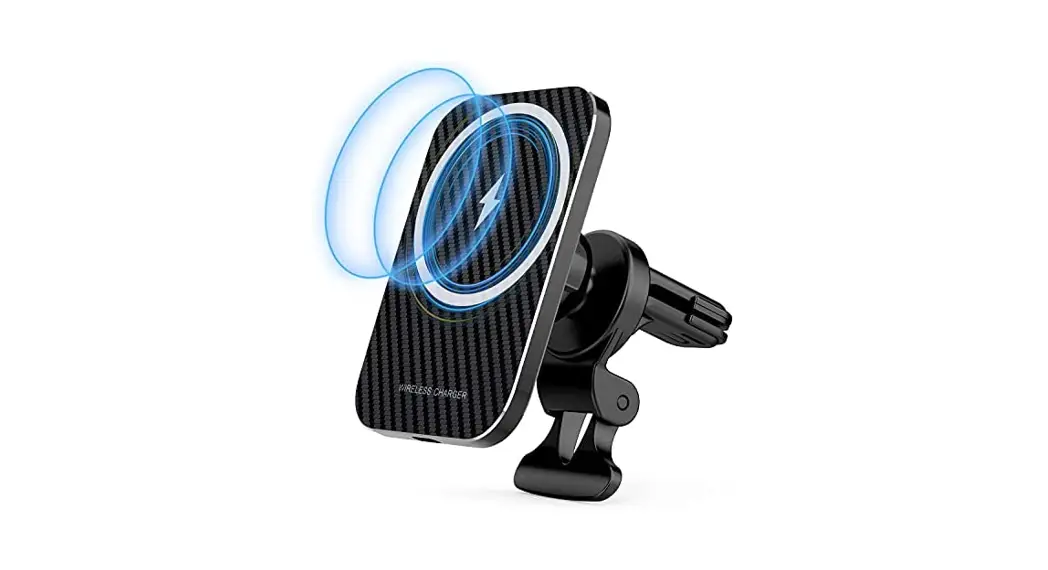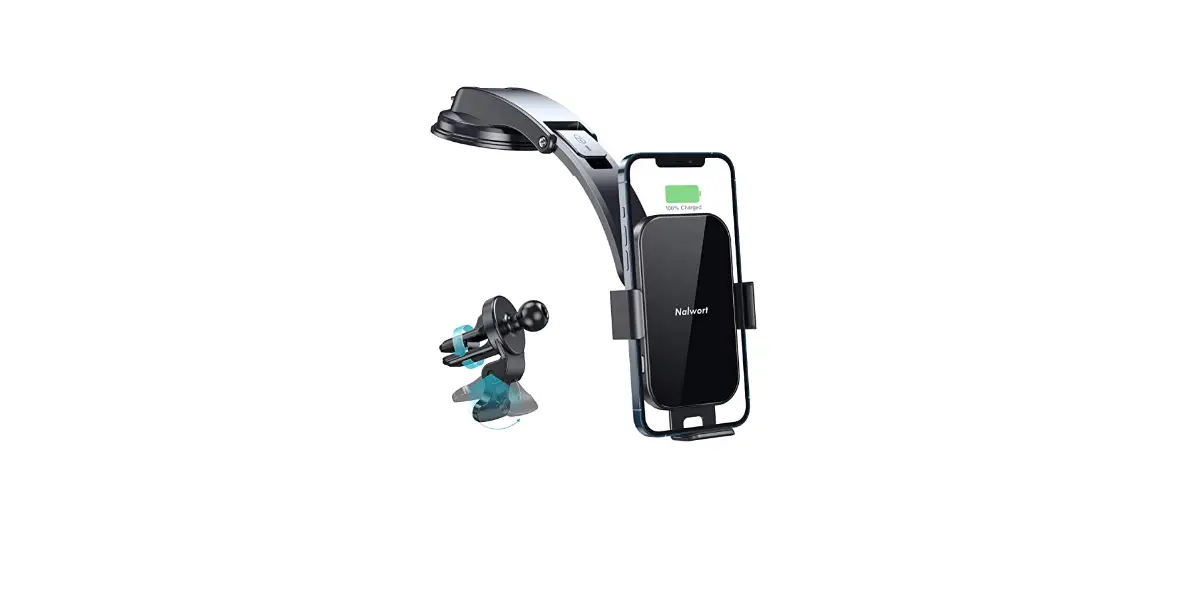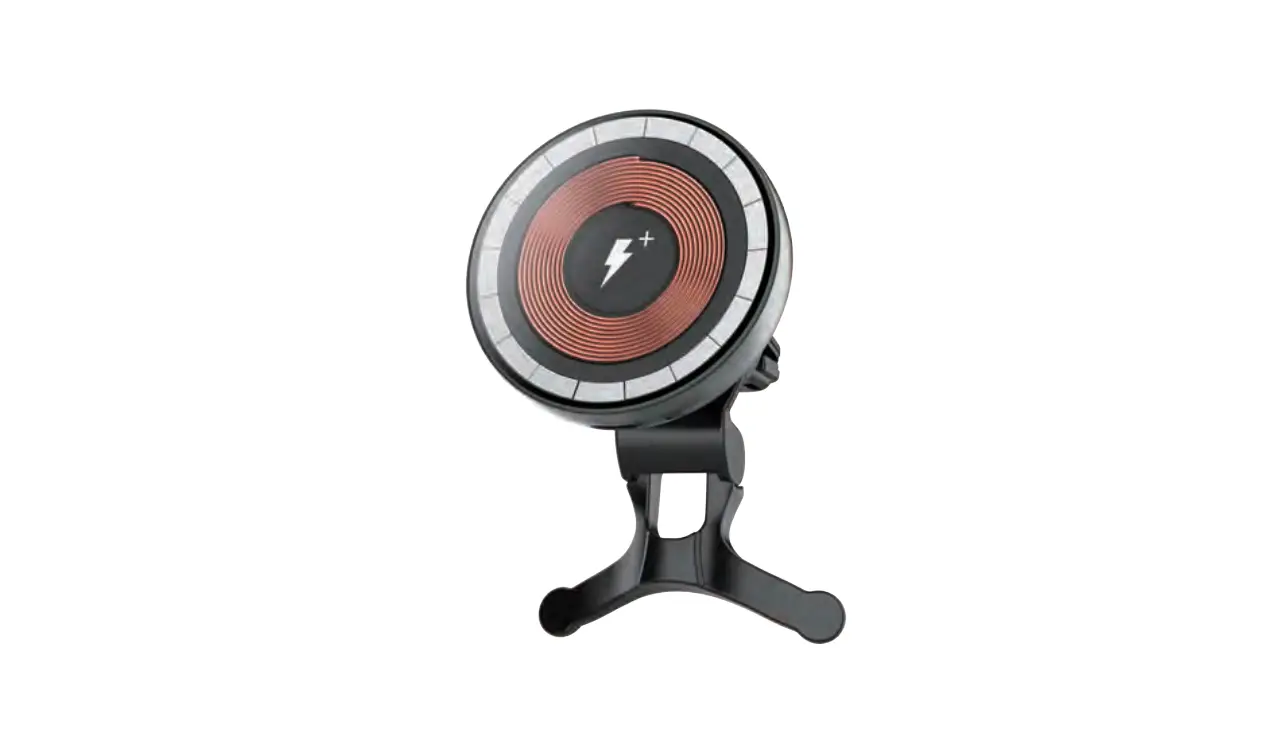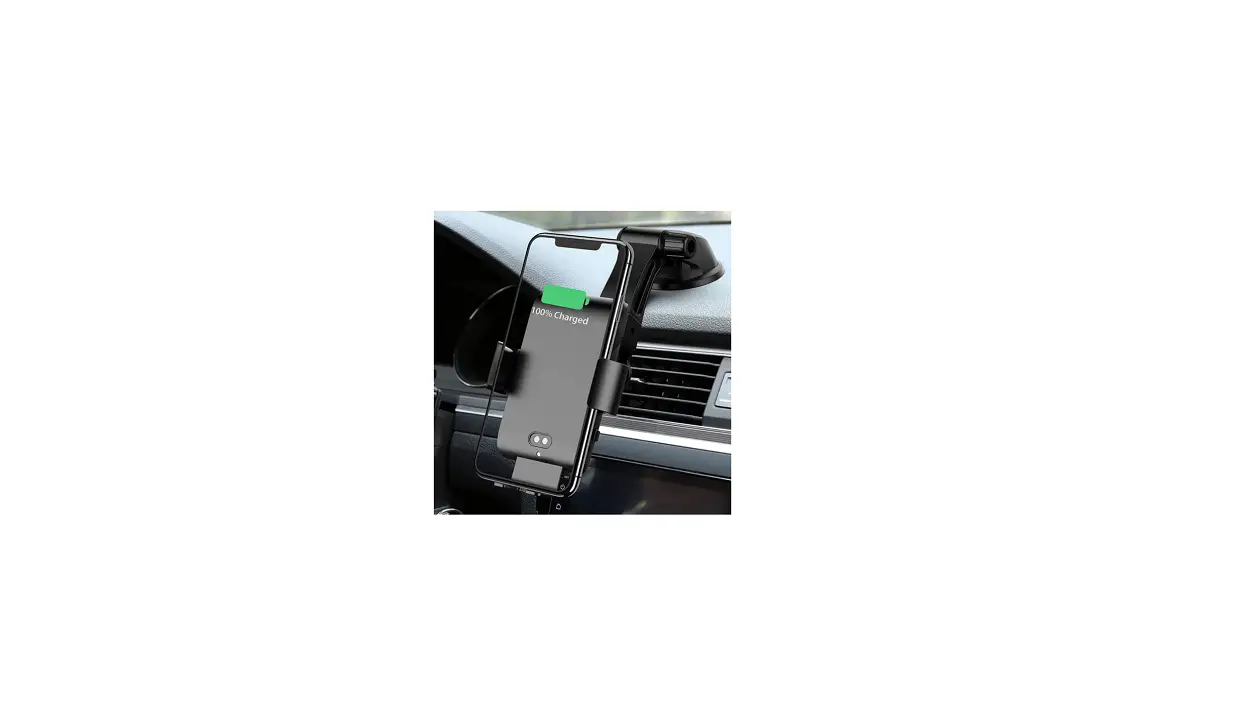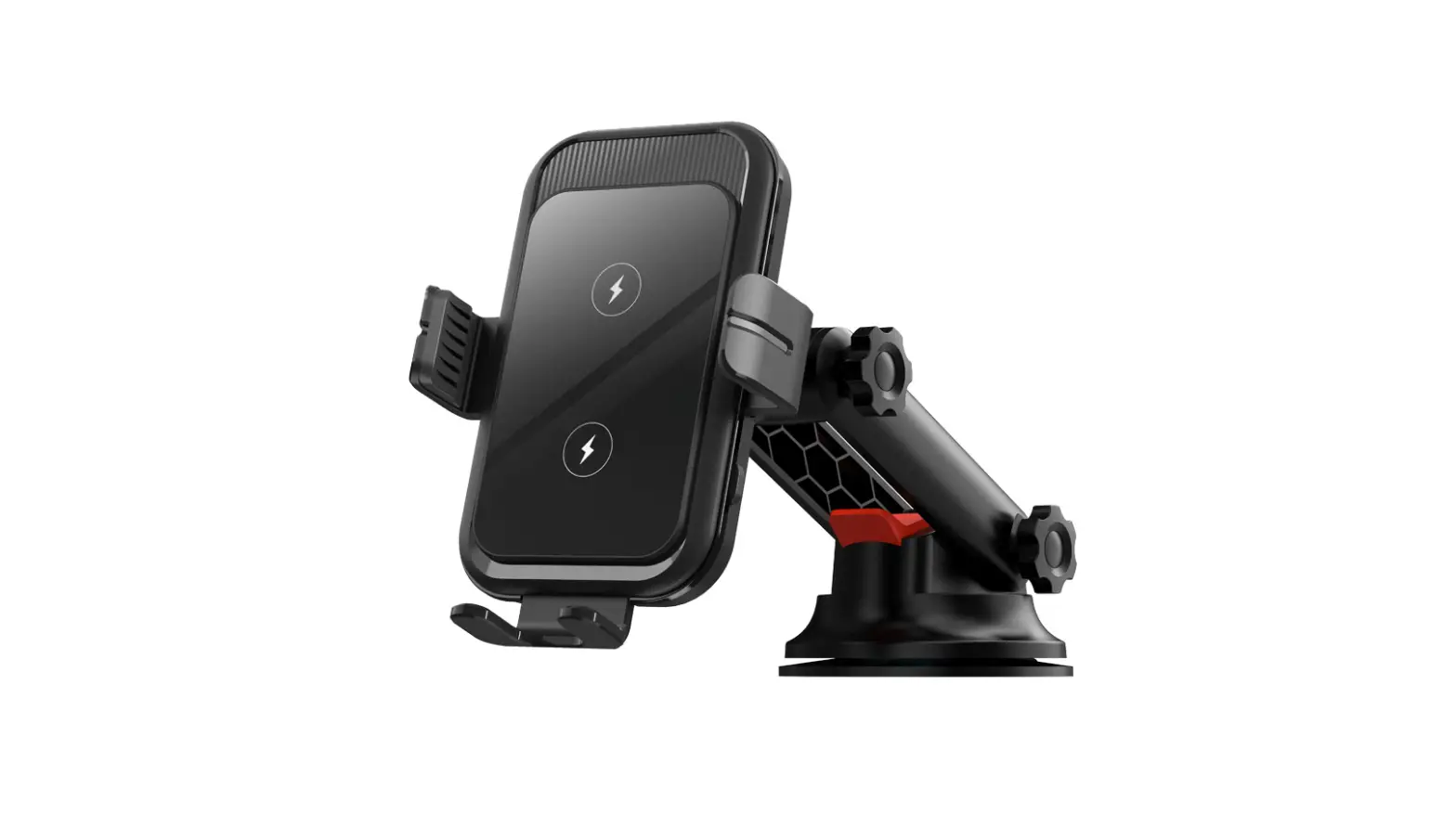

Wireless Car Charger
User Guide
 Model: C13
Thank you for purchasing and using this product!
Please read this Operation Instruction carefully and keep it properly before using this product.
Product Specification
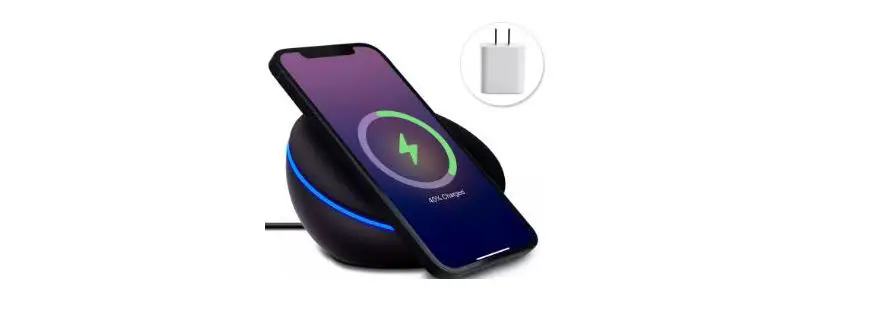
Fast Wireless Charger
- Input: 5V=2A/9V=1.67A
- Output: 5V=1.5A/9V=1.2A
- Charging Efficiency: 75%
Applicable Devices
Compatible with all devices with Qi Standard
For all other mobiles without Qi Standard, those will be working with wireless receivers.
Innovative Technology
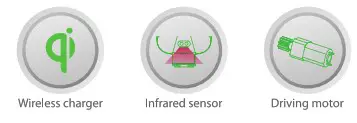
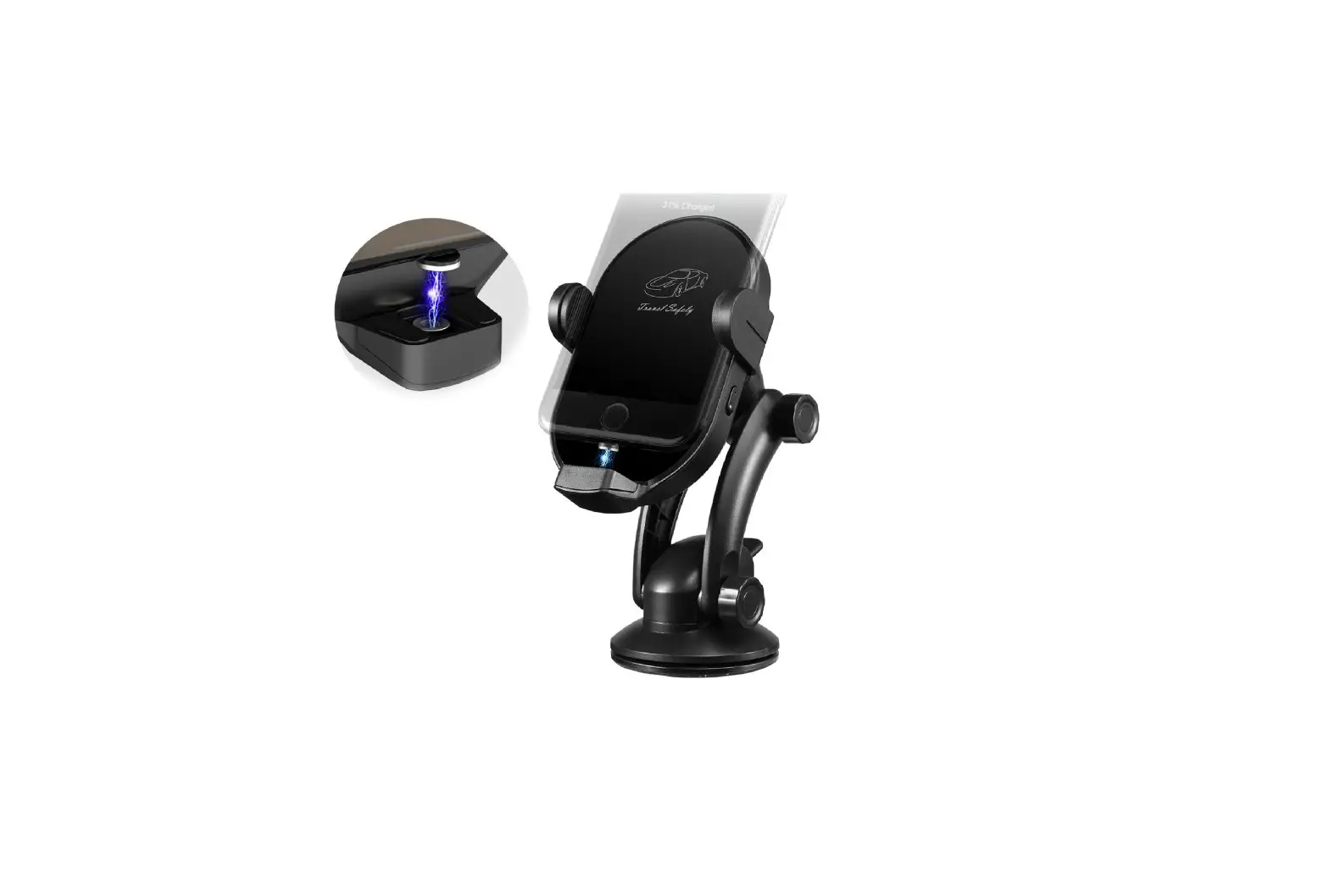
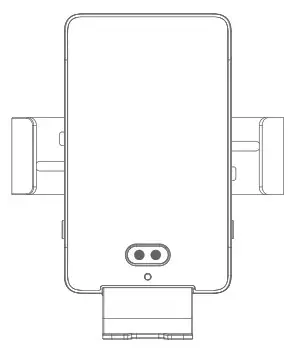
Product descriptions
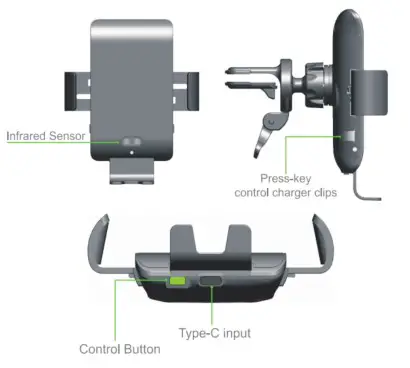
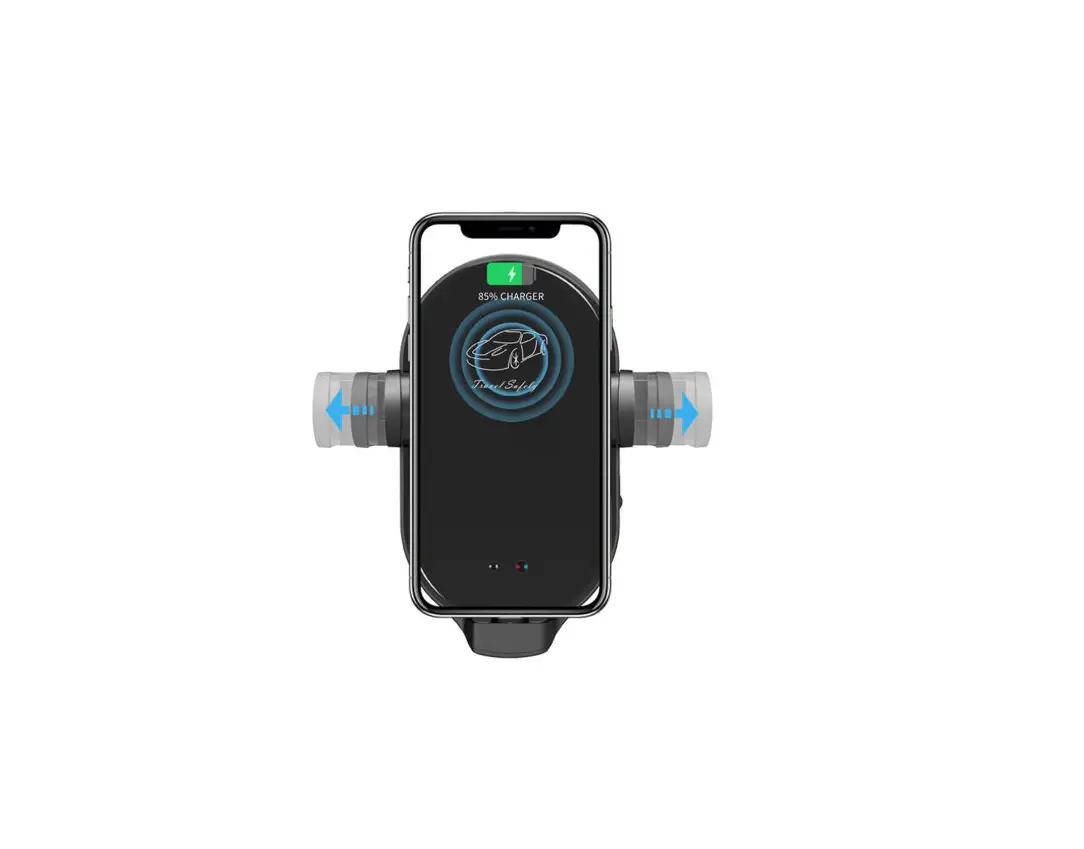
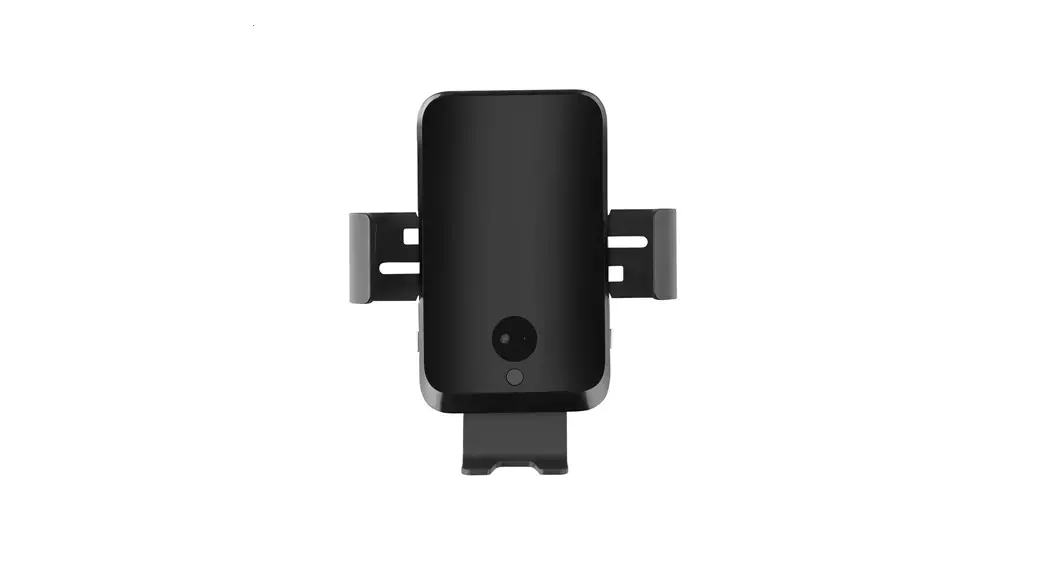
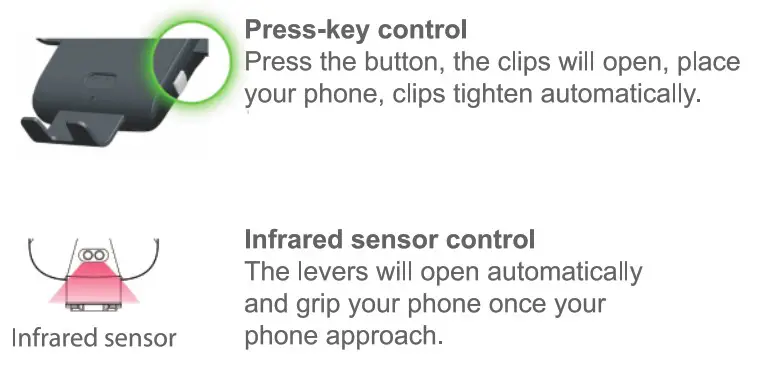
Press green control button to control infrared sensor.
Function of control button
Control infrared sensor. infrared sensor is affected by enternal lights easily, so that the clip open or close automatically. (such as shake of your arm, the light of tunnel, etc.)
Installation Steps
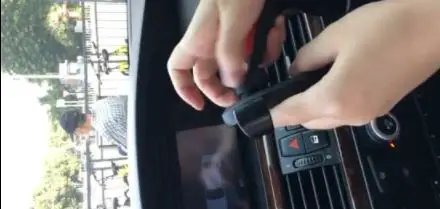
- How to install air vents.


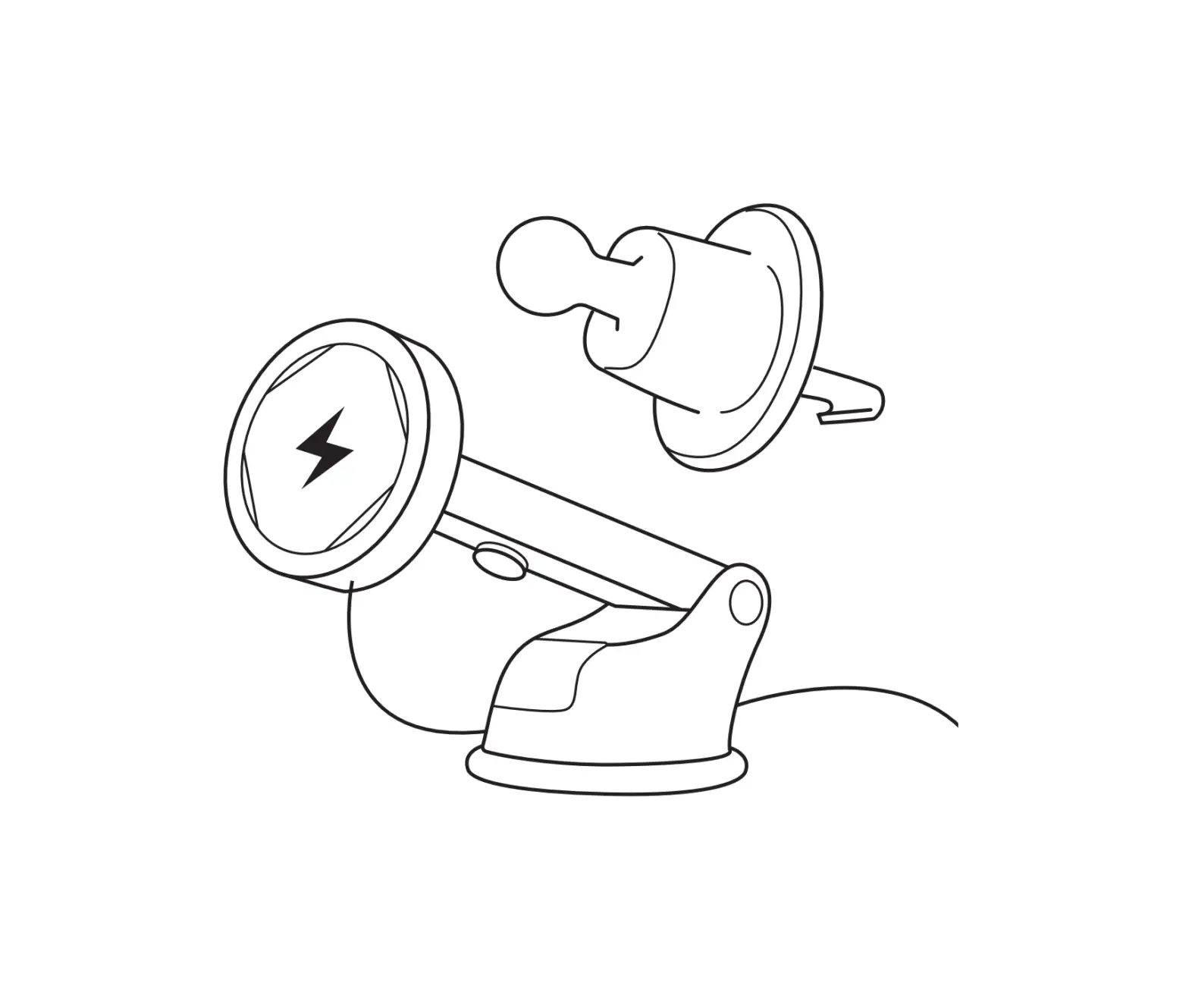
- Input: Connect the wireless charger and car adapter with the charging cord.
 Must use Qualcomm quick charging adaptor for fast wireless charging.
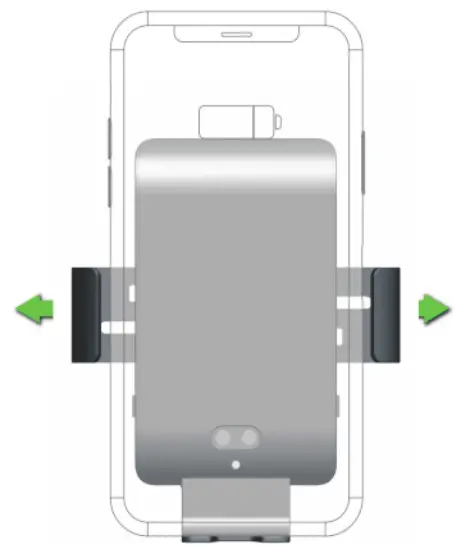
 - Press the button of clip to fix, then adjust the angle and tighten the fixed nut.

- Place smartphone


- Take off smartphone

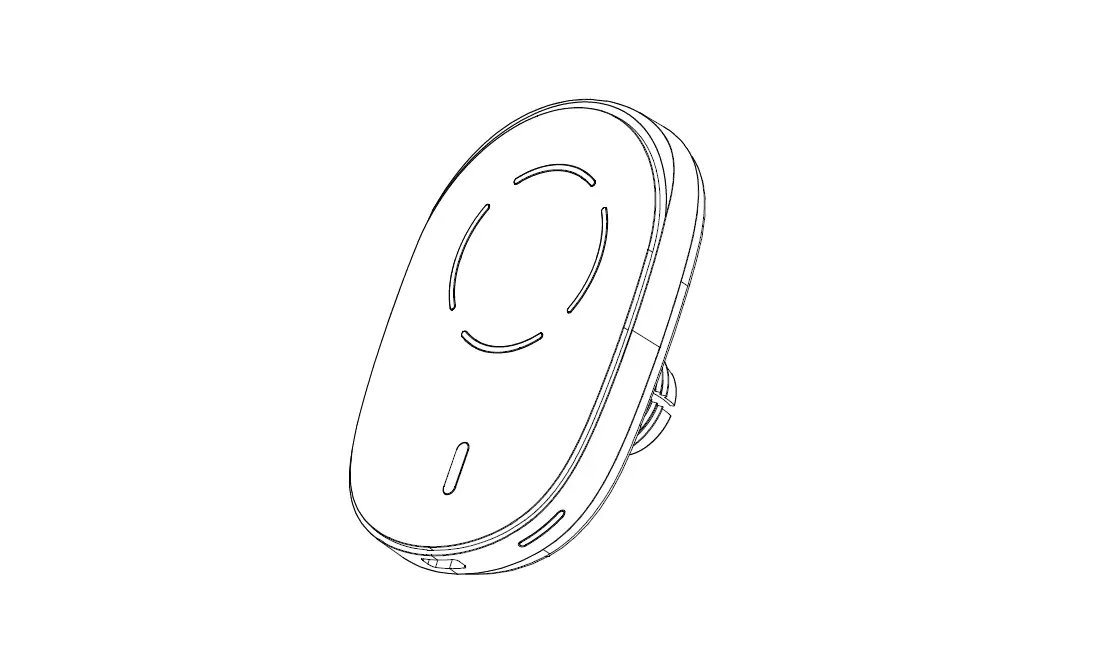
- LED indicator light shows the working status:
- Blue lights on to show working normally.
- The red light flashes to show not working properly.

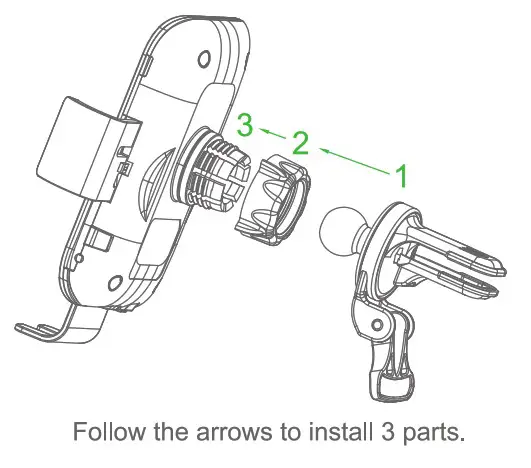
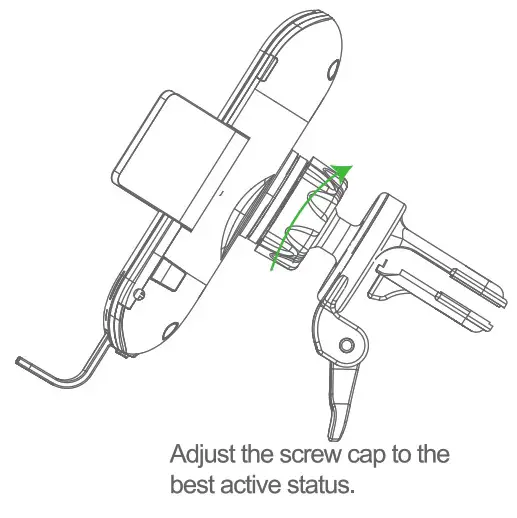
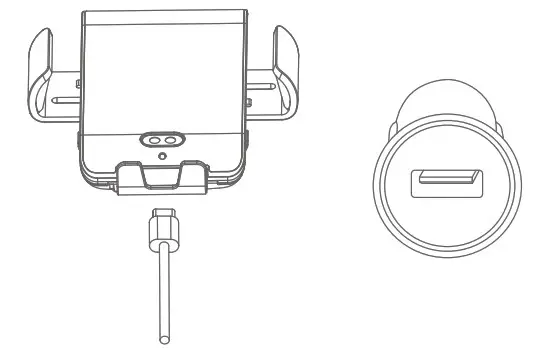 Must use Qualcomm quick charging adaptor for fast wireless charging.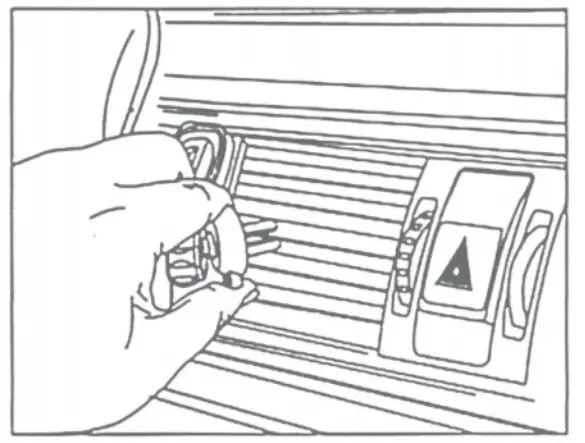
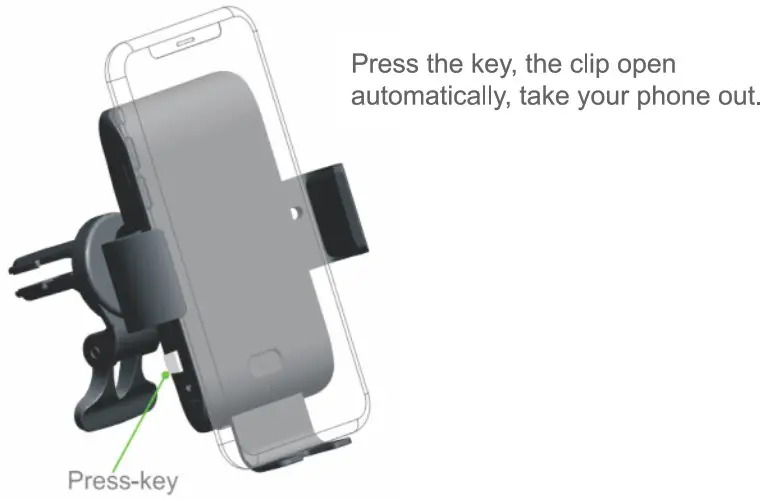
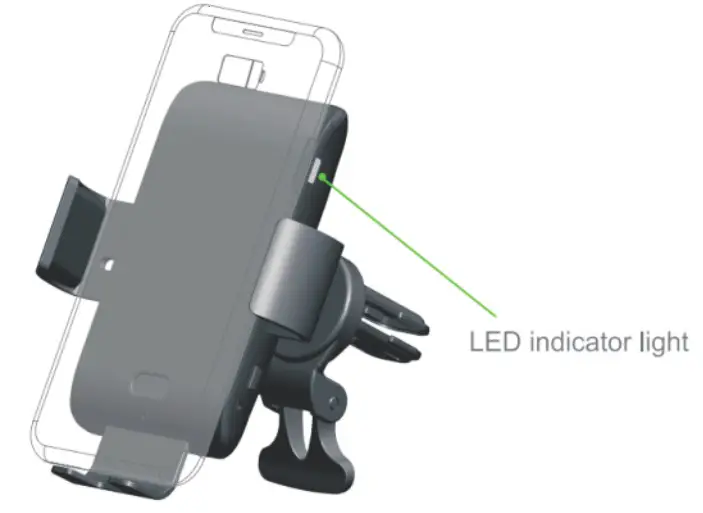
 The LED light turns red during wireless charging to indicate a charging failure.
The following situation can cause failures, like charging slowly, stop charging, over-temperature for charging position.
- The adapter is not runup to standard (No PC USB output power supply) |
- The charging cable is not up to standard.
- The phone case is too thick ( within 2mm thickness phone case recommended ).
- The built-in wireless charging receiver position is not coincided with wireless charger coil position.
- There is metal/magnet on the back of cell phone or phone case.
- Smartphone does not support wireless charging function.
Attention
- Please keep the charger away from water or other liquid.
- If you need to clean the charger, please make sure it is not connected to power supply.
- Using Environment temperature remains -20~45ºC
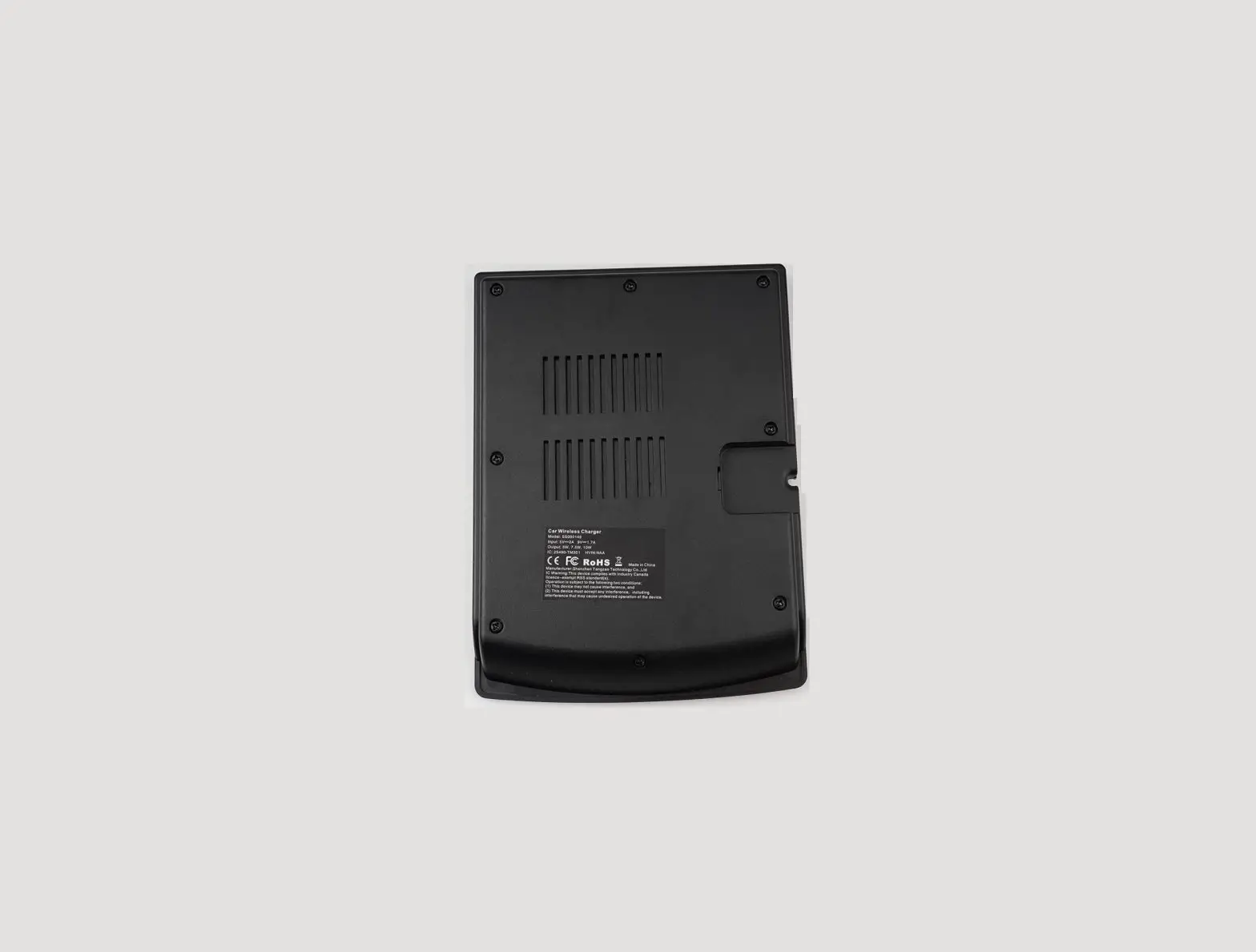
 MADE IN CHAINA
FCC Requirement
Any changes or modifications not expressly approved by the party responsible for compliance could void the user’s authority to operate the equipment. This device complies with Part 15 of the FCC Rules. Operation is subject to the following two conditions: (1) this device may not cause harmful interference, and (2) this device must accept any interference received, including interference that may cause undesired operation.
Note: This equipment has been tested and found to comply with the limits for a Class B digital device, pursuant to Part 15 of the FCC Rules. These limits are designed to provide reasonable protection against harmful interference in a residential installation. This equipment generates, uses, and can radiate radio frequency energy, and if not installed and used in accordance with the instructions, May cause harmful interference to radio communications. However, there is no guarantee that interference will not occur in a particular installation. If this equipment does cause harmful interference to radio or television reception, which can be determined by turning the equipment off and on, the user is encouraged to try to correct the
interference by one or more of the following measures:
- Reorient or relocate the receiving antenna.
- Increase the separation between the equipment and receiver.
- Connect the equipment into an outlet on a circuit different from that to which the receiver is connected.
- Consult the dealer or an experienced radio/TV technician for help.