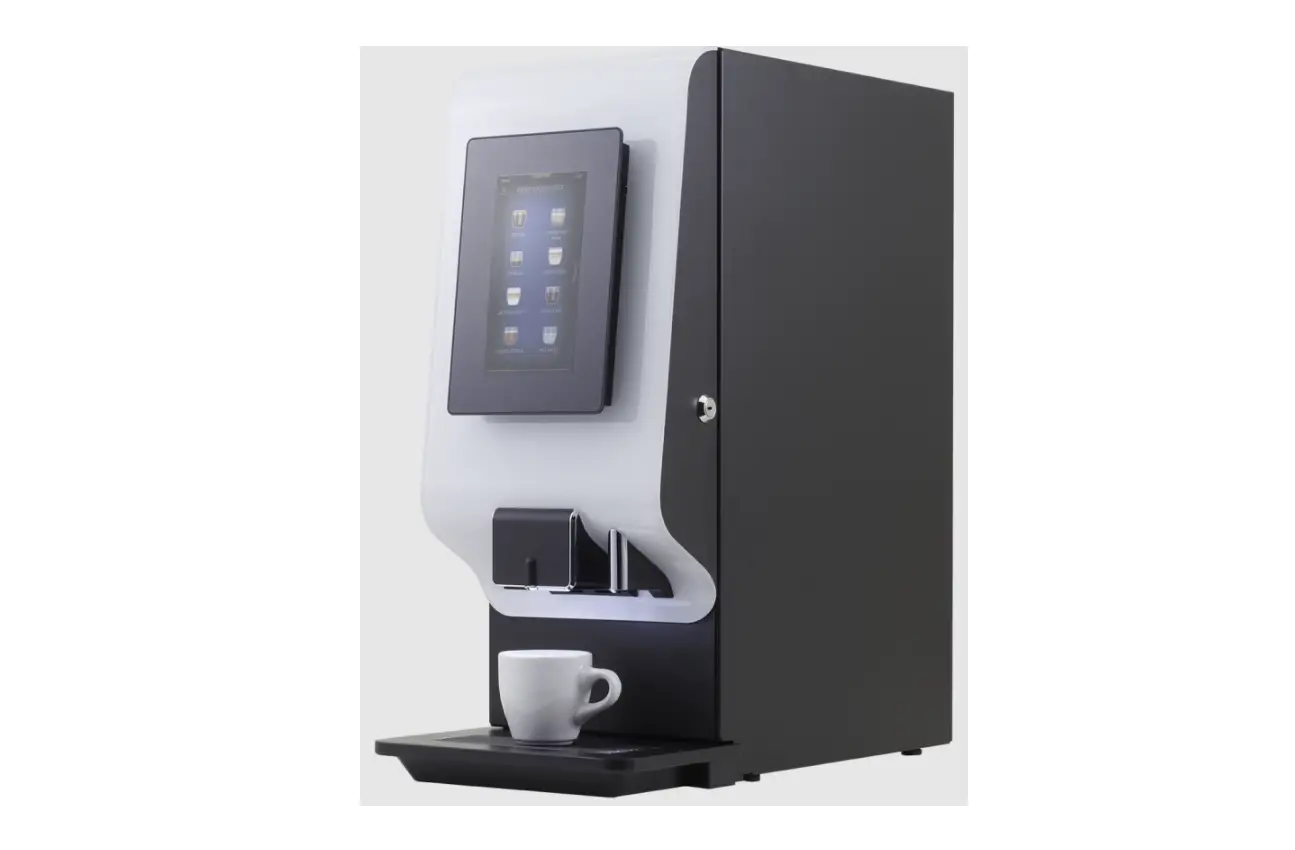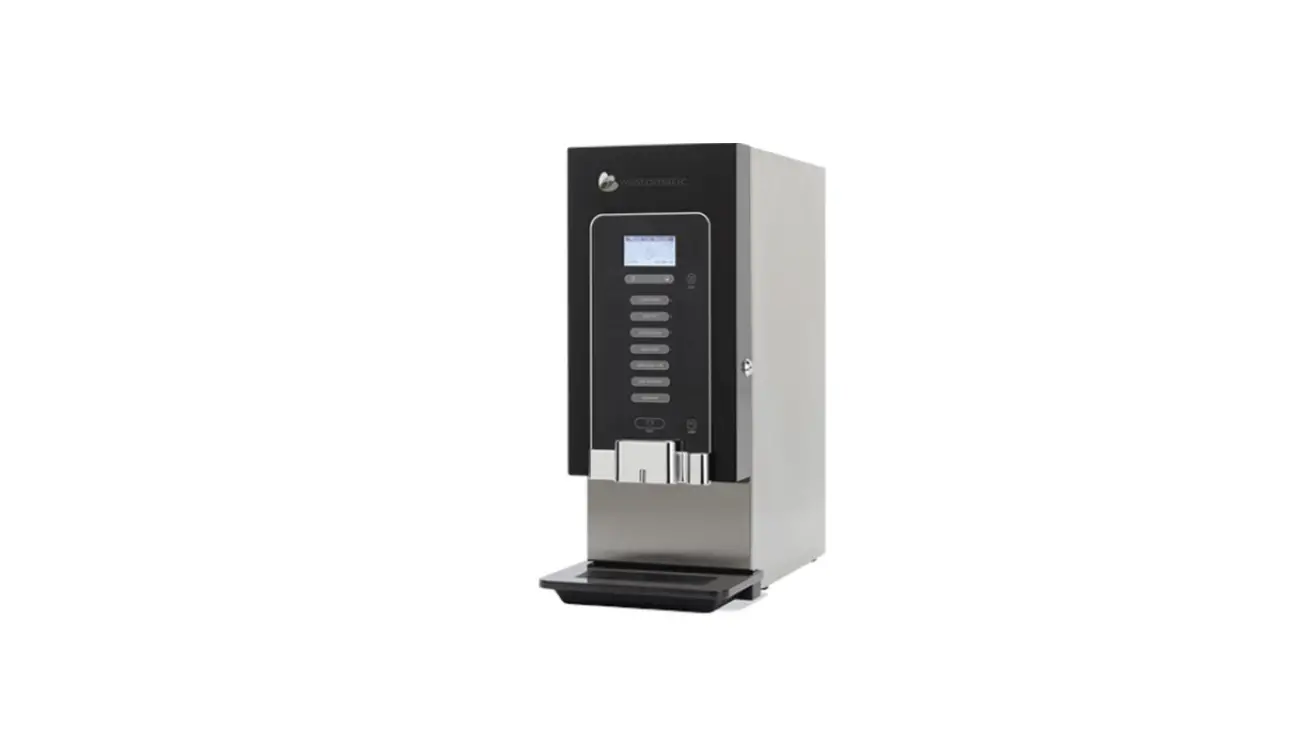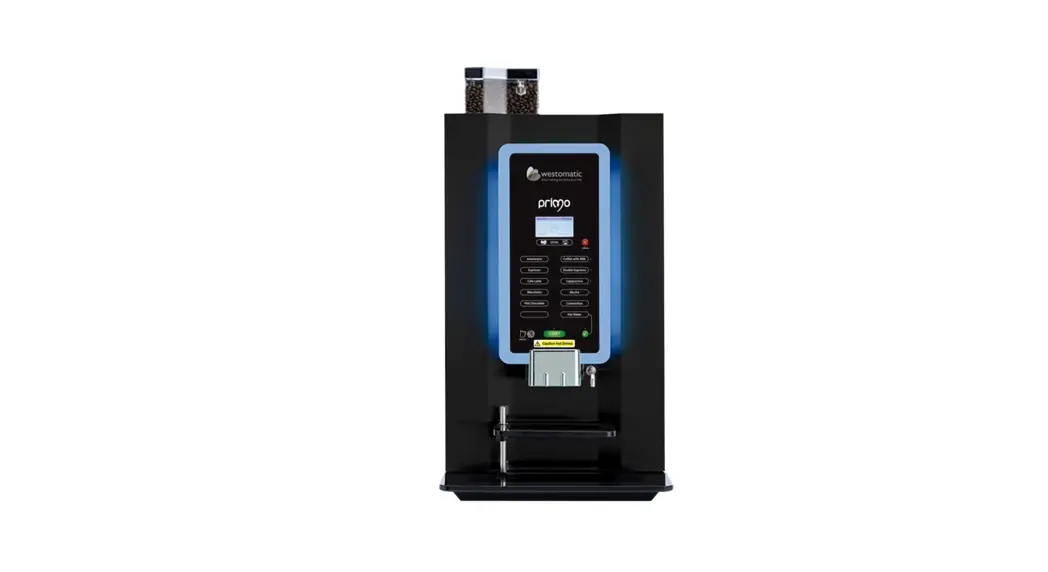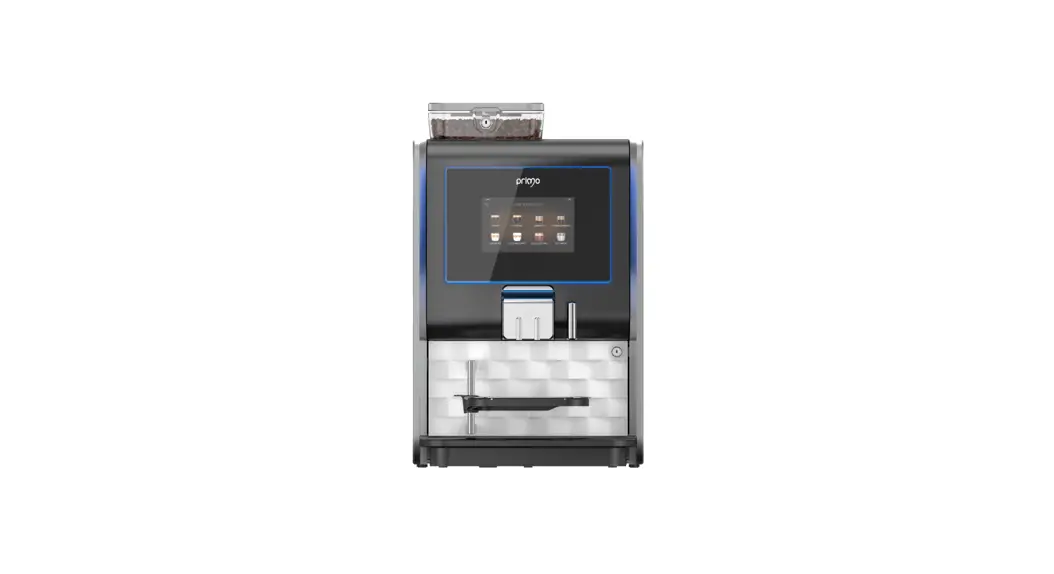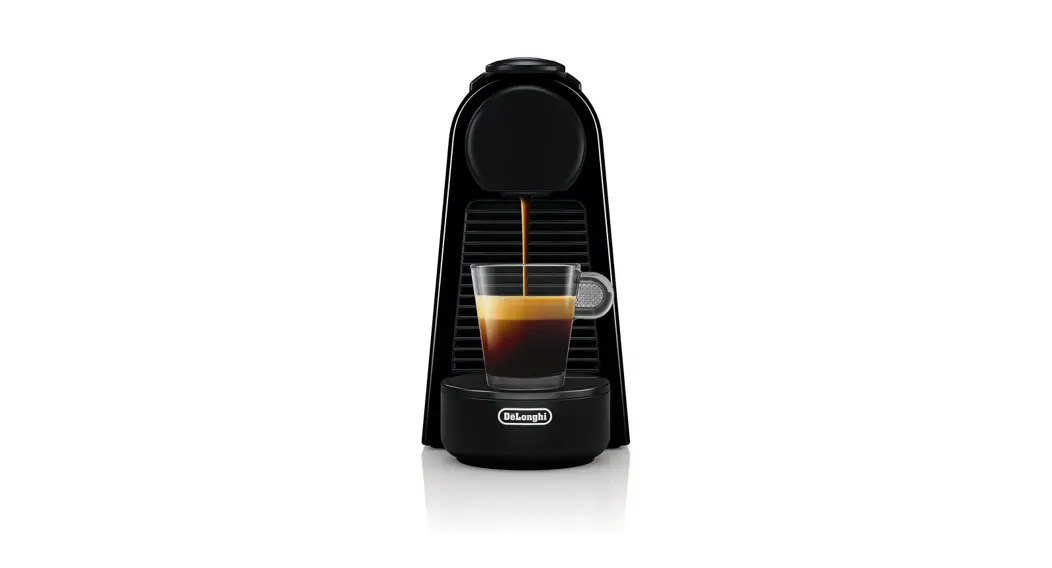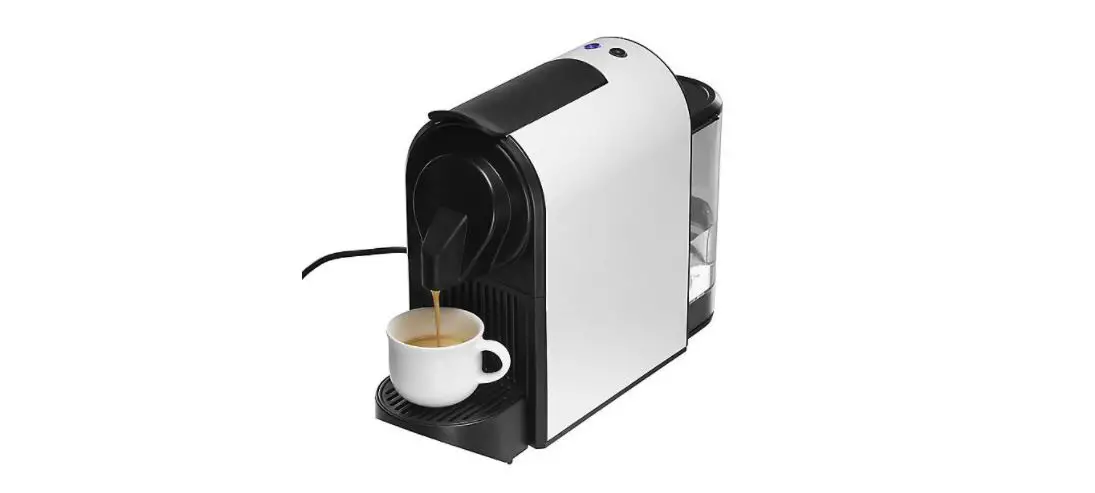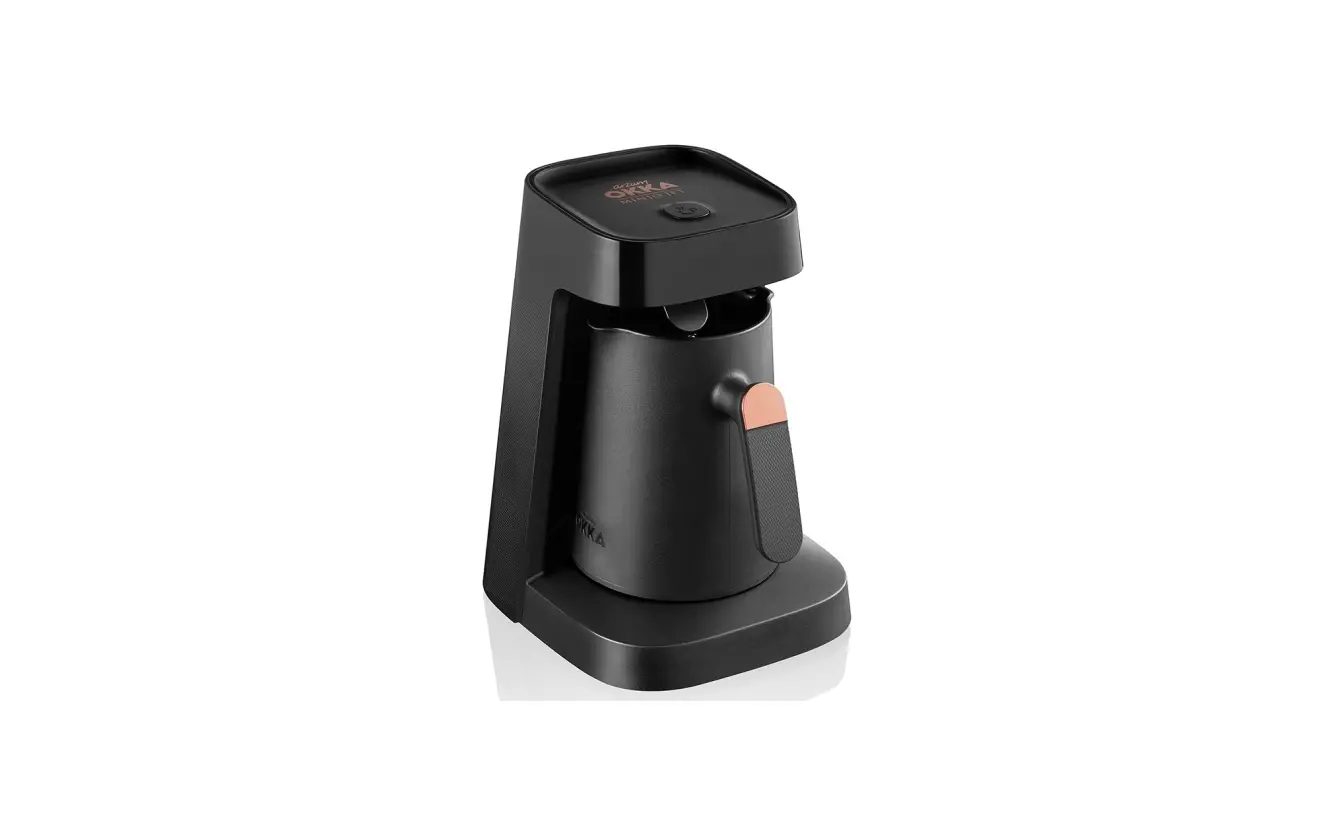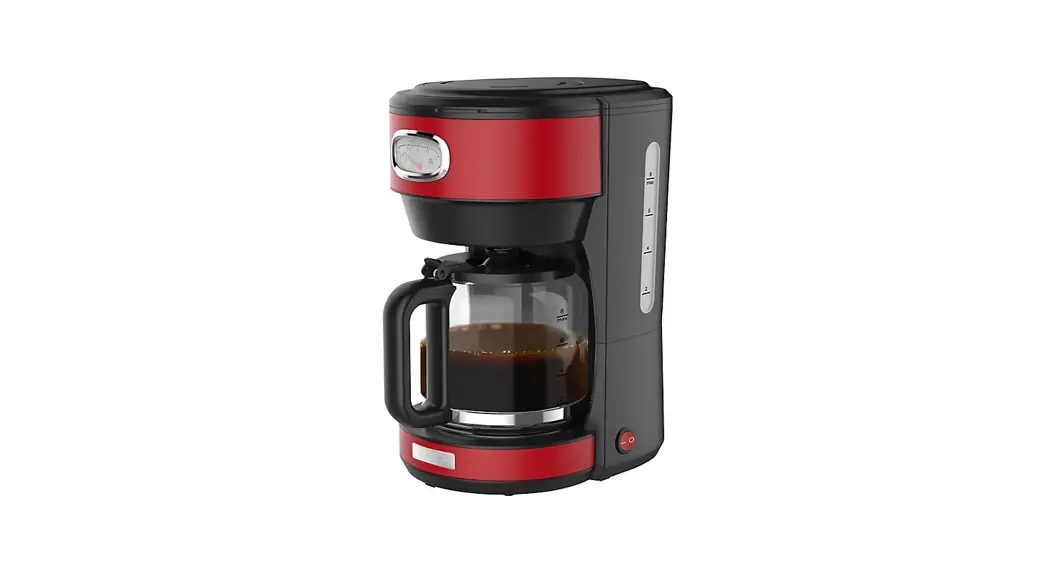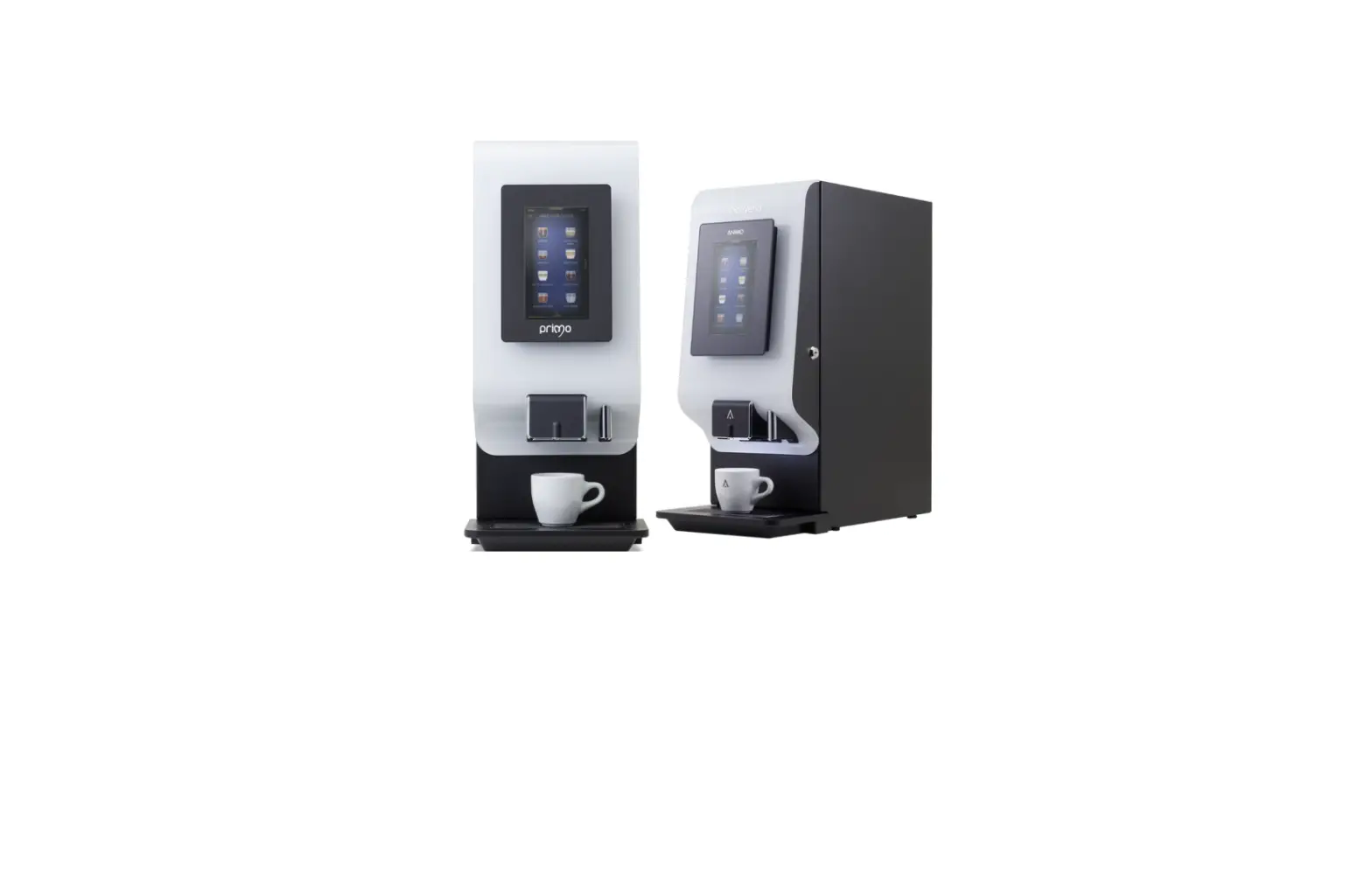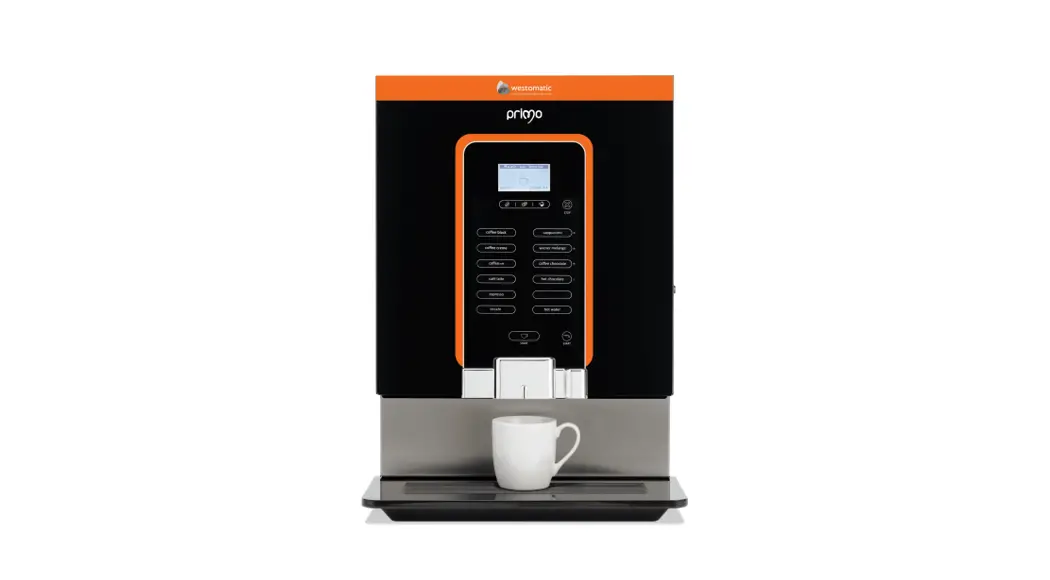


MINI/MIDI
USING THE MINI/MIDI
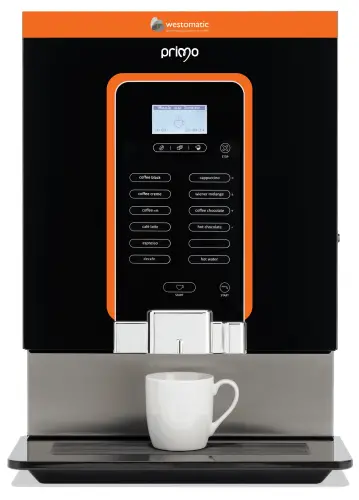
USING THE MACHINE
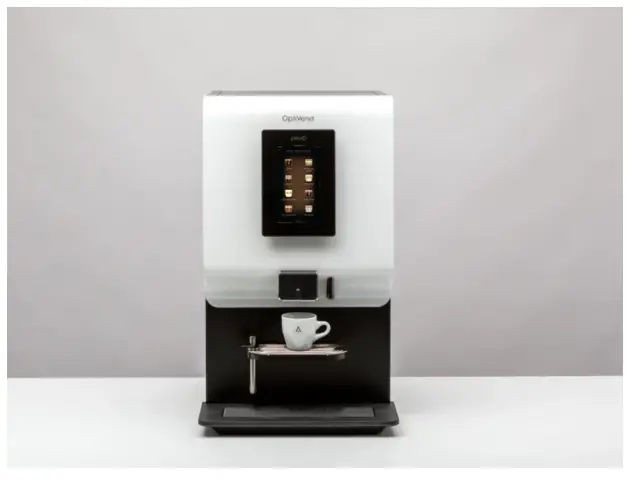
These instructions show the steps for using the Primo Mini/Midi:
- Ensure the machine is powered on
- Ensure the Canisters have been filled and the machine is clean
| Place a cup under the outlet | 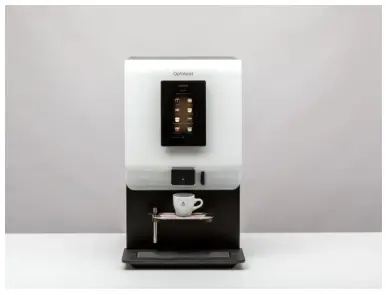 |
| Use the touchscreen to select a recipe and dispense a drink | 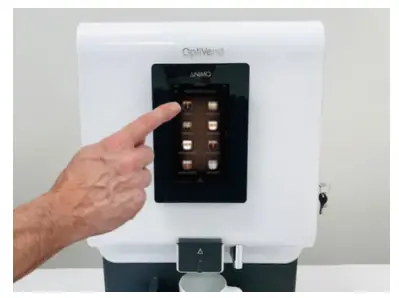 |
| Check drink to make sure taste and fill are as desired | 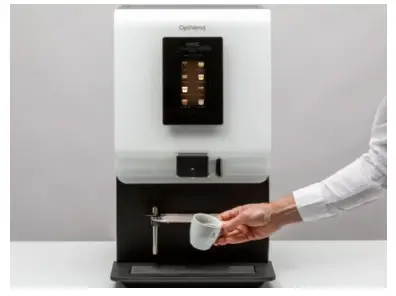 |
| Repeat for all drinks – adjust if necessary. | 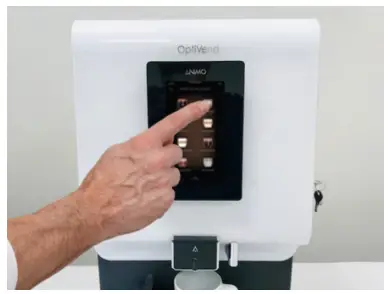 |
| Place a glass under the hot water outlet – an LED will indicate the position | 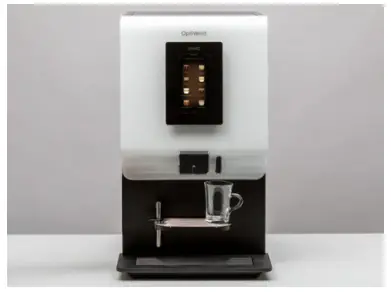 |
| Press Stop if you want to cancel the brewing process check the temperature of the water | 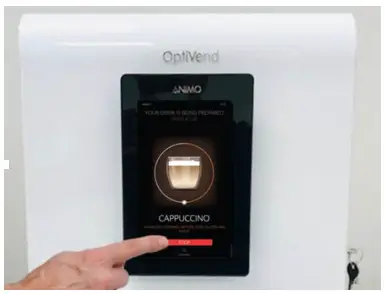 |
| When all drinks are tested and tasted – the machine can be closed and locked | 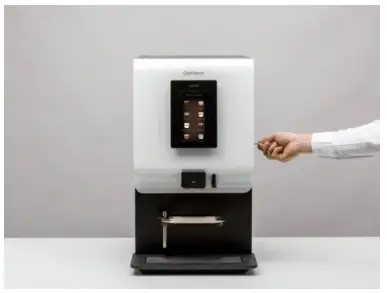 |
| The machine is ready to use | 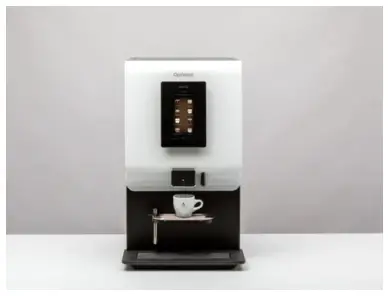 |
CONTACT
Westomatic Vending Services Ltd,
Units 7 – 8 Forde Court, Block 4 Forde Road,
Newton Abbot, TQ12 4BT
 +44 (0)1626 323100
 [email protected]
 www.westomatic.com