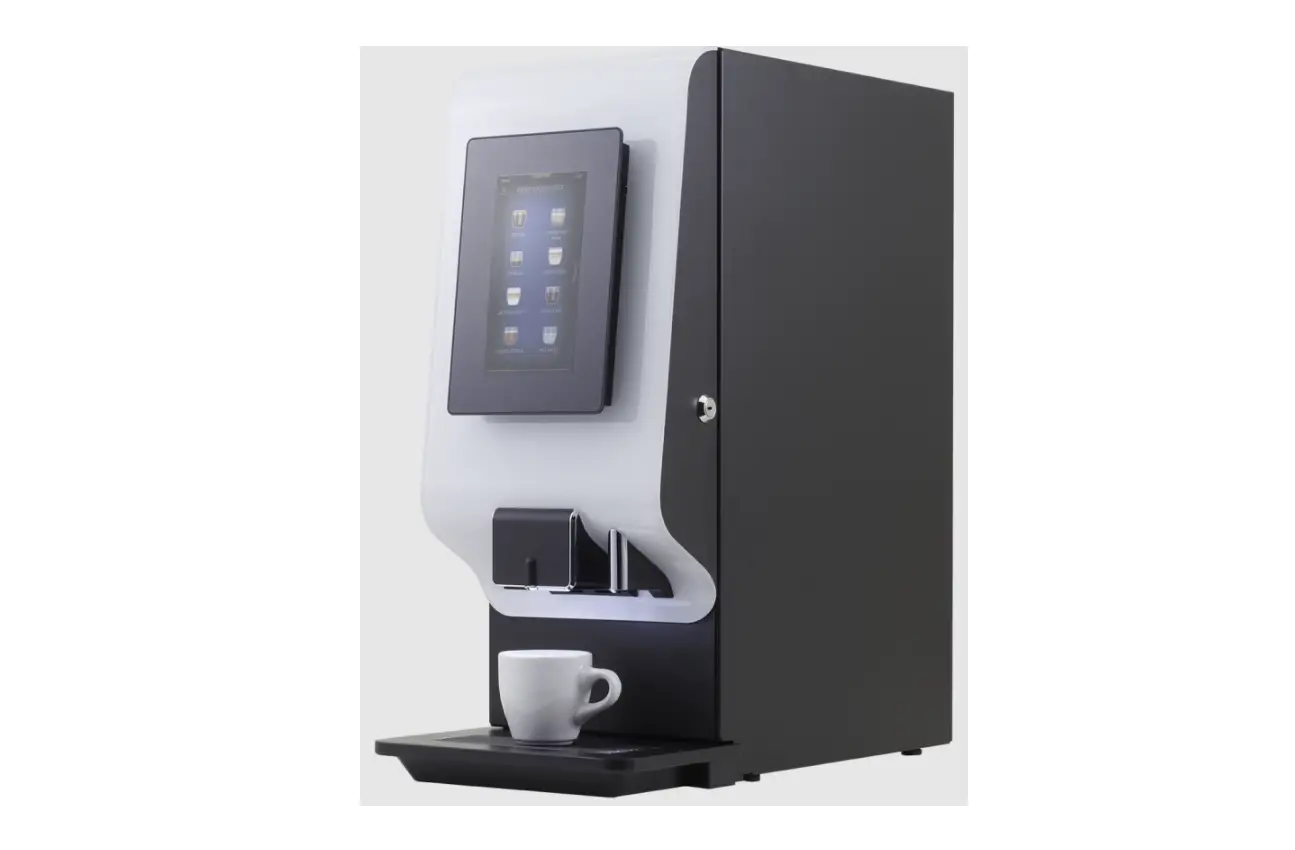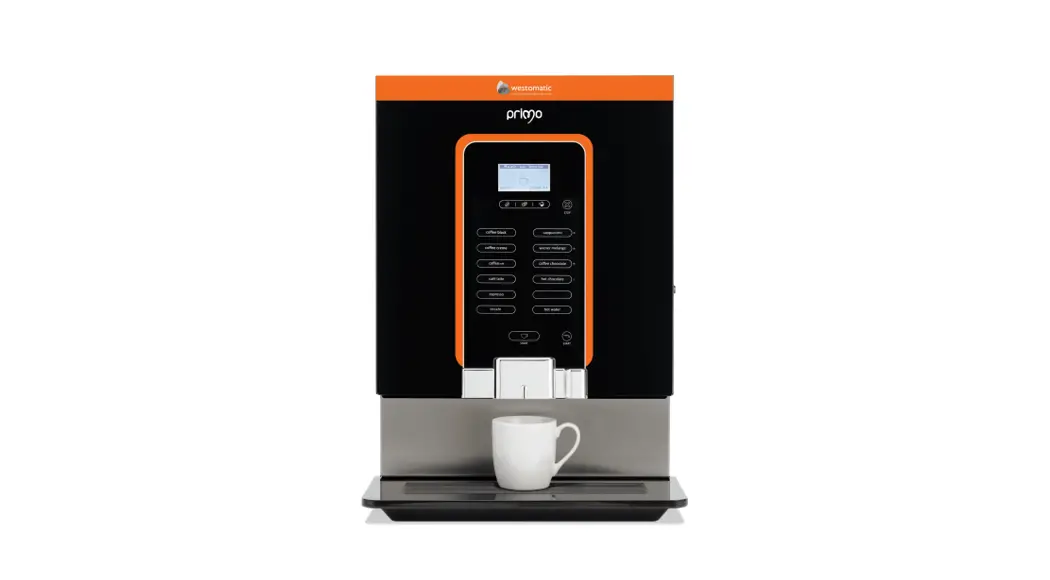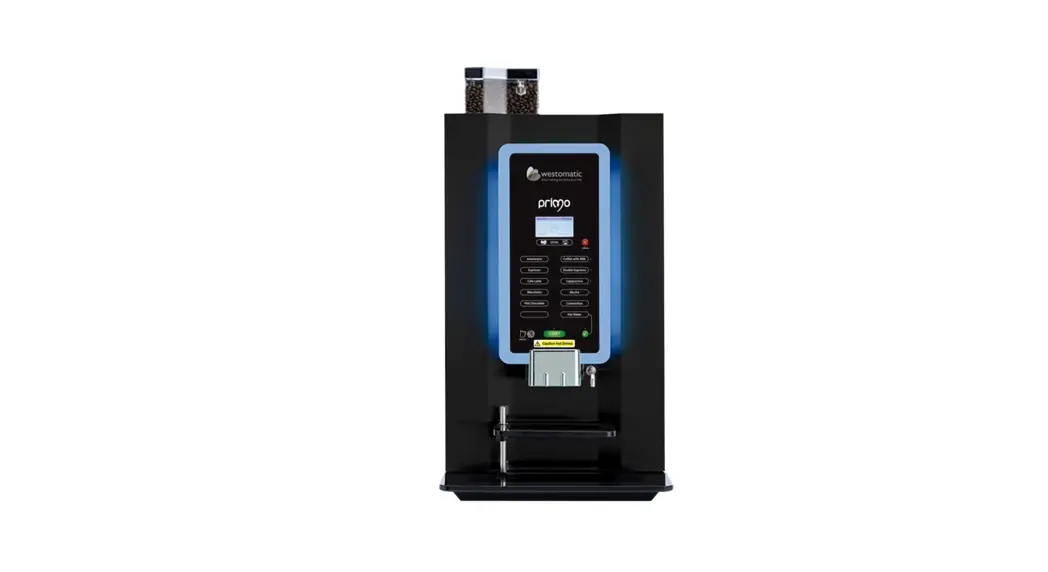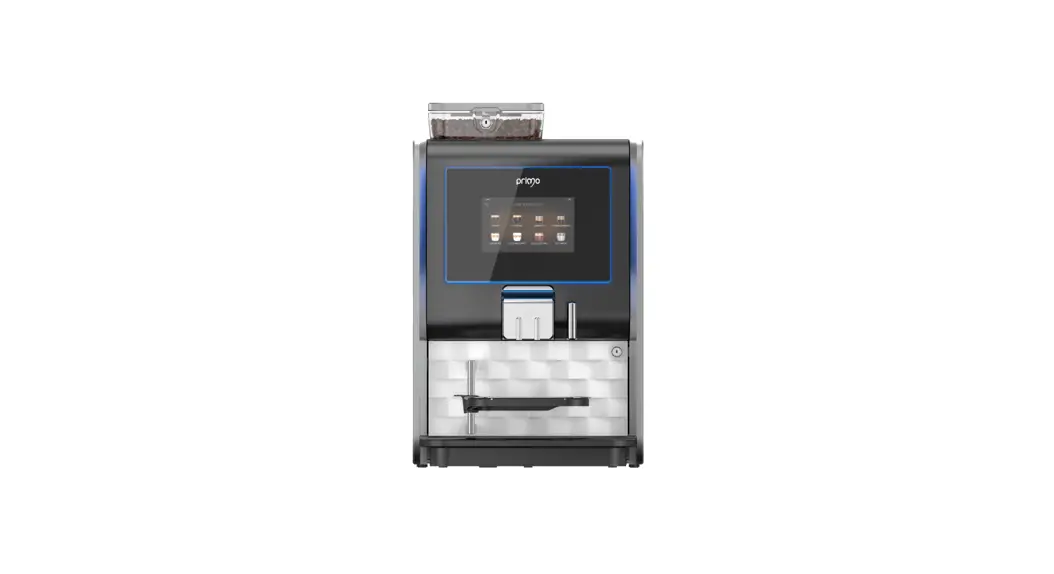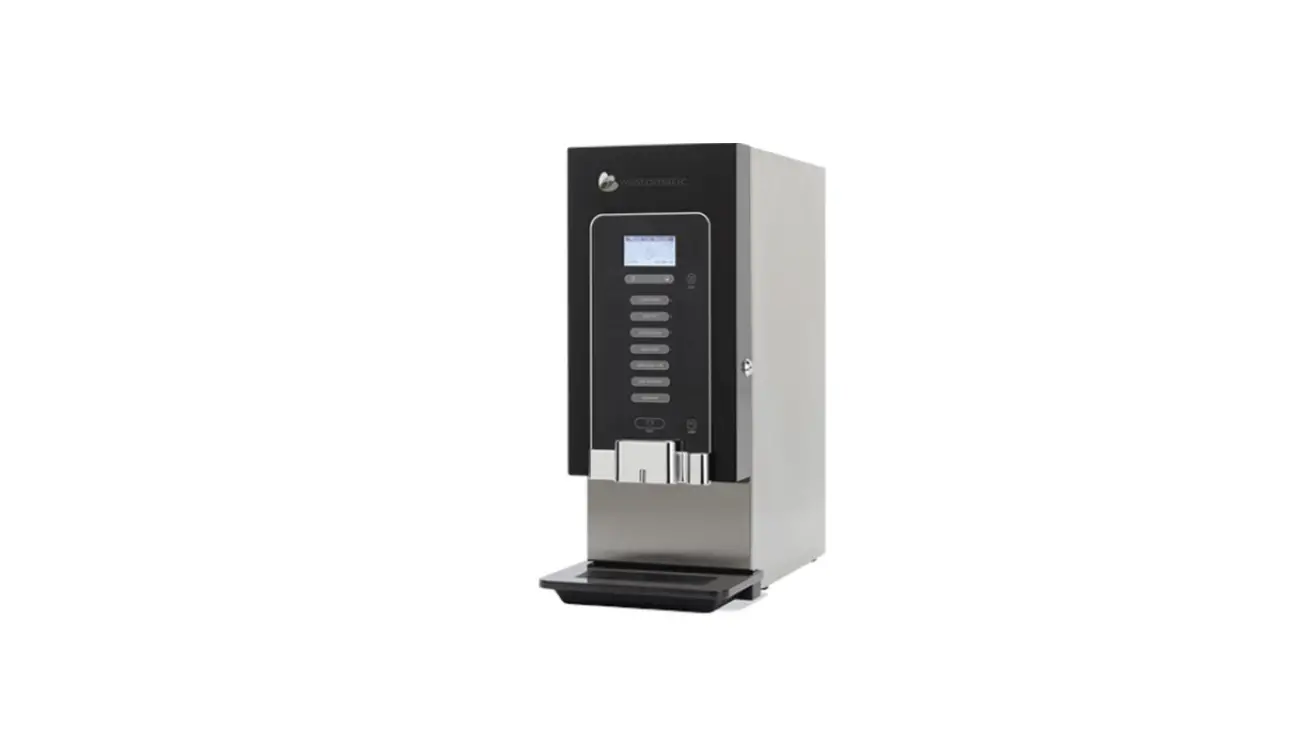

westomatic Primo Mini/Midi Coffee Machine
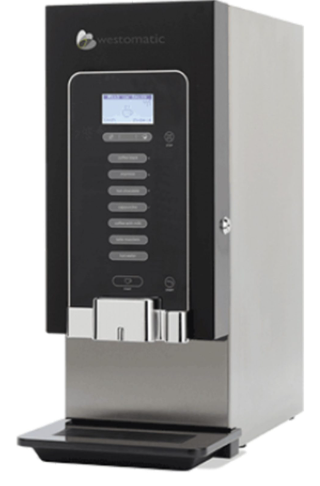
CHECK THE SOFTWARE
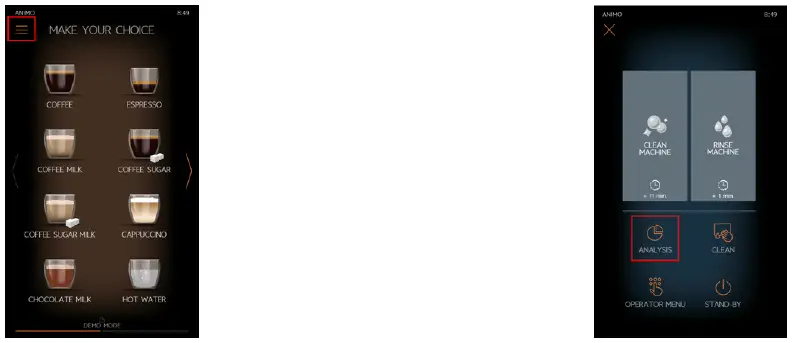
- Select the Menu Button
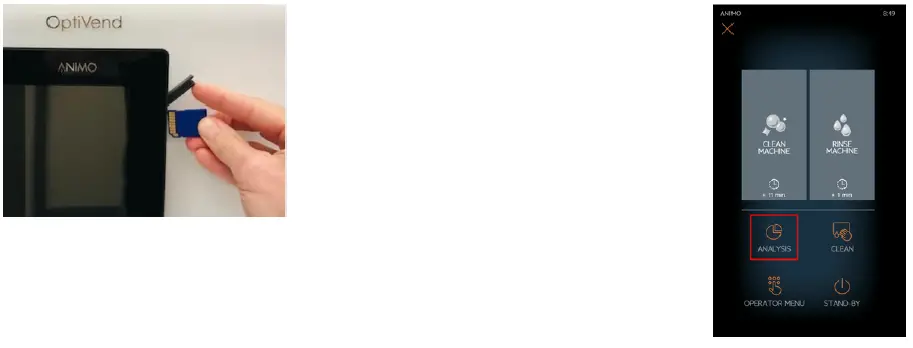
- Select the Analysis Button

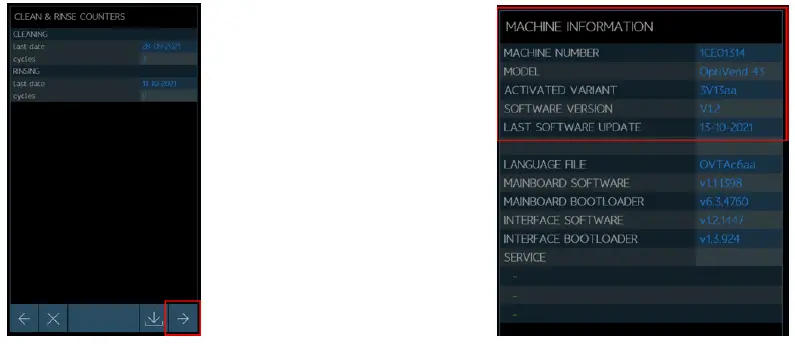
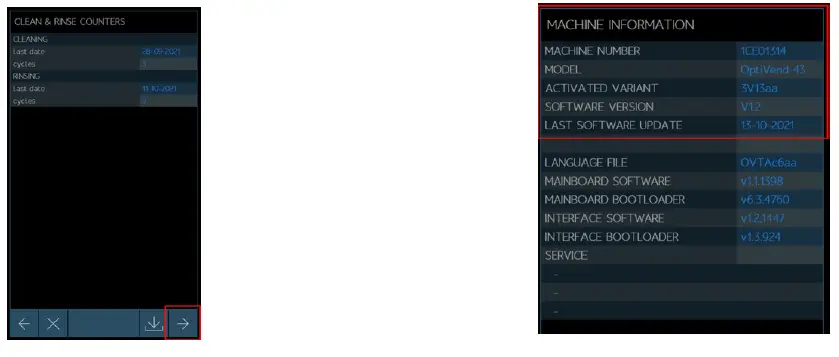
- Press the button 3 times.
- MACHINE INFORMATION: SOFTWARE VERSION: V… LAST SOFTWARE UPDATE: date shown

INSTALL NEW SOFTWARE
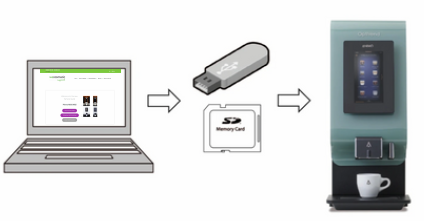
- Download the software onto the SD Card, and install it into the machine.
- All the Recipe settings and personal preferences are preserved during the software update.

- You will need:

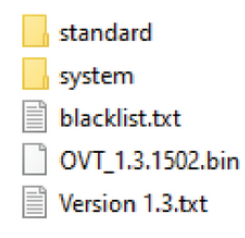
- How to prepare SD Card: Download software for relevant machine – open ZIP file and copy ALL Folders and Files

- Internet Connection and access to the WVS website
- Computer with SD slot
- SD Card
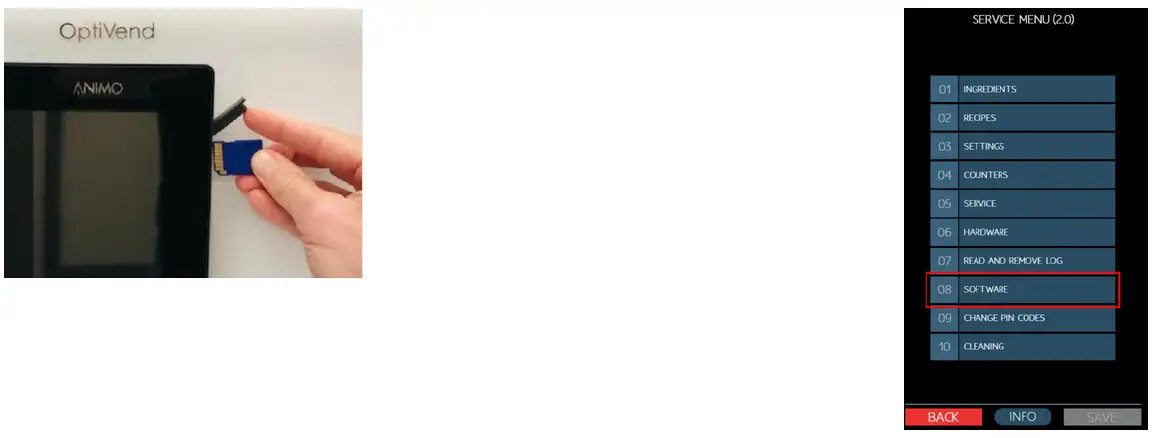
- Open the rubber cover Insert SD Card -golden contacts toward you
- Select 08 SOFTWARE

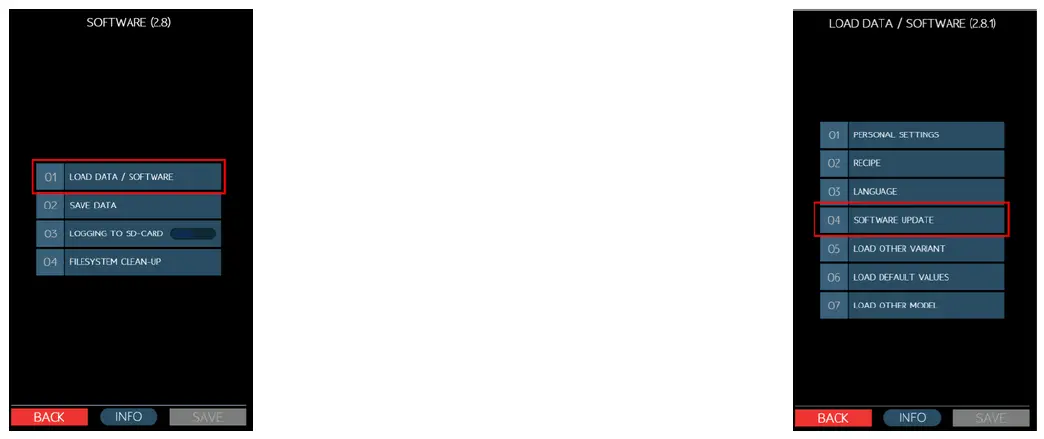
- Select 01 LOAD DATA /SOFTWARE
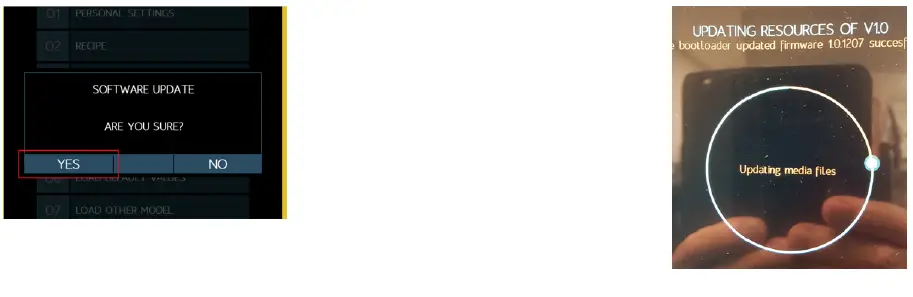
- Select 04 SOFTWARE UPDATE

- Confirm with YES to start the software update
- Software update starts: Updating – system files/media files/model files/translations/mainprint/firmware Machine restarts

- Remove SD Card Close the rubber door
- To check the software: Select Menu button Select ANALYSIS

- Press the button 3 times.
- MACHINE INFORMATION: SOFTWARE VERSION: V…LAST SOFTWARE UPDATE: date shown



- +44( 0 )1626323100
- [email protected]
- www.westomatic.com