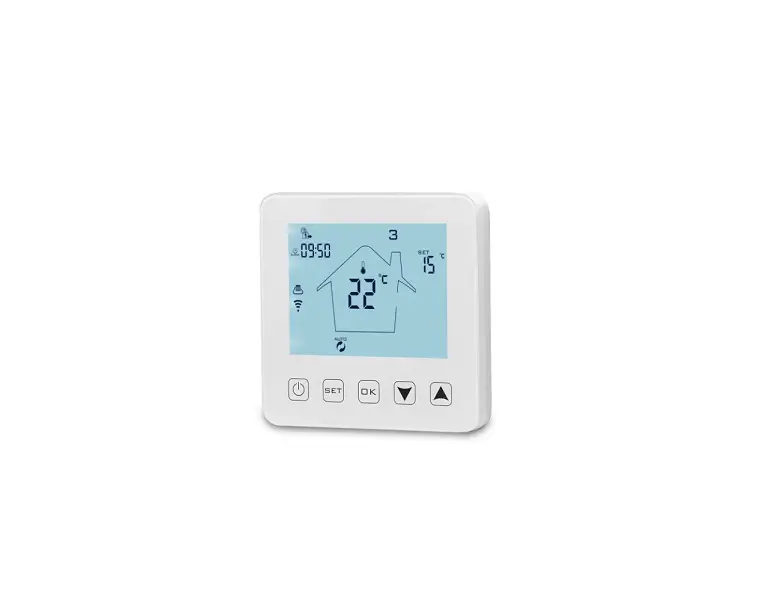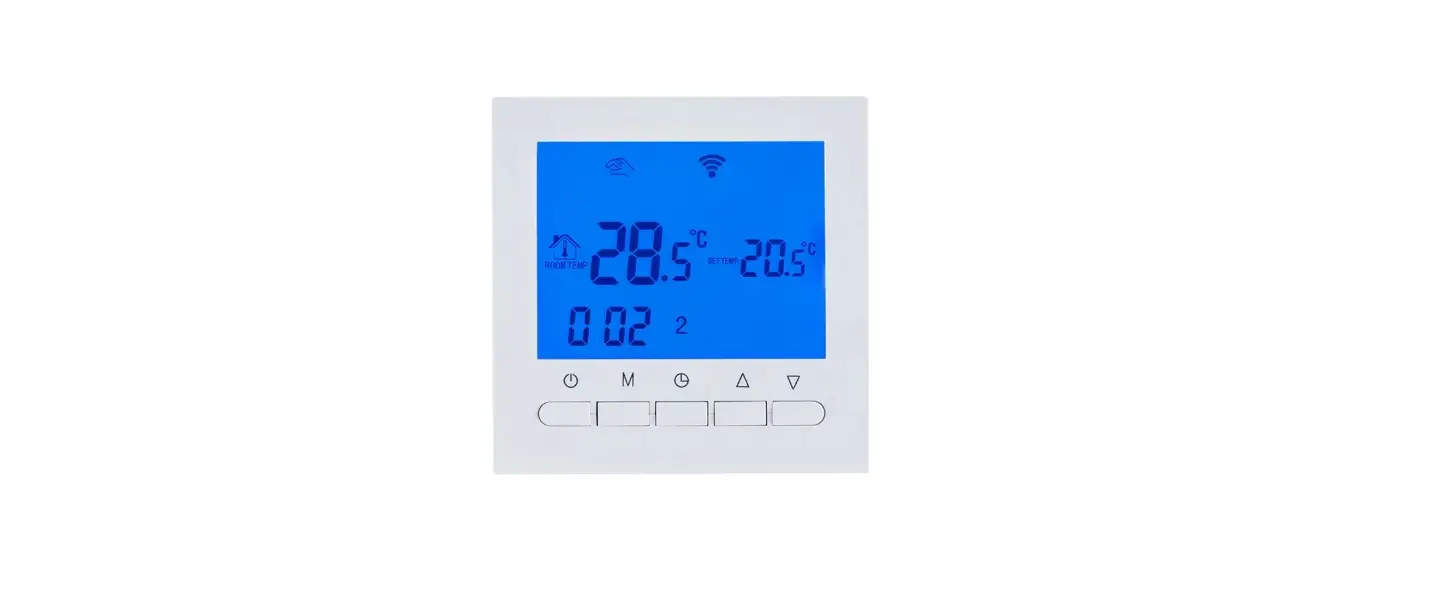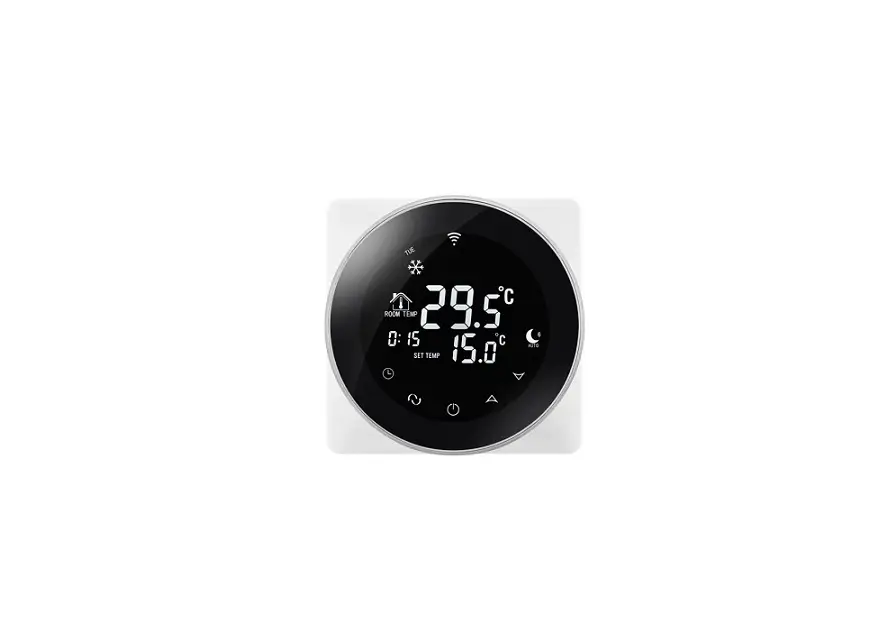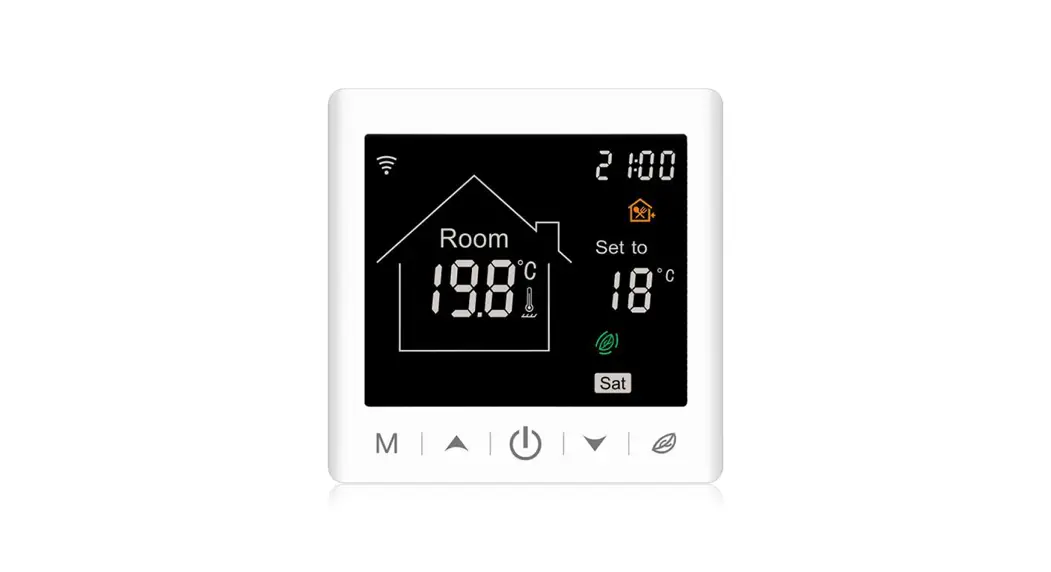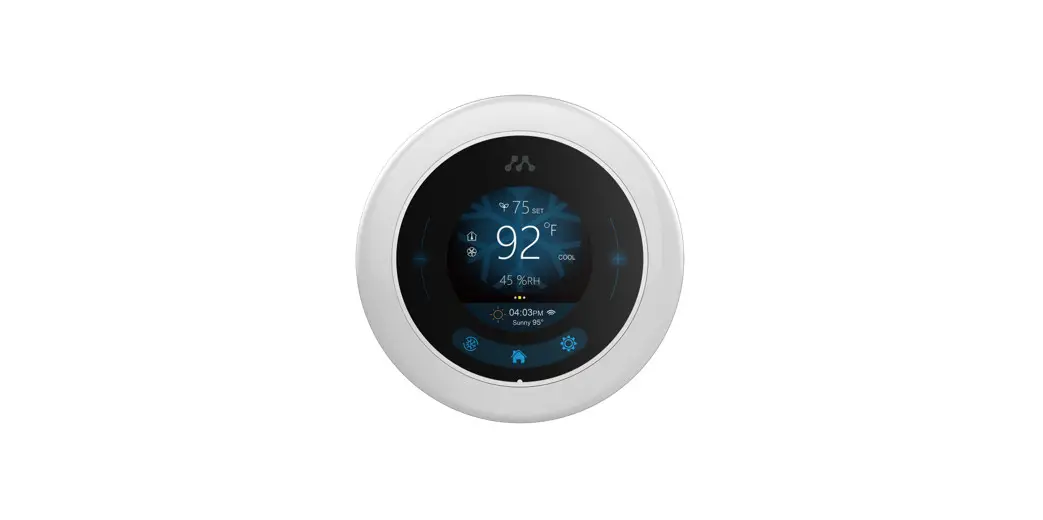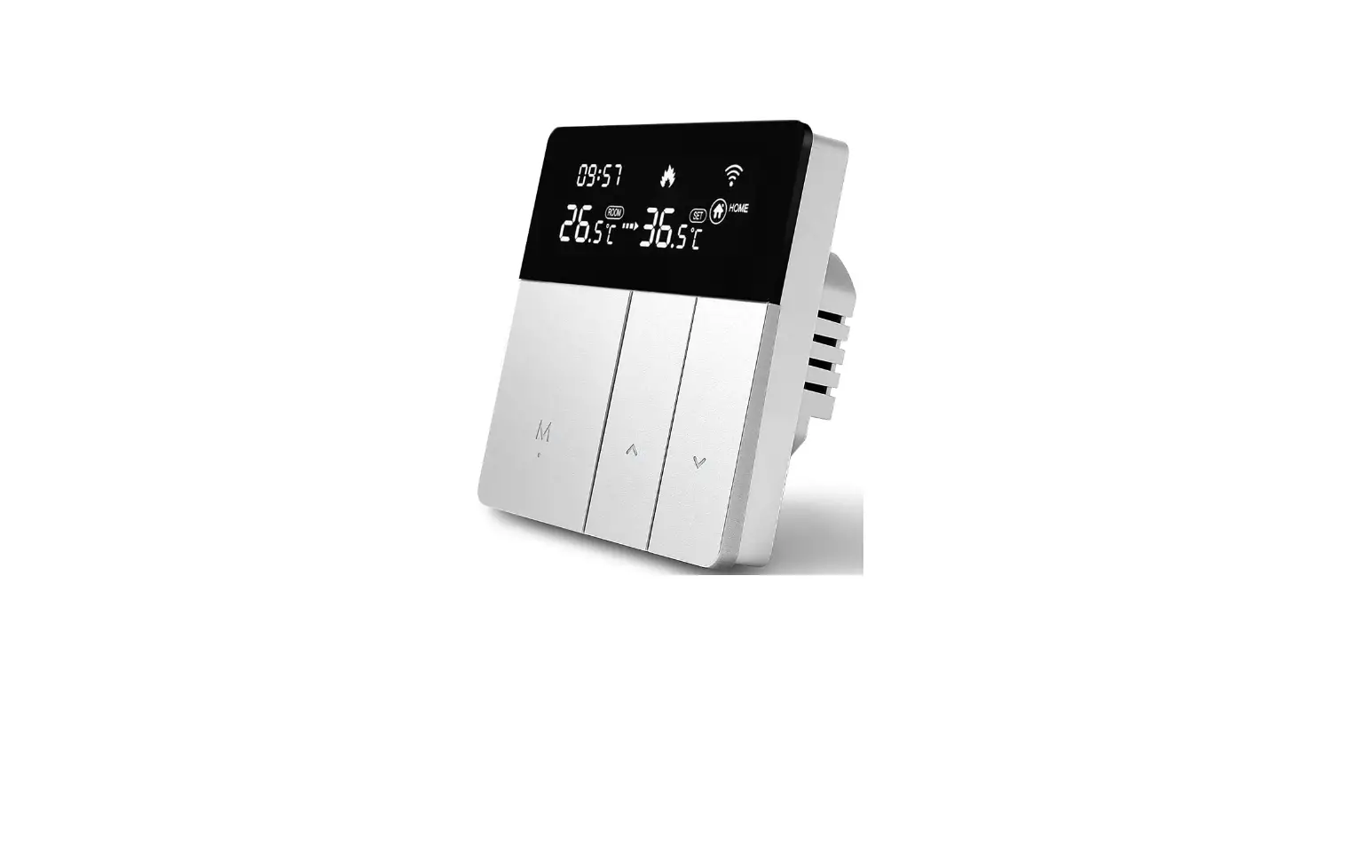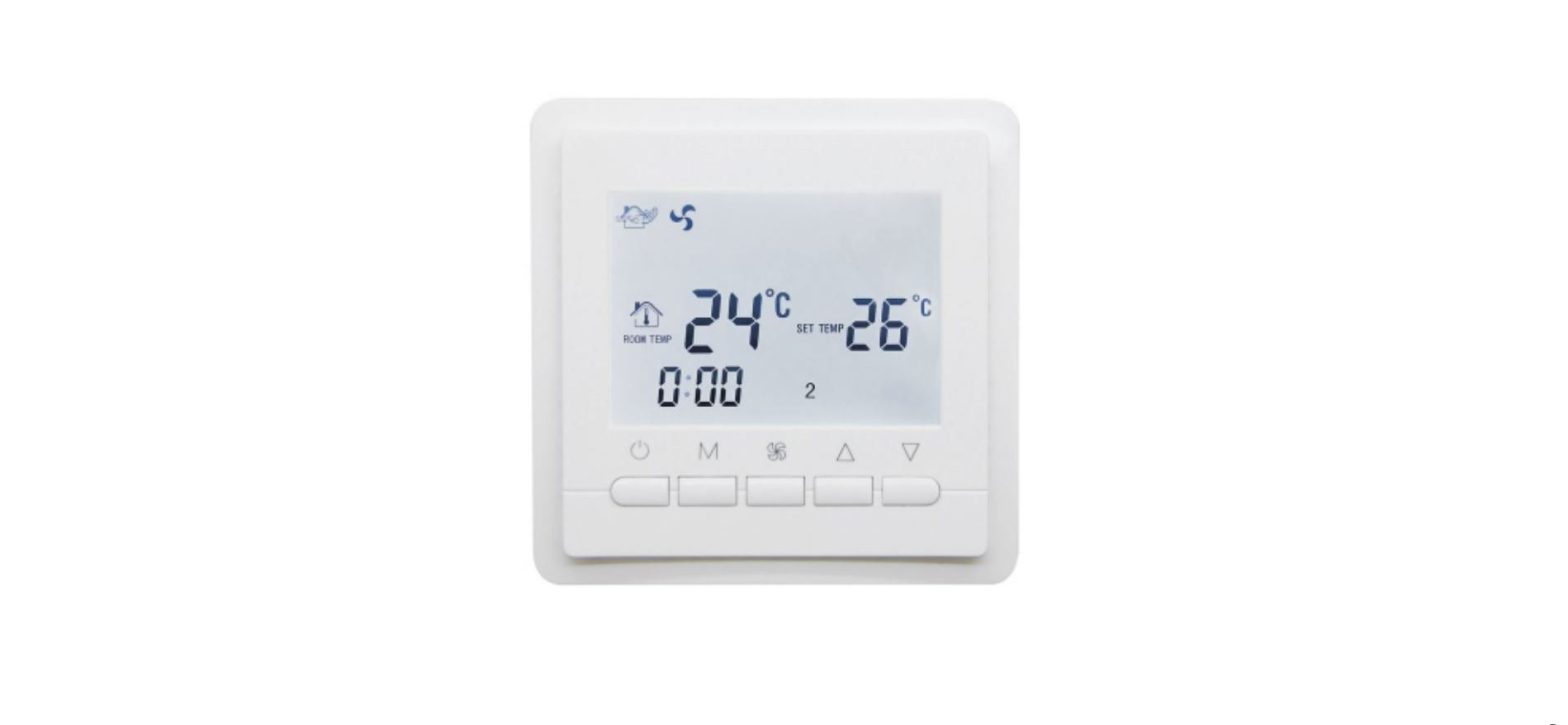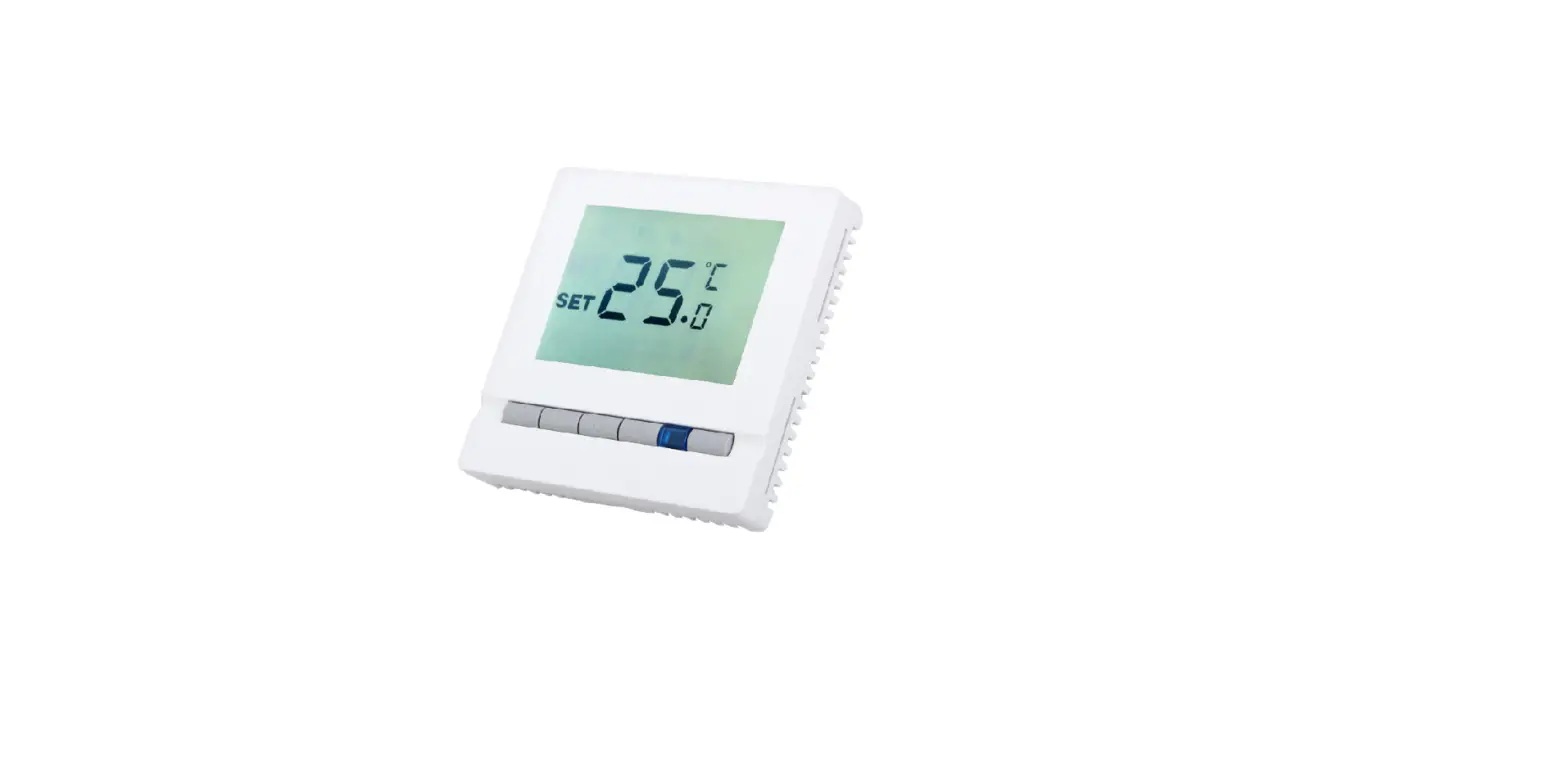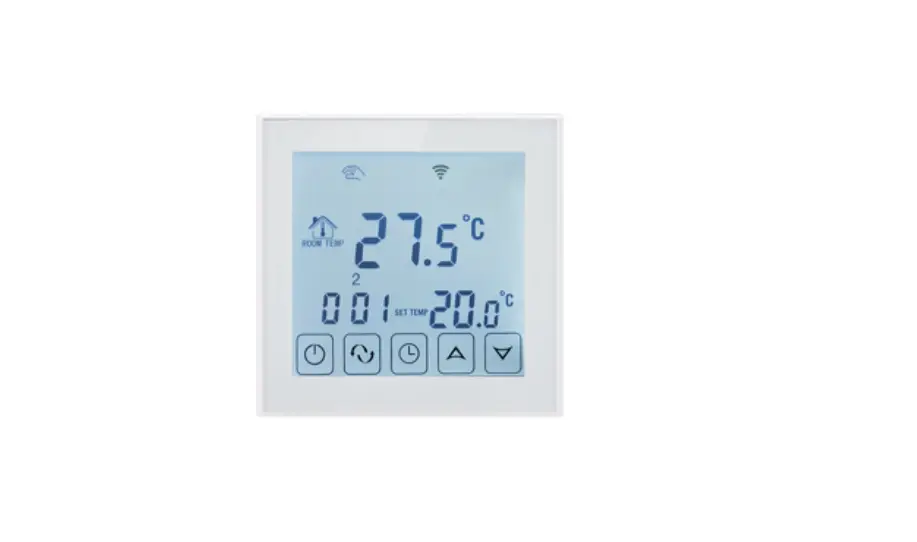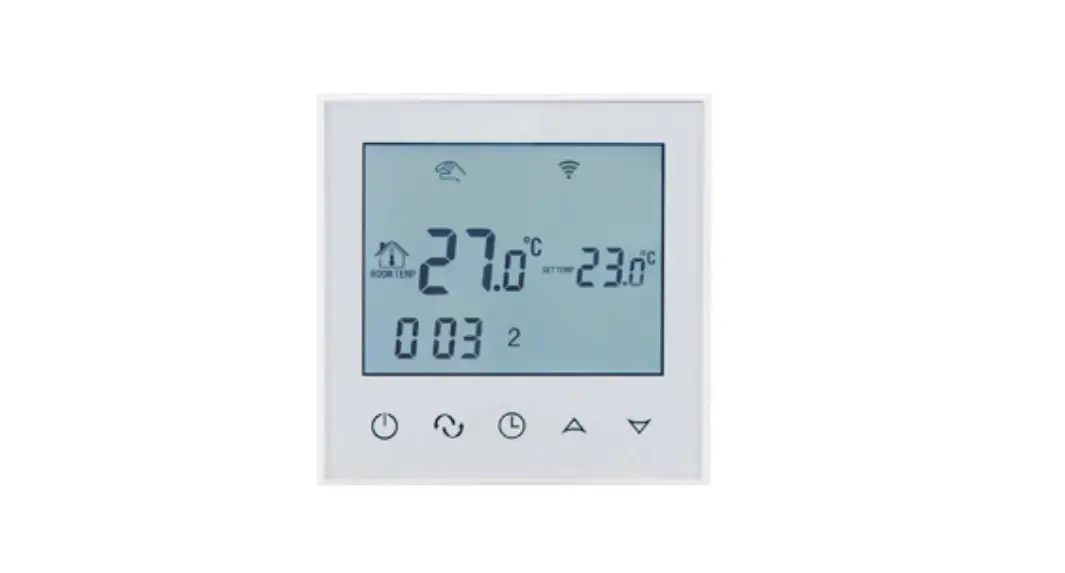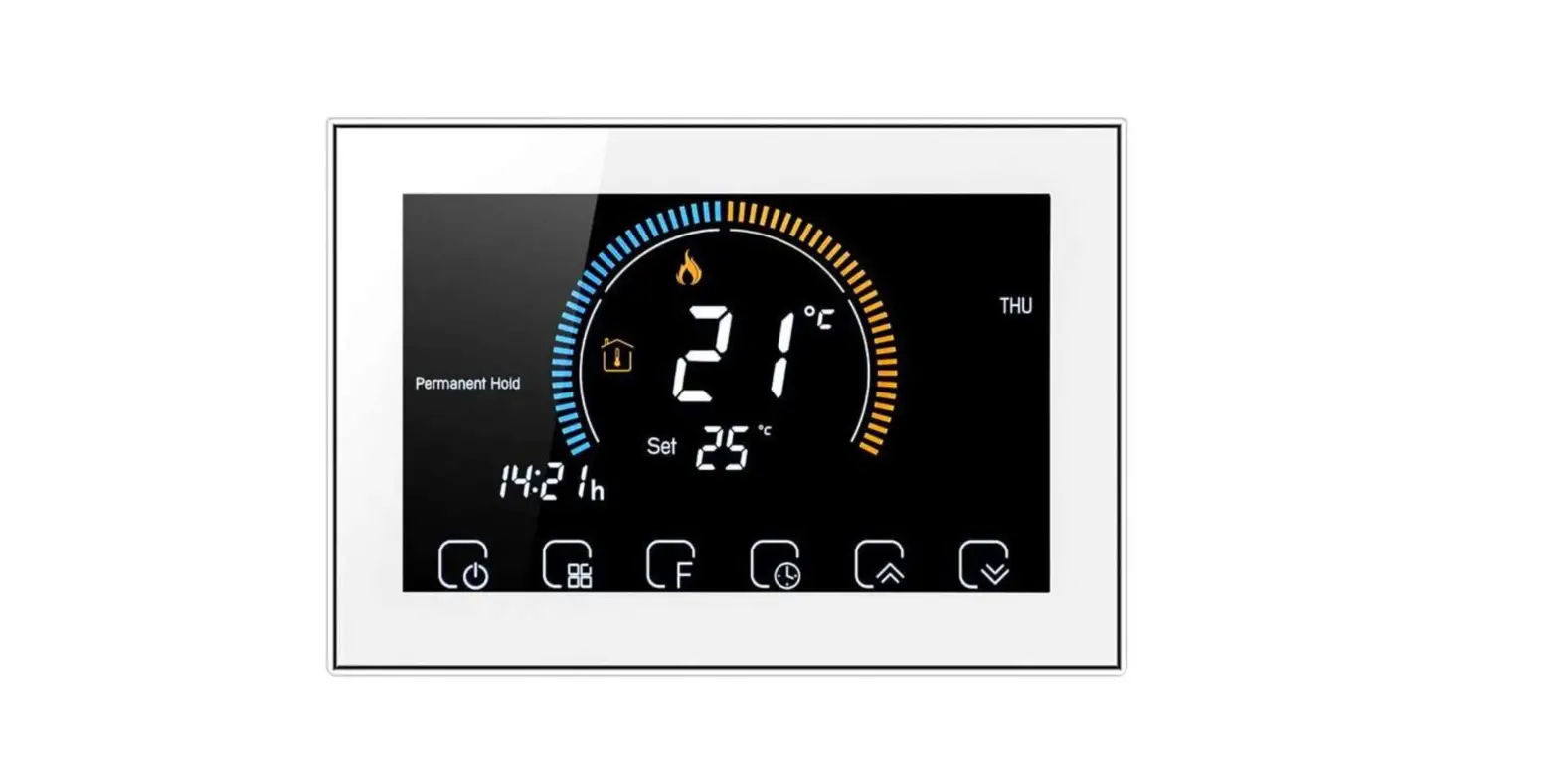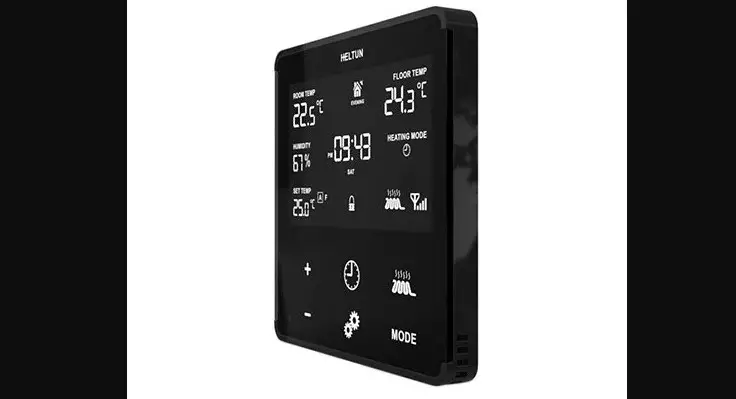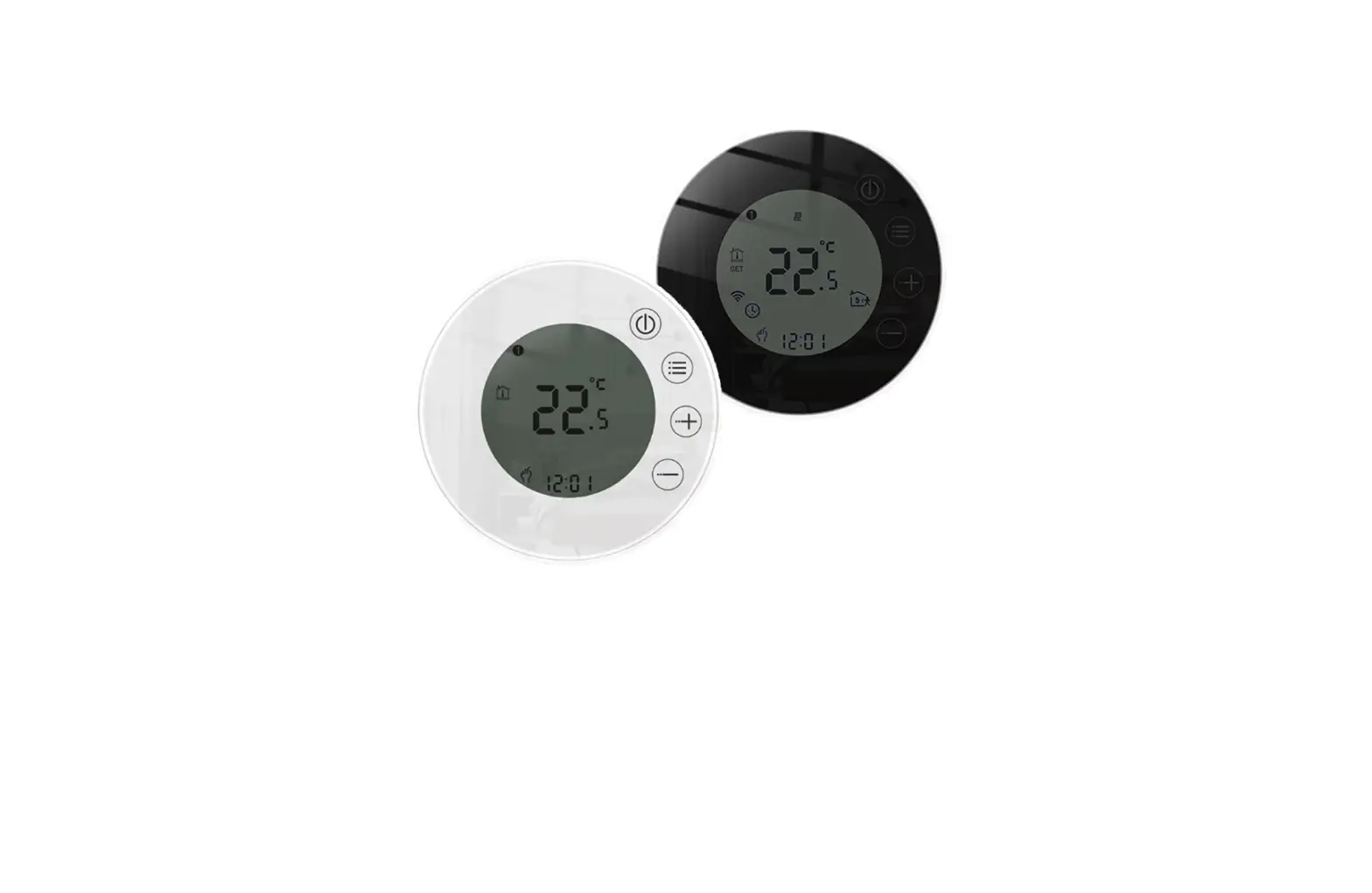

TOL47 Series Thermostat User Guide

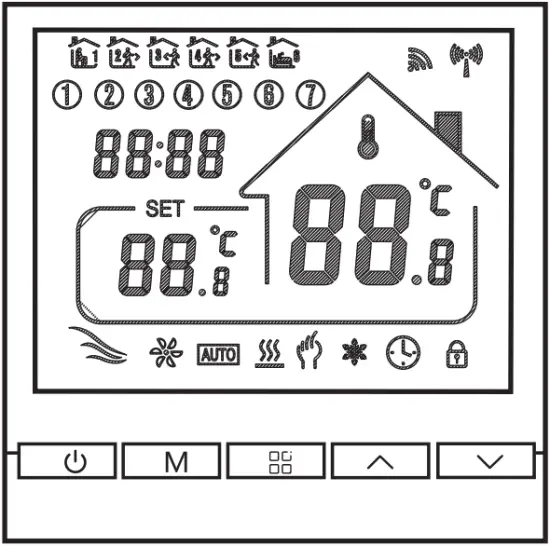
This thermostat is used for water heating, electric heating, or gas boiler.
Welcome
Thank you for your trust and support!
We have adopted advanced technology and perfect craftsmanship so that your new thermostat will provide you with a suitable temperature environment every day in the future. It makes your life more pleasant and artistic and making your living environment more fashionable aesthetic.
For detailed instructions on installing and using this thermostat, please read this manual carefully.
Please get in touch with a professional to install the thermostat for you. Besides, please install and use this product within the scope of the law.
Application
The intelligent digital humidity controller is a floor heating system suitable for room temperature control and household temperature control. It controls the operating status of the floor heating equipment by sensing the comparison between the ambient temperature and the set temperature. While improving comfort, it achieves the purpose of energy saving.
The digital thermostat adopts microcomputer control technology and has an elegant design, and is easy to use. Moreover, it has manual and automatic functions, programmable functions, and state memory functions.
Product packaging
Thermostat host 1 PC
Certificate of conformity 2PCS
Sensing line (optional) 1PC
Product parameters
WP : Water heating 3A;
EP : Electric heating 16A
WPB : Linkage; M:Gas boiler 3A
Electrical Specifications:
- Temperature Sensor: NTC
- Temperature accuracy: ±1°C
- Display screen: LCD
- Working environment: -5-50°C
- Self-consumption power: <1W
- Temperature setting: 5 ~60°C
- Display range: 0-51°C
- Load current: water heater 3A
electric heater 16A
gas boiler heater 3A - Voltage: AC95- 220V, 50/60Hz
Wiring Diagram
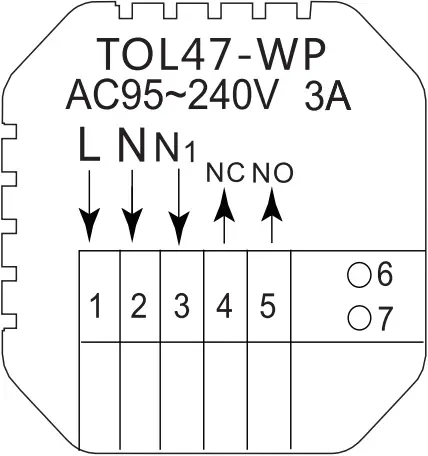
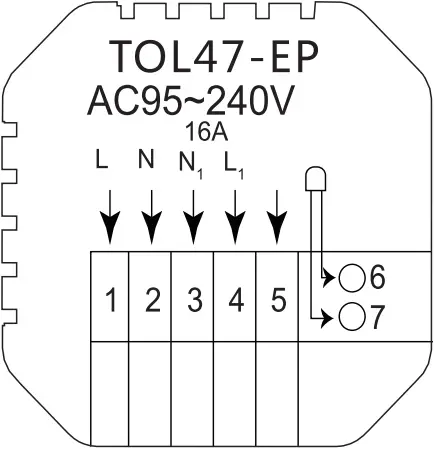
WP: Water heating EP: Electric heating
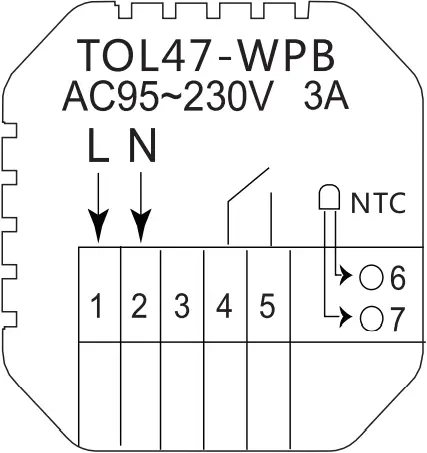
WPB: Gas boiler heating
Mounting steps
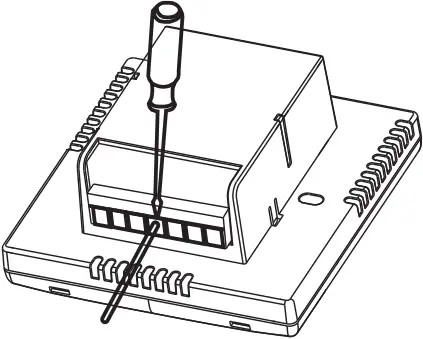
1. Connect the power box according to the wiring diagram
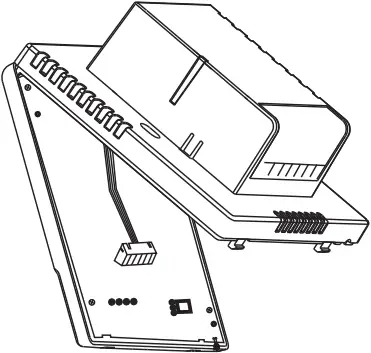
2. Separate the power supply from the control board cable
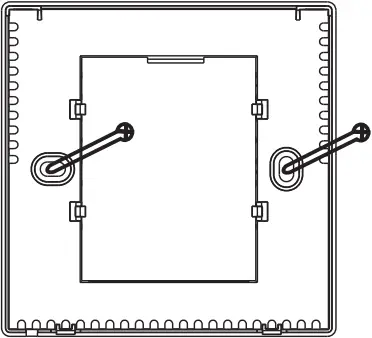
3. Screw the power supply into the box of 86
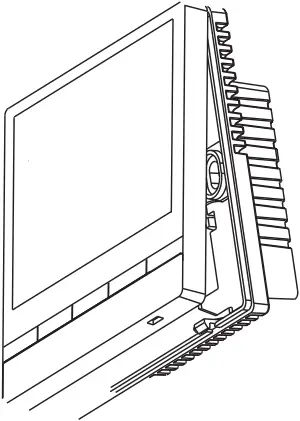
4. Connect the power board to the control board line, and align the buckle at 30 degrees to complete the installation.
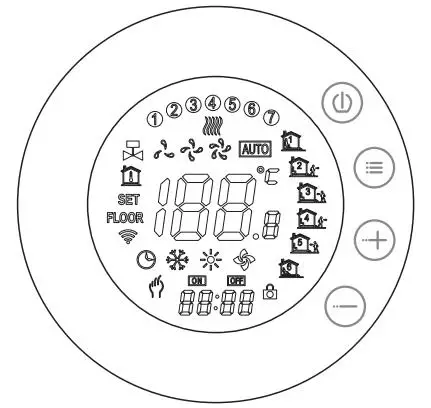
Icon description
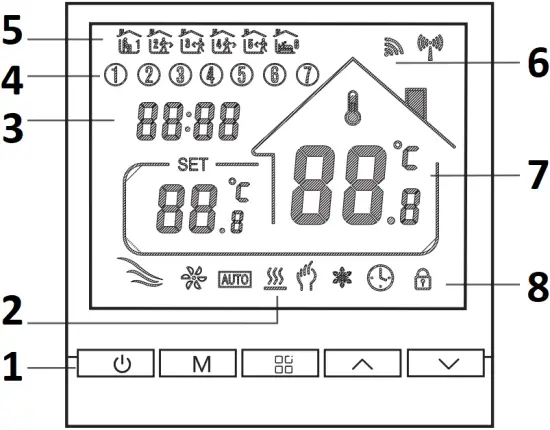
- Button icon
- Heating icon
- Time display
- Week icon
- Time icon
- WIFI icon
- Room temperature
- Mode icon
Operation Guide
- Power on/off: press
 the key to turn on/off the thermostat.
 - Press the M key to switch between manual and automatic modes.
- In the automatic mode, press the ∧ key or ∨ key to adjust the temperature, and it will enter the automatic mode, which only runs for a while.
- Press the
 key to enter the clock setting, press the mode key M to switch the setting options, and press the up and down keys to adjust each parameter value.
Note: The time of the WIFI model will automatically obtain the Internet time. - Simultaneously press and hold the up and down keys for 5 seconds to add or cancel the childlock.
- WIFI link: When the thermostat is turned on, press and hold the up button for five to eight seconds, the WIFI icon flashes on the thermostat display, and the thermostat enters the code matching state.
Time programming instructions
Long press the M key to enter the programming setting, short press the M key to switch options, press the up or down key to adjust the parameters of each option, and press the 6 key to exit and save mode.
| Key | Options | Icon | Time | Time Adjustment | Defaults | Temperature adjustment | |
 | Working days | 1 |  | 06:00 | 
| 20 °C |
|
| 2 |  | 08:00 | 15 °C | ||||
| 3 | 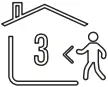 | 11:30 | 15 °C | ||||
| 4 |  | 12:30 | 15 °C | ||||
| 5 |  | 17:00 | 22 °C | ||||
| 6 |  | 22:00 | 15 °C | ||||
| Holidays | 1 | | 08:00 | 22 °C | |||
| 2 | | 23:00 | 15 °C | ||||

Advanced Option Setting
When POWER OFF, press the M key and the  key for 5 seconds to enter the advanced setting.
Press the M key to enter the next option, then press the up and down key to adjust, press the key to exit the advanced option setting mode.
01 | Temperature compensation | The default value of the calibration room temperature is -2°C. Press the up or down key to adjust the range from 9.9°C to -9.9°C. |
02 | Sensor selection | The temperature sensor selection defaults to IN. Press the up key or the down key to adjust it respectively as IN internal sensor selection. ALL means all internal sensors are selected; OUT means external sensors are set. |
03 | Limit temperature value modification | The limit temperature value is 35°C by default. Press the up or down key to adjust the range from 5°C to 60°C. |
04 | Temperature difference setting | The default setting temperature difference start is 1°C; press the up or down key to adjust the range from 1°C to 10°C. |
05 | Antifreeze function | Set the antifreeze function as OFF by default; press the up key to turn on the antifreeze function. |
06 | Rest day selection | The default setting of rest days is double rest; press the up or down to adjust. |
07 | Main and auxili reverse selection (optional) | Set the main and auxiliary reverse to 0 by default. Press the up or down key to adjust 0 to turn off the main and additional reverse function, and 02 to indicate the auxiliary reverse. |
08 | Passive linkage output delay time (optional) | Set the passive linkage delay time as 0 by default. Press the up or down key to adjust the range of 0-5 minutes. |
09 | Set temperature upper limit | Set the upper limit of the temperature to 60°C; press the up or down key to adjust the range from 35°C to 95°C. |
10 | Reset | Set to restore factory settings. The default display is “-,” press the up key to display “—” and then press the enter key to restore the factory settings. |