QUICK START GUIDE
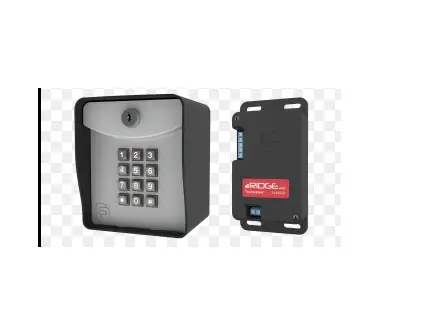
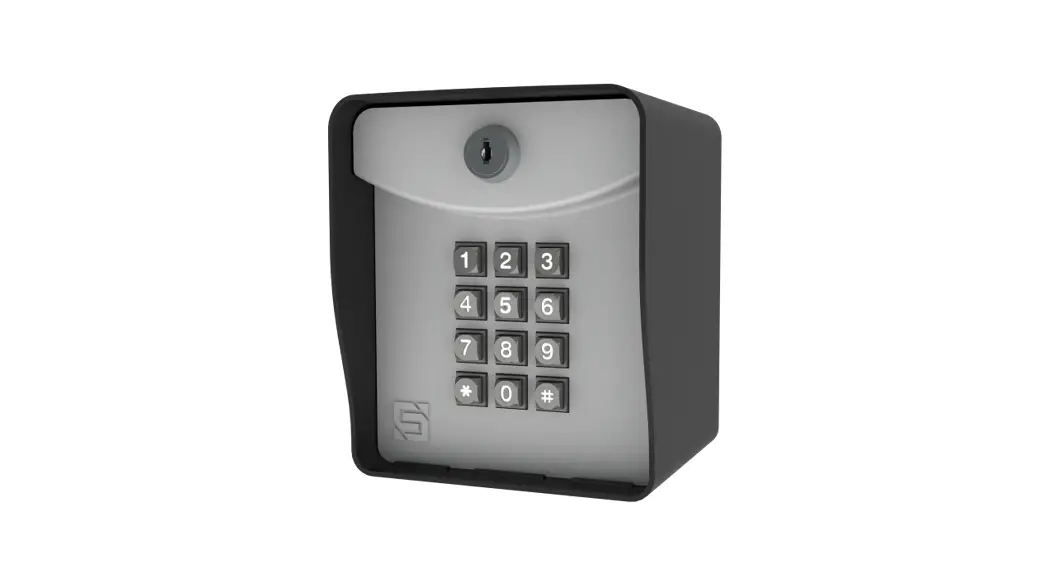
ADVANTAGE DKLP
Model 19-100

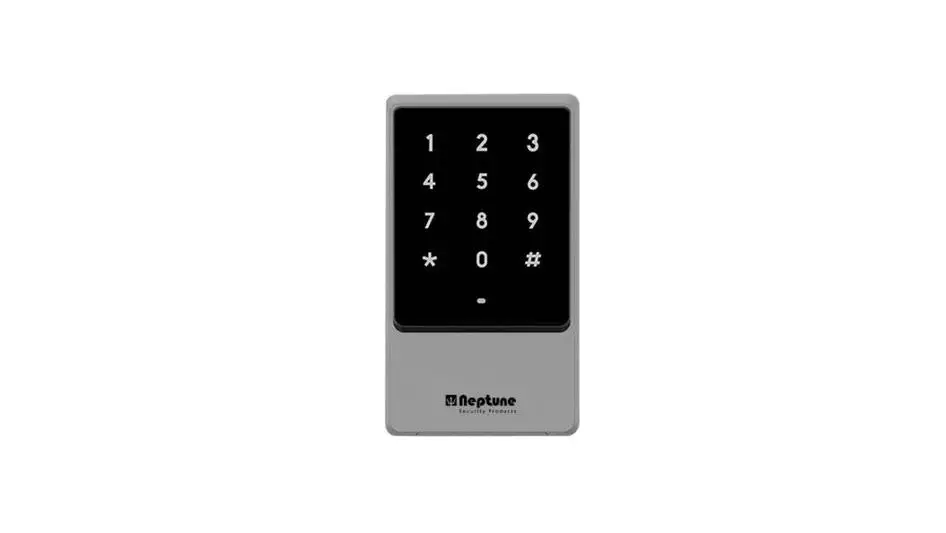
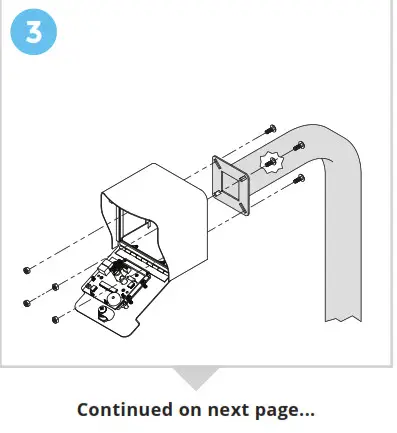
Unlock and open the front panel of the keypad unit; then using carriage bolts and hex nuts, attach the unit to the pedestal as shown.
 WARNING!
AUTOMATIC GATES CAN CAUSE SERIOUS INJURY OR DEATH!
ALWAYS CHECK that the GATE PATH IS CLEAR BEFORE OPERATING!
REVERSING or other SAFETY DEVICES SHOULD ALWAYS BE USED!
What’s what?
Important components labeled

The unit is shown with the front panel fully open.
 CAUTION!
Double-check your wires! You must wire from positive on the keypad unit to positive on your power source and negative on the keypad unit to negative on your power source.
Reverse polarity can damage the keypad unit!
4a Make the connections
Wiring for Gate Operator or Door Opener

© 2021 Security Brands, Inc. All rights reserved.
4b Make the connections
Wiring for Electric Door Strike
 4c Make the connections
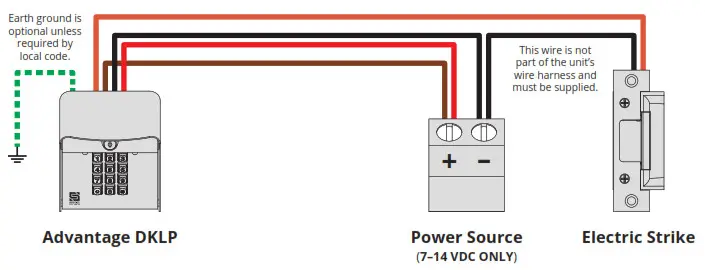 4c Make the connections
Wiring for Mag Lock

5 Add Access Code(s).
(To add multiple codes, enter each of them before pressing the pound key)

NOTE: The Master Code is for programming only and will not trigger the relay. The green arrow indicates a “good” tone on the keypad. An incorrect entry will sound like a “bad” tone.
A1 Additional Programming

Things to Know
The Star Key (*)
The star key deletes your current entry.
If you happen to make a mistake keying in a code, simply press the star key to delete the entire entry and start over.
The Pound Key (#)
The pound key is good for one thing and one thing only: exiting Programming Mode.
Whenever you’re in Programming Mode, simply press the pound key to get out.
Master Reset Procedure
If for some reason the Master Code and/or Latch Code is forgotten, a reset procedure is available to remedy the situation.
This procedure can be found on page 4 of this guide.
NOTE: Green arrow indicates a “good” tone on the keypad.
Always wait for a good tone before moving on.
Programming Sub Modes
| 1 | Add Access Code(s) |
| 2 | Delete Code(s) |
| 3 | Change Master Code |
| 4 | Set Relay Output Time |
| 5 | Set Latch Code |
| 0 | Delete All Codes |
A2 Additional Programming (continued)

NOTE: Green arrow indicates a “good” tone on the keypad.
Always wait for a good tone before moving on.
B Master Reset Procedure
This procedure is used if the Master Code is unknown, or if the Latch Code is unknown and the unit is in Latch Mode. All other codes will be retained after completing this procedure.
NOTE: If an error is made during these procedures, an “error” tone will sound, and you must start again from the beginning.
Step 1 – Open the front panel on the unit.
Step 2 – Disconnect power.
Remove one power wire from the screw terminal on the circuit board by unscrewing and removing.
Step 3 – Press and hold Reset Button; reconnect power; then release Reset Button.
Insert removed power wire back into screw terminal and screw down to secure. The unit will sound one (1) tone. Release Reset Button after you hear a tone.
Step 4 – Close the front panel on the unit.
The Master Code is now reset to default (1251).
 NEED HELP
© 2021 Security Brands, Inc. All rights reserved.
Call (972) 474-6390
Email [email protected]
We are available Mon–Fri / 8 am–5 pm Central
 QSG-19100-EN Rev. F (9/2021)