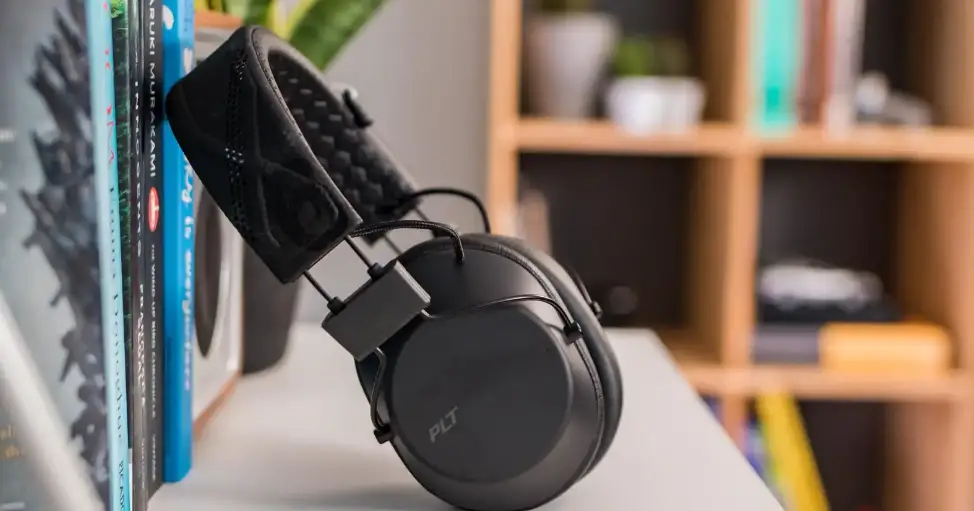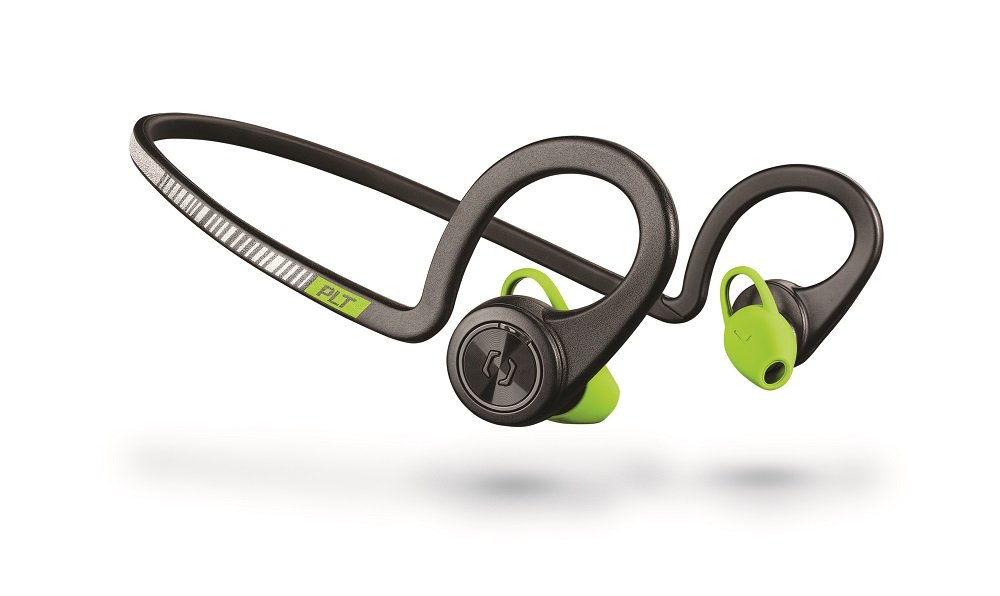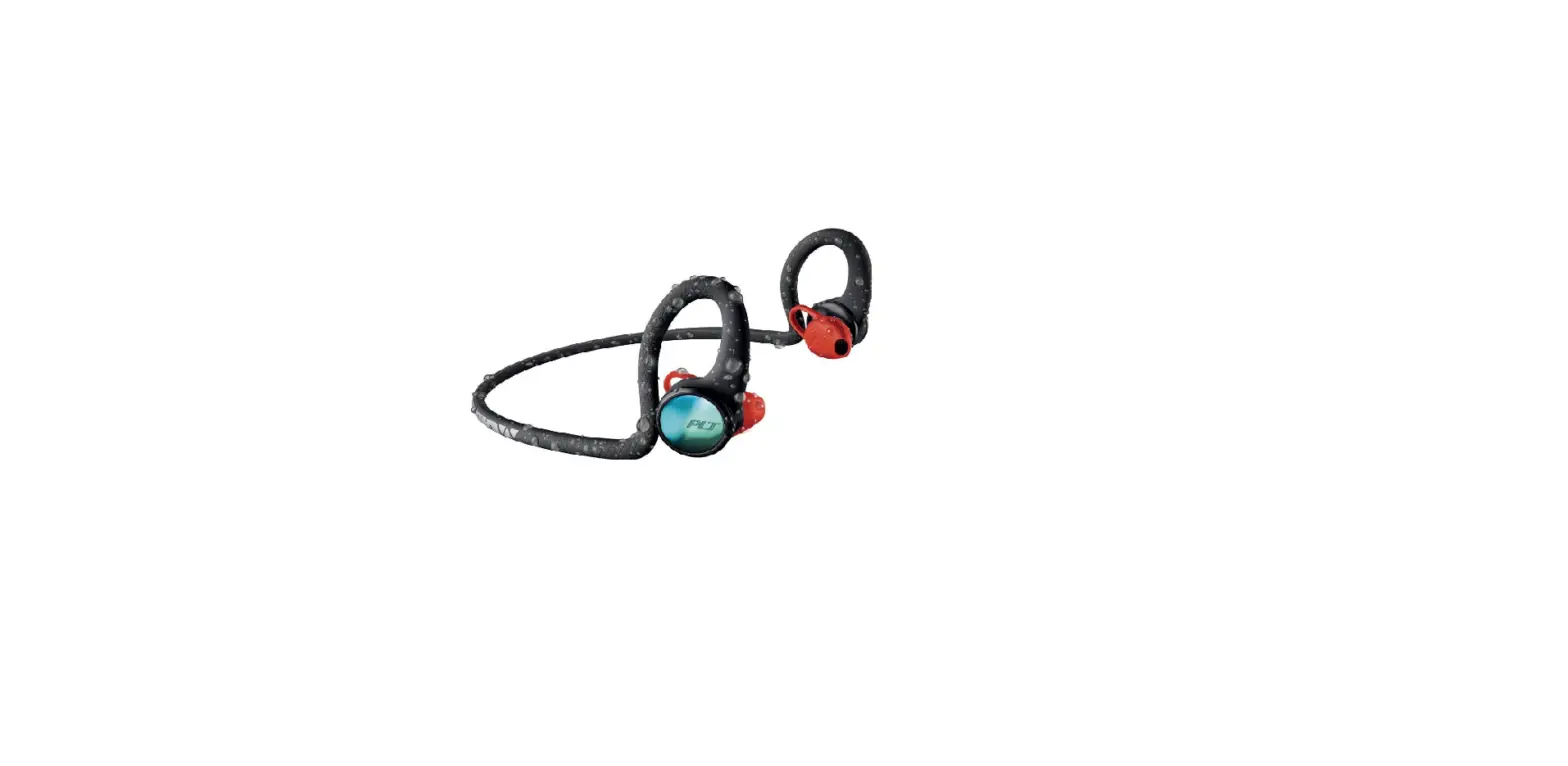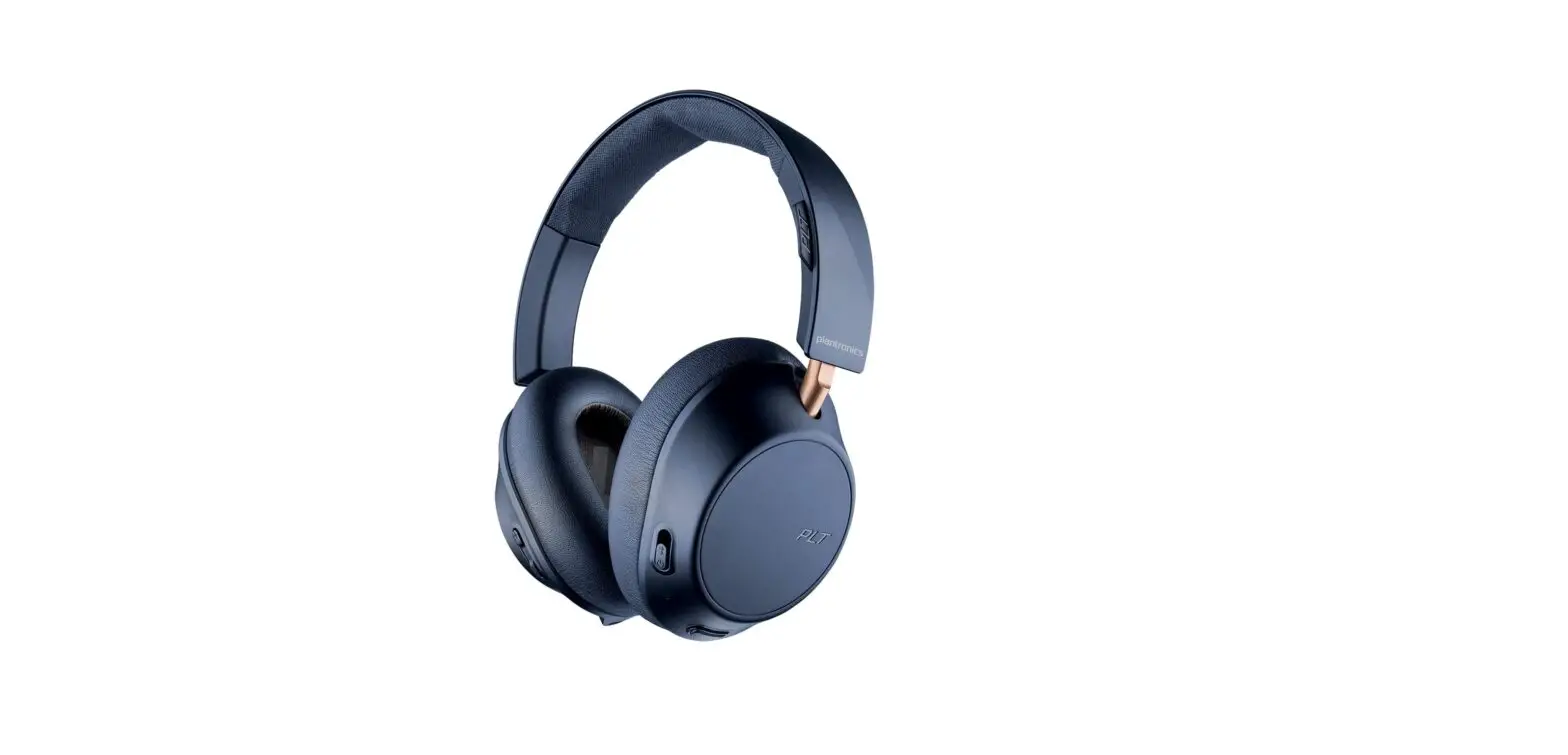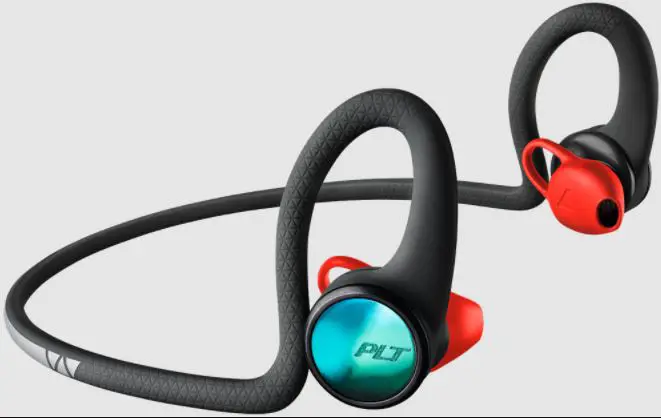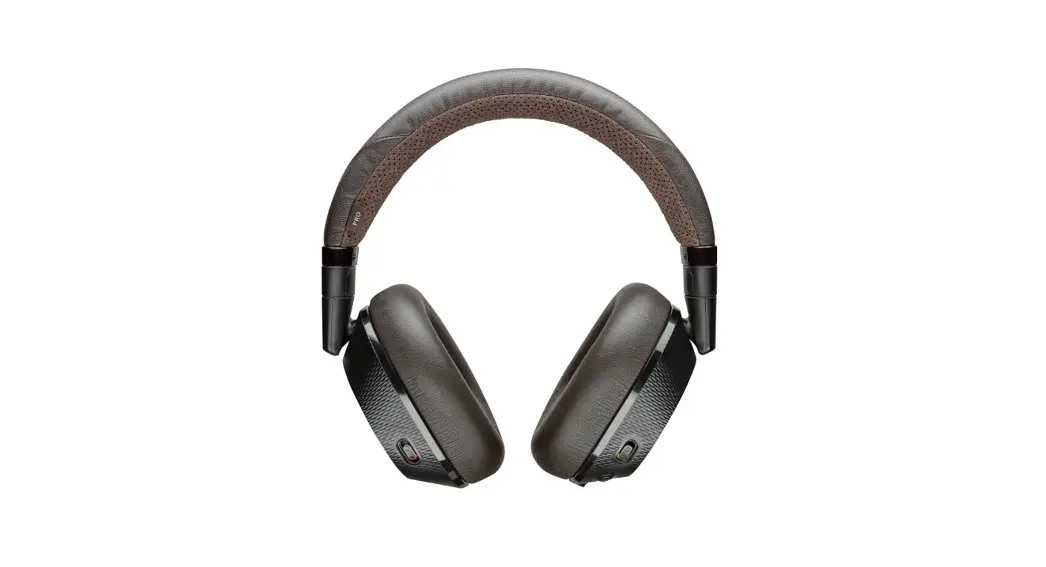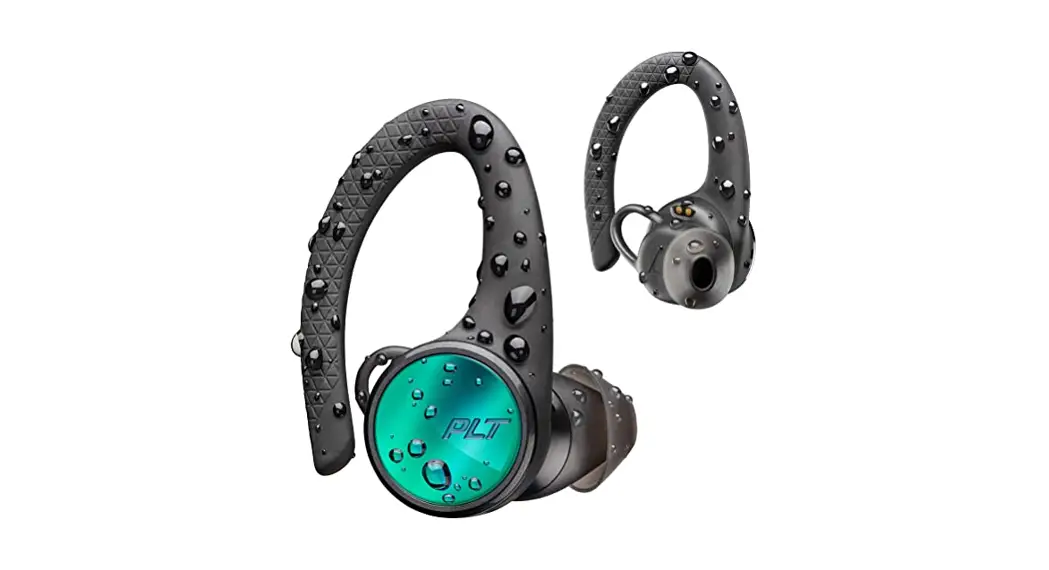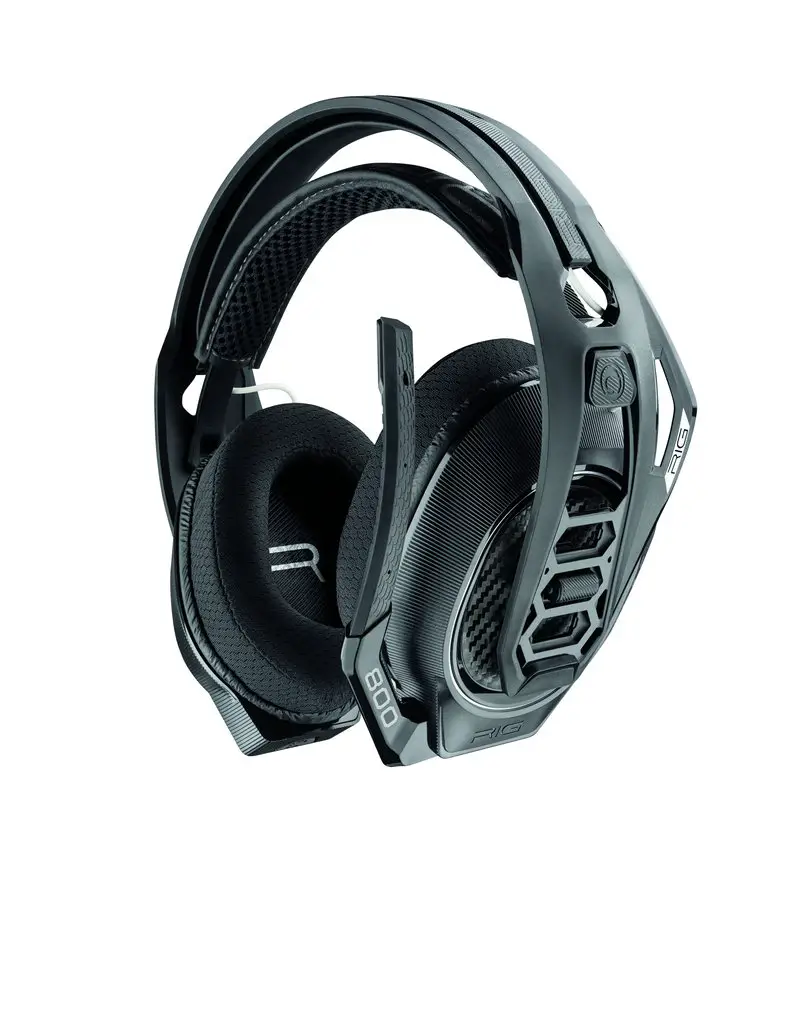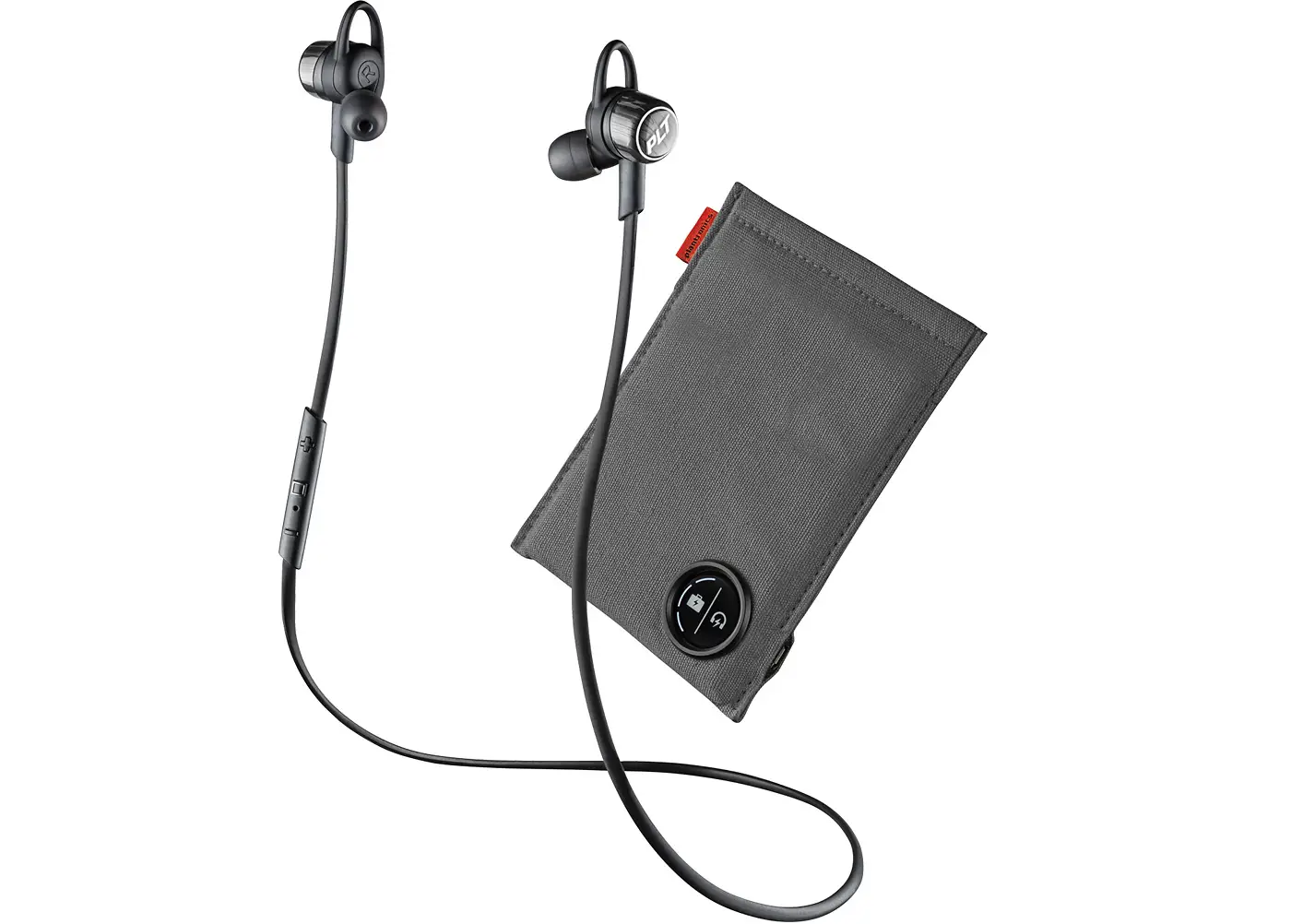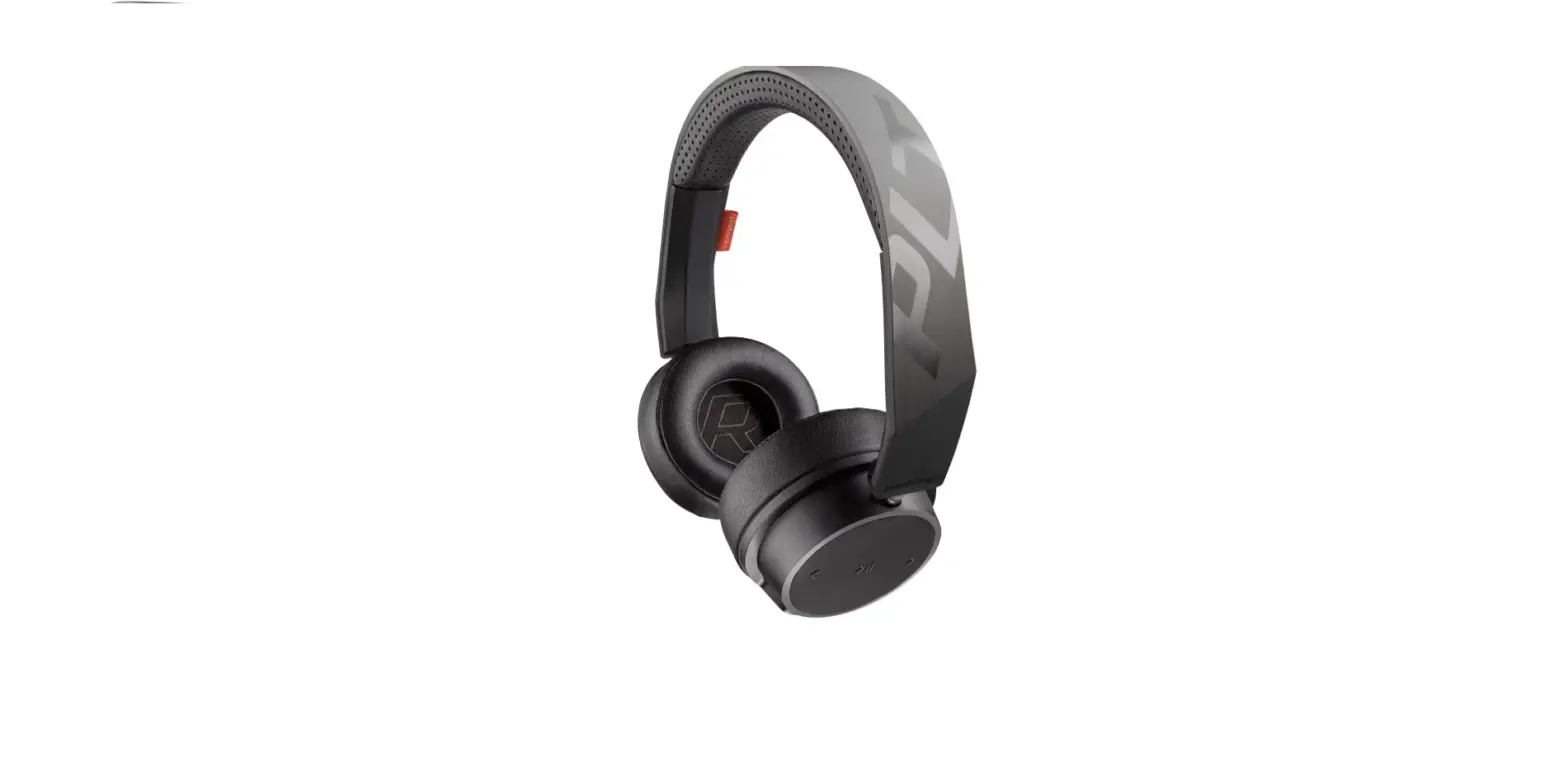

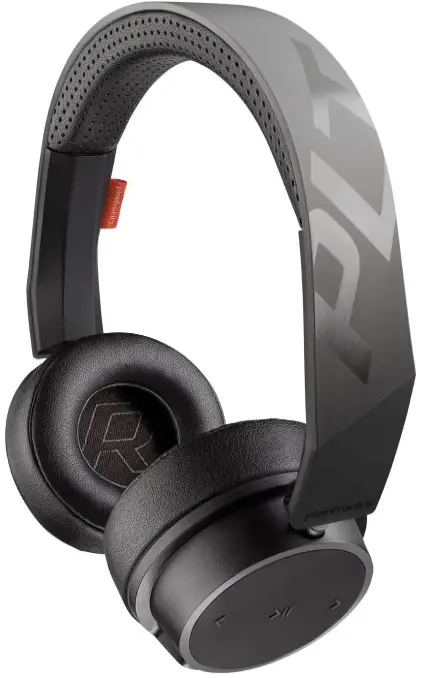
Plantronics BackBeat FIT 500 On-Ear Sport Headphones, Wireless Headphones
Specifications
- Product Dimensions
8 x 8 x 2 inches - Item Weight
5.4 ounces - Batteries
1 Lithium Ion batteries - Connectivity Technology
Wireless - Wireless Communication Technology
Bluetooth - Brand
Poly (Plantronics + Polycom)
Introduction
Bring your music to life with BackBeat FIT 500 Series wireless athletic headphones, which provide up to 18 hours of power on a single charge, whether you’re warming up or winding down. With its lightweight, cushioned design, sweat-resistant nano-coating technology from P2i, and wherever in between, you’ll be comfortable all day long, from the changing room to the lecture hall.
Get Paired
The first time you power on your headphones, the pairing process begins
- Slide the power switch on. You hear “pairing” and the LEDs flash red and blue.

- Activate Bluetooth® on your phone and set it to search for new devices.
iPhone Settings > Bluetooth > On*
Android Settings > Bluetooth: On > Scan for devices*
NOTE
Menus may vary by device. - Select “PLT BBFIT500 Series.”
If necessary, enter four zeros (0000) for the passcode or accept the connection.
Once successfully paired, you hear “pairing successful” and the LEDs stop flashing.
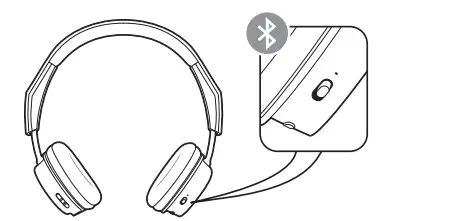
Pair second device
- Slide and hold the power button towards the Bluetooth icon until the LEDs flash red and blue.

- Select “PLT BBFIT500 Series” in your device’s Bluetooth Settings.
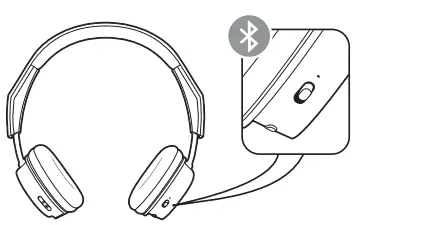
Pair to Mac
If your Mac is Bluetooth enabled, you can pair your headset to it.
- Place your headset in pair mode (slide and hold the power button towards the Bluetooth icon). You will hear “pairing” and the LEDs will flash red and blue.
- On your Mac, choose Apple menu > System Preferences > Bluetooth.
- Click Set Up Ne
Charge and fit
Charge
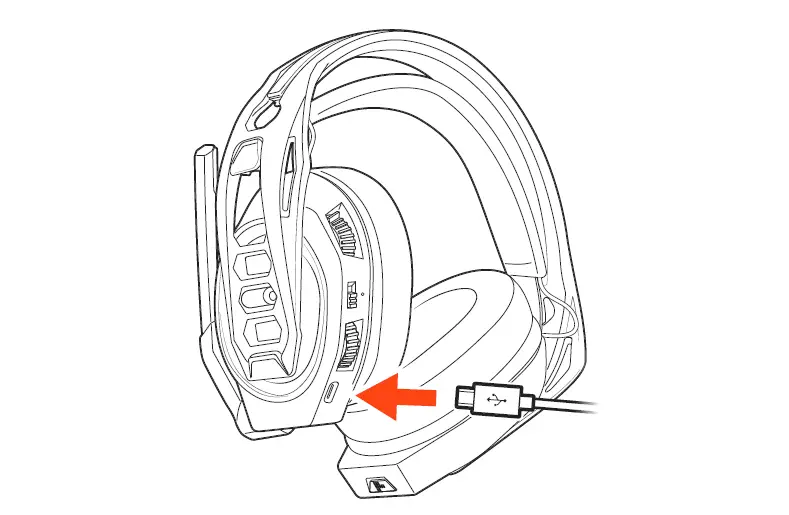
It takes up to 2.5 hours to fully charge your headphones. The LEDs turn off once charging is complete.
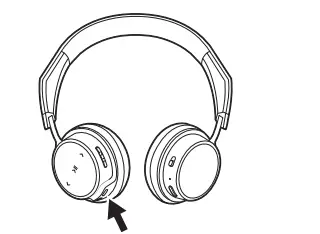
TIP To check the headphones’ battery status, tap the Call button while wearing your headphones. Headphones must be in an idle state.
Your headphones have up to 18 hours of listening time.
The basics
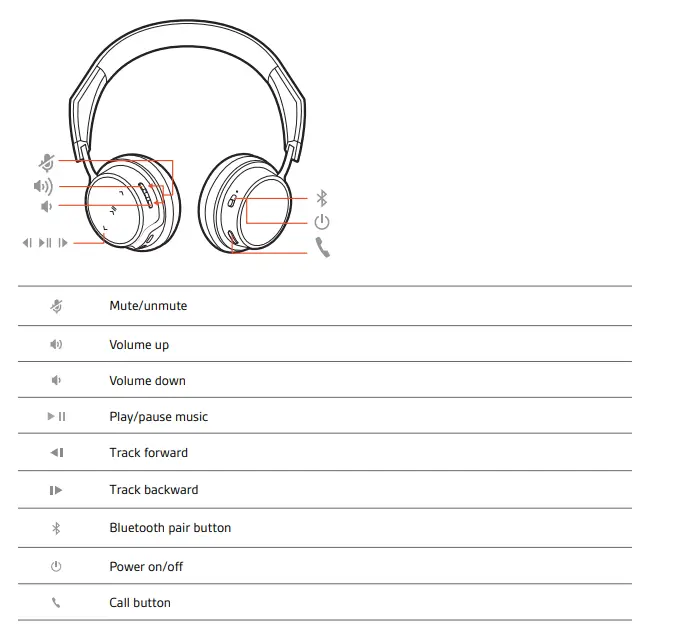
Headset overview
Be safe
Please read the safety guide for important safety, charging, battery and regulatory information before using your new headset.
Power on/off
Slide the switch to power on or off.
Play/pause music
Tap the Play/pause button.
Track selection
Tap the Forward button or Back button to control the track selection
Activate voice assistant
If your smartphone has a voice-enabled assistant, press and holds the Call button for 2 seconds and wait for the phone prompt.
Make/Take/End Calls
Answer or end a call
Tap the Call button.
Decline a call
Press and hold the Call button for 2 seconds.
Call back last call (smartphone)
To dial your last number you dialed, double-tap the Call button.
Mute
During a call, press the volume up and down buttons. You hear “mute on/off.”
Find your headset
Most headsets are found under car seats, in pockets, or on a messy desk. For less obvious locations, locate your headset by sending a tone to find it.
- Download the Plantronics Hub app for iOS and Android by visiting plantronics.com/software
- Locate your lost headset by using Find MyHeadset within the Plantronics Hub app.
NEED MORE HELP?
plantronics.com/support
Plantronics, Inc. Plantronics B.V.
- 345 Encinal Street Scorpius 171
- Santa Cruz, CA 95060 2132 LR Hoofddorp
- United States the Netherlands
© 2017 Plantronics, Inc. BackBeat and Plantronics are trademarks of Plantronics, Inc. registered in the US and other countries, and Plantronics Hub is a trademark of Plantronics, Inc. Bluetooth is a registered trademark of Bluetooth SIG, Inc. and any use by Plantronics, Inc. is under license. All other trademarks are the property of their respective owners.
Frequently Asked Questions
- What is the difference between the 500 and the 505?
The only difference is the product name and the retail channel: the BackBeat 500 is available in black and white and only sold online while the 505 is available in gray and only solid in physical retail stores. - Can they be used while running?
Our BackBeat FIT features a sweat-resistant P2i nano-coating and is safe to use while running or working out, the only challenge you might experience is the headset not properly staying on your ears due to the wearing style but this varies from user to user and most shouldn’t have any trouble keeping the headphones on. - Can you connect these to use with a Bluetooth tv?
Our BackBeat series headphones are universally compatible with devices that support them. As long as the TV is Bluetooth enabled and supports Bluetooth audio transmission via the A2DP Bluetooth profile it should work with our BackBeat FIT 500 and similar models. - So, does the cable that comes with it make it possible to connect to a treadmill or elliptical at the gym to listen to their TVs?
Hi! Yes. The 3.5 mm cable will connect to any device that supports a 3.5 mm connector. Please feel free to reach out to our Customer Care Team at 800-985-9815 if you have further questions. - Can I connect a cable from the phone to headphones with a mic on the cable? And the mic will work or not?
Yes, as long as the cable with an inline microphone features a standard 3.5mm headphones output on one and it should be compatible since our BackBeat FIT 500 series headsets use a standard connector. - Why didn’t the red light turn off after 8 hours of overnight charging?
We’re sorry to hear you’re having charging issues. It should take up to 2.5 hours to fully charge the headphones. The LEDs should turn off once charging is complete. To troubleshoot it, try using a different micro-USB cable along with a 5-volt wall charger for optimal performance. If the headset is not charging, it may have an actual problem and it is best to replace it. - How do these compare with the Jabra Move headset in terms of audio quality, especially for music?
Hello there! We couldn’t really provide you with a proper comparison since we do not manufacture Jabra headsets. However, the Backbeat FIT 500 counts with a talk time of up to 16 hours, a range of up to 33 feet/ 10 meters, multipoint technology, a sweat-resistant coating, and a single, wideband-enabled mic. - Are these headphones adjustable?
Yes! The speakers can swivel by themselves and the headband size can also be adjusted to fit different head sizes. - I have a big and fat head. most headphones I have owned or tried on for fit don’t have enough extension to sit properly. will I hate these?
Hi! Please note our headsets are designed to fit the vast majority of shapes and sizes; however, we do know that one size may not fit all. In this case, we would recommend you to test it and in case you find it too uncomfortable, be sure to verify the return policy. - Did anyone else who ordered these headphones NOT receive a charger for them, or was it just me?
They charge via a USB cable no special charger is needed.