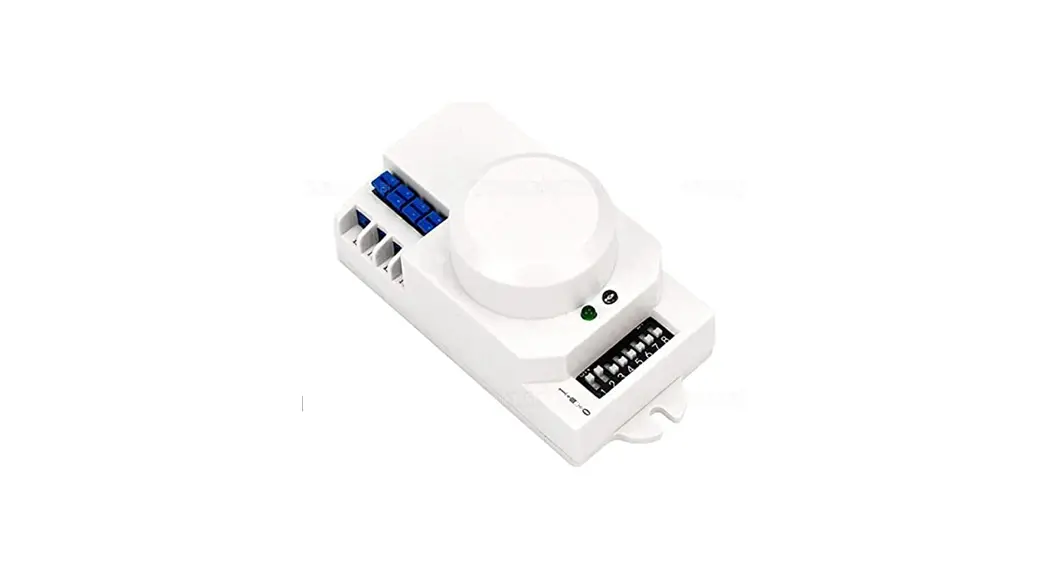
 INSTALLATION INSTRUCTIONS
Low voltage microwave sensor
MODEL: H12VSENSORMW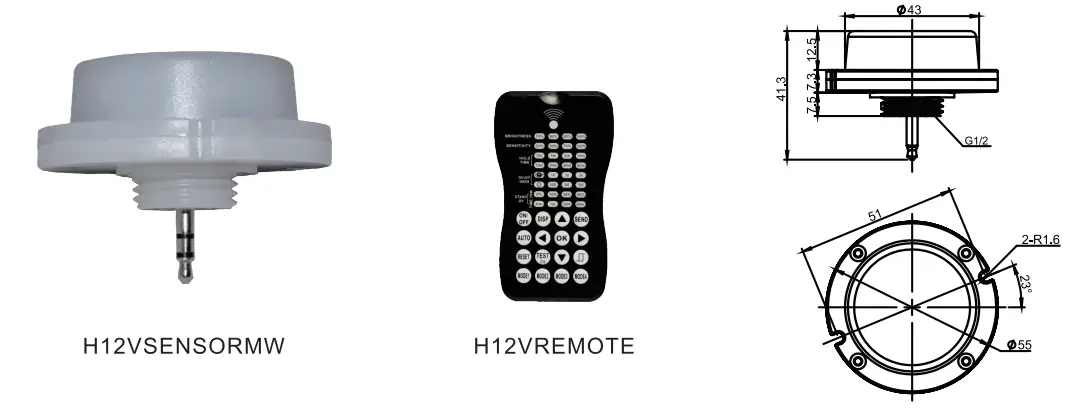
INTRODUCTION
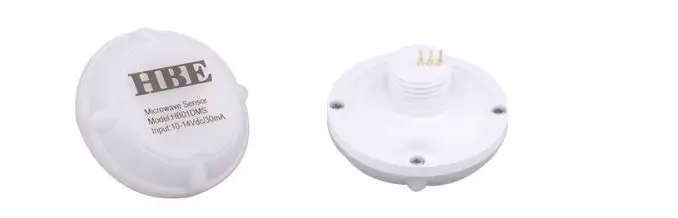
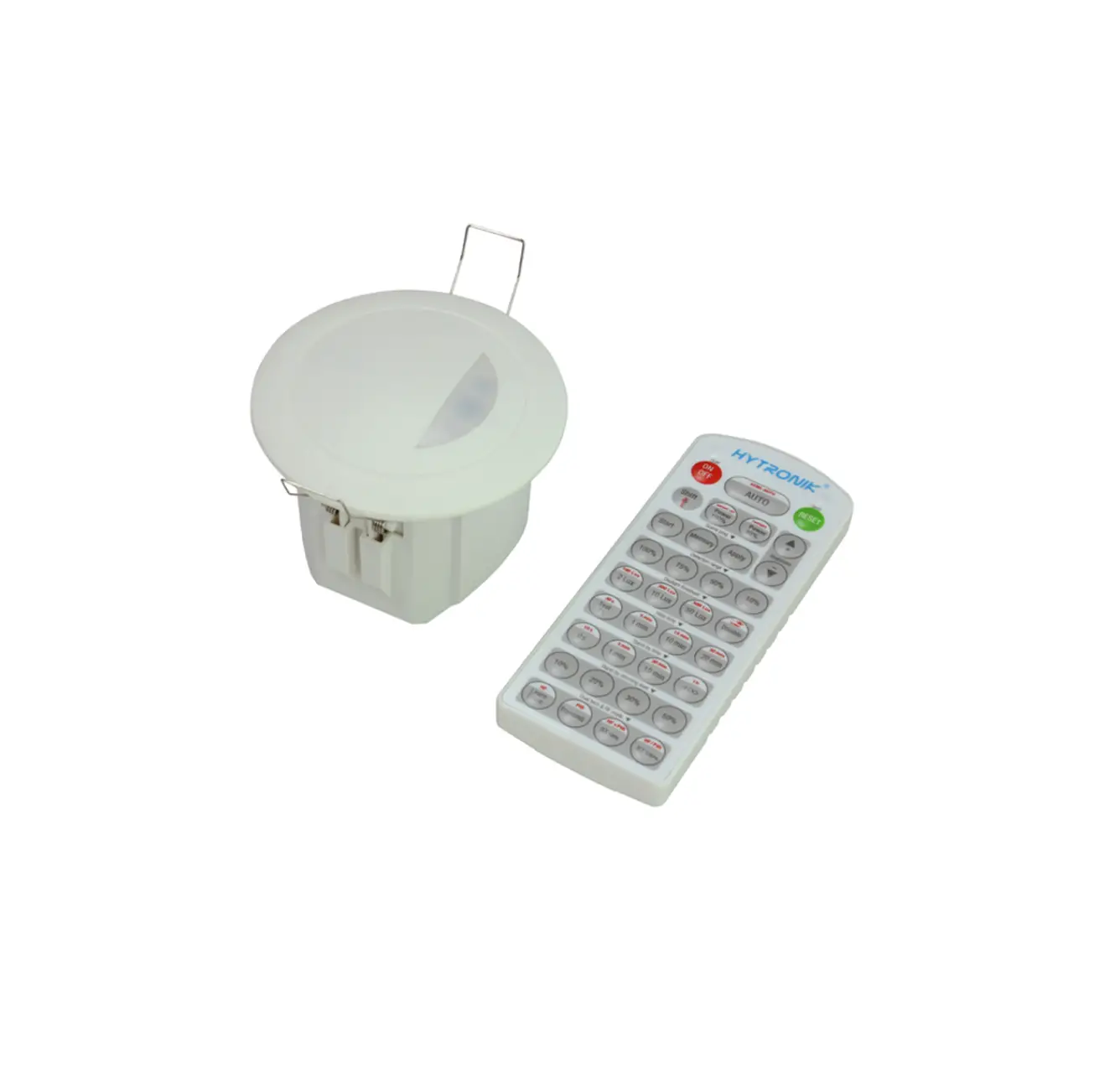
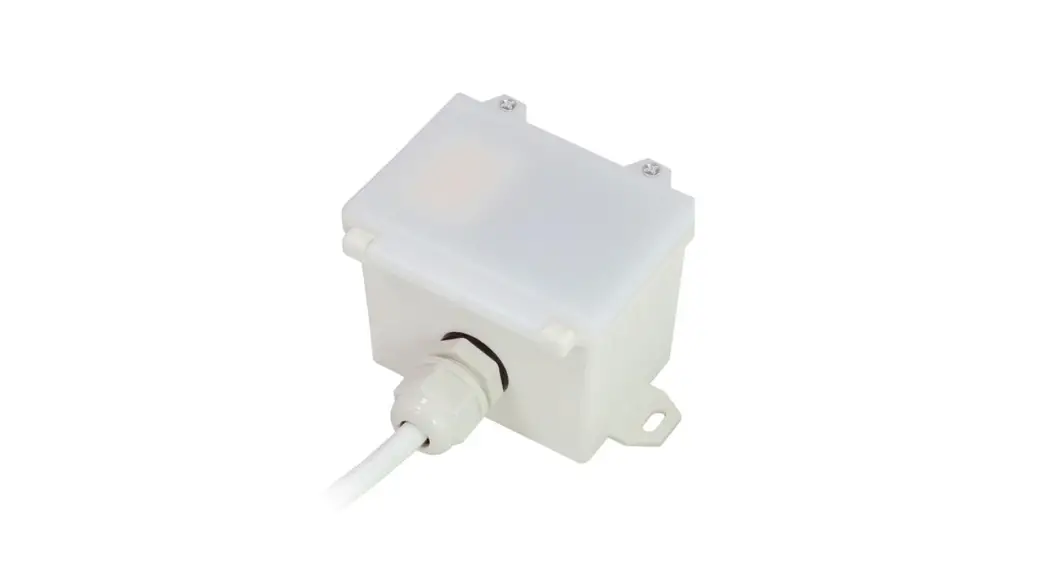
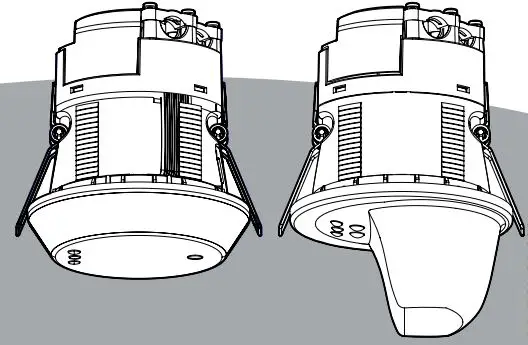
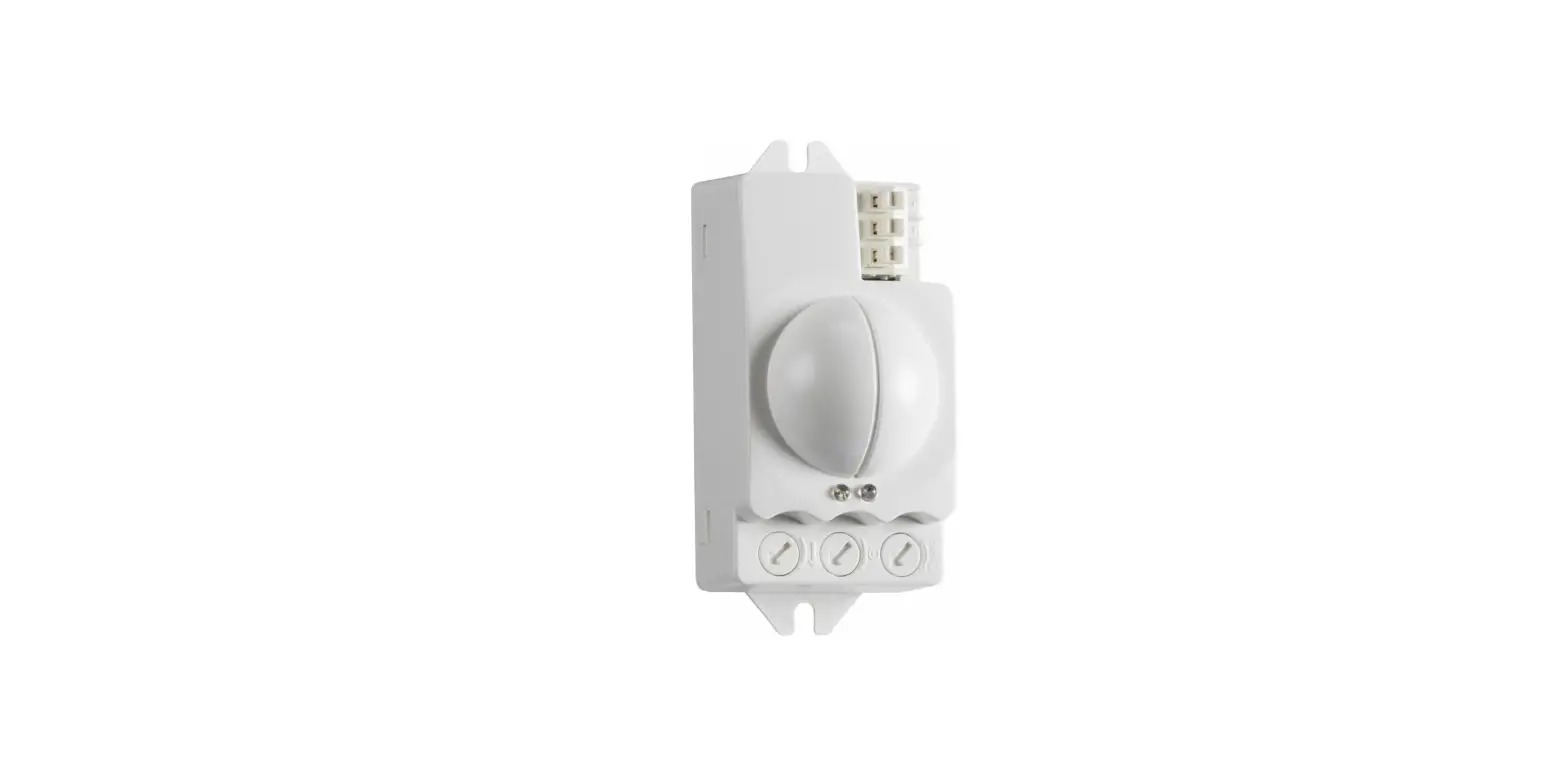
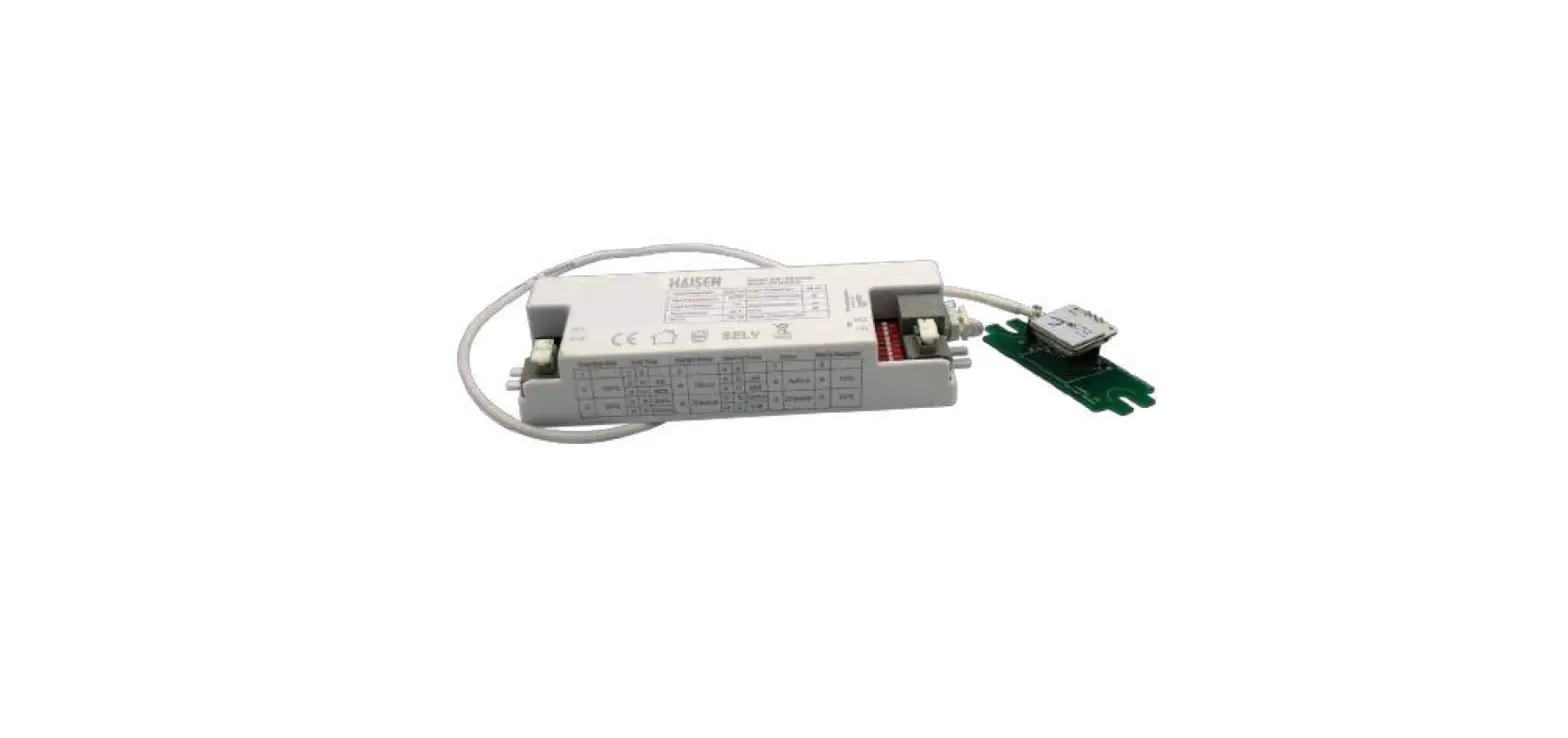
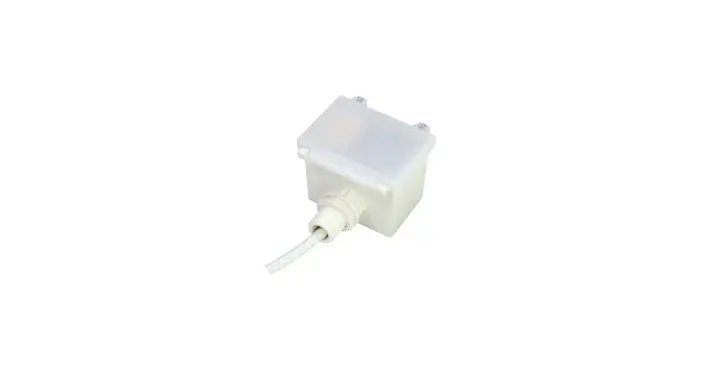
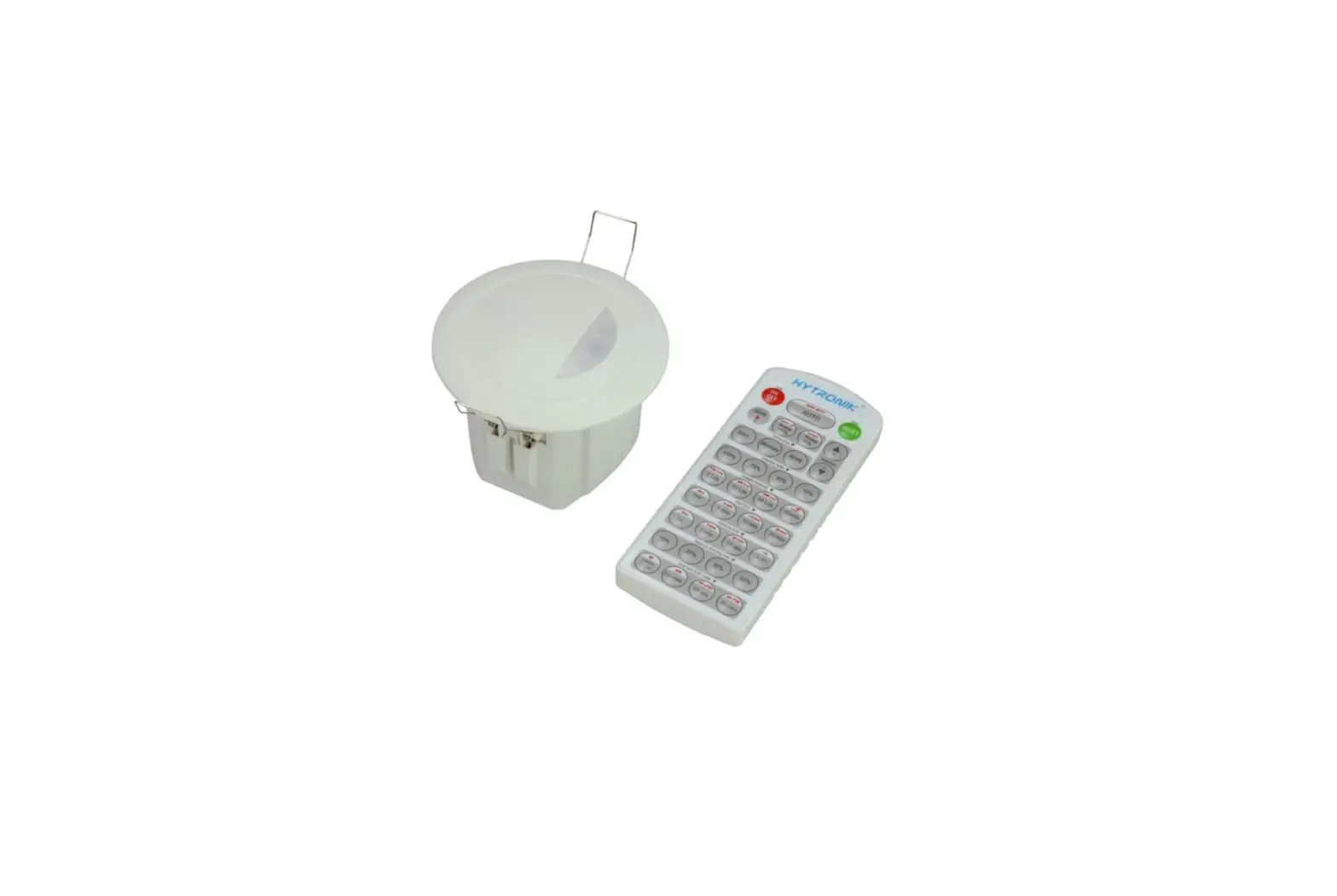
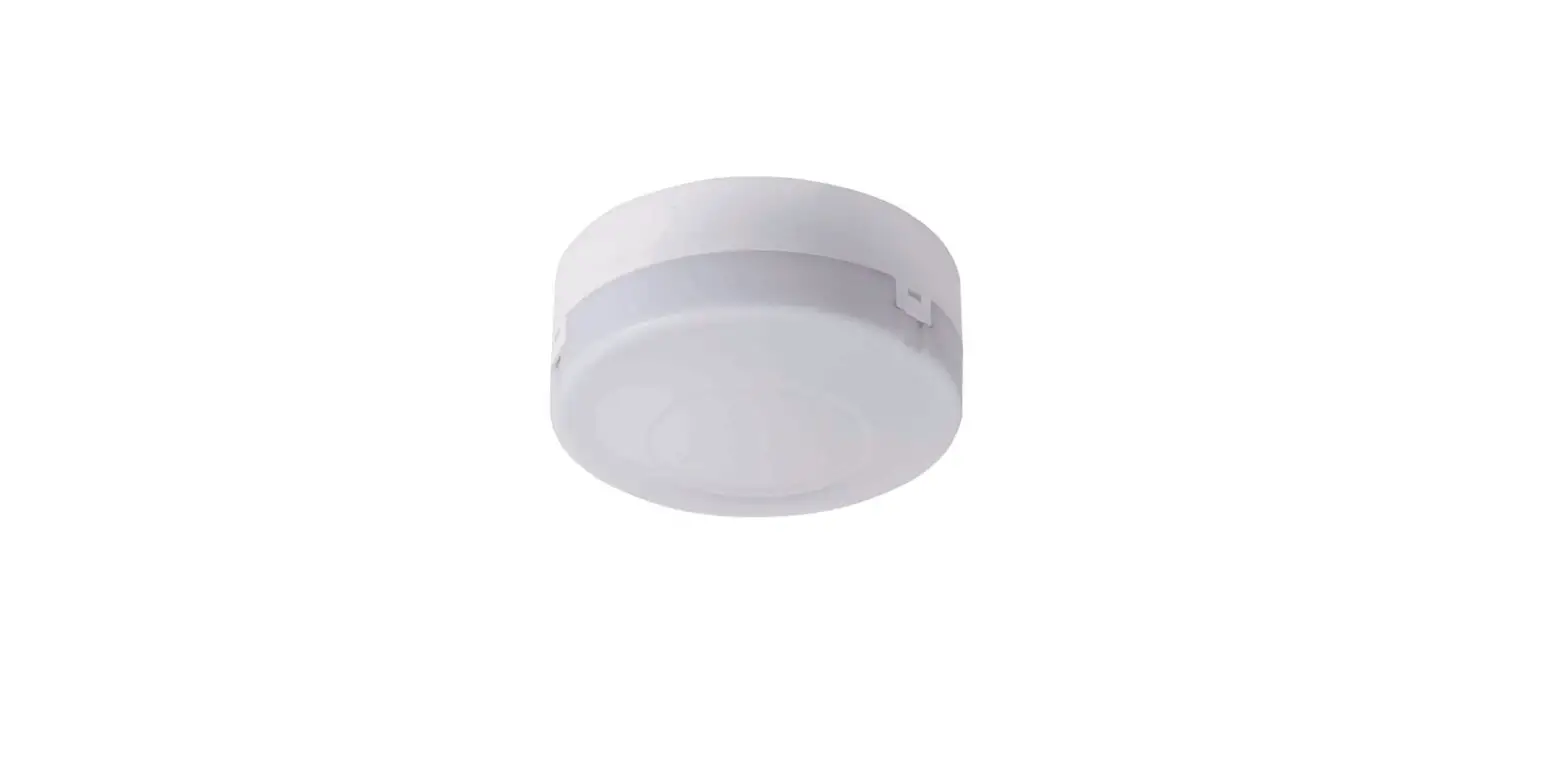
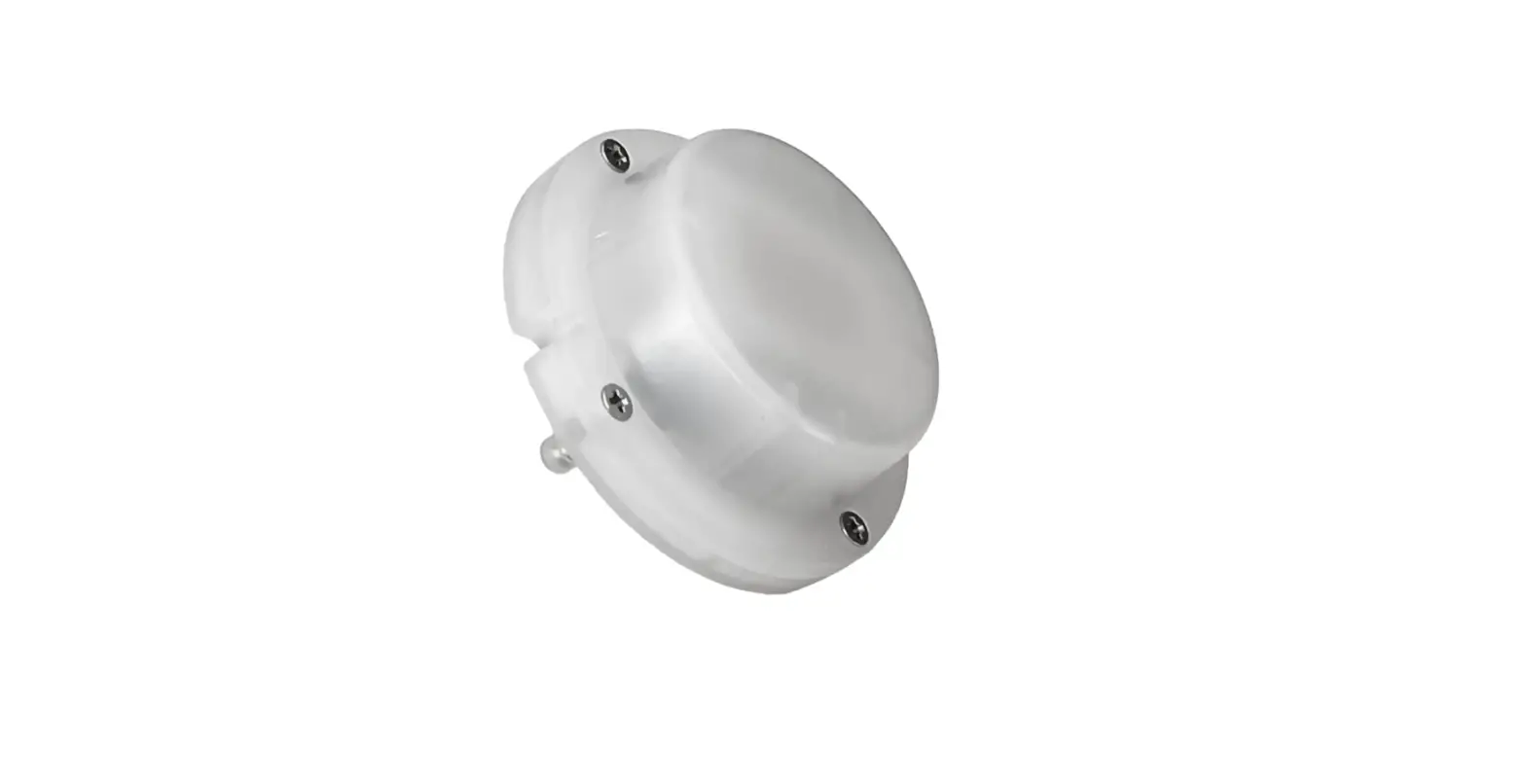
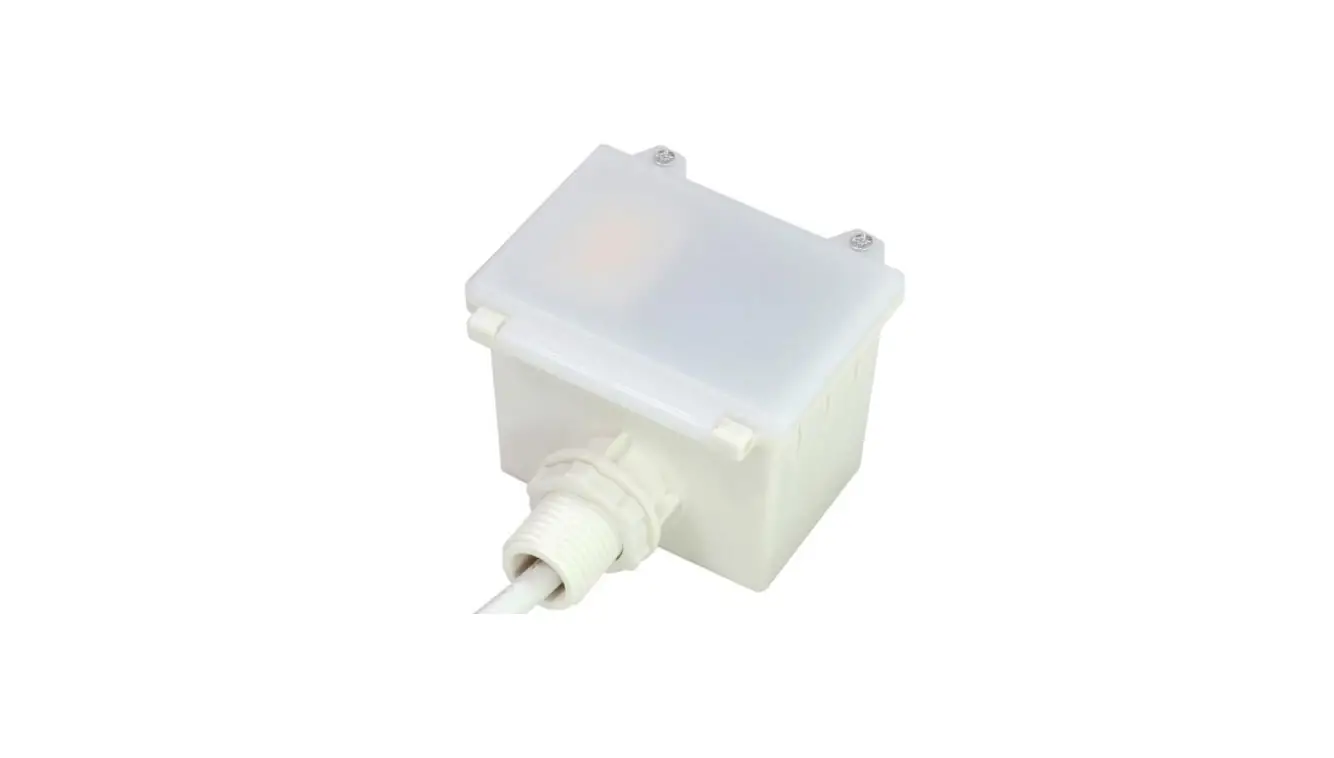
The H12VSENSORMW is a motion sensor that dims lighting from high to low based on movement. This slim, low-profile sensor is designed for installation inside the bottom of a light fixture body.
The sensors use microwave sensing technology that reacts to changes in movement within the coverage area.
Once the sensor stops detecting movement and the time delay elapses lights will go from high to low mode and eventually to an OFF position if it is desired. Sensors must directly “see” motion of a person or moving object to detect them, so careful consideration must be given to sensor luminaire placement and lens selection. Avoid placing the sensor where obstructions may block the sensor’s line of sight.
SPECIFICATIONS
| Power supply | 12V-24V DC, >50mA |
| Dim control output | 0-10V, max. 25mA sinking current |
| HF System | 5.8GHz±75MHz |
| Transmission power | <0.2mW |
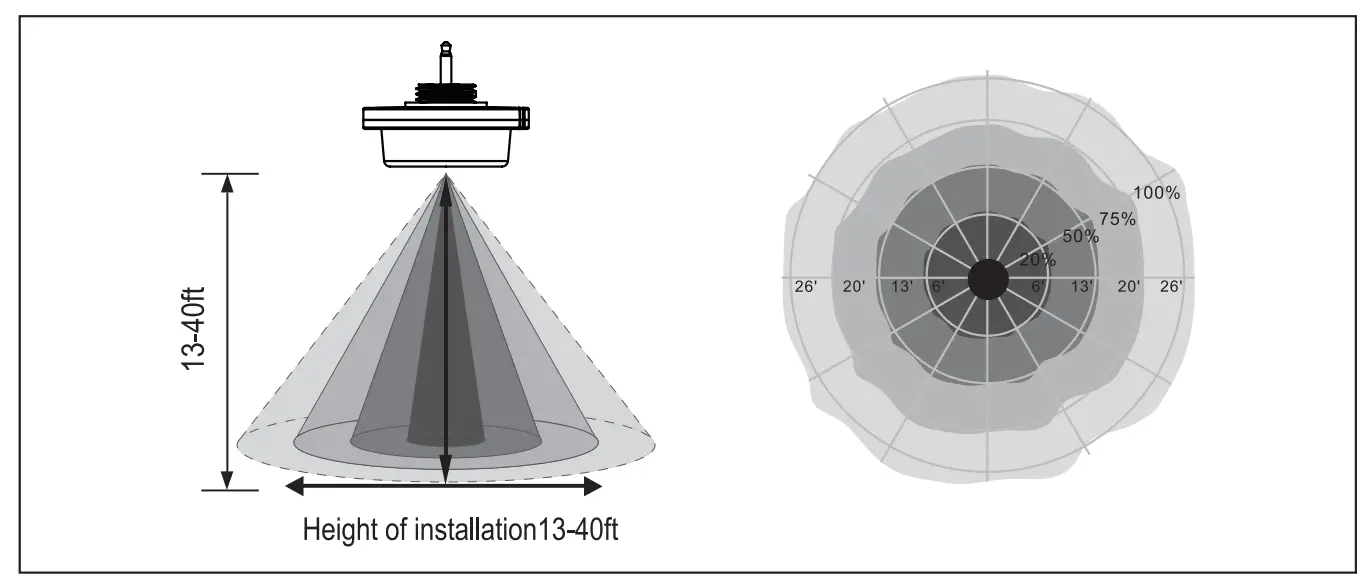
| Detection radius | 20%/50%/75%/100%(1-8m) |
| Mounting height | Max 40ft.(12meters) |
| Time setting | 10s/1min/5min/10min/15min/20min/30min/60min |
| Light-control | 24H/10LUX/30LUX/50LUX |
| Temperature | -40°F – +158°F (-40°C – +70°C) |
| IP rating | IP65 |
 WARNING
NOTE: Warm up time is 15 seconds. After initial connection the fixture will stay on for 15 seconds and then transition to normal operation mode.
NOTE: Factory default settings: Sensitivity: 100%; Hold time: 5min; Daylight sensor: On; Dimming level: 30%; Dimming time: 60 min.
NOTE: If any settings are change by the remote control, the LED indicator on the sensor will flash as confirmation.
Function Description
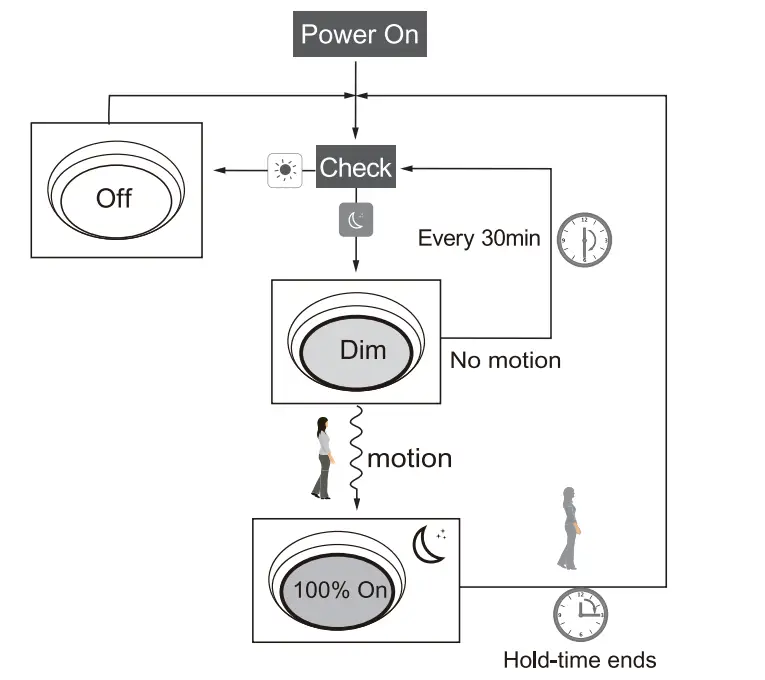
The sensor allows for an intermediate dimmed level before full switch off. This function is also determined by available ambient light. Adjustable settings include High end brightness trim, Detection sensitivity, Hold time, Stand-by time, Stand by dimming level, and Daylight sensor setting.
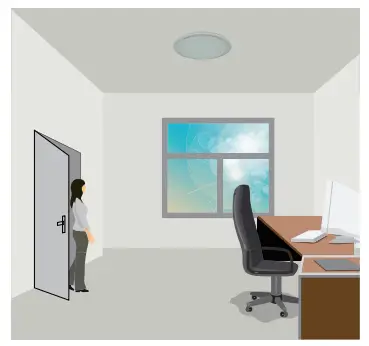 | 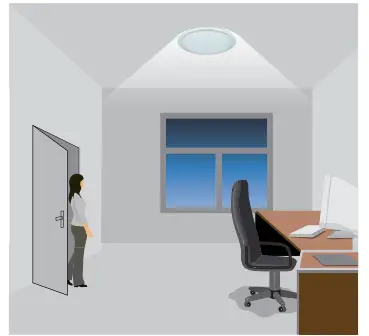 |
| With suffcient natural light, the light does not switch on when presence is detected. | With insufficient natural light, the sensor switches on the light automatically when presence is detected. |
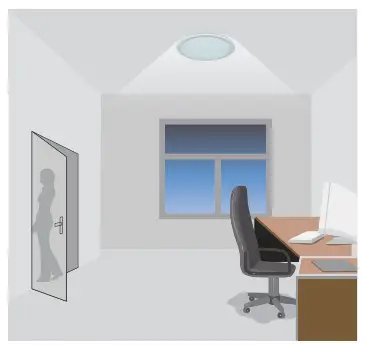 | 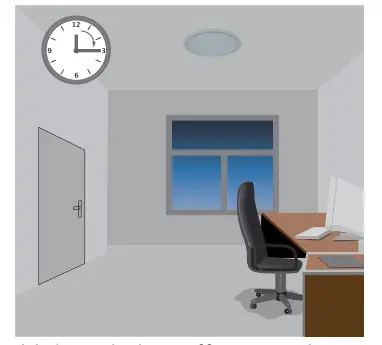 |
| After hold-time, the light dims to stand-by level if the surrounding natural light is below the daylight threshold. | Light switches off automatically after the stand-by period elapses. |
DAYLIGHT SENSOR FUNCTION
To enable the daylight sensor press  on the remote control
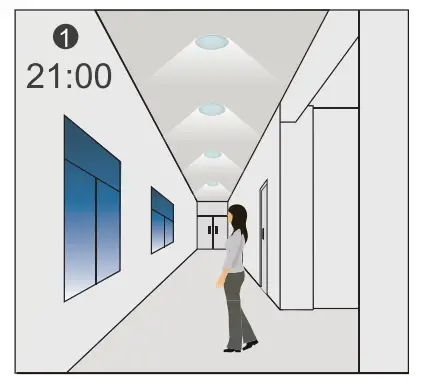 |  |
| The light switches on at 100% when there is movement detected. | The light dims to stand-by level after the hold-time. |
 | 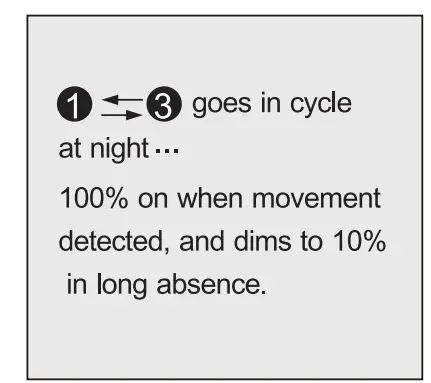 |
| The light remains in dimming level at night. | |
 |  |
| When the natural light level exceeds setpoint off to light,the light will turn off even when the space is occupied. | The light automatically turns on at 10% when natural light insufficient (no motion). |
Settings on this demonstration:
Hold-time: 30min
Setpoint on: 50lux
Setpoint off: 300lux
Stand-by Dim: 10%
Stand-by period: +
(when the daylight sensor is enabled, the stand-by time locks at +∞)
SENSOR COVERAGE