 4402196 Alloy Origins 60
User Guide
Keyboard Overview
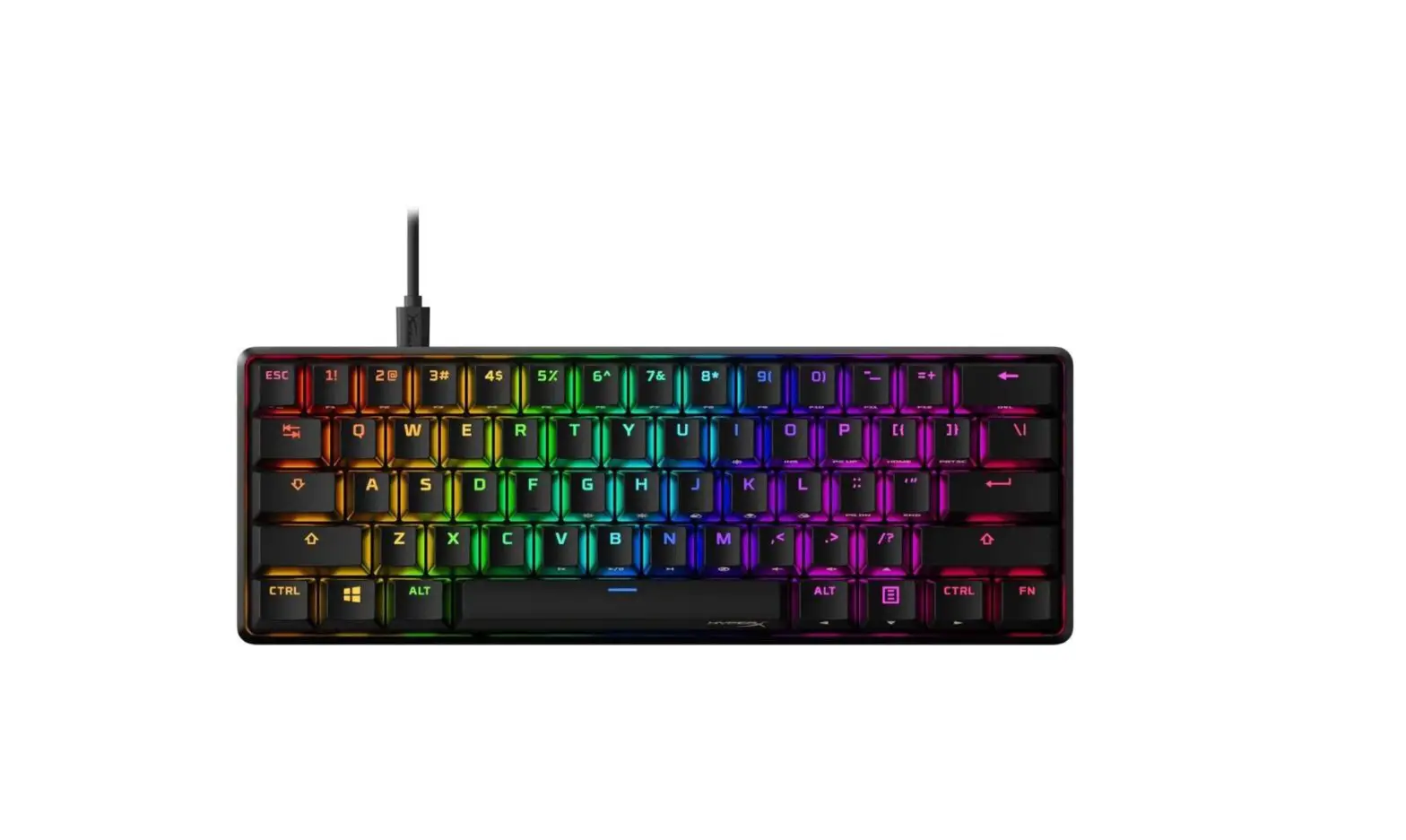
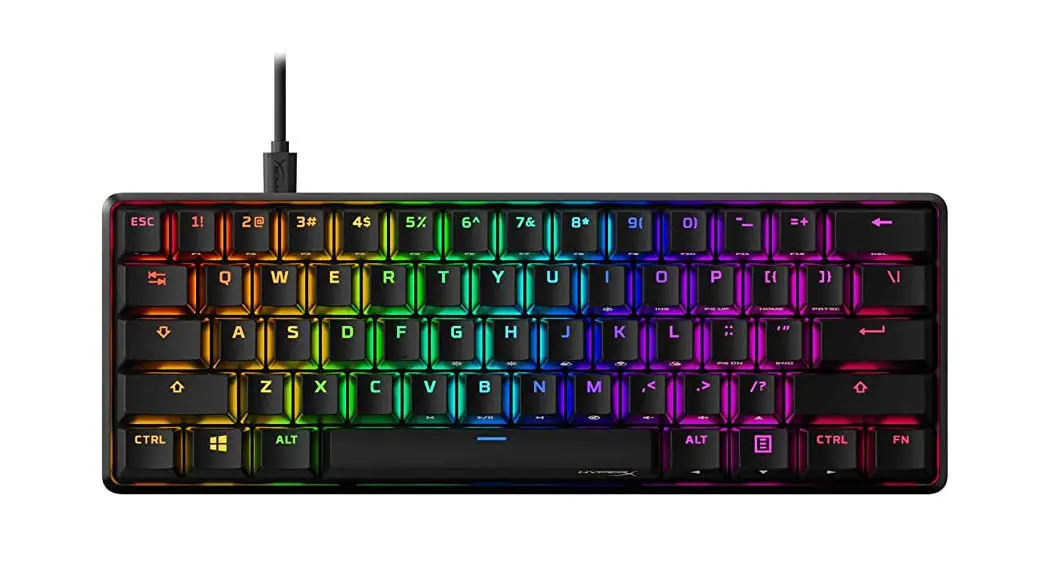
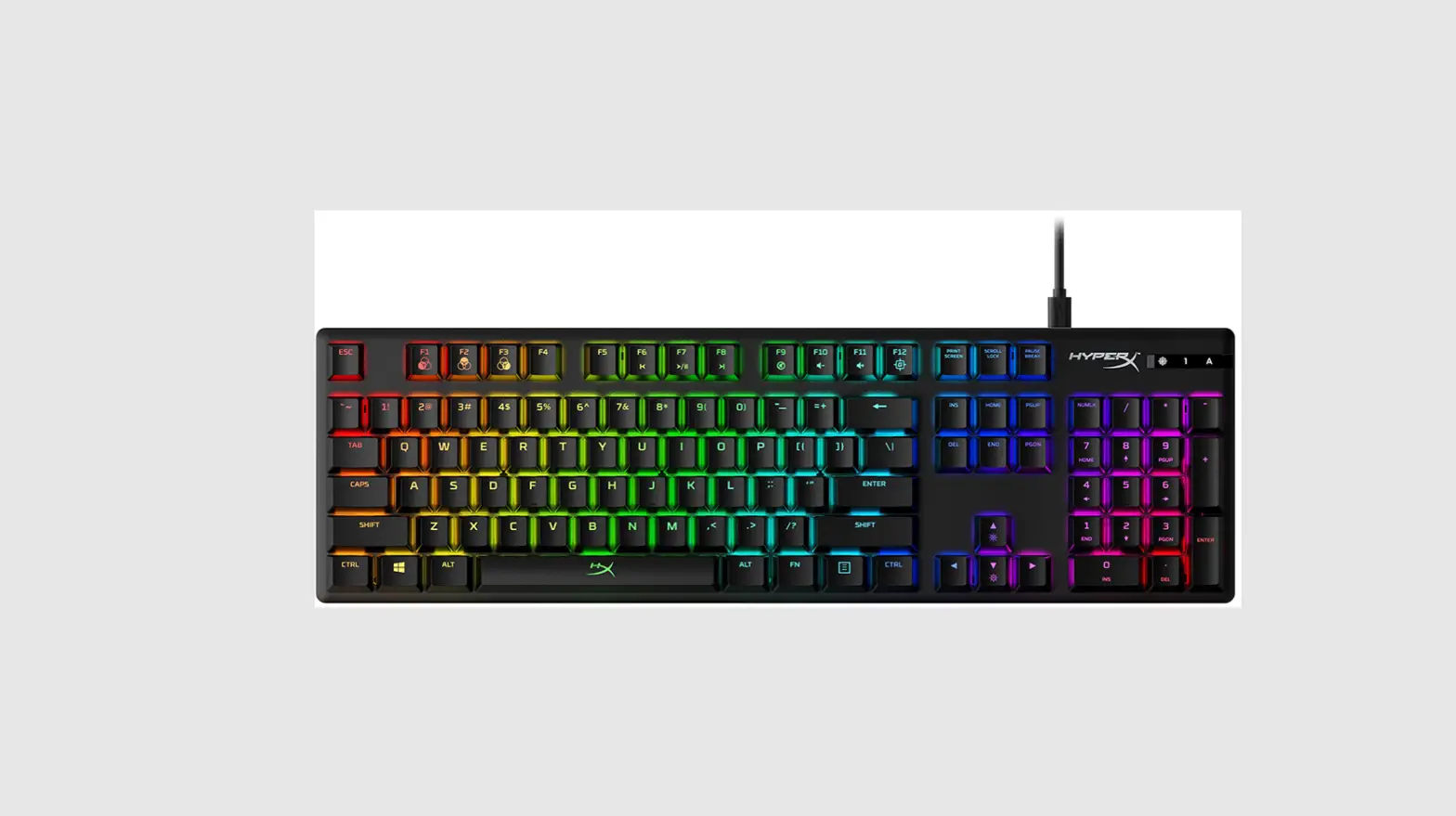
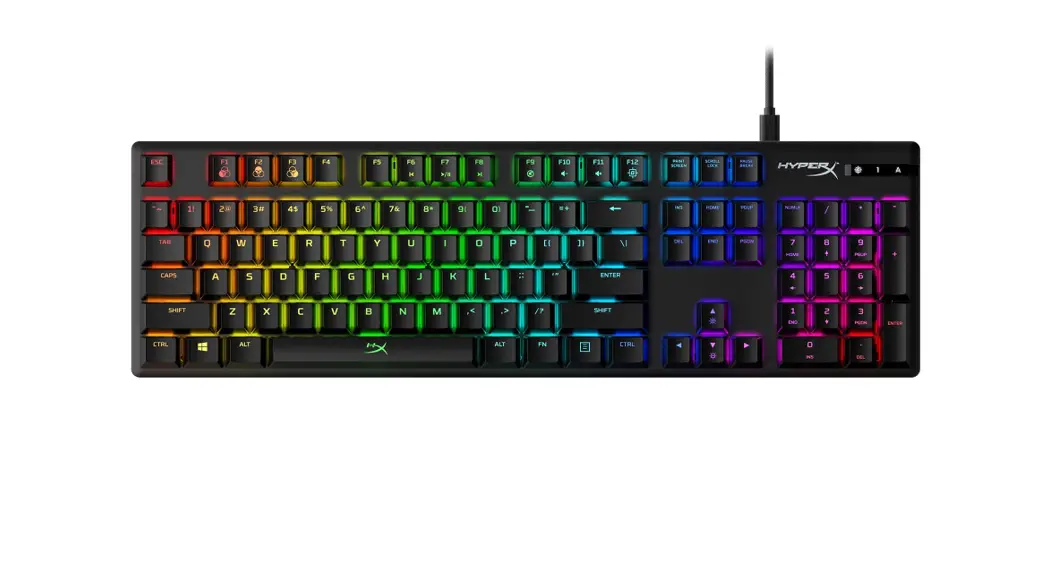
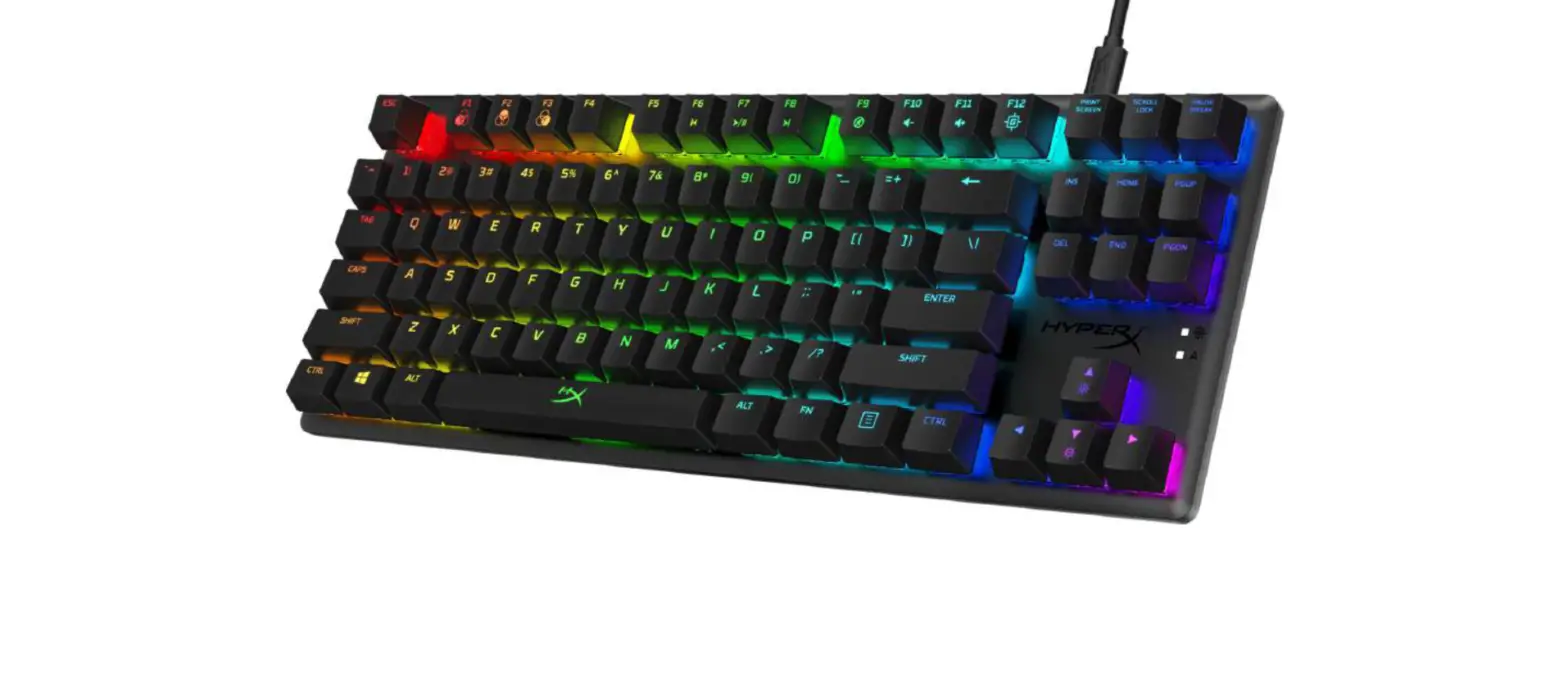
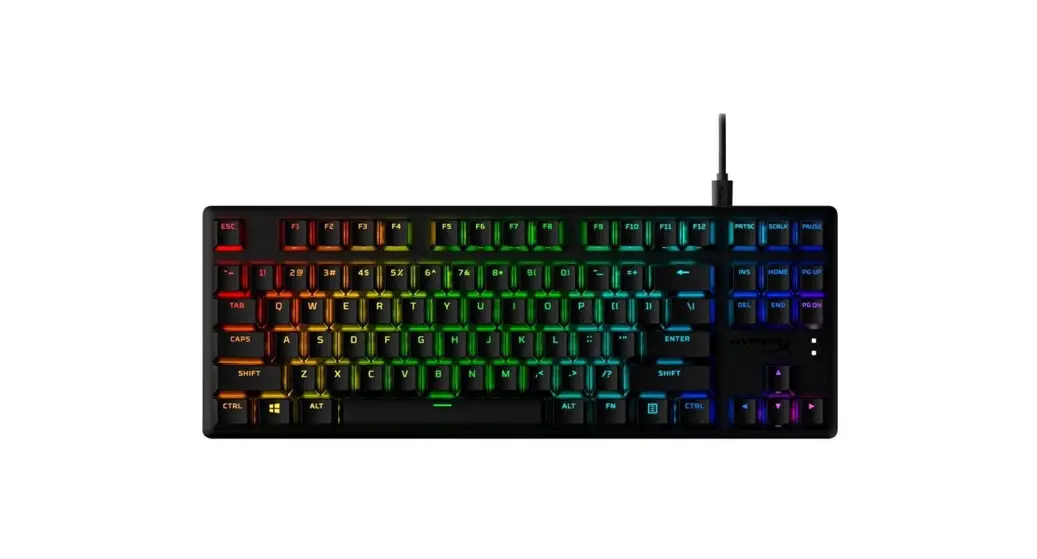
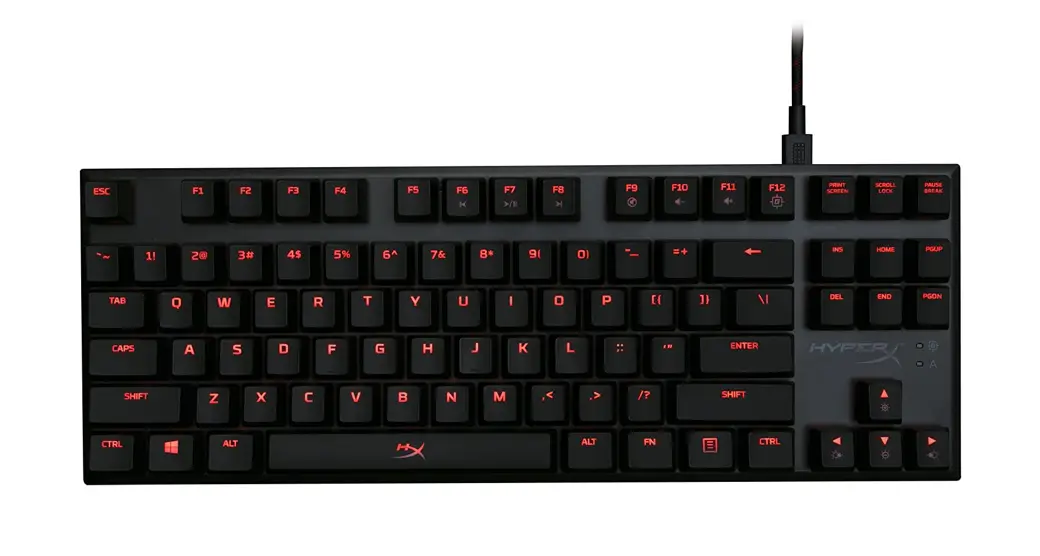
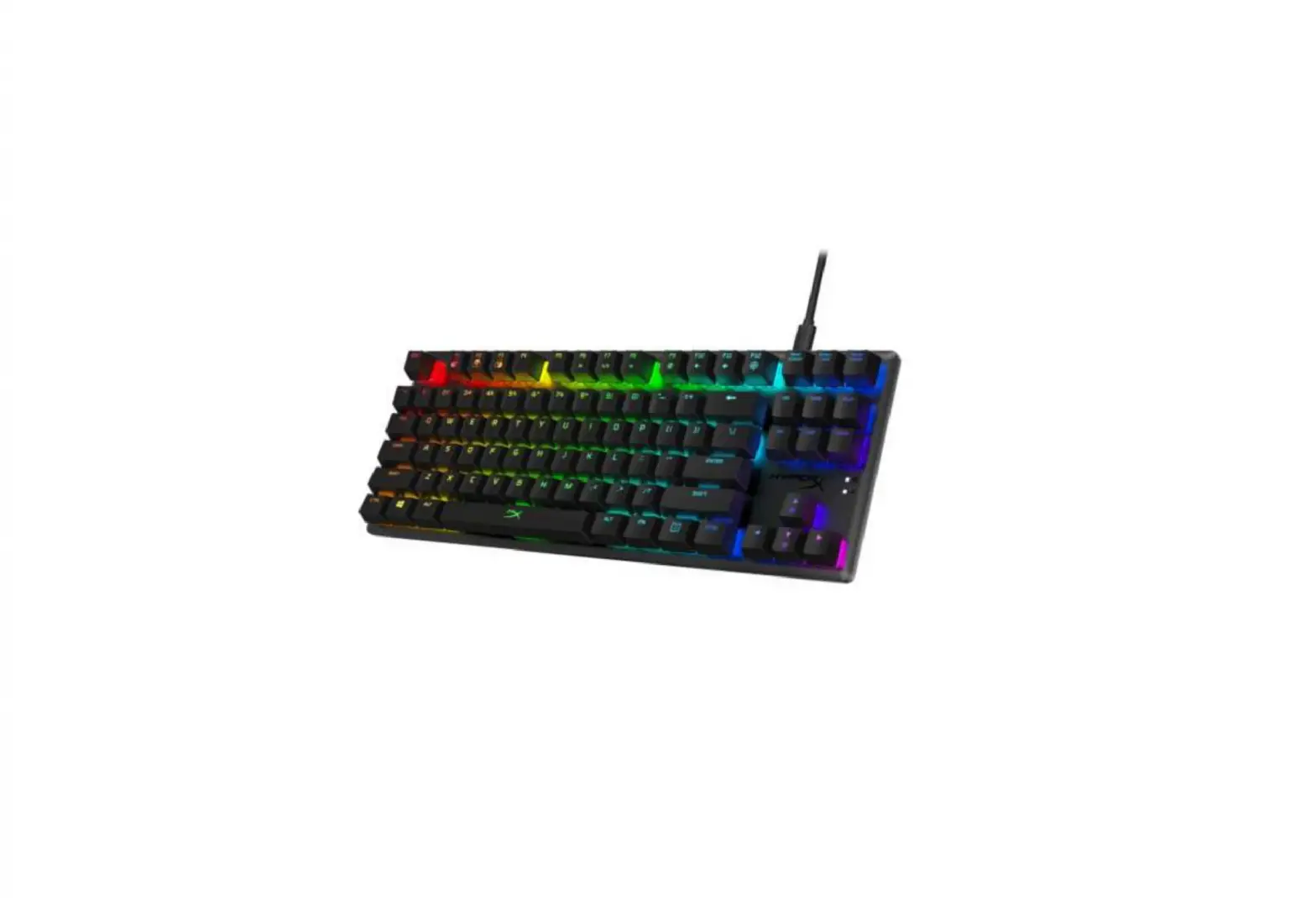
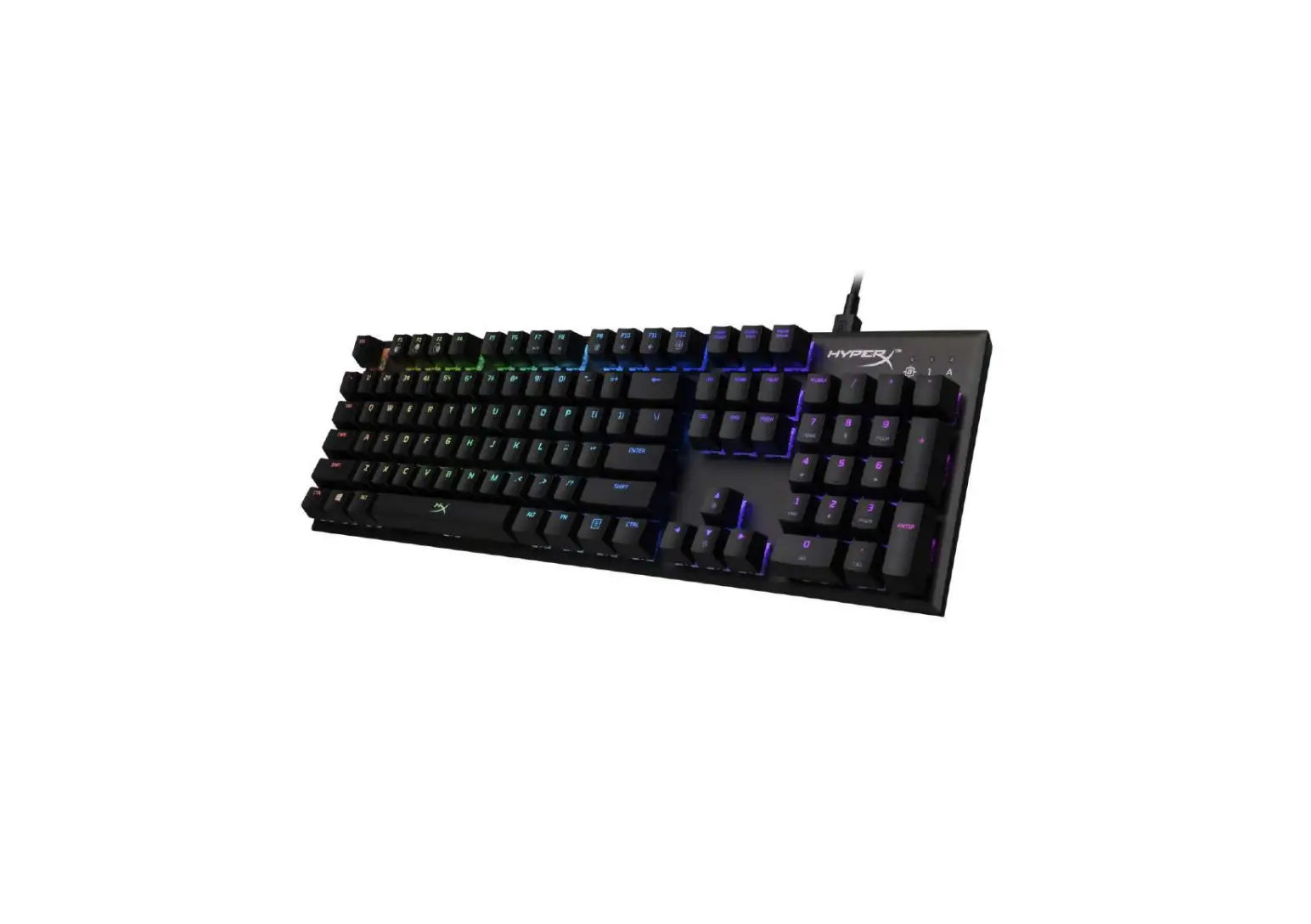
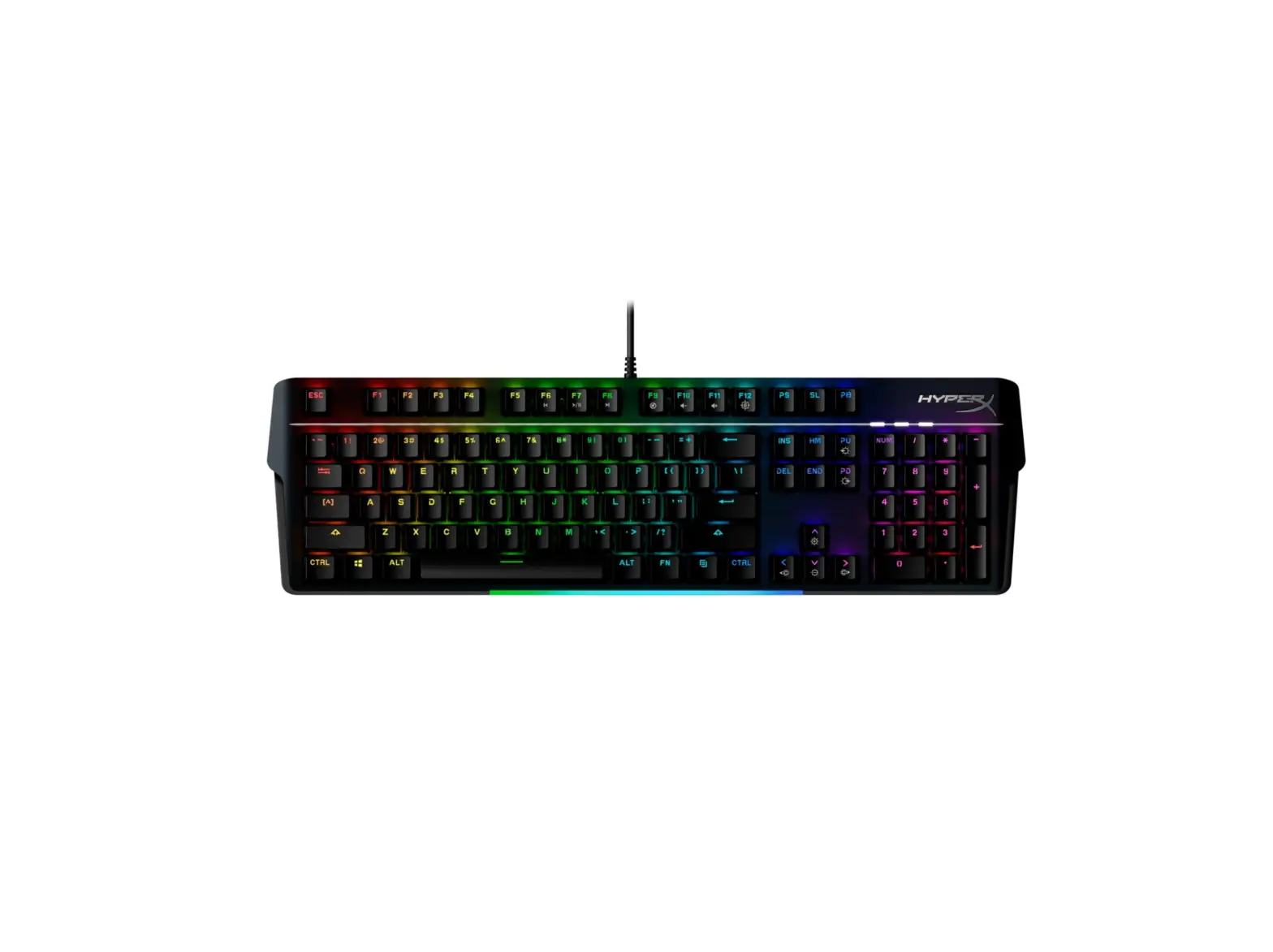
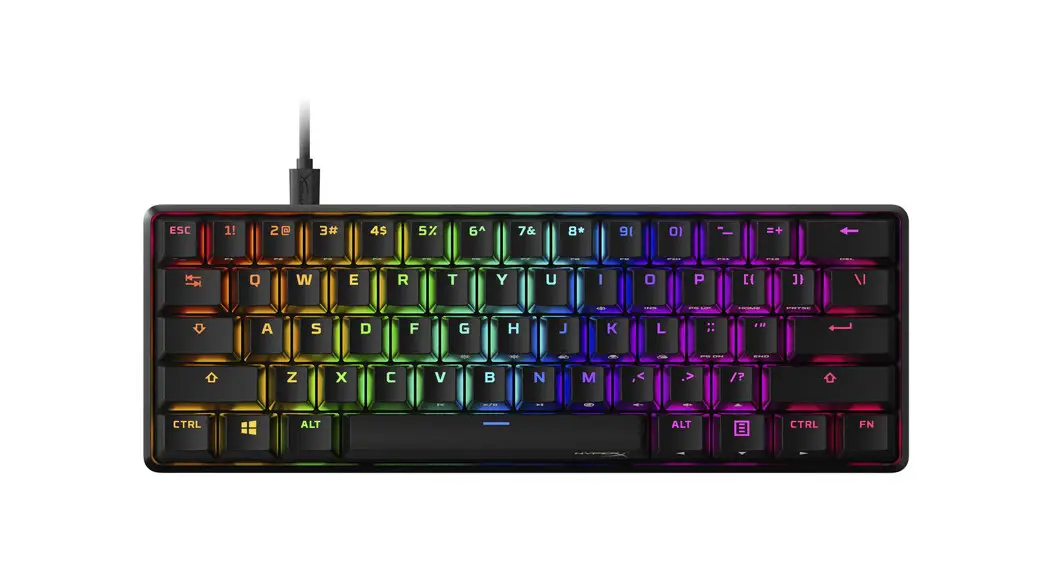
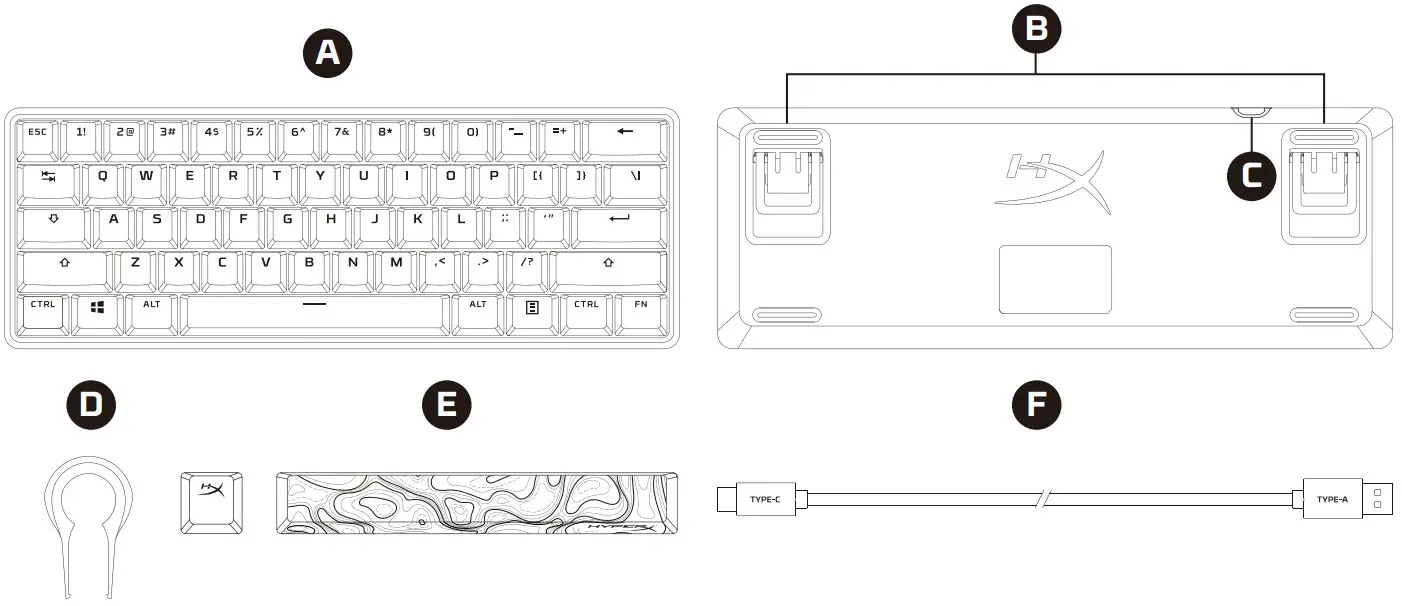 A – HyperX Alloy Origins 60 keyboard
B – Adjustable keyboard feet
C – USB-C port
D – Keycap puller
E – Accessory keycaps
F – USB cable
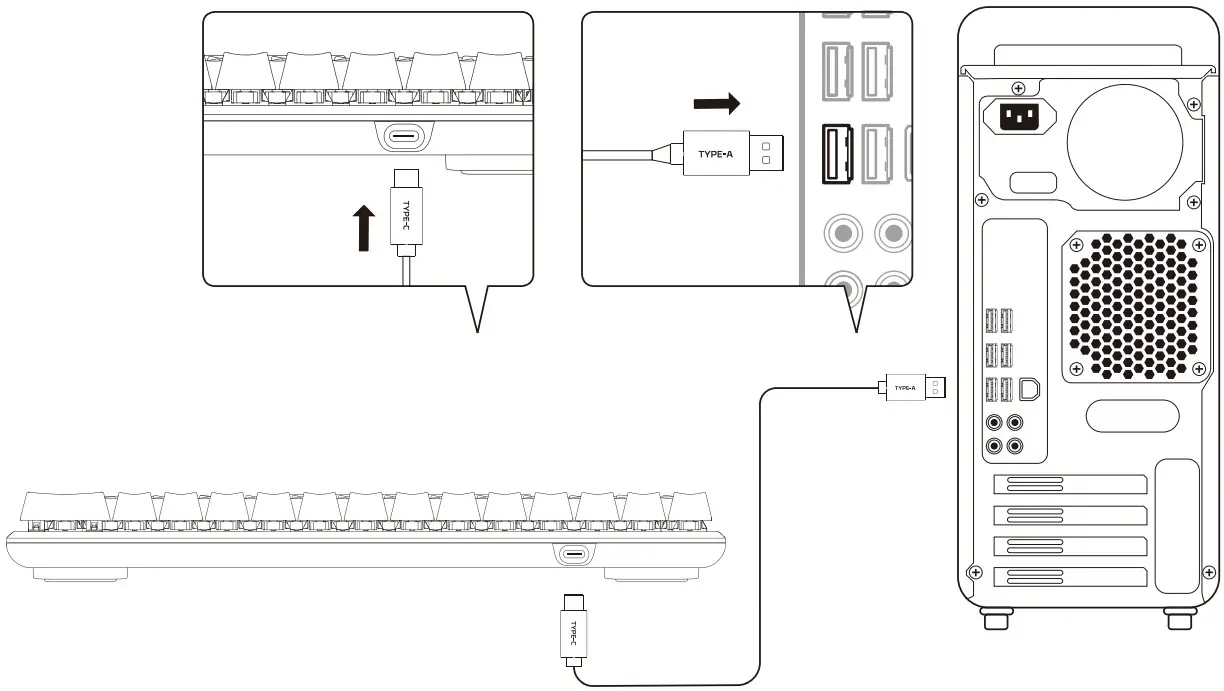
Installation
Function keys
Press “FN” and a function key at the same time to activate its secondary feature as indicated on the keycap side-print.
| FUNCTION KEYS | SECONDARY FEATURE |
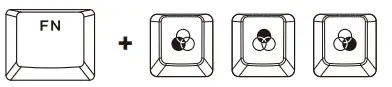 | Switch between the profiles saved to the onboard memory. |
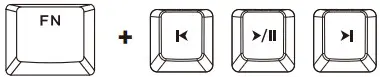 | Play/pause ( ), skip backwards ( ), skip backwards ( ) or skip forward ( ) or skip forward ( ) while listening to music or watching videos. ) while listening to music or watching videos. |
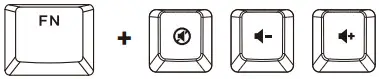 | Mute ( ), decrease ( ), decrease ( ), or increase ( ), or increase ( ) computer audio. ) computer audio. |
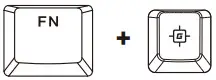 | Enable Game Mode ( ) to disable the Windows key and prevent accidental interruption during gaming. The Windows key will illuminate when Game Mode is enabled. ) to disable the Windows key and prevent accidental interruption during gaming. The Windows key will illuminate when Game Mode is enabled. |
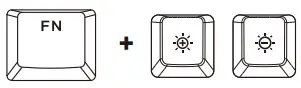 | Increase ( ) or decrease ( ) or decrease ( ) the LED backlight brightness. There are 5 levels of brightness. ) the LED backlight brightness. There are 5 levels of brightness. |
HyperX NGENUITY Software
To customize lighting, Game Mode, and macro settings, download the HyperX NGENUITY software at: hyperxgaming.com/ngenuity
Questions or Setup Issues?
Contact the HyperX support team at: hyperxgaming.com/support/keyboards
FCC Compliance and Advisory Statement
This device complies with Part 15 of the FCC rules. Operation is subject to the following two conditions: (1) this device may not cause harmful interference, and (2) this device must accept any interference received, including interference that may cause undesired operation.
This equipment has been tested and found to comply with the limits for a Class B digital device, according to Part 15 of the FCC rules. These limits are designed to provide reasonable protection against harmful interference in a residential installation. This equipment generates, uses and can radiate radio frequency energy and if not installed and used in accordance with the instructions, may cause harmful interference to radio communications. However, there is no guarantee that interference will not occur in a particular installation. If this equipment does cause harmful interference to radio or television reception, which can be determined by turning the equipment off and on, the user is encouraged to try correct the interference by one or more of the following measures:
- Reorient the receiving antenna.
- Increase the separation between the equipment and receiver.
- Connect the equipment into and outlet on a circuit different from that to which the receiver is connected.
- Consult the dealer or an experienced radio/TV technician for help.
Any special accessories needed for compliance must be specified in the instruction manual.
Warning: A shielded-type power cord is required in order to meet FCC emission limits and also to prevent interference to the nearby radio and television reception. It is essential that only the supplied power cord be used. Use only shielded cables to connect I/O devices to this equipment.
CAUTION: Any changes or modifications not expressly approved by the party responsible for compliance could void your authority to operate the equipment.
HyperX is a division of Kingston.
THIS DOCUMENT SUBJECT TO CHANGE WITHOUT NOTICE
©2021 Kingston Technology Corporation, 17600 Newhope Street, Fountain Valley, CA 92708 USA.
All rights reserved. All registered trademarks and trademarks are the property of their respective owners.
Kingston Technology Europe Co LLP, Kingston Court, Brooklands Close, Sunbury–on–Thames, Middlesex, TW16 7EP, UK. Kingston
Technology International Ltd, Stratus House, College & Business Technology Park, Blanchardstown Road North, Dublin, D15 PEC4, Ireland
 HyperX | High Quality Gaming Gear