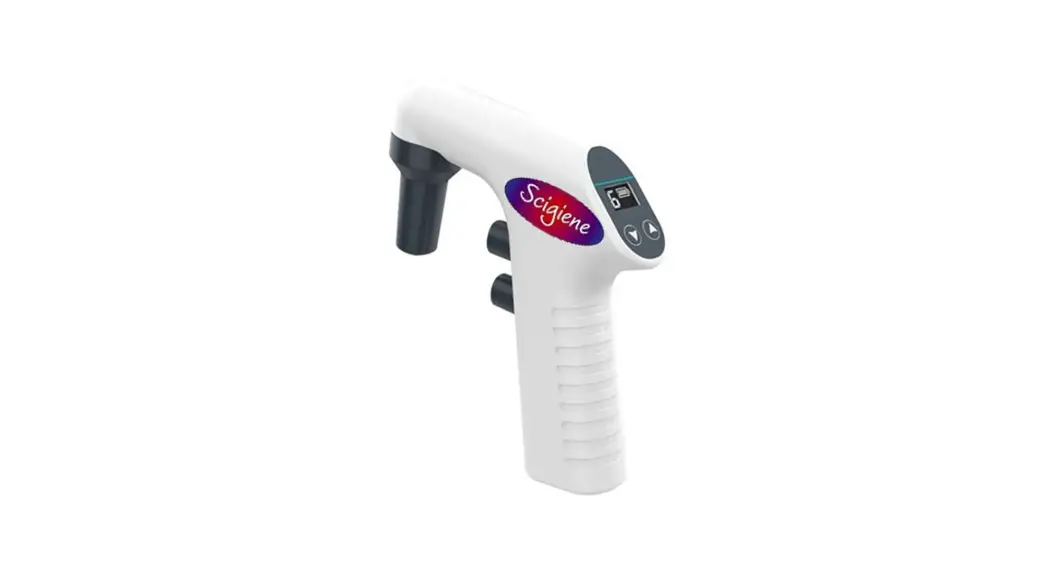
Scigiene PPD01-24XX dPette Electronic Pipettor

Product Information: dPette Electronic Pipettor
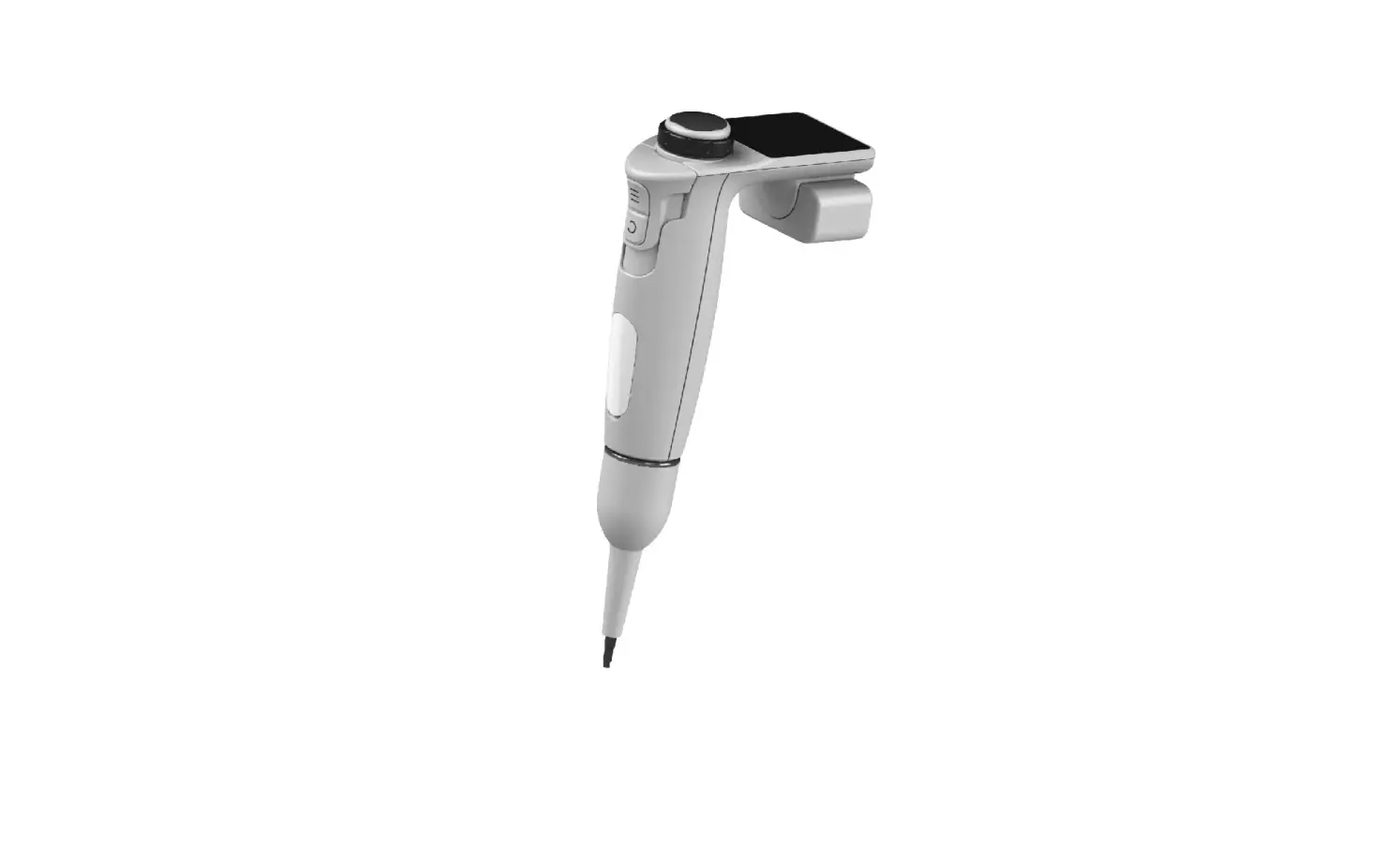
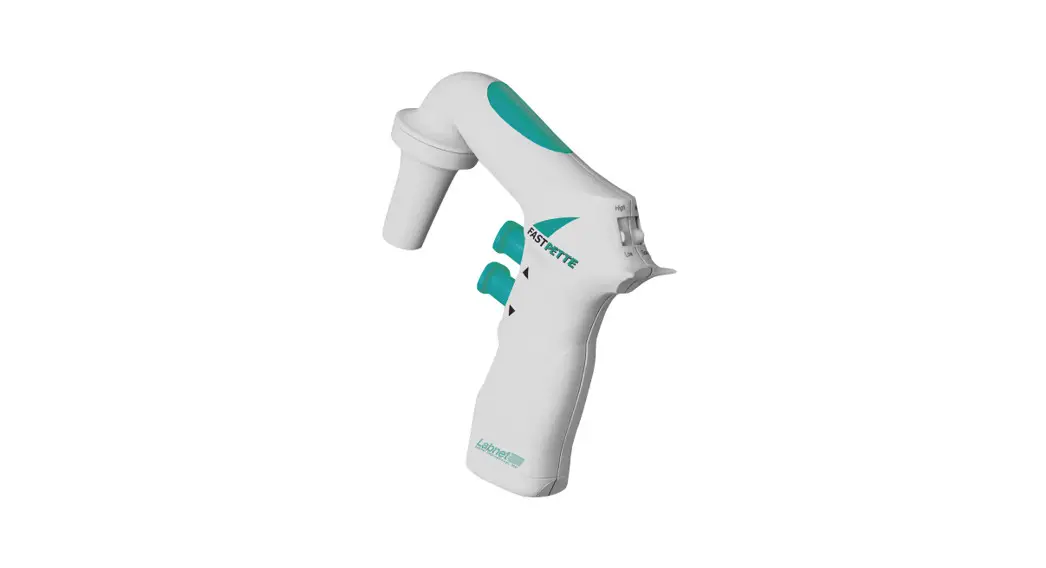
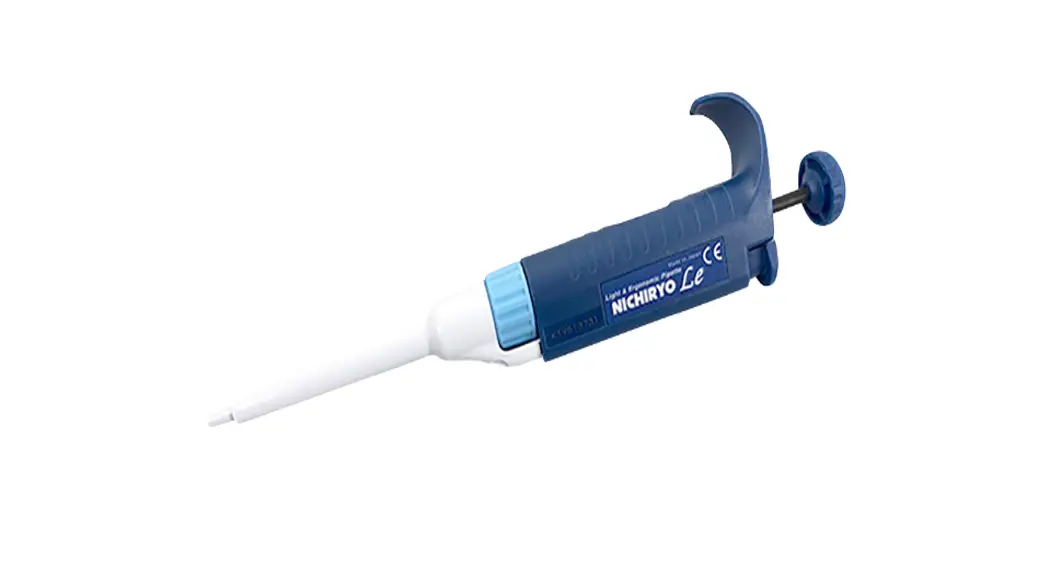
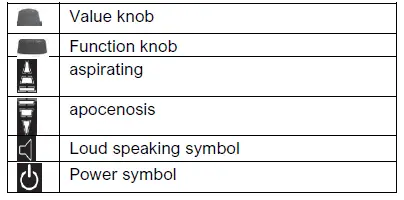
The dinette Electronic Pipettor (Part #: PPD01-24XX) is an electronic pipetting device that allows for accurate and precise liquid handling. It has a value knob, function knob, aspirating and biocenosis buttons, a loud speaking symbol, and a powerful symbol. The device also has a mixing function that can be activated by pressing and holding the aspirating button. The maximum volume for mixing is 300-l.
Product Usage Instructions
Power On
To turn on the device, press and hold the value knob for 2 seconds.
Liquid Handling
Value Selection To adjust the volume, rotate the value knob left or right quickly to activate the volume-adjusting mode. The PI symbol and volume value will flash under this mode. Rotate the knob to adjust the value.
Aspiration & Apocenosis
The arrow up symbol will flash when the device is in aspirating mode. Click the knob to do aspiration. The arrow down symbol will flash when the device is in biocenosis mode. Click the knob to do biocenosis.
Mixing
To activate the mixing function, press and hold the knob under the aspiration mode. The device will do repetitive work of aspirating and biocenosis by the maximum speed of 300uL. If the setting volume is less than 300-l, the device will do the mixing work by the set value. Release the knob to stop the mixing work.
Function Setting
To enter function setting mode, rotate the function knob quickly left or right. Rotate the function knob to select function items. Double-click the value knob to exit the function selecting
mode.
Loud Speaker
Rotate the function knob and select the loudspeaker symbol. Rotate the value knob to select between on and off.
Speed Adjusting
Rotate the function knob until the arrow symbol flashes. Rotate the value knob to adjust the speed value.
Power Off
To turn off the device, rotate the function knob to the power symbol and press the value knob.
Structure
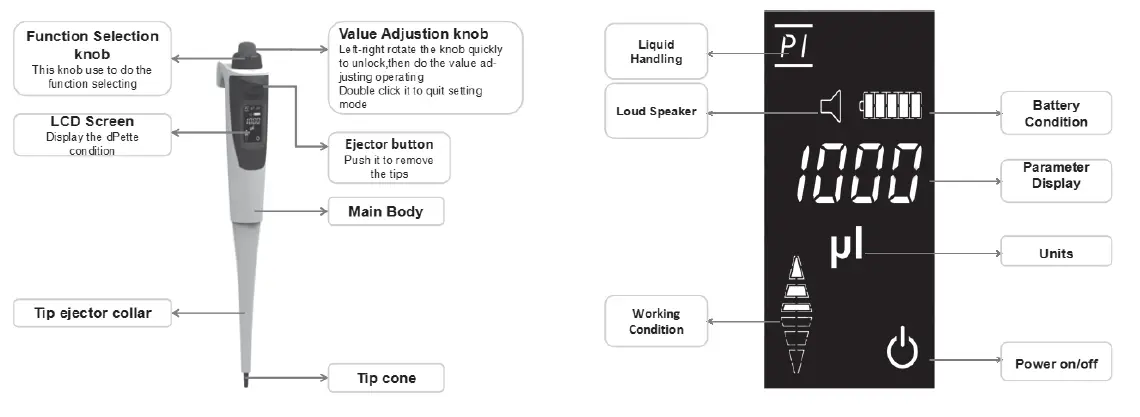
Charging and Reset
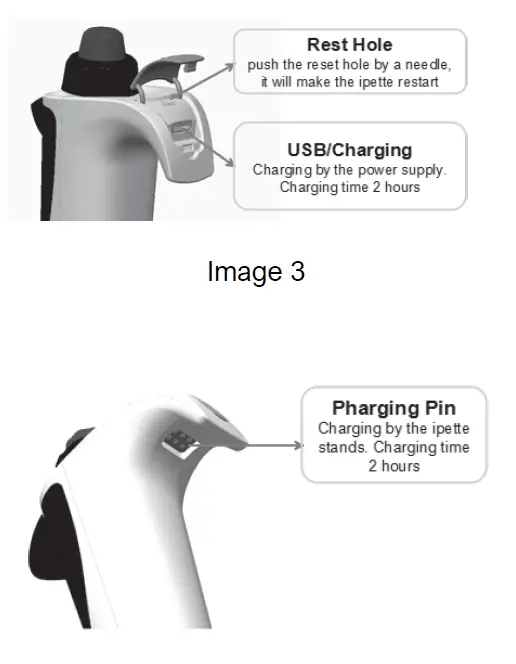
Operation
Power on
Keep pressing the value knob for  2 seconds
Liquid handling
value selection
Left-right rotate the knob quickly to activate the volume adjusting mode, the “PI” symbol and volume value will be flashing under this mode. Rotate the knob to do the value adjusting.
Aspiration & Apocenosis the arrow up symbol flashes when the dinette Electronic Pipettor is in aspirating mode, clicking the knob to do aspirating.
  the arrow down symbol flashes when the dinette Electronic Pipettor is in biocenosis mode, clicking the knob to do biocenosis.
Mixing
Keep pressing the knob under the aspiration mode will activate the mixing mode. Under this mode, the dinette Electronic Pipettor will do the repetitive work of aspirating and biocenosis at the maximum speed of 300uL. The maximum volume is 300l in this function, If the setting volume is less than 300l, the dinette Electronic Pipettor will do the mixing work by the set value. Release the knob, the mixture work will stop.
Function Setting
left-right rotate the function  knob quickly will active the function setting mode, rotate the function knob to do function item selection; double click the value knob to quit the function selecting mode.
Loud Speaker
Rotate the function knob and select the loudspeaker symbol. Rotate the value knob to do selection between “on” and “off”
Speed Adjusting
Rotate the function knob until the arrow symbol flashes. Rotate the value knob to do the speed value adjusting.
Power Off
Rotate the function knob to the power  symbol Press the value knob to turn off dPette Electronic Pipettor.